change LEXUS RX270 2014 Workshop Manual
[x] Cancel search | Manufacturer: LEXUS, Model Year: 2014, Model line: RX270, Model: LEXUS RX270 2014Pages: 652, PDF Size: 48.98 MB
Page 291 of 652
291
2-5. Driving information
2
When driving
RX350/270_EE●Stay on established roads. When conditions are wet, driving tech-
niques should be changed or travel delayed to prevent damage to
roads.
CAUTION
■Off-road driving precautions
Always observe the following precautions to minimize the risk of death or serious
injury or damage to your vehicle:
●Drive carefully when off the road. Do not take unnecessary risks by driving in
dangerous places.
●Do not grip the steering wheel spokes when driving off-road. A bad bump could
jerk the wheel and injure your hands. Keep both hands and especially your
thumbs on the outside of the rim.
●Always check your brakes for effectiveness immediately after driving in sand,
mud, water or snow.
●After driving through tall grass, mud, rock, sand, water, etc., check that there is no
grass, bush, paper, rags, stone, sand, etc. adhering or trapped to the underbody.
Clear off any such matter from the underbody. If the vehicle is used with these
materials trapped or adhering to the underbody, a breakdown or fire could occur.
●When driving off-road or in rugged terrain, do not drive at excessive speeds,
jump, make sharp turns, strike objects, etc. This may cause loss of control or vehi-
cle rollover causing death or serious injury. You are also risking expensive dam-
age to your vehicle’s suspension and chassis.
RX350_270_EE_48D77E.book 291 ページ 2014年1月24日 金曜日 午前10時4分
Page 308 of 652
308
2-5. Driving information
RX350/270_EE■Important points regarding turning
The wheels of the trailer will travel closer to the inside of the curve than
the wheels of the vehicle. To make allowance for this, take the turns
wider than you would normally do.
■Important points regarding stability
Vehicle movement resulting from uneven road surfaces and strong
crosswinds will affect handling. The vehicle may also be rocked by
passing buses or large trucks. Frequently check behind when moving
alongside such vehicles. As soon as such vehicle movement occurs,
immediately start to decelerate smoothly by slowly applying the
brakes. Always steer the vehicle straight ahead while braking.
■Passing other vehicles
Consider the total combined length of your vehicle and trailer and
ensure that the vehicle-to-vehicle distance is sufficient before execut-
ing lane changes.
■Transmission information
Refrain from driving in 6 range in S mode to maintain the effectiveness
of the engine brake and the charge performance of electrical compo-
nents.
■If the engine overheats
Towing a loaded trailer up a long, steep incline in temperatures
exceeding 30°C (85°F) may result in the engine overheating. If the
engine coolant temperature gauge indicates that the engine is over-
heating, turn the air conditioning off immediately, leave the road and
stop the vehicle in a safe place. (→P. 5 9 8 )
■When parking the vehicle
Always place wheel chocks under the wheels of both the vehicle and
trailer. Firmly set the parking brake and shift the shift lever to P.
RX350_270_EE_48D77E.book 308 ページ 2014年1月24日 金曜日 午前10時4分
Page 316 of 652
316
3-1. Using the air conditioning system and defogger
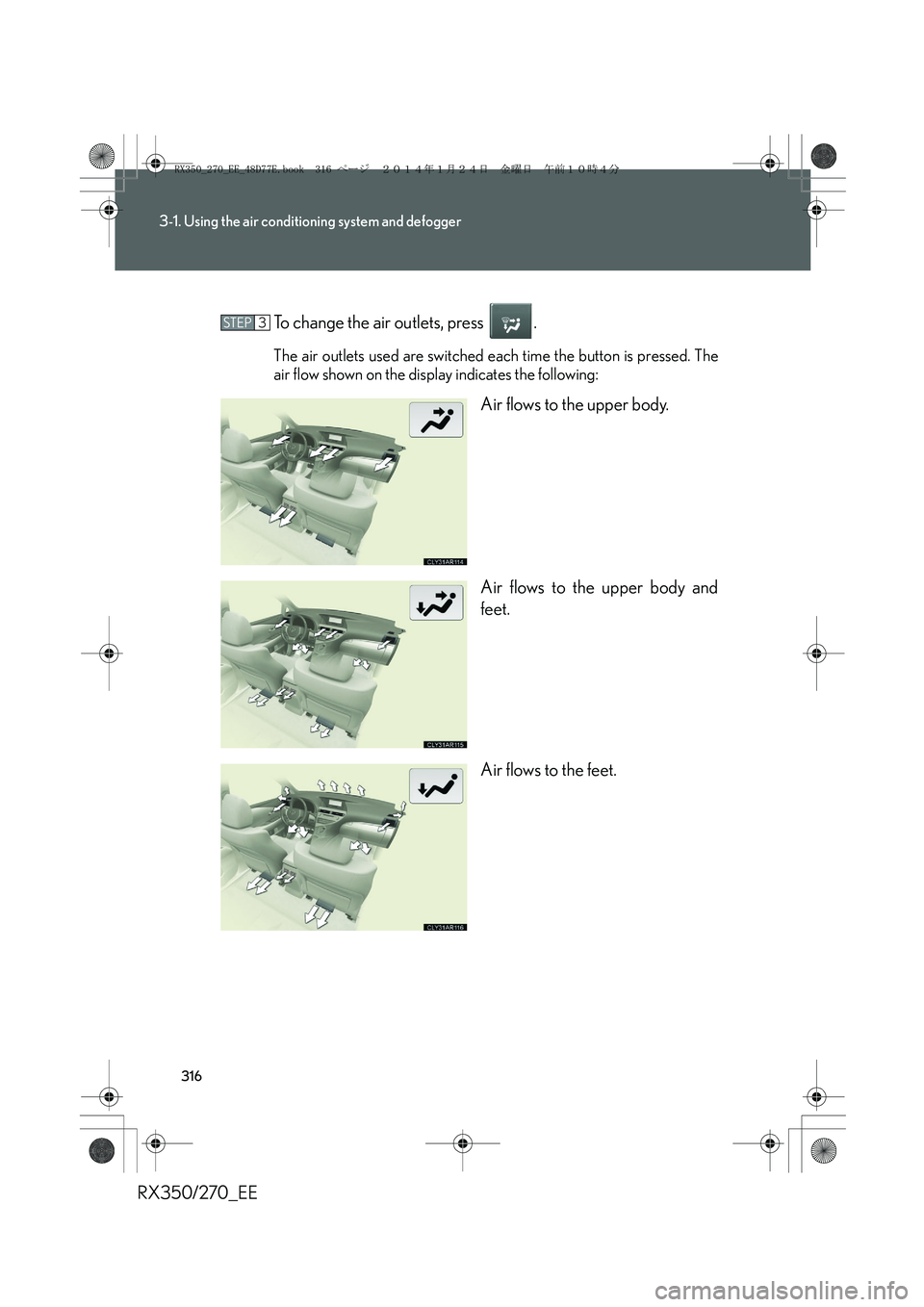
RX350/270_EETo change the air outlets, press .
The air outlets used are switched each time the button is pressed. The
air flow shown on the display indicates the following:
Air flows to the upper body.
Air flows to the upper body and
feet.
Air flows to the feet.
STEP3
RX350_270_EE_48D77E.book 316 ページ 2014年1月24日 金曜日 午前10時4分
Page 321 of 652
321
3-1. Using the air conditioning system and defogger
3
Interior features
RX350/270_EE
Rear window defogger switch
■Operating conditions
The “ENGINE START STOP” switch is in IGNITION ON mode.
■The outside rear view mirror defoggers
Turning the rear window defogger on will turn the outside rear view mirror defog-
gers on.
CAUTION
■When the outside rear view mirror defoggers are on
Do not touch the outside surface of the rear view mirrors, as they can become very
hot and burn you.
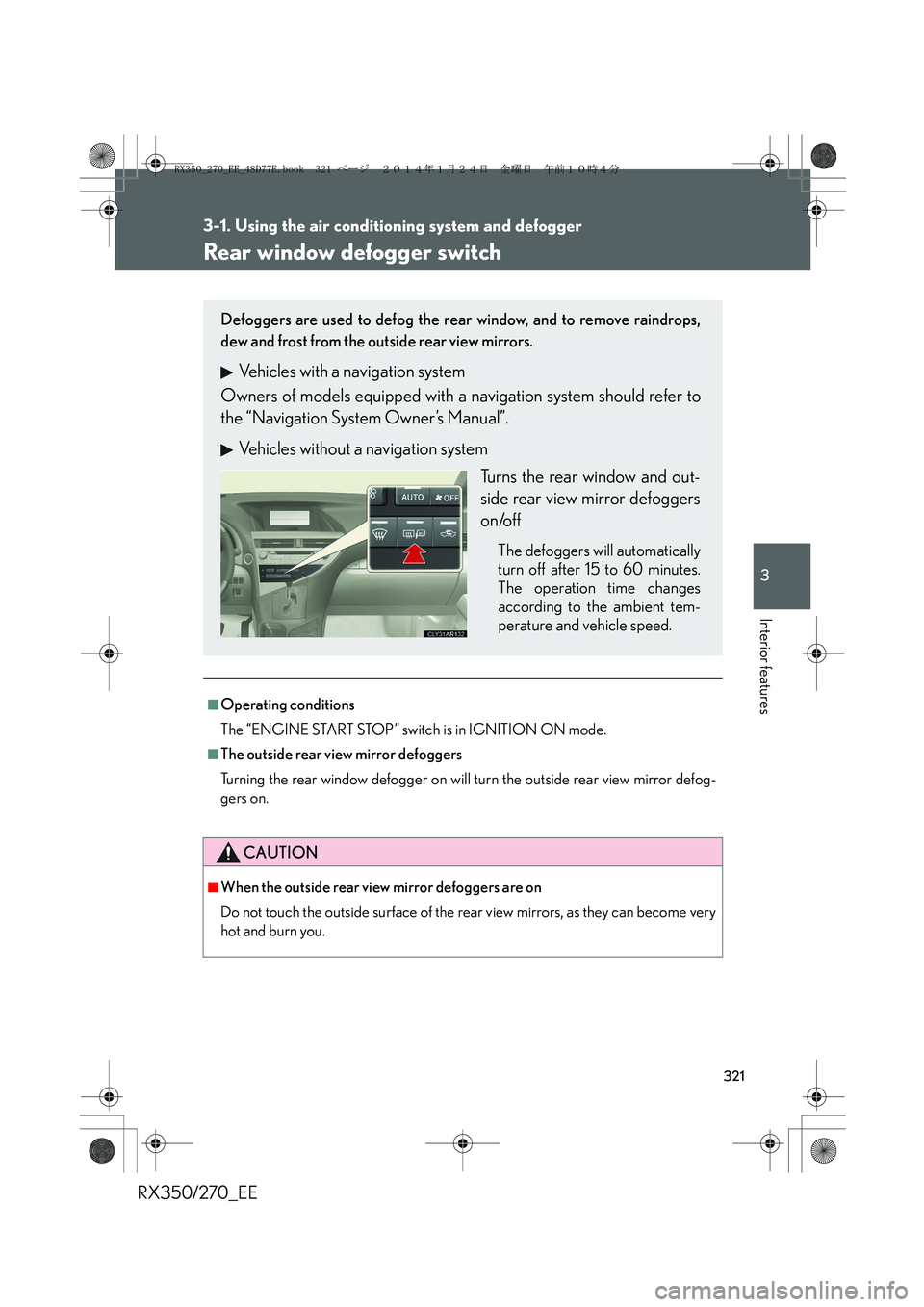
Defoggers are used to defog the rear window, and to remove raindrops,
dew and frost from the outside rear view mirrors.
Vehicles with a navigation system
Owners of models equipped with a navigation system should refer to
the “Navigation System Owner’s Manual”.
Vehicles without a navigation system
Turns the rear window and out-
side rear view mirror defoggers
on/off
The defoggers will automatically
turn off after 15 to 60 minutes.
The operation time changes
according to the ambient tem-
perature and vehicle speed.
RX350_270_EE_48D77E.book 321 ページ 2014年1月24日 金曜日 午前10時4分
Page 323 of 652
323
3
Interior features
RX350/270_EE
3-2. Using the audio system
Audio system
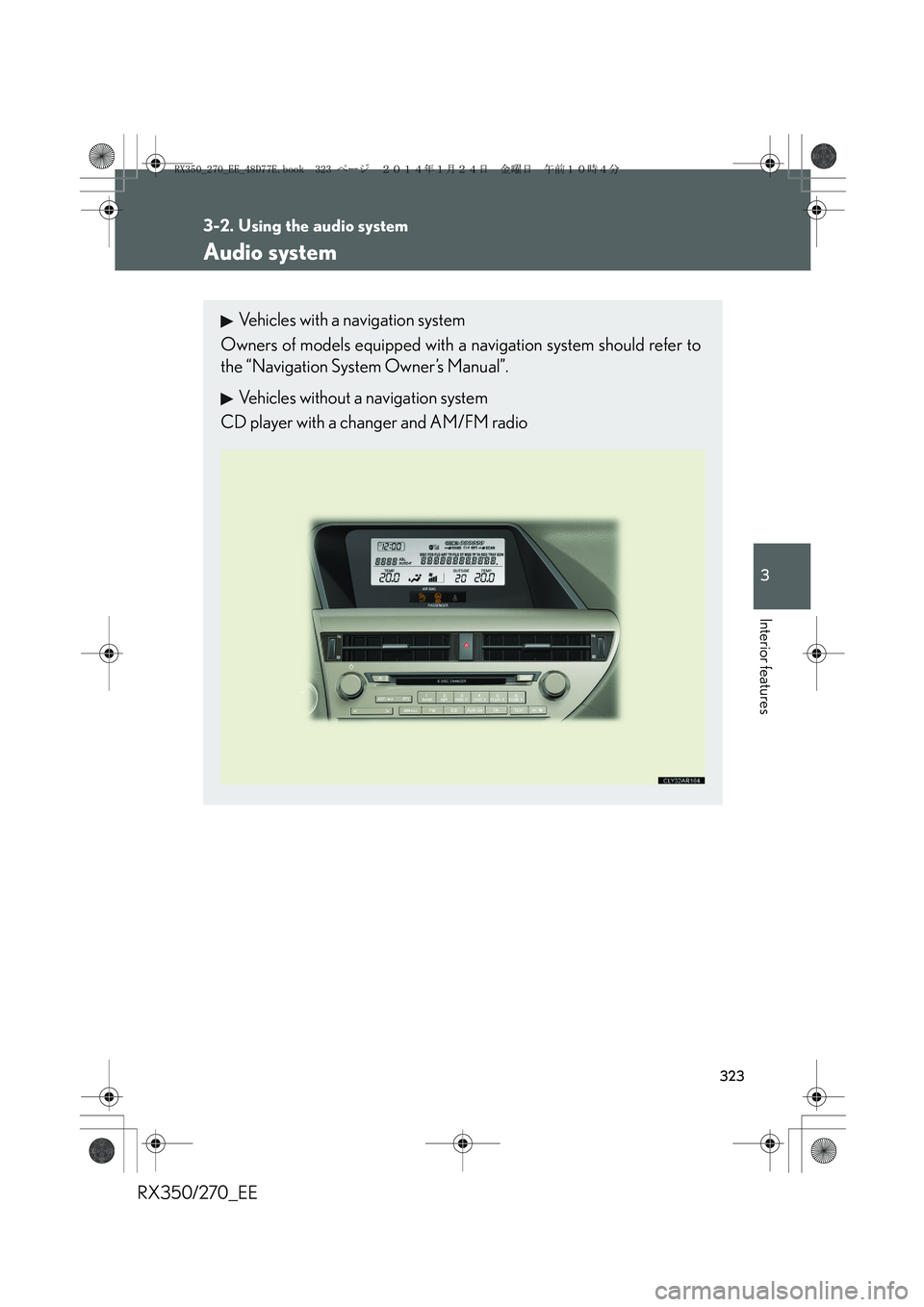
Vehicles with a navigation system
Owners of models equipped with a navigation system should refer to
the “Navigation System Owner’s Manual”.
Vehicles without a navigation system
CD player with a changer and AM/FM radio
RX350_270_EE_48D77E.book 323 ページ 2014年1月24日 金曜日 午前10時4分
Page 325 of 652
325
3-2. Using the audio system
3
Interior features
RX350/270_EE
CAUTION
■Certification for the radio (for Italy)
IL PRODUTTORE PIONEER CORPORATION 4-1, Meguro 1-Chome, Meguro-
Ku, Tokyo, Japan DI QUESTO APPARECCHIO MODELLO 86120-48Q90
(radio-CD player) DICHIARA CHE ESSO E’ CONFORME AL D.M.28.08.1995
No.548, OTTEMPERANDO ALLE PRESCRIZIONI DI CUI AL D.M.25.6.1985
(PARAGRAFO 3,ALL.A) ED AL D.M.27.8.1987 (PARAGRAFO 3,ALL.I).
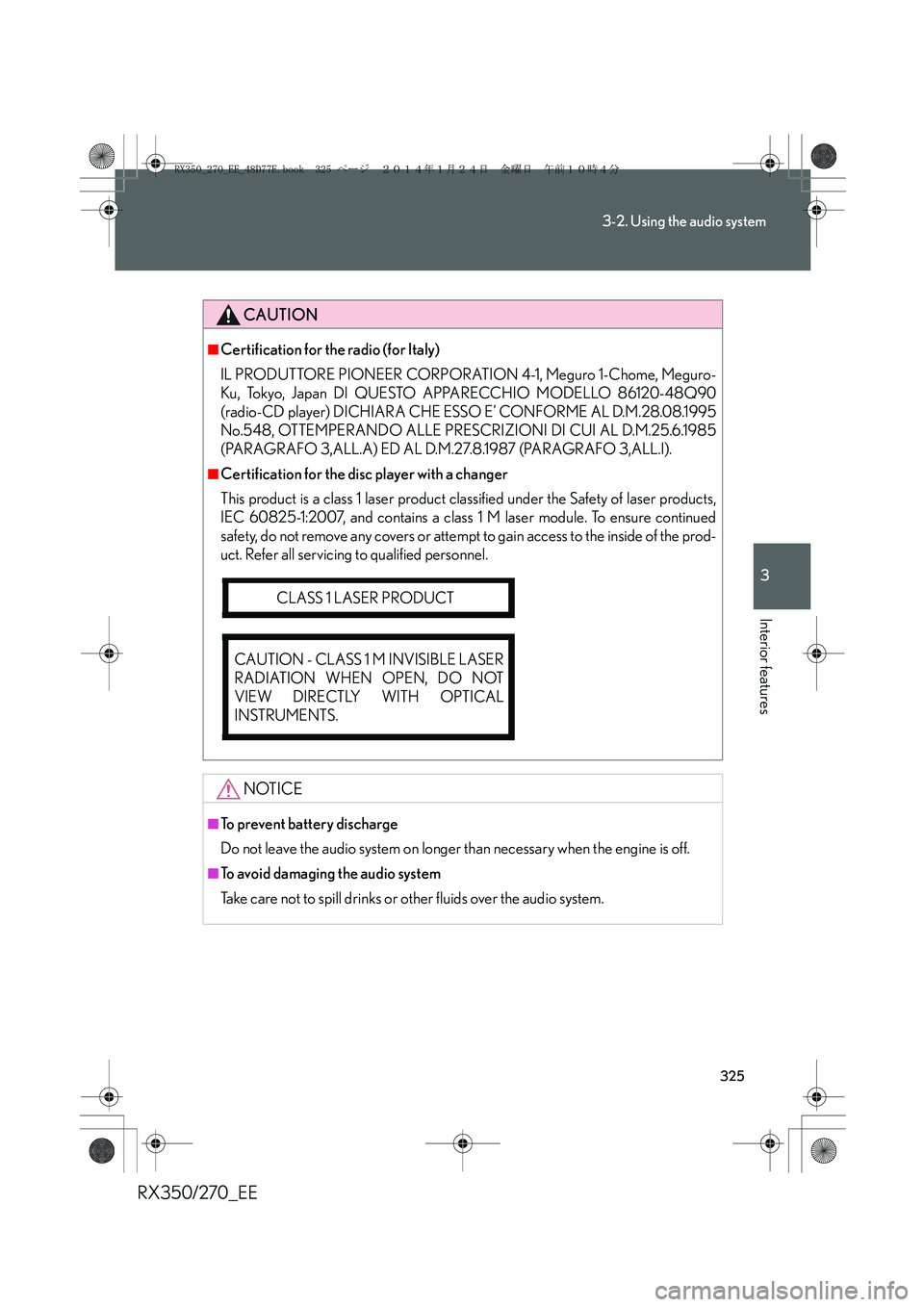
■Certification for the disc player with a changer
This product is a class 1 laser product classified under the Safety of laser products,
IEC 60825-1:2007, and contains a class 1 M laser module. To ensure continued
safety, do not remove any covers or attempt to gain access to the inside of the prod-
uct. Refer all servicing to qualified personnel.
NOTICE
■To prevent battery discharge
Do not leave the audio system on longer than necessary when the engine is off.
■To avoid damaging the audio system
Take care not to spill drinks or other fluids over the audio system.
CLASS 1 LASER PRODUCT
CAUTION - CLASS 1 M INVISIBLE LASER
RADIATION WHEN OPEN, DO NOT
VIEW DIRECTLY WITH OPTICAL
INSTRUMENTS.
RX350_270_EE_48D77E.book 325 ページ 2014年1月24日 金曜日 午前10時4分
Page 327 of 652
327
3-2. Using the audio system
3
Interior features
RX350/270_EE
Setting station presets
■Manual operation
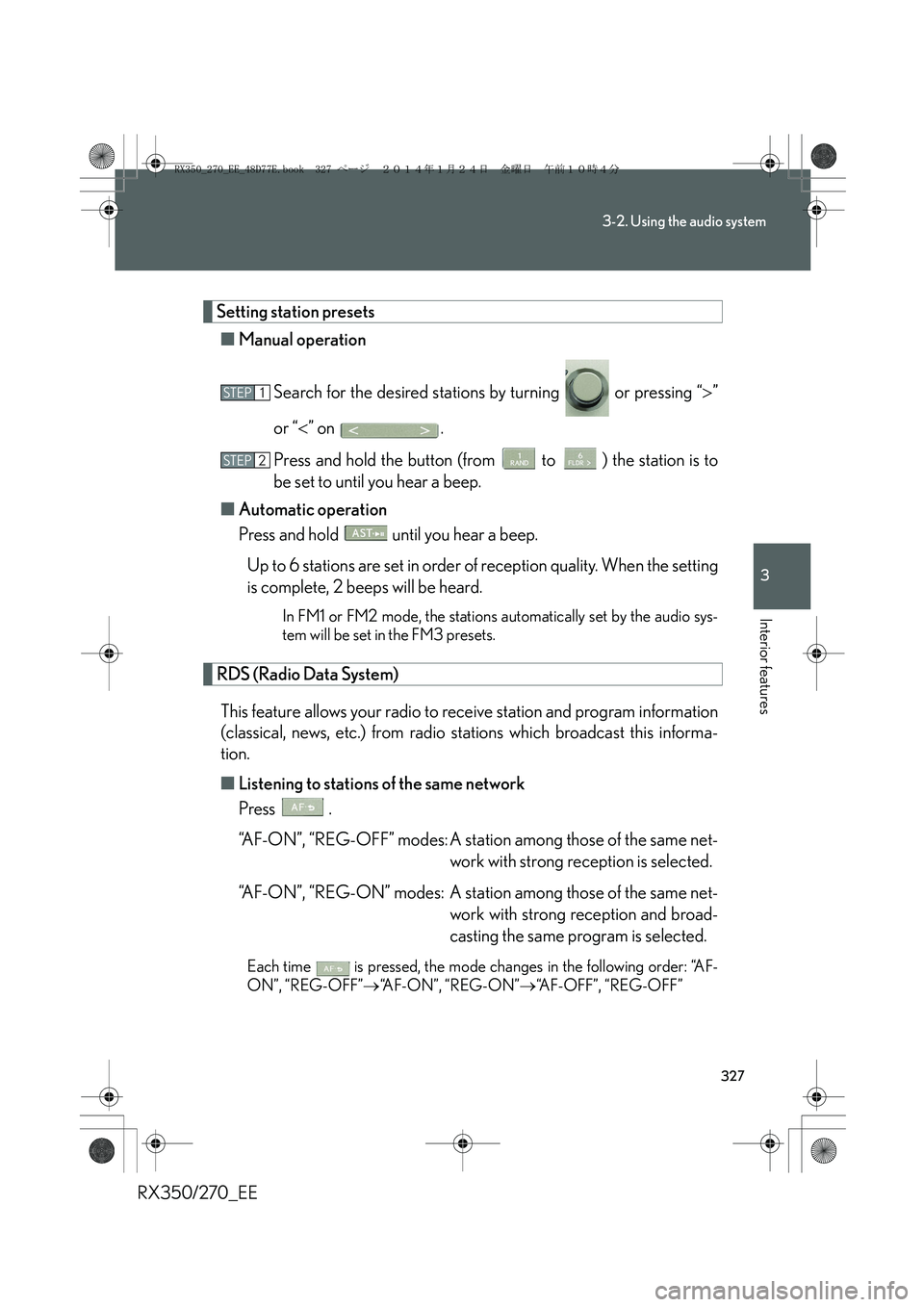
Search for the desired stations by turning or pressing “>”
or “<” on .
Press and hold the button (from to ) the station is to
be set to until you hear a beep.
■Automatic operation
Press and hold until you hear a beep.
Up to 6 stations are set in order of reception quality. When the setting
is complete, 2 beeps will be heard.
In FM1 or FM2 mode, the stations automatically set by the audio sys-
tem will be set in the FM3 presets.
RDS (Radio Data System)
This feature allows your radio to receive station and program information
(classical, news, etc.) from radio stations which broadcast this informa-
tion.
■Listening to stations of the same network
Press .
“AF-ON”, “REG-OFF” modes: A station among those of the same net-
work with strong reception is selected.
“AF-ON”, “REG-ON” modes: A station among those of the same net-
work with strong reception and broad-
casting the same program is selected.
Each time is pressed, the mode changes in the following order: “AF-
ON”, “REG-OFF”→“AF-ON”, “REG-ON”→“AF-OFF”, “REG-OFF”
STEP1
STEP2
RX350_270_EE_48D77E.book 327 ページ 2014年1月24日 金曜日 午前10時4分
Page 328 of 652
328
3-2. Using the audio system
RX350/270_EE■Selecting a program type
Press .
Each time is pressed, the program type changes in the following order:
“NEWS”→“SPORTS”→“TALK”→“POP”→“CLASSICS”
■Traffic information
Press .
TP mode: The system automatically switches to traffic information
when a broadcast with a traffic information signal is
received.
The station returns to the previous one when the traffic informa-
tion ends.
TA mode: Traffic information can be heard only when a signal is
received. The system switches to mute mode when a signal
is not received. In CD or MP3/WMA mode, the system
automatically switches to traffic information when a signal is
received.
The audio system returns to mute, CD or MP3/WMA mode
when the traffic information ends.
Audio system mode changes as follows each time is pressed:
FM modes: “TP”→“TA”→off
Modes other than radio modes: “TA”→off
■Emergency broadcast reception mode
“ALARM” appears in the display in the event that an emergency
broadcast is received, and the emergency broadcast is aired.
RX350_270_EE_48D77E.book 328 ページ 2014年1月24日 金曜日 午前10時4分
Page 331 of 652
331
3-2. Using the audio system
3
Interior features
RX350/270_EE
Loading a CD
■Loading a CD
Press .
“WAIT” is shown on the display.
When the indicator on the slot turns from amber to green, insert a
CD.
The display changes from “WAIT” to “LOAD”.
■Loading multiple CDs
Press and hold until you hear a beep.
“WAIT” is shown on the display.
When the indicator on the slot turns from amber to green, insert a
CD.
The display changes from “WAIT” to “LOAD”.
The indicator on the slot turns to amber when the CD is being inserted.
When the indicator on the slot turns from amber to green, insert
the next CD.
Repeat the procedure for the remaining CDs.
To cancel the operation, press . If you do not insert a disc within 15
seconds, loading will be canceled automatically.
STEP1
STEP2
STEP1
STEP2
STEP3
RX350_270_EE_48D77E.book 331 ページ 2014年1月24日 金曜日 午前10時4分
Page 333 of 652
333
3-2. Using the audio system
3
Interior features
RX350/270_EE
Random playback
■Current CD
Press .
Songs are played in random order.
To cancel, press again.
■All CDs
Press and hold until you hear a beep.
Tracks on all loaded CDs are played in random order.
To cancel, press again.
Repeat play
■Repeating a track
Press .
To cancel, press again.
■Repeating all of the tracks on a CD
Press and hold until you hear a beep.
To cancel, press again.
Switching the display
Press .
Each time the button is pressed, the display changes in the following order:
Elapsed time → CD title → Tr a c k t i t l e
RX350_270_EE_48D77E.book 333 ページ 2014年1月24日 金曜日 午前10時4分