light LINCOLN CONTINENTAL 1997 Owners Manual
[x] Cancel search | Manufacturer: LINCOLN, Model Year: 1997, Model line: CONTINENTAL, Model: LINCOLN CONTINENTAL 1997Pages: 321, PDF Size: 2.37 MB
Page 9 of 321

4About the WarrantiesYour vehicle is covered by three types of warranties:
Basic Vehicle Warranty,Extended Warranties
on certain parts, andEmissions Warranties.
Read yourWarranty Information Bookletcarefully to
find out about your vehicle's warranties and your
basic rights and responsibilities.
If you lose yourWarranty Information Booklet,you
can get a new one free of charge. Contact any Ford
or Lincoln-Mercury dealer, or refer to the addresses
and phone numbers on the first page of this
Owner's Guide.More Protection for Your VehicleYou can get more protection for your new car or
light truck by purchasing a Ford Extended Service
Plan (Ford ESP). Ford ESP is the only extended
service program with the Ford name on it and the
only service contract backed by Ford Motor
Company.Ford ESP is an optional service contract, backed and
administered by Ford. It provides:
q
protection against repair costs after your Bumper
to Bumper Warranty expires;
and
q
other benefits during the warranty period (such
as: reimbursement for rentals; coverage for
certain maintenance and wear items).
You may purchase Ford ESP from any participating
Ford Motor Company dealer. There are several Ford
ESP plans available in various time-and-mileage
combinations. Each plan can be tailored to fit your
own driving needs, including reimbursement
benefits for towing and rental. (In Hawaii, rules
vary. See your dealer for details.)
File:02fniic.ex
Update:Mon Jun 17 14:13:47 1996
Page 14 of 321
10The following warning lights and gauges are on the
instrument cluster. All of the warning lights and
gauges alert you to possible problems with your
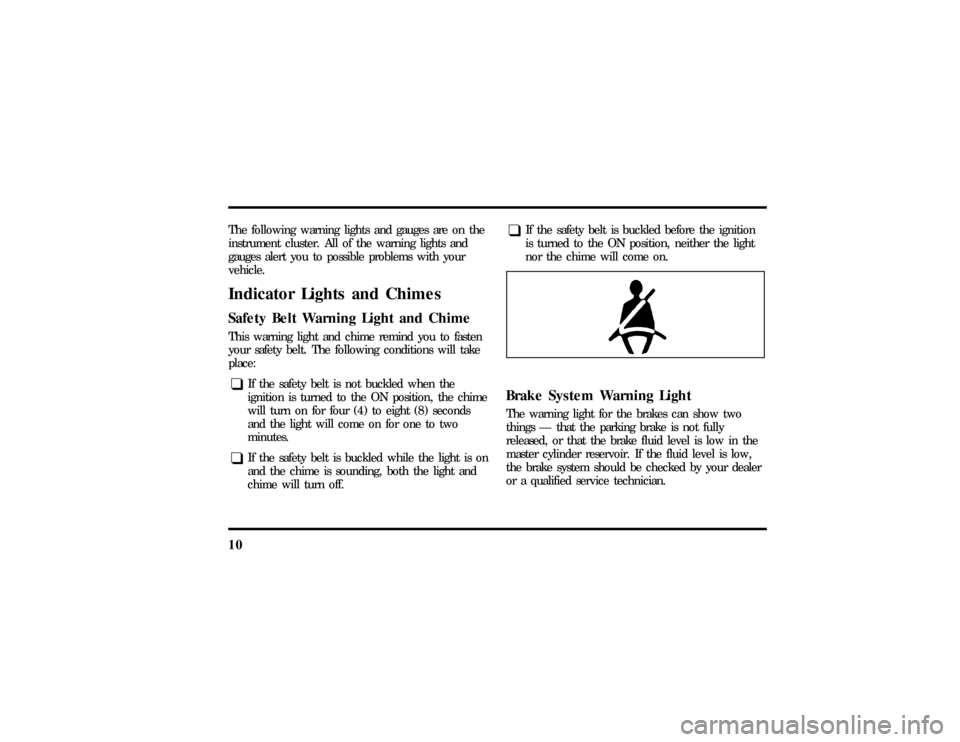
vehicle.Indicator Lights and ChimesSafety Belt Warning Light and ChimeThis warning light and chime remind you to fasten
your safety belt. The following conditions will take
place:q
If the safety belt is not buckled when the
ignition is turned to the ON position, the chime
will turn on for four (4) to eight (8) seconds
and the light will come on for one to two
minutes.
q
If the safety belt is buckled while the light is on
and the chime is sounding, both the light and
chime will turn off.
q
If the safety belt is buckled before the ignition
is turned to the ON position, neither the light
nor the chime will come on.
Brake System Warning LightThe warning light for the brakes can show two
things Ð that the parking brake is not fully
released, or that the brake fluid level is low in the
master cylinder reservoir. If the fluid level is low,
the brake system should be checked by your dealer
or a qualified service technician.
File:03fnisc.ex
Update:Mon Jun 17 14:14:40 1996
Page 16 of 321
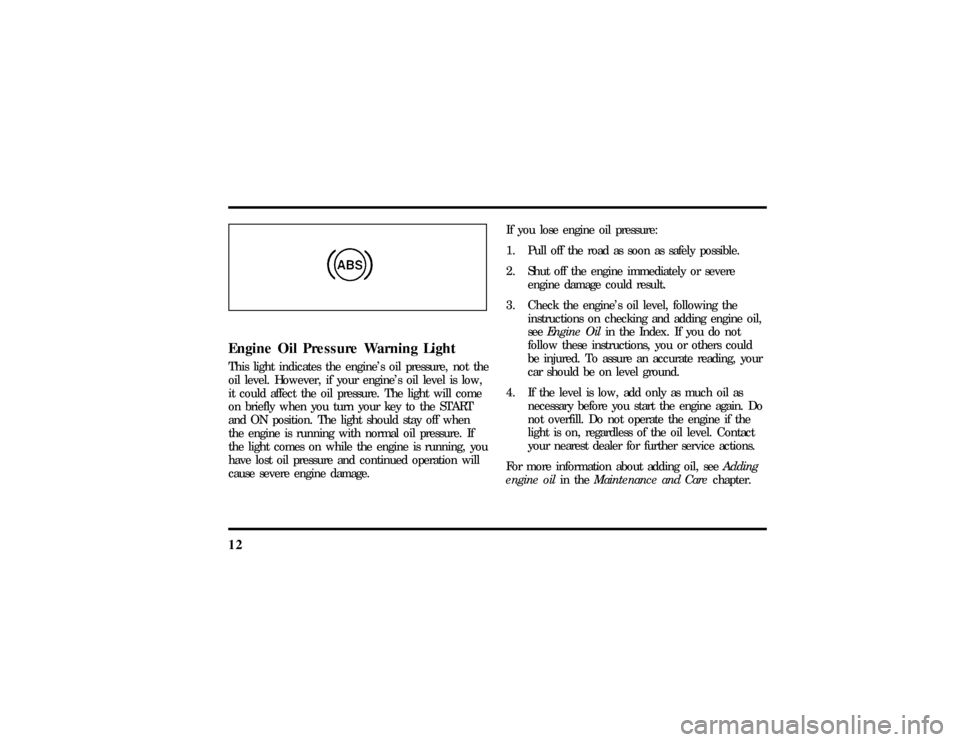
12Engine Oil Pressure Warning LightThis light indicates the engine's oil pressure, not the
oil level. However, if your engine's oil level is low,
it could affect the oil pressure. The light will come
on briefly when you turn your key to the START
and ON position. The light should stay off when
the engine is running with normal oil pressure. If
the light comes on while the engine is running, you
have lost oil pressure and continued operation will
cause severe engine damage.If you lose engine oil pressure:
1. Pull off the road as soon as safely possible.
2. Shut off the engine immediately or severe
engine damage could result.
3. Check the engine's oil level, following the
instructions on checking and adding engine oil,
seeEngine Oilin the Index. If you do not
follow these instructions, you or others could
be injured. To assure an accurate reading, your
car should be on level ground.
4. If the level is low, add only as much oil as
necessary before you start the engine again. Do
not overfill. Do not operate the engine if the
light is on, regardless of the oil level. Contact
your nearest dealer for further service actions.
For more information about adding oil, seeAdding
engine oilin theMaintenance and Carechapter.
File:03fnisc.ex
Update:Mon Jun 17 14:14:40 1996
Page 17 of 321
13
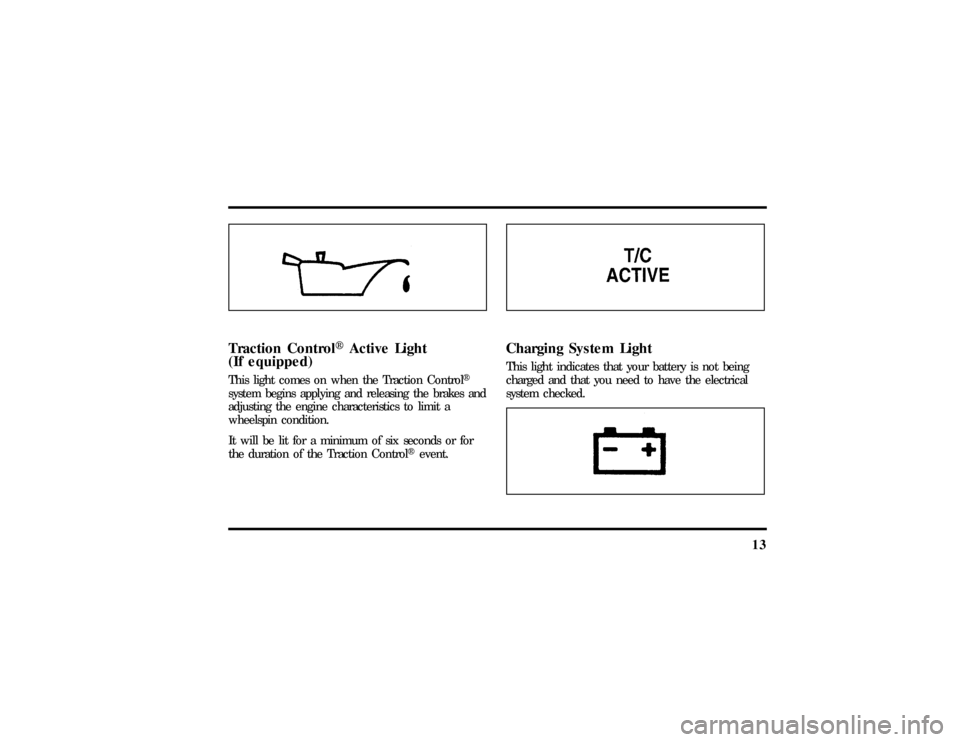
Traction ControlHActive Light
(If equipped)This light comes on when the Traction ControlH
system begins applying and releasing the brakes and
adjusting the engine characteristics to limit a
wheelspin condition.
It will be lit for a minimum of six seconds or for
the duration of the Traction ControlHevent.
Charging System LightThis light indicates that your battery is not being
charged and that you need to have the electrical
system checked.
File:03fnisc.ex
Update:Mon Jun 17 14:14:40 1996
Page 18 of 321
14This light illuminates every time you turn the
ignition to the ON or START position (engine off).
The light should go off when the engine starts and
the alternator begins to charge.
If the light stays on or illuminates when the engine
is running, have the electrical system checked as
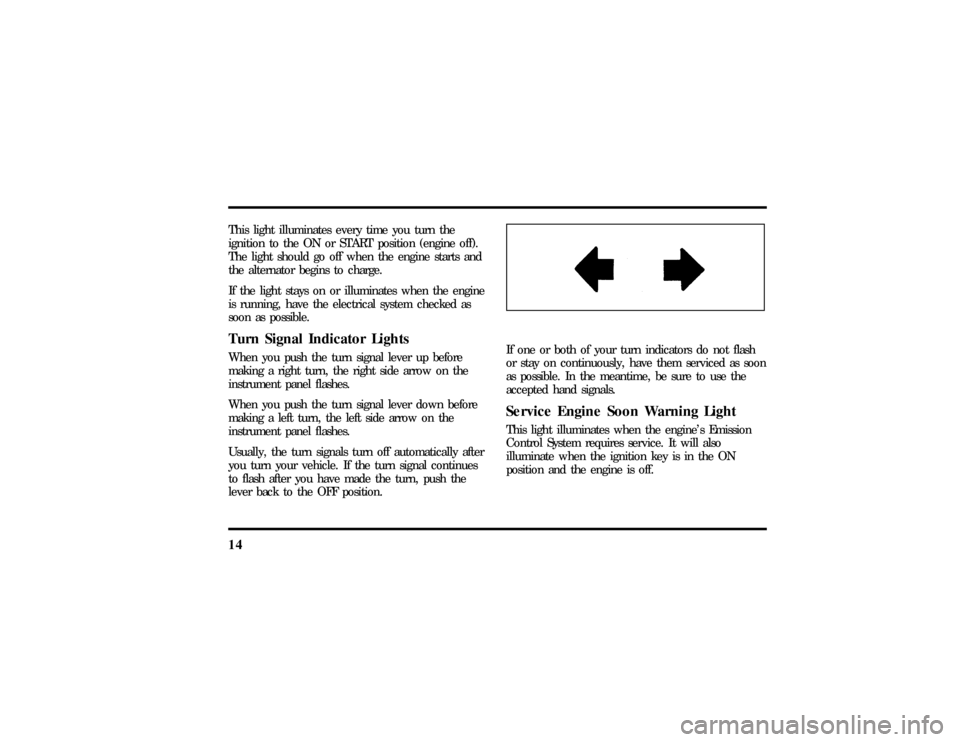
soon as possible.Turn Signal Indicator LightsWhen you push the turn signal lever up before
making a right turn, the right side arrow on the
instrument panel flashes.
When you push the turn signal lever down before
making a left turn, the left side arrow on the
instrument panel flashes.
Usually, the turn signals turn off automatically after
you turn your vehicle. If the turn signal continues
to flash after you have made the turn, push the
lever back to the OFF position.
If one or both of your turn indicators do not flash
or stay on continuously, have them serviced as soon
as possible. In the meantime, be sure to use the
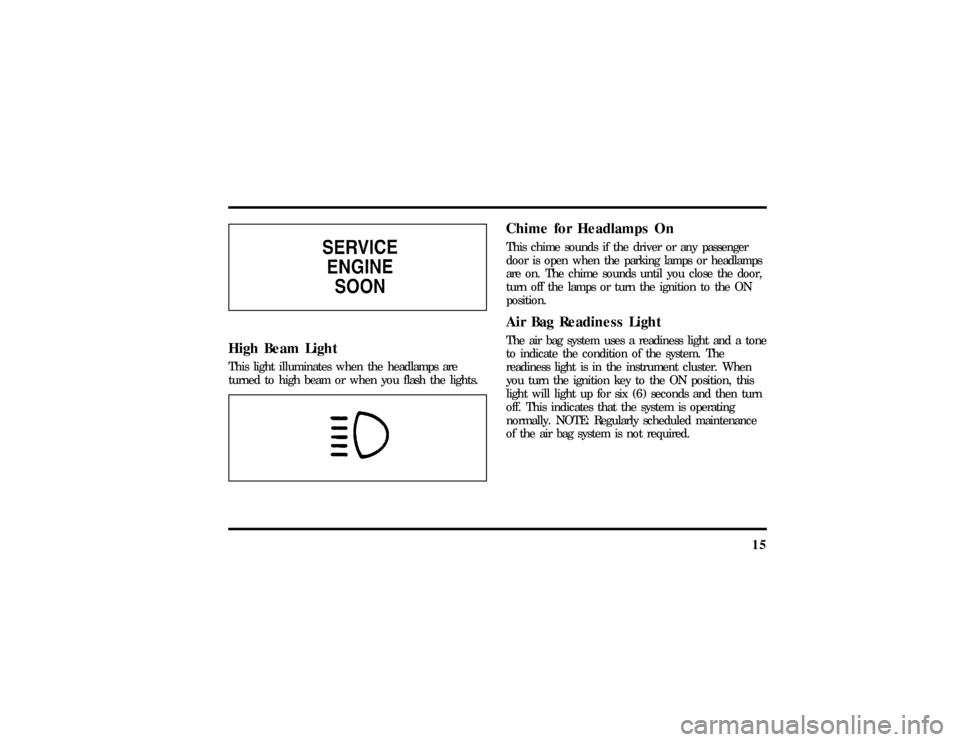
accepted hand signals.Service Engine Soon Warning LightThis light illuminates when the engine's Emission
Control System requires service. It will also
illuminate when the ignition key is in the ON
position and the engine is off.
File:03fnisc.ex
Update:Mon Jun 17 14:14:40 1996
Page 19 of 321
15
High Beam LightThis light illuminates when the headlamps are
turned to high beam or when you flash the lights.
Chime for Headlamps OnThis chime sounds if the driver or any passenger
door is open when the parking lamps or headlamps
are on. The chime sounds until you close the door,
turn off the lamps or turn the ignition to the ON
position.Air Bag Readiness LightThe air bag system uses a readiness light and a tone
to indicate the condition of the system. The
readiness light is in the instrument cluster. When
you turn the ignition key to the ON position, this
light will light up for six (6) seconds and then turn
off. This indicates that the system is operating
normally. NOTE: Regularly scheduled maintenance
of the air bag system is not required.
File:03fnisc.ex
Update:Mon Jun 17 14:14:40 1996
Page 20 of 321
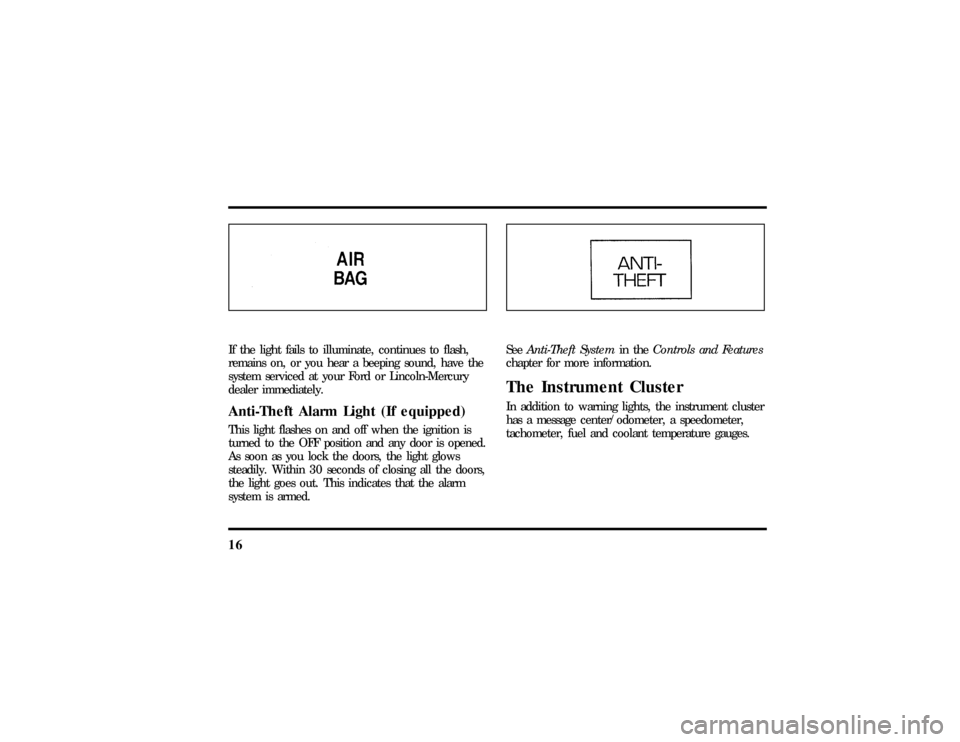
16If the light fails to illuminate, continues to flash,
remains on, or you hear a beeping sound, have the
system serviced at your Ford or Lincoln-Mercury
dealer immediately.Anti-Theft Alarm Light (If equipped)This light flashes on and off when the ignition is
turned to the OFF position and any door is opened.
As soon as you lock the doors, the light glows
steadily. Within 30 seconds of closing all the doors,
the light goes out. This indicates that the alarm
system is armed.
SeeAnti-Theft Systemin theControls and Features
chapter for more information.The Instrument ClusterIn addition to warning lights, the instrument cluster
has a message center/odometer, a speedometer,
tachometer, fuel and coolant temperature gauges.
File:03fnisc.ex
Update:Mon Jun 17 14:14:40 1996
Page 32 of 321

28Manual tuning adjusts your radio to any allowable
broadcast frequency, whether or not a station is
present on that frequency. (SeeAll About Radio
Frequenciesin this section.)q
Using the ªSEEKº function
Press the right
aside of the ªSEEKº button to
select the next listenable station up the
frequency band. Press the left
bside of the
button to select the next listenable station down
the frequency band. By holding the button
down, listenable stations can be passed over to
reach the desired station.
q
Using the ªSCANº function
Pressing the ªSCANº button will begin the scan
mode up the frequency band, stopping on each
listenable station for approximately five seconds.
To stop the scan mode on the presently
sampled station, press the ªSCANº button again.
q
Setting the station MEMORY PRESET buttons
Your radio is equipped with 6 station memory
buttons. These buttons can be used to select up
to 6 preset AM stations and 12 FM stations (6
in FM1 and 6 in FM2)
1. Select a band, then select a frequency.
2. Press one of the memory buttons and hold
until the sound returns and the lamp above the
memory button lights up. That memory button
is now set.
3. Follow the above steps for each memory preset
button.
NOTE:Custom memory presets can be recalled
using the keyless entry system. SeeMemory Profile
Systemin theFeatureschapter.
File:04fnasc.ex
Update:Mon Jun 17 14:15:17 1996
Page 36 of 321

32NOTE:Do not attempt to adapt any other type of
antenna system to your audio system.Using the Controls of Your Cassette
Tape PlayerNOTE:Radio power must be on to use the cassette
tape player.How to insert a tapeYour cassette tape player is equipped with power
loading. Once you insert a tape and push slightly
(with theopen edge to the right), the loading
mechanism draws the tape the rest of the way in
and play will begin after a momentary tape
tightening process. Display indicates ªTAPEº while
tape is playing.
If the player is in the tape mode but not in play,
pressing the ªTAPEº button will activate play. If the
ªTAPEº button is pressed with no tape inserted, the
display will flash ªNO TAPEº.
How to locate a desired track on the tapeThere are six ways to quickly locate a desired
selection on the tape. You can use the fast forward,
rewind, Blank Skip, ªSEEKº, ªSCANº or ªSIDE 1-2º
functions. Following are brief descriptions of each:q
Fast forwarding the tape
To fast forward the tape, press the ªFFº button.
The radio will play while the tape is in fast
forward. The light above the ªFFº button will
blink while in the fast forward mode. Press
ªFFº again or press the ªTAPEº button to stop
fast forwarding. At the end of the tape, the
direction automatically reverses and plays the
other side of the tape.
File:04fnasc.ex
Update:Mon Jun 17 14:15:17 1996
Page 37 of 321

33
q
Rewinding the tape
To rewind the tape, press the ªREWº button.
The radio will automatically begin playing while
the tape is rewinding. The light above the
ªREWº button will blink while in the rewind
mode. Press ªREWº again or press the ªTAPEº
button to stop rewinding.
q
Using the ªSEEKº function with your cassette
tape player
While in the tape mode, push the right
aside
of the ªSEEKº button to seek forward to the
next selection on the tape. Push the left
b
side to restart a currently playing tape selection.
q
Using the ªBlank Skipº function with your
cassette tape player
Press the ªBlank Skipº button to activate the
blank skip mode. After approximately 20
seconds of blank program, the tape will seek
forward to the next program.
q
Using the ªSCANº function with your cassette
tape player
Pushing the ªSCANº button will begin the
forward scan mode on the tape currently
playing, stopping on each tape selection for
approximately eight seconds.
To stop the scan mode on the presently sampled
tape selection, press the ªSCANº button or the
ªTAPEº button.
q
How to change the side of the tape being played
The alternate side of the tape can be selected
by pressing the ªSIDE 1-2º button.
How to eject the tapeTo stop the tape and eject the cassette, press the
ªEJECTº button. The tape will eject only when in
the tape mode. The cassettecannotbe ejected
when the radio is playing an ªAMº or ªFMº
station. The system will revert to radio mode when
the cassette is ejected.
File:04fnasc.ex
Update:Mon Jun 17 14:15:17 1996