service indicator LINCOLN MKZ 2014 User Guide
[x] Cancel search | Manufacturer: LINCOLN, Model Year: 2014, Model line: MKZ, Model: LINCOLN MKZ 2014Pages: 468, PDF Size: 4.49 MB
Page 176 of 468
USING ALL-WHEEL DRIVE
All-wheel drive uses all four wheels
to power the vehicle. This increases
traction, enabling you to drive over
terrain and road conditions that a
conventional two-wheel drive vehicle
cannot. The AWD system is active all
the time and requires no input from
the operator.
Note:Your AWD vehicle is not
intended for off-road use. The AWD
feature gives your vehicle some limited
off-road capabilities in which driving
surfaces are relatively level,
obstruction-free and otherwise similar
to normal on-road driving conditions.
Operating your vehicle under other than
those conditions could subject the
vehicle to excessive stress which might
result in damage which is not covered
under your warranty.
Note: A warning message will be
displayed in the information display
when an AWD system fault is present
See Information Messages (page 106).
An AWD system fault will cause the
AWD system to default to front-wheel
drive only mode. When this warning
message is displayed, have your vehicle
serviced at an authorized dealer Note:
A warning message will be
displayed in the information display if
the AWD system has overheated See
Information Messages (page 106).
This condition may occur if the vehicle
was operated in extreme conditions
with excessive wheel slip, such as deep
sand. To resume normal AWD function
as soon as possible, stop the vehicle in
a safe location and stop the engine for
at least 10 minutes. After the engine
has been restarted and the AWD
system has adequately cooled, the
warning message will turn off and
normal AWD function will return.
Do not use a spare tire of a different
size other than the tire provided. If the
mini-spare tire is installed, the AWD
system may disable automatically
and enter front-wheel drive only mode
to protect driveline components. This
condition will be indicated by a
warning in the information display
See Information Messages (page
106). If there is a warning message in
the information display from using the
spare tire, this indicator should turn
off after reinstalling the repaired or
replaced normal road tire and cycling
the ignition off and on. It is
recommended to reinstall the repaired
or replaced road tire as soon as
possible. Major dissimilar tire sizes
between the front and rear axles
could cause the AWD system to stop
functioning and default to front-wheel
drive or damage the AWD system.
173
All-Wheel Drive (If Equipped)
Page 187 of 468
PRINCIPLE OF OPERATION
The traction control system helps
avoid drive wheel spin and loss of
traction.
If your vehicle begins to slide, the
system applies the brakes to
individual wheels and, when needed,
reduces engine power at the same
time. If the wheels spin when
accelerating on slippery or loose
surfaces, the system reduces engine
power in order to increase traction.
USING TRACTION
CONTROL
In certain situations (for example,
stuck in snow or mud), turning the
traction control off may be beneficial
as this allows the wheels to spin with
full engine power. Turn off the traction
control system through the
information display. See General
Information (page 101).
System Indicator Lights and
Messages
WARNING
If a failure has been detected
within the AdvanceTrac system,
the stability control light will
illuminate steadily. Verify that the
AdvanceTrac system was not
manually disabled through the
information display. If the stability
control light still illuminates steadily,
have the system serviced by an
authorized dealer immediately.
Operating your vehicle with
AdvanceTrac disabled could lead to
an increased risk of loss of vehicle
control, vehicle rollover, personal
injury and death.
E138639
The stability control light
temporarily illuminates on
engine start-up and flashes
when a driving condition activates the
stability system.
The stability control off light
temporarily illuminates on
engine start-up and stays on
when you turn the traction control
system off.
When you turn the traction control
system off or on, a message appears
in the information display showing
system status.
184
Traction Control
Page 247 of 468
If you need to arrange roadside
assistance for yourself, Ford Motor
Company will reimburse a reasonable
amount for towing to the nearest
dealership within 35 miles (56 km).
To obtain reimbursement information,
U.S. Lincoln vehicle customers call
1-800-521-4140. Customers will be
asked to submit their original receipts.
Vehicles Sold In Canada :
Getting Roadside Assistance
Canadian customers who require
roadside assistance, call
1-800-665-2006.
Vehicles Sold In Canada : Using
Roadside Assistance
Complete the roadside assistance
identification card and place it in your
wallet for quick reference. In Canada,
the card is found in the Warranty
Guide in the glove box.
Canadian Roadside coverage and
benefits may differ from the U.S.
coverage. Please refer to your
Warranty Guide or visit our website at
www.ford.ca for information on
Canadian services and benefits.
Canadian customers who need to
obtain roadside information, call
1-800-665-2006 or visit our website
at www.ford.ca.
HAZARD WARNING
FLASHERS
Note:If used when the vehicle is not
running, the battery will lose charge.
There may be insufficient power to
restart your vehicle.
The hazard warning button
is located on the instrument
panel. Use it when your
vehicle is creating a safety hazard for
other motorists.
• Press the button to turn on the hazard warning function, and the
front and rear direction indicators
will flash.
• Press the button again to turn them off.
FUEL SHUTOFF
WARNING
Failure to inspect and, if
necessary, repair fuel leaks after
a collision may increase the risk of fire
and serious injury. Ford Motor
Company recommends that the fuel
system be inspected by an authorized
dealer after any collision.
In the event of a moderate to severe
collision, this vehicle is equipped with
a fuel pump shut-off feature that
stops the flow of fuel to the engine.
Not every impact will cause a shut-off.
Should your vehicle shut off after a
collision, you may restart your vehicle
by doing the following:
244
Roadside Emergencies
Page 277 of 468
Whenever coolant has been added,
the coolant level in the coolant
reservoir should be checked the next
few times you drive the vehicle. If
necessary, add enough prediluted
engine coolant to bring the coolant
level to the proper level.
Recycled Engine Coolant
Ford Motor Company does not
recommend the use of recycled
engine coolant since a Ford-approved
recycling process is not yet available.
Used engine coolant should be
disposed of in an appropriate manner.
Follow your community’s regulations
and standards for recycling and
disposing of automotive fluids.
Severe Climates
If you drive in extremely cold climates:
• It may be necessary to have a Fordauthorized dealer increase the
coolant concentration above 50%.
• A coolant concentration of 60% will provide improved freeze point
protection. Engine coolant
concentrations above 60% will
decrease the overheat protection
characteristics of the engine
coolant and may cause engine
damage. If you drive in extremely hot climates:
• It may be necessary to have a Ford
authorized dealer decrease the
coolant concentration to 40%.
• A coolant concentration of 40% will provide improved overheat
protection. Engine coolant
concentrations below 40% will
decrease the corrosion/freeze
protection characteristics of the
engine coolant and may cause
engine damage.
Vehicles driven year-round in
non-extreme climates should use
prediluted engine coolant for
optimum cooling system and engine
protection.
What You Should Know About
Fail-Safe Cooling
If the engine coolant supply is
depleted, this feature allows the
vehicle to be driven temporarily before
incremental component damage is
incurred. The “fail-safe” distance
depends on ambient temperatures,
vehicle load and terrain.
How Fail-Safe Cooling Works
If the engine begins to overheat, the
engine coolant temperature gauge
will move to the red (hot) area and:
A high engine temperature
message will appear in the
information display.
The service engine soon
indicator will illuminate.
274
Maintenance
Page 323 of 468
WARNINGS
When inflating the tire for
mounting pressures up to 20 psi
(1.38 bar) greater than the
maximum pressure on the tire
sidewall, the following
precautions must be taken to
protect the person mounting the
tire:
1. Make sure that you have the
correct tire and wheel size.
2. Lubricate the tire bead and
wheel bead seat area again.
3. Stand at a minimum of 12 feet
(3.66 meters) away from the
wheel and tire assembly.
4. Use both eye and ear
protection.
For a mounting pressure more
than 20 psi (1.38 bar) greater than
the maximum pressure, a Ford
dealer or other tire service
professional should do the
mounting.
Always inflate steel carcass tires
with a remote air fill with the
person inflating standing at a
minimum of 12 feet (3.66 meters)
away from the wheel and tire
assemblyImportant: Remember to replace
the wheel valve stems when the
road tires are replaced on your
vehicle
It is recommended that the two
front tires or two rear tires
generally be replaced as a pair.
The tire pressure sensors mounted
in the wheels (originally installed
on your vehicle) are not designed
to be used in aftermarket wheels.
The use of wheels or tires not
recommended by Ford Motor
Company may affect the
operation of your tire pressure
monitoring system.
If the tire pressure monitoring
system indicator is flashing, your
system is malfunctioning. Your
replacement tire might be
incompatible with your tire
pressure monitoring system, or
some component of the system
may be damaged.
Safety Practices
WARNINGS
If your vehicle is stuck in
snow, mud or sand, do not
rapidly spin the tires; spinning the
tires can tear the tire and cause
an explosion. A tire can explode in
as little as three to five seconds.
Do not spin the wheels at
over 35 mph (56 km/h). The
tires may fail and injure a
passenger or bystander.
320
Wheels and Tires
Page 326 of 468
USING SNOW CHAINS
WARNINGS
If you choose to install snow tires
on your vehicle, they must be the
same size, construction, and load
range as the original tires listed on the
tire placard, and they must be
installed on all four wheels. Mixing
tires of different size or construction
on your vehicle can adversely affect
your vehicle's handling and braking,
and may lead to loss of vehicle
control.
Do not use snow chains or cables
on this vehicle as they may cause
damage to your vehicle which may
lead to loss of vehicle control.
Snow chains have not been approved
for use on your vehicle.
The original equipment tires on your
vehicle may have an all-weather tread
design to provide traction, handling,
and braking performance in
year-round driving. You may install
snow tires for improved traction when
driving in areas with sustained periods
of snow or icy driving conditions.
CHANGING A ROAD WHEEL
WARNINGS
The use of tire sealants may
damage your tire pressure
monitoring system and should not be
used. However, if you must use a
sealant, the tire pressure monitoring
system sensor and valve stem on the
wheel must be replaced by an
authorized dealer.
If the tire pressure monitor
sensor becomes damaged, it will
no longer function. See Tire Pressure
Monitoring System (page 303).
Note: The tire pressure monitoring
system indicator light will illuminate
when the spare tire is in use. To restore
the full function of the monitoring
system, all road wheels equipped with
tire pressure monitoring sensors must
be mounted on the vehicle.
If you get a flat tire while driving, do
not apply the brake heavily. Instead,
gradually decrease your speed. Hold
the steering wheel firmly and slowly
move to a safe place on the side of
the road.
Have a flat serviced by an authorized
dealer in order to prevent damage to
the tire pressure monitoring system
sensors. See Tire Pressure
Monitoring System (page 303).
Replace the spare tire with a road tire
as soon as possible. During repairing
or replacing of the flat tire, have the
authorized dealer inspect the tire
pressure monitoring system sensor
for damage.
323
Wheels and Tires
Page 458 of 468
Creating a MyKey..................................58Programming/Changing ConfigurableSettings.....................................................58
Cruise Control.........................................77Principle of Operation............................198
Type 1...............................................................77
Type 2..............................................................77
Cruise controlSee: Using Cruise Control.....................198
Customer Assistance.......................248
D
Data Recording........................................9Event Data Recording................................10
Service Data Recording..............................9
Daytime Running Lamps...................83
Direction Indicators..............................85
Drive Control.........................................222
LINCOLN DRIVE CONTROL.................222
Driver Alert............................................207Using Driver Alert.....................................207
Driver and Passenger Airbags..........43Children and Airbags................................44
Proper Driver and Front PassengerSeating Adjustment..............................44
Driving Aids...........................................207
Driving Hints.........................................240
Driving Through Water.......................241
DRL
See: Daytime Running Lamps...............83
E
Economical Driving...........................240 Electric Parking Brake.......................180
Applying the electric parking
brake.........................................................180
Applying the electric parking brake when the vehicle is moving...............181
Battery With No Charge.........................182
Releasing the electric parking brake..........................................................181
Emission Control System................164On-Board Diagnostics (OBD-II).........165
Readiness for Inspection/Maintenance(I/M) Testing..........................................165
End User License Agreement.........418SYNC® End User License Agreement(EULA).....................................................418
Engine Block Heater...........................155Using the Engine Block Heater............156
Engine Coolant Check.......................272Adding Engine Coolant..........................272
Checking the Engine Coolant..............272
Recycled Engine Coolant......................274
Severe Climates........................................274
What You Should Know AboutFail-Safe Cooling.................................274
Engine ImmobilizerSee: Passive Anti-Theft System...........72
Engine Oil Check..................................271Adding Engine Oil......................................271
Engine Oil Dipstick - 2.0LEcoBoost™..........................................271
Engine Oil Dipstick - 3.7L...................271
Engine Specifications.......................329
Drivebelt Routing.....................................329
455
Index
Page 459 of 468
Entertainment.....................................364A/V Inputs..................................................383
AM/FM Radio............................................366
Bluetooth Audio.......................................383
Browsing Device Content.....................364
CD...................................................................377
SD Card Slot and USB Port..................378
Sirius® Satellite Radio (IfActivated)...............................................372
Supported Media Players, Formats and Metadata Information.......................383
EPBSee: Electric Parking Brake...................180
Essential Towing Checks.................234Before Towing a Trailer..........................235
Hitches.........................................................234
Launching or Retrieving a Boat orPersonal Watercraft (PWC)............235
Safety Chains............................................234
Trailer Brakes.............................................234
Trailer Lamps.............................................235
When Towing a Trailer...........................235
Event Data RecordingSee: Data Recording....................................9
Export Unique Options........................13
Exterior Mirrors......................................89
Auto-Dimming Feature...........................90
Blind Spot Monitor.....................................91
Fold-Away Exterior Mirrors....................90
Heated Exterior Mirrors............................90
Integrated Blind Spot Mirrors................90
Memory Mirrors..........................................90
Power Exterior Mirrors..............................89
Signal Indicator Mirrors...........................90
F
Fastening the Safety Belts................32Rear Inflatable Safety Belt......................35
Restraint of Pregnant Women..............33
Safety Belt Extension Assembly..........36
Safety Belt Locking Modes.....................33
Flat Tire InflationSee: Temporary Mobility Kit.................297
Floor Mats..............................................241
Ford Extended Service Plan (ESP)....................................................339
SERVICE PLANS (CANADA
ONLY).......................................................341
SERVICE PLANS (U.S. Only)...............339
Front Passenger Sensing System...................................................45
Fuel and Refueling..............................157
Fuel Consumption..............................163
Calculating Fuel Economy....................163
Filling the Tank..........................................163
Fuel Filter..............................................280
Fuel Quality...........................................158
Choosing the Right Fuel........................158
Octane Recommendations..................158
Fuel Shutoff.........................................244
Fuses.......................................................255
Fuse Specification Chart.................256
Passenger Compartment Fuse
Panel........................................................263
Power Distribution Box..........................256
G
Garage Door OpenerSee: Universal Garage Door Opener......................................................143
Gauges......................................................95Engine Coolant TemperatureGauge.........................................................96
Fuel Gauge...................................................96
Information Display...................................95
General Information on Radio Frequencies..........................................52
Intelligent Access.......................................52
456
Index
Page 466 of 468
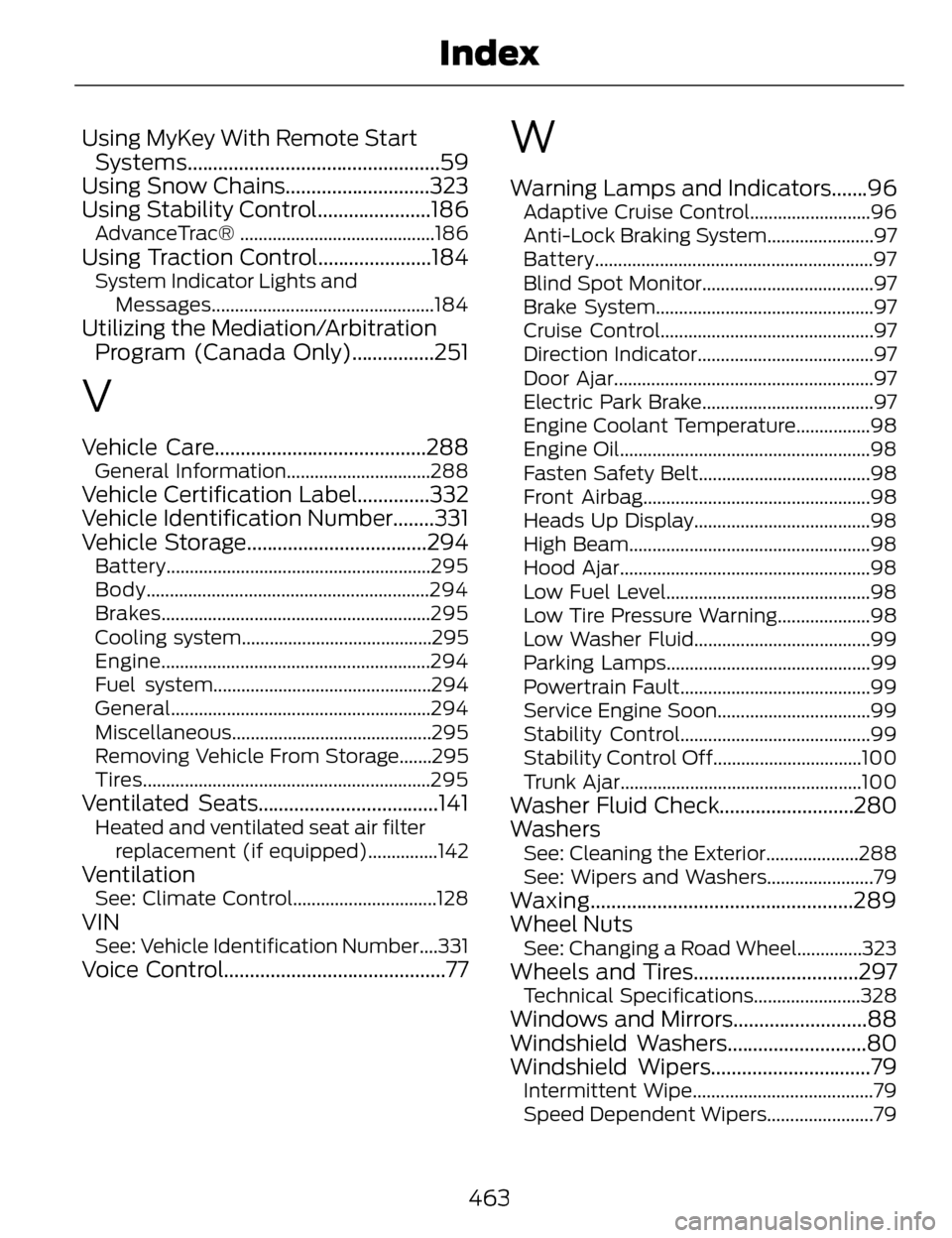
Using MyKey With Remote StartSystems.................................................59
Using Snow Chains............................323
Using Stability Control......................186
AdvanceTrac® ..........................................186
Using Traction Control......................184System Indicator Lights and
Messages................................................184
Utilizing the Mediation/ArbitrationProgram (Canada Only)................251
V
Vehicle Care.........................................288General Information...............................288
Vehicle Certification Label..............332
Vehicle Identification Number........331
Vehicle Storage...................................294
Battery.........................................................295
Body.............................................................294
Brakes..........................................................295
Cooling system.........................................295
Engine..........................................................294
Fuel system...............................................294
General........................................................294
Miscellaneous...........................................295
Removing Vehicle From Storage.......295
Tires..............................................................295
Ventilated Seats...................................141Heated and ventilated seat air filter
replacement (if equipped)...............142
VentilationSee: Climate Control...............................128
VINSee: Vehicle Identification Number....331
Voice Control...........................................77
W
Warning Lamps and Indicators.......96Adaptive Cruise Control..........................96
Anti-Lock Braking System.......................97
Battery............................................................97
Blind Spot Monitor.....................................97
Brake System...............................................97
Cruise Control..............................................97
Direction Indicator......................................97
Door Ajar........................................................97
Electric Park Brake.....................................97
Engine Coolant Temperature................98
Engine Oil......................................................98
Fasten Safety Belt.....................................98
Front Airbag.................................................98
Heads Up Display......................................98
High Beam....................................................98
Hood Ajar......................................................98
Low Fuel Level............................................98
Low Tire Pressure Warning....................98
Low Washer Fluid......................................99
Parking Lamps............................................99
Powertrain Fault.........................................99
Service Engine Soon.................................99
Stability Control.........................................99
Stability Control Off................................100
Trunk Ajar....................................................100
Washer Fluid Check..........................280
Washers
See: Cleaning the Exterior....................288
See: Wipers and Washers.......................79
Waxing...................................................289
Wheel Nuts
See: Changing a Road Wheel..............323
Wheels and Tires................................297Technical Specifications.......................328
Windows and Mirrors..........................88
Windshield Washers...........................80
Windshield Wipers...............................79
Intermittent Wipe.......................................79
Speed Dependent Wipers.......................79
463
Index