center console LINCOLN NAVIGATOR 2022 User Guide
[x] Cancel search | Manufacturer: LINCOLN, Model Year: 2022, Model line: NAVIGATOR, Model: LINCOLN NAVIGATOR 2022Pages: 646, PDF Size: 7.29 MB
Page 201 of 646
WHAT IS THE WIRELESS
ACCESSORY CHARGER
The wireless accessory charger allows you
to charge one compatible Qi wireless
charging device on the charging area.
WIRELESS ACCESSORY CHARGER
PRECAUTIONS
WARNING: Wireless charging
devices can affect the operation of
implanted medical devices, including
cardiac pacemakers. If you have any
implanted medical devices, we recommend
that you consult with your physician.
Keep the charging area clean and remove
foreign objects prior to charging a device. Do not place items with a magnetic strip or
radio-frequency identification chip, for
example passports, parking tickets,
transportation passes or credit cards, near
the charging area when charging a device.
Damage could occur to the magnetic strip
or radio-frequency identification chip.
Do not place metal objects, for example
remote controls, coins and candy wrappers,
on or near the charging area when charging
a device. Metal objects may heat up and
degrade the charging performance, in
addition to causing interruptions in charging.
Charging could be interrupted, degraded, or
could stop if any of the following occur:
•
The system detects a foreign object.
• The device is misaligned on the charging
area.
• The device moves on the active charging
area when the vehicle is in motion.
• The vehicle ambient temperature is too
high.
• You attempt to charge a non-Qi
compatible device on the wireless
charger. Note:
During charging, the device and the
charger could heat up, this is normal. If the
battery gets hotter than usual, the device
may stop charging.
LOCATING THE WIRELESS
ACCESSORY CHARGER The charging area is on the center
console or in the media bin below
the instrument panel.
CHARGING A WIRELESS DEVICE
Place the device on the center of the
charging surface with the charging side
down. The charging stops after your device
reaches a full charge.
You can use the charger when the vehicle
is in accessory mode, when the vehicle is
running, or when SYNC is on. Displays on the status bar when
wireless charging is in progress.
197
2022 Navigator (TB9) Canada/United States of America, enUSA, Edition date: 202109, First-Printing Wireless Accessory ChargerE297549
Page 203 of 646
OVERHEAD STORAGE
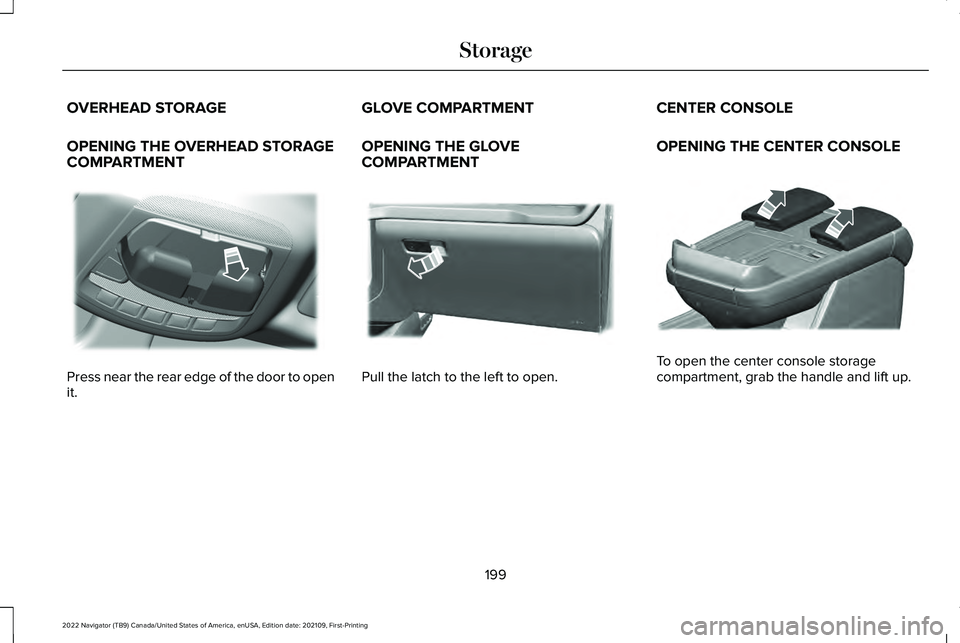
OPENING THE OVERHEAD STORAGE
COMPARTMENT
Press near the rear edge of the door to open
it. GLOVE COMPARTMENT
OPENING THE GLOVE
COMPARTMENT
Pull the latch to the left to open.CENTER CONSOLE
OPENING THE CENTER CONSOLE
To open the center console storage
compartment, grab the handle and lift up.
199
2022 Navigator (TB9) Canada/United States of America, enUSA, Edition date: 202109, First-Printing StorageE332434 E310218 E355167
Page 248 of 646
HOW DOES AUTO HOLD WORK
Auto Hold applies the brakes to hold your
vehicle after you stop it and release the
brake pedal. This can help when waiting on
a hill or in traffic.
SWITCHING AUTO HOLD ON AND
OFF
WARNING: The system does not
replace the parking brake. When you leave
your vehicle, always apply the parking
brake. WARNING: You must remain in your
vehicle when the system turns on. At all
times, you are responsible for controlling
your vehicle, supervising the system and
intervening, if required. Failure to take care
may result in the loss of control of your
vehicle, serious personal injury or death. WARNING:
The system will turn off
if a malfunction is apparent. Failure to take
care may result in the loss of control of
your vehicle, serious personal injury or
death. Press the button on the center console to
switch the system on and off. The indicator
light illuminates when the system is on.
Note:
You can only switch the system on
after you close the driver door, and fasten
your seatbelt.
Note: The system remembers the last setting
when you start your vehicle. Note:
Make sure you switch the system off
before using an automatic car wash.
USING AUTO HOLD
1. Bring your vehicle to a complete stop. The auto hold active indicator illuminates
in the information display.
2. Release the brake pedal. The system holds your vehicle at a standstill. The
auto hold active indicator remains
illuminated in the information display.
3. Pull away in the normal manner. The system releases the brakes and the auto
hold active indicator switches off.
Note: The system only activates if you apply
enough brake pressure on the brake pedal.
Note: Under certain conditions, the system
could apply the electric parking brake. The
brake system warning lamp illuminates. The
electric parking brake releases when you
press the accelerator pedal.
See
Automatically Releasing the Electric
Parking Brake
(page 237).
244
2022 Navigator (TB9) Canada/United States of America, enUSA, Edition date: 202109, First-Printing Auto HoldE256165
Page 298 of 646
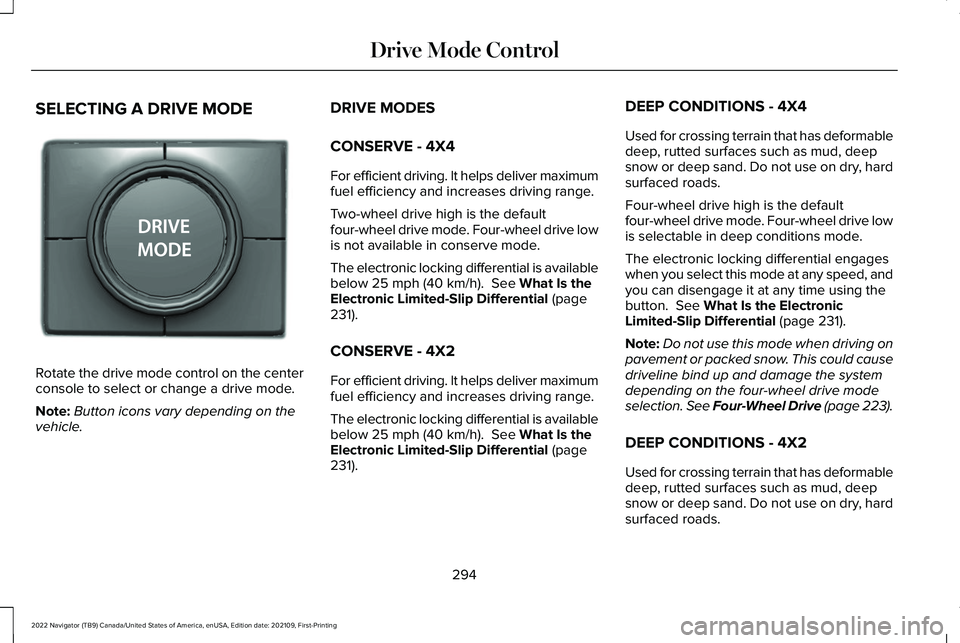
SELECTING A DRIVE MODE
Rotate the drive mode control on the center
console to select or change a drive mode.
Note:
Button icons vary depending on the
vehicle. DRIVE MODES
CONSERVE - 4X4
For efficient driving. It helps deliver maximum
fuel efficiency and increases driving range.
Two-wheel drive high is the default
four-wheel drive mode. Four-wheel drive low
is not available in conserve mode.
The electronic locking differential is available
below 25 mph (40 km/h). See What Is the
Electronic Limited-Slip Differential (page
231).
CONSERVE - 4X2
For efficient driving. It helps deliver maximum
fuel efficiency and increases driving range.
The electronic locking differential is available
below
25 mph (40 km/h). See What Is the
Electronic Limited-Slip Differential (page
231). DEEP CONDITIONS - 4X4
Used for crossing terrain that has deformable
deep, rutted surfaces such as mud, deep
snow or deep sand. Do not use on dry, hard
surfaced roads.
Four-wheel drive high is the default
four-wheel drive mode. Four-wheel drive low
is selectable in deep conditions mode.
The electronic locking differential engages
when you select this mode at any speed, and
you can disengage it at any time using the
button.
See What Is the Electronic
Limited-Slip Differential (page 231).
Note: Do not use this mode when driving on
pavement or packed snow. This could cause
driveline bind up and damage the system
depending on the four-wheel drive mode
selection. See Four-Wheel Drive (page 223).
DEEP CONDITIONS - 4X2
Used for crossing terrain that has deformable
deep, rutted surfaces such as mud, deep
snow or deep sand. Do not use on dry, hard
surfaced roads.
294
2022 Navigator (TB9) Canada/United States of America, enUSA, Edition date: 202109, First-Printing Drive Mode ControlE246604
Page 625 of 646
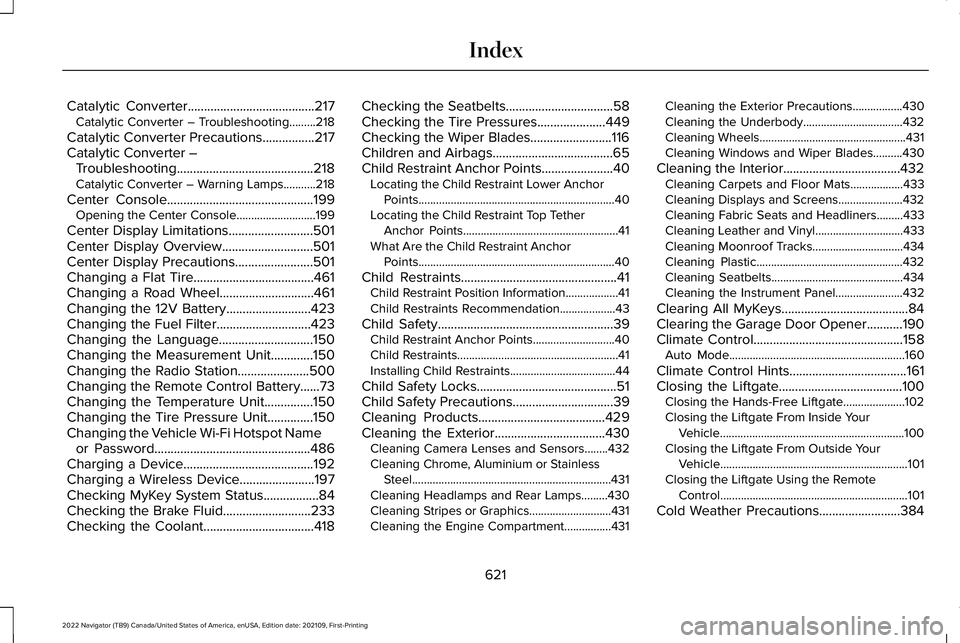
Catalytic Converter.......................................217
Catalytic Converter – Troubleshooting.........218
Catalytic Converter Precautions................217
Catalytic Converter – Troubleshooting..........................................218
Catalytic Converter – Warning Lamps...........
218
Center Console
.............................................199
Opening the Center Console...........................199
Center Display Limitations..........................501
Center Display Overview
............................501
Center Display Precautions........................501
Changing a Flat Tire.....................................461
Changing a Road Wheel.............................461
Changing the 12V Battery
..........................423
Changing the Fuel Filter.............................423
Changing the Language.............................150
Changing the Measurement Unit.............150
Changing the Radio Station......................500
Changing the Remote Control Battery......73
Changing the Temperature Unit...............150
Changing the Tire Pressure Unit..............150
Changing the Vehicle Wi-Fi Hotspot Name or Password
................................................486
Charging a Device........................................192
Charging a Wireless Device.......................197
Checking MyKey System Status.................84
Checking the Brake Fluid...........................233
Checking the Coolant..................................418 Checking the Seatbelts
.................................58
Checking the Tire Pressures.....................449
Checking the Wiper Blades.........................116
Children and Airbags.....................................65
Child Restraint Anchor Points
......................40
Locating the Child Restraint Lower Anchor
Points...................................................................40
Locating the Child Restraint Top Tether Anchor Points.....................................................41
What Are the Child Restraint Anchor Points...................................................................40
Child Restraints
................................................41
Child Restraint Position Information..................41
Child Restraints Recommendation...................43
Child Safety
......................................................39
Child Restraint Anchor Points............................40
Child Restraints.......................................................41
Installing Child Restraints....................................44
Child Safety Locks...........................................51
Child Safety Precautions
...............................39
Cleaning Products.......................................429
Cleaning the Exterior..................................430
Cleaning Camera Lenses and Sensors........432
Cleaning Chrome, Aluminium or Stainless
Steel....................................................................431
Cleaning Headlamps and Rear Lamps.........430
Cleaning Stripes or Graphics............................431
Cleaning the Engine Compartment................431 Cleaning the Exterior Precautions.................
430
Cleaning the Underbody..................................432
Cleaning Wheels..................................................431
Cleaning Windows and Wiper Blades..........
430
Cleaning the Interior....................................432 Cleaning Carpets and Floor Mats..................433
Cleaning Displays and Screens......................432
Cleaning Fabric Seats and Headliners.........433
Cleaning Leather and Vinyl..............................433
Cleaning Moonroof Tracks...............................434
Cleaning Plastic..................................................432
Cleaning Seatbelts.............................................434
Cleaning the Instrument Panel.......................
432
Clearing All MyKeys.......................................84
Clearing the Garage Door Opener
...........190
Climate Control..............................................158 Auto Mode............................................................160
Climate Control Hints
....................................161
Closing the Liftgate......................................100 Closing the Hands-Free Liftgate.....................102
Closing the Liftgate From Inside Your
Vehicle...............................................................100
Closing the Liftgate From Outside Your Vehicle................................................................101
Closing the Liftgate Using the Remote Control................................................................101
Cold Weather Precautions.........................384
621
2022 Navigator (TB9) Canada/United States of America, enUSA, Edition date: 202109, First-Printing Index
Page 639 of 646
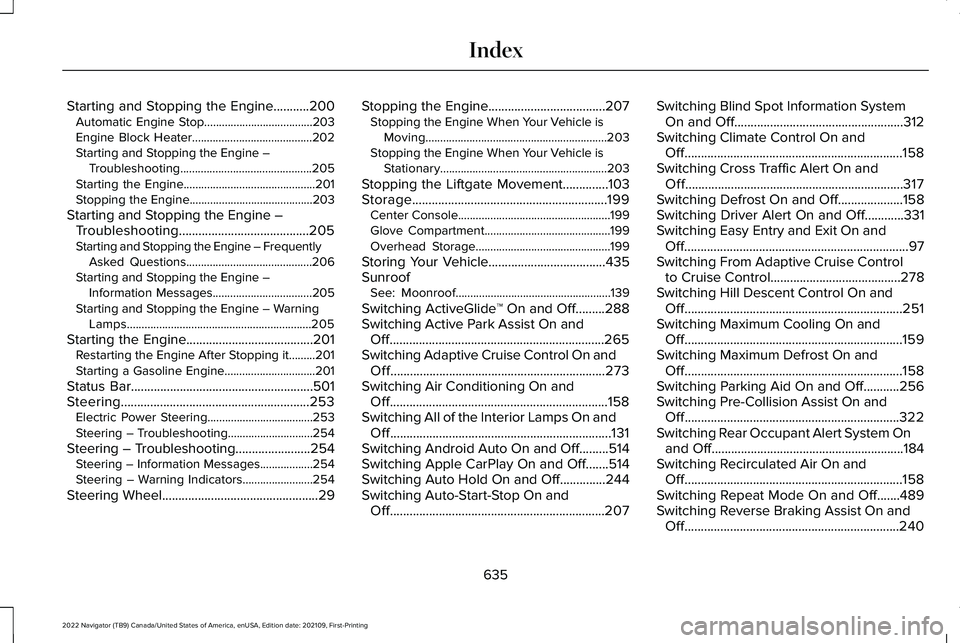
Starting and Stopping the Engine...........200
Automatic Engine Stop.....................................203
Engine Block Heater.........................................202
Starting and Stopping the Engine –
Troubleshooting.............................................205
Starting the Engine.............................................201
Stopping the Engine..........................................203
Starting and Stopping the Engine – Troubleshooting........................................205
Starting and Stopping the Engine – Frequently Asked Questions...........................................206
Starting and Stopping the Engine – Information Messages..................................205
Starting and Stopping the Engine – Warning Lamps...............................................................205
Starting the Engine.......................................201 Restarting the Engine After Stopping it.........201
Starting a Gasoline Engine...............................201
Status Bar........................................................501
Steering..........................................................253 Electric Power Steering....................................253
Steering – Troubleshooting.............................254
Steering – Troubleshooting.......................254 Steering – Information Messages..................254
Steering – Warning Indicators........................254
Steering Wheel................................................29 Stopping the Engine
....................................207
Stopping the Engine When Your Vehicle is
Moving..............................................................203
Stopping the Engine When Your Vehicle is Stationary.........................................................203
Stopping the Liftgate Movement
..............103
Storage............................................................199 Center Console....................................................199
Glove Compartment...........................................199
Overhead Storage..............................................199
Storing Your Vehicle
....................................435
Sunroof See: Moonroof.....................................................139
Switching ActiveGlide ™ On and Off.........288
Switching Active Park Assist On and Off..................................................................265
Switching Adaptive Cruise Control On and Off..................................................................273
Switching Air Conditioning On and Off...................................................................158
Switching All of the Interior Lamps On and Off
....................................................................131
Switching Android Auto On and Off.........514
Switching Apple CarPlay On and Off.......514
Switching Auto Hold On and Off..............244
Switching Auto-Start-Stop On and Off..................................................................207 Switching Blind Spot Information System
On and Off....................................................312
Switching Climate Control On and Off...................................................................158
Switching Cross Traffic Alert On and Off...................................................................317
Switching Defrost On and Off....................158
Switching Driver Alert On and Off............331
Switching Easy Entry and Exit On and Off.....................................................................97
Switching From Adaptive Cruise Control to Cruise Control........................................278
Switching Hill Descent Control On and Off...................................................................251
Switching Maximum Cooling On and Off...................................................................159
Switching Maximum Defrost On and Off...................................................................158
Switching Parking Aid On and Off...........256
Switching Pre-Collision Assist On and Off..................................................................322
Switching Rear Occupant Alert System On and Off...........................................................184
Switching Recirculated Air On and Off...................................................................158
Switching Repeat Mode On and Off.......489
Switching Reverse Braking Assist On and Off
..................................................................240
635
2022 Navigator (TB9) Canada/United States of America, enUSA, Edition date: 202109, First-Printing Index