reset MAZDA MODEL TRIBUTE 2002 Owners Manual (in English)
[x] Cancel search | Manufacturer: MAZDA, Model Year: 2002, Model line: MODEL TRIBUTE, Model: MAZDA MODEL TRIBUTE 2002Pages: 256, PDF Size: 2.66 MB
Page 3 of 256
The following warning may be required by California law:
CALIFORNIA Proposition 65 Warning
WARNING: Engine exhaust, some of its constituents, and
certain vehicle components contain or emit chemicals known to
the State of California to cause cancer and birth defects or
other reproductive harm. In addition, certain fluids contained in
vehicles and certain products of component wear contain or
emit chemicals known to the State of California to cause cancer
and birth defects or other reproductive harm.
CONGRATULATIONS
Congratulations on acquiring your new Mazda Motor Corporation
product. Please take the time to get well acquainted with your vehicle by
reading this handbook. The more you know and understand about your
vehicle the greater the safety and pleasure you will derive from driving
it.
For more information on Mazda Motor Corporation and its products visit
the following website:
²In the United States: www.mazdausa.com
²In Canada: www.mazda.ca
Additional owner information is given in separate publications.
This Owner's Guide describes every option and model variant available
and therefore some of the items covered may not apply to your
particular vehicle. Furthermore, due to printing cycles it may describe
options before they are generally available.
Remember to pass on the Owner's Guide when reselling the vehicle. It is
an integral part of the vehicle.
WARNING: In the event of an accident the Fuel pump shut-off
switch will automatically cut off the fuel supply to the engine.
The switch can also be activated through sudden vibration (e.g.
collision when parking). To reset the switch, refer to theFuel
pump shut-off switchin theRoadside emergencieschapter.
Introduction
3
Page 6 of 256
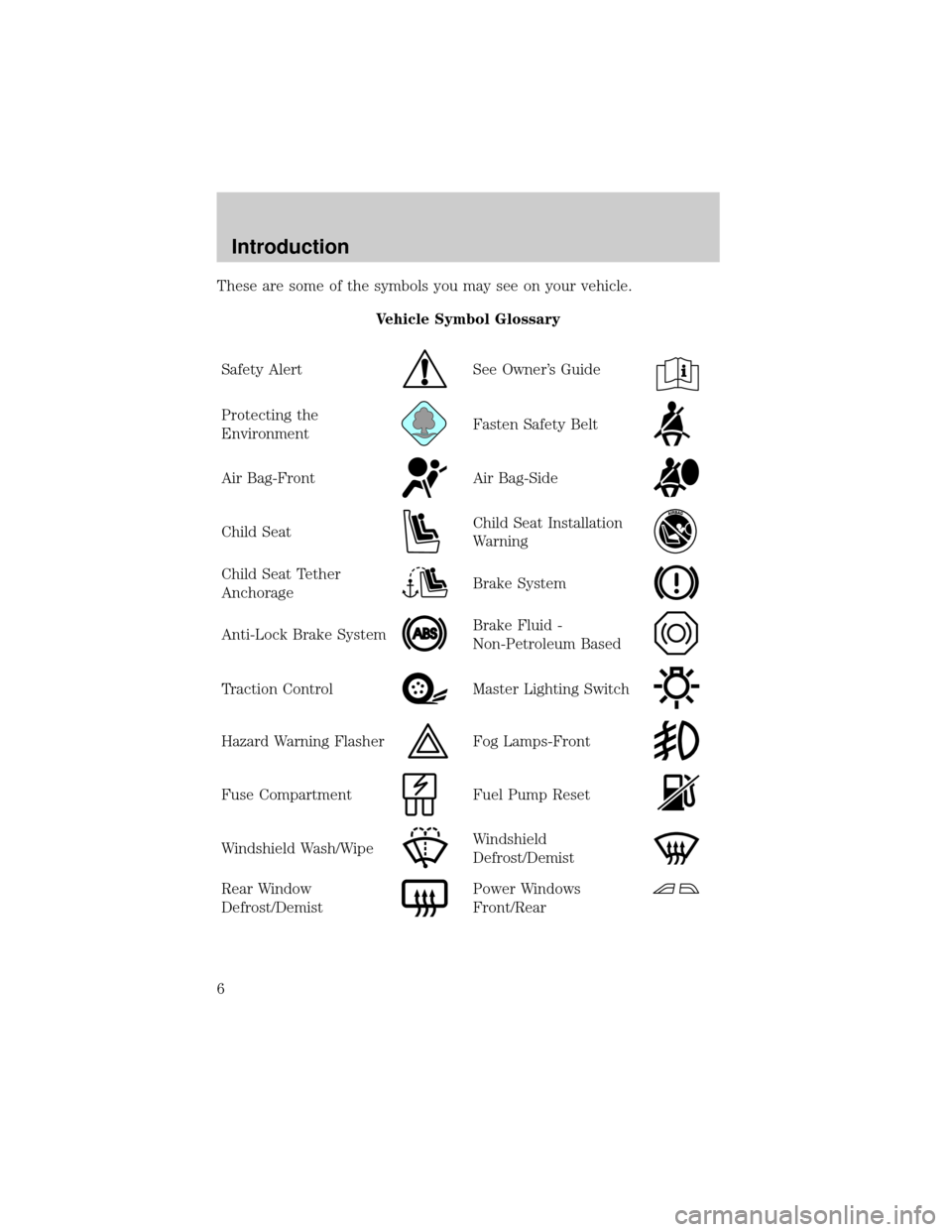
These are some of the symbols you may see on your vehicle.
Vehicle Symbol Glossary
Safety Alert
See Owner's Guide
Protecting the
EnvironmentFasten Safety Belt
Air Bag-FrontAir Bag-Side
Child SeatChild Seat Installation
Warning
Child Seat Tether
AnchorageBrake System
Anti-Lock Brake SystemBrake Fluid -
Non-Petroleum Based
Traction ControlMaster Lighting Switch
Hazard Warning FlasherFog Lamps-Front
Fuse CompartmentFuel Pump Reset
Windshield Wash/WipeWindshield
Defrost/Demist
Rear Window
Defrost/DemistPower Windows
Front/Rear
Introduction
6
Page 18 of 256

Odometer
Registers the total kilometers
(miles) of the vehicle.
Trip odometer
Registers the kilometers (miles) of
individual journeys. Press and hold
the button for 1 or more seconds to
reset. Press and release the button
in less than 1 second to toggle
between odometer and trip odometer.
Instrument Cluster
18
Page 26 of 256

Turn the control to the right to
increase the mid-range.
Turn the control to the left to
decrease the mid-range.
The level will display.
Release the TUNE control when the
desired level is reached.
NOTE:Approximately 5 seconds
after selecting any mode, the
volume function will be
automatically selected. To reset the mid-range, press the TUNE control
for approximately 2 seconds. The unit will beep and CL will appear in
the display.
Radio station memory preset
The radio is equipped with six station memory preset controls. These
controls can be used to select up to six preset AM stations and 12 FM
stations (six in FM1 and six in FM2).
Setting memory preset stations
1. Select the frequency band with the AM/FM control.
2. Select a station.
3. Press and momentarily hold the desired preset control until a beep is
heard.
The preset control number will illuminate in the display. This indicates
the station is held in memory on the control you selected. Repeat this
procedure to store other stations in memory.
To tune one in the memory, select AM, FM1 or FM2 and then press its
channel preset button. The station frequency and the channel number
will be displayed.
Entertainment Systems
26
Page 27 of 256

Auto memory tuning
Auto memory tuning allows you to set strong radio stations without
losing your original manually set preset stations. This feature is helpful
on trips when you travel between cities with different radio stations.
Starting autoset memory preset
1. Press the AM or FM1/2 control
to select a frequency.
2. Press and momentarily hold the
AUTO-M (Auto memory)
control. The system will beep.
3. When the first six strong
stations are filled, the strongest
station will start playing.
4. Press the AUTO-M (Auto memory) control to select from the stored
stations. One stored station will be selected and played each time
the control is pressed. The frequency and channel number will be
displayed.
NOTE:If no stations can be tuned after scanning operations, A will
appear in the display.
NOTE:If the power supply is interrupted, (fuse blows or the battery is
disconnected), the preset channels will be canceled.
Tape select
To begin tape play, insert a cassette tape into the cassette slot, with the
open edge facing the right. Once inserted, the cassette tape will
automatically begin play and TAPE will appear in the display. At the end
of the cassette tape, the unit will automatically reverse the cassette tape
play.
To begin tape play (with a tape
loaded into the audio system), press
the TAPE control. If there is not a
cassette tape in the cassette slot,
NO TAPE will flash in the display.
Entertainment Systems
27
Page 30 of 256
NOTE:When a CD is ejected during play, the next CD will be played
automatically.
Random play
The random play feature works in CD mode and plays the selections on
the current CD in random order.
Random play in CD mode
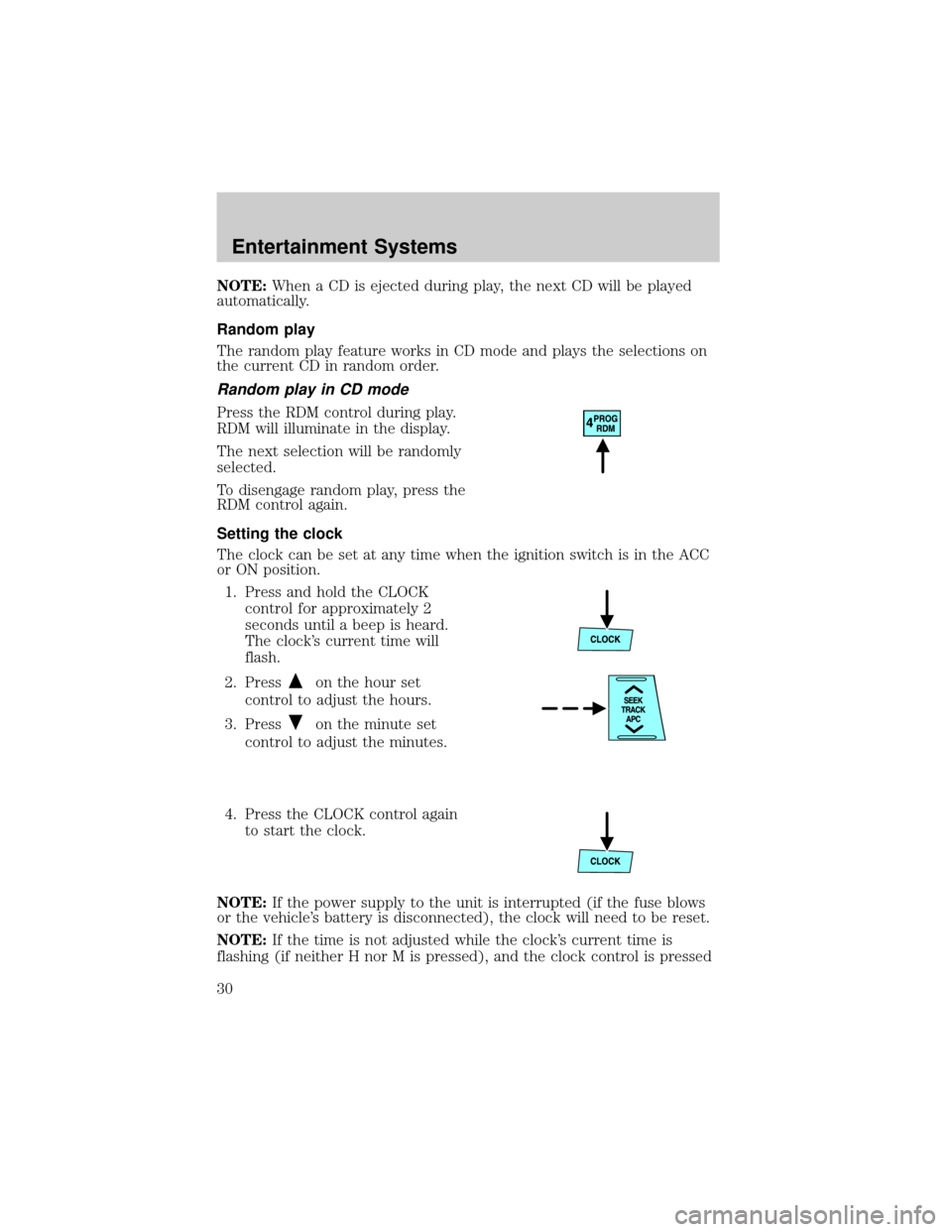
Press the RDM control during play.
RDM will illuminate in the display.
The next selection will be randomly
selected.
To disengage random play, press the
RDM control again.
Setting the clock
The clock can be set at any time when the ignition switch is in the ACC
or ON position.
1. Press and hold the CLOCK
control for approximately 2
seconds until a beep is heard.
The clock's current time will
flash.
2. Press
on the hour set
control to adjust the hours.
3. Press
on the minute set
control to adjust the minutes.
4. Press the CLOCK control again
to start the clock.
NOTE:If the power supply to the unit is interrupted (if the fuse blows
or the vehicle's battery is disconnected), the clock will need to be reset.
NOTE:If the time is not adjusted while the clock's current time is
flashing (if neither H nor M is pressed), and the clock control is pressed
Entertainment Systems
30
Page 38 of 256
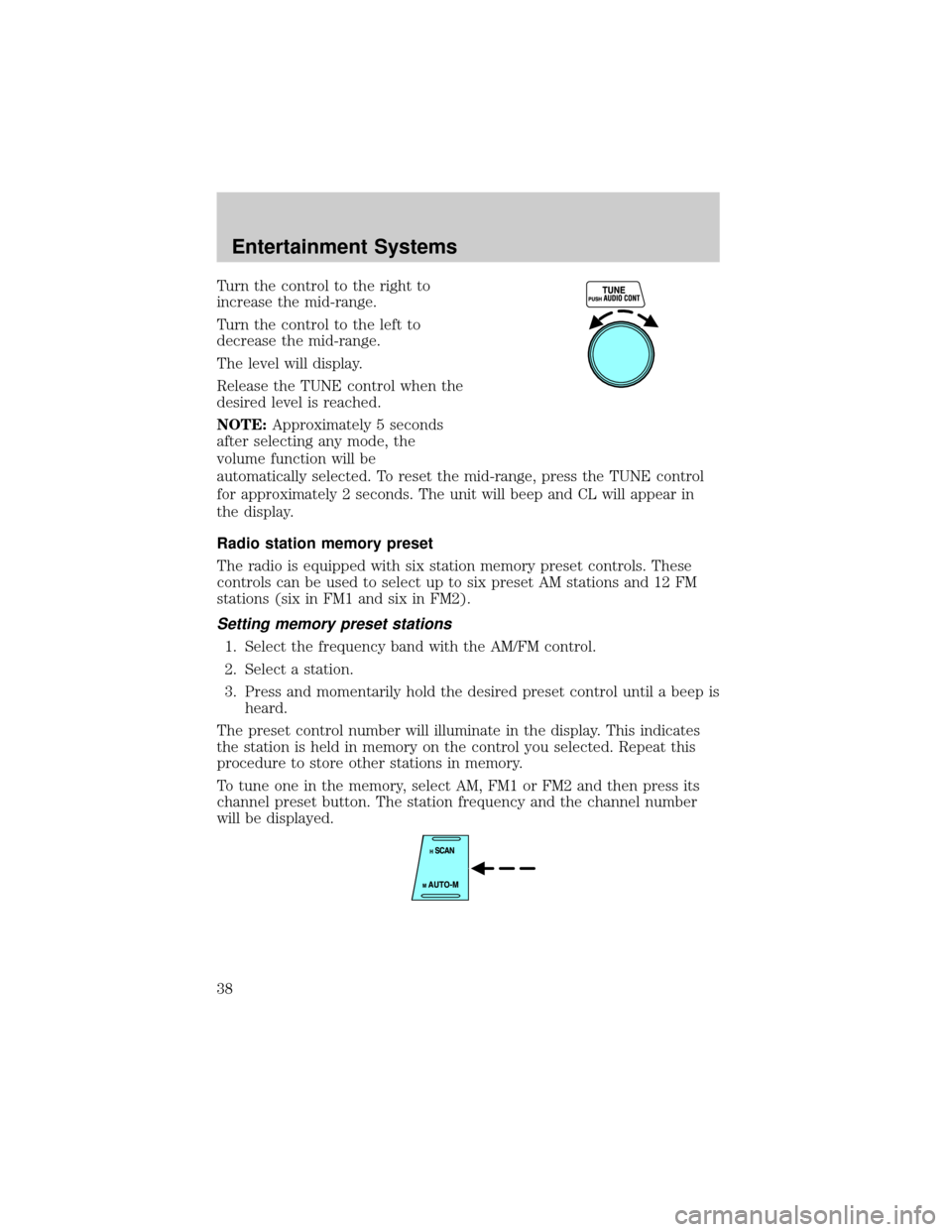
Turn the control to the right to
increase the mid-range.
Turn the control to the left to
decrease the mid-range.
The level will display.
Release the TUNE control when the
desired level is reached.
NOTE:Approximately 5 seconds
after selecting any mode, the
volume function will be
automatically selected. To reset the mid-range, press the TUNE control
for approximately 2 seconds. The unit will beep and CL will appear in
the display.
Radio station memory preset
The radio is equipped with six station memory preset controls. These
controls can be used to select up to six preset AM stations and 12 FM
stations (six in FM1 and six in FM2).
Setting memory preset stations
1. Select the frequency band with the AM/FM control.
2. Select a station.
3. Press and momentarily hold the desired preset control until a beep is
heard.
The preset control number will illuminate in the display. This indicates
the station is held in memory on the control you selected. Repeat this
procedure to store other stations in memory.
To tune one in the memory, select AM, FM1 or FM2 and then press its
channel preset button. The station frequency and the channel number
will be displayed.
Entertainment Systems
38
Page 39 of 256
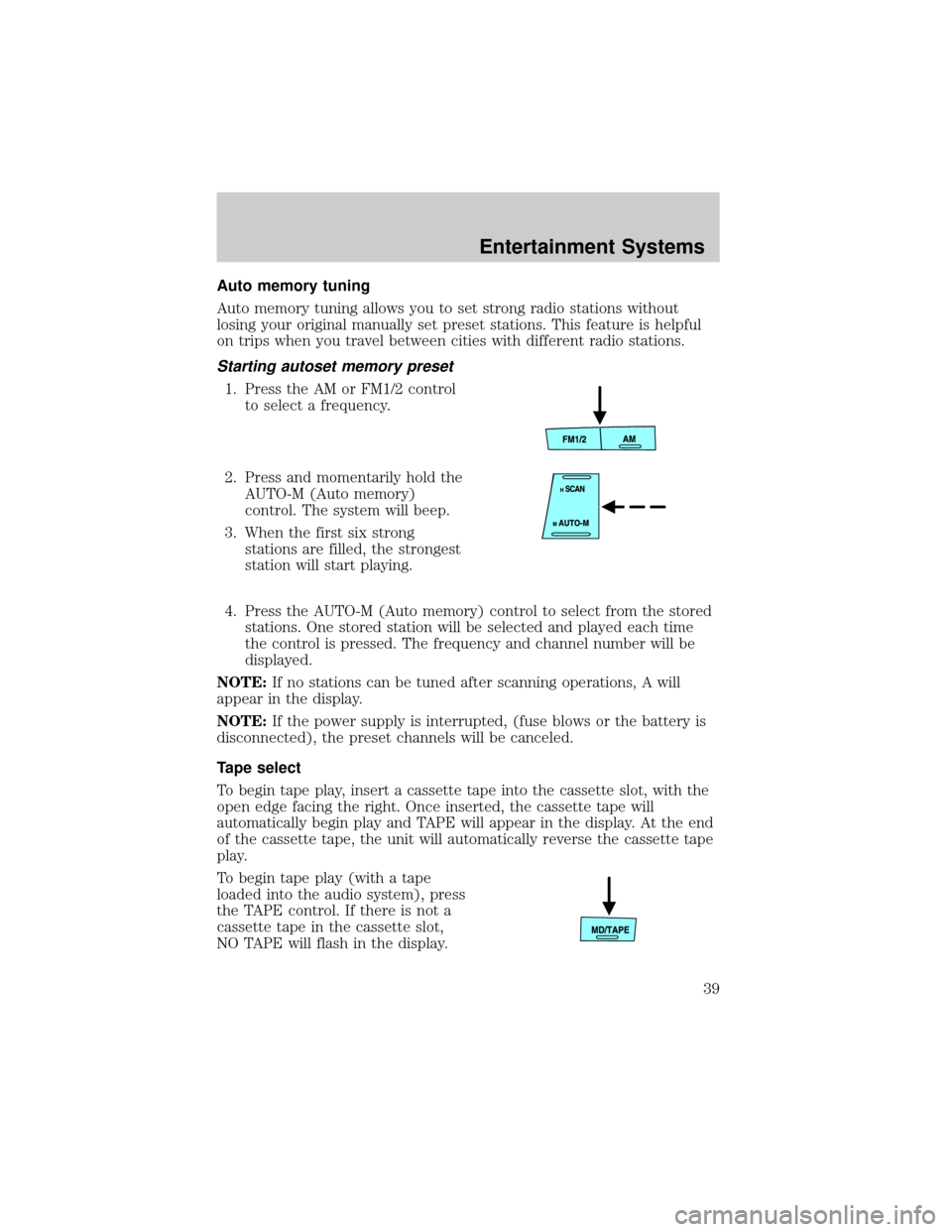
Auto memory tuning
Auto memory tuning allows you to set strong radio stations without
losing your original manually set preset stations. This feature is helpful
on trips when you travel between cities with different radio stations.
Starting autoset memory preset
1. Press the AM or FM1/2 control
to select a frequency.
2. Press and momentarily hold the
AUTO-M (Auto memory)
control. The system will beep.
3. When the first six strong
stations are filled, the strongest
station will start playing.
4. Press the AUTO-M (Auto memory) control to select from the stored
stations. One stored station will be selected and played each time
the control is pressed. The frequency and channel number will be
displayed.
NOTE:If no stations can be tuned after scanning operations, A will
appear in the display.
NOTE:If the power supply is interrupted, (fuse blows or the battery is
disconnected), the preset channels will be canceled.
Tape select
To begin tape play, insert a cassette tape into the cassette slot, with the
open edge facing the right. Once inserted, the cassette tape will
automatically begin play and TAPE will appear in the display. At the end
of the cassette tape, the unit will automatically reverse the cassette tape
play.
To begin tape play (with a tape
loaded into the audio system), press
the TAPE control. If there is not a
cassette tape in the cassette slot,
NO TAPE will flash in the display.
Entertainment Systems
39
Page 43 of 256

NOTE:APC may not operate properly if:
²A tape was recorded at a low level.
²A tape has long, silent intervals.
²A tape is a live recording.
²A tape has very short intervals of less than 3 seconds.
CD loading
The load feature allows you to load up to six single CDs into the audio
system.
1. Press the LOAD control.
2. IN will appear in the display
when the system is ready to
receive a CD.
3. Load the CD into the player.
Multiple CD loading
This feature allows you to autoload
up to 6 discs into the internal multi
disc CD player.
1. Press and hold the LOAD control until a beep is heard.
2. When IN is displayed, insert the CD.
3. When IN is displayed again, insert the next CD.
NOTE:The first CD will automatically play when:
²there is not a CD inserted for 15 seconds after IN is displayed
²the CD tray is full
Inserting CDs into desired tray number
1. Press and hold the LOAD
control until a beep is heard.
2. Press the memory preset
control for the desired CD tray
within 5 seconds after the beep
is heard.
3. When IN is displayed, insert the CD.
NOTE:The CD cannot be inserted to the desired tray number if the
number is already occupied.
Entertainment Systems
43
Page 44 of 256

Eject feature
The eject feature works in both tape and CD mode.
Ejecting a tape
Press the control to stop and eject a
tape.
NOTE:The cassette tape can be
ejected when the ignition switch is
in the OFF position.
Ejecting a CD
1. Press the control to stop and
eject a CD. The disc number
and OUT will appear in the
display.
2. Remove the CD.
NOTE:When a CD is ejected during play, the next CD will be played
automatically.
Ejecting CDs from a desired tray
1. Press and hold the CD eject
control for approximately 2
seconds until a beep is heard.
2. Press the memory preset
control of the desired CD within
5 seconds of the beep.
3. Remove the CD.
Multiple ejection
1. Press and hold the CD eject
control for approximately 2
seconds until a beep is heard.
2. Wait approximately 5 seconds or
press the CD eject control again
within 5 seconds after the beep is heard.
3. Remove the CD. The next CD will then be ejected.
NOTE:
²Cds will be ejected in numerical order, lowest number first.
²All CDs in the tray will be ejected continuously.
Entertainment Systems
44