radio MAZDA MODEL TRIBUTE 2003 Owners Manual (in English)
[x] Cancel search | Manufacturer: MAZDA, Model Year: 2003, Model line: MODEL TRIBUTE, Model: MAZDA MODEL TRIBUTE 2003Pages: 248, PDF Size: 2.5 MB
Page 17 of 248
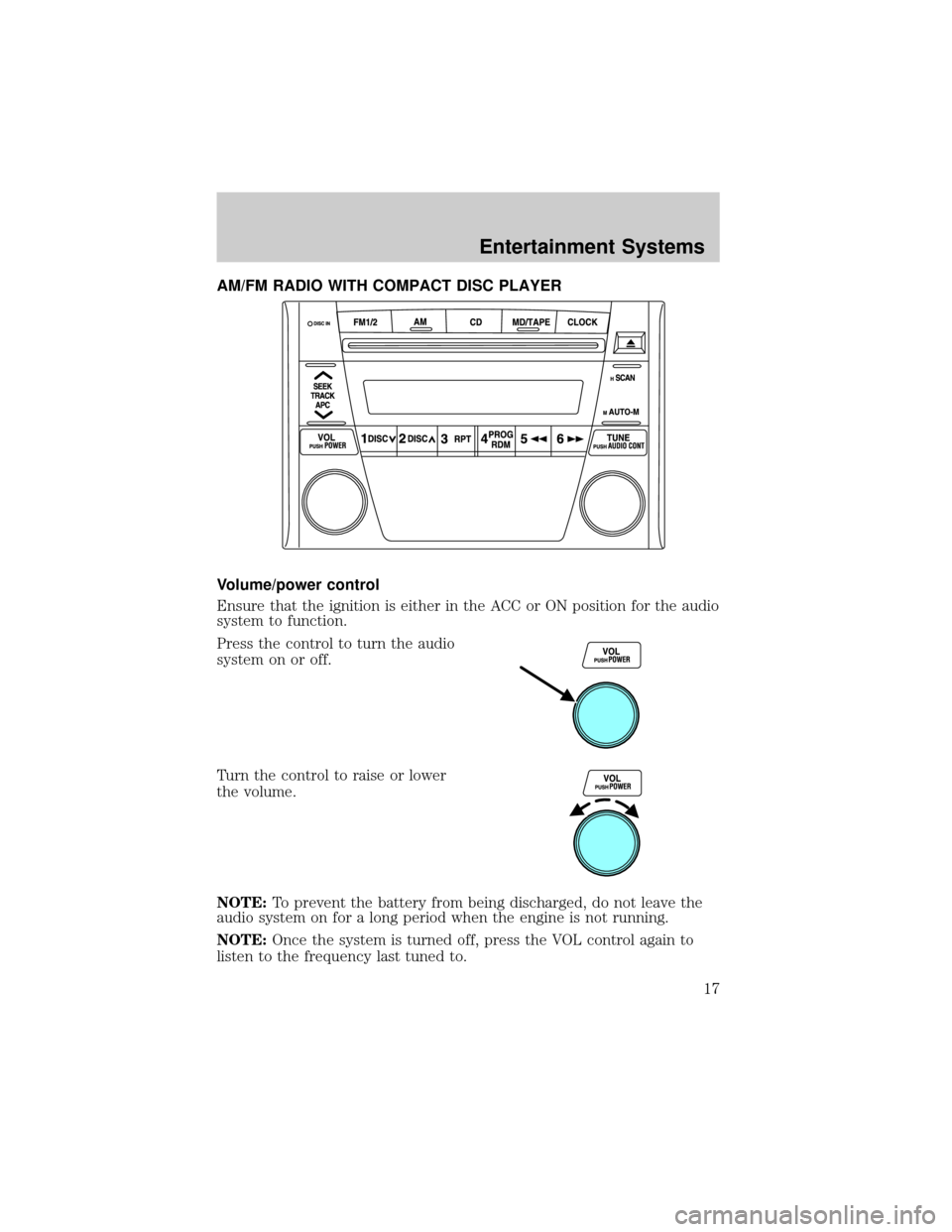
AM/FM RADIO WITH COMPACT DISC PLAYER
Volume/power control
Ensure that the ignition is either in the ACC or ON position for the audio
system to function.
Press the control to turn the audio
system on or off.
Turn the control to raise or lower
the volume.
NOTE:To prevent the battery from being discharged, do not leave the
audio system on for a long period when the engine is not running.
NOTE:Once the system is turned off, press the VOL control again to
listen to the frequency last tuned to.
Entertainment Systems
17
Page 18 of 248
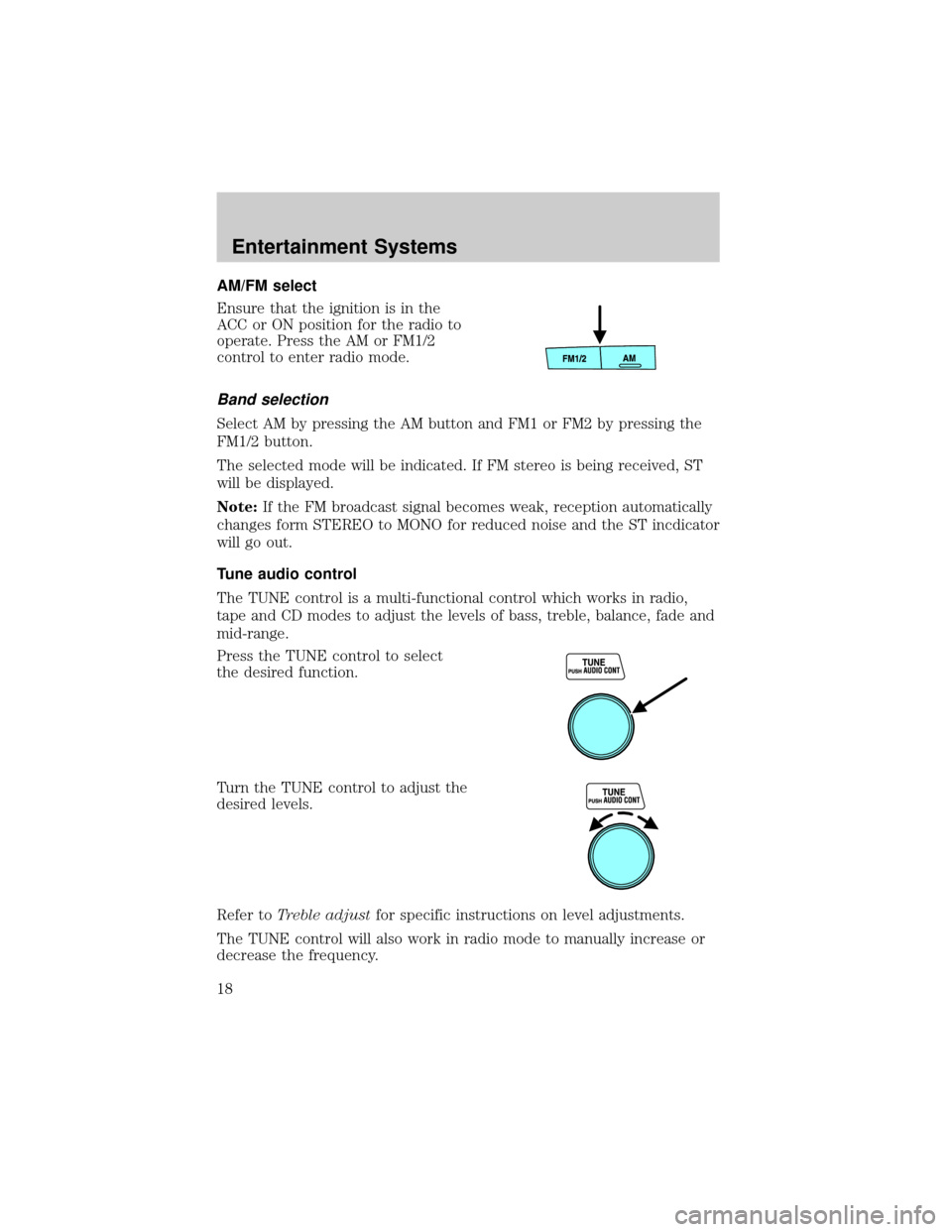
AM/FM select
Ensure that the ignition is in the
ACC or ON position for the radio to
operate. Press the AM or FM1/2
control to enter radio mode.
Band selection
Select AM by pressing the AM button and FM1 or FM2 by pressing the
FM1/2 button.
The selected mode will be indicated. If FM stereo is being received, ST
will be displayed.
Note:If the FM broadcast signal becomes weak, reception automatically
changes form STEREO to MONO for reduced noise and the ST incdicator
will go out.
Tune audio control
The TUNE control is a multi-functional control which works in radio,
tape and CD modes to adjust the levels of bass, treble, balance, fade and
mid-range.
Press the TUNE control to select
the desired function.
Turn the TUNE control to adjust the
desired levels.
Refer toTreble adjustfor specific instructions on level adjustments.
The TUNE control will also work in radio mode to manually increase or
decrease the frequency.
Entertainment Systems
18
Page 19 of 248

Turn the TUNE control to the left
for a lower frequency.
Turn the TUNE control to the right
for a higher frequency.
Scan function
The scan function works in radio
and CD mode.
Scan function in radio mode
Press the SCAN control to hear a brief sampling of all listenable stations
on the frequency band. Press the SCAN control again to disable scan
mode.
Scan function in CD mode
Press the SCAN control during CD play to hear the first ten seconds of
each track. Press the SCAN control again to stop the scan mode.
NOTE:If the unit is left in scan mode, normal play will resume where
scan was selected.
Seek function
The seek function control works in radio mode.
Seek function in radio mode
Press and momentarily hold the
SEEK control.
²Press
to find the next
listenable station up the
frequency band.
²Press
to find the next listenable station down the frequency band.
NOTE:If you continue to press and hold the control, the frequency will
continue changing without stopping. Release the control after the beep
sounds.
Entertainment Systems
19
Page 22 of 248
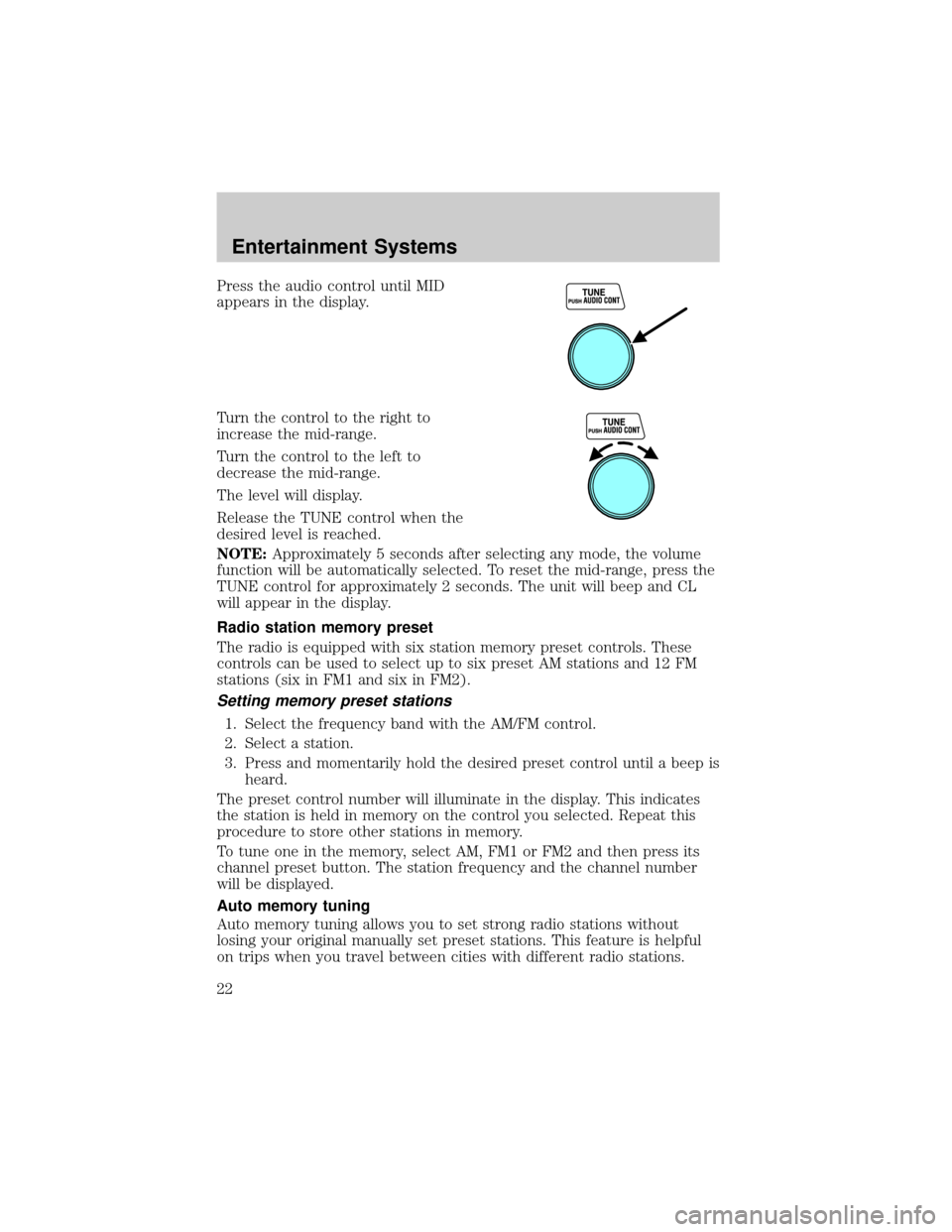
Press the audio control until MID
appears in the display.
Turn the control to the right to
increase the mid-range.
Turn the control to the left to
decrease the mid-range.
The level will display.
Release the TUNE control when the
desired level is reached.
NOTE:Approximately 5 seconds after selecting any mode, the volume
function will be automatically selected. To reset the mid-range, press the
TUNE control for approximately 2 seconds. The unit will beep and CL
will appear in the display.
Radio station memory preset
The radio is equipped with six station memory preset controls. These
controls can be used to select up to six preset AM stations and 12 FM
stations (six in FM1 and six in FM2).
Setting memory preset stations
1. Select the frequency band with the AM/FM control.
2. Select a station.
3. Press and momentarily hold the desired preset control until a beep is
heard.
The preset control number will illuminate in the display. This indicates
the station is held in memory on the control you selected. Repeat this
procedure to store other stations in memory.
To tune one in the memory, select AM, FM1 or FM2 and then press its
channel preset button. The station frequency and the channel number
will be displayed.
Auto memory tuning
Auto memory tuning allows you to set strong radio stations without
losing your original manually set preset stations. This feature is helpful
on trips when you travel between cities with different radio stations.
Entertainment Systems
22
Page 27 of 248
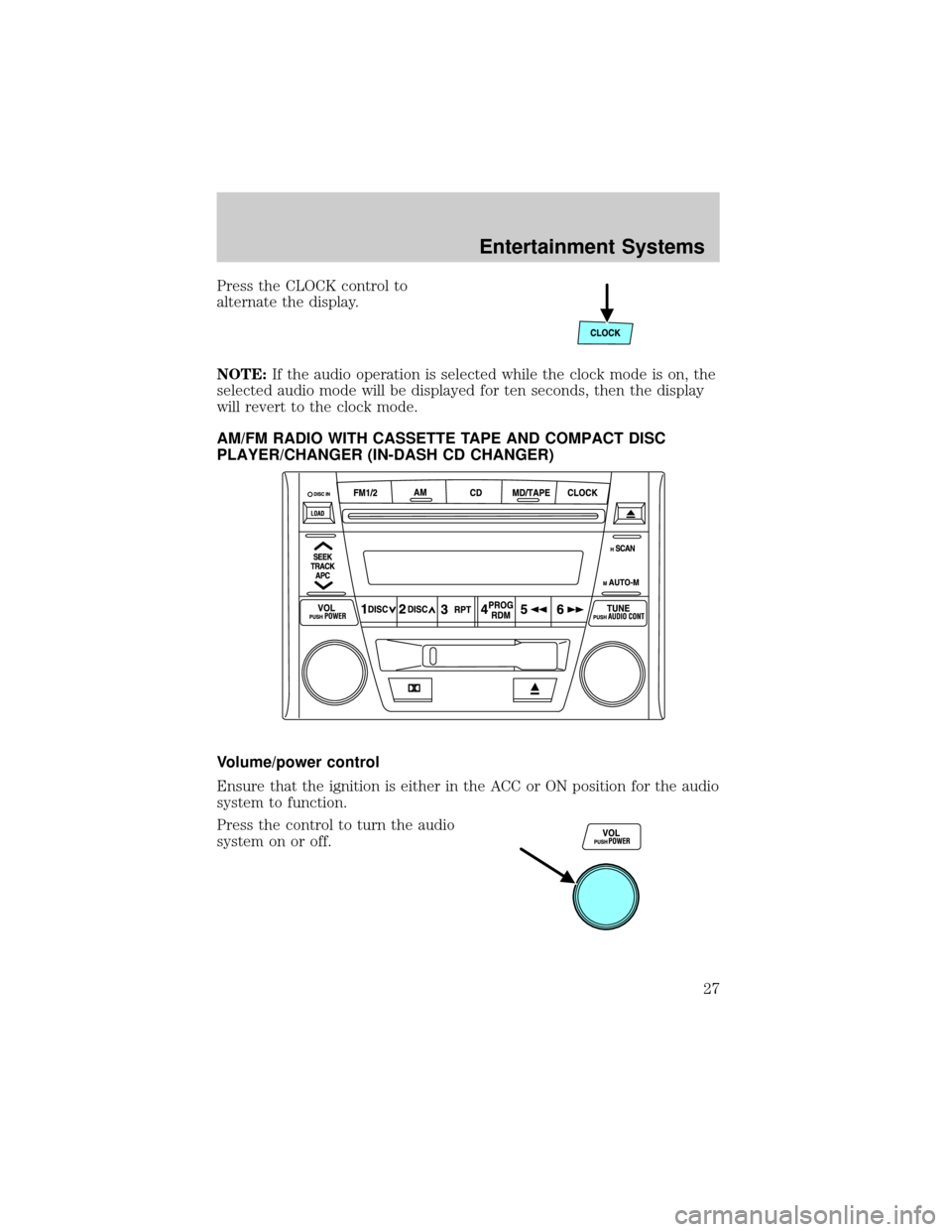
Press the CLOCK control to
alternate the display.
NOTE:If the audio operation is selected while the clock mode is on, the
selected audio mode will be displayed for ten seconds, then the display
will revert to the clock mode.
AM/FM RADIO WITH CASSETTE TAPE AND COMPACT DISC
PLAYER/CHANGER (IN-DASH CD CHANGER)
Volume/power control
Ensure that the ignition is either in the ACC or ON position for the audio
system to function.
Press the control to turn the audio
system on or off.
Entertainment Systems
27
Page 28 of 248
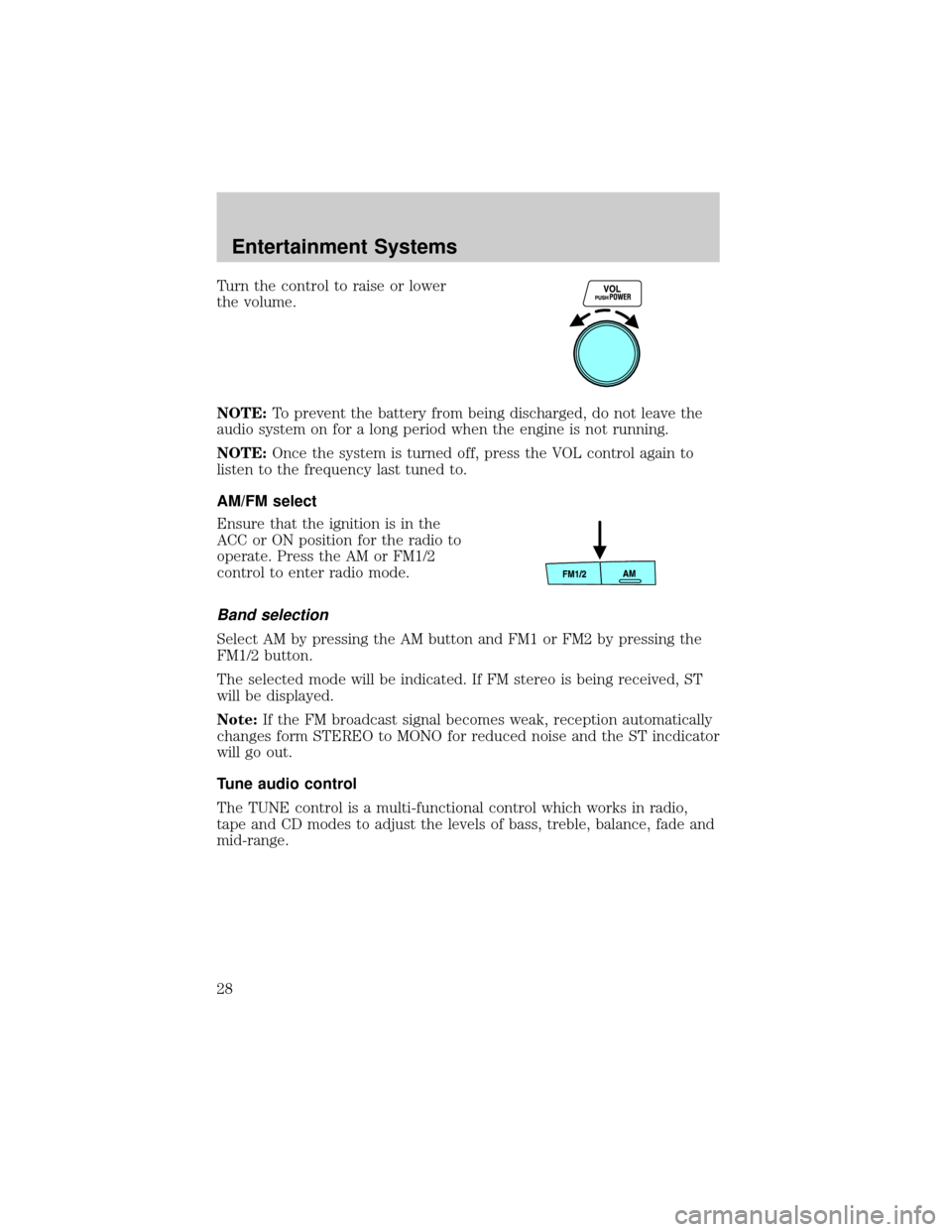
Turn the control to raise or lower
the volume.
NOTE:To prevent the battery from being discharged, do not leave the
audio system on for a long period when the engine is not running.
NOTE:Once the system is turned off, press the VOL control again to
listen to the frequency last tuned to.
AM/FM select
Ensure that the ignition is in the
ACC or ON position for the radio to
operate. Press the AM or FM1/2
control to enter radio mode.
Band selection
Select AM by pressing the AM button and FM1 or FM2 by pressing the
FM1/2 button.
The selected mode will be indicated. If FM stereo is being received, ST
will be displayed.
Note:If the FM broadcast signal becomes weak, reception automatically
changes form STEREO to MONO for reduced noise and the ST incdicator
will go out.
Tune audio control
The TUNE control is a multi-functional control which works in radio,
tape and CD modes to adjust the levels of bass, treble, balance, fade and
mid-range.
Entertainment Systems
28
Page 29 of 248

Press the TUNE control to select
the desired function.
Turn the TUNE control to adjust the
desired levels.
Refer toTreble adjustfor specific instructions on level adjustments.
The TUNE control will also work in radio mode to manually increase or
decrease the frequency.
Turn the TUNE control to the left
for a lower frequency.
Turn the TUNE control to the right
for a higher frequency.
Scan function
The scan function works in radio
and CD mode.
Scan function in radio mode
Press the SCAN control to hear a brief sampling of all listenable stations
on the frequency band. Press the SCAN control again to disable scan
mode.
Scan function in CD mode
Press the SCAN control during CD play to hear the first ten seconds of
each track. Press the SCAN control again to stop the scan mode.
Entertainment Systems
29
Page 30 of 248

NOTE:If the unit is left in scan mode, normal play will resume where
scan was selected.
Seek function
The seek function control works in radio mode.
Seek function in radio mode
Press and momentarily hold the
SEEK control.
²Press
to find the next
listenable station up the
frequency band.
²Press
to find the next listenable station down the frequency band.
NOTE:If you continue to press and hold the control, the frequency will
continue changing without stopping. Release the control after the beep
sounds.
Treble adjust
The treble adjust control allows you to increase or decrease the audio
system's treble output.
Press the audio control until TREB
is displayed.
Turn the control to increase (right)
or decrease (left) the amount of
treble output.
Bass adjust
The bass adjust control allows you to increase or decrease the audio
system's bass output.
Entertainment Systems
30
Page 33 of 248
Radio station memory preset
The radio is equipped with six station memory preset controls. These
controls can be used to select up to six preset AM stations and 12 FM
stations (six in FM1 and six in FM2).
Setting memory preset stations
1. Select the frequency band with the AM/FM control.
2. Select a station.
3. Press and momentarily hold the desired preset control until a beep is
heard.
The preset control number will illuminate in the display. This indicates
the station is held in memory on the control you selected. Repeat this
procedure to store other stations in memory.
To tune one in the memory, select AM, FM1 or FM2 and then press its
channel preset button. The station frequency and the channel number
will be displayed.
Auto memory tuning
Auto memory tuning allows you to set strong radio stations without
losing your original manually set preset stations. This feature is helpful
on trips when you travel between cities with different radio stations.
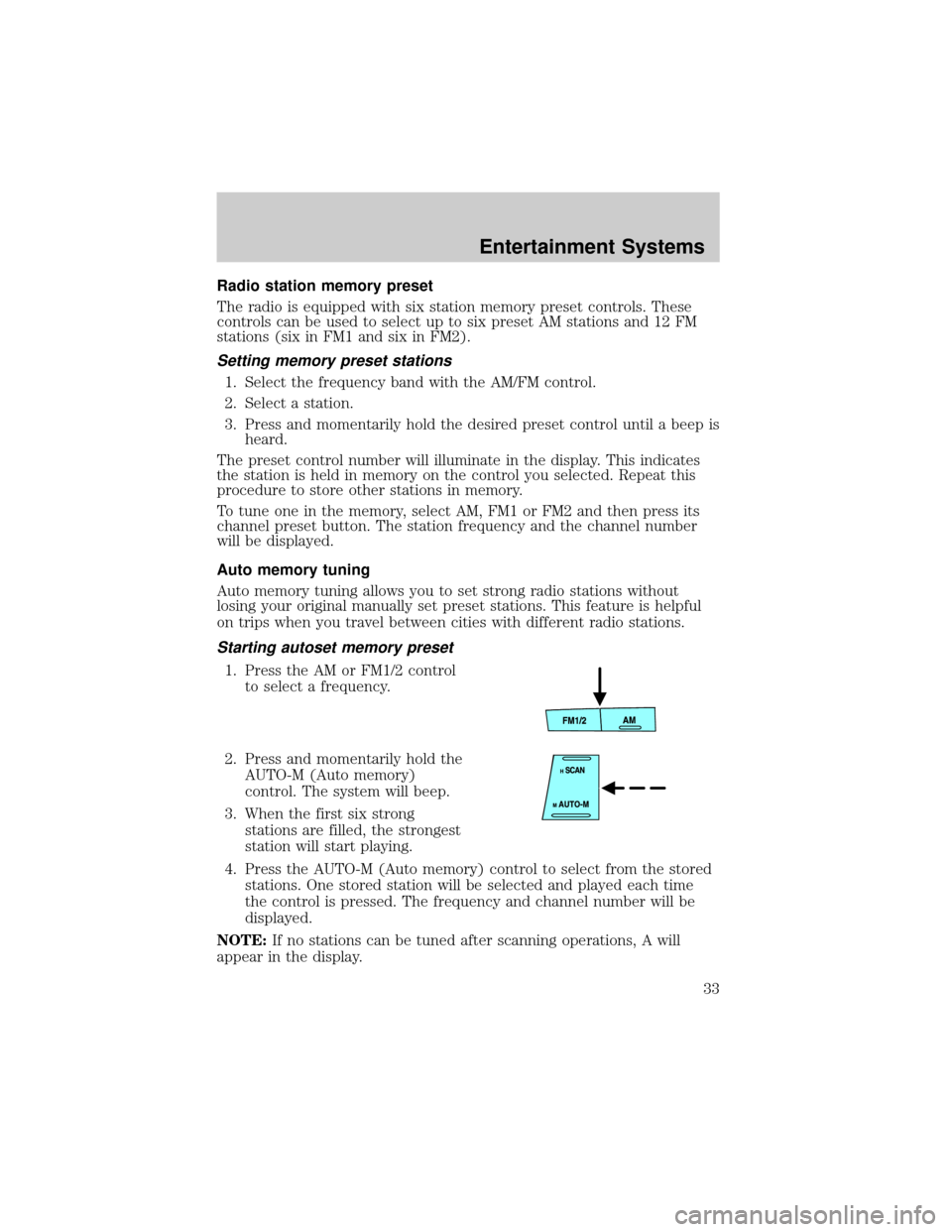
Starting autoset memory preset
1. Press the AM or FM1/2 control
to select a frequency.
2. Press and momentarily hold the
AUTO-M (Auto memory)
control. The system will beep.
3. When the first six strong
stations are filled, the strongest
station will start playing.
4. Press the AUTO-M (Auto memory) control to select from the stored
stations. One stored station will be selected and played each time
the control is pressed. The frequency and channel number will be
displayed.
NOTE:If no stations can be tuned after scanning operations, A will
appear in the display.
Entertainment Systems
33
Page 42 of 248

²Do not stick paper or tape on the CD. Avoid scratching the reverse
side of the CD (the side without a label).
²Dust, finger smudges, and dirt can decrease the amount of light
reflected from the signal surface, thereby effecting sound quality.
Gently wipe a soiled CD with a soft cloth from the center to the edge.
²Do not use record sprays, antistatic agents, or household spray
cleaners. Volatile chemicals such as benzine and thinner can also
damage the surface of the CD and must not be used. Do not use
anything that can damage, warp or fog CDs.
²Keep CDs in their cases and avoid direct sunlight to avoid warping.
²The CD player ejects the CD is inserted upside down. Also dirty
and/or defective CDs may be ejected.
²Do not insert cleaning discs into the CD player.
CD units are designed to play commercially pressed 12 cm
(4.75 in) audio compact discs only. Due to technical
incompatibility, certain recordable and re-recordable compact
discs may not function correctly when used in Mazda CD players.
Irregular shaped CDs, CDs with a scratch protection film
attached, and CDs with homemade paper (adhesive) labels should
not be inserted into the CD player. The label may peel and cause
the CD to become jammed. It is recommended that homemade
CDs be identified with permanent felt tip marker rather than
adhesive labels. Ball point pens may damage CDs. Please contact
your dealer for further information.
CD AND CD CHANGER CARE
²Handle discs by their edges only. Never touch the playing surface.
²Do not expose discs to direct sunlight or heat sources for extended
periods of time.
RADIO FREQUENCY INFORMATION
The Federal Communications Commission (FCC) and the Canadian Radio
and Telecommunications Commission(CRTC) establish the frequencies AM
and FM stations may use for their broadcasts. Allowable frequencies are:
AM 530, 540±1600, 1610 kHz
FM 87.7, 87.9±107.7, 107.9 MHz
Not all frequencies are used in a given area.
Entertainment Systems
42