charging MERCEDES-BENZ CL COUPE 2009 Owners Manual
[x] Cancel search | Manufacturer: MERCEDES-BENZ, Model Year: 2009, Model line: CL COUPE, Model: MERCEDES-BENZ CL COUPE 2009Pages: 421, PDF Size: 10.78 MB
Page 8 of 421
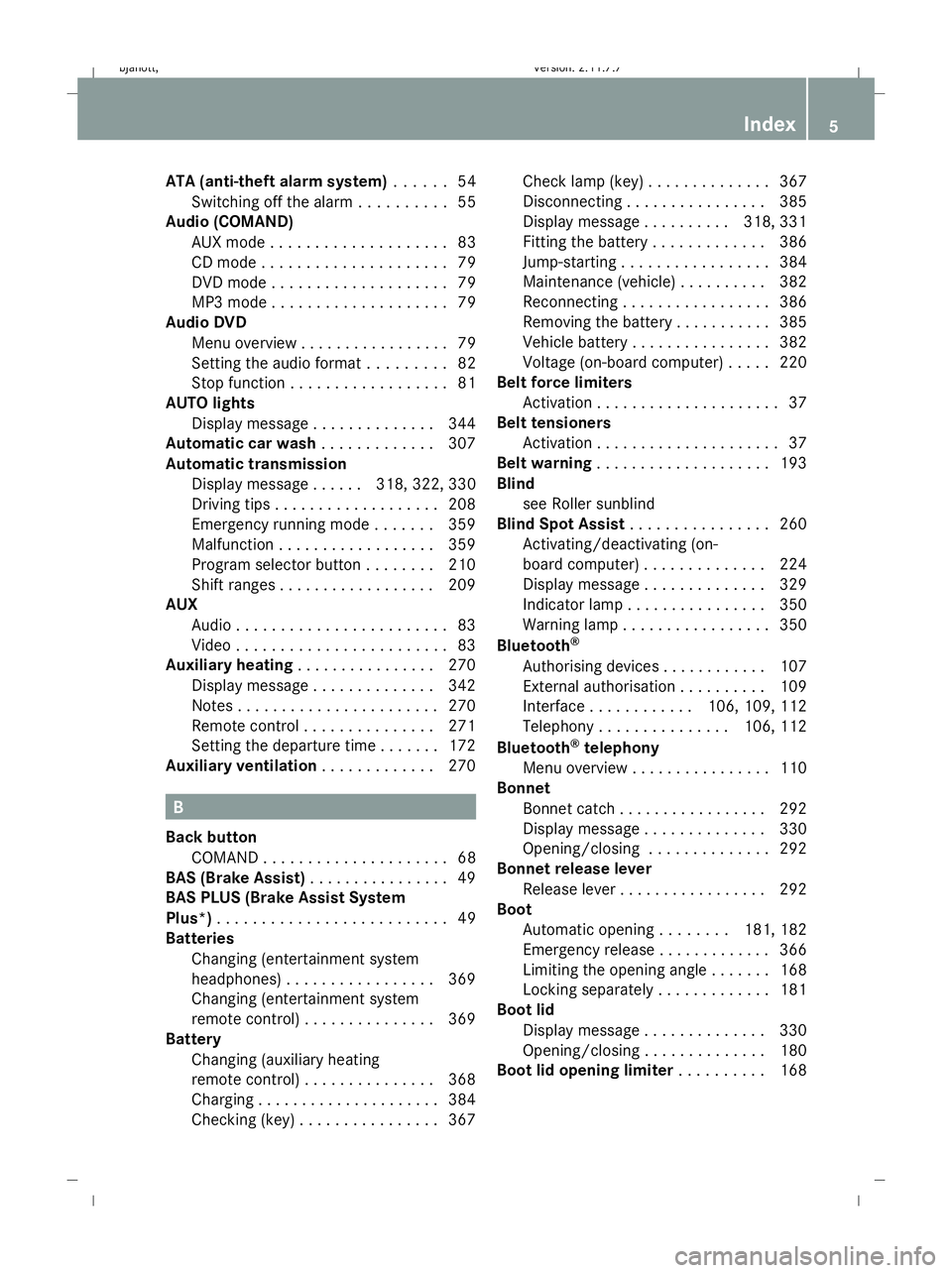
ATA (anti-theft alarm system)
. . . . ..54
Switching off the alarm . . . . . . . . . .55
Audio (COMAND)
AUX mode . . . . . . . . . . . . . . . . . . . .83
CD mod e.. . . . . . . . . . . . . . . . . . . .79
DVD mod e.. . . . . . . . . . . . . . . . . . .79
MP3 mode . . . . . . . . . . . . . . . . . . . .79
Audio DVD
Menu overview . . . . . . . . . . . . . . . . .79
Setting the audio format . . . . . . . . .82
Stop function . . . . . . . . . . . . . . . . . .81
AUTO lights
Display message . . . . . . . . . . . . . .344
Automatic car wash . . . . . . . . . . . ..307
Automatic transmission Display message . . . . . .318, 322, 330
Driving tips . . . . . . . . . . . . . . . . . . .208
Emergency running mode . . . . . . .359
Malfunction . . . . . . . . . . . . . . . . . .359
Program selector button . . . . . . . .210
Shift ranges . . . . . . . . . . . . . . . . . .209
AUX
Audi o.. . . . . . . . . . . . . . . . . . . . . . .83
Video . . . . . . . . . . . . . . . . . . . . . . . .83
Auxiliary heating . . . . . . . . . . . . . . ..270
Display message . . . . . . . . . . . . . .342
Notes . . . . . . . . . . . . . . . . . . . . . . .270
Remote control . . . . . . . . . . . . . . .271
Setting the departure time . . . . . . .172
Auxiliary ventilation . . . . . . . . . . . ..270 B
Back button COMAND . . . . . . . . . . . . . . . . . . . . .68
BAS (Brake Assist) . . . . . . . . . . . . . . ..49
BAS PLUS (Brake Assist System
Plus*) . . . . . . . . . . . . . . . . . . . . . . . . . .49
Batteries Changing (entertainment system
headphones) . . . . . . . . . . . . . . . . .369
Changing (entertainment system
remote control) . . . . . . . . . . . . . . .369
Battery
Changing (auxiliary heating
remote control) . . . . . . . . . . . . . . .368
Charging . . . . . . . . . . . . . . . . . . . . .384
Checking (key ).. . . . . . . . . . . . . . .367 Check lamp (key
).. . . . . . . . . . . . .367
Disconnecting . . . . . . . . . . . . . . . .385
Display message . . . . . . . . . .318, 331
Fitting the battery . . . . . . . . . . . . .386
Jump-starting . . . . . . . . . . . . . . . . .384
Maintenance (vehicle ).. . . . . . . ..382
Reconnecting . . . . . . . . . . . . . . . . .386
Removing the battery . . . . . . . . . . .385
Vehicle battery . . . . . . . . . . . . . . . .382
Voltage (on-board computer) . . . . .220
Belt force limiters
Activatio n.. . . . . . . . . . . . . . . . . . . .37
Belt tensioners
Activation . . . . . . . . . . . . . . . . . . . . .37
Belt warning . . . . . . . . . . . . . . . . . . . .193
Blind see Roller sunblind
Blind Spot Assist . . . . . . . . . . . . . . . .260
Activating/deactivating (on-
board computer) . . . . . . . . . . . . . .224
Display message . . . . . . . . . . . . . .329
Indicator lamp . . . . . . . . . . . . . . . .350
Warning lamp . . . . . . . . . . . . . . . . .350
Bluetooth ®
Authorising devices . . . . . . . . . . . .107
External authorisation . . . . . . . . . .109
Interface . . . . . . . . . . . .106, 109, 112
Telephony . . . . . . . . . . . . . . .106, 112
Bluetooth ®
telephony
Menu overview . . . . . . . . . . . . . . . .110
Bonnet
Bonnet catch . . . . . . . . . . . . . . . . .292
Display message . . . . . . . . . . . . . .330
Opening/closing . . . . . . . . . . . . . .292
Bonnet release lever
Release lever . . . . . . . . . . . . . . . . .292
Boot
Automatic opening . . . . . . . .181, 182
Emergency release . . . . . . . . . . . . .366
Limiting the opening angl e.. . . . ..168
Locking separatel y.. . . . . . . . . . ..181
Boot lid
Display message . . . . . . . . . . . . . .330
Opening/closing . . . . . . . . . . . . . .180
Boot lid opening limiter . . . . . . . . ..168 Index
5 216_AKB; 2; 3, en-GB
bjanott,
Version: 2.11.7.7 2009-02-27T14:54:17+01:00 - Seite 5Dateiname: 6515230602_buchblock.pdf; erzeugt am 04. Mar 2009 11:14:34; WK
Page 198 of 421
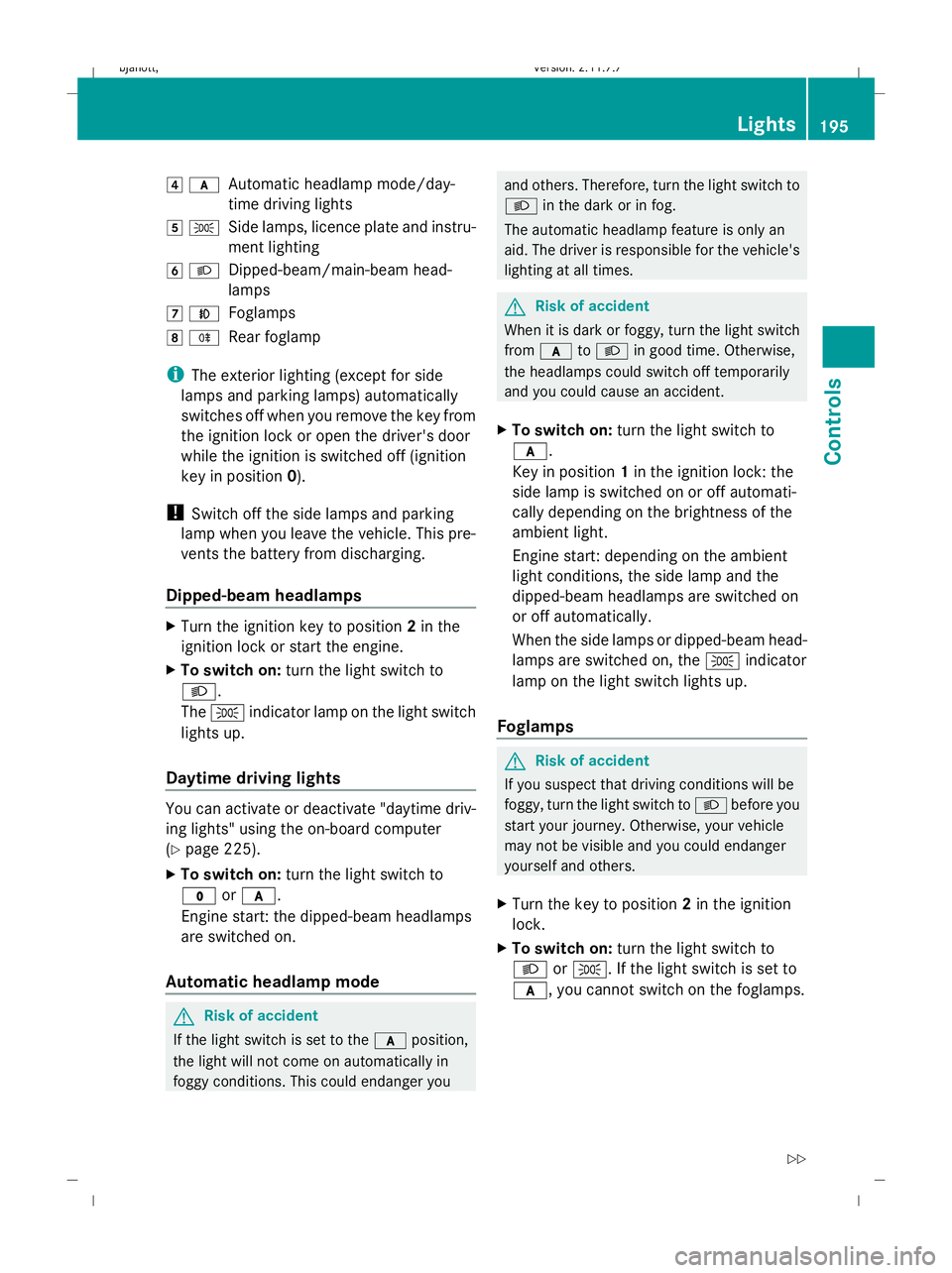
4
c
Automatic headlamp mode/day-
time driving lights
5 T
Side lamps, licence plate and instru-
ment lighting
6 L
Dipped-beam/main-beam head-
lamps
7 N
Foglamps
8 R
Rear foglamp
i The exterior lighting (except for side
lamps and parking lamps) automatically
switches off when you remove the key from
the ignition lock or open the driver's door
while the ignition is switched off (ignition
key in position 0).
! Switch off the side lamps and parking
lamp when you leave the vehicle. This pre-
vents the battery from discharging.
Dipped-beam headlamps X
Turn the ignition key to position 2in the
ignition lock or start the engine.
X To switch on: turn the light switch to
L.
The T indicator lamp on the light switch
lights up.
Daytime driving lights You can activate or deactivate "daytime driv-
ing lights" using the on-board computer
(Y page 225).
X To switch on: turn the light switch to
$ orc.
Engine start: the dipped-beam headlamps
are switched on.
Automatic headlamp mode G
Risk of accident
If the light switch is set to the cposition,
the light will not come on automatically in
foggy conditions. This could endanger you and others. Therefore, turn the light switch to
L
in the dark or in fog.
The automatic headlamp feature is only an
aid. The driver is responsible for the vehicle's
lighting at all times. G
Risk of accident
When it is dark or foggy, turn the light switch
from c toL in good time. Otherwise,
the headlamps could switch off temporarily
and you could cause an accident.
X To switch on: turn the light switch to
c.
Key in position 1in the ignition lock: the
side lamp is switched on or off automati-
cally depending on the brightness of the
ambient light.
Engine start: depending on the ambient
light conditions, the side lamp and the
dipped-beam headlamps are switched on
or off automatically.
When the side lamps or dipped-beam head-
lamps are switched on, the Tindicator
lamp on the light switch lights up.
Foglamps G
Risk of accident
If you suspect that driving conditions will be
foggy, turn the light switch to Lbefore you
start your journey. Otherwise, your vehicle
may not be visible and you could endanger
yourself and others.
X Turn the key to position 2in the ignition
lock.
X To switch on: turn the light switch to
L orT. If the light switch is set to
c, you cannot switch on the foglamps. Lights
195Controls
216_AKB; 2; 3, en-GB
bjanott, Version: 2.11.7.7 2009-02-27T14:54:17+01:00 - Seite 195 Z
Dateiname: 6515230602_buchblock.pdf; erzeugt am 04. Mar 2009 11:15:43; WK
Page 336 of 421
Display messages
Possible causes/consequences and
X
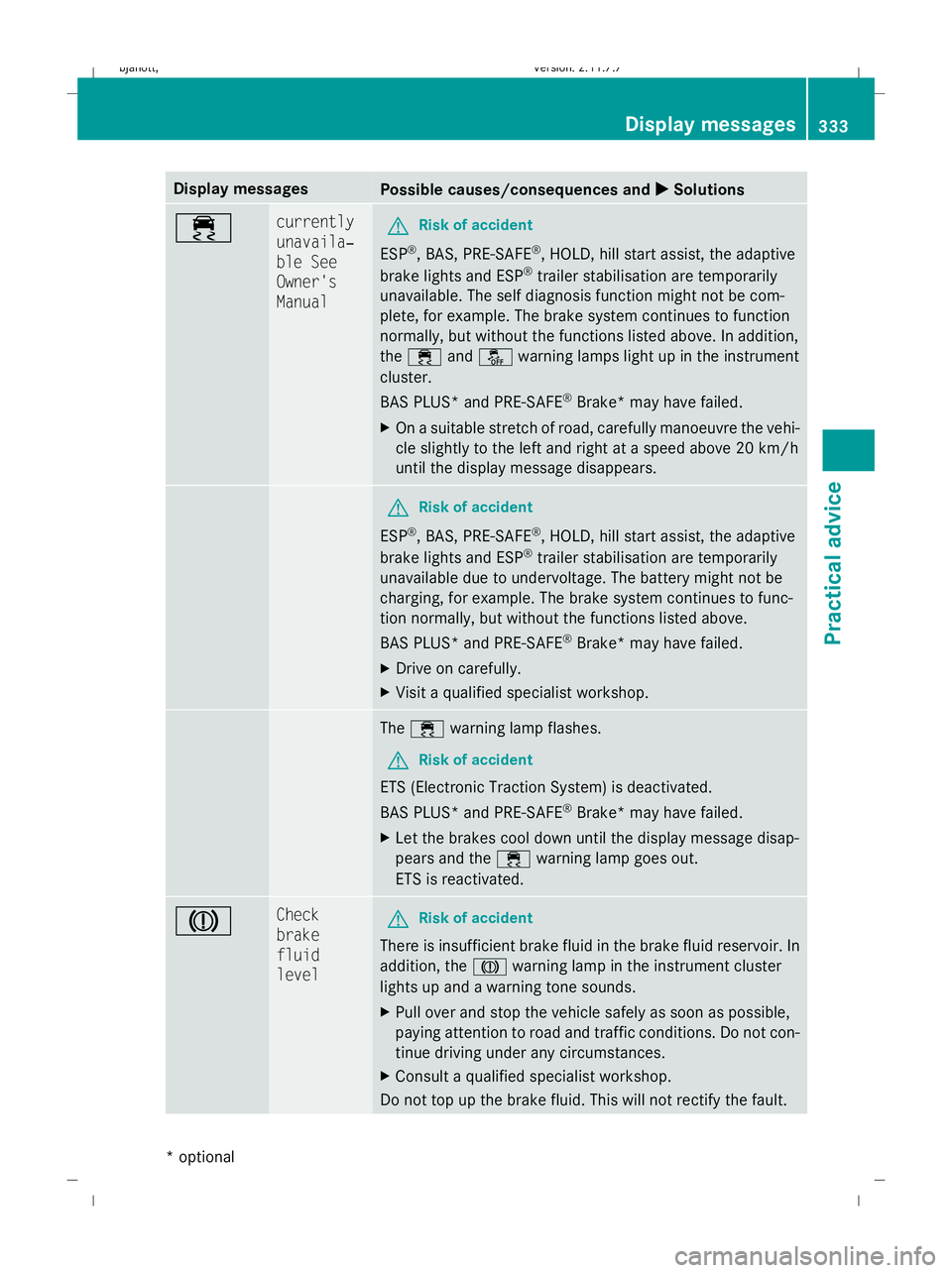
X Solutions ÷ currently
unavaila‐
ble See
Owner's
Manual
G
Risk of accident
ESP ®
, BAS, PRE-SAFE ®
, HOLD, hill start assist, the adaptive
brake lights and ESP ®
trailer stabilisation are temporarily
unavailable. The self diagnosis function might not be com-
plete, for example. The brake system continues to function
normally, but without the functions listed above. In addition,
the ÷ andå warning lamps light up in the instrument
cluster.
BAS PLUS* and PRE-SAFE ®
Brake* may have failed.
X On a suitable stretch of road, carefully manoeuvre the vehi-
cle slightly to the left and right at a speed above 20 km/h
until the display message disappears. G
Risk of accident
ESP ®
, BAS, PRE-SAFE ®
, HOLD, hill start assist, the adaptive
brake lights and ESP ®
trailer stabilisation are temporarily
unavailable due to undervoltage. The battery might not be
charging, for example. The brake system continues to func-
tion normally, but without the functions listed above.
BAS PLUS* and PRE-SAFE ®
Brake* may have failed.
X Drive on carefully.
X Visit a qualified specialist workshop. The
÷ warning lamp flashes.
G Risk of accident
ETS (Electronic Traction System) is deactivated.
BAS PLUS* and PRE-SAFE ®
Brake* may have failed.
X Let the brakes cool down until the display message disap-
pears and the ÷warning lamp goes out.
ETS is reactivated. J Check
brake
fluid
level
G
Risk of accident
There is insufficient brake fluid in the brake fluid reservoir. In
addition, the Jwarning lamp in the instrument cluster
lights up and a warning tone sounds.
X Pull over and stop the vehicle safely as soon as possible,
paying attention to road and traffic conditions. Do not con-
tinue driving under any circumstances.
X Consult a qualified specialist workshop.
Do not top up the brake fluid. This will not rectify the fault. Display
messages
333Practical advice
* optional
216_AKB; 2; 3, en-GB
bjanott
,V ersion: 2.11.7.7
2009-02-27T14:54:17+01:00 - Seite 333 Z
Dateiname: 6515230602_buchblock.pdf; erzeugt am 04. Mar 2009 11:16:37; WK
Page 339 of 421
Display messages
Possible causes/consequences and
X
X Solutions !
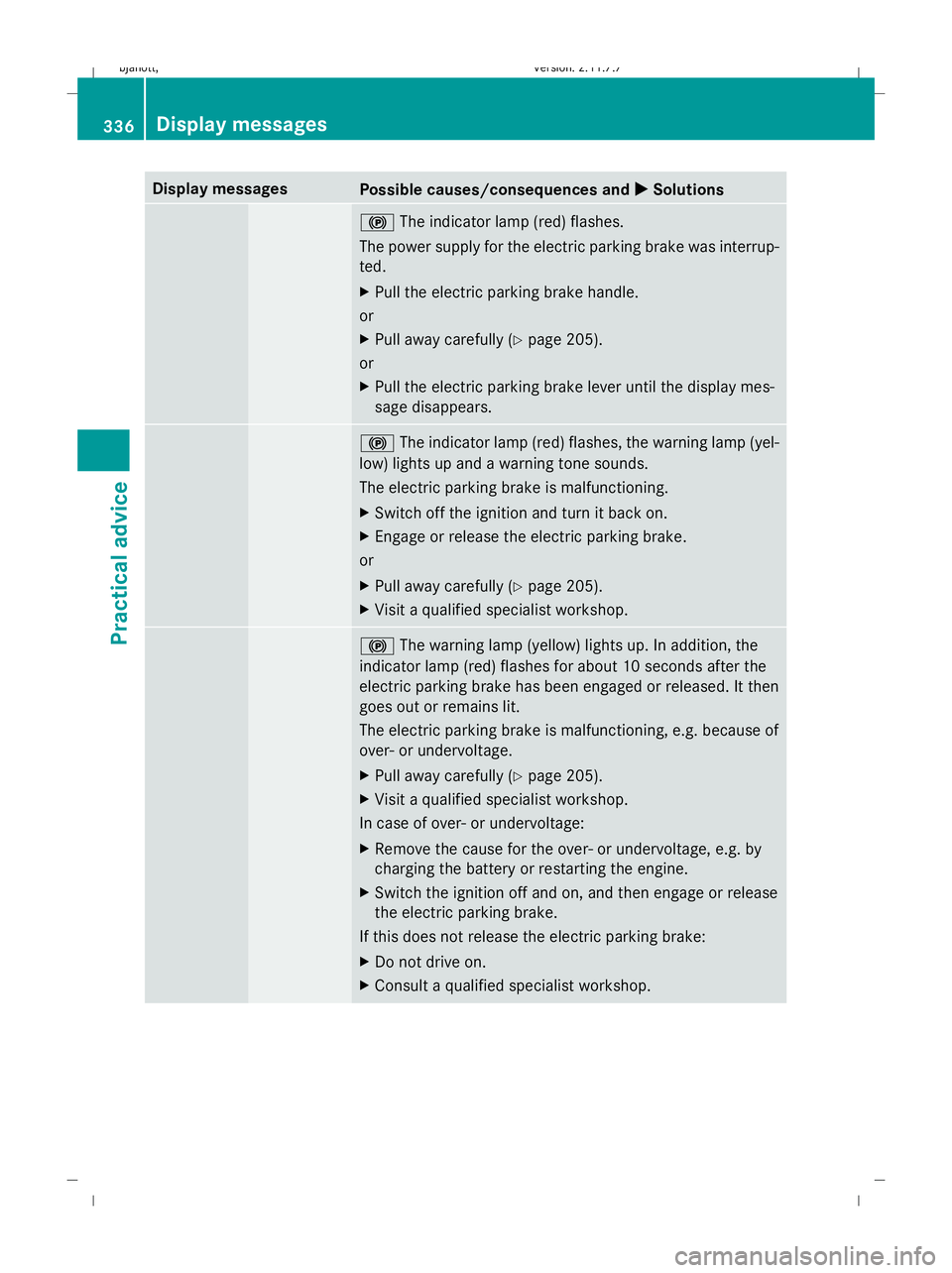
The indicator lamp (red) flashes.
The power supply for the electric parking brake was interrup-
ted.
X Pull the electric parking brake handle.
or
X Pull away carefully (Y page 205).
or
X Pull the electric parking brake lever until the display mes-
sage disappears. !
The indicator lamp (red) flashes, the warning lamp (yel-
low) lights up and a warning tone sounds.
The electric parking brake is malfunctioning.
X Switch off the ignition and turn it back on.
X Engage or release the electric parking brake.
or
X Pull away carefully (Y page 205).
X Visit a qualified specialist workshop. !
The warning lamp (yellow) lights up. In addition, the
indicator lamp (red) flashes for about 10 seconds after the
electric parking brake has been engaged or released. It then
goes out or remains lit.
The electric parking brake is malfunctioning, e.g. because of
over- or undervoltage.
X Pull away carefully (Y page 205).
X Visit a qualified specialist workshop.
In case of over- or undervoltage:
X Remove the cause for the over- or undervoltage, e.g. by
charging the battery or restarting the engine.
X Switch the ignition off and on, and then engage or release
the electric parking brake.
If this does not release the electric parking brake:
X Do not drive on.
X Consult a qualified specialist workshop. 336
Display
messagesPractical advice
216_AKB; 2; 3, en-GB
bjanott ,V ersion: 2.11.7.7
2009-02-27T14:54:17+01:00 - Seite 336
Dateiname: 6515230602_buchblock.pdf; erzeugt am 04. Mar 2009 11:16:37; WK
Page 386 of 421
Wear eye protection.
Keep children away.
Observe this Owner's Man-
ual.
H
Environmental note
Do not dispose of batteries in the household
rubbish. Dispose of defective batteries in an
environmentally responsible manner. Take
them to a Mercedes-Benz Service Centre or
to a special collection point for old batteries. G
Risk of injury
For safety reasons, Mercedes-Benz recom-
mends that you only use batteries which have
been tested and approved for your vehicle by
Mercedes-Benz. These batteries provide
increased impact protection to prevent vehi-
cle occupants from suffering acid burns
should the battery be damaged in the event
of an accident.
To prevent acid burns, observe the following
safety notes when handling batteries:
R do not lean over the battery.
R do not place any metal objects on a battery.
You could otherwise cause a short circuit
and the battery's gas mixture could ignite.
R make sure that you do not create an elec-
trostatic charge, e.g. by wearing synthetic
clothing or as a result of friction on fabrics.
Therefore, you should not pull or slide the
battery over carpets or other synthetic
materials. R
never touch the battery first. To discharge
a possible electrostatic charge, step out of
the vehicle first and touch the bodywork.
R do not wipe the battery using a cloth. The
battery may explode as a result of electro-
static charge or due to flying sparks.
! Before loosening the terminal clamps of
the battery, switch off the engine and
remove the key or, on vehicles with KEY-
LESS GO*, make sure that the ignition is
not switched on. In the instrument cluster,
all of the indicator lamps must be out. Oth-
erwise, you may destroy electronic compo-
nents, such as the alternator.
i Mercedes-Benz recommends that you
have work involving the battery, e.g.
removal, charging and replacement, car-
ried out at a qualified specialist workshop,
e.g. a Mercedes-Benz Service Centre.
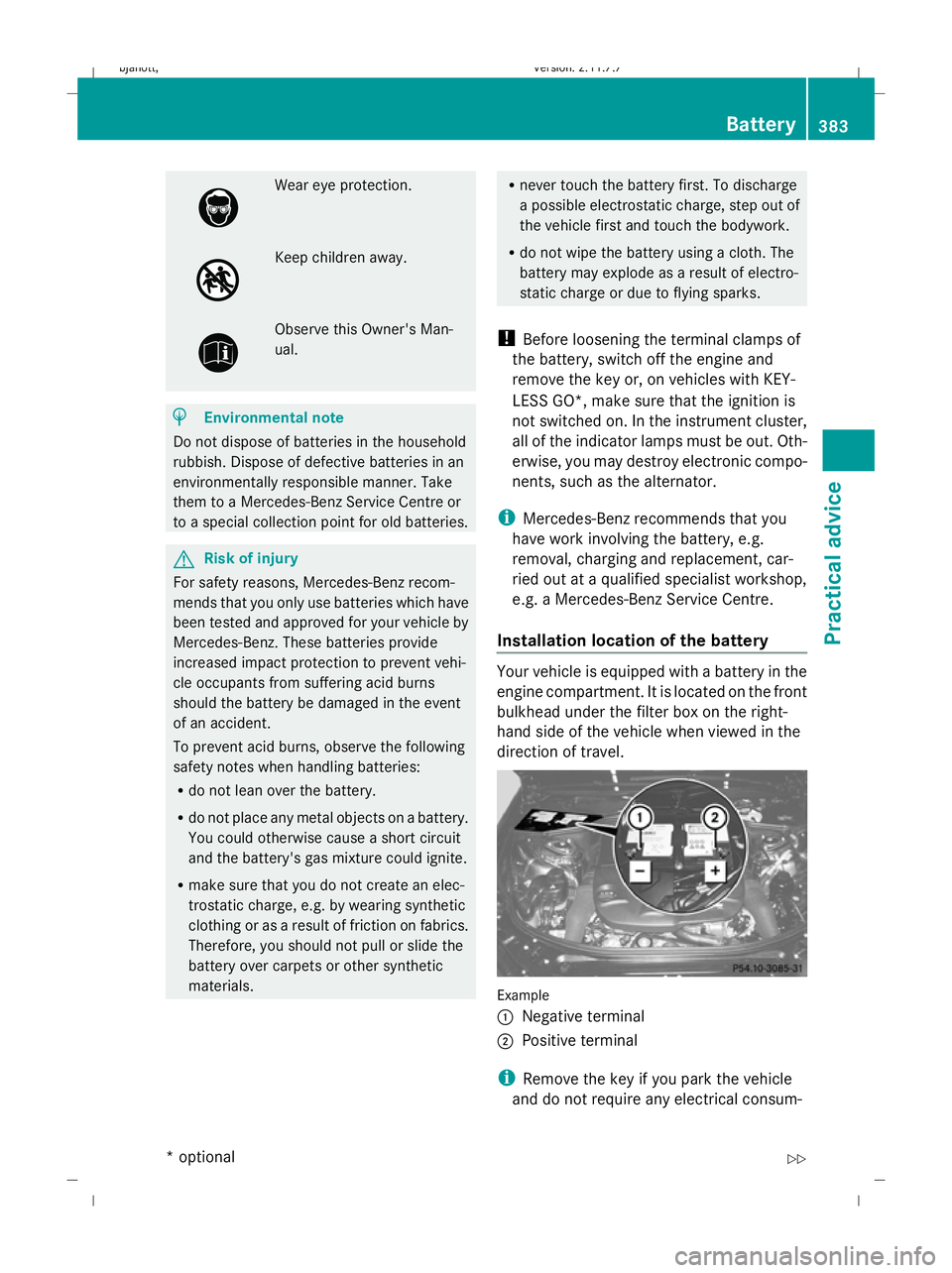
Installation location of the battery Your vehicle is equipped with a battery in the
engine compartment. It is located on the front
bulkhead under the filter box on the right-
hand side of the vehicle when viewed in the
direction of travel.
Example
:
Negative terminal
; Positive terminal
i Remove the key if you park the vehicle
and do not require any electrical consum- Battery
383Practical advice
* optional
216_AKB; 2; 3, en-GB
bjanott,
Version: 2.11.7.7 2009-02-27T14:54:17+01:00 - Seite 383 Z
Dateiname: 6515230602_buchblock.pdf; erzeugt am 04. Mar 2009 11:16:51; WK
Page 387 of 421
ers. The vehicle will then use very little
energy, thus conserving the battery.
i If the battery is discharged, you must use
the emergency key element to unlock the
vehicle. Charging the battery
G
Risk of injury
Only charge the installed battery using a
Mercedes-Benz approved battery charger.
Otherwise, the vehicle's electronic system
may be damaged. Only charge the battery in
a well-ventilated area. As the battery is being
charged, gases can escape and generate
minor explosions. This could injure you and
other persons or cause damage to the paint-
work or acid corrosion on the vehicle.
You can obtain information about battery
chargers which allow the battery to be
charged while still installed from a qualified
specialist workshop, e.g. a Mercedes-Benz
Service Centre. G
Risk of injury
There is a risk of acid burns during the charg-
ing process due to the gases which escape
from the battery. Do not lean over the battery
during the charging process.
X Use the electric parking brake to secure the
vehicle and use the DIRECT SELECT lever
to set the transmission to P.
X Switch off all electrical consumers.
X Turn the key to position 0in the ignition
lock and remove it.
X Open the bonnet.
X Check that the breather hose is fitted and
that there is a cell cap on the opposite side
of the battery.
X Remove the cover from the positive termi-
nal.
X Connect the positive clamp of the battery
charger to the positive terminal of the bat-
tery. X
Connect the negative clamp of the battery
charger to the vehicle's earth point.
X Charge the battery. Observe the notes in
the operating instructions for your battery
charger.
X Disconnect the battery charger after charg-
ing.
X Attach the positive terminal cover.
X Close the bonnet. Jump-starting
If your vehicle's battery is discharged, the
engine can be jump-started from another
vehicle or from an external battery using jump
leads.
Observe the following points:
R jump-starting may only be performed when
the engine and catalytic converter are cold.
R do not start the engine if the battery is fro-
zen. Let the battery thaw first.
R jump-starting may only be performed from
batteries with a nominal voltage of 12 V.
R only use jump leads which have a sufficient
cross-section and insulated terminal
clamps.
i Jump leads and further information about
jump-starting can be obtained from any
Mercedes-Benz Service Centre.
! Avoid repeated and lengthy starting
attempts.
Never start the vehicle using a rapid battery
charger. G
Risk of injury
There is a risk of acid burns when jump-start-
ing a vehicle due to the gases which escape
from the battery. Do not lean over the battery
while the engine is being jump-started. 384
BatteryPractical advice
216_AKB; 2; 3, en-GB
bjanott,
Version: 2.11.7.7 2009-02-27T14:54:17+01:00 - Seite 384
Dateiname: 6515230602_buchblock.pdf; erzeugt am 04. Mar 2009 11:16:52; WK