service MERCEDES-BENZ E-CLASS CABRIOLET 2010 Owners Manual
[x] Cancel search | Manufacturer: MERCEDES-BENZ, Model Year: 2010, Model line: E-CLASS CABRIOLET, Model: MERCEDES-BENZ E-CLASS CABRIOLET 2010Pages: 333, PDF Size: 7.64 MB
Page 1 of 333
Disclaimer
Das folgen de PDF -Doku ment für die ses Fahrze ugmodell be zieht sich in allen
Sprachver sionen nur auf die Fahrz euge, d ie fü r den deutsche n Markt best immt
sind und die den deutschen Vorschriften entsprechen. Bitte wenden Sie sich an
Ihr en autorisierten Mer cedes-Benz Services tützpunkt, um ein gedruckt es Exem plar
für andere Fahrzeugmodelle und Fahrzeugmodelljahre zu erhalten.
Dieses PDF -Dokume nt stellt die aktuelle Version dar . Mögliche Abweic hungen zu
Ihrem konkreten Fahrzeug könnten nicht berücksichtigt sein, da Mercedes-Benz
seine Fahrzeuge st ändig dem neuest en Stand d er Technik anp asst, so wie
Änderungen in Form und Ausstattung vornimmt. Bitte beachten Sie daher, dass
dieses PDF-Dokument in keinem Fall das gedruckte Exemplar ersetzt, das mit
dem Fahrzeug ausgeliefert wurde.
Internal use only
Disclaimer
All language versions of the following PD\f document for this vehicle model
relate solel\b to vehicles intended for sale on the German market and which
correspond to German regulations.
Please contact \bour authorised Mercedes-Benz Service Centre to obtain
a printed version for other vehicle models and vehicle model \bears. This PD\f
document is the latest version. Possible variations to \bour vehicle ma\b not
be taken into account as Mercedes-Benz constantl\b updates their vehicles to
the state of the art and introduces changes in design and e\Dquipment. Please
therefore note that this PD\f document in no wa\b replaces the printed version
which was delivered with \bour vehicle.
Internal use only
Disclaimer
The following version of the Owner‘s Manual describes all models, series and
special equipment of your vehicle. Country-specific language variations are
possible. Please note that your vehicle might not be equipped with all the
described functions. This also affects safety-relevant systems and functions.
Please contact your authorised Mercedes-Benz dealership if you would like
to receive a printed Owner‘s Manual for other vehicle models and vehicle
model years.
The online Owner‘s Manual is the current and valid version. It is possible that
deviations affecting your specific vehicle could not be taken into account
as Mercedes-Benz constantly adapts its vehicles according to the latest
technology and makes changes to the form and the equipment.
Please also read the printed Owner‘s Manual, supplementary documents and
the digital Owner‘s Manual in the vehicle.
Copyright
All rights reserved. All texts, images and graphics are subject to copyright
and other laws for the protection of intellectual property. They may not be
copied or changed for any commercial use or for the purpose of being passed
on nor used on other webistes.
Page 4 of 333
Wel
come to the world of Mercedes-Benz
Before you drive off, please familiarise your-
sel fw ith you rvehicle and read this manual,
especiall ythe safety and warnin gnotices.
This will help you to obtain the maximum
pleasur efrom your vehicl eand to avoid
endangering yourself and others.
The equipment or product designation of your
vehicl emay vary depending on:
R model
R order
R country specification
R availability
The illustrations in this manual sho waleft-
hand-drive vehicle. In right-hand-drive vehi-
cles, the arrangement and location of vehicle
part sand controls differ accordingly.
Mercedes-Ben zisconstantly updating its
vehicles to the stat eofthe art.
Mercedes-Benz therefor ereserves the right
to introduce changes in the following areas:
R design
R equipment
R technical features
You cannot therefore base any claim sonthe
data ,illustrations or descriptions contained
in this manual.
The following are integral parts of the vehicle:
R Owner' sManual
R Brief Instructions
R Service Booklet
R Supplements relating to vehicle equipment
Keep these documents in the vehicle at all
times. When you sell the vehicle, always pass
the documents on to the new owner.
i You can get to know the important fea-
tures of your vehicle in the interactive Own-
er's Manual on the Internet at:
http://www.mercedes-benz.de/
betriebsanleitung
The technical documentation team at
Daimler AG wishe syou safe and pleasant
motoring. 2075841381Z102
É2075841381Z102BËÍ
BA 207 ECE ÄJ 2010/1a; 1; 2, en-GB
mkalafa Version: 3.0.2.11 2010-01-26T13:03:22+01:00-Seite 1
Page 7 of 333
1, 2,
3...
12 Vsocket ........................................ 253 A
ABS (Anti-lock Braking System) Display message ............................ 215
Function/notes ................................ 55
Warn ingl am p................................. 238
Accident (notes) ................................ 273
Activ elight function (display mes-
sage) ................................................... 220
Activ eService System PLUS
se eA SSYSTP LUS service interval
display
ADAPTIV EBRAKE ................................ .59
Adaptive bra kelamps ......................... 57
Adaptive Highbeam Assist Activating/deactivating .................108
Adaptive Main-Beam Assist
Display message ............................ 220
Switch ingo n/off (on-board com-
puter) ............................................. 206
Additional spe edometer ................... 204
Airbag Hea dbag .......................................... 37
Important safety gu idelines ............. 34
Airbags
Activati on......................................... 33
Front airba g(driver, front
passenger) ....................................... 36
Kneeba g.......................................... .36
Pelvi sairbag .................................... 37
Sid ebag ............................................ 36
Windowba g...................................... 38
AIRCAP ................................................. 84
AIRCA P(cle anin ginstructions) ........266
Ai rc onditioning
3-zon eTHERMOTRO NICl uxury
automatic air conditioning .............122
Activating/deactivating .................124
Activating/deactivating air-recir-
culatio nmode ................................ 128
Contro lling automatically ...............124
Co oling with air dehumidificatio n..1 24
Demist ingt he windscreen .............127
Rea rcontrol panel ......................... 123Setting the ai
rdistribution .............126
Setting the airflo w......................... 126
Setting the ai rvent s...................... 130
Setting the temperature ................125
Setting the temperature (re ar
compartment) ................................ 125
Switch ingt he residual heat func-
tion on/of f..................................... 129
THERMATIC 2-zone automatic cli-
mate control .................................. 121
Air-co nditionin gsyst em
se eC limate control
Ai rd ehumidification
Activating/deactivating with cool-
ing ................................................. 124
Ai rd istribution
Settin g........................................... 126
Ai rf ilter (whit edisplay message) ....224
Airflow Setting ........................................... 126
Ai rp ressure
see Tyr epres sure
Air-recirculation mode
Activating/ deactivating ................. 128
AIRSC ARF............................................. 98
Setting the vent s........................... 131
Ai rv ents ............................................ .130
Glove comp artment ....................... 130
Important safety informatio n......... 130
Rea r............................................... 131
Setting the AIRSCA RFvent s.......... 131
Setting the centre ai rvents ........... 130
Setting the si deairv ents ............... 130
Switch ingA IRSCAR Fon/off ............ 98
Alarm system
seeA TA
Alertness Assistant
see ATTENTION ASSIST
Anti-glare film .................................... 255
Ant i-loc kB rake System
see ABS
Anti-Theft Alarm system
see ATA
Anti-theft system
ATA (Anti-Theft Alarm system) .........61
Immob iliser ...................................... 604
Index BA 207 ECE ÄJ 2010/1a; 1; 2, en-GB
mkalafa
Version: 3.0.2.11 2010-01-26T13:03:22+01:00-Seite 4
Page 8 of 333
Interio
rmotion sensor ..................... 62
To w-awa yprotectio n........................ 61
Aquaplaning ....................................... 156
Ashtray ............................................... 252
Assistanc emenu (on-board com-
puter) ................................................. .202
AS SYST PLUS
see ASSYS TPLUS service interval
di sp lay
ASSYST PLU Sservice interval dis-
play ..................................................... 262
Displaying aservice message (on-
board computer) ............................ 263
ATA (Anti-Theft Alarm system)
Activating/deactivating ...................61
Functio n.......................................... .61
Switchin goff th ealarm .................... 61
ATTENTIO NASSIST ........................... 181
Activating/deactivating (on-
bo ardc omputer )............................ 203
Display message ............................ 224
Audio men u(on-boa rd computer) ....199
AUT Olights
see Light sensor
Automatic car wash ..........................263
Automatic en gine start
With ECO start/stop function ........139
Automatic en gine switch-off
With ECO start/stop function ........138
Automatic transmission
Display message ............................ 230
Driving tip s.................................... 143
Emergency running mod e.............. 148
Kickdow n....................................... 144
Ma lfunction ...... ............................. .148
Progra mselecto rbutton ................ 144
Pullin gaway................................... 137
Releasing the parking lock man-
ually ............................................... 148
Sel ector leve r................................ 142
Starting .......................................... 136
Traile rtowing ................................. 144
Ax leload, permissible
Rea r(trai lert owing) ....................... 324 B
Backre st(display message) .............232
Bag hook ............................................ 248
Ball coupli ng
Folding in ....................................... 189
Fol ding out ..................................... 186
BAS (Brake Assist System) .................56
BAS PL US(Brak eAssist System
Plus) ...................................................... 56
Battery Changing (key )................................. 68
Ch arging ........................................ 287
Ch ecking (key )................................. 68
Disconnecting ................................ 286
Display message ............................ 223
Important safety gu idelines (key) .....68
Installati on location....................... 286
Jump-starting ................................. 289
Rec onnecting ................................. 288
Removing/fittin g........................... 287
Safety notes .................................. 285
Belt
seeS eat belt
Belt tensioner
Activation ...... ................................... 33
Functio n.......................................... .43
Blind Spo tAssist ............................... 184
Activating/deactivating (on-
bo ardc omputer )............................ 203
Display message ............................ 226
Traile rtowing ................................. 185
Bon net
Active bonne t(pedestrian protec-
tion) ............................................... 258
Closing ........................................... 260
Display message ............................ 231
Opening ......................................... 259
Boot
Automatic op ening ........................... 73
Emergency releas e.......................... 73
Boo tlid
Display message ............................ 231
Opening/closing .............................. 72
Opening dimensions ......................322
Boo tload (maximum) ........................ 317 Index
5 BA 207 ECE ÄJ 2010/1a; 1; 2, en-GB
mkalafa
Version: 3.0.2.11 2010-01-26T13:03:22+01:00-Seite 5
Page 10 of 333
Problem
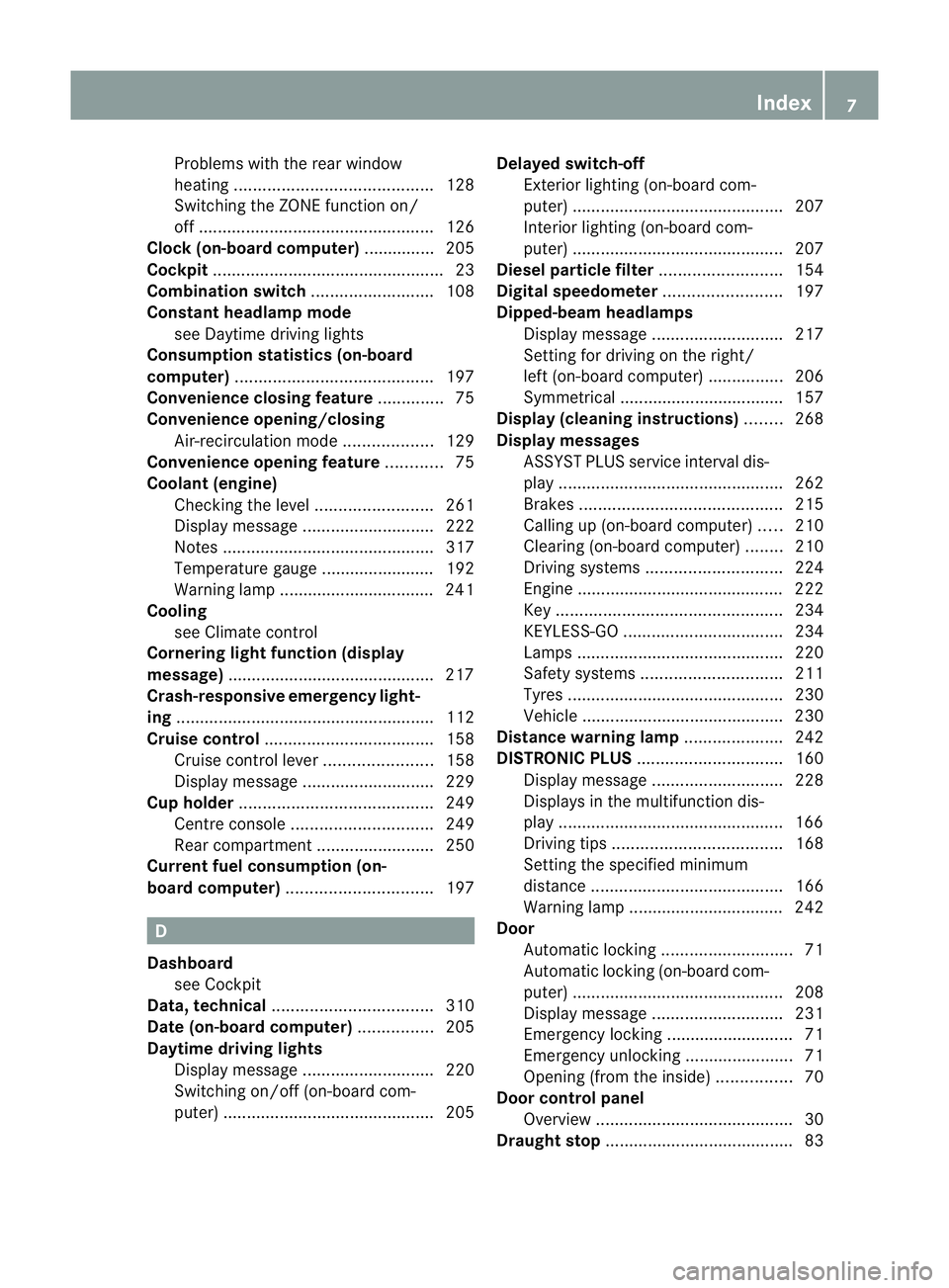
swith the rear window
heating .......................................... 128
Switch ingt he ZON Efunction on/
off .................................................. 126
Cloc k(on-board computer) ...............205
Cockpit ................................................. 23
Combination switch ..........................108
Constant headlamp mode seeD aytime driving lights
Consumption statistic s(on-boa rd
computer) .......................................... 197
Conv enienc eclosin gfeature .............. 75
Conv enienc eopening/closing
Air-recirculatio nmode ................... 129
Conv enienc eopening feature ............75
Coolan t(engine)
Checkin gthe level ......................... 261
Display message ............................ 222
Note s............................................. 317
Temperat ureg auge ........................ 192
Warning lamp ................................. 241
Cooling
see Climate control
Cornerin glight function (display
message) ............................................ 217
Crash-responsive emergency light-
ing ...................................................... .112
Crui secontrol .................................... 158
Cruis econtrol lever ....................... 158
Display message ............................ 229
Cup hold er......................................... 249
Centre consol e.............................. 249
Rea rcompartmen t......................... 250
Current fuel consumpti on(on-
board computer) ............................... 197D
Dashboard seeC ockp it
Data, technical .................................. 310
Date (on-b oard computer) ................205
Daytime drivin glights
Display message ............................ 220
Switch ingo n/off (on-board com-
puter) ............................................. 205Delaye
dswitch -off
Exterior lighting (on -boar dcom-
puter )............................................. 207
Interior lighting (on-bo ardc om-
puter) ............................................ .207
Dies elparticl efilter .......................... 154
Digital spe edometer ......................... 197
Dipped-beam headlamps Display message ............................ 217
Setting for driving on the rig ht/
left (on-board computer) ................206
Symmetrical ................................... 157
Display (cleanin ginstructions) ........268
Display messages ASSYST PLUS service interva ldis-
pla y................................................ 262
Brake s........................................... 215
Calling up (on-bo ardc omputer )..... 210
Clearing (on-bo ardc omputer )........ 210
Driving sy stems ............................. 224
Engine ............................................ 222
Key ................................................ 234
KEYLESS-GO .................................. 234
Lamp s............................................ 220
Safety sy stems .............................. 211
Tyres .............................................. 230
Veh icle ........................................... 230
Distance warning lamp .....................242
DISTRONI CPLUS ............................... 160
Display message ............................ 228
Display sinthe multifunction dis-
play ................................................ 166
Driving tips .................................... 168
Setting the specifie dminimum
distance ......................................... 166
Warn ingl am p................................. 242
Door
Automatic locking ............................ 71
Automatic lockin g(on-board com-
puter) ............................................ .208
Display message ............................ 231
Emergency lockin g........................... 71
Emergency unlocking .......................71
Opening (fro mthe inside) ................ 70
Door control panel
Overview .......................................... 30
Draught stop ........................................ 83 Index
7 BA 207 ECE ÄJ 2010/1a; 1; 2, en-GB
mkalafa
Version: 3.0.2.11 2010-01-26T13:03:22+01:00-Seite 7
Page 14 of 333
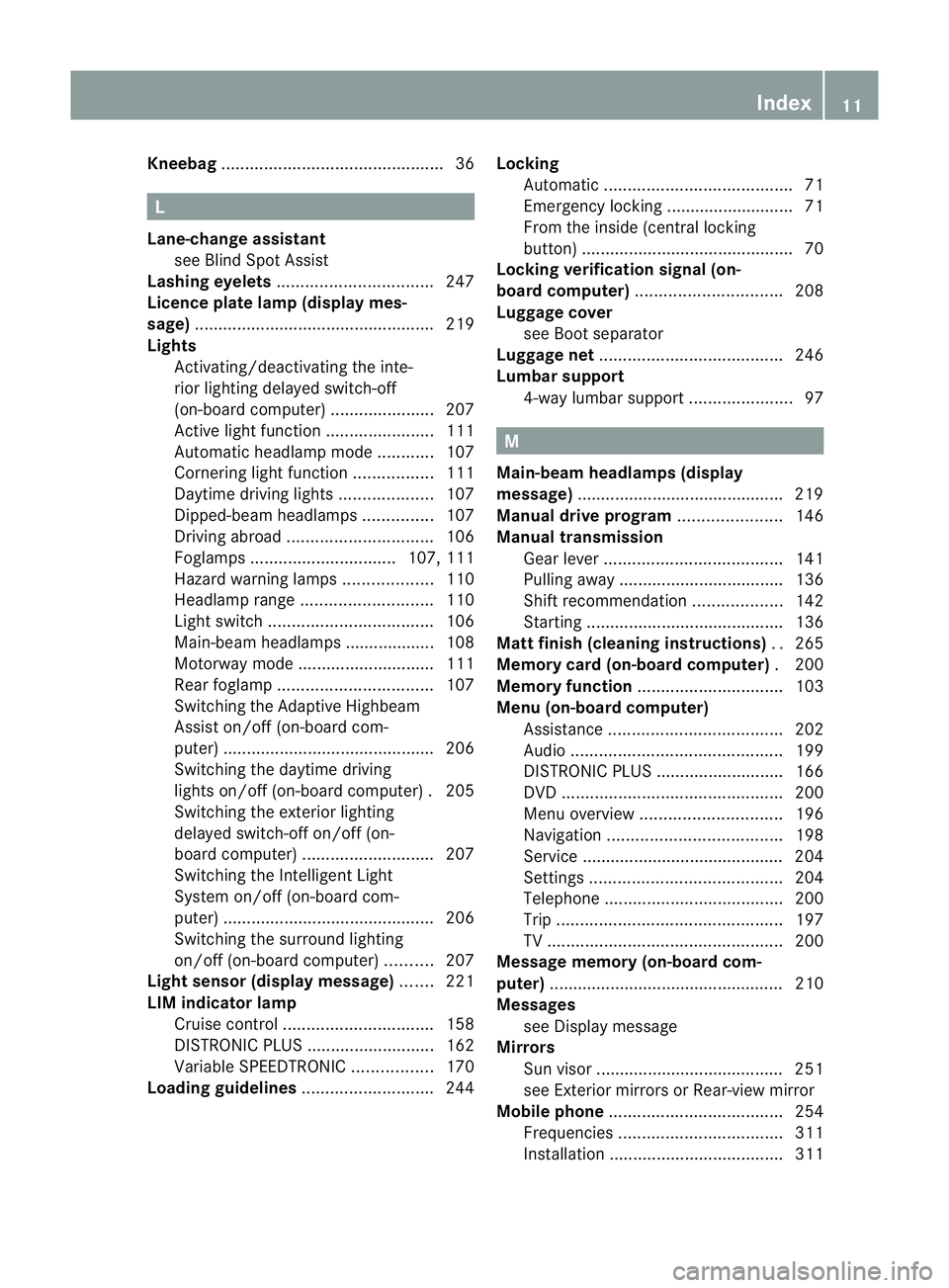
Kneebag
............................................... 36L
Lan e-chang eassistant
see Blin dSpot Assist
Lash inge yelets ................................. 247
Licen ceplate lamp (display mes-
sage) ................................................... 219
Lights Activating/deactivating the inte-
rio rlighting delaye dswitch-off
(on-board computer) ......................207
Active light function .......................111
Automatic he adlampmode ............ 107
Cornering light function .................111
Daytime driving lights ....................107
Dipped-bea mheadlamps ............... 107
Driving abroa d............................... 106
Foglamps ............................... 107, 111
Hazard warning lamps ...................110
Hea dlam prange ............................ 110
Lig ht swit ch................................... 106
Ma in-beam headlamps ................... 108
Motorway mode ............................. 111
Rea rfoglam p................................. 107
Switch ingt he Adaptiv eHighbeam
Assist on/off (on-board com-
puter) ............................................ .206
Switch ingt he daytime driving
lights on/off (on-board computer) .205
Switch ingt he exteri or lighting
delayed switch-off on/off (on-
board computer) ............................ 207
Switch ingt he Intell igent Light
System on/of f(on-board com-
puter) ............................................ .206
Switch ingt he surround lighting
on/off (on-board computer) ..........207
Light se nsor (display message) .......221
LI Mi ndicator lamp
Cruise control ................................ 158
DISTRONI CPLUS ........................... 162
Variabl eSPEEDTRONIC .................170
Loadin gguideli nes............................ 244Locking
Automatic ........................................ 71
Emergency lockin g........................... 71
From the insi de(central locking
button) ............................................. 70
Locking verificatio nsignal (on-
board computer) ............................... 208
Luggage cover seeB oot separator
Lug gage net ....................................... 246
Lumbar support 4-way lumba rsupport ...................... 97 M
Main-beam headlamps (di splay
message) ............................................ 219
Manual drive program ......................146
Manual transmission Gea rlever ...................................... 141
Pullin gaway................................... 136
Shift recommendatio n................... 142
Starting .......................................... 136
Matt fin ish( cle anin ginstructions) ..265
Memory card (on-b oard computer) .200
Memory function ............................... 103
Menu (on-b oard computer)
Assistance ..................................... 202
Aud io............................................. 199
DISTRONI CPLUS ........................... 166
DVD ............................................... 200
Menu overview .............................. 196
Navigation ..................................... 198
Service ........................................... 204
Setting s......................................... 204
Te lephon e...................................... 200
Tri p. ............................................... 197
TV .................................................. 200
Mes sage memor y(on-boa rd com-
puter) ................................................. .210
Mes sages
see Display message
Mirrors
Sun visor ...... .................................. 251
se eE xterior mirrors or Rear-view mirror
Mobile phone ..................................... 254
Freq uencies ................................... 311
Installati on .................................... .311 Index
11 BA 207 ECE ÄJ 2010/1a; 1; 2, en-GB
mkalafa
Version: 3.0.2.11 2010-01-26T13:03:22+01:00-Seite 11
Page 15 of 333
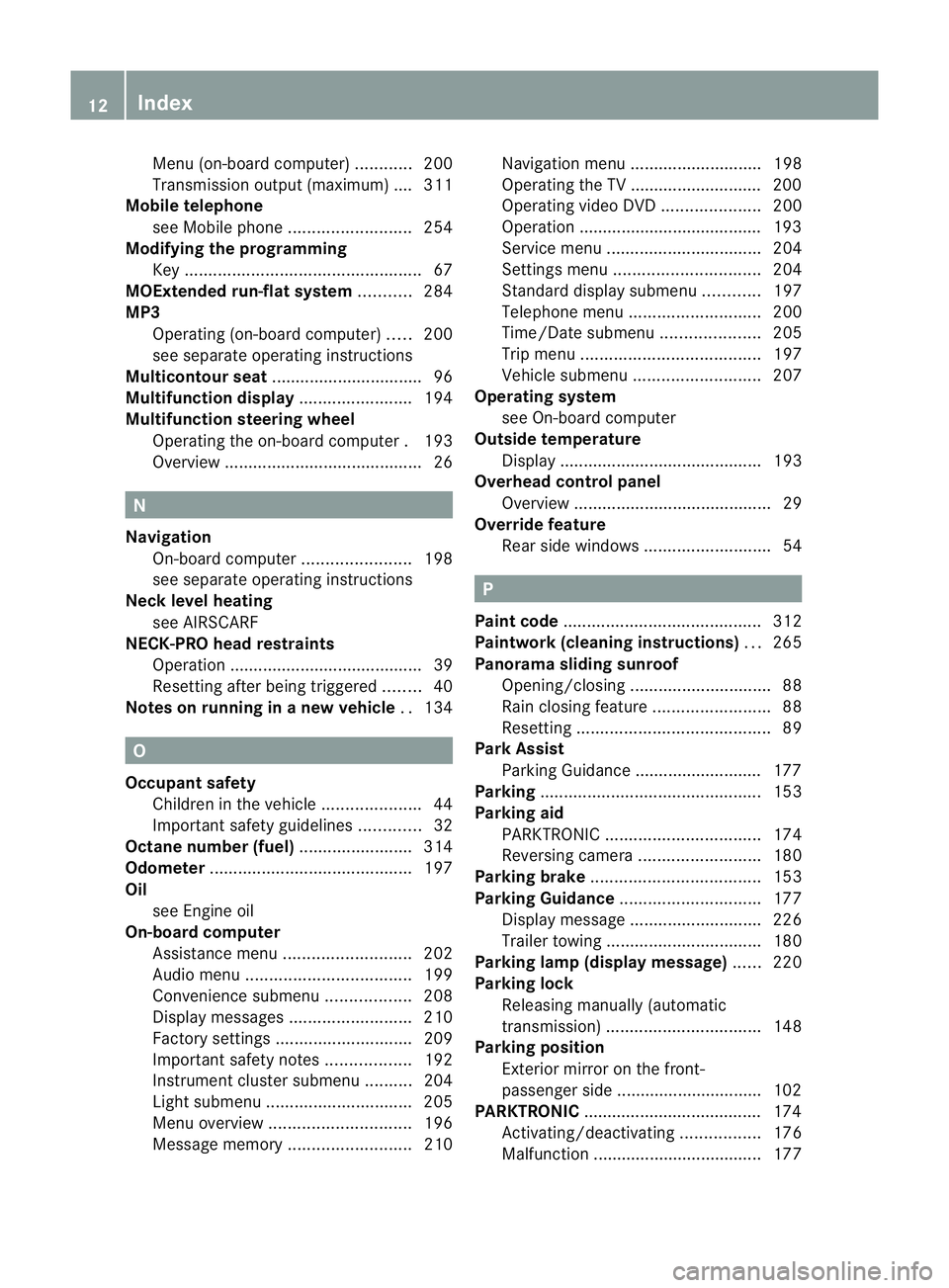
Menu (on-boar
dcomputer )............ 200
Transmission output (maximum ).... 311
Mobile telephone
seeM obile phone .......................... 254
Modifying the programming
Key .................................................. 67
MOExtende drun-flat system ...........284
MP3 Operating (on-bo ardc omputer )..... 200
se es eparat eoperating instructions
Multicontour seat ................................ 96
Multifuncti ondisplay ........................ 194
Multifuncti onsteering wheel
Operating the on-board computer .193
Overview .......................................... 26N
Navigation On-bo ardc omputer ....................... 198
se es eparat eoperating instructions
Neck level heating
see AIRSCARF
NECK-PRO hea drestraints
Operation ........................................ .39
Resetting after being triggered ........40
Note sonr unnin ginan ew vehicle ..134 O
Occupant safety Children in the vehicle .....................44
Important safety gu idelines ............. 32
Octan enumbe r(fuel) ........................ 314
Odometer ........................................... 197
Oil seeE ngine oil
On-b oard computer
Assistance menu ........................... 202
Aud iomen u................................... 199
Convenience su bmenu .................. 208
Display message s.......................... 210
Factory settings ............................. 209
Important safety notes ..................192
Instrumen tcluster submenu ..........204
Lig ht subm enu............................... 205
Menu overview .............................. 196
Mess agem emor y.......................... 210Navigation menu
............................ 198
Operating the TV ............................ 200
Operating vid eoDVD ..................... 200
Operatio n....................................... 193
Service menu ................................. 204
Setting smenu ............................... 204
Standard di splays ubmenu ............ 197
Te lephon emenu ............................ 200
Time/Date su bmenu ..................... 205
Tri pm enu ...................................... 197
Veh icle submenu ........................... 207
Operatin gsyst em
se eO n-board computer
Outside temperature
Disp lay. .......................................... 193
Ov erhead control panel
Overview .......................................... 29
Ov erride feature
Rea rside windows ........................... 54 P
Pai nt code .......................................... 312
Pai ntwork (cleaning instructions) ...265
Pan orama sl iding sunroof
Opening/closing .............................. 88
Rain closing feat ure. ........................ 88
Resetting ......................................... 89
Park Assist
Parking Guid ance ........................... 177
Parking ............................................... 153
Parking aid PARKTRONIC ................................. 174
Revers ingc amera .......................... 180
Parking brake .................................... 153
Parking Guidan ce.............................. 177
Display message ............................ 226
Traile rtowing ................................. 180
Parking lamp (di splay message) ......220
Parking lock Releasing manually (automatic
transmission) ................................. 148
Parking pos ition
Exterior mirror on the front-
passenger sid e............................... 102
PARKTRONIC ...................................... 174
Activating/deactivating .................176
Ma lfunction ...... ............................. .177 12
Index BA 207 ECE ÄJ 2010/1a; 1; 2, en-GB
mkalafa
Version: 3.0.2.11 2010-01-26T13:03:22+01:00-Seite 12
Page 17 of 333
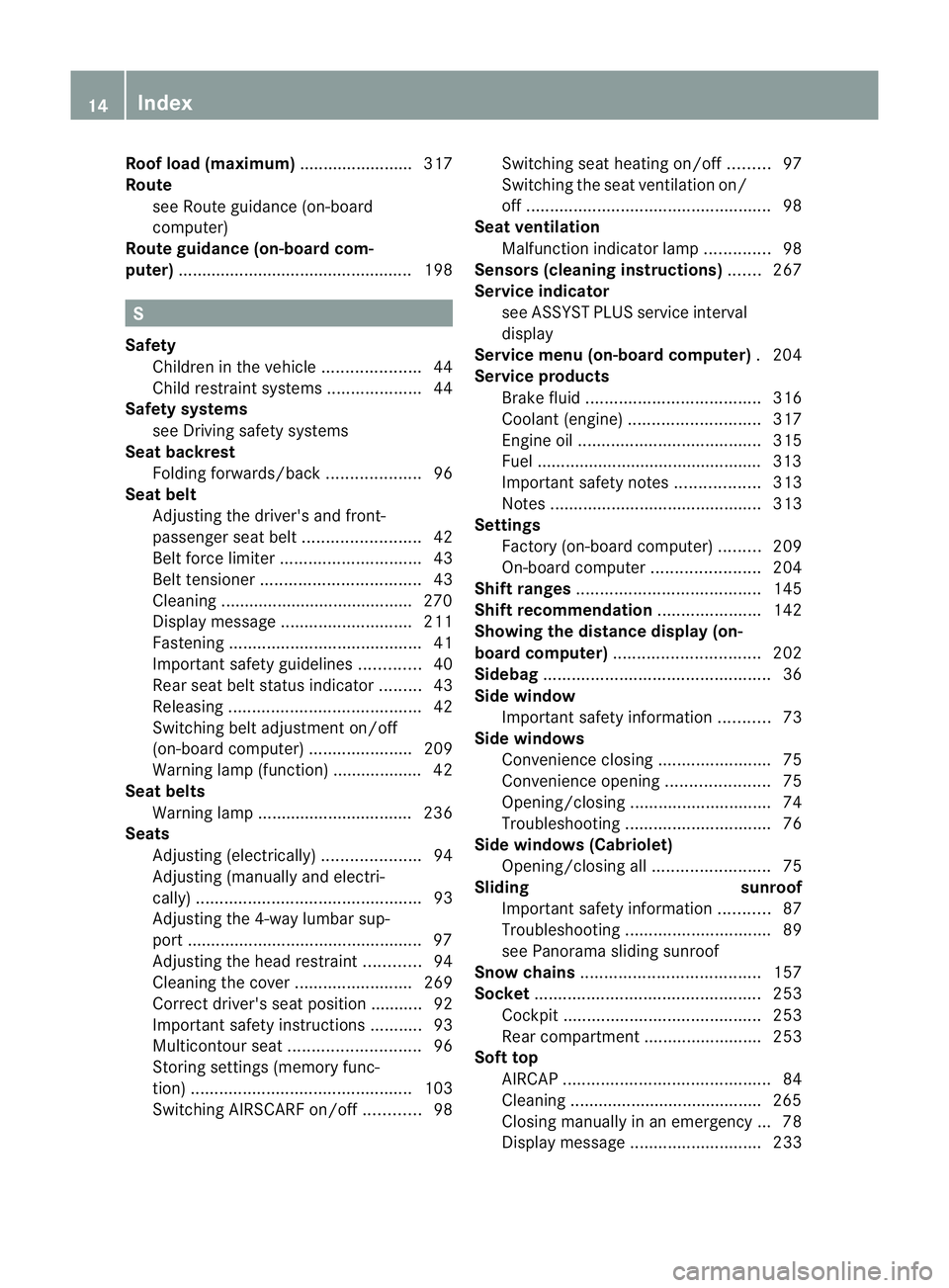
Roo
floa d( maximum) ........................ 317
Route seeR oute guidance (on-board
computer)
Route guidance (on-board com-
puter) ................................................. .198 S
Safety Children in the vehicle .....................44
Ch ildr estra ints ystems .................... 44
Safety systems
seeD riving safety sy stems
Seat backrest
Folding forwards/back ....................96
Seat be lt
Adjusting the driver's and front-
passenger sea tbelt ......................... 42
Bel tforc elimiter .............................. 43
Bel ttensioner .................................. 43
Clean ing. ........................................ 270
Disp laym essage ............................ 211
Fasten ing. ........................................ 41
Important safety gu idelines ............. 40
Rea rseat belt status indicator .........43
Releasing ......................................... 42
Switch ingb elta djustment on/off
(on-board computer) ......................209
Warn ingl am p(function) ................... 42
Seat be lts
Warn ingl am p................................. 236
Seats
Adjusting (electrically )..................... 94
Adjusting (manually and el ectri-
cally) ................................................ 93
Adjusting the 4-way lumba rsup-
port .................................................. 97
Adjusting the head restraint............ 94
Clean ingt he cover ......................... 269
Correct driver's se at position ........... 92
Important safety instructions ...........93
Mu lticontour sea t............................ 96
Storing settings (memory func-
tion) ............................................... 103
Switch ingA IRSCAR Fon/off ............ 98Switch
ings eat heating on/off .........97
Switch ingt he seat ventilation on/
off .................................................... 98
Seat ve ntilation
Malfunction indicator lamp ..............98
Se nsors (cleaning instructions) .......267
Service indicator seeA SSYST PLUS service interval
display
Serv icem enu (on-board computer) .204
Service products Brake fluid ..................................... 316
Co olan t(engine) ............................ 317
Engine oi l....................................... 315
Fue l................................................ 313
Important safety note s.................. 313
Note s............................................. 313
Settings
Factory (on-bo ardc omputer )......... 209
On-bo ardc omputer ....................... 204
Shift rang es....................................... 145
Shift rec ommendation ...................... 142
Sho wing th edistance displa y(on-
bo ard computer) ............................... 202
Sidebag ................................................ 36
Side window Important safety informatio n........... 73
Side windo ws
Convenience closing ........................75
Convenience opening ......................75
Opening/closing .............................. 74
Tro ubleshoot ing............................... 76
Side windo ws(Cabriolet)
Opening/closing al l......................... 75
Sl iding sunroof
Important safety information ...........87
Tro ubleshoot ing............................... 89
se eP anorama sliding sunroof
Sno wchains ...................................... 157
So cket ................................................ 253
Cockpi t.......................................... 253
Rea rcompartmen t......................... 253
Soft top
AIRCAP ............................................ 84
Clean ing. ........................................ 265
Closing manually in an emergency ... 78
Disp laym essage ............................ 23314
Index BA 207 ECE ÄJ 2010/1a; 1; 2, en-GB
mkalafa
Version: 3.0.2.11 2010-01-26T13:03:22+01:00-Seite 14
Page 21 of 333
Protection of th
eenvironment Notes
H
Environmental note
Daimler's declared polic yisone of integrated
environmental protection.
The objectives are for the natural resources
which form the basis of our existence on this
plane ttobeu sed sparingl yand in amanner
which takes the requirements of both nature
and humanity into account.
You too can help to protect the environment
by operating your vehicle in an environmen-
tally-responsible manner.
Fuel consumption and the rate of engine,
transmission, brake and tyre wear depend on
the following factors:
R operating conditions of your vehicle
R your personal driving style
You can influence both factors.
You shoul dbear the following in mind:
Operating conditions
R avoid short trips as these increase fuel con-
sumption.
R mak esure that the tyre pressures are
always correct.
R do not carry any unnecessary weight.
R keep an eye on the vehicle's fuel consump-
tion.
R remove roof racks once you no longer need
them.
R ar egularly serviced vehicle will contribute
to environmental protec tion. You should
therefor eadhere to the service inter vals.
R always have maintenance work carried out
at aq ualified specialist workshop ,e.g. a
Mercedes-Benz Service Centre.
Personal driving style
R do not depress the accelerator pedal when
starti ngthe engine.
R do not warm up the engine with the vehicle
stationary. R
drive carefully and maintain asafe distance
from the vehicle in front.
R avoid frequent, sudden acceleration.
R change gear in good time and use each gear
only up to 2
/ 3 of its maximum engine
speed.
R switch off the engine in stationary traffic. Returning used vehicles
Mercedes-Benz will take back your
Mercedes-Benz to dispose of it in an environ-
mentally responsible manner, in accordance
with the European Union (EU) End of Life
Vehicles Directive.
The End of Life Vehicles Directive applies to
vehicles of up to 3.5 tgros svehicle weight, in
accordance with national regulations. For
sever alyears, Mercedes-Benz has been
meeting all the lega lrequirements for a
design which allows for recycling and reuse.
There is anetwor kofreturnpoint sand dis-
ass embly plants which can recycle your vehi-
cle in an environmentally-responsibl eman-
ner. The options for recyclin gvehicles and
part sare constantly being developed and
improved. This means that your Mercedes-
Benz will als ocontinue to meet even the
inc reased recyclin gquotas in the future in
good time. You can obtain further information
from your national Mercedes -Ben zh omepage
or your national hotlin enumber. Vehicle equipment
This manual describes all the standard and
optional equipment of your vehicle available
at the time of publication of the Owner's Man-
ual. Country-specific differences are possi-
ble. Bear in mind that your vehicle may not
feature all functions described here. This also
refers to safety-related systems and func-
tions. The equipment in your vehicle may
therefor ediffer from that shown in the
description sand illustrations .All the systems 18
Introduction BA 20
7ECE ÄJ 2010 /1a; 1; 2, en-GB
mkalafa Version: 3.0.2.11 2010-01-26T13:03:22+01:00 -Seite 18
Page 22 of 333
found in you
rvehicle are listed in the original
purchase agreement of your vehicle. Should
you have any questions concer ning equip-
ment and operation, please consult a
Mercedes-Ben zService Cent re. Oper
ating safety Safe
tynotes G
Risk of acciden
tand inju ry
Always have work on the vehicle carried out
by aq ualified specialist workshop. In particu-
lar, work relevant to safety or on safety-rela-
ted systems as well as maintenanc ework
must be carried out at aqualified specialist
workshop. The workshop must have the nec-
essary specialist knowledge and tools to carry
out the work required. Mercedes-Ben zrec-
ommends that you use aMercedes-Benz
Servic eCentr efor this purpose. G
Ris
kofa ccident and inju ry
Some safety sys tems only functio nwhen the
engin eisrunning. You should therefor enever
switch off th eenginew hen dri ving. Otherwise,
th es afety systems of your vehicl emaynot
functio ncorrect lyand as aresul twillnol on-
ge rp rotect you and other persons as inten-
ded. In addition, there is arisk that you may
lose control of you rvehicle and thus cause an
accident. G
Risk of accident and injury
Work carried out incorrec tly, or alterations
made to the vehicle, e.g. re-routing of cables
under coverings, could cause the safety sys-
tems of your vehicle to stop working properly.
The safety systems would thus no longe rpro-
tect yo uand othe rpersons as intended. In
addition ,there is arisk that you may lose con-
trol of your vehicle and thus cause an acci-
dent.
All work and alteration stothe vehicle, e.g.
installation sormodifications, should there-
for ebec arried out at aqualified specialist
workshop. G
Risk of accident
If you driv eover obstacles at hig hspeed or if
the vehicl ebottoms out in rough ter rain, it
could cause heavy impact stothe vehicle
underbody, tyres or wheels. This coul dcause
your vehicle to be damaged, which in turn
might lead to an accident. This also applies to
vehicles which are equippe dwith underbody
protection.
You should therefore drive over obstacles
slowly. Preven tthe vehicle from bottomi ng
out when driving off-road and if necessary,
have your vehicle inspected at aqualified spe-
cialist workshop. G
Risk of accident
If work on electronic equipment and its soft-
ware is carried out incorrectly, this equipment
could stop working. The electronic systems
are networked via interfaces. Tampering with
these electronic systems could cause mal-
functions in systems which have not been
modified. Malfunctions such as these can
seriously jeopardis ethe vehicle' soperating
safety and therefore your own safety.
You should therefore have all work and mod-
ifications to electronic components carried
out at aqualified specialist workshop. Vehicle registration
Mercedes-Benz may ask its Service Centres
to carry out technical inspections on certain
vehicles to improve their quality or safety.
If you did not purchase your vehicle from an
authorised specialist deale rand your vehicle
has never bee ninspected at aMercedes-
Benz Servic eCentre, it is possible that your
vehicle is not registered in your nam ewith
Mercedes-Benz. Mercedes-Ben zcan only
inform you about vehicle check sifithas your
registration data.
It is advisabl etoregister your vehicle with a
Mercedes-Ben zService Centre. Introduction
19BA 20
7ECE ÄJ 2010/1a; 1; 2, en-GB
mkalafa Version: 3.0.2.11 2010-01-26T13:03:22+01:00 -Seite 19 Z