climate control MERCEDES-BENZ GLB SUV 2019 User Guide
[x] Cancel search | Manufacturer: MERCEDES-BENZ, Model Year: 2019, Model line: GLB SUV, Model: MERCEDES-BENZ GLB SUV 2019Pages: 689, PDF Size: 11.39 MB
Page 186 of 689
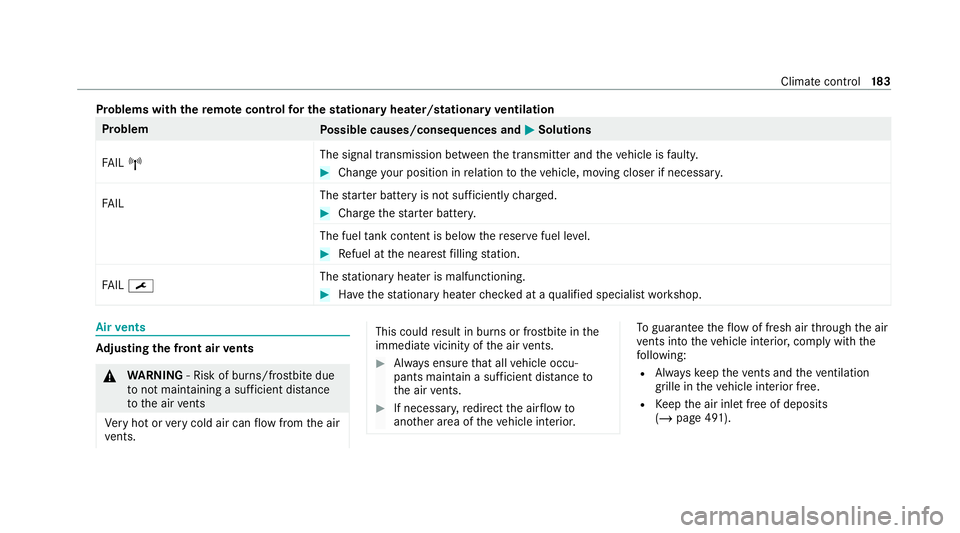
Problems with
there mo tecont rolfo r the stationary heater/stationary ventilation Problem
Possible causes/consequences and M
MSolutions
FA IL¨ The signal transmission between
the transmit ter and theve hicle is faulty. #
Chan geyour position in relation totheve hicle, moving closer if necessar y.
FA IL The
star ter battery is not suf ficiently charge d. #
Char gethest ar ter batter y.
The fuel tank content is below there ser vefuel le vel. #
Refuel at the nearest filling station.
FA IL¯ The
stationary heater is malfunctioning. #
Have thest ationary heater checked at a qualified specialist workshop. Air
vents Ad
justing the front air vents &
WARNING ‑ Risk of bu rns/frostbite due
to not maintaining a su fficient dis tance
to the air vents
Ve ry hot or very cold air can flow from the air
ve nts. This could
result in burns or frostbite in the
immediate vicinity of the air vents. #
Alw ays ensure that all vehicle occu‐
pants maintain a suf ficient di stance to
th e air vents. #
If necessa ry,re direct the air flow to
ano ther area of theve hicle interior. To
guarantee theflow of fresh air thro ugh the air
ve nts into theve hicle interior, comply with the
fo llowing:
R Alw ayske ep theve nts and theve ntilation
grille in theve hicle interior free.
R Keep the air inlet free of deposits
(/ page 491). Climate control
18 3
Page 198 of 689
slopes. Obser
vethe no tes on driving in
mountainous terrain.
R Do not drive on unknown terrain that is not
easily visible and stay on mar kedro utes.
R Alw ayske ep the doors and windo wsclosed
while theve hicle is in motion.
R Deactivate Active Dis tance Assi st
DISTRONIC, cruise control and theva riable
limiter.
R Adapt your driving style to thete rrain.
R Do not use the HOLD function on steep
downhill or uphill gradients with slippery or
loose sur faces.
Driving on sand
When driving on sand, also obser vethefo llowing
instructions:
R Select theF drive prog ram.
R Shift toa lo werge ar.
R Drive quickly toove rcome thero lling resist‐
ance, otherwise theve hicle may dig itself in. R
Drive in the tra cks of other vehicles if possi‐
ble. Make sure that thefo llowing prerequi‐
sites are me t:
- the tyre ruts are not too deep
- the sand is firm enough
- the ground clearance is suf ficient
Mercedes -AMG vehicles: observeth e no tes in
th e Supplement. You could otherwise failto rec‐
ognise dangers.
Fo rding
Also obser vethefo llowing information when
fo rd ing:
R Drive at no more than 10 km/h.
R Obser vethe maximum permissible ford ing
dep th (/ page 562).
R Switch off automatic climate control
(/ page 177).
R Vehicles with stationary heater/ventila‐
tion: switch thest ationary heater/ ventilation
off (/ page 179).
R Ensure that a bow wave does not form asyou
drive. R
Do not stop in thewate r and do not switch
off the engine. Ensure the ECO start/ stop
function is switched off (/ page197).
Driving in mountainous terrain
Also obser vethefo llowing information when
driving in moun tainous terrain:
R Obse rveth eva lues of the approach/depar‐
ture angle and of the maximum gradient
(/ page 562).
R Avoid high engine speeds.
R Use the braking po wer of the engine when
driving downhill.
R Shift toa lo werge ar on uphill gradients and
on long, steep downhill gradients.
R Activate DSR be fore driving downhill, if nec‐
essary (/ page241).
Checklis t after driving off-road
Driving off-road places grea ter demands on your
ve hicle than driving on no rmalroads. Check the
entire vehicle for dama geand fore ign bodies
eve rytime af ter driving off-road. Foreign bodies
in the wheels or driv etra in can lead toimbalan‐
ces and therefore vibrations. Driving and parking
19 5
Page 329 of 689
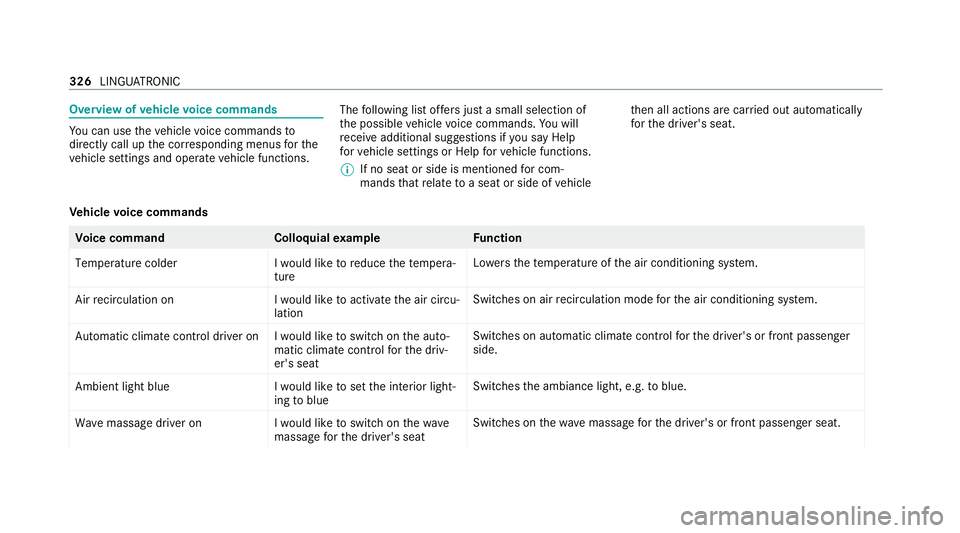
Overview of
vehicle voice commands Yo
u can use theve hicle voice commands to
directly call up the cor responding menus forthe
ve hicle settings and operate vehicle functions. The
following list of fers just a small selection of
th e possible vehicle voice commands. You will
re cei veadditional suggestions if you say Help
for vehicle settings orHelp for vehicle functions.
% If no seat or side is mentioned for com‐
mands that relate toa seat or side of vehicle th
en all actions are car ried out automatically
fo rth e driver's seat.
Ve hicle voice commands Vo
ice command Colloquialexample Function
Temperature colder I would like to reduce the tempera-
tureLo
we rsthete mp erature of the air conditioning sy stem.
Air recirculation on I would like to activate the air circu-
lationSwitches on air
recirculation mode forth e air conditioning sy stem.
Automatic climate control driver on I would like to switch on the auto- matic climate control for the driv-
er's seatSwitches on automatic climate control
forth e driver's or front passenger
side.
Ambient light blue I would like to set the interior light-
ing to blueSwitches
the ambiance light, e.g. toblue.
Wave massage driver on I would like to switch on the wave
massage for the driver's seatSwitches on
thewav e massage forth e driver's or front passenger seat. 326
LINGU ATRO NIC
Page 331 of 689
Vo
ice command Colloquialexample Function
Climate control menu I would like to see the climate con-
trol menuDispla
ys the climate control settings.
Light menu I would like to change the light set-
tingsDispla
ys the light settings.
Seats menu I would like to switch to seat menuDispla
ys the seat adjustment settings.
Massage menu I would like to switch to the mas-
sage seat menuDispla
ys the massage settings.
Next servic eT ell me my next service appoint-
ment Calls up
the next service due date. 328
LINGU ATRO NIC
Page 343 of 689
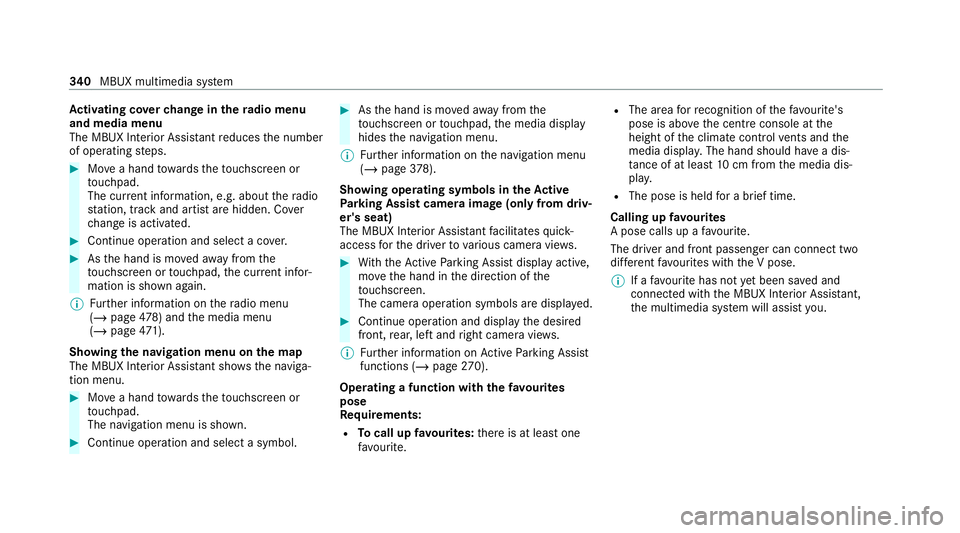
Ac
tivating co verch ange in thera dio menu
and media menu
The MBUX Interior Assi stant reduces the number
of operating steps. #
Movea hand towa rdsth eto uchsc reen or
to uchpad.
The cur rent information, e.g. about thera dio
st ation, track and artist are hidden. Co ver
ch ange is activated. #
Continue operation and select a co ver. #
Asthe hand is mo vedaw ay from the
to uchsc reen or touchpad, the cur rent infor‐
mation is shown again.
% Further information on thera dio menu
(/ page 478) and the media menu
(/ page 471).
Sh ow ing the navigation menu on the map
The MBUX In terior Assis tant sho wsthe naviga‐
tion menu. #
Movea hand towa rdsth eto uchsc reen or
to uchpad.
The navigation menu is shown. #
Continue operation and select a symbol. #
Asthe hand is mo vedaw ay from the
to uchsc reen or touchpad, the media display
hides the navigation menu.
% Further information on the navigation menu
(/ page 378).
Sh ow ing operating symbols in theAc tive
Pa rking Assist camera ima ge(only from driv‐
er's seat)
The MBUX In terior Assis tant facilitates quick-
access forth e driver tovarious camera vie ws. #
With th eAc tive Parking Assist display active,
mo vethe hand in the direction of the
to uchsc reen.
The camera operation symbols are displa yed. #
Continue operation and display the desired
front, rear, left and right camera vie ws.
% Further information on Active Parking Assist
functions (/ page270).
Operating a function with thefa vo urites
pose
Re quirements:
R Tocall up favo urites: there is at least one
fa vo urite. R
The area forre cognition of thefa vo urite's
pose is abo vethe cent reconsole at the
height of the climate control vents and the
media displa y.The hand should ha vea dis‐
ta nce of at least 10cm from the media dis‐
pla y.
R The pose is held for a brief time.
Calling up favo urites
A pose calls up a favo urite.
The driver and front passen ger can connect two
dif fere nt favo urites with the V pose.
% If afavo urite has not yet been sa ved and
connec ted with the MBUX Interior Assis tant,
th e multimedia sy stem will assist you. 340
MBUX multimedia sy stem
Page 347 of 689
R
Last destinations
R Climate control
R Ambient lighting
R DYNA MIC SELECT I (individual)
R Instrument Displa y,Head-up Display and
st yle (display style of the multimedia sy stem)
R Themes, suggestions and favo urites
% Settings for driver assi stance sy stems can‐
not be sa ved in the profile.
Mercedes me connect profile
If yo u use a profile from Mercedes me connect,
th efo llowing online functions are available, for
ex ample:
R You can configure the settings in theve hicle
using the Mercedes me app and the
Mercedes me por tal.
R You can syn chronise your profile on
Mercedes me connect with the profile in the
ve hicle (/ page 345).
R You can add a personal profile pho tothat is
shown in theve hicle. R
You can take your profile and some of your
settings with you in new vehicles.
Requ irements for using Me rcedes me con‐
nect profiles:
Fo rth eve hicle owner:
R You ha vea Mercedes me user account.
R The vehicle has been connected with the
user account.
R The personalisation service is activated.
Fo r additional users of theve hicle:
R You ha vea Mercedes me user account.
R The vehicle owner has invited youto connect
yo ur user account on Mercedes me with that
of his vehicle.
R You ha veaccep tedth e invitation.
Creating a new profile
Multimedia sy stem:
4 © 5
f Profiles #
Select WCreate profile . #
Select an avatar. #
Enterth e name and confi rmwith a. #
Select Continuer . #
Tosave the cur rent settings in a profile:
select Current settings. #
Select Save.
or #
Toadopt thefa ctory settings: selectFac-
tory settings. #
Select Save.
% Further information on setting a user profile
(/ page 345). #
Activate Blu etoo th®
and select Connect
phone, toconnect a mobile phone wi th the
user profile (/ page 426).
Yo u can also set up a user profile without regis‐
te ring a mobile phone. #
Select Finished.
The user profile is sa ved. 344
MBUX multimedia sy stem
Page 579 of 689
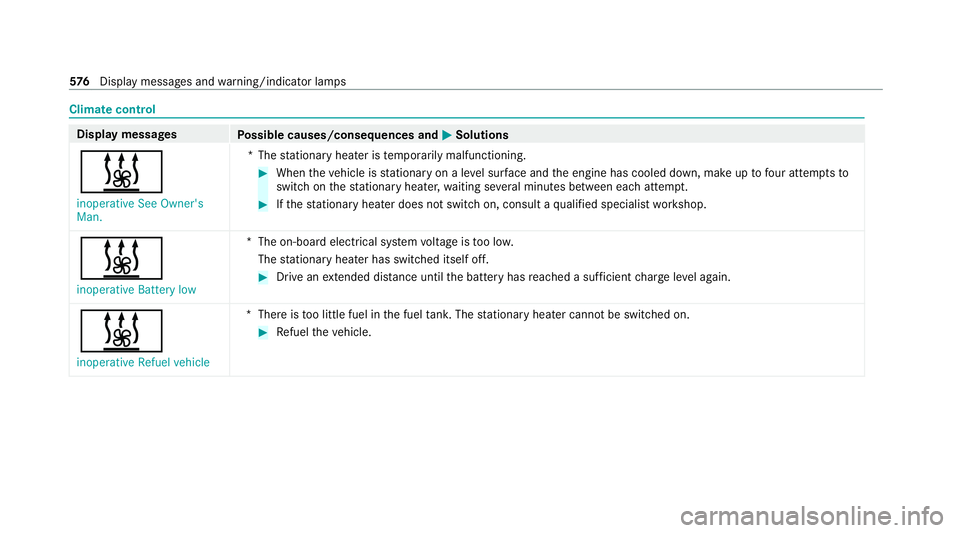
Climate control
Displ
aymessages
Possible causes/consequences and M
MSolutions
& inoperative See Owner's
Man. *T
hestationary heater is temp orarily malfunctioning. #
When theve hicle is stationary on a le vel sur face and the engine has cooled down, make up tofour attem ptsto
switch on thest ationary heater, waiting se veral minutes between each attem pt. #
Ifth est ationary heater does not swit chon, consult a qualified specialist workshop.
&
inoperative Battery low *T
he on-board electrical sy stem voltage is too lo w.
The stationary heater has swit ched itself off. #
Drive an extended di stance until the battery has reached a suf ficient charge leve l again.
&
inoperative Refuel vehicle *T
here is too little fuel in the fuel tank. The stationary heater cannot be swit ched on. #
Refuel theve hicle. 576
Displaymessa ges and warning/indicator lamps
Page 644 of 689
Ad
justing the headlamp range ............... 15 6
Ad justing the mid- range, treble and
bass
Burmes ter®
sur round sound sy stem ....4 81
Ad justing the sound focus
Burmes ter®
sur round sound sy stem ... 482
Ad justing treble, mid- range and bass
settings
Advanced sound sy stem ......................4 82
Burmes ter®
sur round sound sy stem ....4 81
Ad vanced sound sy stem
Ad justing the balance/fader ............... 483
Ad justing treble, mid-range and bass
settings ............................................... 482
Calling up the sound menu .................. 482
Information .......................................... 482
Switching volume adjustment on/off
............................................................ .482
Af ter-sales service centre
see ASS YST PLUS
Air conditioning menu Calling up ............................................ 17 7Air conditioning sy
stem
see Climate control
Air distribution Setting ................................................ .175
Setting (multimedia sy stem) ................1 77
Air inlet see Air-water duct
Air pressu re
see Tyre pressure
Air vents ................................................... 183
Ad justing (front) .................................. 183
Ad justing (rear) .................................... 184
Air vents
see Air vents
Ai r-re circulation mode ............................ 178
Air-water duct .......................................... 491
Ke eping free ........................................4 91
Airbag ........................................................ .41
Ac tivation .............................................. 36
Fr ont airbag (driver, front passenger) ..... 41
Ins tallation locations .............................. 41
Knee airbag ............................................ 41
Overview ................................................ 41PA
SSENGER AIR BAG indicator lamp .... .46
Pr otection ..............................................42
Re duced pr otection ...............................44
Side impact airbag ................................. 41
Wi ndow airbag ....................................... 41
Air flow
Setting ................................................. 175
Alarm sy stem
see ATA (anti-theft alarm sy stem)
All-wheel drive see 4MATIC
Alternative route
see Route
Ambient lighting Setting (multimedia sy stem) ................1 64
Android Auto ............................................ 444
Connecting a mobile phone ................ .445
Control using the application buttons
.............................................................4 46
Ending ................................................. 446
Information .......................................... 445
Overview ............................................. 444
Sound settings .................................... 446
Tr ans ferred vehicle data ......................4 46 Index
641
Page 646 of 689
Au
tomatic front passen ger front air‐
bag shu toff .......................................... 44, 46
Fu nction of the automatic front
passenger front airbag deactivation
sy stem ................................................... 44
PA SSENGER AIR BAG indicator lamp .... .46
Au tomatic mir rorfo lding function
Ac tivating/deactivating ...................... .174
Au tomatic transmission
DIRECT SELECT le ver .......................... 203
Drive program display .......................... 19 9
Drive programs .................................... 19 8
DY NA MIC SELECT switch .................... 19 8
Engaging drive position ....................... 205
Engaging neutral ................................. 204
Engaging pa rkposition ........................ 204
Enga gingreve rsege ar ........................ .204
Kickdown ............................................ 206
Manual gear changing ........................ .205
St eering wheel gearshift paddles ........ 205
Tr ansmission position display .............. 203
Tr ansmission positions ........................ 203
Au tomatic transmission (problem)
see Transmission (problem) Axle load
Perm issible .......................................... 550
Tr ailer operation .................................. 565 B
Bag hook .................................................. 13 9
Ball ne ck
Fo lding out/in .................................... .288
BA S (Brake Assist Sy stem) .................... .226
Battery Cha rging (Remo teOnline) .................... 189
Ke y ........................................................ 84
Re mo tecontrol (s tationary heater) ...... 182
Battery see Battery (vehicle)
Battery (vehicle) ...................................... 514
Charging .............................................. 513
Charging (Remo teOnline) .................... 189
No tes .................................................. 509
No tes (s tarting assis tance and
ch arging) .............................................. 511
Re placing .............................................5 14
St arting assis tance .............................. 513Belt
see Seat belt
Bic ycle rack
Tr ailer operation .................................. 291
Blind Spot Assist .................................... .282
Ac tivating/deactivating ...................... .285
Fu nction .............................................. 282
Sy stem limitations ...............................2 82
Blo wer
see Climate control
BlueTEC see AdBlue ®
Blue tooth ®
............................................... 366
Information .......................................... 366
Setting up an Internet connection ....... 460
Switching on/off ................................. 366
Bonnet Resetting (active bonnet) .................... 485
Boot lid see Tailgate
Brake Assist Sy stem
see BAS (Brake Assi stSystem) Index
643
Page 649 of 689
Cigar
ette lighter
Fr ont centre console ............................ 147
City lighting ............................................ .159
Cleaning see Care
Climate control ........................................ 175
Ac tivating/deactivating the A/C
function (cont rol panel) ........................ 176
Ac tivating/deactivating the A/C
function (multimedia sy stem) .............. 17 7
Ac tivating/deactivating the synchro‐
nisation function (cont rol panel) .......... 178
Ac tivating/deactivating the synchro‐
nisation function (multimedia sys‐
te m) ..................................................... 178
Air di stribution settings .......................1 77
Air-reci rculation mode ........................ .178
Au tomatic control ................................ 17 7
Calling up the air conditioning menu ... 17 7
Defrosting the windscreen ...................1 75
Demi sting windo ws.............................. 178
Fr ont air vents ..................................... 183
No te ..................................................... 175
Re ar air vents ...................................... 184
Re sidual heat ....................................... 178Sets
the air flow .................................... 175
Setting (multimedia sy stem) ................1 77
Setting the air distribution ...................1 75
Setting thete mp erature ......................1 75
St ationary heater/ ventilation .............. 178
Switching on/off .................................. 176
Switching there ar wind owheater
on/off .................................................. 175
THERMATIC contro l panel .................... 175
THERMOTRONIC contro l panel ............175
Ve ntilating theve hicle (con venience
opening) .............................................. 100
Coat hook ................................................ .139
Coat hook on the tailgate ...................... .139
Cock pit......................................................... 6
Overview ................................................. 6
Co ffee cup symbol
see ATTENTION ASSIST
Combination switch ................................157
Compass .................................................. .417
Compu ter
see On-board computer Connection
status
Displ aying ............................................ 462
Overview ............................................ .462
Connectivity Switching transmission of theve hicle
position on/off .................................... 365
Contacts ................................................... 431
Calling up ............................................ 432
Deleting ............................................... 433
Deleting favo urites .............................. 434
Downloading (from mobile phone) ...... .431
Importing ............................................ 433
Importing (o verview) .......................... .432
Information .......................................... 431
Making a call ....................................... 433
Na me form at ...................................... .432
Options ................................................ 433
Saving as a favo urite .......................... .434
Selecting options for suggestions ........ 433
St oring ................................................ 433
Con venience closing ...............................1 00
Conv enience opening .............................. 100
Coolant (engine) Check le vel .......................................... 490 646
Index