internet MERCEDES-BENZ S-Class 2014 W222 Comand Manual
[x] Cancel search | Manufacturer: MERCEDES-BENZ, Model Year: 2014, Model line: S-Class, Model: MERCEDES-BENZ S-Class 2014 W222Pages: 278, PDF Size: 6.65 MB
Page 254 of 278
Calling up the Internet functions menu:
X Press the 0038button on the remote
control while using the Internet function.
Exiting the Internet functions:
X Press the 0038button on the remote
control.
A menu appears.
X Select the 00D0symbol in the menu and
press the 008Bbutton on the remote control
to confirm.
or
X Select another function (e.g. Media or
Radio).
Further information on using online and
Internet functions (Y page 158).Radio mode
Switching to radio mode
X Press button 002Aon the remote control.
Radio mode starts.
Further information on radio mode
(Y page 178). Media mode
Activating media mode
There are several ways to activate media
sources using COMAND.
The relevant sections of the Operator's
Manual describe the simplest way to activate
a media source.
This section describes all options for
activating media sources. Using the MEDIA button
X Press button 00FDon the remote control.
The menu for the last accessed media
source appears.
X To select the media source: keep
pressing the 00FDbutton on the remote control until the required media source has
been set.
If playable music files are found, they will
be played by COMAND. Switching on automatically
If COMAND is only active at one operating
position in the rear compartment, the
respective medium will switch on
automatically once connected/inserted.
If a media function is already switched on in
COMAND, this will be interrupted and the
basic display of the newly connected/
inserted medium will appear.
If COMAND is being operated in another
function, such as navigation, when an
external media source is connected/
inserted, the basic display will not change.
Only the music from the newly connected
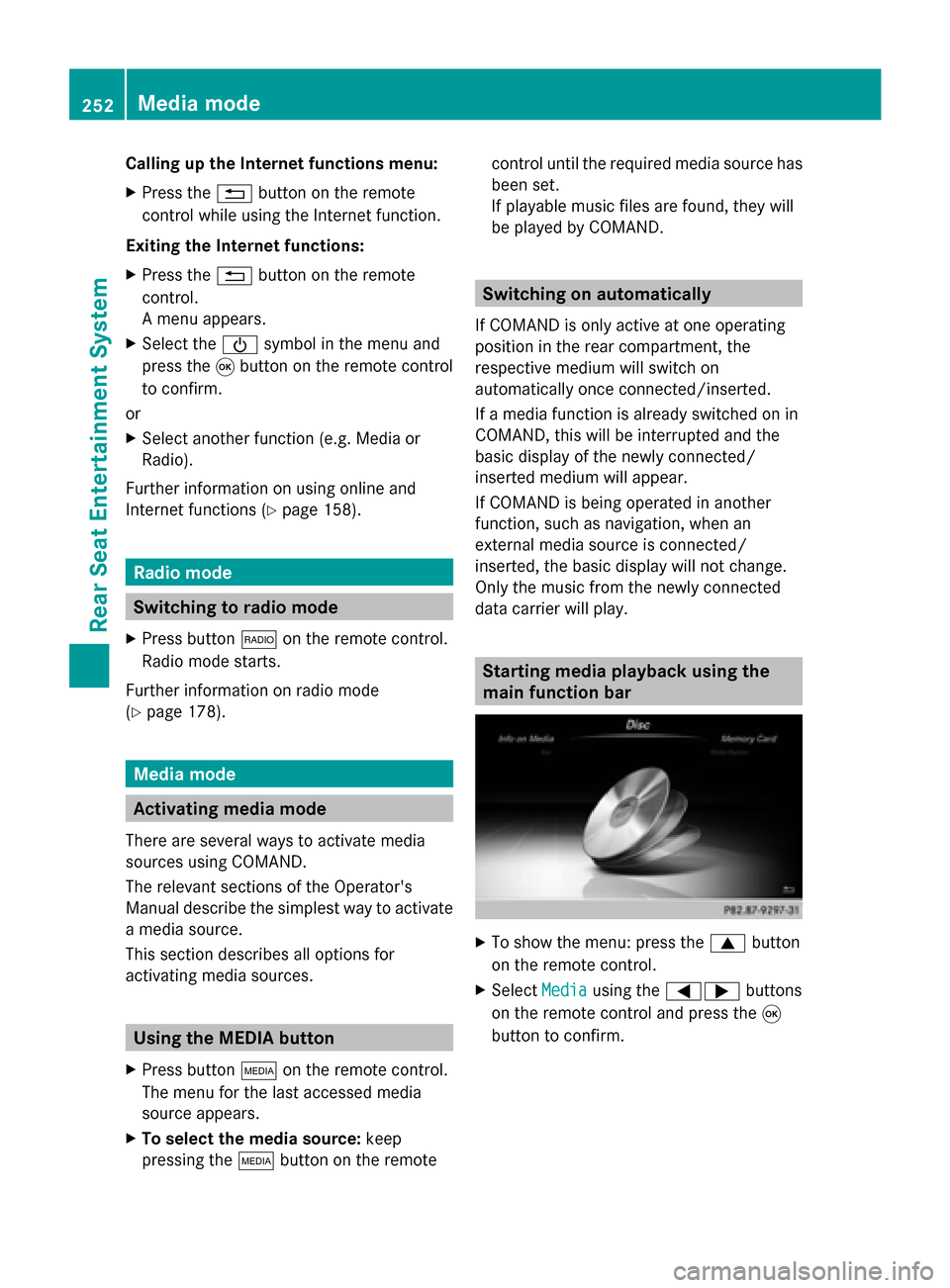
data carrier will play. Starting media playback using the
main function bar
X
To show the menu: press the 0063button
on the remote control.
X Select Media Mediausing the 00590065 buttons
on the remote control and press the 008B
button to confirm. 252
Media modeRear Seat Entertainment System
Page 264 of 278
Your COMAND equipment
These operating instructions describe all the
standard and optional equipment for your
COMAND system, as available at the time of
going to print. Country-specific differences
are possible. Please note that your COMAND
system may not be equipped with all the
features described. SIRIUS Weather
Introduction
i This function is currently not available for
Canada.
For the reception of weather forecasts via
satellite radio, you will need a SIRIUS XM
Satellite Weather subscription.
If the Call SIRIUS to activate system Call SIRIUS to activate system
at: 888-539-7474
at: 888-539-7474 message is displayed
along with the ID number of the SIRIUS
device, you must first have the weather
service activated. A description of the
procedure can be found in the "Registering
satellite radio" section (Y page 183).
COMAND can receive weather forecasts via
satellite radio for the entire USA (including
Alaska and Hawaii). The received weather
data can be displayed as an information chart
(daily forecast, five-day forecast, detailed
information) or on the weather map.
The weather data received from a weather
station is stored in COMAND for one hour. It
can therefore be displayed again immediately
after restarting the engine (for example after
refueling).
Depending on which scale has been selected,
the weather map can display the following
weather data with symbols:
R rain radar
R storm characteristics
R areas of high-pressure/low-pressure,
weather fronts R
course of tropical cyclones (hurricanes,
typhoons)
R gale warnings
R wind direction and speeds
i The rain radar cannot be displayed for
Alaska, Hawaii and Puerto Rico.
i Hurricane: term used to describe the
tropical cyclones that primarily develop in
the Atlantic, North Pacific and South Pacific
oceans. The wind speeds are above
74 mph (118 km/h). Five categories are
used to classify the strength of a hurricane.
Typhoon: term used to describe a tropical
cyclone that develops in the northwestern
Pacific. The wind speeds are in the category
of a hurricane. Switching the SIRIUS Weather display
on/off
Activating X
Select TEL/00A7 in the main function bar by
sliding 00970052, turning and pressing the
controller.
The menu for selecting telephone and
Internet applications appears.
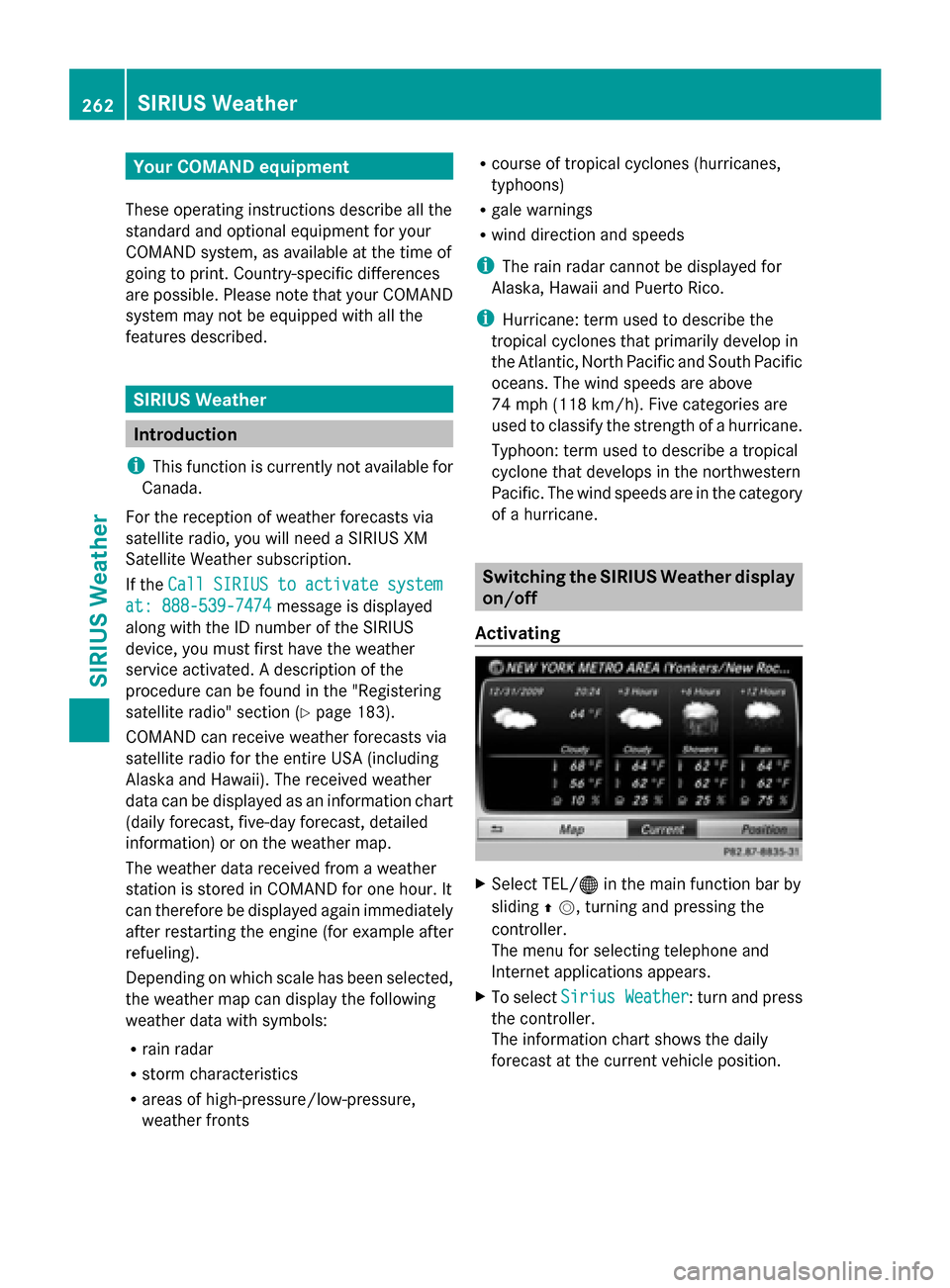
X To select Sirius Weather Sirius Weather : turn and press
the controller.
The information chart shows the daily
forecast at the current vehicle position. 262
SIRIUS WeatherSIRIUS Weather