alarm MERCEDES-BENZ S-CLASS SEDAN 2012 Owners Manual
[x] Cancel search | Manufacturer: MERCEDES-BENZ, Model Year: 2012, Model line: S-CLASS SEDAN, Model: MERCEDES-BENZ S-CLASS SEDAN 2012Pages: 536, PDF Size: 39.39 MB
Page 6 of 536
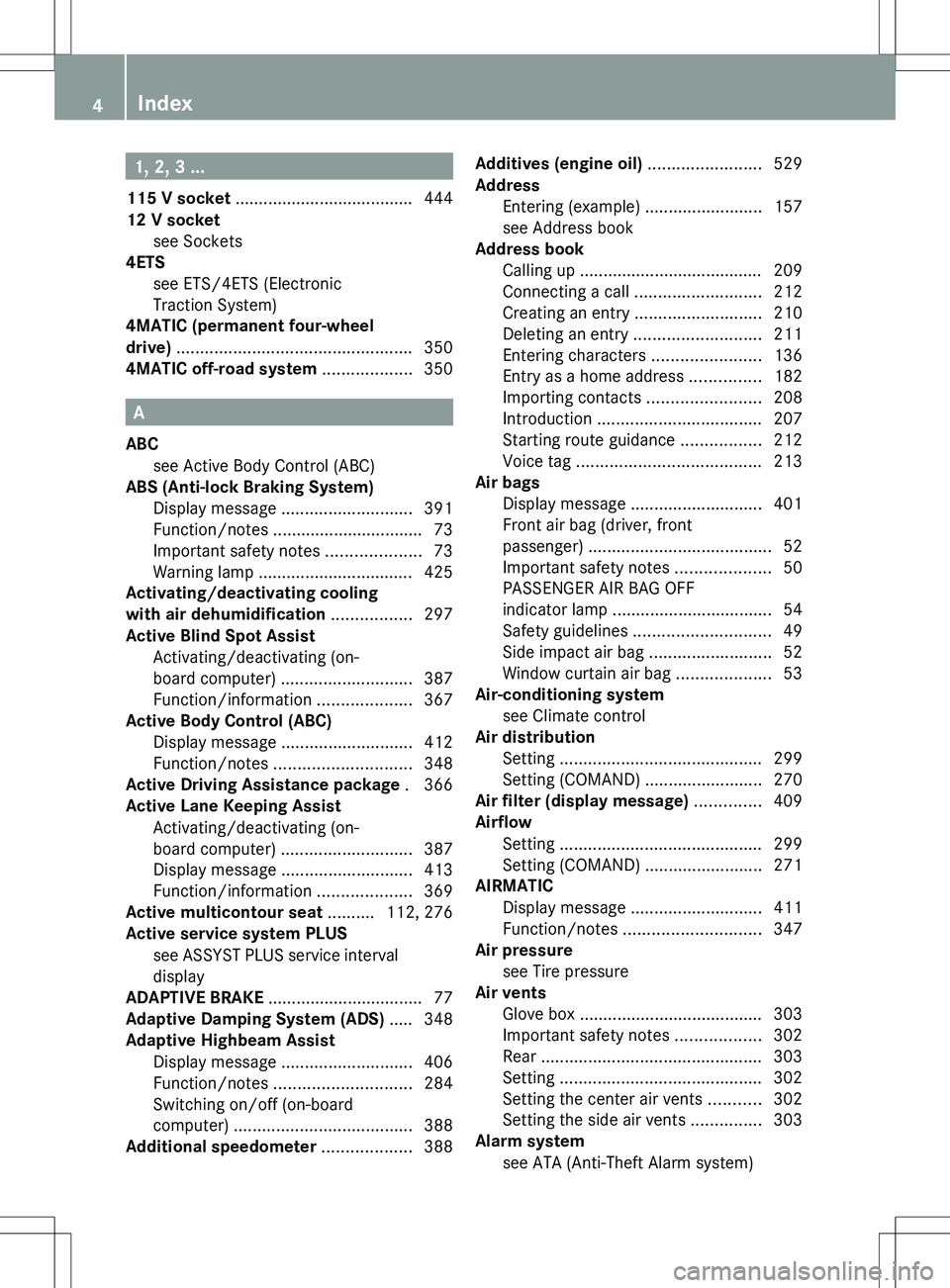
1, 2, 3 ...
115 V socket ...................................... 444
12 V socket see Sockets
4ETS
see ETS/4ETS (Electronic
Traction System)
4MATIC (permanent four-wheel
drive) .................................................. 350
4MATIC off-road system ................... 350
A
ABC see Active Body Control (ABC)
ABS (Anti-lock Braking System)
Display message ............................ 391
Function/notes ................................ 73
Important safety notes ....................73
Warning lamp ................................. 425
Activating/deactivating cooling
with air dehumidification ................. 297
Active Blind Spot Assist Activating/deactivating (on-
board computer) ............................ 387
Function/information ....................367
Active Body Control (ABC)
Display message ............................ 412
Function/notes ............................. 348
Active Driving Assistance package . 366
Active Lane Keeping Assist Activating/deactivating (on-
board computer) ............................ 387
Display message ............................ 413
Function/information ....................369
Active multicontour seat .......... 112, 276
Active service system PLUS see ASSYST PLUS service interval
display
ADAPTIVE BRAKE ................................. 77
Adaptive Damping System (ADS) ..... 348
Adaptive Highbeam Assist Display message ............................ 406
Function/notes ............................. 284
Switching on/off (on-board
computer) ...................................... 388
Additional speedometer ................... 388
Additives (engine oil) ........................ 529
Address Entering (example) .........................157
see Address book
Address book
Calling up ....................................... 209
Connecting a call ........................... 212
Creating an entry ........................... 210
Deleting an entry ........................... 211
Entering characters .......................136
Entry as a home address ...............182
Importing contacts ........................208
Introduction ................................... 207
Starting route guidance .................212
Voice tag ....................................... 213
Air bags
Display message ............................ 401
Front air bag (driver, front
passenger) ....................................... 52
Important safety notes ....................50
PASSENGER AIR BAG OFF
indicator lamp .................................. 54
Safety guidelines ............................. 49
Side impact air bag ..........................52
Window curtain air bag ....................53
Air-conditioning system
see Climate control
Air distribution
Setting ........................................... 299
Setting (COMAND) .........................270
Air filter (display message) .............. 409
Airflow Setting ........................................... 299
Setting (COMAND) .........................271
AIRMATIC
Display message ............................ 411
Function/notes ............................. 347
Air pressure
see Tire pressure
Air vents
Glove box ....................................... 303
Important safety notes ..................302
Rear ............................................... 303
Setting ........................................... 302
Setting the center air vents ...........302
Setting the side air vents ...............303
Alarm system
see ATA (Anti-Theft Alarm system) 4Index
Page 7 of 536
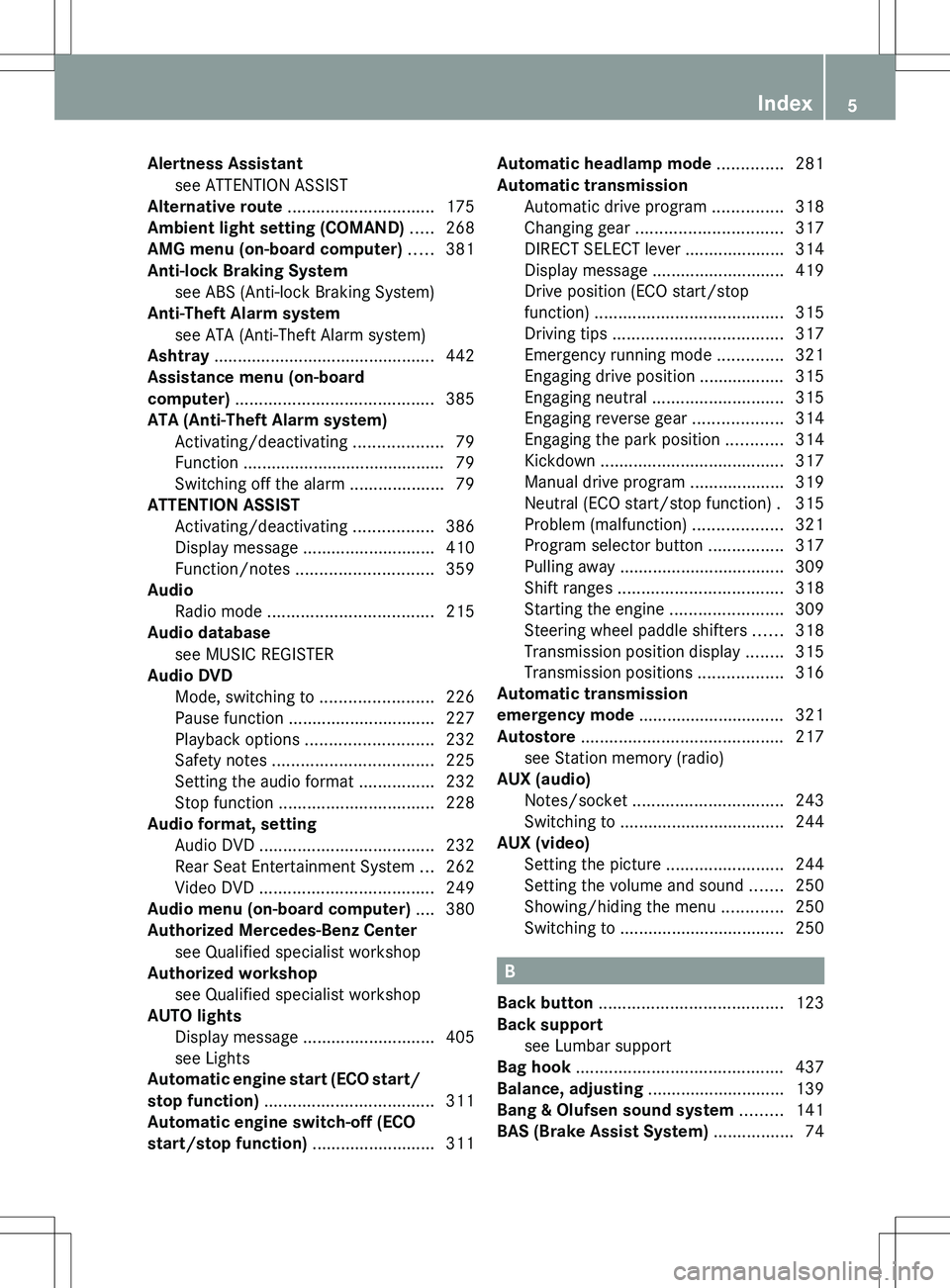
Alertness Assistantsee ATTENTION ASSIST
Alternative route ............................... 175
Ambient light setting (COMAND) ..... 268
AMG menu (on-board computer) ..... 381
Anti-lock Braking System see ABS (Anti-lock Braking System)
Anti-Theft Alarm system
see ATA (Anti-Theft Alarm system)
Ashtray ............................................... 442
Assistance menu (on-board
computer) .......................................... 385
ATA (Anti-Theft Alarm system) Activating/deactivating ...................79
Function ........................................... 79
Switching off the alarm ....................79
ATTENTION ASSIST
Activating/deactivating .................386
Display message ............................ 410
Function/notes ............................. 359
Audio
Radio mode ................................... 215
Audio database
see MUSIC REGISTER
Audio DVD
Mode, switching to ........................226
Pause function ............................... 227
Playback options ........................... 232
Safety notes .................................. 225
Setting the audio format ................232
Stop function ................................. 228
Audio format, setting
Audio DVD ..................................... 232
Rear Seat Entertainment System ...262
Video DVD ..................................... 249
Audio menu (on-board computer) .... 380
Authorized Mercedes-Benz Center see Qualified specialist workshop
Authorized workshop
see Qualified specialist workshop
AUTO lights
Display message ............................ 405
see Lights
Automatic engine start (ECO start/
stop function) .................................... 311
Automatic engine switch-off (ECO
start/stop function) .......................... 311Automatic headlamp mode .............. 281
Automatic transmission Automatic drive program ...............318
Changing gear ............................... 317
DIRECT SELECT lever .....................314
Display message ............................ 419
Drive position (ECO start/stop
function) ........................................ 315
Driving tips .................................... 317
Emergency running mode ..............321
Engaging drive position .................. 315
Engaging neutral ............................ 315
Engaging reverse gear ...................314
Engaging the park position ............314
Kickdown ....................................... 317
Manual drive program ....................319
Neutral (ECO start/stop function) . 315
Problem (malfunction) ...................321
Program selector button ................317
Pulling away ................................... 309
Shift ranges ................................... 318
Starting the engine ........................309
Steering wheel paddle shifters ......318
Transmission position display ........315
Transmission positions ..................316
Automatic transmission
emergency mode ............................... 321
Autostore ........................................... 217
see Station memory (radio)
AUX (audio)
Notes/socket ................................ 243
Switching to ................................... 244
AUX (video)
Setting the picture .........................244
Setting the volume and sound .......250
Showing/hiding the menu .............250
Switching to ................................... 250
B
Back button ....................................... 123
Back support see Lumbar support
Bag hook ............................................ 437
Balance, adjusting ............................. 139
Bang & Olufsen sound system ......... 141
BAS (Brake Assist System) ................. 74
Index5
Page 19 of 536
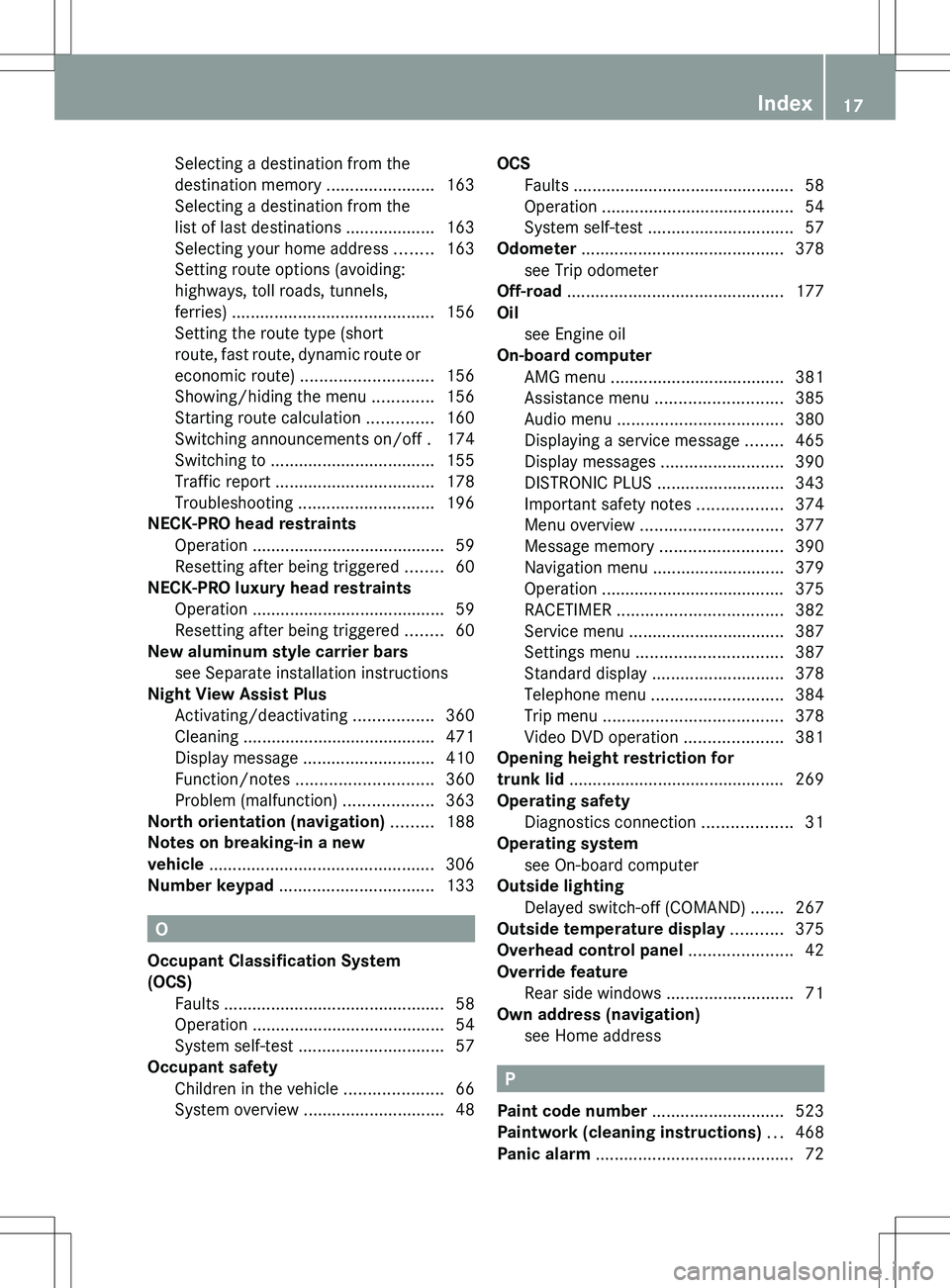
Selecting a destination from the
destination memory .......................163
Selecting a destination from the
list of last destinations ................... 163
Selecting your home address ........163
Setting route options (avoiding:
highways, toll roads, tunnels,
ferries) ........................................... 156
Setting the route type (short
route, fast route, dynamic route or
economic route) ............................ 156
Showing/hiding the menu .............156
Starting route calculation ..............160
Switching announcements on/off . 174
Switching to ................................... 155
Traffic report .................................. 178
Troubleshooting ............................. 196
NECK-PRO head restraints
Operation ......................................... 59
Resetting after being triggered ........60
NECK-PRO luxury head restraints
Operation ......................................... 59
Resetting after being triggered ........60
New aluminum style carrier bars
see Separate installation instructions
Night View Assist Plus
Activating/deactivating .................360
Cleaning ......................................... 471
Display message ............................ 410
Function/notes ............................. 360
Problem (malfunction) ...................363
North orientation (navigation) ......... 188
Notes on breaking-in a new
vehicle ................................................ 306
Number keypad ................................. 133
O
Occupant Classification System
(OCS) Faults ............................................... 58
Operation ......................................... 54
System self-test ............................... 57
Occupant safety
Children in the vehicle .....................66
System overview .............................. 48
OCS
Faults ............................................... 58
Operation ......................................... 54
System self-test ............................... 57
Odometer ........................................... 378
see Trip odometer
Off-road .............................................. 177
Oil see Engine oil
On-board computer
AMG menu ..................................... 381
Assistance menu ........................... 385
Audio menu ................................... 380
Displaying a service message ........465
Display messages ..........................390
DISTRONIC PLUS ........................... 343
Important safety notes ..................374
Menu overview .............................. 377
Message memory .......................... 390
Navigation menu ............................ 379
Operation ....................................... 375
RACETIMER ................................... 382
Service menu ................................. 387
Settings menu ............................... 387
Standard display ............................ 378
Telephone menu ............................ 384
Trip menu ...................................... 378
Video DVD operation .....................381
Opening height restriction for
trunk lid .............................................. 269
Operating safety Diagnostics connection ...................31
Operating system
see On-board computer
Outside lighting
Delayed switch-off (COMAND) .......267
Outside temperature display ........... 375
Overhead control panel ...................... 42
Override feature Rear side windows ...........................71
Own address (navigation)
see Home address
P
Paint code number ............................ 523
Paintwork (cleaning instructions) ... 468
Panic alarm .......................................... 72
Index17
Page 25 of 536
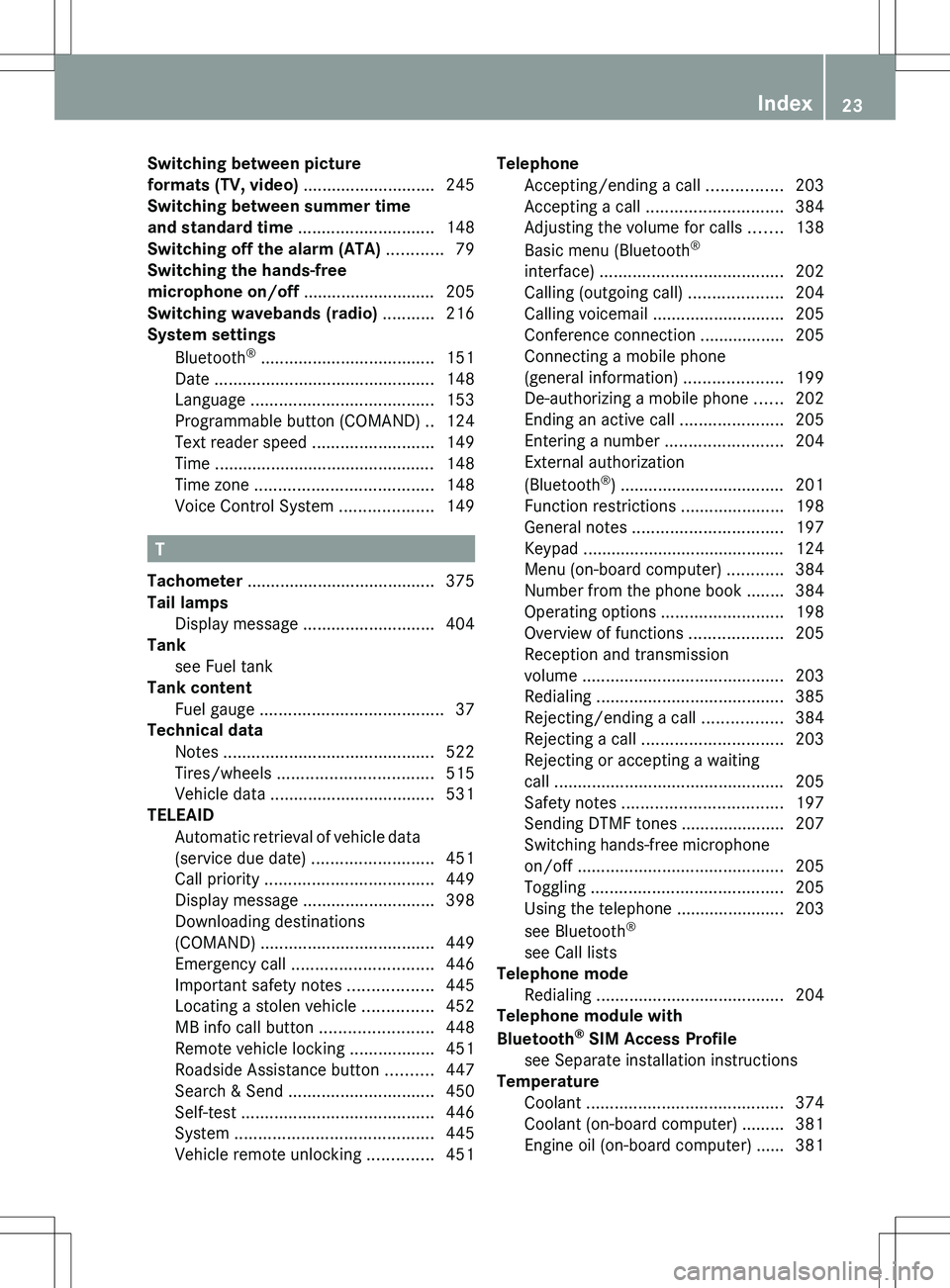
Switching between picture
formats (TV, video) ............................ 245
Switching between summer time
and standard time ............................. 148
Switching off the alarm (ATA) ............ 79
Switching the hands-free
microphone on/off ............................ 205
Switching wavebands (radio) ........... 216
System settings
Bluetooth ®
..................................... 151
Date ............................................... 148
Language ....................................... 153
Programmable button (COMAND) ..124
Text reader speed ..........................149
Time ............................................... 148
Time zone ...................................... 148
Voice Control System ....................149
T
Tachometer ........................................ 375
Tail lamps Display message ............................ 404
Tank
see Fuel tank
Tank content
Fuel gauge ....................................... 37
Technical data
Notes ............................................. 522
Tires/wheels ................................. 515
Vehicle data ................................... 531
TELEAID
Automatic retrieval of vehicle data
(service due date) ..........................451
Call priority .................................... 449
Display message ............................ 398
Downloading destinations
(COMAND) ..................................... 449
Emergency call .............................. 446
Important safety notes ..................445
Locating a stolen vehicle ...............452
MB info call button ........................448
Remote vehicle locking ..................451
Roadside Assistance button ..........447
Search & Send ............................... 450
Self-test ......................................... 446
System .......................................... 445
Vehicle remote unlocking ..............451
Telephone
Accepting/ending a call ................203
Accepting a call ............................. 384
Adjusting the volume for calls .......138
Basic menu (Bluetooth ®
interface) ....................................... 202
Calling (outgoing call) ....................204
Calling voicemail ............................ 205
Conference connection .................. 205
Connecting a mobile phone
(general information) .....................199
De-authorizing a mobile phone ......202
Ending an active call ......................205
Entering a number .........................204
External authorization
(Bluetooth ®
) ................................... 201
Function restrictions ......................198
General notes ................................ 197
Keypad ........................................... 124
Menu (on-board computer) ............384
Number from the phone book ........ 384
Operating options ..........................198
Overview of functions ....................205
Reception and transmission
volume ........................................... 203
Redialing ........................................ 385
Rejecting/ending a call .................384
Rejecting a call .............................. 203
Rejecting or accepting a waiting
call ................................................. 205
Safety notes .................................. 197
Sending DTMF tones ...................... 207
Switching hands-free microphone
on/off ............................................ 205
Toggling ......................................... 205
Using the telephone ....................... 203
see Bluetooth ®
see Call lists
Telephone mode
Redialing ........................................ 204
Telephone module with
Bluetooth ®
SIM Access Profile
see Separate installation instructions
Temperature
Coolant .......................................... 374
Coolant (on-board computer) ......... 381
Engine oil (on-board computer) ...... 381Index23
Page 26 of 536
Outside temperature ...................... 375
Setting (climate control) ................298
Setting (COMAND) .........................270
Theft deterrent systems
ATA (Anti-Theft Alarm system) .........79
Immobilizer ...................................... 79
Tilt/sliding sunroof
see Sliding sunroof
Time
Setting ........................................... 148
Setting summer/standard time .....148
Setting the format .........................148
Setting the time ............................. 148
Setting the time/date format ........148
Setting the time zone ..................... 148
Timing (RACETIMER) ......................... 382
Tiredness assistant see ATTENTION ASSIST
Tire pressure
Calling up (on-board computer) .....499
Checking manually ........................499
Display message ............................ 417
Maximum ....................................... 498
Notes ............................................. 497
Recommended ............................... 495
Tire pressure monitoring system
Function/notes ............................. 499
Restarting ...................................... 501
Warning lamp ................................. 431
Tires
Aspect ratio (definition) .................514
Average weight of the vehicle
occupants (definition) ....................512
Bar (definition) ............................... 512
Characteristics .............................. 512
Checking ........................................ 493
Definition of terms .........................512
Direction of rotation ......................515
Display message ............................ 417
Distribution of the vehicle
occupants (definition) ....................514
DOT, Tire Identification Number
(TIN) ............................................... 511
DOT (Department of
Transportation) (definition) ............512
GAWR (Gross Axle Weight Rating)
(definition) ..................................... 513GVW (Gross Vehicle Weight)
(definition) ..................................... 513
GVWR (Gross Vehicle Weight
Rating) (definition) .........................513
Important safety notes ..................492
Increased vehicle weight due to
optional equipment (definition) ......512
Kilopascal (kPa) (definition) ...........513
Labeling (overview) ........................508
Load bearing index (definition) ......514
Load index ..................................... 511
Load index (definition) ...................513
Maximum loaded vehicle weight
(definition) ..................................... 513
Maximum load on a tire
(definition) ..................................... 513
Maximum permissible tire
pressure (definition) ....................... 513
Maximum tire load .........................506
Maximum tire load (definition) .......513
Optional equipment weight
(definition) ..................................... 514
PSI (pounds per square inch)
(definition) ..................................... 513
Replacing ....................................... 515
Service life ..................................... 493
Sidewall (definition) .......................514
Speed rating (definition) ................513
Storing ........................................... 515
Structure and characteristics
(definition) ..................................... 512
Temperature .................................. 508
TIN (Tire Identification Number)
(definition) ..................................... 514
Tire bead (definition) ......................514
Tire pressure (definition) ................514
Tire pressures (recommended) ......512
Tire size (data) ............................... 515
Tire size designation, load-bearing
capacity, speed rating .................... 509
Tire tread ....................................... 493
Tire tread (definition) .....................514
Total load limit (definition) .............514
Traction ......................................... 507
Traction (definition) .......................514
Tread wear ..................................... 507
Uniform Tire Quality Grading
Standards ...................................... 50724Index
Page 49 of 536
Useful information ..............................48
Occupant safety .................................. 48
Children in the vehicle ........................66
Panic alarm .......................................... 72
Driving safety systems .......................72
Theft deterrent locking system .........7947Safety
Page 74 of 536
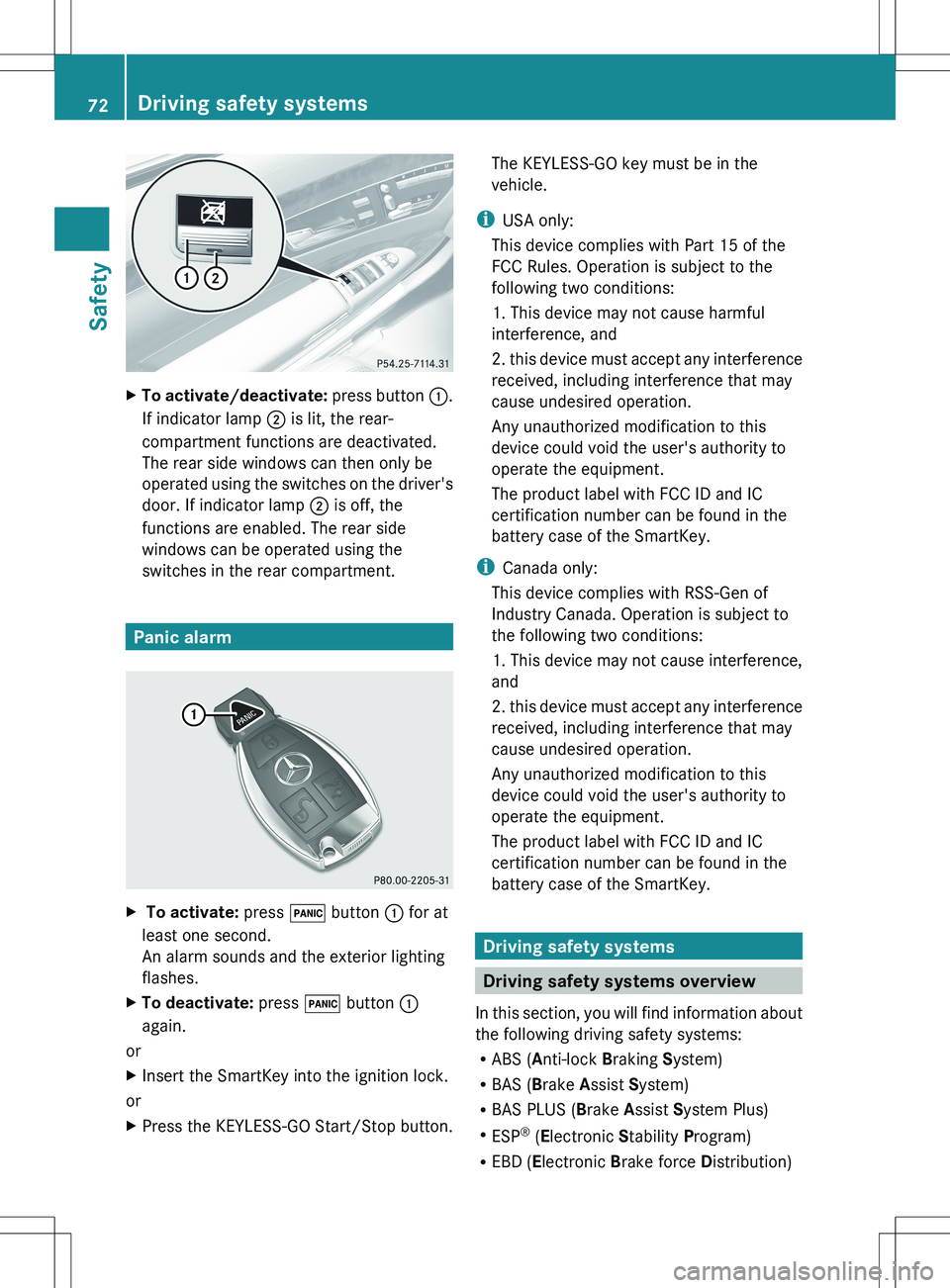
XTo activate/deactivate: press button :.
If indicator lamp ; is lit, the rear-
compartment functions are deactivated.
The rear side windows can then only be
operated using the switches on the driver's
door. If indicator lamp ; is off, the
functions are enabled. The rear side
windows can be operated using the
switches in the rear compartment.
Panic alarm
X To activate: press ! button : for at
least one second.
An alarm sounds and the exterior lighting
flashes.XTo deactivate: press ! button :
again.
or
XInsert the SmartKey into the ignition lock.
or
XPress the KEYLESS-GO Start/Stop button.The KEYLESS-GO key must be in the
vehicle.
i USA only:
This device complies with Part 15 of the
FCC Rules. Operation is subject to the
following two conditions:
1. This device may not cause harmful
interference, and
2. this device must accept any interference
received, including interference that may
cause undesired operation.
Any unauthorized modification to this
device could void the user's authority to
operate the equipment.
The product label with FCC ID and IC
certification number can be found in the
battery case of the SmartKey.
i Canada only:
This device complies with RSS-Gen of
Industry Canada. Operation is subject to
the following two conditions:
1. This device may not cause interference,
and
2. this device must accept any interference
received, including interference that may
cause undesired operation.
Any unauthorized modification to this
device could void the user's authority to
operate the equipment.
The product label with FCC ID and IC
certification number can be found in the
battery case of the SmartKey.
Driving safety systems
Driving safety systems overview
In this section, you will find information about
the following driving safety systems:
R ABS ( Anti-lock Braking System)
R BAS ( Brake Assist System)
R BAS PLUS ( Brake Assist System Plus)
R ESP ®
(E lectronic Stability Program)
R EBD ( Electronic Brake force Distribution)
72Driving safety systemsSafety
Page 81 of 536
In these cases, PRE-SAFE(R) Brake may:
R give an unnecessary warning and then
brake the vehicle
R neither give a warning nor intervene
There is a risk of an accident. Always pay
particular attention to the traffic situation and
be ready to brake, especially if PRE-SAFE(R)
Brake warns you. Terminate the intervention
in a non-critical driving situation.
In particular, the detection of obstacles can
be impaired if there is:
R dirt on the sensors or anything else
covering the sensors
R snow or heavy rain
R interference by other radar sources
R the possibility of strong radar reflections,
for example in parking garages
R a narrow vehicle traveling in front, e.g. a
motorbike
R a vehicle traveling in front on a different lineGWARNING
PRE-SAFE ®
Brake does not react:
R to people or animals
R to oncoming vehicles
R to crossing traffic
R in curves
As a result, PRE-SAFE ®
Brake cannot
intervene in critical situations. There is a risk
of an accident. Always pay careful attention
to the traffic situation and be ready to brake.
In order to maintain the appropriate distance
to the vehicle in front and thus prevent a
collision, you must apply the brakes yourself.
XTo activate/deactivate: activate or
deactivate PRE-SAFE ®
Brake in the on-
board computer ( Y page 386).
After activation, the Ä symbol is
displayed on the left in the instrument
cluster.
For PRE-SAFE ®
Brake to assist you when
driving, the radar sensor system must be
switched on ( Y page 389) and be
operational.
Following damage to the front end of the
vehicle, have the configuration and operation
of the radar sensors checked at a qualified
specialist workshop. This also applies to
collisions at low speeds where there is no
visible damage to the front of the vehicle.
Theft deterrent locking system
Immobilizer
The immobilizer prevents your vehicle from
being started without the correct SmartKey.
When leaving the vehicle, always take the
SmartKey with you and lock the vehicle. The
engine can be started by anyone with a valid
SmartKey that is left inside the vehicle.
XTo activate with the SmartKey: remove
the SmartKey from the ignition lock.XTo activate with KEYLESS-GO: switch the
ignition off and open the driver's door.XTo deactivate: switch on the ignition.
i
The immobilizer is always deactivated
when you start the engine.
ATA (anti-theft alarm system)
A visual and audible alarm is triggered if the
alarm system is armed and you open:
R a door
R the vehicle with the mechanical key
R the trunk lid
R the hood
The alarm is not switched off, even if you
close the open door that has triggered it, for
example.
Theft deterrent locking system79SafetyZ
Page 82 of 536
iIf the alarm stays on for more than
30 seconds, the mbrace (USA only) or TELE
AID (Canada only) emergency call system
initiates a call to the Customer Assistance
Center automatically. The emergency call
system initiates the call provided that:
R you have subscribed to the mbrace/
TELE AID service.
R the mbrace/TELE AID service has been
activated properly.
R the required mobile phone, power supply
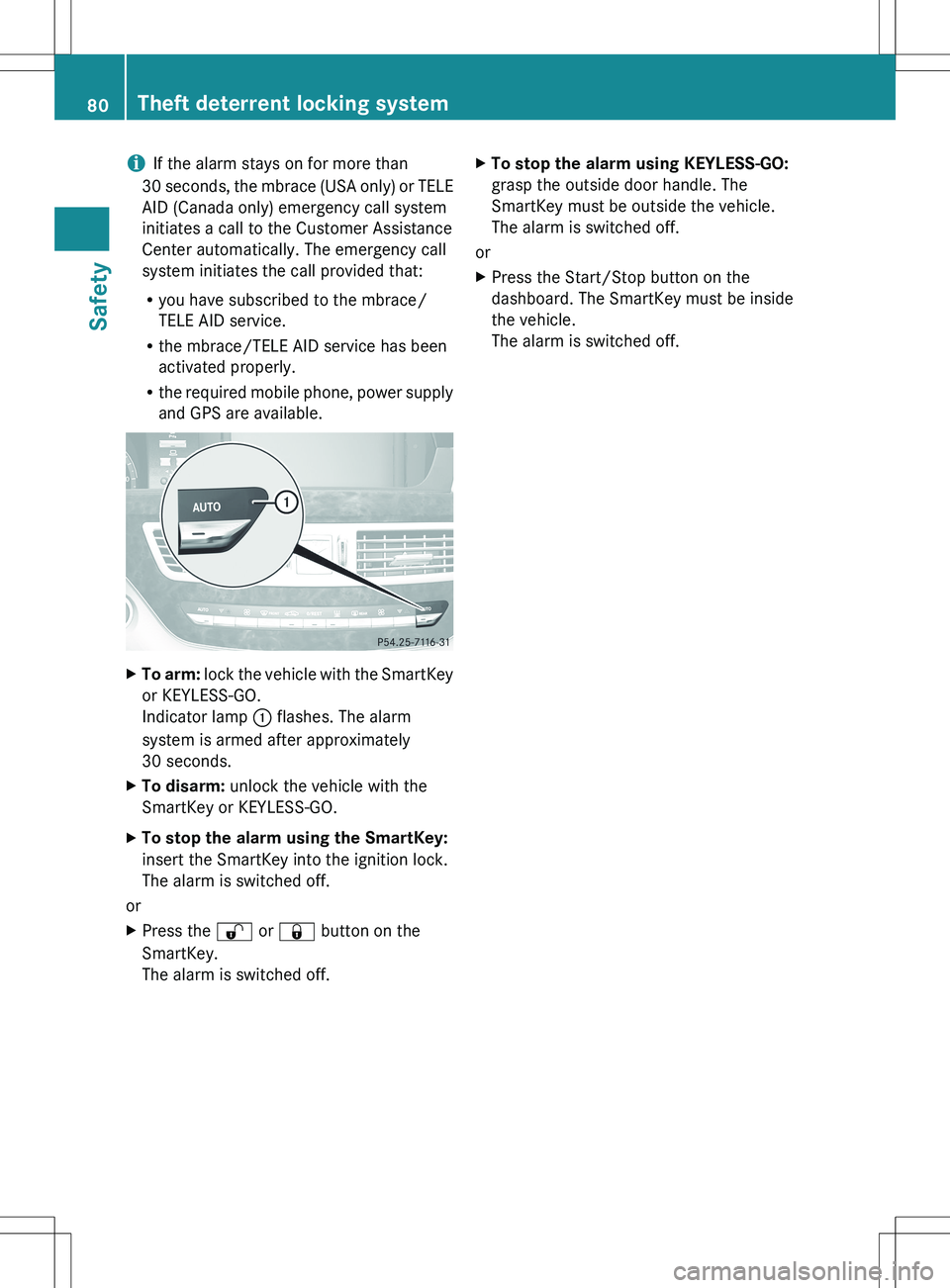
and GPS are available.XTo arm: lock the vehicle with the SmartKey
or KEYLESS-GO.
Indicator lamp : flashes. The alarm
system is armed after approximately
30 seconds.XTo disarm: unlock the vehicle with the
SmartKey or KEYLESS-GO.XTo stop the alarm using the SmartKey:
insert the SmartKey into the ignition lock.
The alarm is switched off.
or
XPress the % or & button on the
SmartKey.
The alarm is switched off.XTo stop the alarm using KEYLESS-GO:
grasp the outside door handle. The
SmartKey must be outside the vehicle.
The alarm is switched off.
or
XPress the Start/Stop button on the
dashboard. The SmartKey must be inside
the vehicle.
The alarm is switched off.80Theft deterrent locking systemSafety
Page 86 of 536
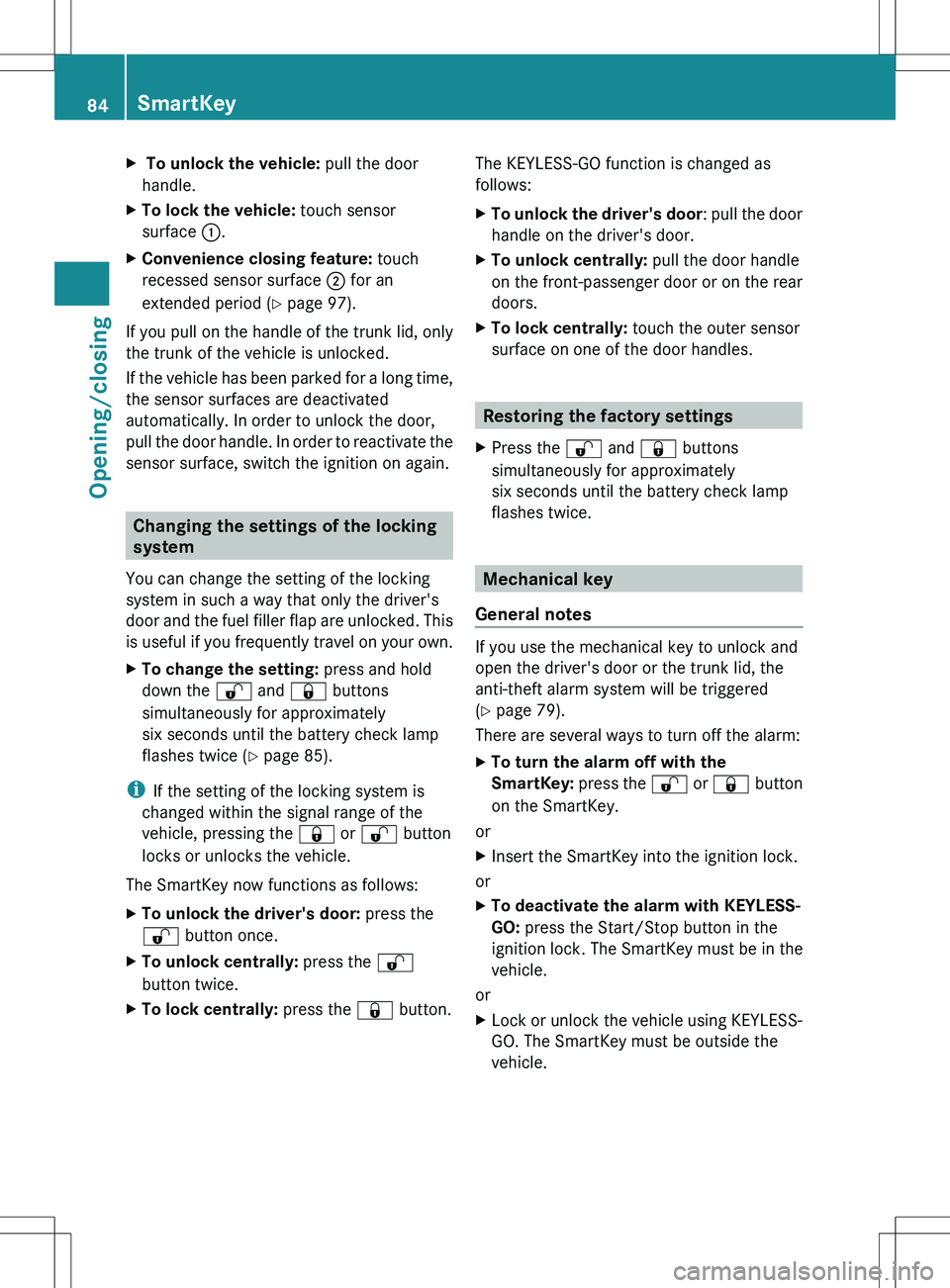
X To unlock the vehicle: pull the door
handle.XTo lock the vehicle: touch sensor
surface :.XConvenience closing feature: touch
recessed sensor surface ; for an
extended period ( Y page 97).
If you pull on the handle of the trunk lid, only
the trunk of the vehicle is unlocked.
If the vehicle has been parked for a long time,
the sensor surfaces are deactivated
automatically. In order to unlock the door,
pull the door handle. In order to reactivate the
sensor surface, switch the ignition on again.
Changing the settings of the locking
system
You can change the setting of the locking
system in such a way that only the driver's
door and the fuel filler flap are unlocked. This
is useful if you frequently travel on your own.
XTo change the setting: press and hold
down the % and & buttons
simultaneously for approximately
six seconds until the battery check lamp
flashes twice ( Y page 85).
i
If the setting of the locking system is
changed within the signal range of the
vehicle, pressing the & or % button
locks or unlocks the vehicle.
The SmartKey now functions as follows:
XTo unlock the driver's door: press the
% button once.XTo unlock centrally: press the %
button twice.XTo lock centrally: press the & button.The KEYLESS-GO function is changed as
follows:XTo unlock the driver's door : pull the door
handle on the driver's door.XTo unlock centrally: pull the door handle
on the front-passenger door or on the rear
doors.XTo lock centrally: touch the outer sensor
surface on one of the door handles.
Restoring the factory settings
XPress the % and & buttons
simultaneously for approximately
six seconds until the battery check lamp
flashes twice.
Mechanical key
General notes
If you use the mechanical key to unlock and
open the driver's door or the trunk lid, the
anti-theft alarm system will be triggered
( Y page 79).
There are several ways to turn off the alarm:
XTo turn the alarm off with the
SmartKey: press the % or & button
on the SmartKey.
or
XInsert the SmartKey into the ignition lock.
or
XTo deactivate the alarm with KEYLESS-
GO: press the Start/Stop button in the
ignition lock. The SmartKey must be in the
vehicle.
or
XLock or unlock the vehicle using KEYLESS-
GO. The SmartKey must be outside the
vehicle.84SmartKeyOpening/closing