USB MINI COOPER 2013 User Guide
[x] Cancel search | Manufacturer: MINI, Model Year: 2013, Model line: COOPER, Model: MINI COOPER 2013Pages: 267, PDF Size: 3.53 MB
Page 188 of 267
MINI ConnectedCOMMUNICATIONS
187
MINI Connected
Vehicle equipment
In this chapter, all production, country, and
optional equipment that is offered in the model
range is described. Equipment is also described
that is not available because of, for example,
selected options or count ry version. This also
applies to safety related functions and systems.
Overview
The concept
You can use MINI Connected to integrate certain
software applications of a suitable mobile phone
into your MINI. These software applications are
displayed on the Control Display. They are oper-
ated using the MINI joystick.
The range of software applications can be coun-
try-specific.
Requirements
The following requirements must be met for the
function of MINI Connected:
> The operating system of the mobile phone
must support the software applications of
MINI Connected.
> The software applications are installed on
the mobile phone and are operational.
> Suitable mobile phone.
> Appropriate mobile phone contract.
Possible additional costs incurred are not
included with MINI Connected.
Only make entries when the traffic situa-
tion allows you to do so. If you do not
observe this precaution, your being distracted
can endanger vehicle occupants and other road
users.
For safety reasons, some software applications
can only be used when the vehicle is stopped.
wise, malfunctions may result. <
Notes
For information on suitable mobile phones,
available software applic ations, and their instal-
lation:
> at: www.mini.com/connectivity
> at your MINI dealer.
Connecting a mobile
phone
Connecting via the USB audio interface
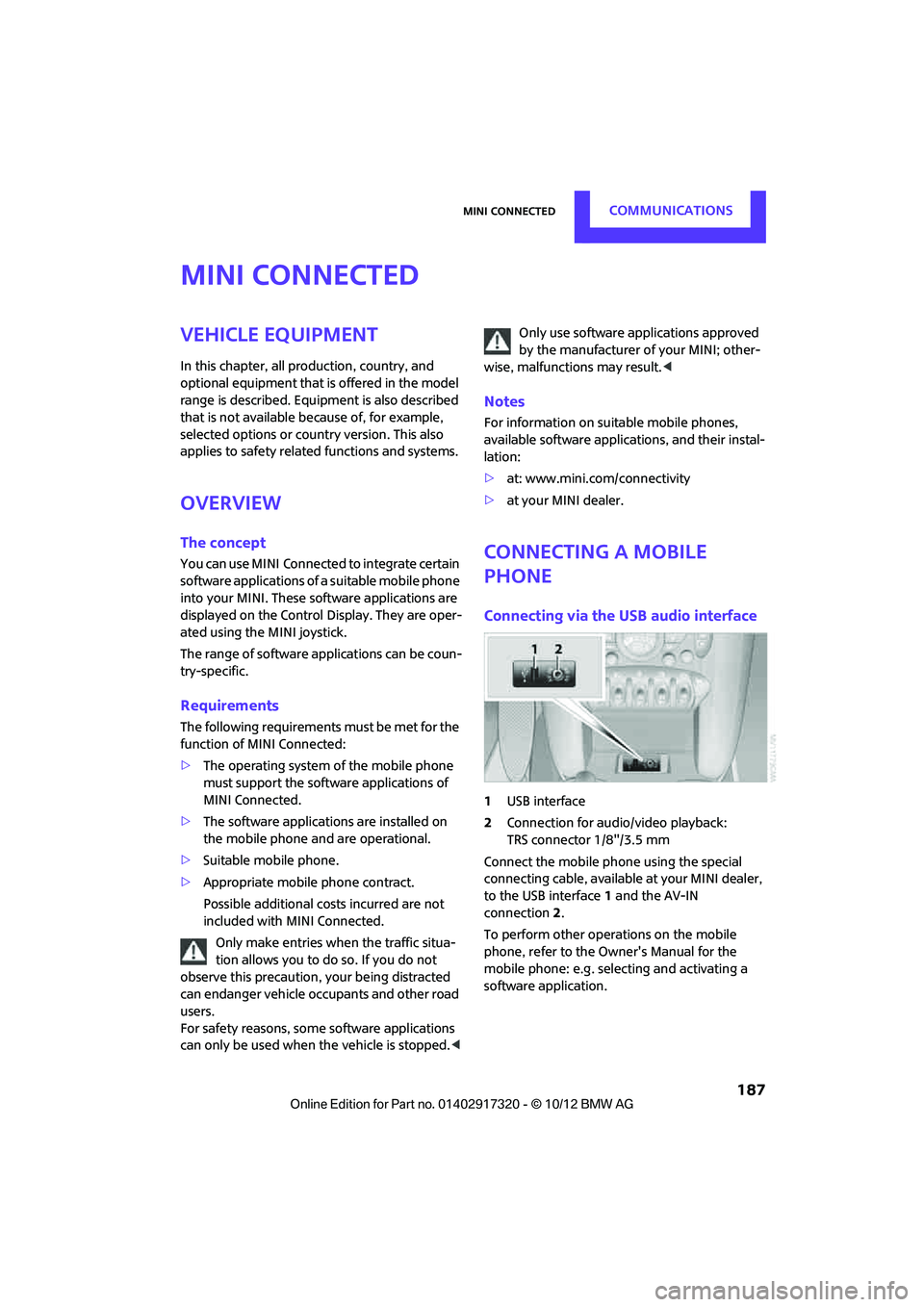
1USB interface
2 Connection for audi o/video playback:
TRS connector 1/8"/3.5 mm
Connect the mobile phone using the special
connecting cable, available at your MINI dealer,
to the USB interface 1 and the AV-IN
connection 2.
To perform other operations on the mobile
phone, refer to the Owner's Manual for the
mobile phone: e.g. selecting and activating a
software application.
00320051004F004C00510048000300280047004C0057004C005200510003
Page 189 of 267
COMMUNICATIONSMINI Connected
188
Connecting via the snap-in adapter
The mobile phone can also be connected using
the snap-in adapter, refer to page177.
Using MINI Connected
After successful connection of the mobile phone
to the vehicle and activation of MINI Connected,
the applications are di splayed on the Control
Display and can be operated using the MINI joy-
stick.
Volume adjustments can be made using the
buttons on the steering wheel, refer to page 10,
or using the volume control knob on the radio,
refer to page 133.
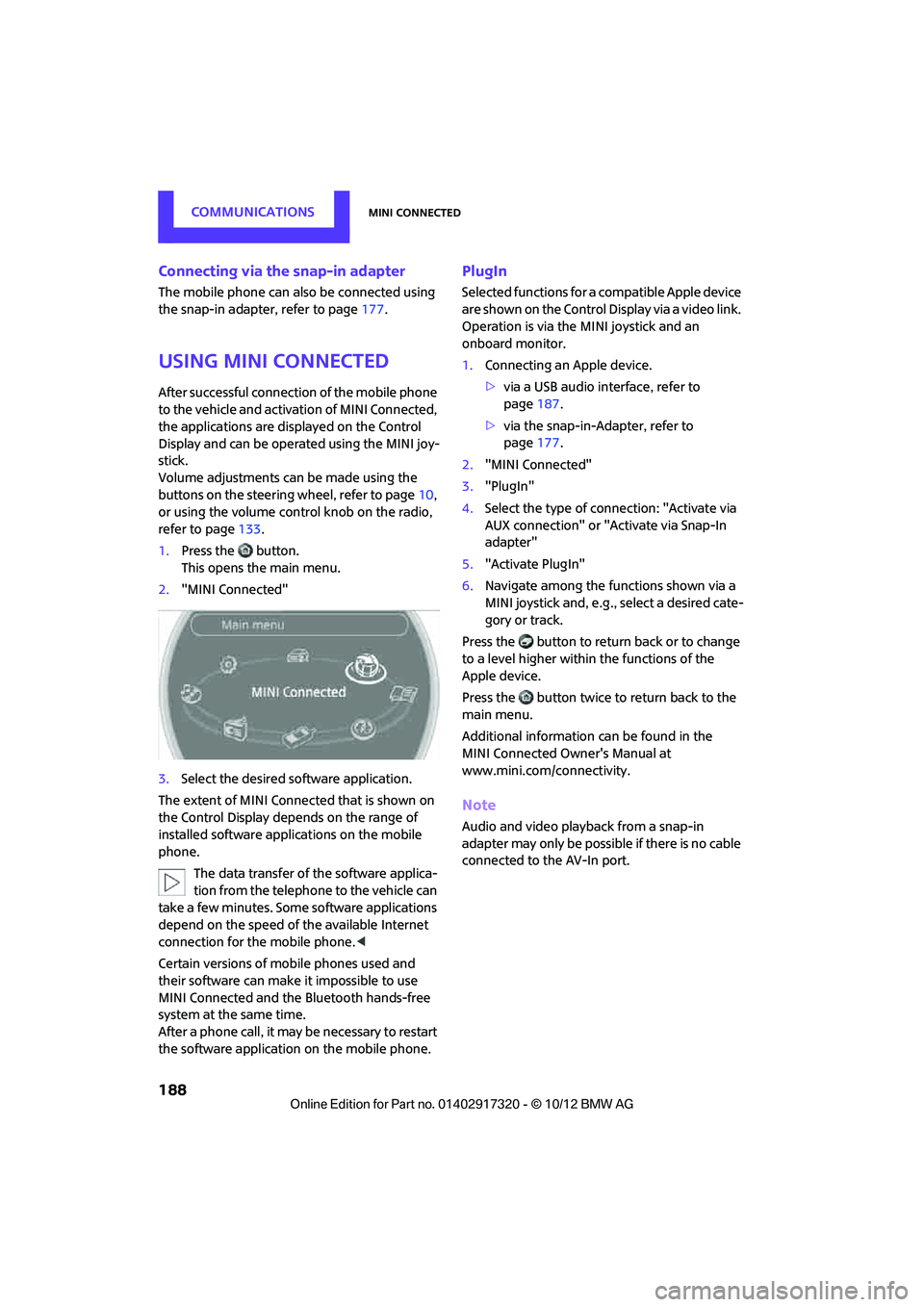
1. Press the button.
This opens the main menu.
2. "MINI Connected"
3. Select the desired so ftware application.
The extent of MINI Connected that is shown on
the Control Display depends on the range of
installed software applic ations on the mobile
phone.
The data transfer of the software applica-
tion from the telephone to the vehicle can
take a few minutes. Some software applications
depend on the speed of the available Internet
connection for the mobile phone. <
Certain versions of mobile phones used and
their software can make it impossible to use
MINI Connected and the Bluetooth hands-free
system at the same time.
After a phone call, it may be necessary to restart
the software application on the mobile phone.
PlugIn
Selected functions for a compatible Apple device
are shown on the Control Display via a video link.
Operation is via the MINI joystick and an
onboard monitor.
1. Connecting an Apple device.
>via a USB audio interface, refer to
page 187.
> via the snap-in-Adapter, refer to
page 177.
2. "MINI Connected"
3. "PlugIn"
4. Select the type of connection: "Activate via
AUX connection" or "Activate via Snap-In
adapter"
5. "Activate PlugIn"
6. Navigate among the functions shown via a
MINI joystick and, e.g., select a desired cate-
gory or track.
Press the button to return back or to change
to a level higher within the functions of the
Apple device.
Press the button twice to return back to the
main menu.
Additional information can be found in the
MINI Connected Owner's Manual at
www.mini.com/c onnectivity.
Note
Audio and video playba ck from a snap-in
adapter may only be possible if there is no cable
connected to the AV-In port.
00320051004F004C00510048000300280047004C0057004C005200510003
Page 265 of 267
REFERENCEEverything from A to Z
264
Trip odometer58
Turning circle, refer to Dimensions 239
Turn signal
– front, replacing bulb 220
– indicator lamp 12,13
– rear, replacing bulb 222
– side, replacing bulb 222
Turn signals 52
Tying down load s, refer to
Cargo loading 105
U
Uniform Tire Quality Grading
UTQR 203
Units
– average fuel consumption 60
– temperature 60
Universal garage door opener, refer to Integrated universal
remote control 90
Universal remote control 90
Unlatching, refer to Unlocking 34
Unlocking
– from inside 30
– from outside 27
– tailgate 34
– without remote control, refer
to Comfort Access 33
Updating the navigation data 110
Upholstery, care 215
USB audio interface 146
USB interface 94
Using contact data 185
V
Valve
– dust cap228 Vehicle
– battery
229
– breaking in 100
– cargo loading 102
– dimensions 239
– identification number, refer to Engine compartment 207
– parking 48
– storage 216
– weight 242
Vehicle equipment 4
Vehicle jack 217,218
– jacking points 228
Ventilation
– air conditioner 89
Vents, refer to Air vents 86
Vents, refer to Ventilation 89
Voice commands
– overview 21
– short commands 245
– telephone 175
Voice instructions for
navigation system 125
– repeating 125
– switching on/off 125
– volume 125
Voice phone book 176
Volume 132
– audio sources 132
– mobile phone 159,171
– voice instructions 125
Volume balance, tone setting 133
Volume of cargo area 242
W
Warning and indicator
lamps 13
Warning messages, refer to Check Control 63
Warning triangle 231
Washer fluid 54
– capacity of reservoir 55
Washer fluid reservoir 55
Waste tray, refer to Ashtray 96Waterfall lighti
ng, refer to
Ambient lighting 84
Water on roads, refer to Driving through water 101
Waveband for radio 135
Wear indicators in tires, refer to Minimum tread depth 204
Weights 242
Welcome lamps 82
Wheelbase, refer to
Dimensions 239
Wheels, new 205
Wheels and tires 195
Wheel stud wrench
– space-saver spare tire 217, 218
Width, refer to Dimensions 239
Windows 36
– closing 36
– convenience operation 28
– opening 36
– pinch protection system 37
Windows, indicator on Control Display 16
Window washer, refer to Washer fluid 55
Window washer reservoir,
refer to Washer fluid
– volume, refer to
Capacities 244
Window washer system 52
– washer fluid 55
– washer jets 54
Windshield
– cleaning 54
– defrosting and removing condensation 87,89
Windshield wiper blades,
changing 218
Windshield wipers, refer to Wiper system 52
Winter tires 206
– setting speed limit 65
– storage 206
Wiper blade replacement 218
Wiper system 52
00320051004F004C00510048000300280047004C0057004C005200510003