Sound MITSUBISHI ECLIPSE CROSS 2019 (in English) Owner's Guide
[x] Cancel search | Manufacturer: MITSUBISHI, Model Year: 2019, Model line: ECLIPSE CROSS, Model: MITSUBISHI ECLIPSE CROSS 2019Pages: 423, PDF Size: 75.41 MB
Page 158 of 423
Hill start assist
Features and controls 5-75
5
Depress the acceleration pedal with the selec- tor lever in any position other than “P”(PARK) or “N” (NEUTRAL). The brakes are released, and the brake auto hold indicator light in the instrument clusterwill go off.
Press the brake auto hold switch to turn off the brake auto hold. The indicator light on the switch goes off.If you want to turn off the system while the brake auto hold indicator light is illuminated, press the switch with depressing the brakepedal.
N00562601130
The hill start assist makes it easy to start offon a steep uphill slope by preventing thevehicle from moving back
wards. It keeps the
braking force for approximately 2 seconds when you move your foot from the brakepedal to the accelerator pedal.
N00562701144
1. Stop the vehicle completely using thebrake pedal. 2. Release the brake pedal and the hill start assist will maintain the braking forceapplied while stopped for approximately 2 seconds.
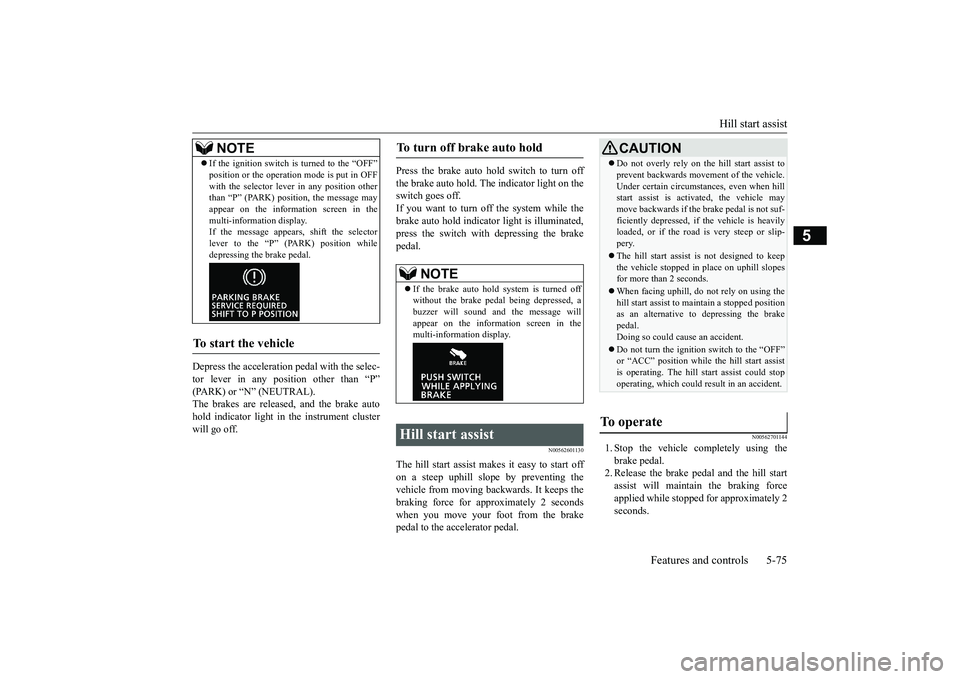
If the ignition switch is turned to the “OFF” position or the operation mode is put in OFF with the selector lever in any position other than “P” (PARK) position, the message may appear on the information screen in themulti-information display. If the message appears, shift the selector lever to the “P” (PARK) position whiledepressing the brake pedal.
To start the vehicle
NOTE
To turn off brake auto hold
NOTE
If the brake auto hold system is turned off without the brake pedal being depressed, a buzzer will sound and the message willappear on the information screen in the multi-information display.
Hill start assist
CAUTION Do not overly rely on the hill start assist to prevent backwards movement of the vehicle. Under certain circumstances, even when hill start assist is activated, the vehicle may move backwards if the brake pedal is not suf-ficiently depressed, if the vehicle is heavily loaded, or if the road is very steep or slip- pery. The hill start assist is not designed to keep the vehicle stopped in place on uphill slopesfor more than 2 seconds. When facing uphill, do
not rely on using the
hill start assist to maintain a stopped position as an alternative to depressing the brake pedal.Doing so could cause an accident. Do not turn the ignition switch to the “OFF” or “ACC” position while the hill start assist is operating. The hill start assist could stop operating, which could result in an accident.
To operate
BK0266800US.bo
ok 75 ページ 2018年6月27日 水曜日 午後5時6分
Page 160 of 423
Anti-lock braking system
Features and controls 5-77
5
N00517901351
The anti-lock braking system helps prevent the wheels from lockin
g up when braking.
This helps maintain vehicle drivability and steering wheel handling. When using the anti-lock brakes (sudden braking), steering is slightly different from normal driving conditions. Use thesteering wheel carefully. Always keep a safe distance from the vehicle in front of you. Even if your vehi-cle is equipped with the anti-lock braking system, leave a greater braking distance when:• Driving on gravel or snow-covered roads. • Driving on uneven road surfaces.
Operation of anti-lock braking system is not restricted situations where brakes are applied suddenly. This system may also prevent the wheels from locking whenyou drive over manholes, steel roadwork plates, road markings, or any uneven road surface. When the anti-lock braking system is in use, you may feel the brake pedal vibrat- ing and hear a unique sound. It may alsofeel as if the pedal resists being pressed.In this situation, si
mply hold the brake
pedal down firmly. Do not pump the brake, which will result in reducedbraking performance.
N00531601701
Warning light Warning display If there is a malfunction in the system, the anti-lock braking system warning light will come on and the warning display will appearon the information screen in the multi-infor- mation display. Under normal conditions, the anti-lock brak-ing system warning light only comes on when the ignition switch is turned to the “ON” position or the operation mode is put in ONand goes off a few seconds later.
When the anti-lock brake system warning light or only active stability control warning light illuminate, the brake assist system in not functioning.
Anti-lock braking system Driving hints
NOTE
CAUTION The anti-lock braking system cannot prevent accidents. It is your responsibility to take safety precautions and to drive carefully. To prevent failure of the anti-lock braking system, be sure all four wheels and tires are the same size and the same type.NOTE
A whining sound is emitted from the engine compartment when driving immediatelyafter starting the engine. These are the nor- mal sounds the anti-lock braking system makes when performing a self-check. It doesnot indicate a malfunction.
The anti-lock braking system can be used after the vehicle has reached a speed over approximately 6 mph (10 km/h). It stops working when the vehicle slows below 3 mph (5 km/h).
Anti-lock braking system warn- ing light / display
NOTE
BK0266800US.bo
ok 77 ページ 2018年6月27日 水曜日 午後5時6分
Page 163 of 423
Active stability control (ASC) 5-80 Features and controls
5
and traction. Please read
this section in con-
junction with the page on the anti-lock brak- ing system, traction control function and skid control function. Anti-lock braking system
P.5-77
Traction control function
P.5-80
Skid control function
P.5-80
N00559200021
On slippery surfaces, the traction control function prevents the drive wheels from spin- ning excessive, thus helping the vehicle tostart moving from a stop
ped condition. It also
provides sufficient driving force and steering performance as the vehicle turns while press-ing the acceleration pedal.
N00559301074
The skid control function is designed to helpthe driver maintain control of the vehicle onslippery roads or during rapid steering maneuvers. It works by controlling the engine output and the brake on each wheel.
CAUTION Do not over-rely on the ASC. Even the ASC cannot prevent the natural laws of physics from acting on the vehicl
e. This system, like
any other system, has limits and cannot helpyou to maintain traction and control of the vehicle in all circumstances. Reckless driv- ing can lead to accidents. It is the driver’sresponsibillty to drive carefully, This means taking into account the traffic, road and envi- ronmental conditions. Be sure to use the same specified type and size of tire on all four wheels. Otherwise, theASC may not work properly. Do not install any aftermarket limited slip differential (LSD) on your vehicle. The ASC may stop functioning properly.
NOTE
An operation noise may be emitted from the engine compartment in the following situa- tions. The sound is associated with checking the operations of the ASC. At this time, you may feel a shock from the brake pedal if youdepress it. These do not indicate a malfunc- tion. • When the ignition switch is set to the “ON” position. • When the vehicle is driven for a while after the engine is turned on.
When the ASC is activated, you may feel a vibration in the vehicle body or hear a whin- ing sound from the engine compartment.This indicates that the system is operating normally. It does not indicate a malfunction. When the anti-lock braking system warning light is illuminated, the ASC is not active.
Traction control function
CAUTION When driving a vehicle on a snowy or icy road, be sure to install snow tires and drive the vehicle at moderate speeds.
Skid control function
NOTE
The skid control function operates at speeds of approximately 9 mph (15 km/h) or higher.
BK0266800US.bo
ok 80 ページ 2018年6月27日 水曜日 午後5時6分
Page 170 of 423
Adaptive Cruise Control System (ACC) (if so equipped)
Features and controls 5-87
5
N00576800064
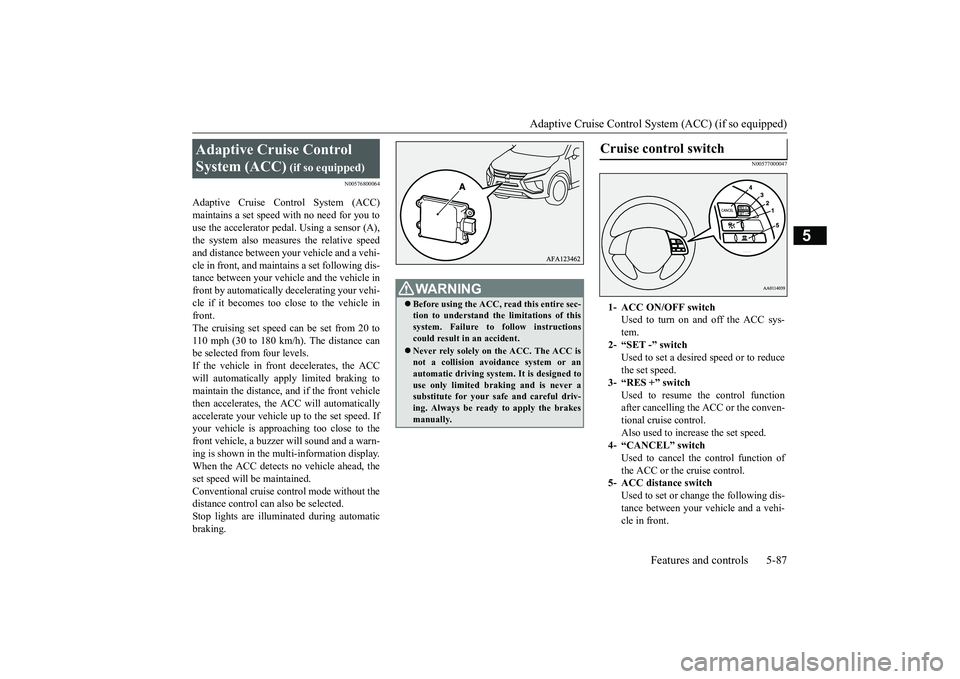
Adaptive Cruise Control System (ACC) maintains a set speed with no need for you to use the accelerator pedal. Using a sensor (A), the system also measures the relative speedand distance between your vehicle and a vehi- cle in front, and maintains a set following dis- tance between your vehicle and the vehicle infront by automatically decelerating your vehi-cle if it becomes too close to the vehicle in front. The cruising set speed can be set from 20 to110 mph (30 to 180 km/h). The distance can be selected from four levels. If the vehicle in front decelerates, the ACCwill automatically apply limited braking to maintain the distance, and if the front vehicle then accelerates, the ACC will automaticallyaccelerate your vehicle up to the set speed. If your vehicle is approaching too close to the front vehicle, a buzzer will sound and a warn-ing is shown in the multi-information display. When the ACC detects no vehicle ahead, the set speed will be maintained.Conventional cruise control mode without the distance control can also be selected. Stop lights are illuminated during automaticbraking.
N00577000047
Adaptive Cruise Control System (ACC)
(if so equipped)
WA R N I N G Before using the ACC, read this entire sec- tion to understand the limitations of this system. Failure to follow instructions could result in an accident. Never rely solely on the ACC. The ACC is not a collision avoidance system or anautomatic driving system. It is designed to use only limited braking and is never a substitute for your safe and careful driv-ing. Always be ready to apply the brakes manually.
Cruise control switch
1- ACC ON/OFF switch
Used to turn on and off the ACC sys- tem.
2- “SET -” switch
Used to set a desired speed or to reduce the set speed.
3- “RES +” switch
Used to resume the control function after cancelling the ACC or the conven- tional cruise control.Also used to increase the set speed.
4- “CANCEL” switch
Used to cancel the control function ofthe ACC or the cruise control.
5- ACC distance switch
Used to set or change the following dis-tance between your vehicle and a vehi- cle in front.
BK0266800US.bo
ok 87 ページ 2018年6月27日 水曜日 午後5時6分
Page 174 of 423
Adaptive Cruise Control System (ACC) (if so equipped)
Features and controls 5-91
5
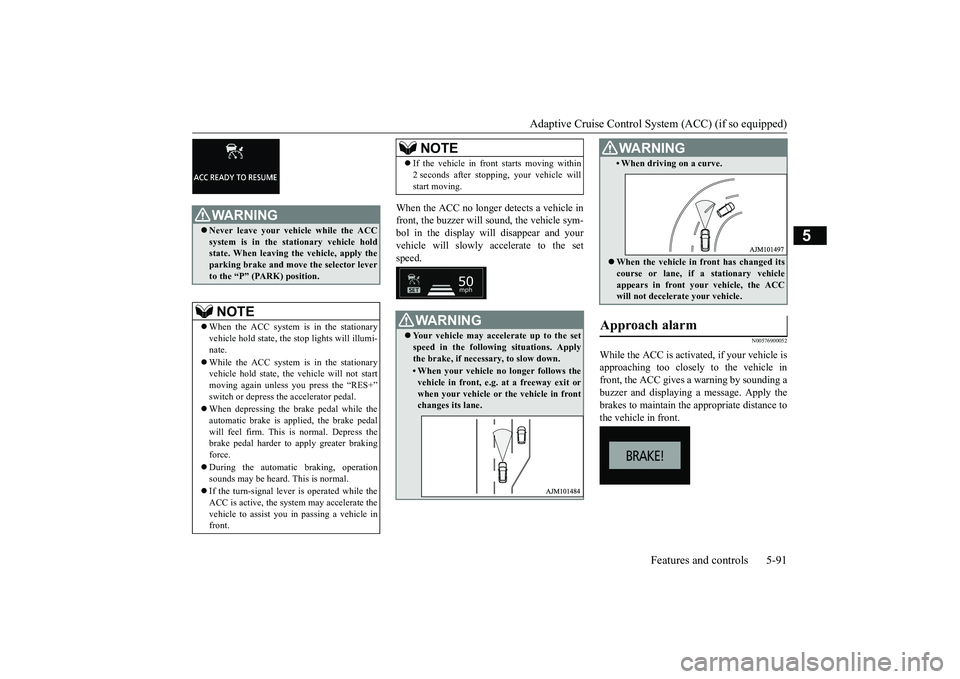
When the ACC no longer detects a vehicle in front, the buzzer will sound, the vehicle sym- bol in the display will disappear and your vehicle will slowly accelerate to the setspeed.
N00576900052
While the ACC is activat
ed, if your vehicle is
approaching too closely to the vehicle infront, the ACC gives a warning by sounding a buzzer and displaying a message. Apply the brakes to maintain the appropriate distance tothe vehicle in front.
WA R N I N G Never leave your vehicle while the ACC system is in the stationary vehicle hold state. When leaving the vehicle, apply the parking brake and move the selector leverto the “P” (PARK) position.NOTE
When the ACC system is in the stationary vehicle hold state, the stop lights will illumi-nate. While the ACC system is in the stationary vehicle hold state, the vehicle will not start moving again unless you press the “RES+” switch or depress the accelerator pedal. When depressing the brake pedal while the automatic brake is applied, the brake pedalwill feel firm. This is normal. Depress the brake pedal harder to apply greater braking force. During the automatic braking, operation sounds may be heard. This is normal. If the turn-signal lever is operated while the ACC is active, the system may accelerate the vehicle to assist you in passing a vehicle in front.
If the vehicle in front starts moving within 2 seconds after stopping, your vehicle will start moving.WA R N I N G Your vehicle may accelerate up to the set speed in the following situations. Apply the brake, if necessary, to slow down.• When your vehicle no longer follows thevehicle in front, e.g. at a freeway exit or when your vehicle or the vehicle in frontchanges its lane.NOTE
• When driving on a curve. When the vehicle in front has changed its course or lane, if a stationary vehicle appears in front your vehicle, the ACC will not decelerate your vehicle.
Approach alarm
WA R N I N G
BK0266800US.bo
ok 91 ページ 2018年6月27日 水曜日 午後5時6分
Page 175 of 423
Adaptive Cruise Control System (ACC) (if so equipped) 5-92 Features and controls
5
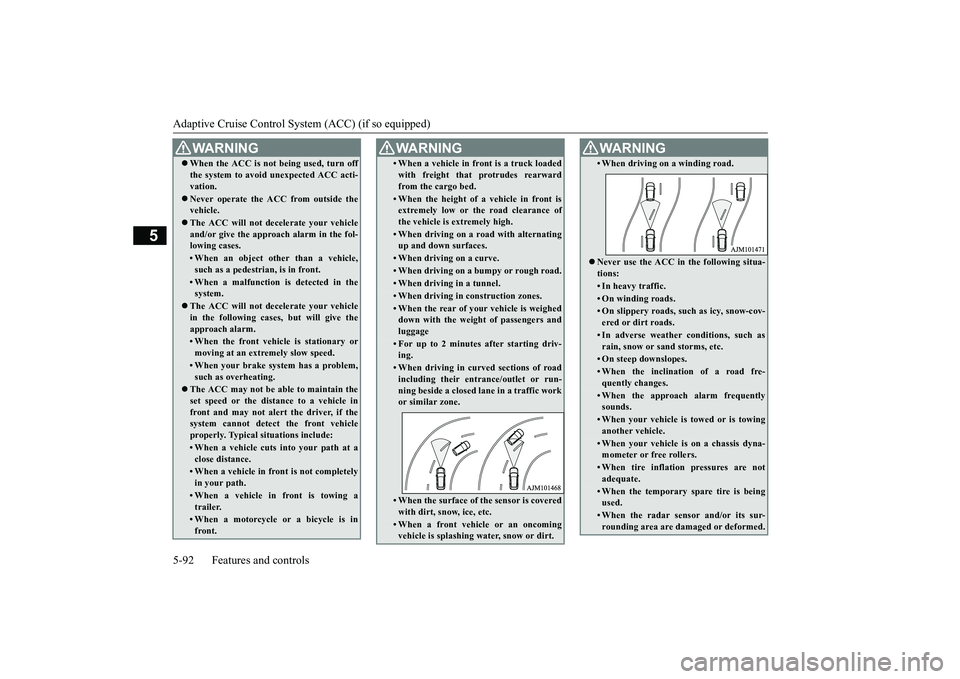
WA R N I N G When the ACC is not being used, turn off the system to avoid unexpected ACC acti- vation. Never operate the ACC from outside the vehicle. The ACC will not decelerate your vehicle and/or give the approach alarm in the fol- lowing cases.• When an object other than a vehicle,such as a pedestrian, is in front. • When a malfunction is detected in thesystem.
The ACC will not decelerate your vehicle in the following cases, but will give the approach alarm.• When the front vehicle is stationary ormoving at an extremely slow speed.• When your brake system has a problem,such as overheating.
The ACC may not be able to maintain the set speed or the distance to a vehicle infront and may not alert the driver, if the system cannot detect the front vehicle properly. Typical situations include: • When a vehicle cuts into your path at aclose distance.• When a vehicle in front is not completelyin your path.• When a vehicle in front is towing atrailer.• When a motorcycle or a bicycle is infront.
• When a vehicle in front is a truck loaded with freight that protrudes rearward from the cargo bed.• When the height of a vehicle in front isextremely low or the road clearance of the vehicle is extremely high.• When driving on a road with alternatingup and down surfaces.• When driving on a curve.• When driving on a bumpy or rough road.• When driving in a tunnel.• When driving in construction zones.• When the rear of your vehicle is weighed down with the weight of passengers and luggage• For up to 2 minutes after starting driv-ing.• When driving in curved sections of roadincluding their entrance/outlet or run- ning beside a closed lane in a traffic workor similar zone.• When the surface of the sensor is coveredwith dirt, snow, ice, etc.• When a front vehicle or an oncomingvehicle is splashing water, snow or dirt. WA R N I N G
• When driving on a winding road. Never use the ACC in the following situa- tions:• In heavy traffic.• On winding roads.• On slippery roads, such as icy, snow-cov- ered or dirt roads.• In adverse weather conditions, such asrain, snow or sand storms, etc.• On steep downslopes.• When the inclination of a road fre- quently changes.• When the approach alarm frequentlysounds.• When your vehicle is towed or is towinganother vehicle.• When your vehicle is on a chassis dyna-mometer or free rollers.• When tire inflation pressures are notadequate.• When the temporary spare tire is beingused.• When the radar sensor and/or its sur-rounding area are damaged or deformed.WA R N I N G
BK0266800US.bo
ok 92 ページ 2018年6月27日 水曜日 午後5時6分
Page 178 of 423
Adaptive Cruise Control System (ACC) (if so equipped)
Features and controls 5-95
5
N00581700074
There are two ways to cancel the ACC con- trol. By pressing the “CANCEL” switch. By depressing the brake pedal.
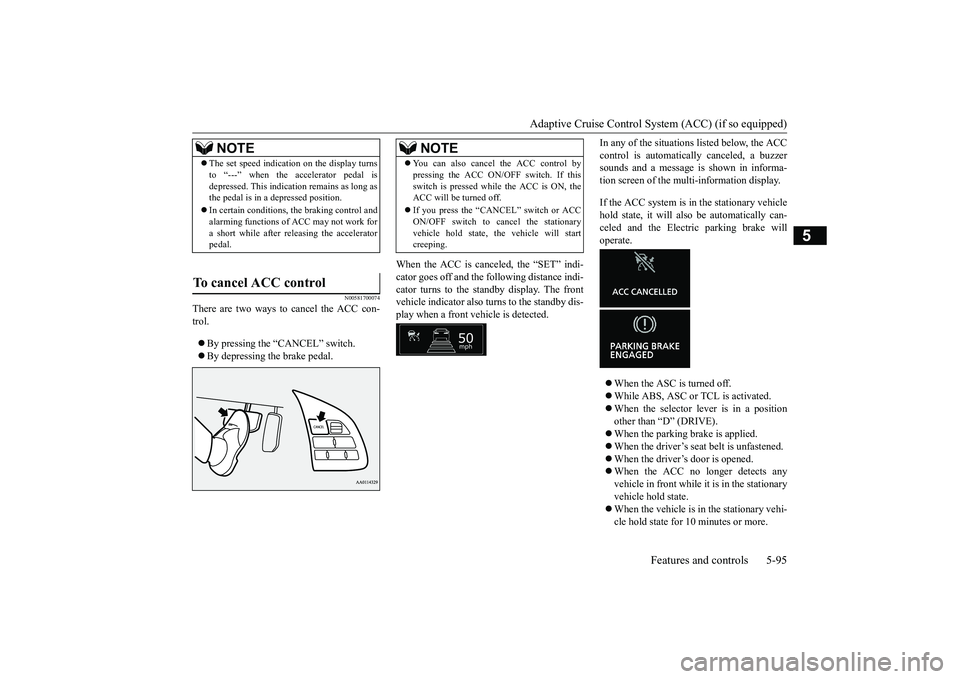
When the ACC is canceled, the “SET” indi- cator goes off and the following distance indi-cator turns to the standby display. The front vehicle indicator also turns to the standby dis- play when a front vehicle is detected.
In any of the situations listed below, the ACC control is automatically canceled, a buzzer sounds and a message is shown in informa- tion screen of the multi-information display. If the ACC system is in the stationary vehicle hold state, it will also be automatically can- celed and the Electric parking brake will operate. When the ASC is turned off. While ABS, ASC or TCL is activated. When the selector lever is in a position other than “D” (DRIVE). When the parking brake is applied. When the driver’s seat belt is unfastened. When the driver’s door is opened. When the ACC no longer detects any vehicle in front while it is in the stationaryvehicle hold state. When the vehicle is in the stationary vehi- cle hold state for 10 minutes or more.
NOTE
The set speed indication on the display turns to “---” when the accelerator pedal is depressed. This indication remains as long as the pedal is in a depressed position. In certain conditions, the braking control and alarming functions of ACC may not work for a short while after releasing the acceleratorpedal.
To cancel ACC control
NOTE
You can also cancel the ACC control by pressing the ACC ON/OFF switch. If this switch is pressed while
the ACC is ON, the
ACC will be turned off. If you press the “CANCEL” switch or ACC ON/OFF switch to cancel the stationary vehicle hold state, the vehicle will startcreeping.
BK0266800US.bo
ok 95 ページ 2018年6月27日 水曜日 午後5時6分
Page 179 of 423
Adaptive Cruise Control System (ACC) (if so equipped) 5-96 Features and controls
5
When the system detects the vehicle mov- ing down a slope while the vehicle is in the stationary vehicle hold state.
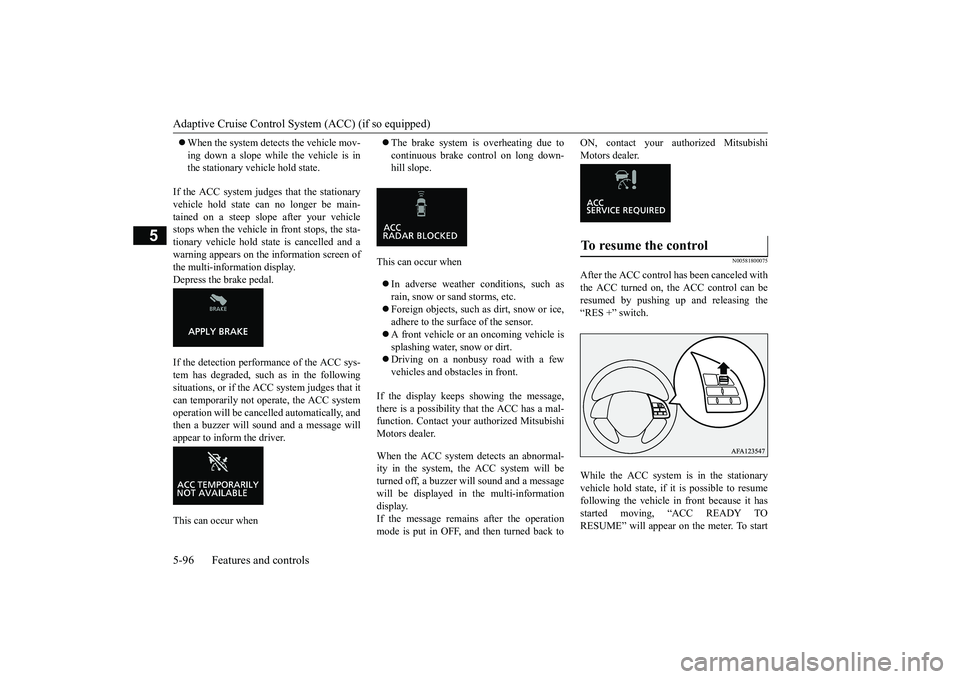
If the ACC system judges that the stationary vehicle hold state can no longer be main-tained on a steep slope after your vehicle stops when the vehicle in front stops, the sta- tionary vehicle hold state is cancelled and awarning appears on the information screen of the multi-information display. Depress the brake pedal. If the detection performance of the ACC sys- tem has degraded, such as in the following situations, or if the ACC system judges that it can temporarily not operate, the ACC systemoperation will be cancelled automatically, and then a buzzer will sound and a message will appear to inform the driver. This can occur when
The brake system is overheating due to continuous brake control on long down- hill slope.
This can occur when In adverse weather conditions, such as rain, snow or sand storms, etc. Foreign objects, such as dirt, snow or ice, adhere to the surface of the sensor. A front vehicle or an oncoming vehicle is splashing water, snow or dirt. Driving on a nonbusy road with a few vehicles and obstacles in front.
If the display keeps showing the message, there is a possibility that the ACC has a mal- function. Contact your authorized Mitsubishi Motors dealer. When the ACC system detects an abnormal- ity in the system, the ACC system will beturned off, a buzzer will sound and a message will be displayed in the multi-information display.If the message remains after the operation mode is put in OFF, and then turned back to
ON, contact your authorized Mitsubishi Motors dealer.
N00581800075
After the ACC control has been canceled withthe ACC turned on, the ACC control can be resumed by pushing up and releasing the “RES +” switch. While the ACC system is in the stationary vehicle hold state, if it is possible to resume following the vehicle in front because it hasstarted moving, “ACC READY TO RESUME” will appear on the meter. To startTo resume the control
BK0266800US.bo
ok 96 ページ 2018年6月27日 水曜日 午後5時6分
Page 180 of 423
Adaptive Cruise Control System (ACC) (if so equipped)
Features and controls 5-97
5
moving again, push up the “RES +” switch or depress the accelerator pedal.
N00581900047
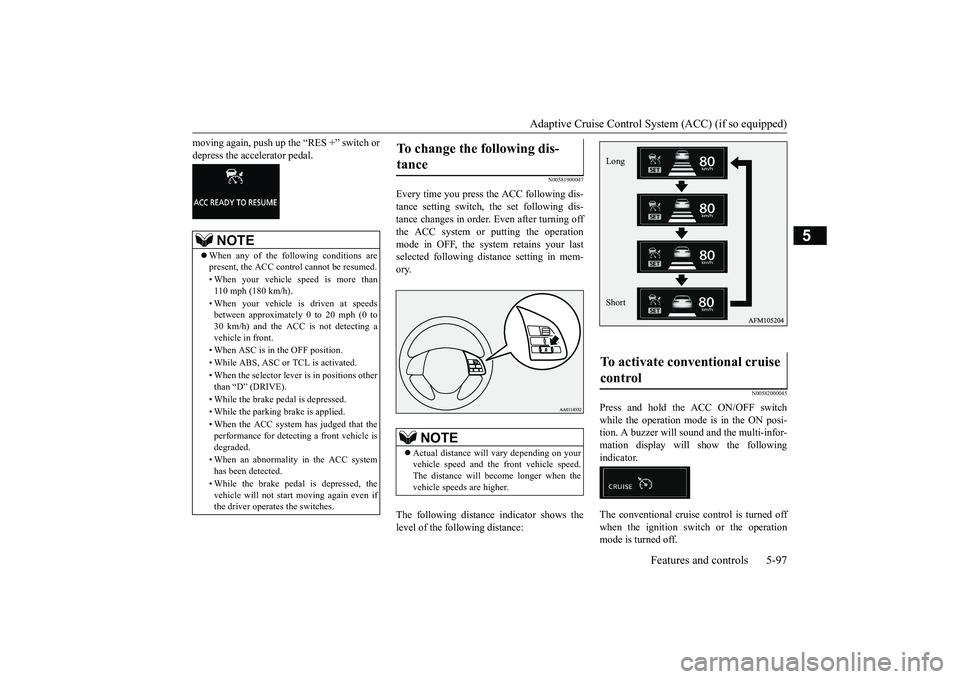
Every time you press the ACC following dis-tance setting switch, the set following dis- tance changes in order. Even after turning off the ACC system or putting the operationmode in OFF, the system retains your last selected following distance setting in mem- ory. The following distance indicator shows the level of the following distance:
N00582000045
Press and hold the ACC ON/OFF switch while the operation mode is in the ON posi-tion. A buzzer will sound and the multi-infor- mation display will show the following indicator. The conventional cruise control is turned off when the ignition switch or the operationmode is turned off.
NOTE
When any of the following conditions are present, the ACC control cannot be resumed. • When your vehicle speed is more than 110 mph (180 km/h). • When your vehicle is driven at speeds between approximately 0 to 20 mph (0 to 30 km/h) and the ACC is not detecting avehicle in front. • When ASC is in the OFF position.• While ABS, ASC or TCL is activated. • When the selector lever is in positions other than “D” (DRIVE). • While the brake pedal is depressed. • While the parking brake is applied.• When the ACC system has judged that the performance for detecting a front vehicle isdegraded. • When an abnormality in the ACC system has been detected. • While the brake pedal is depressed, the vehicle will not start moving again even if the driver operates the switches.
To change the following dis- tance
NOTE
Actual distance will vary depending on your vehicle speed and the front vehicle speed. The distance will become longer when thevehicle speeds are higher.
To activate conventional cruise control
Long Short
BK0266800US.bo
ok 97 ページ 2018年6月27日 水曜日 午後5時6分
Page 181 of 423
Adaptive Cruise Control System (ACC) (if so equipped) 5-98 Features and controls
5
For operation of the cruise control, refer to “Cruise control” on page 5-82.
N00582100088
NOTE
The conventional cruise control does not sound or display the approach alarm, will not adjust your vehicle speed, and does not con- trol the distance between your vehicle and a vehicle in front.
General information
BK0266800US.bo
ok 98 ページ 2018年6月27日 水曜日 午後5時6分