ECO mode NISSAN FRONTIER 2023 User Guide
[x] Cancel search | Manufacturer: NISSAN, Model Year: 2023, Model line: FRONTIER, Model: NISSAN FRONTIER 2023Pages: 572, PDF Size: 6.58 MB
Page 85 of 572
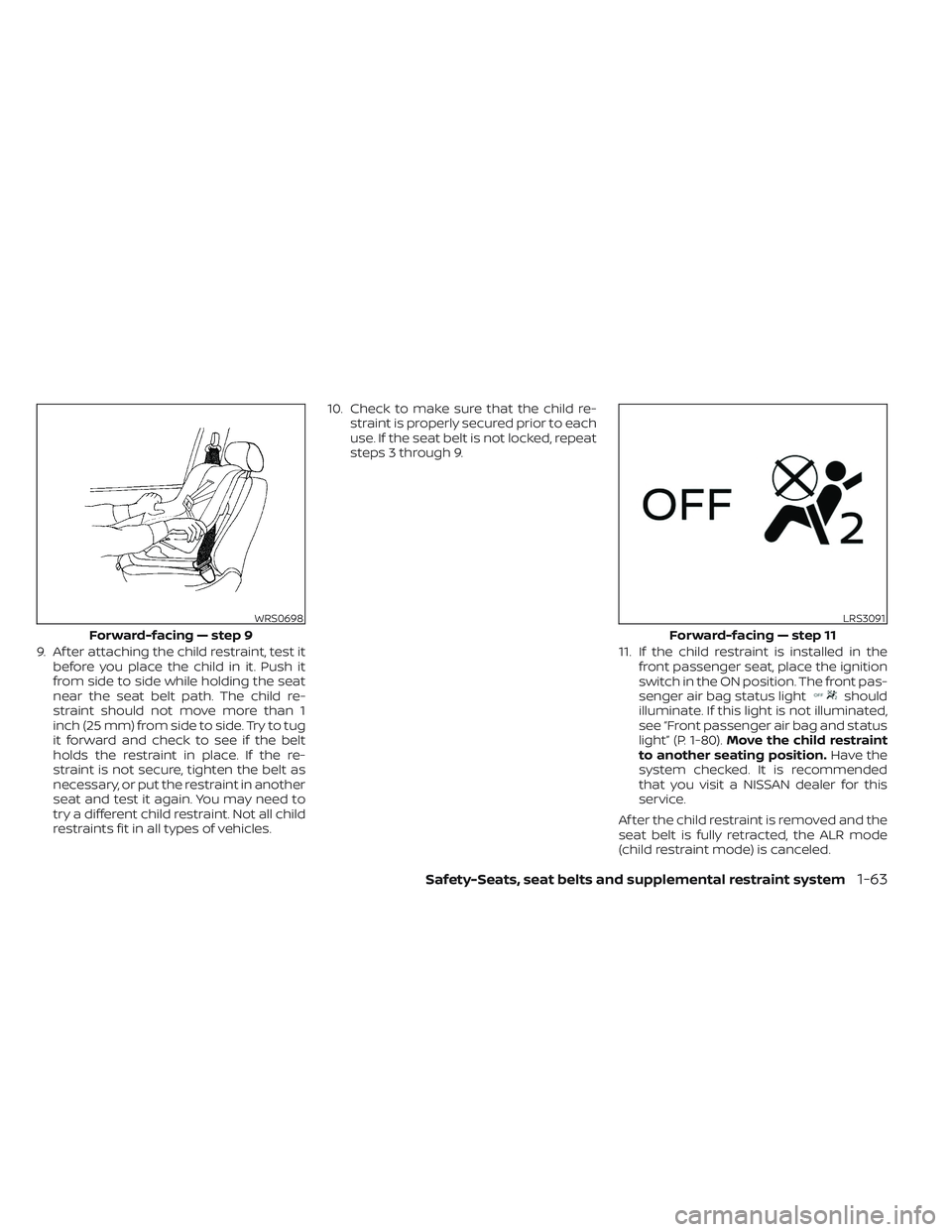
9. Af ter attaching the child restraint, test itbefore you place the child in it. Push it
from side to side while holding the seat
near the seat belt path. The child re-
straint should not move more than 1
inch (25 mm) from side to side. Try to tug
it forward and check to see if the belt
holds the restraint in place. If the re-
straint is not secure, tighten the belt as
necessary, or put the restraint in another
seat and test it again. You may need to
try a different child restraint. Not all child
restraints fit in all types of vehicles. 10. Check to make sure that the child re-
straint is properly secured prior to each
use. If the seat belt is not locked, repeat
steps 3 through 9.
11. If the child restraint is installed in thefront passenger seat, place the ignition
switch in the ON position. The front pas-
senger air bag status light
should
illuminate. If this light is not illuminated,
see “Front passenger air bag and status
light” (P. 1-80). Move the child restraint
to another seating position. Have the
system checked. It is recommended
that you visit a NISSAN dealer for this
service.
Af ter the child restraint is removed and the
seat belt is fully retracted, the ALR mode
(child restraint mode) is canceled.
WRS0698
Forward-facing — step 9
LRS3091
Forward-facing — step 11
Safety-Seats, seat belts and supplemental restraint system1-63
Page 86 of 572
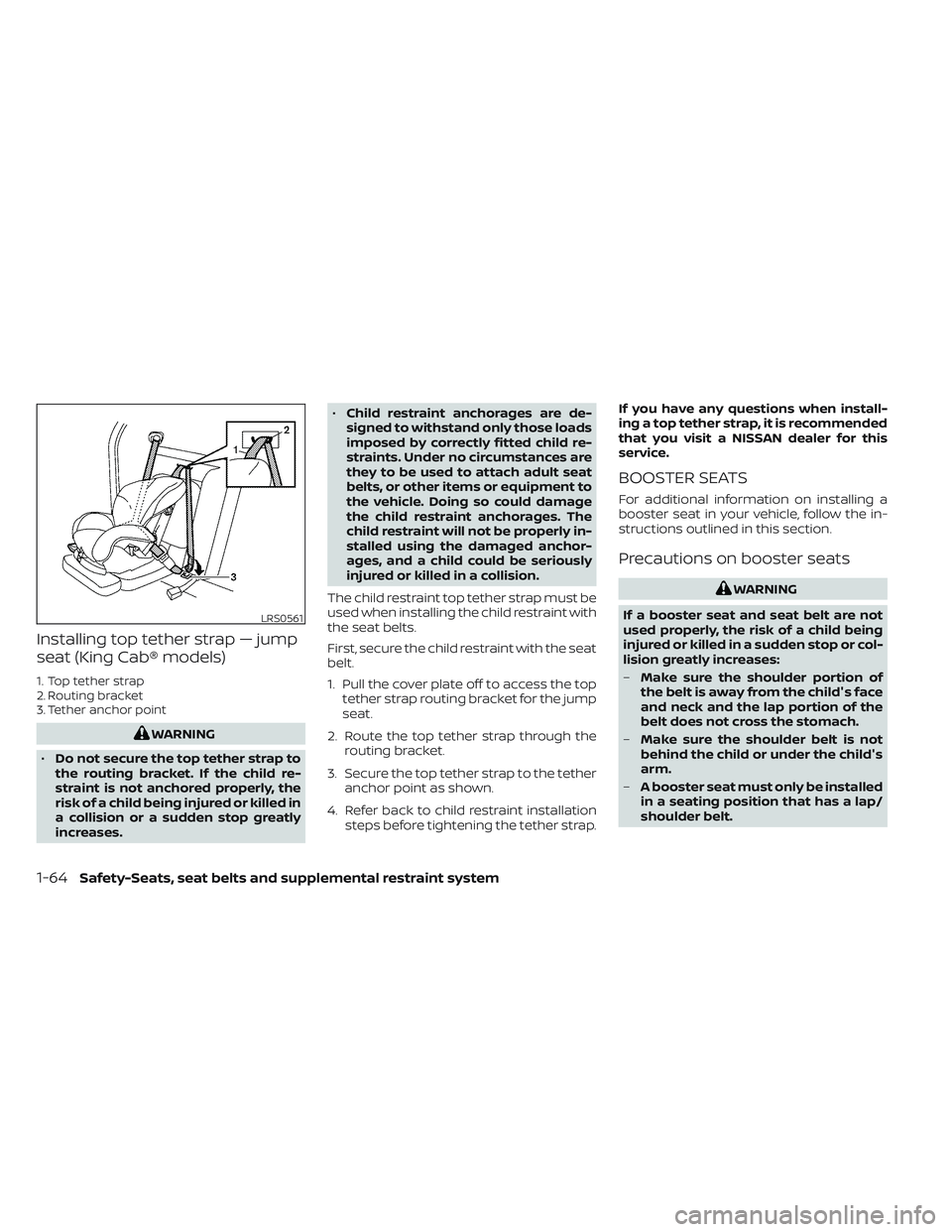
Installing top tether strap — jump
seat (King Cab® models)
1. Top tether strap
2. Routing bracket
3. Tether anchor point
WARNING
• Do not secure the top tether strap to
the routing bracket. If the child re-
straint is not anchored properly, the
risk of a child being injured or killed in
a collision or a sudden stop greatly
increases. •
Child restraint anchorages are de-
signed to withstand only those loads
imposed by correctly fitted child re-
straints. Under no circumstances are
they to be used to attach adult seat
belts, or other items or equipment to
the vehicle. Doing so could damage
the child restraint anchorages. The
child restraint will not be properly in-
stalled using the damaged anchor-
ages, and a child could be seriously
injured or killed in a collision.
The child restraint top tether strap must be
used when installing the child restraint with
the seat belts.
First, secure the child restraint with the seat
belt.
1. Pull the cover plate off to access the top tether strap routing bracket for the jump
seat.
2. Route the top tether strap through the routing bracket.
3. Secure the top tether strap to the tether anchor point as shown.
4. Refer back to child restraint installation steps before tightening the tether strap. If you have any questions when install-
ing a top tether strap, it is recommended
that you visit a NISSAN dealer for this
service.
BOOSTER SEATS
For additional information on installing a
booster seat in your vehicle, follow the in-
structions outlined in this section.
Precautions on booster seats
WARNING
If a booster seat and seat belt are not
used properly, the risk of a child being
injured or killed in a sudden stop or col-
lision greatly increases:
– Make sure the shoulder portion of
the belt is away from the child's face
and neck and the lap portion of the
belt does not cross the stomach.
– Make sure the shoulder belt is not
behind the child or under the child's
arm.
– A booster seat must only be installed
in a seating position that has a lap/
shoulder belt.
LRS0561
1-64Safety-Seats, seat belts and supplemental restraint system
Page 103 of 572
Front passenger air bag
The front passenger air bag and front pas-
senger supplemental knee air bag are de-
signed to automatically turn OFF when the
vehicle is operated under some conditions
as described below in accordance with U.S.
regulations. If the front passenger air bag
and front passenger supplemental knee
air bag are OFF it will not inflate in a crash.
The driver air bag and other air bags in your
vehicle are not part of this system.
The purpose of the regulation is to help
reduce the risk of injury or death from an
inflating air bag to certain front passenger
seat occupants, such as children, by requir-
ing the air bag to be automatically turned
OFF. Certain sensors are used to meet the
requirements.
The occupant classification sensor in this
vehicle is a weight sensor. It is designed to
detect an occupant and objects on the
seat by weight. For example, if a child up to
the approximate size and weight of a one
year old is properly restrained in the front
passenger seat, the NISSAN Advanced Air
Bag System is designed to turn the front
passenger air bag and front passenger
supplemental knee air bag OFF. For a prop-
erly restrained child who is larger than the
approximate size and weight of a one yearold, the front passenger air bag and front
passenger supplemental knee air bag may
or may not be automatically turned OFF,
depending on the size of the child and the
type of child restraint being used. Af ter in-
stalling the child restraint and positioning
the child, place the ignition switch in the ON
position: if the front passenger air bag sta-
tus light is illuminated, the front passenger
air bag and front passenger supplemental
knee air bag are OFF. If the front passenger
air bag status light is not illuminated, the air
bag will inflate in a crash.
The front passenger seat belt sensors are
designed to detect if the seat belt is buck-
led. Based on the weight on the seat de-
tected by the occupant classification sen-
sor, the NISSAN Advanced Air Bag System
determines whether the front passenger
air bag and front passenger supplemental
knee air bag should be automatically
turned OFF as required by the regulations.
Front passenger seat adult occupants who
are properly seated and using the seat belt
as outlined in this manual should not
cause the front passenger air bag and
front passenger supplemental knee air
bag to be automatically turned OFF. For
small adults it may be turned OFF, however,
if the occupant does not sit in the seat
properly (for example, by not sitting upright,
by sitting on an edge of the seat, or by
otherwise being out of position), this could
cause the sensor to turn the front passen-
ger air bag and front passenger supple-
mental knee air bag OFF. Always be sure to
be seated and wearing the seat belt prop-
erly for the most effective protection by the
seat belt and supplemental air bag.
NISSAN recommends that pre-teens and
children be properly restrained in a rear
seat. NISSAN also recommends that ap-
propriate child restraints and booster
seats be properly installed in a rear seat. If
this is not possible, the occupant classifica-
tion sensor is designed to operate as de-
scribed above to turn the front passenger
air bag and front passenger supplemental
knee air bag OFF for specified child re-
straints as required by the regulations. Fail-
ing to properly secure child restraints and
to use the ALR mode may allow the re-
straint to tip or move in a collision or sud-
den stop. This can also result in the front
passenger air bag and front passenger
supplemental knee air bag inflating in a
crash instead of being OFF. For additional
information, see “Child restraints” (P. 1-26).
Safety-Seats, seat belts and supplemental restraint system1-81
Page 129 of 572
CHECKING LIGHTS
With all doors closed, apply the parking
brake, fasten the seat belts and place the
ignition switch in the ON position without
starting the engine. The following lights (if
so equipped) will come on:
,or,,,or
The following lights (if so equipped) will
come on briefly and then go off:
,,,,,,,, ATP ,
If any light does not come on or operate in
a way other than described, it may indicate
a burned-out bulb and/or a system mal-
function. Have the system checked. It is
recommended that you visit a NISSAN
dealer for this service.
Some indicators and warnings are also dis-
played on the vehicle information display
between the speedometer and tachom-
eter. For additional information, see “Ve-
hicle information display” (P. 2-22).
WARNING/INDICATOR LIGHTS (red)
For additional information, see “Vehicle in-
formation display” (P. 2-22).
Automatic Transmission
Park warning light
(
model)
WARNING
• If the ATP light is on, this indicates
that the automatic transmission P
(Park) position will not function and
the transfer case is in N (Neutral).
• When parking, always make sure that
the 4WD shif t indicator light illumi-
nates and the parking brake is set.
Failure to engage the transfer posi-
tion in 2WD, 4H or 4LO could result in
the vehicle moving unexpectedly, re-
sulting in serious personal injury or
property damage.
• Shif t the 4WD switch into the 2WD, 4H
or 4LO position again to turn off the
ATP warning light when the shif t le-
ver is in the P (Park) position and the
ATP warning light is on. (Before shif t-
ing the 4WD switch into the 4LO posi-
tion, move the shif t lever into the N
(Neutral) position once, shif t the shif t
lever into P (Park) again and make
sure the ATP warning light is off.) If the 4WD mode indicator is off or the ATP
warning light is on, this indicates that the
automatic transmission P (Park) position
will not function and could result in the ve-
hicle moving unexpectedly, causing seri-
ous personal injury or property damage.
Always set the parking brake. For additional
information, see “Using 4–Wheel Drive
(4WD) (P. 5-109).
This light indicates that the automatic
transmission parking function is not en-
gaged. If the transfer control is not secured
in any drive position while the shif t lever is
in the P (Park) position, the transmission will
disengage and the drive wheels will not
lock.
orBrake warning
light
This light functions for both the parking
brake and the foot brake systems.
Parking brake indicator
When the ignition switch is placed in the ON
position, the light comes on when the park-
ing brake is applied.
Instruments and controls2-13
Page 141 of 572
1. Vehicle speed (MPH or km/h)
The vehicle speed mode shows the current
vehicle speed and the average vehicle
speed since the last reset.
Average vehicle speed:
Press the
buttons on the steering
wheel for longer than 1.5 seconds to reset.
The average vehicle display is updated ev-
ery 30 seconds. the first 30 seconds af ter a
rest, the display shows “– – –’
2. Elapsed time and trip odometer
Elapsed time:
The elapsed time shows the time since the
last reset. Press the
buttons on the
steering wheel for longer than 1.5 seconds
to reset. The trip odometer is also reset at
the same time.
Trip odometer:
The trip odometer shows the total dis-
tance the vehicle has been driven since the
last reset. Press the
buttons on the
steering wheel for longer than 1.5 seconds
to reset. The elapsed time is also reset at
the same time.
3. Fuel economy display
Current fuel consumption:
The current fuel consumption mode
shows the current fuel consumption.
Average fuel consumption:
The average fuel consumption mode
shows the average fuel consumption since
the last reset. Press the
buttons on
the steering wheel for longer than 1.5 sec-
onds to reset.
The display is updated every 30 seconds.
For about the first 1/3 of a mile (500 m) af ter
a reset, the display shows “– –.”
The average fuel consumption is also rest
in the lower display. For additional informa-
tion, refer to the separate For additional
information, refer to the separate
NissanConnect® Owner's Manual.
4. Navigation (if so equipped)
When the route guidance is set in the navi-
gation system, this item shows the naviga-
tion route information.
5. Audio
The audio mode shows the status of audio
information.
6. Driving Aids
The driving aids mode shows the operat-
ing condition for the following systems (if
so equipped):
•Forward –– Automatic Emergency Braking (AEB)with Pedestrian Detection system
– – Intelligent Forward Collision Warning
(I-FCW)
• Lane: –– Lane Departure Warning (LDW)
• Blind Spot: –– Blind Spot Warning (BSW)
For additional information, see “Blind Spot
Warning (BSW)” (P. 5-32), “Lane Departure
Warning (LDW)” (P. 5-27), “Automatic Emer-
gency Braking (AEB) with Pedestrian Detec-
tion” (P. 5-81), or “Intelligent Forward Colli-
sion Warning (I-FCW)” (P. 5-92).
Instruments and controls2-25
Page 142 of 572
7. Tire Pressures
The tire pressure mode shows the pres-
sure of all four tires while the vehicle is
driven.
When the “Tire Pressure Low — Add Air”
warning appears, the display can be
switched to the tire pressure mode by
pressing the
buttons to reveal addi-
tional details on the displayed warning.
For additional information, see “Low tire
pressure warning light” (P. 2-17), “Tire Pres-
sure Monitoring System (TPMS)” (P. 5-5), “Flat
tire” (P. 6-3) and “Types of tires” (P. 8-39)
8. Traffic Sign Recognition (if so
equipped)
The Traffic Sign Recognition (TSR) system
provides the driver with information about
the most recently detected speed limit.
For additional information, see “Traffic Sign
Recognition (TSR) (P. 5-24).
9. Compass
This display indicates the direction the ve-
hicle is heading.
10. Idling Stop System (if so
equipped)
The Idling Stop System provides the driver
with information about the amount of fuel
saved while using the system.
For additional information, see “Idling Stop
System” (P. 5-129).
11. Auxiliary gauges (if so
equipped)
This is not a physical gauge. It is a display
option in the vehicle information display
that can be selected. For additional infor-
mation, see “Auxiliary gauges” (P. 2-8).
12. Off—road and 4–Wheel Drive
(4WD) monitor (if so equipped)
This is not a physical gauge. It is a display
option in the vehicle information display
that can be selected. For additional infor-
mation, see “Off—road and 4–Wheel Drive
(4WD) monitor” (P. 2-9).
SETTINGS
The setting mode allows you to change the
information displayed in the vehicle infor-
mation display:
• Driver Assistance
• Meter Settings
• Vehicle Settings
• Alerts
• Maintenance
• Unit
• Language
• Factory Reset
2-26Instruments and controls
Page 152 of 572
NOTE:
Opening and closing a rear door while
stopped will reset this warning, similar to
pushing the ignition switch to ON again.
NOTE:
In vehicles with only 2 seats in the rear
row, only 2 seats will be displayed.
Shif t to Park
This warning appears when the ignition
switch is in the ACC or OFF position and the
shif t lever is not in the P (Park) position. Also,
a chime sounds when the ignition switch is
in the ACC or OFF position.
If this warning appears, move the shif t lever
to the P (Park) position and start the engine.
Shipping Mode On Push Storage Fuse
This warning may appear if the extended
storage switch is not pushed in. When this
warning appears, push in the extended
storage switch to turn off the warning. For
additional information, see “Extended stor-
age switch” (P. 2-66).
Tire Pressure Low - Add Air
This warning appears when the low tire
pressure warning light in the meter illumi-
nates and low tire pressure is detected. The
warning appears each time the ignition
switch is placed in the ON position as long
as the low tire pressure warning light re-
mains illuminated. If this warning appears,
stop the vehicle and adjust the tire pres-
sures of all four tires to the recommended
COLD tire pressure shown on the Tire and
Loading Information label. For additional
information, see “Low tire pressure warning
light” (P. 2-17) and “Tire Pressure Monitoring
System (TPMS)” (P. 5-5).
TPMS Error: See Owner’s Manual
This warning appears when there is an er-
ror with your TPMS. If this warning appears,
have the system checked. It is recom-
mended that you visit a NISSAN dealer for
this service.
When parked apply parking
brake
This message appears when a malfunc-
tion occurs in the electric shif t control sys-
tem below 3 mph (5 km/h).Have the system checked. It is recom-
mended that you visit a NISSAN dealer for
this service.
4WD High Temp: Stop
vehicle
This warning appears when the 4-wheel
drive system is not functioning properly
while the engine is running.
4WD Error: See Owner’s
Manual
This warning appears when the 4-wheel
drive system is not functioning properly
while the engine is running.
Tire Size Incorrect: See
Owner’s Manual
This warning appears when the 4-wheel
drive system is not functioning properly
while the engine is running.
4WD shif t indicators
These indicators show which 4WD mode is
selected. For additional information, see
“Using 4–wheel drive (4WD)” (P. 5-109).
2-36Instruments and controls
Page 153 of 572
4WD MODE SHIFTING
This message appears when the vehicle
is shif ting into 4WD. For additional infor-
mation, see “Using 4–wheel drive (4WD)”
(P. 5-109).
AT (Automatic
Transmission) CHECK
If the service warning appears while the
engine is running, or while driving, it may
indicate that the AT is not functioning prop-
erly and may need servicing. Have the sys-
tem checked, and if necessary, repaired
promptly. It is recommended that you visit
a NISSAN dealer for this service.
AT (Automatic Transmission) Error:
See Owner’s Manual
If this message appears while the engine is
running, or while driving, it may indicate
that the AT is not functioning properly and
may need servicing. Have the system
checked, and if necessary, repaired
promptly. It is recommended that you visit
a NISSAN dealer for this service.
Service AT
This transmission has a high fluid tem-
perature protection mode. If the fluid tem-
perature becomes too high (for example,
climbing steep grades in high tempera-tures with heavy loads, such as when tow-
ing a trailer), engine power and, under
some conditions, vehicle speed will be
decreased automatically to reduce the
chance of transmission damage. Vehicle
speed can be controlled with the accelera-
tor pedal, but the engine and vehicle speed
may be reduced.
WARNING
When the high fluid temperature pro-
tection mode operation occurs, vehicle
speed may be gradually reduced. The
reduced speed may be lower than
other traffic, which could increase the
chance of a collision. Be especially
careful when driving. If necessary, pull
to the side of the road at a safe place
and allow the transmission to return to
normal operation; or have it repaired if
necessary.
Blind Spot Warning (BSW)/
Rear Cross Traffic Alert
(RCTA) indicator
This indicator appears when the BSW and
RCTA systems are engaged.
For additional information, see “Blind Spot
Warning (BSW)” (P. 5-32) and “Rear Cross
Traffic Alert (RCTA)” (P. 5-42).
Cruise control indicator
This indicator shows the cruise control sys-
tem status.
For additional information, see “Cruise con-
trol” (P. 5-50).
Currently unavailable
This message may appear when the Intel-
ligent Cruise Control (ICC) system is en-
gaged. Under the following conditions, the
ICC system is automatically cancelled:
• When the VDC operates.
• When a wheel slips.
• When the VDC system is turned off.
The above system cannot be used in some
situations (VDC operates, wheel slips, and
VDC system is off ).
Driver Attention Alert —
Malfunction
This warning appears when the Intelligent
Driver Alertness (I-DA) system is not func-
tioning properly. For additional information,
see “Intelligent Driver Alertness (I-DA)”
(P. 5-104).
Instruments and controls2-37
Page 173 of 572
The indicator light on the switch will illumi-
nate when the systems are turned on.
If the indicator light flashes when the RSS,
MOD, RAB, or RCTA systems are not turned
off, it may indicate a malfunction in one or
more of these systems (if so equipped).
The RSS, MOD, RAB, or RCTA systems will be
turned on automatically under the follow-
ing conditions:
• When the ignition switch is switched fromthe OFF position to the ON position.
• When the shif t lever is shif ted into the R (Reverse) position.
The automatic turning on function can be
turned on and off for these systems in the
vehicle information display. For additional
information, see “Settings” (P. 2-26).
For additional information, see “Rear Sonar
System (RSS)” (P. 5-124), ”Rear Automatic
Braking (RAB)” (P. 5-76), “Rear Cross Traffic
Alert (RCTA)” (P. 5-42), or “Moving Object De-
tection (MOD)” (P. 4-24). Tow mode should be used when pulling a
heavy trailer or hauling a heavy load. Driv-
ing the vehicle in the tow mode with no
trailer/load or light trailer/light load will
not cause any damage. However, fuel
economy may be reduced, and the
transmission/engine driving characteris-
tics may feel unusual.
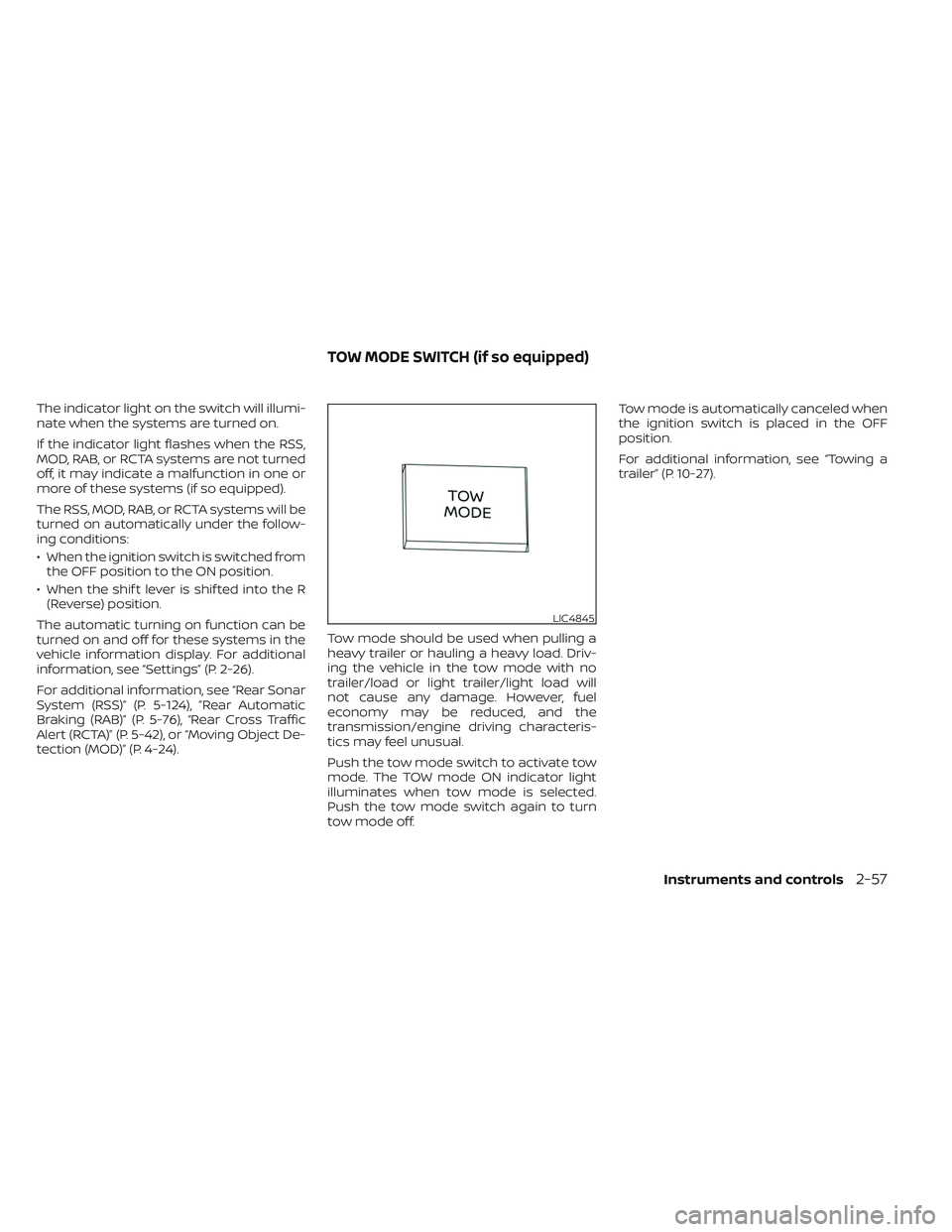
Push the tow mode switch to activate tow
mode. The TOW mode ON indicator light
illuminates when tow mode is selected.
Push the tow mode switch again to turn
tow mode off.Tow mode is automatically canceled when
the ignition switch is placed in the OFF
position.
For additional information, see “Towing a
trailer” (P. 10-27).
LIC4845
TOW MODE SWITCH (if so equipped)
Instruments and controls2-57
Page 186 of 572
WARNING
• Properly secure all cargo with ropes
or straps to help prevent it from slid-
ing or shif ting. In a sudden stop or
collision, unsecured cargo could
cause personal injury.
• The cargo restrained in the under-
seat storage bins must not exceed
the weight limits listed below or the
bins may not stay secured. In a sud-
den stop or collision, the unsecured
bins could cause personal injury.
King Cab® model: 16 lbs. (7.25 kg)
Crew Cab model Driver’s side: 16 lbs. (7.25 kg)
Passenger’s side: 25 lbs. (11.33 kg)
• If the under-seat storage bins are re-
moved for any reason, they should be
securely stored to prevent them from
causing injury to passengers or dam-
age to the vehicle in case of sudden
braking or an accident.
• Do not place sharp objects in the
under-seat storage bins. Such ob-
jects may become dangerous projec-
tiles and cause injury when the ve-
hicle is moving or if the vehicle is
involved in a collision. To access the under-seat storage bins:
For King Cab® models, lif t up the jump seat.
For additional information, see “Jump seat”
(P. 1-6).
For Crew Cab models, lif t up the rear bench
seat. For additional information, see “Fold-
ing the rear bench seat down” (P. 1-7).
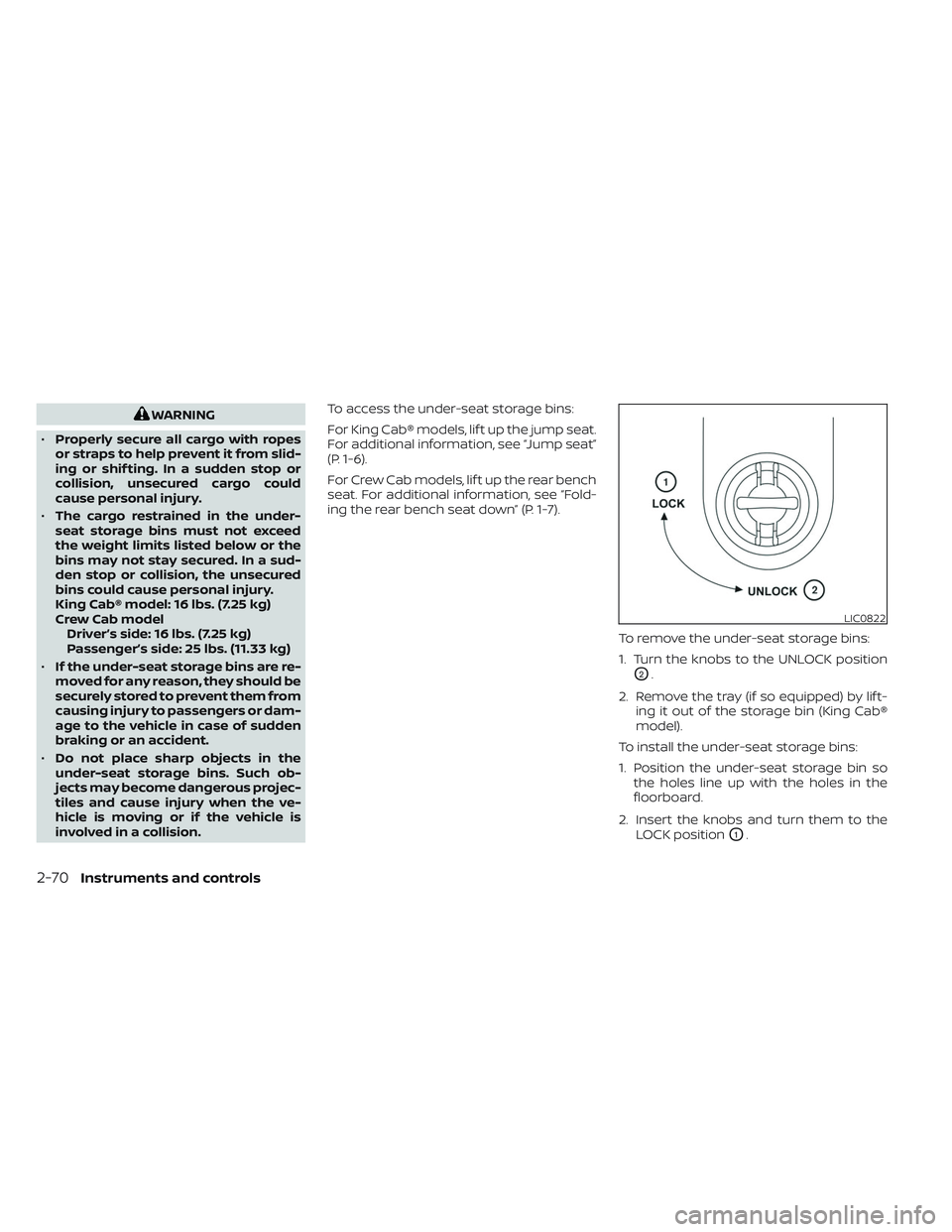
To remove the under-seat storage bins:
1. Turn the knobs to the UNLOCK position
O2.
2. Remove the tray (if so equipped) by lif t- ing it out of the storage bin (King Cab®
model).
To install the under-seat storage bins:
1. Position the under-seat storage bin so the holes line up with the holes in the
floorboard.
2. Insert the knobs and turn them to the LOCK position
O1.
LIC0822
2-70Instruments and controls