set NISSAN GT-R 2015 R35 Multi Function Display Service Manual
[x] Cancel search | Manufacturer: NISSAN, Model Year: 2015, Model line: GT-R, Model: NISSAN GT-R 2015 R35Pages: 298, PDF Size: 11.39 MB
Page 62 of 298
![NISSAN GT-R 2015 R35 Multi Function Display Service Manual 5. The entire route is shown on the map.Highlight [Start] after confirming the location
of the displayed destination, and push
<ENTER>. The system sets the destination
to the selected location and sta](/img/5/423/w960_423-61.png "NISSAN GT-R 2015 R35 Multi Function Display Service Manual 5. The entire route is shown on the map.Highlight [Start] after confirming the location
of the displayed destination, and push
<ENTER>. The system sets the destination
to the selected location and sta")
5. The entire route is shown on the map.Highlight [Start] after confirming the location
of the displayed destination, and push
to the selected location and starts calculat-
ing a route.
INFO:
. Even after setting a destination, the location
of the destination can be adjusted, the
location can be stored, etc.
“Procedures after setting destination”
(page 2-44)
. The stored route includes only locations
(destination and waypoints) and route cal-
culation conditions, not the route itself.
Therefore, when the destination is set using
a stored route, a different route may be
suggested if the current vehicle location is
different from the one when the route was stored.
SETTING BY PHONE NUMBER
If the phone number of a facility is known, it is
possible to search for a facility by entering the
phone number, and have the system calculate a
route.
INFO:
. Telephone numbers that were stored for
stored destinations can also be used.
. If the area code of the specified telephone
number does not exist in the map data, the
system cannot search for the location.
. Only the locations included in the database
in the map data can be searched by the
phone number. Residential phone numbers
cannot be used to search for a location.
1. Push
2. Highlight [Next Page] and push
3. Highlight [Phone Number] and push
screen is displayed.
4. Enter the telephone number including thearea code.
5. After finishing the entry, highlight [List] and push
“Number input screen” (page 1-15)
Navigation2-37
Page 63 of 298
2-38Navigation
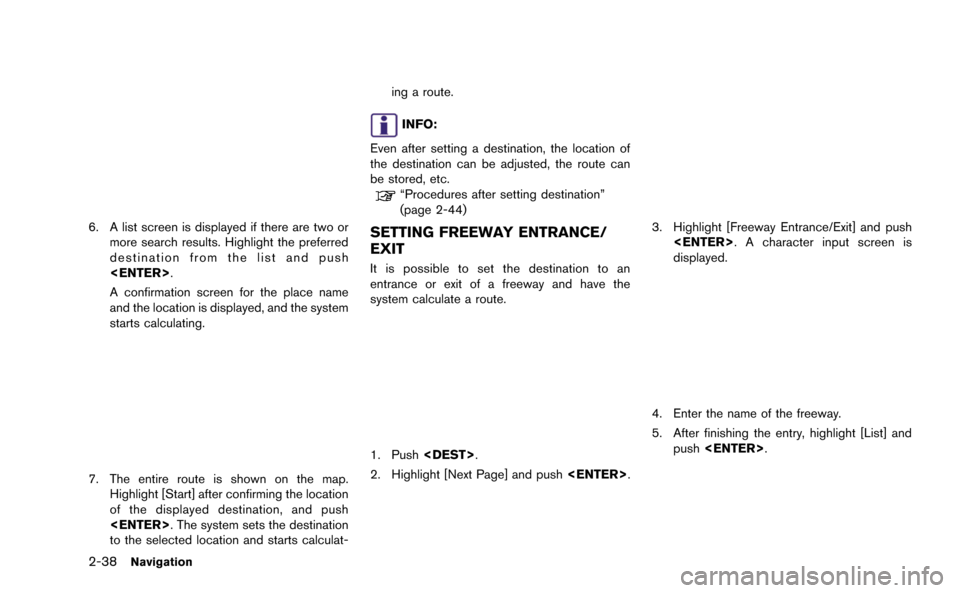
6. A list screen is displayed if there are two ormore search results. Highlight the preferred
destination from the list and push
A confirmation screen for the place name
and the location is displayed, and the system
starts calculating.
7. The entire route is shown on the map.Highlight [Start] after confirming the location
of the displayed destination, and push
to the selected location and starts calculat- ing a route.
INFO:
Even after setting a destination, the location of
the destination can be adjusted, the route can
be stored, etc.
“Procedures after setting destination”
(page 2-44)
SETTING FREEWAY ENTRANCE/
EXIT
It is possible to set the destination to an
entrance or exit of a freeway and have the
system calculate a route.
1. Push
2. Highlight [Next Page] and push
3. Highlight [Freeway Entrance/Exit] and push
displayed.
4. Enter the name of the freeway.
5. After finishing the entry, highlight [List] and
push
Page 64 of 298
![NISSAN GT-R 2015 R35 Multi Function Display Service Manual 6. Highlight the freeway of the destination fromthe list, and push <ENTER>.
7. Highlight [Entrance] or [Exit] and push
<ENTER>. A list screen is displayed.
8. Select the preferred destination from the](/img/5/423/w960_423-63.png "NISSAN GT-R 2015 R35 Multi Function Display Service Manual 6. Highlight the freeway of the destination fromthe list, and push <ENTER>.
7. Highlight [Entrance] or [Exit] and push
<ENTER>. A list screen is displayed.
8. Select the preferred destination from the")
6. Highlight the freeway of the destination fromthe list, and push
7. Highlight [Entrance] or [Exit] and push
8. Select the preferred destination from the list.The position of the selected location is
displayed in the preview on the right side
of the screen. Then, push
INFO:
Select [By Distance] to sort the list by the
nearest distance.
9. The entire route is shown on the map. Highlight [Start] after confirming the location
of the displayed destination, and push
to the selected location and starts calculat-
ing a route.
INFO:
Even after setting a destination, the location of
the destination can be adjusted, the route can
be stored, etc.
“Procedures after setting destination”
(page 2-44)
SETTING INTERSECTION
It is possible to set an intersection of any two
streets as the destination and have the system
calculate a route.
Navigation2-39
Page 66 of 298
![NISSAN GT-R 2015 R35 Multi Function Display Service Manual 8. The entire route is shown on the map.Highlight [Start] after confirming the location
of the displayed destination, and push
<ENTER>. The system sets the destination
to the selected location and sta](/img/5/423/w960_423-65.png "NISSAN GT-R 2015 R35 Multi Function Display Service Manual 8. The entire route is shown on the map.Highlight [Start] after confirming the location
of the displayed destination, and push
<ENTER>. The system sets the destination
to the selected location and sta")
8. The entire route is shown on the map.Highlight [Start] after confirming the location
of the displayed destination, and push
to the selected location and starts calculat-
ing a route.
INFO:
Even after setting a destination, the location of
the destination can be adjusted, the route can
be stored, etc.
“Procedures after setting destination”
(page 2-44)
SETTING CITY CENTER
It is possible to set the center of a city as a
destination and have the system calculate a
route.
1. Push
2. Highlight [Next Page] and push
3. Highlight [City Center] and push
displayed.
4. Enter the name of the city, highlight [List]and push
displayed.
INFO:
Highlight [Last 5 Cities] and push
recently set as destinations.
5. Highlight the preferred destination from the list and push
selected location is displayed in the preview
Navigation2-41
Page 67 of 298
![NISSAN GT-R 2015 R35 Multi Function Display Service Manual 2-42Navigation
on the right side of the screen.
INFO:
Select [By Distance] to sort the list by the
nearest distance.
6. The selected destination is displayed at the center of the map. Highlight [Start](/img/5/423/w960_423-66.png "NISSAN GT-R 2015 R35 Multi Function Display Service Manual 2-42Navigation
on the right side of the screen.
INFO:
Select [By Distance] to sort the list by the
nearest distance.
6. The selected destination is displayed at the center of the map. Highlight [Start")
2-42Navigation
on the right side of the screen.
INFO:
Select [By Distance] to sort the list by the
nearest distance.
6. The selected destination is displayed at the center of the map. Highlight [Start] after
confirming the location of the displayed
destination, and push
The system sets the destination to the
selected location and starts calculating a route.
INFO:
Even after setting a destination, the location
of the destination can be adjusted, the route
can be stored, etc.
“Procedures after setting destination”
(page 2-44)
SETTING POINT ON MAP
It is possible to set a location scrolled to on the
map as the destination and have the system
calculate a route.
1. Scroll the map, place the cross pointer over the preferred location, and push
INFO:
.The map scale should be adjusted to
search for a location more effectively.
.The point on the blinking road where thecenter of the cross pointer is located can
be set as a destination.
2. Highlight [New Dest.] and push
INFO:
For the items other than [New Dest.], refer to
“Map menu screen”.
“Scrolled location map screen”
(page 2-20)
Page 68 of 298
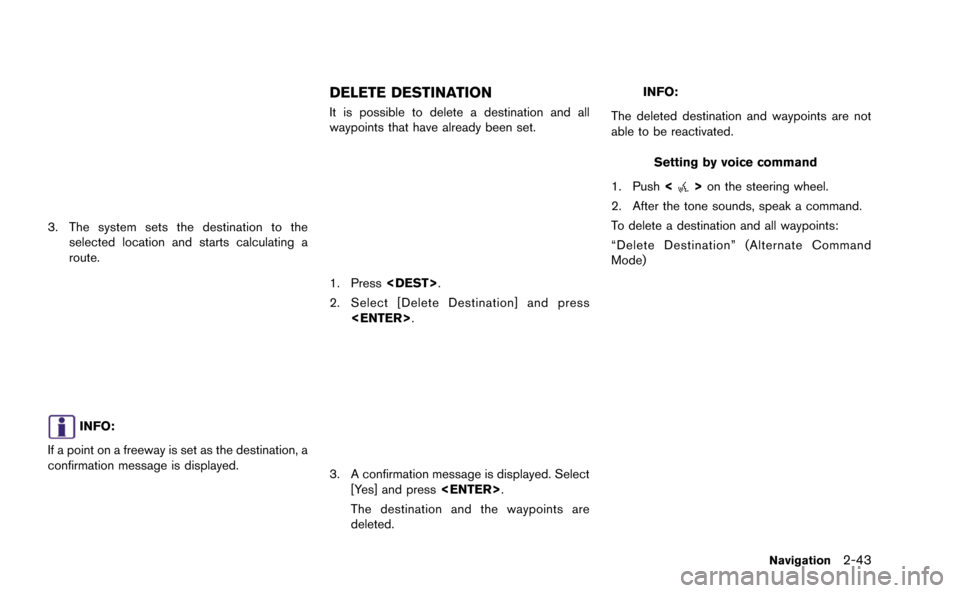
3. The system sets the destination to theselected location and starts calculating a
route.
INFO:
If a point on a freeway is set as the destination, a
confirmation message is displayed.
DELETE DESTINATION
It is possible to delete a destination and all
waypoints that have already been set.
1. Press
2. Select [Delete Destination] and press
3. A confirmation message is displayed. Select
[Yes] and press
The destination and the waypoints are
deleted.
INFO:
The deleted destination and waypoints are not
able to be reactivated.
Setting by voice command
1. Push <
>on the steering wheel.
2. After the tone sounds, speak a command.
To delete a destination and all waypoints:
“Delete Destination” (Alternate Command
Mode)
Navigation2-43
Page 69 of 298
2-44Navigation
PROCEDURES AFTER SETTING
DESTINATION
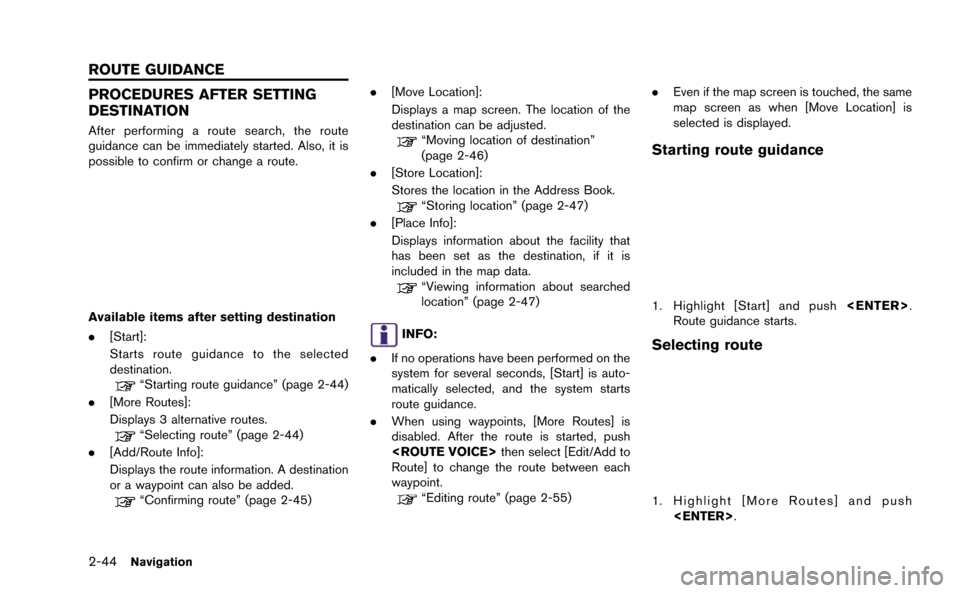
After performing a route search, the route
guidance can be immediately started. Also, it is
possible to confirm or change a route.
Available items after setting destination
.[Start]:
Starts route guidance to the selected
destination.
“Starting route guidance” (page 2-44)
. [More Routes]:
Displays 3 alternative routes.
“Selecting route” (page 2-44)
. [Add/Route Info]:
Displays the route information. A destination
or a waypoint can also be added.
“Confirming route” (page 2-45) .
[Move Location]:
Displays a map screen. The location of the
destination can be adjusted.
“Moving location of destination”
(page 2-46)
. [Store Location]:
Stores the location in the Address Book.
“Storing location” (page 2-47)
. [Place Info]:
Displays information about the facility that
has been set as the destination, if it is
included in the map data.
“Viewing information about searched
location” (page 2-47)
INFO:
. If no operations have been performed on the
system for several seconds, [Start] is auto-
matically selected, and the system starts
route guidance.
. When using waypoints, [More Routes] is
disabled. After the route is started, push
Route] to change the route between each
waypoint.
“Editing route” (page 2-55) .
Even if the map screen is touched, the same
map screen as when [Move Location] is
selected is displayed.
Starting route guidance
1. Highlight [Start] and push
Route guidance starts.
Selecting route
1. Highlight [More Routes] and push
ROUTE GUIDANCE
Page 70 of 298
![NISSAN GT-R 2015 R35 Multi Function Display Service Manual 2. Highlight the preferred route condition andpush <ENTER>.
3. The display automatically returns to the map screen.
Available route conditions
. [Short. Time] (purple):
Prioritizes by the shortest tim](/img/5/423/w960_423-69.png "NISSAN GT-R 2015 R35 Multi Function Display Service Manual 2. Highlight the preferred route condition andpush <ENTER>.
3. The display automatically returns to the map screen.
Available route conditions
. [Short. Time] (purple):
Prioritizes by the shortest tim")
2. Highlight the preferred route condition andpush
3. The display automatically returns to the map screen.
Available route conditions
. [Short. Time] (purple):
Prioritizes by the shortest time.
. [Min. Freeway] (orange):
Minimizes the use of freeways.
. [Short. Dist.] (green):
Prioritizes by the shortest distance.
INFO:
. When the route is selected, a preview is
displayed on the right side of the screen.
. The 3 routes may not always be different.
Confirming route
1. Highlight [Add/Route Info] and push
2. Highlight the preferred information item and push
3. Push
screen.
Available information
. [Turn List]:
Displays the details of the suggested route.
“Using turn list” (page 2-60)
. [Preview]:
The system will trace the planned route
going forward or in reverse.
“Using route preview” (page 2-60)
. [Add Way Pt.]:
Edits the route by adding a waypoint or a
destination.
“Adding destination or waypoint”
(page 2-46)
. [Store Route]:
Stores a calculated route. A maximum of 5
routes can be stored. Stored routes can be
easily retrieved and set as the suggested
route.
“Storing route” (page 2-73)
. [Map Scroll]:
Displays a map screen where the location of
the destination can be confirmed. Even if the
map screen is touched, the same map
screen as when [Map Scroll] is selected is
displayed.
Navigation2-45
Page 71 of 298
![NISSAN GT-R 2015 R35 Multi Function Display Service Manual 2-46Navigation
Adding destination or waypoint:
Before starting route guidance, destinations
and/or waypoints can be added. A total of 6
destinations or waypoints can be set.
1. Highlight [Add Way Pt.]](/img/5/423/w960_423-70.png "NISSAN GT-R 2015 R35 Multi Function Display Service Manual 2-46Navigation
Adding destination or waypoint:
Before starting route guidance, destinations
and/or waypoints can be added. A total of 6
destinations or waypoints can be set.
1. Highlight [Add Way Pt.]")
2-46Navigation
Adding destination or waypoint:
Before starting route guidance, destinations
and/or waypoints can be added. A total of 6
destinations or waypoints can be set.
1. Highlight [Add Way Pt.] and push
2. Set additional destinations or waypoints andpush
The method of searching for a location is the
same as the one for a destination.
“Setting destination” (page 2-23)
3. Highlight [Add Destination] or [Add Way- point] and push
4. The system starts calculating a route that
includes the added destination or waypoint.
When the calculation is finished, the route is
displayed.
INFO:
.If a waypoint was added, [More Routes]cannot be selected.
.If a destination was added, the priordestination becomes a waypoint.
Moving location of destination
The location of the destination can be adjusted
by moving the cross pointer across the map.
1. Highlight [Move Location] and push
INFO:
The screen for adjusting the location also
changes by touching the map screen dis-
played on the right side of the screen.
Page 72 of 298
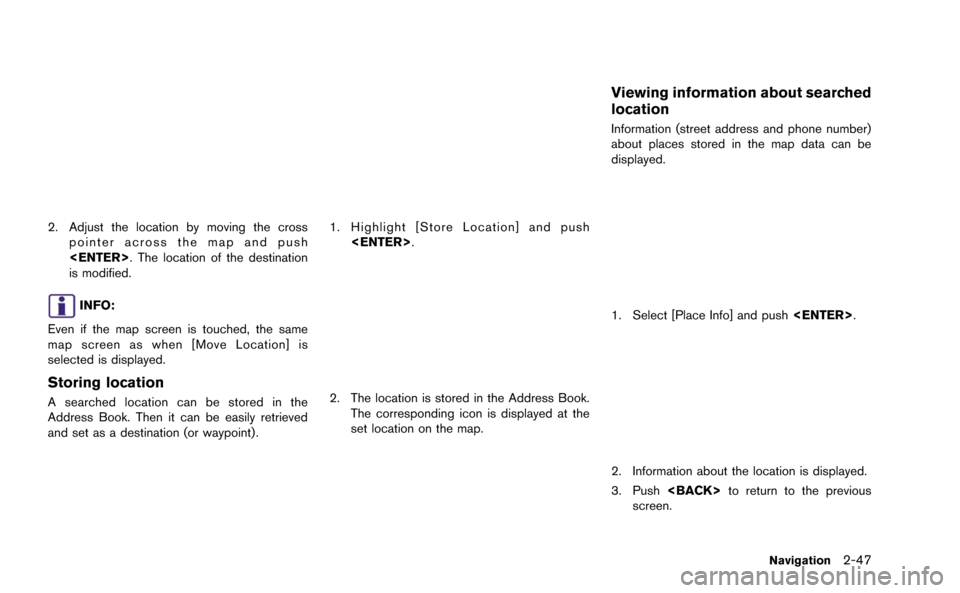
2. Adjust the location by moving the crosspointer across the map and push
is modified.
INFO:
Even if the map screen is touched, the same
map screen as when [Move Location] is
selected is displayed.
Storing location
A searched location can be stored in the
Address Book. Then it can be easily retrieved
and set as a destination (or waypoint).
1. Highlight [Store Location] and push
2. The location is stored in the Address Book.The corresponding icon is displayed at the
set location on the map.
Viewing information about searched
location
Information (street address and phone number)
about places stored in the map data can be
displayed.
1. Select [Place Info] and push
2. Information about the location is displayed.
3. Push
screen.
Navigation2-47