navigation NISSAN TEANA 2008 Service Manual
[x] Cancel search | Manufacturer: NISSAN, Model Year: 2008, Model line: TEANA, Model: NISSAN TEANA 2008Pages: 5121, PDF Size: 69.03 MB
Page 814 of 5121
![NISSAN TEANA 2008 Service Manual AV-670
< ON-VEHICLE REPAIR >[BOSE AUDIO WITH NAVIGATION]
REAR VIEW CAMERA
REAR VIEW CAMERA
Exploded ViewINFOID:0000000003766021
DISASSEMBLY
Removal and InstallationINFOID:0000000003766022
REMOVAL
1. R](/img/5/57391/w960_57391-813.png "NISSAN TEANA 2008 Service Manual AV-670
< ON-VEHICLE REPAIR >[BOSE AUDIO WITH NAVIGATION]
REAR VIEW CAMERA
REAR VIEW CAMERA
Exploded ViewINFOID:0000000003766021
DISASSEMBLY
Removal and InstallationINFOID:0000000003766022
REMOVAL
1. R")
AV-670
< ON-VEHICLE REPAIR >[BOSE AUDIO WITH NAVIGATION]
REAR VIEW CAMERA
REAR VIEW CAMERA
Exploded ViewINFOID:0000000003766021
DISASSEMBLY
Removal and InstallationINFOID:0000000003766022
REMOVAL
1. Remove trunk lid finisher inner. Refer to INT-59, "Removal and Installation".
2. Remove trunk lid finisher. Refer to EXT-38, "
Removal and Installation".
3. Remove rear view camera mounting clip, disconnect the rear view camera connector.
4. Remove rear view camera.
INSTALLATION
1. Installation is the reverse order of removal.
AdjustmentINFOID:0000000003901754
Adjust the guide line position if the guide line position is shifted after installing the rear view camera.
1. Draw lines on rearward area of the vehicle passing through the
following points: 200 mm (7.87 in) from both sides of the vehicle,
and 0.5 m (1.64 ft), 1.0 m (3.28 ft) from the rear end of the
bumper.
2. Set into “Adjust offset of rear view camera” mode of Confirma-
tion / Adjustment mode.
JPNIA1050ZZ
1. Rear view camera
2. Seal
Refer to GI-4, "
Components" for symbols in the figure.
SKIB3691E
Page 815 of 5121
![NISSAN TEANA 2008 Service Manual AV
REAR VIEW CAMERA
AV-671
< ON-VEHICLE REPAIR >[BOSE AUDIO WITH NAVIGATION]
C
D
E
F
G
H
I
J
K
L
MB A
O
P
3. Rotate the center dial, and then select the guiding line pattern so
that its angle is align](/img/5/57391/w960_57391-814.png "NISSAN TEANA 2008 Service Manual AV
REAR VIEW CAMERA
AV-671
< ON-VEHICLE REPAIR >[BOSE AUDIO WITH NAVIGATION]
C
D
E
F
G
H
I
J
K
L
MB A
O
P
3. Rotate the center dial, and then select the guiding line pattern so
that its angle is align")
AV
REAR VIEW CAMERA
AV-671
< ON-VEHICLE REPAIR >[BOSE AUDIO WITH NAVIGATION]
C
D
E
F
G
H
I
J
K
L
MB A
O
P
3. Rotate the center dial, and then select the guiding line pattern so
that its angle is aligned with the correction line of the rear of the
vehicle.
4. Fine adjust the guiding line so that its position is aligned to the
correction line by pressing the up/down/left/right switches.
Pressing “ENTER” enable the camera control unit to memory
the adjusted guiding line position.
CAUTION:
Never operate other function such as pressing BACK while writing index data.
If Confirmation/Adjustment mode does not function in the above procedure, perform one of the
following service to adjust the index again.
Remove battery for five min. Then reconnect battery.
Remove camera control unit connector for five min. Then reconnect camera control unit connec-
tor.Selected pattern : 7
Up/Down adjustment range : −20 – 20
Left/Right adjustment range : −20 – 20
SKIB3689E
Page 816 of 5121
![NISSAN TEANA 2008 Service Manual AV-672
< ON-VEHICLE REPAIR >[BOSE AUDIO WITH NAVIGATION]
STEERING ANGLE SENSOR
STEERING ANGLE SENSOR
Exploded ViewINFOID:0000000003766035
REMOVAL
Refer to SR-9, "Exploded View".
DISASSEMBLY
Removal an](/img/5/57391/w960_57391-815.png "NISSAN TEANA 2008 Service Manual AV-672
< ON-VEHICLE REPAIR >[BOSE AUDIO WITH NAVIGATION]
STEERING ANGLE SENSOR
STEERING ANGLE SENSOR
Exploded ViewINFOID:0000000003766035
REMOVAL
Refer to SR-9, \"Exploded View\".
DISASSEMBLY
Removal an")
AV-672
< ON-VEHICLE REPAIR >[BOSE AUDIO WITH NAVIGATION]
STEERING ANGLE SENSOR
STEERING ANGLE SENSOR
Exploded ViewINFOID:0000000003766035
REMOVAL
Refer to SR-9, "Exploded View".
DISASSEMBLY
Removal and InstallationINFOID:0000000003766036
REMOVAL
1. Remove spiral cable.
2. Remove steering angle sensor mounting screws.
3. Remove steering angle sensor.
INSTALLATION
Installation is the reverse order of removal.
JSNIA0135ZZ
1. Spiral cable
2. Steering angle sensor
Page 817 of 5121
![NISSAN TEANA 2008 Service Manual AV
ANTENNA FEEDER (RADIO)
AV-673
< ON-VEHICLE REPAIR >[BOSE AUDIO WITH NAVIGATION]
C
D
E
F
G
H
I
J
K
L
MB A
O
P
ANTENNA FEEDER (RADIO)
Harness LayoutINFOID:0000000003766037
JPNIA1054GB](/img/5/57391/w960_57391-816.png "NISSAN TEANA 2008 Service Manual AV
ANTENNA FEEDER (RADIO)
AV-673
< ON-VEHICLE REPAIR >[BOSE AUDIO WITH NAVIGATION]
C
D
E
F
G
H
I
J
K
L
MB A
O
P
ANTENNA FEEDER (RADIO)
Harness LayoutINFOID:0000000003766037
JPNIA1054GB")
AV
ANTENNA FEEDER (RADIO)
AV-673
< ON-VEHICLE REPAIR >[BOSE AUDIO WITH NAVIGATION]
C
D
E
F
G
H
I
J
K
L
MB A
O
P
ANTENNA FEEDER (RADIO)
Harness LayoutINFOID:0000000003766037
JPNIA1054GB
Page 1162 of 5121
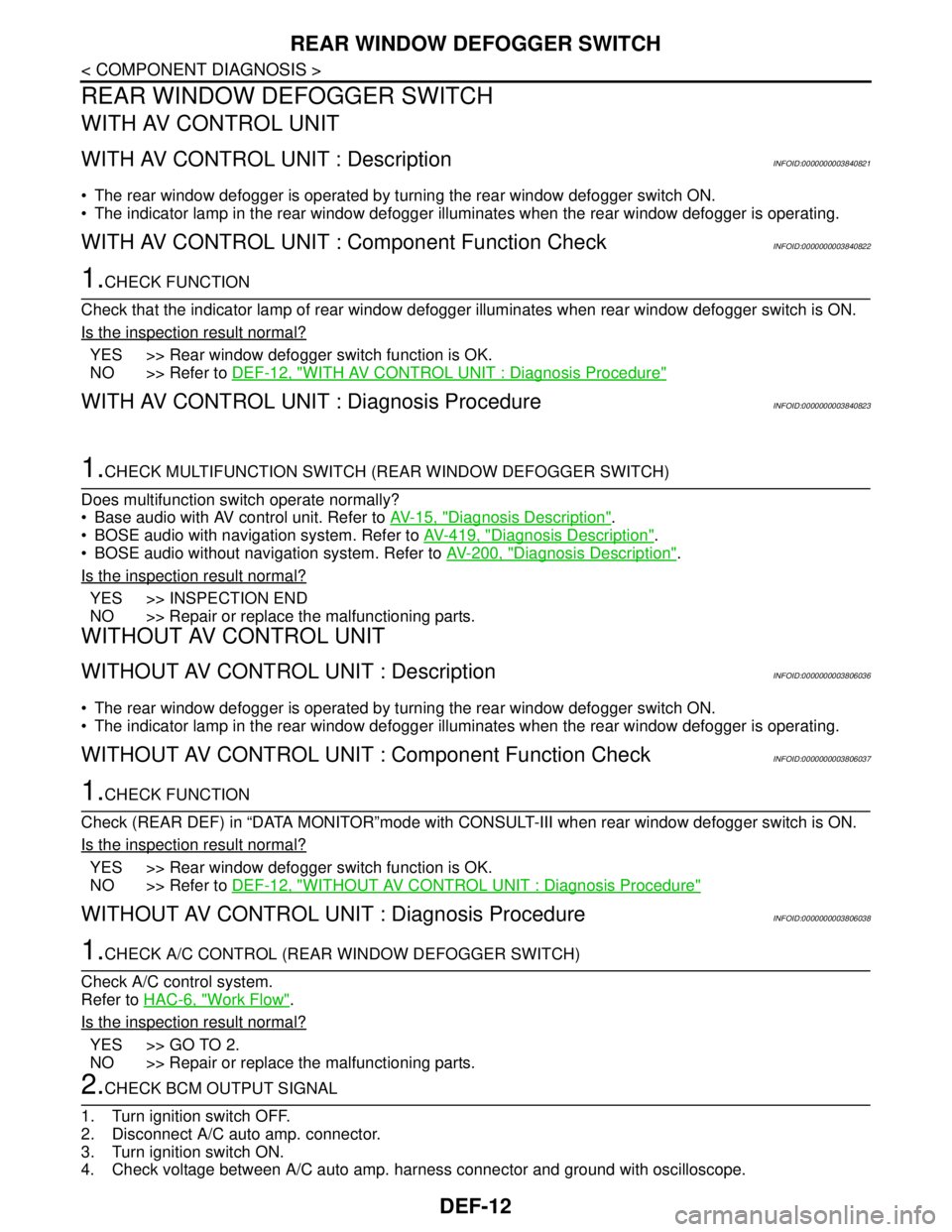
DEF-12
< COMPONENT DIAGNOSIS >
REAR WINDOW DEFOGGER SWITCH
REAR WINDOW DEFOGGER SWITCH
WITH AV CONTROL UNIT
WITH AV CONTROL UNIT : DescriptionINFOID:0000000003840821
The rear window defogger is operated by turning the rear window defogger switch ON.
The indicator lamp in the rear window defogger illuminates when the rear window defogger is operating.
WITH AV CONTROL UNIT : Component Function CheckINFOID:0000000003840822
1.CHECK FUNCTION
Check that the indicator lamp of rear window defogger illuminates when rear window defogger switch is ON.
Is the inspection result normal?
YES >> Rear window defogger switch function is OK.
NO >> Refer to DEF-12, "
WITH AV CONTROL UNIT : Diagnosis Procedure"
WITH AV CONTROL UNIT : Diagnosis ProcedureINFOID:0000000003840823
1.CHECK MULTIFUNCTION SWITCH (REAR WINDOW DEFOGGER SWITCH)
Does multifunction switch operate normally?
Base audio with AV control unit. Refer to AV-15, "
Diagnosis Description".
BOSE audio with navigation system. Refer to AV-419, "
Diagnosis Description".
BOSE audio without navigation system. Refer to AV-200, "
Diagnosis Description".
Is the inspection result normal?
YES >> INSPECTION END
NO >> Repair or replace the malfunctioning parts.
WITHOUT AV CONTROL UNIT
WITHOUT AV CONTROL UNIT : DescriptionINFOID:0000000003806036
The rear window defogger is operated by turning the rear window defogger switch ON.
The indicator lamp in the rear window defogger illuminates when the rear window defogger is operating.
WITHOUT AV CONTROL UNIT : Component Function CheckINFOID:0000000003806037
1.CHECK FUNCTION
Check (REAR DEF) in “DATA MONITOR”mode with CONSULT-III when rear window defogger switch is ON.
Is the inspection result normal?
YES >> Rear window defogger switch function is OK.
NO >> Refer to DEF-12, "
WITHOUT AV CONTROL UNIT : Diagnosis Procedure"
WITHOUT AV CONTROL UNIT : Diagnosis ProcedureINFOID:0000000003806038
1.CHECK A/C CONTROL (REAR WINDOW DEFOGGER SWITCH)
Check A/C control system.
Refer to HAC-6, "
Work Flow".
Is the inspection result normal?
YES >> GO TO 2.
NO >> Repair or replace the malfunctioning parts.
2.CHECK BCM OUTPUT SIGNAL
1. Turn ignition switch OFF.
2. Disconnect A/C auto amp. connector.
3. Turn ignition switch ON.
4. Check voltage between A/C auto amp. harness connector and ground with oscilloscope.
Page 1211 of 5121
ON IS NOT DISPLAYED WHEN PRESSING REAR WINDOW DEFOGGER
SWITCH BUT IT OPERATES
DEF-61
< SYMPTOM DIAGNOSIS >
C
D
E
F
G
H
I
J
K
MA
B
DEF
N
O
P
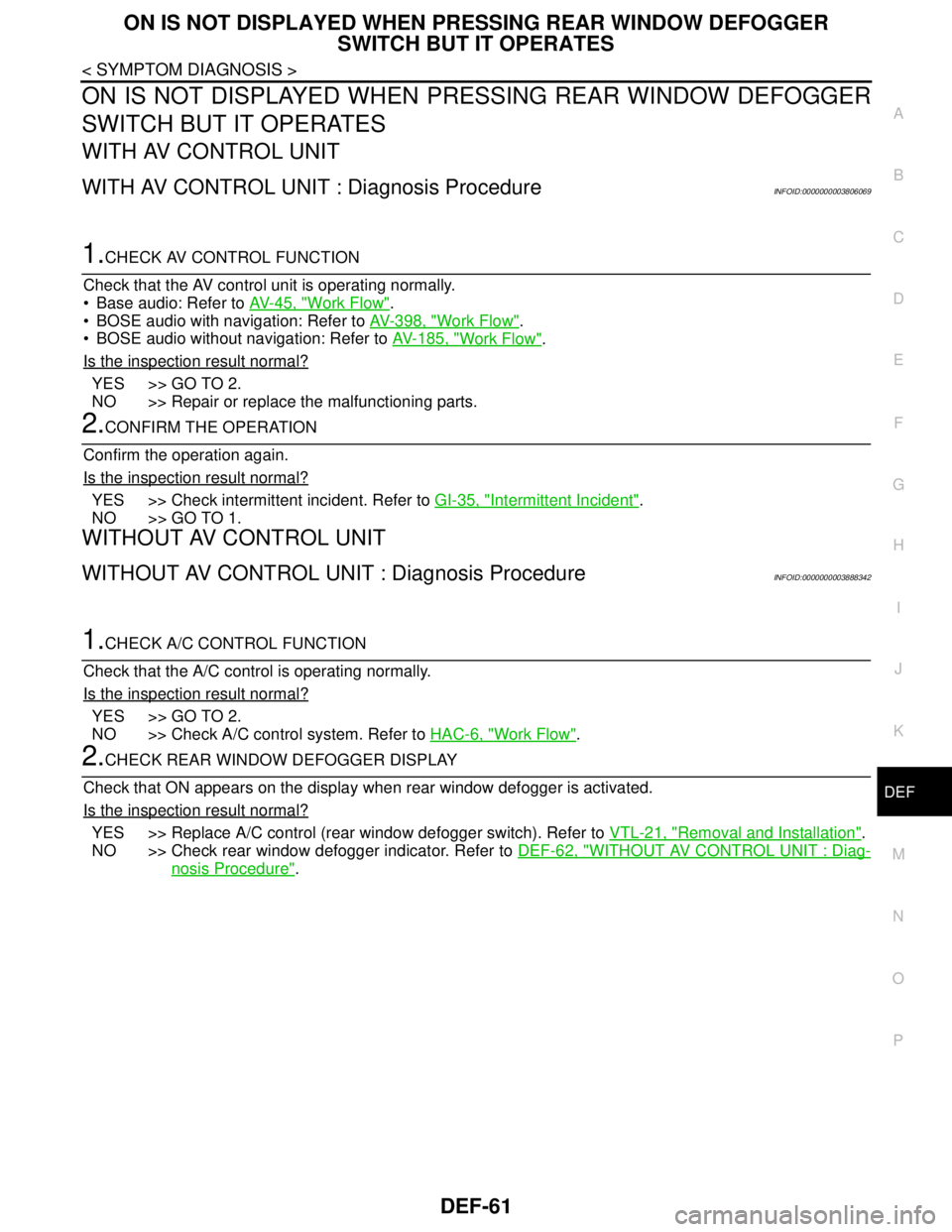
ON IS NOT DISPLAYED WHEN PRESSING REAR WINDOW DEFOGGER
SWITCH BUT IT OPERATES
WITH AV CONTROL UNIT
WITH AV CONTROL UNIT : Diagnosis ProcedureINFOID:0000000003806069
1.CHECK AV CONTROL FUNCTION
Check that the AV control unit is operating normally.
Base audio: Refer to AV-45, "
Work Flow".
BOSE audio with navigation: Refer to AV-398, "
Work Flow".
BOSE audio without navigation: Refer to AV-185, "
Work Flow".
Is the inspection result normal?
YES >> GO TO 2.
NO >> Repair or replace the malfunctioning parts.
2.CONFIRM THE OPERATION
Confirm the operation again.
Is the inspection result normal?
YES >> Check intermittent incident. Refer to GI-35, "Intermittent Incident".
NO >> GO TO 1.
WITHOUT AV CONTROL UNIT
WITHOUT AV CONTROL UNIT : Diagnosis ProcedureINFOID:0000000003888342
1.CHECK A/C CONTROL FUNCTION
Check that the A/C control is operating normally.
Is the inspection result normal?
YES >> GO TO 2.
NO >> Check A/C control system. Refer to HAC-6, "
Work Flow".
2.CHECK REAR WINDOW DEFOGGER DISPLAY
Check that ON appears on the display when rear window defogger is activated.
Is the inspection result normal?
YES >> Replace A/C control (rear window defogger switch). Refer to VTL-21, "Removal and Installation".
NO >> Check rear window defogger indicator. Refer to DEF-62, "
WITHOUT AV CONTROL UNIT : Diag-
nosis Procedure".
Page 1212 of 5121
DEF-62
< SYMPTOM DIAGNOSIS >
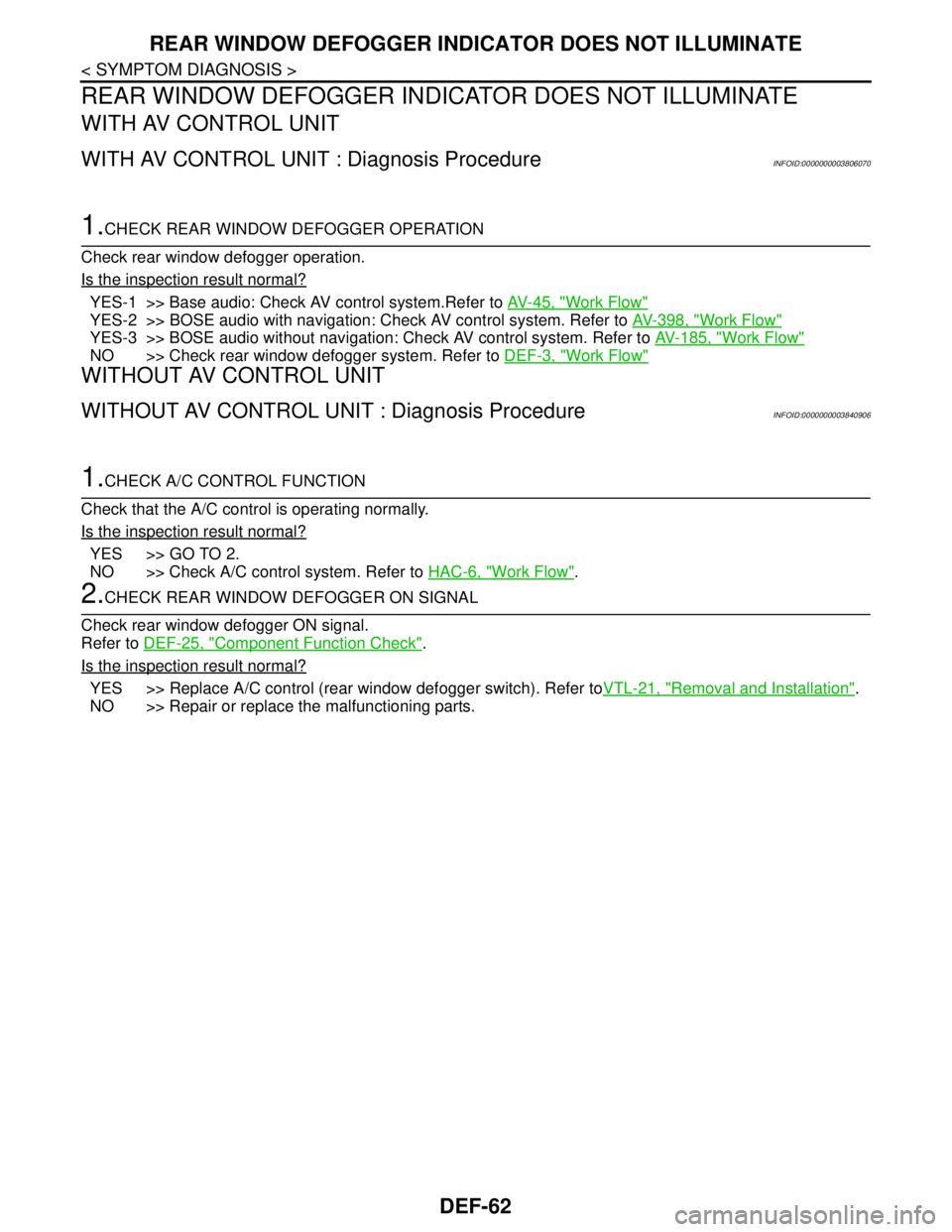
REAR WINDOW DEFOGGER INDICATOR DOES NOT ILLUMINATE
REAR WINDOW DEFOGGER INDICATOR DOES NOT ILLUMINATE
WITH AV CONTROL UNIT
WITH AV CONTROL UNIT : Diagnosis ProcedureINFOID:0000000003806070
1.CHECK REAR WINDOW DEFOGGER OPERATION
Check rear window defogger operation.
Is the inspection result normal?
YES-1 >> Base audio: Check AV control system.Refer to AV-45, "Work Flow"
YES-2 >> BOSE audio with navigation: Check AV control system. Refer to AV-398, "Work Flow"
YES-3 >> BOSE audio without navigation: Check AV control system. Refer to AV-185, "Work Flow"
NO >> Check rear window defogger system. Refer to DEF-3, "Work Flow"
WITHOUT AV CONTROL UNIT
WITHOUT AV CONTROL UNIT : Diagnosis ProcedureINFOID:0000000003840906
1.CHECK A/C CONTROL FUNCTION
Check that the A/C control is operating normally.
Is the inspection result normal?
YES >> GO TO 2.
NO >> Check A/C control system. Refer to HAC-6, "
Work Flow".
2.CHECK REAR WINDOW DEFOGGER ON SIGNAL
Check rear window defogger ON signal.
Refer to DEF-25, "
Component Function Check".
Is the inspection result normal?
YES >> Replace A/C control (rear window defogger switch). Refer toVTL-21, "Removal and Installation".
NO >> Repair or replace the malfunctioning parts.
Page 2543 of 5121
GI-50
< BASIC INSPECTION >
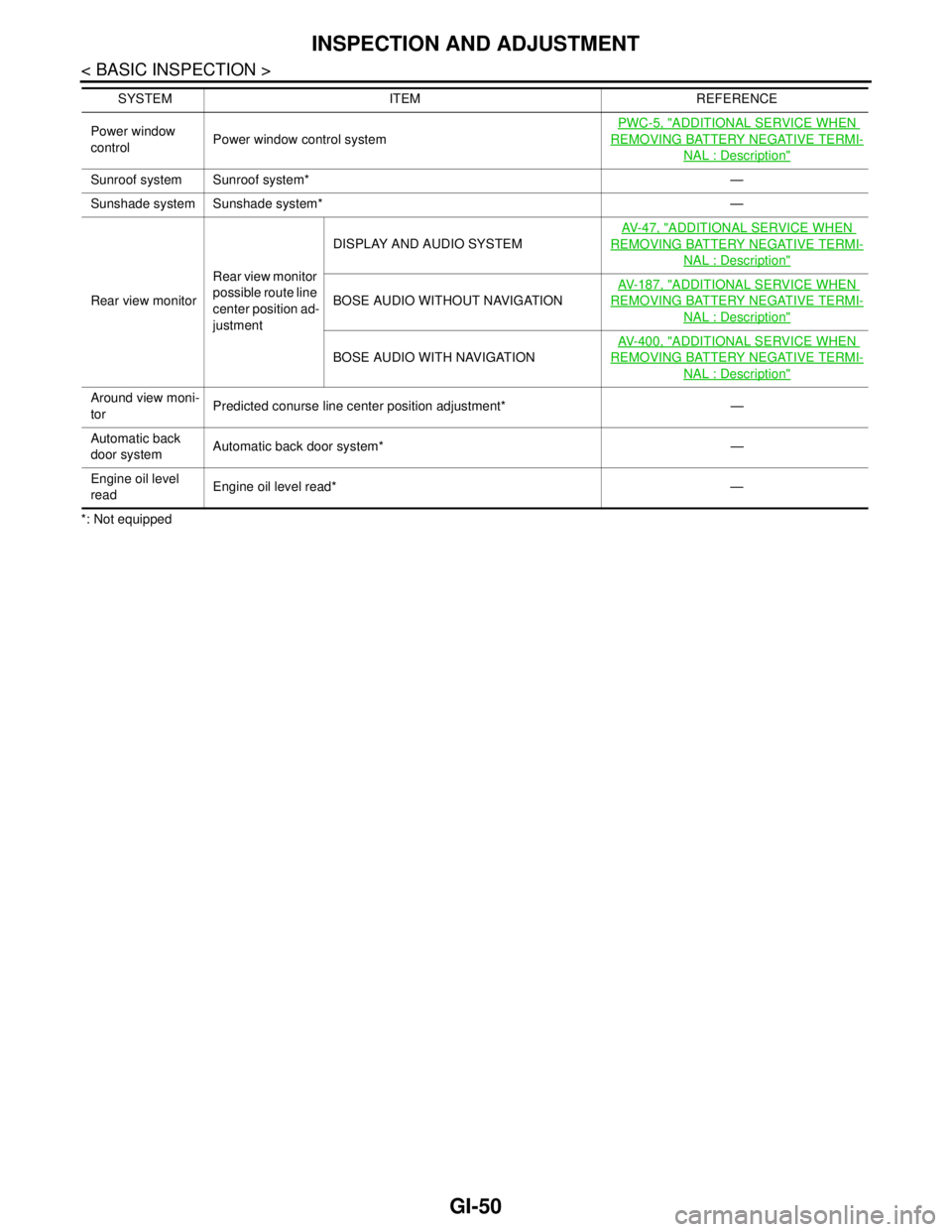
INSPECTION AND ADJUSTMENT
*: Not equippedPower window
controlPower window control systemPWC-5, "
ADDITIONAL SERVICE WHEN
REMOVING BATTERY NEGATIVE TERMI-
NAL : Description"
Sunroof system Sunroof system* —
Sunshade system Sunshade system* —
Rear view monitorRear view monitor
possible route line
center position ad-
justmentDISPLAY AND AUDIO SYSTEMAV- 4 7 , "
ADDITIONAL SERVICE WHEN
REMOVING BATTERY NEGATIVE TERMI-
NAL : Description"
BOSE AUDIO WITHOUT NAVIGATIONAV- 1 8 7 , "
ADDITIONAL SERVICE WHEN
REMOVING BATTERY NEGATIVE TERMI-
NAL : Description"
BOSE AUDIO WITH NAVIGATIONAV- 4 0 0 , "
ADDITIONAL SERVICE WHEN
REMOVING BATTERY NEGATIVE TERMI-
NAL : Description"
Around view moni-
torPredicted conurse line center position adjustment* —
Automatic back
door systemAutomatic back door system* —
Engine oil level
readEngine oil level read* — SYSTEM ITEM REFERENCE
Page 2820 of 5121
![NISSAN TEANA 2008 Service Manual HAC-192
< COMPONENT DIAGNOSIS >[WITH 7 INCH DISPLAY]
A/C AUTO AMP.
A/C AUTO AMP.
DescriptionINFOID:0000000003941321
COMPONENT DESCRIPTION
A/C Auto Amp. (Air Conditioner Automatic Amplifier)
The A/C au](/img/5/57391/w960_57391-2819.png "NISSAN TEANA 2008 Service Manual HAC-192
< COMPONENT DIAGNOSIS >[WITH 7 INCH DISPLAY]
A/C AUTO AMP.
A/C AUTO AMP.
DescriptionINFOID:0000000003941321
COMPONENT DESCRIPTION
A/C Auto Amp. (Air Conditioner Automatic Amplifier)
The A/C au")
HAC-192
< COMPONENT DIAGNOSIS >[WITH 7 INCH DISPLAY]
A/C AUTO AMP.
A/C AUTO AMP.
DescriptionINFOID:0000000003941321
COMPONENT DESCRIPTION
A/C Auto Amp. (Air Conditioner Automatic Amplifier)
The A/C auto amp. (1) has a built-in microcomputer that processes
information sent from various sensors needed for air conditioner
operation. The air mix door motors, the mode door motor, the intake
door motor, the blower motor and the compressor are then con-
trolled.
When the various switches and temperature control dial are oper-
ated, data is input to the A/C auto amp. from the A/C control.
Component Function CheckINFOID:0000000003940728
1.CHECK OPERATION
1. Press the AUTO switch, and then check that “AUTO” is shown on the display.
2. Operate the temperature control dial (driver side). Check that the fan speed or outlet changes. (The dis-
charge air temperature or fan speed varies depending on the ambient temperature, in-vehicle tempera-
ture, and temperature setting.)
Does it operate normally?
YES >> INSPECTION END
NO >> Perform trouble diagnosis for the A/C system. Refer to HAC-192, "
Diagnosis Procedure".
Diagnosis ProcedureINFOID:0000000003940729
1.INSPECTION BY FAIL-SAFE FUNCTION
1. Turn the ignition switch ON.
2. After approximately 30 seconds, check that the air conditioner is operated by the fail-safe function (the
operation display of air conditioner is not performed). Refer to HAC-211, "
WITHOUT INTELLIGENT AIR
CONDITIONER SYSTEM : Fail-Safe" (WITHOUT INTELLIGENT AIR CONDITIONER SYSTEM) or HAC-
223, "WITH INTELLIGENT AIR CONDITIONER SYSTEM : Fail-Safe" (WITH INTELLIGENT AIR CONDI-
TIONER SYSTEM).
Is the fail-safe function operated?
YES >> GO TO 3.
NO >> GO TO 2.
2.CHECK A/C AUTO AMP. POWER SUPPLY CIRCUIT AND GROUND
Check A/C auto amp. power supply circuit and ground circuit. Refer to HAC-192, "
Diagnosis Procedure".
Is the inspection result normal?
YES >> GO TO 3.
NO >> Repair or replace parts according to the inspection results.
3.CHECK PRESET SWITCH
Check the preset switch. Refer to AV-164, "
Symptom Table" (BASE AUDIO AND DISPLAY SYSTEM), AV-372,
"Symptom Table" (BOSE AUDIO WITHOUT NAVIGATION) or AV-640, "Symptom Table" (BOSE AUDIO WITH
NAVIGATION).
Is the inspection result normal?
YES >> Replace the A/C auto amp.
NO >> Repair or replace parts according to the inspection results.
JPIIA0894ZZ
Page 2854 of 5121
![NISSAN TEANA 2008 Service Manual HAC-226
< SYMPTOM DIAGNOSIS >[WITH 7 INCH DISPLAY]
AIR CONDITIONER CONTROL
SYMPTOM DIAGNOSIS
AIR CONDITIONER CONTROL
Diagnosis Chart By SymptomINFOID:0000000003884798
*:WITH INTELLIGENT AIR CONDITIONE](/img/5/57391/w960_57391-2853.png "NISSAN TEANA 2008 Service Manual HAC-226
< SYMPTOM DIAGNOSIS >[WITH 7 INCH DISPLAY]
AIR CONDITIONER CONTROL
SYMPTOM DIAGNOSIS
AIR CONDITIONER CONTROL
Diagnosis Chart By SymptomINFOID:0000000003884798
*:WITH INTELLIGENT AIR CONDITIONE")
HAC-226
< SYMPTOM DIAGNOSIS >[WITH 7 INCH DISPLAY]
AIR CONDITIONER CONTROL
SYMPTOM DIAGNOSIS
AIR CONDITIONER CONTROL
Diagnosis Chart By SymptomINFOID:0000000003884798
*:WITH INTELLIGENT AIR CONDITIONER SYSTEM
Symptom Reference
A/C system does not activate.Go to Trouble Diagnosis Procedure for Power Supply And
Ground Circuit.HAC-191, "
A/C AUTO AMP. :
Diagnosis Procedure"
A/C system cannot be controlled.Go to Trouble Diagnosis Procedure for Preset Switch Sys-
tem.AV- 1 6 4 , "
Symptom Table"
(DISPLAY AND AUDIO SYS-
TEM), AV- 3 7 2 , "
Symptom Ta-
ble" (BOSE AUDIO WITHOUT
NAVIGATION) or AV-640,
"Symptom Table" (BOSE AU-
DIO WITH NAVIGATION).
Air outlet does not change.
Go to Trouble Diagnosis Procedure for Mode Door Motor.
(LAN)HAC-186, "
Diagnosis Proce-
dure"Mode door motor does not operate
normally.
Discharge air temperature does not
change.
Go to Trouble Diagnosis Procedure for Air Mix Door Motor.
(LAN)HAC-182, "
Diagnosis Proce-
dure" (driver side) or HAC-184,
"Diagnosis Procedure" (pas-
senger side) Air mix door motor does not operate
normally.
Intake door does not change.
Go to Trouble Diagnosis Procedure for Intake Door Motor.
(LAN)HAC-189, "
Diagnosis Proce-
dure"Intake door motor does not operate
normally.
Blower motor operation is malfunc-
tioning.Go to Trouble Diagnosis Procedure for Blower Motor.HAC-193, "
Diagnosis Proce-
dure"
Magnet clutch does not engage. Go to Trouble Diagnosis Procedure for Magnet Clutch.HAC-197, "Diagnosis Proce-
dure"
Insufficient cooling
Go to Trouble Diagnosis Procedure for Insufficient Cooling.HAC-228, "Inspection proce-
dure"No cool air comes out.
(Air flow volume is normal.)
Insufficient heating
Go to Trouble Diagnosis Procedure for Insufficient Heating.HAC-231, "
Inspection proce-
dure"No warm air comes out.
(Air flow volume is normal.)
Noise Go to Trouble Diagnosis Procedure for Noise.HAC-234, "
Inspection proce-
dure"
Memory function does not operate. Go to Trouble Diagnosis Procedure for Memory Function.HAC-236, "Inspection proce-
dure"
Plasmacluster system does not op-
erate.*Go to Trouble Diagnosis Procedure for Plasmacluster sys-
tem.HAC-227, "
WITH INTELLI-
GENT AIR CONDITIONER
SYSTEM : Inspection proce-
dure"