ECU NISSAN TITAN 2018 Owner´s Manual
[x] Cancel search | Manufacturer: NISSAN, Model Year: 2018, Model line: TITAN, Model: NISSAN TITAN 2018Pages: 650, PDF Size: 7.54 MB
Page 106 of 650
2 Instruments and controls
Instrument panel................................2-4
Meters and gauges ..............................2-6
Speedometer and odometer ................. 2-7
Tachometer ..................................2-9
Engine coolant temperature gauge ..........2-9
Fuel gauge .................................. 2-10
Auxiliary gauges (if so equipped) ..............2-11
Diesel Exhaust Fluid (DEF) Level
(if so equipped) .............................. 2-12
Off-road monitor (if so equipped) ............2-13
Trip computer (if so equipped) ...............2-13
Compass (if so equipped) ......................2-18
Warning lights, indicator lights and audible
reminders ...................................... 2-21
Checking lights .............................. 2-22
Warning lights ............................... 2-22
Indicator lights .............................. 2-29
Audible reminders ........................... 2-32
Vehicle information display (if so equipped) .....2-32
How to use the vehicle information
display ...................................... 2-33
Startup display .............................. 2-33
Settings ..................................... 2-34Vehicle information display warnings
and indicators
............................... 2-41
Diesel warnings and indicators
(if so equipped) ..............................2-47
Security systems ............................... 2-48
Vehicle security system .....................2-48
NISSAN Vehicle Immobilizer System .........2-49
Wiper and washer switch .......................2-51
Switch operation ............................ 2-51
Rain-sensing auto wiper system
(if so equipped) .............................. 2-52
Rear window and/or outside mirror defroster
switch (if so equipped) .......................... 2-53
Headlight switch ............................... 2-54
Headlight control switch .....................2-54
Daytime Running Lights (DRL) system
(Type A) (if so equipped) .....................2-57
LED Daytime Running Lights (DRL)
system (Type B) (if so equipped) .............2-57
Instrument brightness
control ............... 2-58
Turn signal switch ........................... 2-58
Fog light switch (if so equipped) ................2-59
Horn ........................................... 2-59
Page 126 of 650
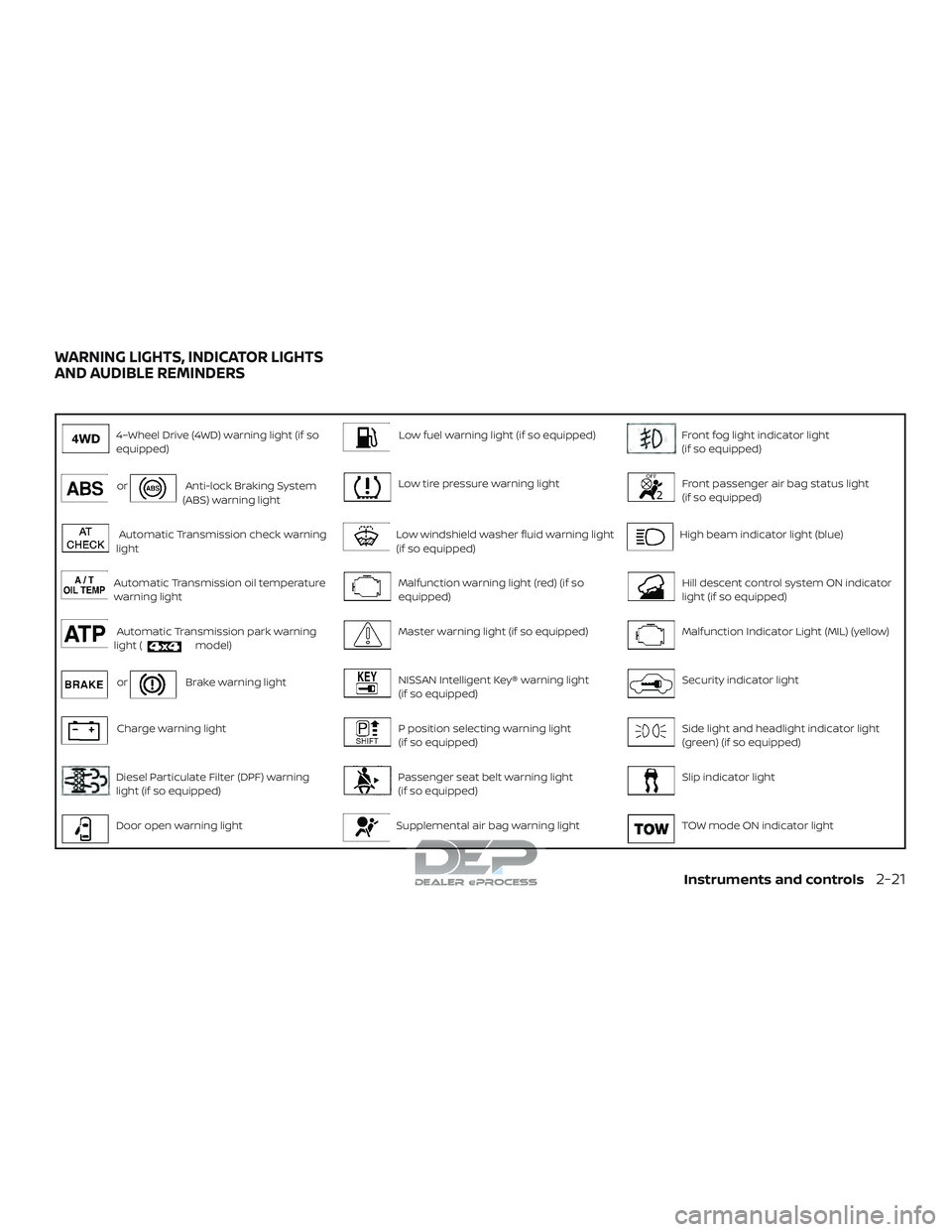
4–Wheel Drive (4WD) warning light (if so
equipped)Low fuel warning light (if so equipped)Front fog light indicator light
(if so equipped)
orAnti-lock Braking System
(ABS) warning lightLow tire pressure warning lightFront passenger air bag status light
(if so equipped)
Automatic Transmission check warning
lightLow windshield washer fluid warning light
(if so equipped)High beam indicator light (blue)
Automatic Transmission oil temperature
warning lightMalfunction warning light (red) (if so
equipped)Hill descent control system ON indicator
light (if so equipped)
Automatic Transmission park warning
light (model)Master warning light (if so equipped)Malfunction Indicator Light (MIL) (yellow)
orBrake warning lightNISSAN Intelligent Key® warning light
(if so equipped)Security indicator light
Charge warning lightP position selecting warning light
(if so equipped)Side light and headlight indicator light
(green) (if so equipped)
Diesel Particulate Filter (DPF) warning
light (if so equipped)Passenger seat belt warning light
(if so equipped)Slip indicator light
Door open warning lightSupplemental air bag warning lightTOW mode ON indicator light
WARNING LIGHTS, INDICATOR LIGHTS
AND AUDIBLE REMINDERS
Instruments and controls2-21
Page 129 of 650
∙ Shif t the 4WD switch into the 2WD, 4Hor 4LO position again to turn off the
ATP warning light when the shif t lever
is in the P position and the ATP warn-
ing light is on. (Before shif ting the
4WD switch into the 4LO position,
move the shif t lever to the N position
once, shif t the shif t lever into P again
and make sure the ATP warning light
is off.)
This light indicates that the automatic
transmission parking function is not en-
gaged. If the transfer control is not secured
in any drive position while the shif t lever is
in the P (Park) position, the transmission will
disengage and the drive wheels will not
lock.
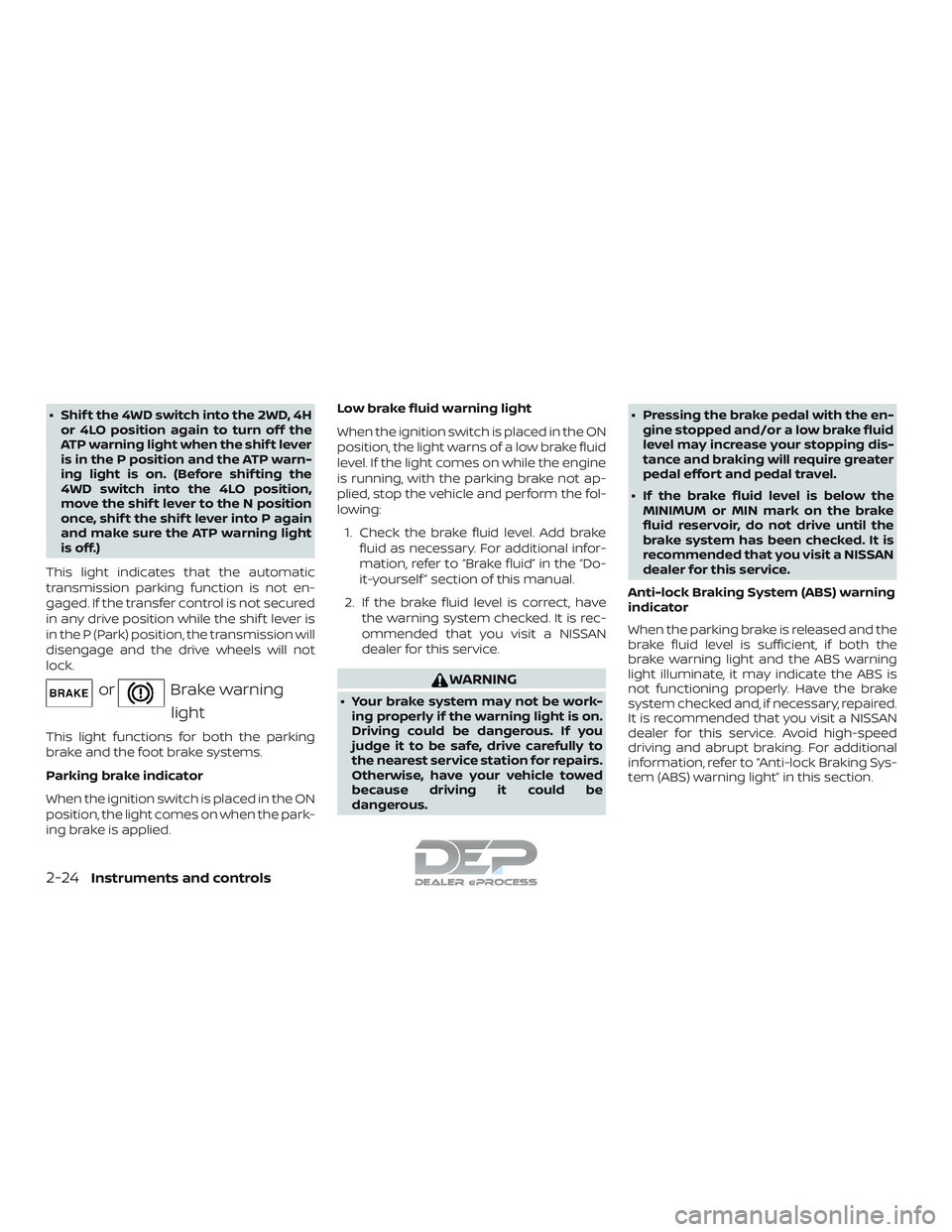
orBrake warning light
This light functions for both the parking
brake and the foot brake systems.
Parking brake indicator
When the ignition switch is placed in the ON
position, the light comes on when the park-
ing brake is applied. Low brake fluid warning light
When the ignition switch is placed in the ON
position, the light warns of a low brake fluid
level. If the light comes on while the engine
is running, with the parking brake not ap-
plied, stop the vehicle and perform the fol-
lowing:
1. Check the brake fluid level. Add brake fluid as necessary. For additional infor-
mation, refer to “Brake fluid” in the “Do-
it-yourself ” section of this manual.
2. If the brake fluid level is correct, have the warning system checked. It is rec-
ommended that you visit a NISSAN
dealer for this service.
WARNING
∙ Your brake system may not be work-ing properly if the warning light is on.
Driving could be dangerous. If you
judge it to be safe, drive carefully to
the nearest service station for repairs.
Otherwise, have your vehicle towed
because driving it could be
dangerous. ∙ Pressing the brake pedal with the en-
gine stopped and/or a low brake fluid
level may increase your stopping dis-
tance and braking will require greater
pedal effort and pedal travel.
∙ If the brake fluid level is below the MINIMUM or MIN mark on the brake
fluid reservoir, do not drive until the
brake system has been checked. It is
recommended that you visit a NISSAN
dealer for this service.
Anti-lock Braking System (ABS) warning
indicator
When the parking brake is released and the
brake fluid level is sufficient, if both the
brake warning light and the ABS warning
light illuminate, it may indicate the ABS is
not functioning properly. Have the brake
system checked and, if necessary, repaired.
It is recommended that you visit a NISSAN
dealer for this service. Avoid high-speed
driving and abrupt braking. For additional
information, refer to “Anti-lock Braking Sys-
tem (ABS) warning light” in this section.
2-24Instruments and controls
Page 130 of 650
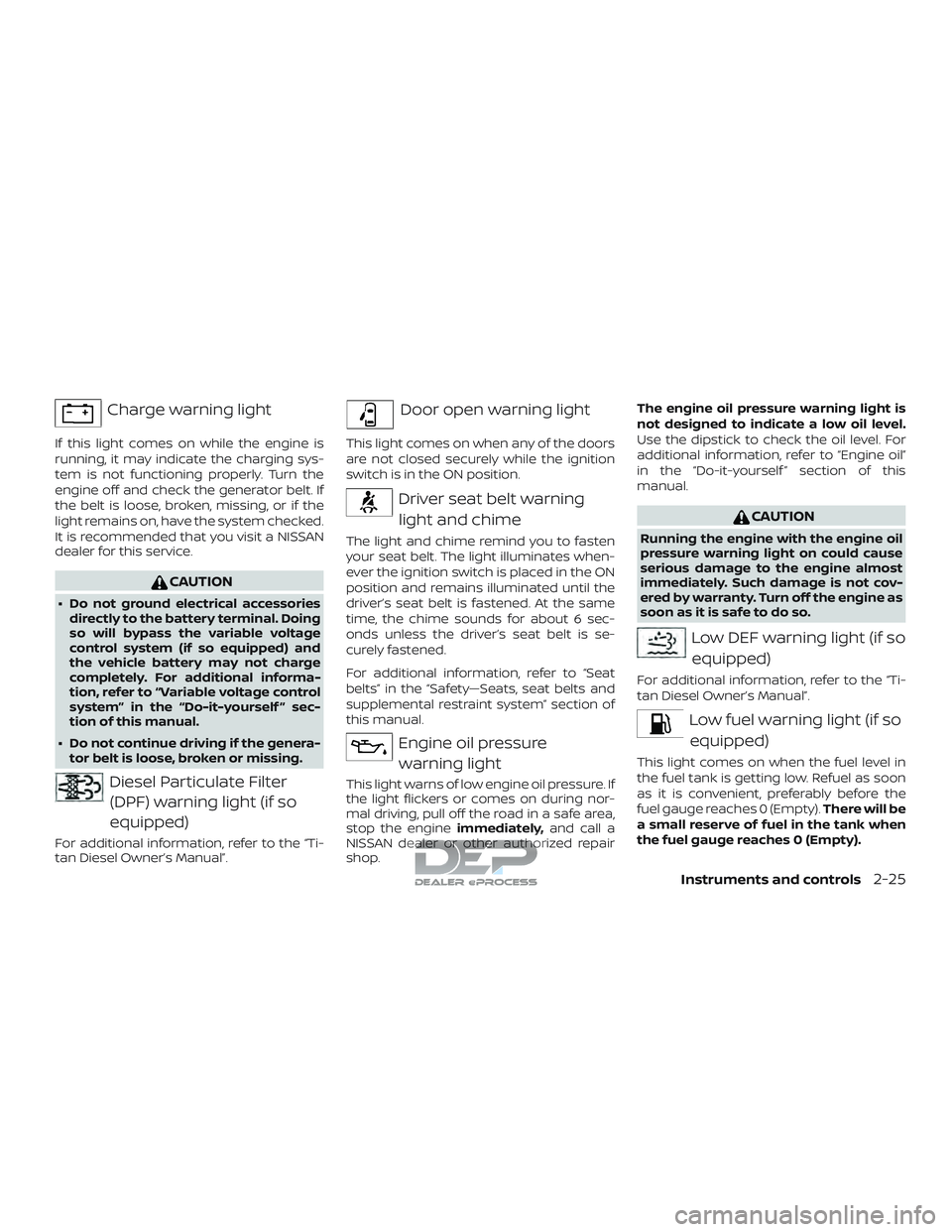
Charge warning light
If this light comes on while the engine is
running, it may indicate the charging sys-
tem is not functioning properly. Turn the
engine off and check the generator belt. If
the belt is loose, broken, missing, or if the
light remains on, have the system checked.
It is recommended that you visit a NISSAN
dealer for this service.
CAUTION
∙ Do not ground electrical accessoriesdirectly to the battery terminal. Doing
so will bypass the variable voltage
control system (if so equipped) and
the vehicle battery may not charge
completely. For additional informa-
tion, refer to “Variable voltage control
system” in the “Do-it-yourself ” sec-
tion of this manual.
∙ Do not continue driving if the genera- tor belt is loose, broken or missing.
Diesel Particulate Filter
(DPF) warning light (if so
equipped)
For additional information, refer to the “Ti-
tan Diesel Owner’s Manual”.
Door open warning light
This light comes on when any of the doors
are not closed securely while the ignition
switch is in the ON position.
Driver seat belt warning
light and chime
The light and chime remind you to fasten
your seat belt. The light illuminates when-
ever the ignition switch is placed in the ON
position and remains illuminated until the
driver’s seat belt is fastened. At the same
time, the chime sounds for about 6 sec-
onds unless the driver’s seat belt is se-
curely fastened.
For additional information, refer to “Seat
belts” in the “Safety—Seats, seat belts and
supplemental restraint system” section of
this manual.
Engine oil pressurewarning light
This light warns of low engine oil pressure. If
the light flickers or comes on during nor-
mal driving, pull off the road in a safe area,
stop the engine immediately,and call a
NISSAN dealer or other authorized repair
shop. The engine oil pressure warning light is
not designed to indicate a low oil level.
Use the dipstick to check the oil level. For
additional information, refer to “Engine oil”
in the “Do-it-yourself ” section of this
manual.
CAUTION
Running the engine with the engine oil
pressure warning light on could cause
serious damage to the engine almost
immediately. Such damage is not cov-
ered by warranty. Turn off the engine as
soon as it is safe to do so.
Low DEF warning light (if so
equipped)
For additional information, refer to the “Ti-
tan Diesel Owner’s Manual”.
Low fuel warning light (if soequipped)
This light comes on when the fuel level in
the fuel tank is getting low. Refuel as soon
as it is convenient, preferably before the
fuel gauge reaches 0 (Empty). There will be
a small reserve of fuel in the tank when
the fuel gauge reaches 0 (Empty).
Instruments and controls2-25
Page 136 of 650
Operation
The MIL will come on in one of two ways:∙ MIL on steady — An emission control system malfunction has been de-
tected. Check the fuel-filler cap if the
Loose Fuel Cap warning appears in the
vehicle information display (if so
equipped) or the trip computer (if so
equipped). If the fuel-filler cap is loose or
missing, tighten or install the cap and
continue to drive the vehicle. The
light should turn off af ter a few driving
trips. If the
light does not turn off
af ter a few driving trips, have the vehicle
inspected. It is recommended that you
visit a NISSAN dealer for this service. You
do not need to have your vehicle towed
to the dealer.
∙ MIL blinking — An engine misfire has been detected which may damage the
emission control system. To reduce or
avoid emission control system dam-
age:
– do not drive at speeds above 45 mph (72 km/h).
– avoid hard acceleration or decelera- tion.
– avoid steep uphill grades. – if possible, reduce the amount of
cargo being hauled or towed.
The MIL may stop blinking and come on
steady. Have the vehicle inspected. It is rec-
ommended that you visit a NISSAN dealer
for this service. You do not need to have
your vehicle towed to the dealer.
CAUTION
Continued vehicle operation without
having the emission control system
checked and repaired as necessary
could lead to poor driveability, reduced
fuel economy, and possible damage to
the emission control system.
Security indicator light
This light blinks whenever the ignition
switch is placed in the LOCK, OFF or ACC
position. This function indicates the secu-
rity system equipped on the vehicle is op-
erational.
For additional information, refer to “Security
systems” in this section.
Side light and headlight indicator light (green) (if so
equipped)
The side light and headlight indicator light
illuminates when the side light or headlight
position is selected. For additional informa-
tion, refer to “Headlight switch” in this sec-
tion.
Slip indicator light
This indicator will blink when the Vehicle
Dynamic Control (VDC) system is operat-
ing, thus alerting that the vehicle is nearing
its traction limits. The road surface may be
slippery.
TOW mode ON indicator light
This light comes on when the tow mode
function is on.
Turn signal/hazardindicator lights
The appropriate light flashes when the turn
signal switch is activated.
Both lights flash when the hazard switch is
turned on.
Instruments and controls2-31
Page 153 of 650
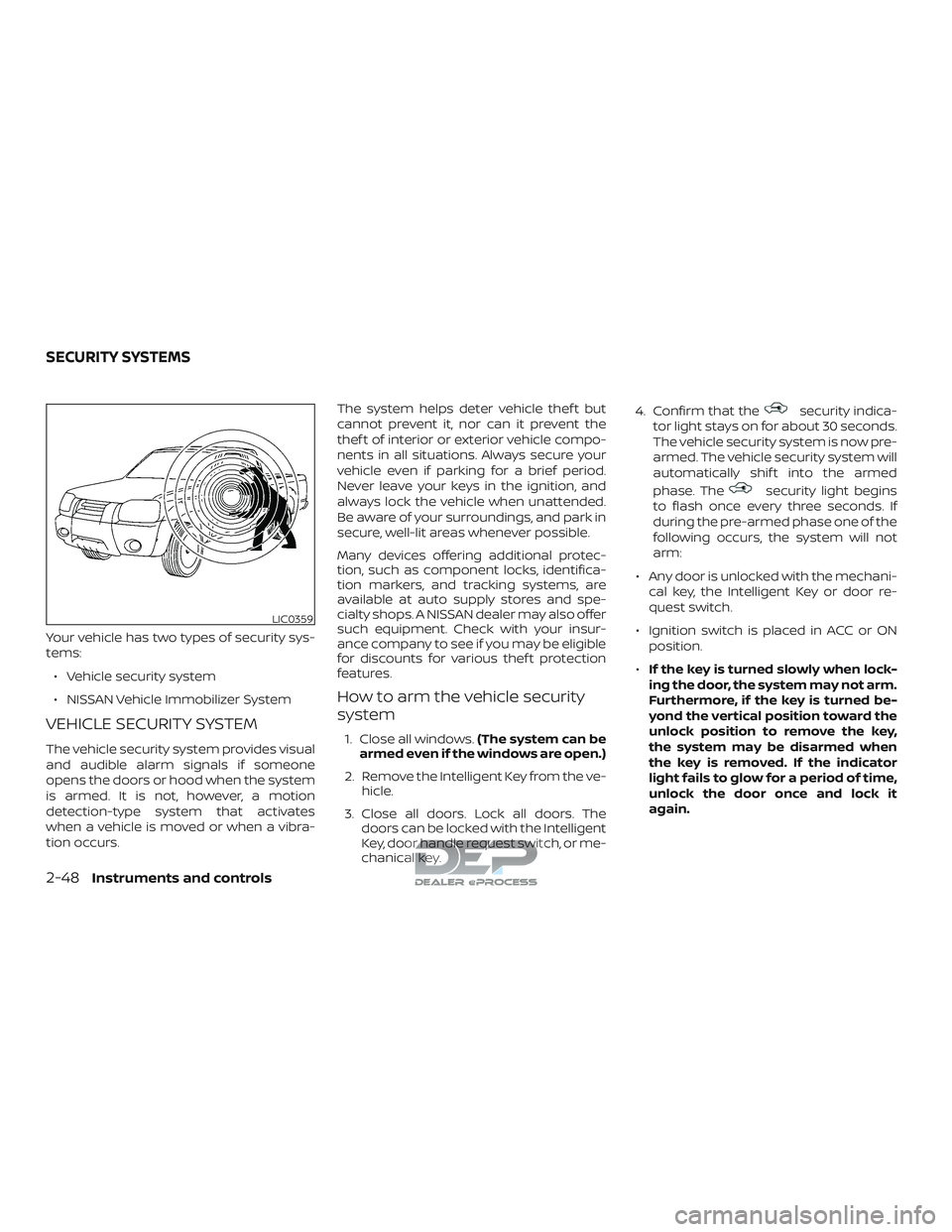
Your vehicle has two types of security sys-
tems:∙ Vehicle security system
∙ NISSAN Vehicle Immobilizer System
VEHICLE SECURITY SYSTEM
The vehicle security system provides visual
and audible alarm signals if someone
opens the doors or hood when the system
is armed. It is not, however, a motion
detection-type system that activates
when a vehicle is moved or when a vibra-
tion occurs. The system helps deter vehicle thef t but
cannot prevent it, nor can it prevent the
thef t of interior or exterior vehicle compo-
nents in all situations. Always secure your
vehicle even if parking for a brief period.
Never leave your keys in the ignition, and
always lock the vehicle when unattended.
Be aware of your surroundings, and park in
secure, well-lit areas whenever possible.
Many devices offering additional protec-
tion, such as component locks, identifica-
tion markers, and tracking systems, are
available at auto supply stores and spe-
cialty shops. A NISSAN dealer may also offer
such equipment. Check with your insur-
ance company to see if you may be eligible
for discounts for various thef t protection
features.
How to arm the vehicle security
system
1. Close all windows.
(The system can be
armed even if the windows are open.)
2. Remove the Intelligent Key from the ve- hicle.
3. Close all doors. Lock all doors. The doors can be locked with the Intelligent
Key, door handle request switch, or me-
chanical key. 4. Confirm that the
security indica-
tor light stays on for about 30 seconds.
The vehicle security system is now pre-
armed. The vehicle security system will
automatically shif t into the armed
phase. The
security light begins
to flash once every three seconds. If
during the pre-armed phase one of the
following occurs, the system will not
arm:
∙ Any door is unlocked with the mechani- cal key, the Intelligent Key or door re-
quest switch.
∙ Ignition switch is placed in ACC or ON position.
∙ If the key is turned slowly when lock-
ing the door, the system may not arm.
Furthermore, if the key is turned be-
yond the vertical position toward the
unlock position to remove the key,
the system may be disarmed when
the key is removed. If the indicator
light fails to glow for a period of time,
unlock the door once and lock it
again.
LIC0359
SECURITY SYSTEMS
2-48Instruments and controls
Page 154 of 650
∙Even when the driver and/or passen-
gers are in the vehicle, the system will
activate with all the doors, hood and
locked with the ignition switch placed
in the LOCK position. When placing
the ignition switch in the ACC or ON
position, the system will be released.
∙ The lockable bedside storage com-
partment (if so equipped) is not pro-
tected by the vehicle security system.
Vehicle security system activation
The vehicle security system will give the
following alarm:
∙ The headlights blink and the horn sounds intermittently.
∙ The alarm automatically turns off af ter a period of time. However, the alarm
reactivates if the vehicle is tampered
with again. The alarm can be shut off by
unlocking the driver’s door with the key
or by pressing the
button on the
key fob. The alarm is activated by:
∙ Opening a door without using the key or key fob (even if the door is unlocked by
using the inside lock knob or the power
door lock switch).
How to stop an activated alarm
The alarm stops only by unlocking the driv-
er’s door with the key or by pressing
the
button on the key fob.
NISSAN VEHICLE IMMOBILIZER
SYSTEM
The NISSAN Vehicle Immobilizer System
will not allow the engine to start without
the use of a registered key.
If the engine fails to start using a registered
key (for example, when interference is
caused by another registered key, an auto-
mated toll road device or automatic pay-
ment device on the key ring), restart the
engine using the following procedures:
1. Leave the ignition switch placed in the ON position for approximately 5 sec-
onds.
2. Place the ignition switch in the OFF or LOCK position and wait approximately
10 seconds. 3. Repeat steps 1 and 2.
4. Restart the engine while holding the
device (which may have caused the in-
terference) separate from the regis-
tered key.
If the no start condition re-occurs, NISSAN
recommends placing the registered key on
a separate key ring to avoid interference
from other devices.
FCC Notice:
For USA:
This device complies with part 15 of the
FCC Rules. Operation is subject to the fol-
lowing two conditions: (1) This device
may not cause harmful interference, and
(2) this device must accept any interfer-
ence received, including interference
that may cause undesired operation.
NOTE:
Changes or modifications not expressly
approved by the party responsible for
compliance could void the user’s author-
ity to operate the equipment.
Instruments and controls2-49
Page 155 of 650
For Canada:
This device complies with Industry
Canada licence-exempt RSS standard(s).
Operation is subject to the following two
conditions: (1) this device may not cause
interference, and (2) this device must ac-
cept any interference, including interfer-
ence that may cause undesired opera-
tion of the device.
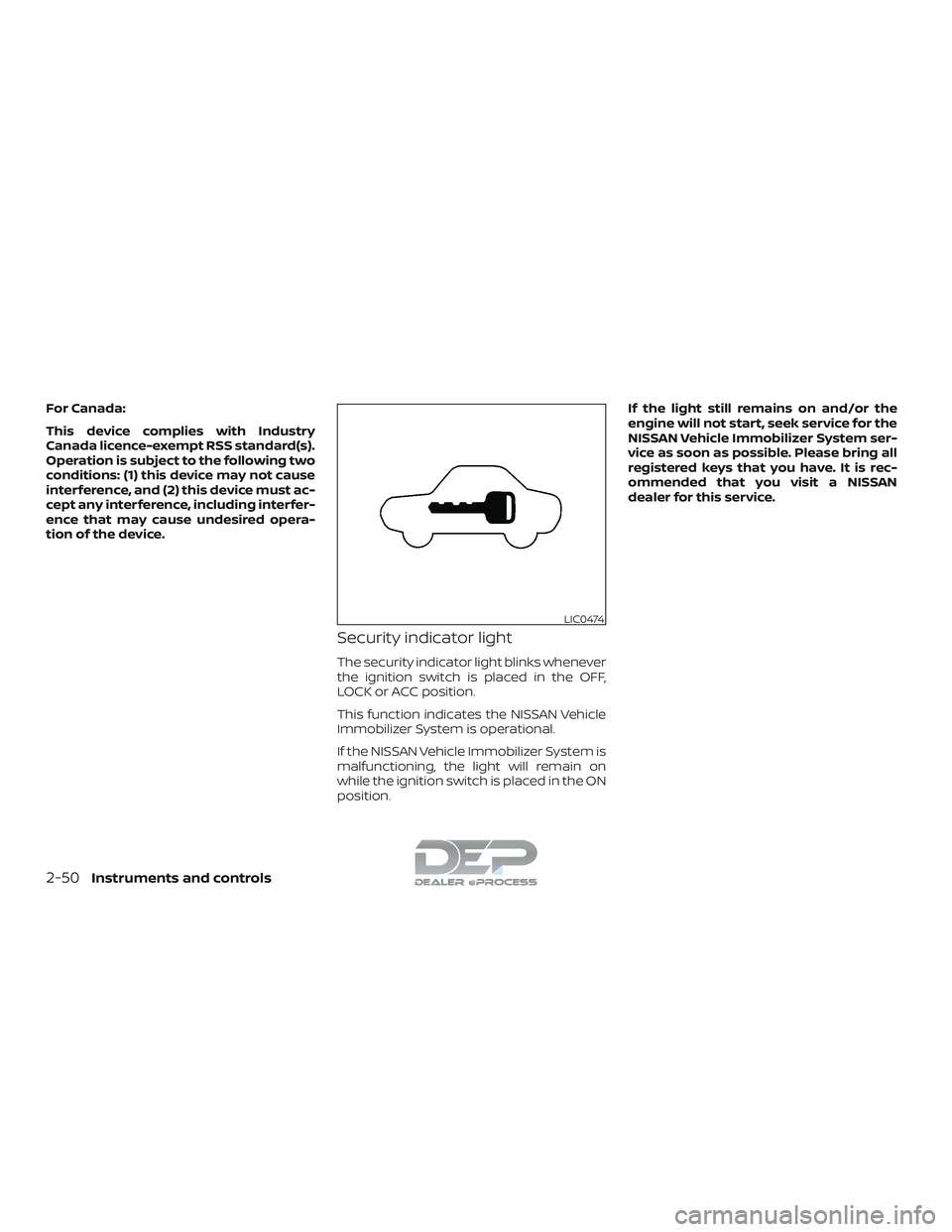
Security indicator light
The security indicator light blinks whenever
the ignition switch is placed in the OFF,
LOCK or ACC position.
This function indicates the NISSAN Vehicle
Immobilizer System is operational.
If the NISSAN Vehicle Immobilizer System is
malfunctioning, the light will remain on
while the ignition switch is placed in the ON
position.If the light still remains on and/or the
engine will not start, seek service for the
NISSAN Vehicle Immobilizer System ser-
vice as soon as possible. Please bring all
registered keys that you have. It is rec-
ommended that you visit a NISSAN
dealer for this service.
LIC0474
2-50Instruments and controls
Page 183 of 650

Cargo can be secured to the extended
floor with bungee cords. Secure the bun-
gee cords to the loops in the extended
floor.
CAUTION
∙ To avoid damaging the extendedfloor, the weight secured should not
exceed 247 lbs. (112 kg).
∙ To avoid damaging the bungee hook loops, do not exceed 35 lbs. (16 kg) of
force to any given loop.
CONSOLE BOX STORAGE TRAYS (if
so equipped) GLOVE BOX
Open the glove box by pulling the handle.
Use the master key to lock or unlock the
glove box lock. The valet key cannot be
used to lock or unlock the glove box lock.
WARNING
Keep glove box lid closed while driving
to help prevent injury in an accident or a
sudden stop.
LIC3406LIC3386
2-78Instruments and controls
Page 191 of 650
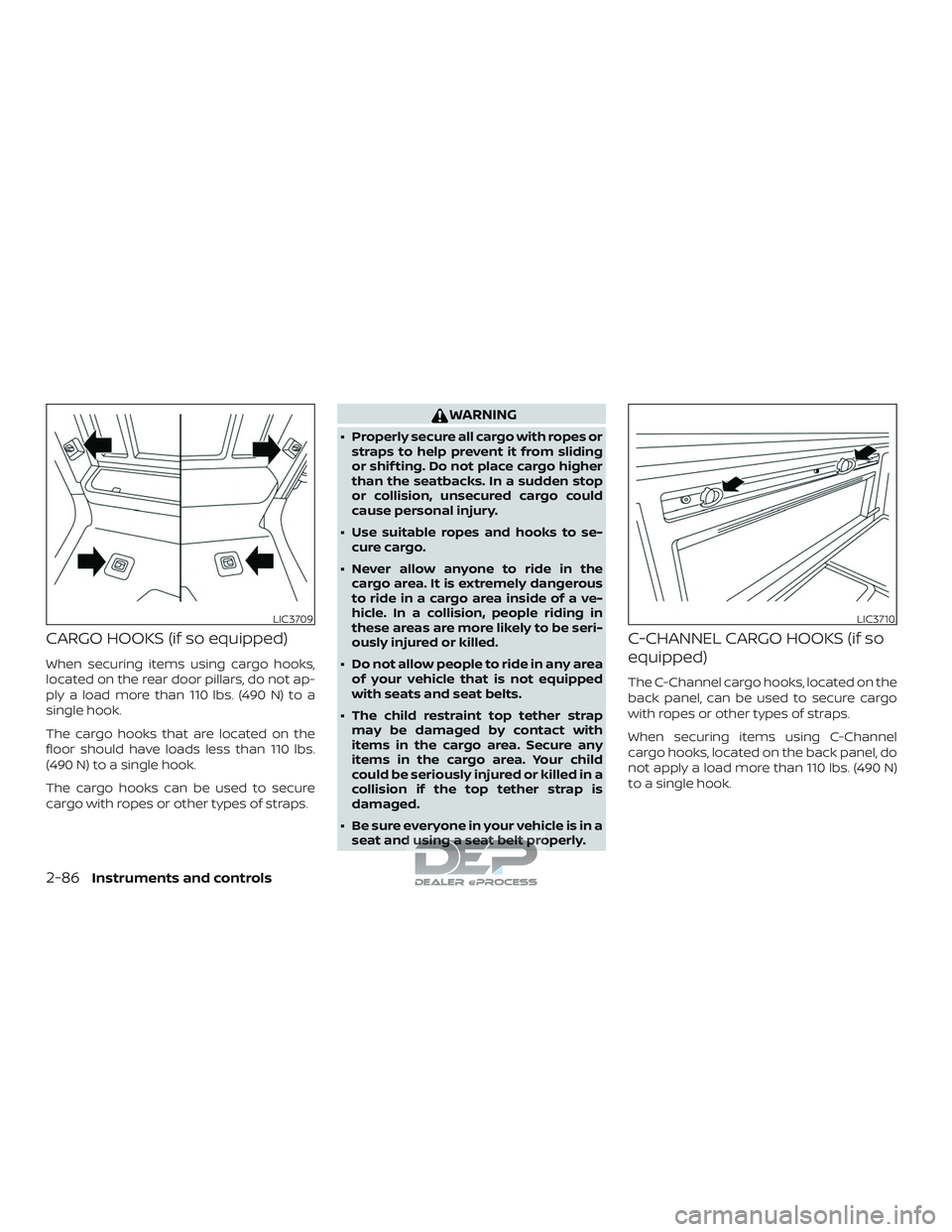
CARGO HOOKS (if so equipped)
When securing items using cargo hooks,
located on the rear door pillars, do not ap-
ply a load more than 110 lbs. (490 N) to a
single hook.
The cargo hooks that are located on the
floor should have loads less than 110 lbs.
(490 N) to a single hook.
The cargo hooks can be used to secure
cargo with ropes or other types of straps.
WARNING
∙ Properly secure all cargo with ropes orstraps to help prevent it from sliding
or shif ting. Do not place cargo higher
than the seatbacks. In a sudden stop
or collision, unsecured cargo could
cause personal injury.
∙ Use suitable ropes and hooks to se- cure cargo.
∙ Never allow anyone to ride in the cargo area. It is extremely dangerous
to ride in a cargo area inside of a ve-
hicle. In a collision, people riding in
these areas are more likely to be seri-
ously injured or killed.
∙ Do not allow people to ride in any area of your vehicle that is not equipped
with seats and seat belts.
∙ The child restraint top tether strap may be damaged by contact with
items in the cargo area. Secure any
items in the cargo area. Your child
could be seriously injured or killed in a
collision if the top tether strap is
damaged.
∙ Be sure everyone in your vehicle is in a seat and using a seat belt properly.
C-CHANNEL CARGO HOOKS (if so
equipped)
The C-Channel cargo hooks, located on the
back panel, can be used to secure cargo
with ropes or other types of straps.
When securing items using C-Channel
cargo hooks, located on the back panel, do
not apply a load more than 110 lbs. (490 N)
to a single hook.
LIC3709LIC3710
2-86Instruments and controls