page 48 Oldsmobile Alero 2003 s User Guide
[x] Cancel search | Manufacturer: OLDSMOBILE, Model Year: 2003, Model line: Alero, Model: Oldsmobile Alero 2003Pages: 354, PDF Size: 16.74 MB
Page 52 of 354
Securing a Child Restraint Designed
for the LATCH System
1. Find the anchors for the seating position you want
to use, where the bottom of the seatback meets the
back of the seat cushion.
2. Put the child restraint on the seat.
3. Attach the anchor points on the child restraint to the
anchors in the vehicle. The child restraint
instructions will show you how.
4. If the child restraint is forward-facing, attach the top
strap to the top strap anchor. See
Top Strap on
page
1-41. Tighten the top strap according to
the child restraint instructions.
5. Push and pull the child restraint in different
directions to be sure it is secure.
To remove the child restraint, simply unhook the top
strap from the top tether anchor and then disconnect the
anchor points.
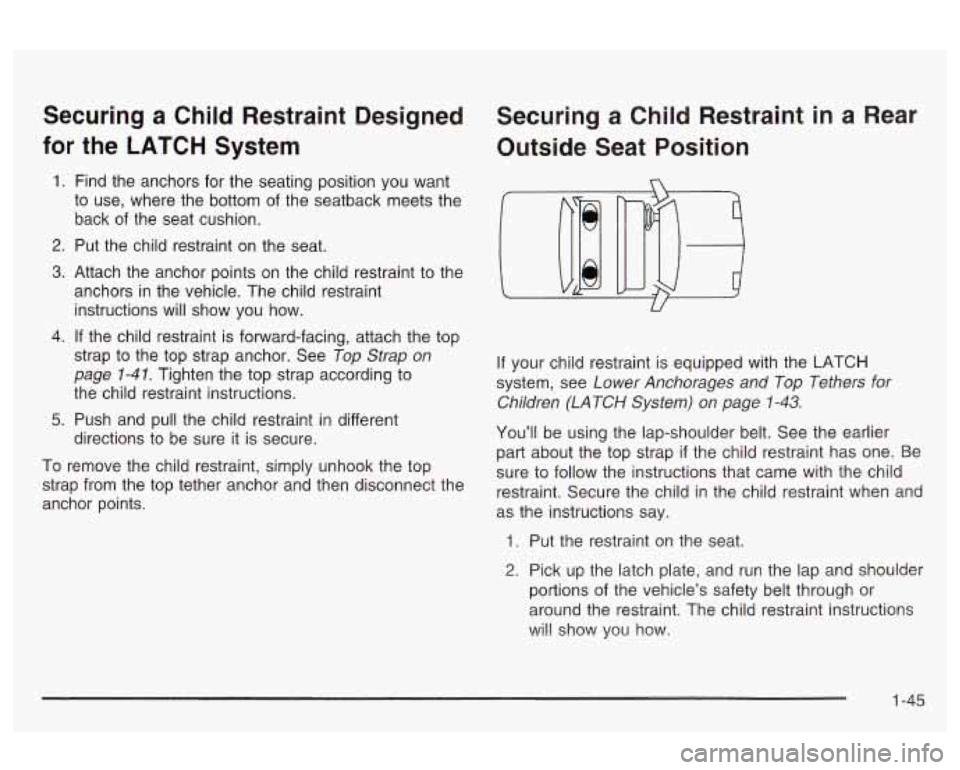
Securing a Child Restraint in a Rear
Outside Seat Position
If your child restraint is equipped with the LATCH
system, see
Lower Anchorages and Top Tethers for
Children (LATCH System) on page 1-43.
You’ll be using the lap-shoulder belt. See the earlier
part about the top strap if the child restraint has one. Be
sure to follow the instructions that came with the child
restraint. Secure the child in the child restraint when and
as the instructions say.
1. Put the restraint on the seat.
2. Pick up the latch plate, and run the lap and shoulder
portions of the vehicle’s safety belt through or
around the restraint. The child restraint instructions
wi!! show you how.
1 -45
Page 55 of 354
Securing a Child Restraint in a
Center Rear Seat Position
You’ll be using the lap belt. Be sure to follow the
instructions that came with the child restraint. Secure
the child in the child restraint when and as the
instructions say. See
Top Strap on page 1-41 if the child
restraint has one.
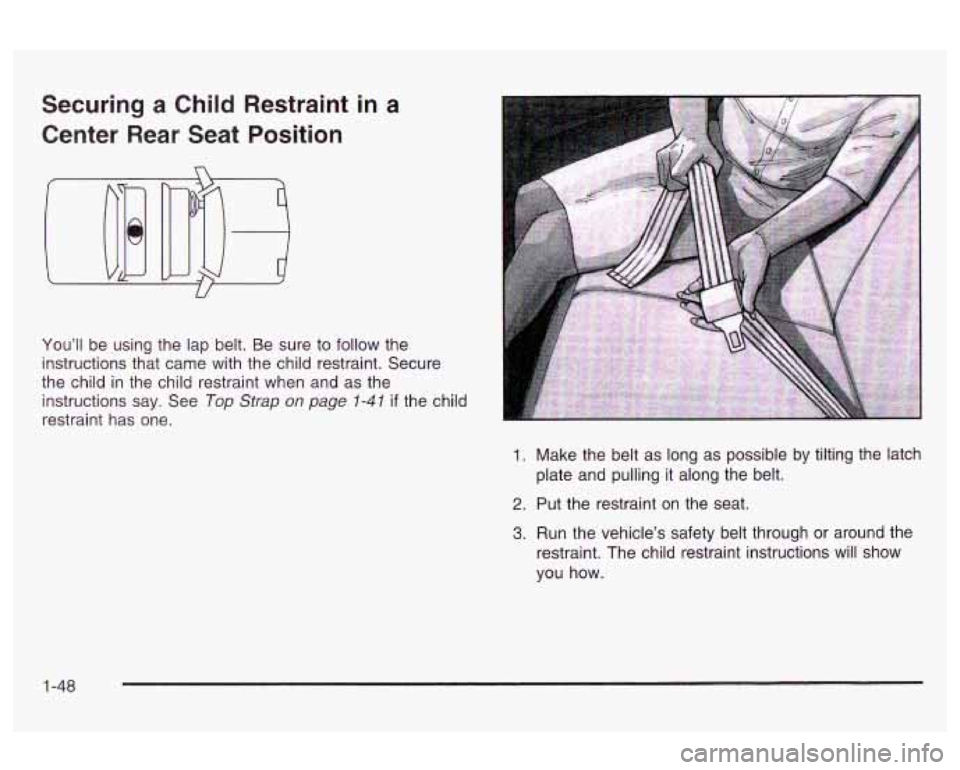
1. Make the belt as long as possible by tilting the latch
plate and pulling it along the belt.
2. Put the restraint on the seat.
3. Run the vehicle’s safety belt through or around the
restraint. The child restraint instructions will show
you how.
1-48
Page 57 of 354
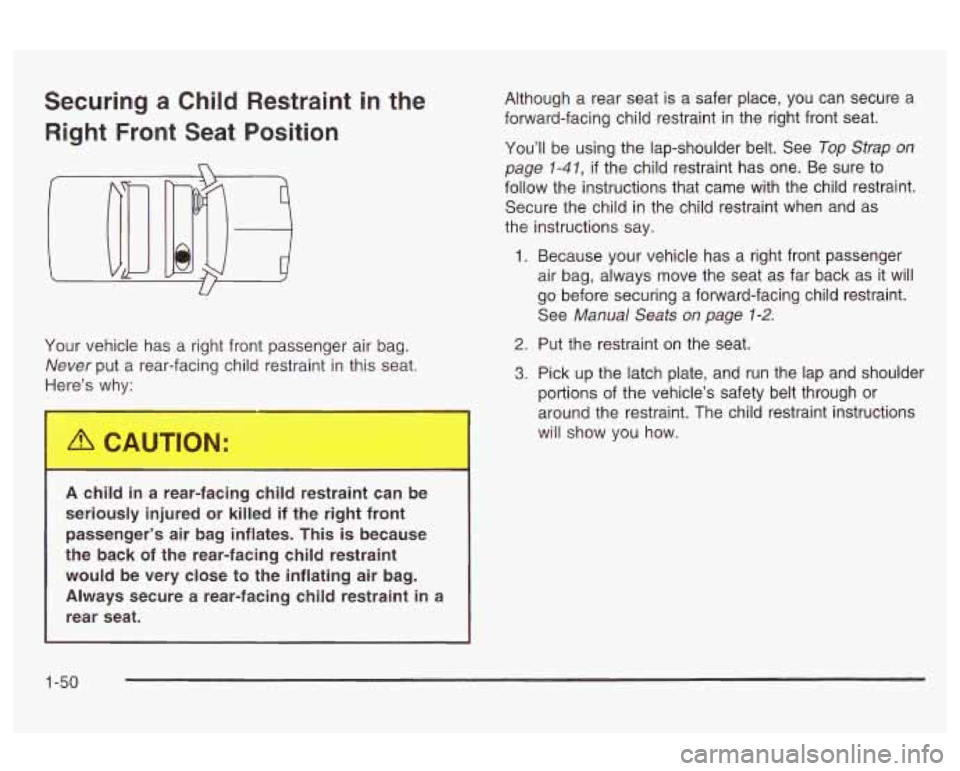
Securing a Child Restraint in the
Right Front Seat Position
U
Your vehicle has a right front passenger air bag.
Never put a rear-facing child restraint in this seat.
Here’s why:
A child in a rear-facing child restraint can be
seriously injured or killed
if the right front
passenger’s air bag inflates. This is because
the back
of the rear-facing child restraint
would be very close to the inflating air bag.
Always secure a rear-facing child restraint in a
rear seat. Although
a rear seat is a safer place, you can secure a
forward-facing child restraint in the right front seat.
You’ll be using the lap-shoulder belt. See
Top Strap on
page
1-41, if the child restraint has one. Be sure to
follow the instructions that came with the child restraint.
Secure the child in the child restraint when and as
the instructions say.
1. Because your vehicle has a right front passenger
air bag, always move the seat as far back as it will
go before securing a forward-facing child restraint.
See
Manual Seats on page 1-2.
2. Put the restraint on the seat.
3. Pick up the latch plate, and run the lap and shoulder
portions of the vehicle’s safety belt through or
around the restraint. The child restraint instructions
will show you how.
1-50
Page 62 of 354
There is a air bag
readiness light on the
instrument panel, which
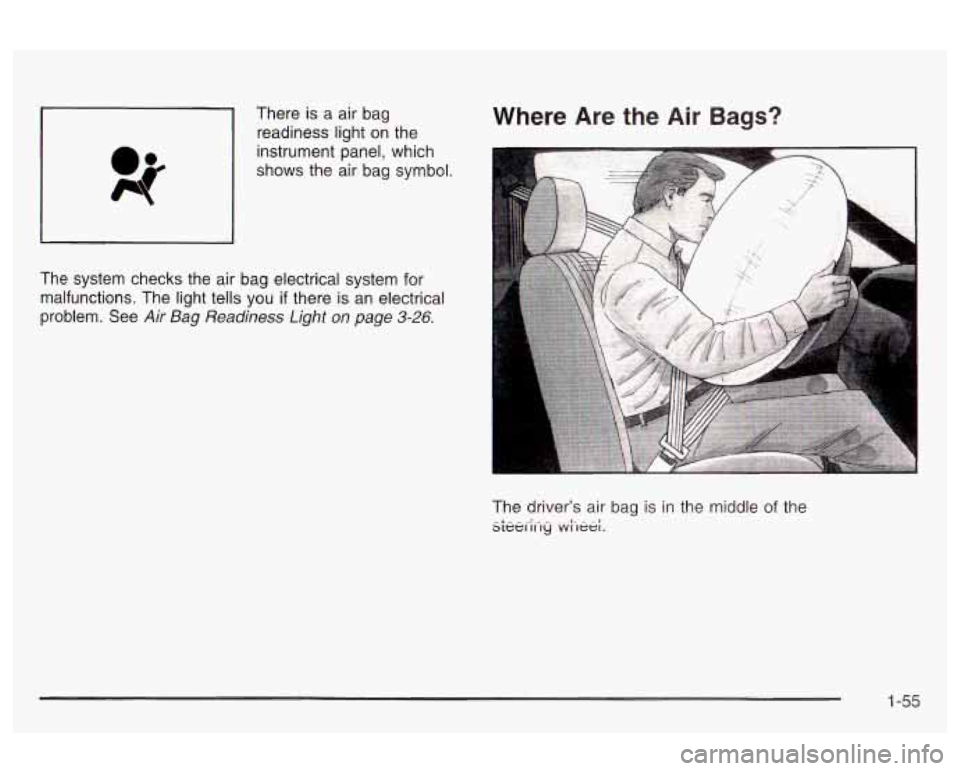
shows the air bag symbol. Where Are the Air Bags?
~~
The system checks the air bag electrical system for
malfunctions. The light tells you
if there is an electrical
Problem. See
Air Bag Readiness Light on page 3-26.
The driver’s air bag is in the middle of the sLei2i-,y .w.i-,ee;.
1 -55
Page 66 of 354
Servicing Your Air Bag-Equipped
Vehicle
Air bags affect how your vehicle should be serviced.
There are parts
of the air bag system in several places
around your vehicle. You don’t want the system to
inflate while someone is working on your vehicle. Your
dealer and the service manual have information
about servicing your vehicle and the air bag system. To
purchase a service manual, see
Service Publications
Ordering Information
on page 7- 10.
For up tc .D minutes after the igniti,.i key is
turned
off and the battery is disconnected, an
air bag can still inflate during improper
service. You can be injured if you are close to
an air bag when
it inflates. Avoid wires
wrapped with yellow tape or yellow connectors. They are probably part of the air
bag system. Be sure to follow proper service
procedures, and make sure the person
performing work for you
is qualified to do so.
The air bag system does not need regular maintenance.
1-59
Page 68 of 354
If you’ve had a crash, do you need new belts or LATCH If your seat adjuster won’t work after a crash, the
system parts? special part
of the safety belt that goes through the seat
After a very minor collision, nothing may be necessary.
But
if the belts were stretched, as they would be if If an air bag inflates, you’ll need to replace air bag
worn during a more severe crash, then you need system parts. See
Supplemental Restraint System
to the adjuster may need to be replaced.
new parts. If the LATCH system was being used during a more
severe crash, you may need new LATCH system parts.
If belts are cut or damaged, replace them. Collision
damage also may mean you will need to have LATCH
system, safety belt or seat parts repaired or replaced.
New parts and repairs may be necessary even
if the belt
or LATCH system wasn’t being used at the time of
the collision.
(SRS) on page 1-53.
1-61
Page 72 of 354
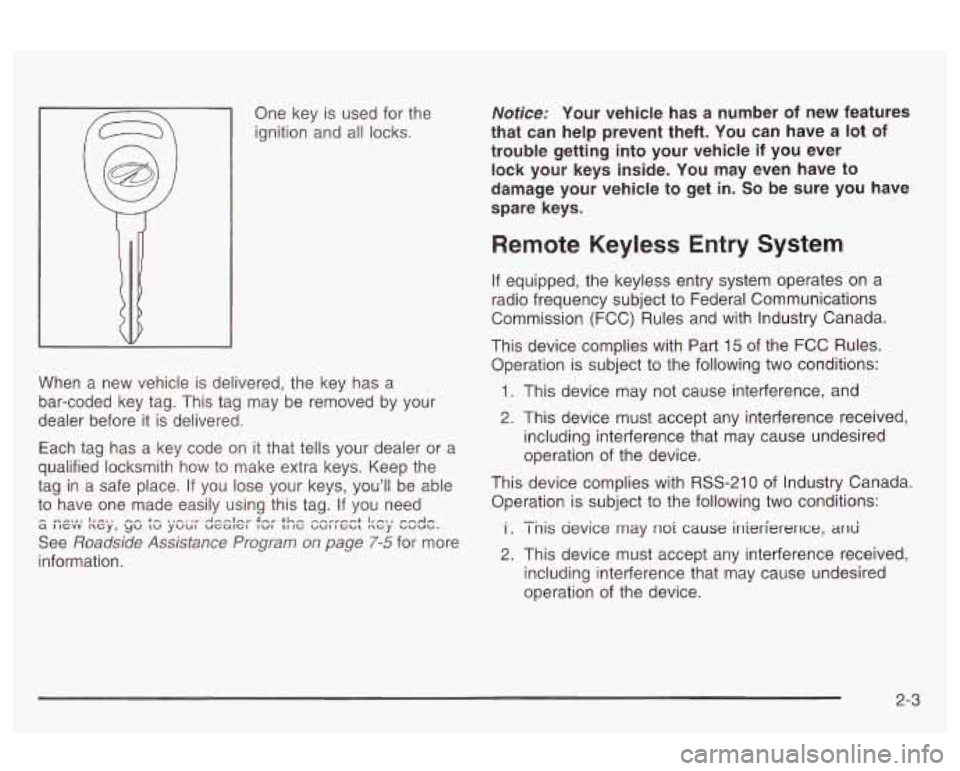
One key is used for the
ignition and all locks.
When a new vehicle
is delivered, the key has a
bar-coded key tag. This tag may be removed by your
dealer before it is delivered.
Each tag has a key code on it that tells your dealer or a
qualified locksmith how to make extra keys. Keep the
tag in a safe place. If you lose your keys, you'll be able
to have one made easily using this tag. If you need
See
Roadside Assistance Program on page 7-5 for more
information.
I^... I,-., -- +A ..-,,r A,-.,I," S'." tL#. r.rrrrn,-.+ I,_>, a I IGVV ncy, yu tu yuu~ uGat--=l IWI LI IG UUI I G~L nGy UWUG.
Notice: Your vehicle has a number of new features
that can help prevent theft. You can have a lot
of
trouble getting into your vehicle if you ever
lock your keys inside. You may even have to
damage your vehicle to get in.
So be sure you have
spare keys.
Remote Keyless Entry System
If equipped, the keyless entry system operates on a
radio frequency subject to Federal Communications
Commission (FCC) Rules and with Industry Canada.
This device complies with Part 15
of the FCC Rules.
Operation is subject to the following two conditions:
1. This device may not cause interference, and
2. This device must accept any interference received,
including interference that may cause undesired
operation of the device.
This device complies with RSS-210 of Industry Canada.
Operation is subject to the following two conditions:
i . I nis aevice may nor cause inierfererlce, arid
2. This device must accept any interference received,
including interference that may cause undesired
operation of the device.
-.
2-3
Page 73 of 354
Changes or modifications to this system by other than
an authorized service facility could void authorization to
use this equipment.
At times you may notice a decrease in range. This is
normal for any remote keyless entry system.
If the
transmitter does not work or
if you have to stand closer
to your vehicle for the transmitter to work, try this:
e
e
e
e
Check the distance. You may be too far from your
vehicle. You may need to stand closer during
rainy or snowy weather.
Check the location. Other vehicles or objects may
be blocking the signal. Take a few steps to the
left or right, hold the transmitter higher, and
try again.
Check to determine
if battery replacement is
necessary. See “Battery Replacement” under
Remote Keyless Entry System Operation on
page 2-4.
If you are still having trouble, see your dealer or a
qualified technician for service.
Remote Keyless Entry System
Operation
If your vehicle has this feature, you can lock and unlock
your doors or unlock your trunk from about
3 feet
(1 m) up to 30 feet (9 m) away using the remote keyless
entry transmitter supplied with your vehicle.
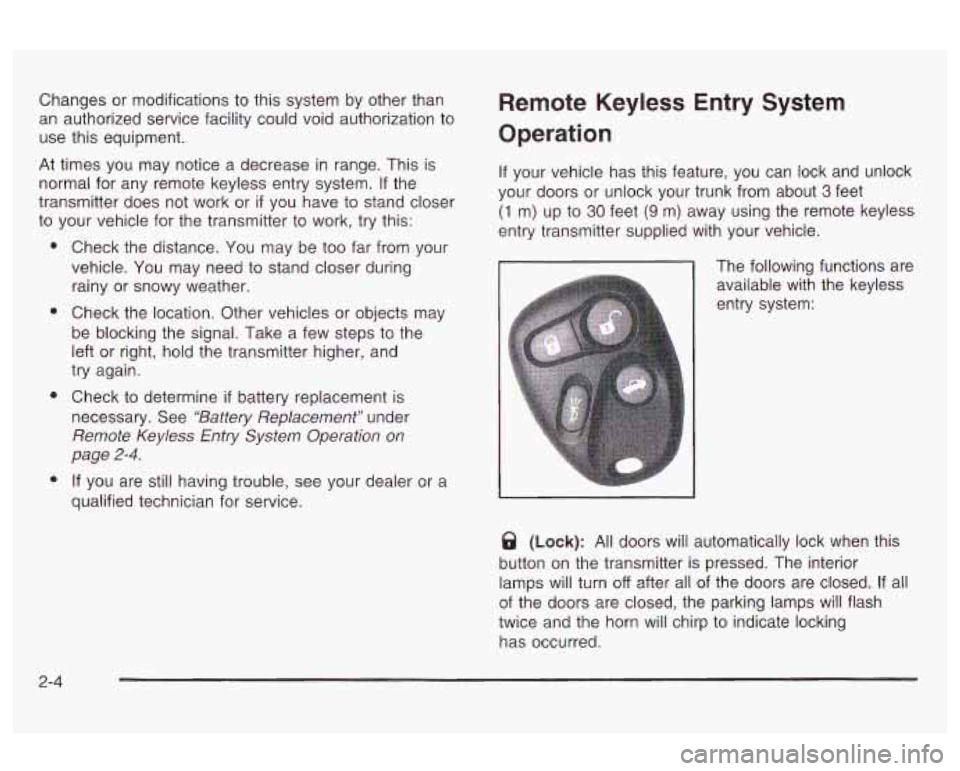
The following functions are
available with the keyless
entry system:
@ (Lock): All doors will automatically lock when this
button on the transmitter is pressed. The interior
lamps will turn
off after all of the doors are closed. If all
of the doors are closed, the parking lamps will flash
twice and the horn will chirp to indicate locking
has occurred.
2-4
Page 77 of 354
Power Door Locks
With the power door locks, you can lock or unlock all of
the doors on your vehicle using the driver’s or front
passenger’s door lock switch.
Press the bottom of the switch to lock
all of the doors.
Press the top of the switch to unlock all of the doors.
Delayed Locking
This feature will allow the driver to delay the actual
locking of the vehicle. This feature will not operate
if the
key is left in the ignition. See
Lockout Protection on
page2-71
later in this section.
When the lower part of the driver’s power door lock
switch is pressed, with the key removed from the ignition
and the driver’s door open, three chimes will be heard.
The doors will not lock. Seven seconds after the
driver’s door has been closed, all of the doors will lock
and the parking lamps will flash. The horn will also
chirp
if the horn chirp feature is enabled. See
“Programmable Horn Chirp” listed previously for more
information.
If the driver opens another door before the seven
seconds are up, the doors will not lock until seven
seconds have elapsed after the last door is closed.
If the lower part of the power door lock switch is
pressed twice when leaving the vehicle, or the lock
symbol button on the remote keyless entry transmitter is
pressed, the doors will lock immediately.
If the power door lock switch is pressed to unlock, the
doors will not lock automatically.
Programmable Automatic
Door Locks
Your vehicle has a feature that allows you to program
your power door locks to automatically lock and
unlock under certain conditions. You can program your
vehicle to have all of the doors lock when you move
your shift lever out of PARK (P) to REVERSE
(R) if your
vehicle has an automatic transaxle or when the
vehicle speed is greater than
5 mph (8 km/h) if your
vehicle has a manual transaxle.
If someone needs to get
out while the vehicle is running, have that person use
the door lock. When the door is closed again, it will lock
automatically when the vehicle reaches about
5 mph
(8 km/h). You can also program all doors to
automatically unlock when the shift lever is moved to
PARK (P) on vehicles with an automatic transaxle or to
REVERSE (R) on vehicles with a manual transaxle
when the key is turned to
OFF.
2-8
Page 85 of 354
Theft-Deterrent Systems
Vehicle theft is big business, especially in some cities.
Although your vehicle has a number of theft-deterrent
features, we know that nothing we put on it can make
it
impossible to steal.
Passlock@
Your vehicle has the Passlock@ theft-deterrent system.
Passlock@ is a passive theft-deterrent system.
Passlock@ enables fuel
if the ignition lock cylinder has
not been tampered with.
During normal operation, the SECURITY light will go
off
approximately five seconds after the ignition key is
turned to
ON and the engine is started.
After attempting to start the engine,
if the SECURITY
light flashes or stays on, wait ten minutes with the key in
ON until the light goes off. Then turn the ignition to
OFF before attempting to start the engine again.
See
Roadside Assistance Program on page 7-5 for
more information.
2-1 6