ignition OLDSMOBILE SILHOUETTE 1993 User Guide
[x] Cancel search | Manufacturer: OLDSMOBILE, Model Year: 1993, Model line: SILHOUETTE, Model: OLDSMOBILE SILHOUETTE 1993Pages: 323, PDF Size: 17.13 MB
Page 70 of 323
Features & Controls
68
more than 5 miles (8 km), or at
speeds over
55 mph (88 km/h), or
you
can damage your transaxle. Use
: D (m or D if your vehicle has
Overdrive) as much
as possible.
Don’t shift into
2 unless you are
going slower than 65 mph
(105 km/h), or you can damage
your engine.
1 (First Gear): This position gives you
even more power (but lower fuel
economy) than
2. You can use it on very
steep hills, or in deep snow or mud.
If
the selector lever is put in 1, the
transaxle won’t shift into first gear until
the vehicle is going slowly enough.
If your front wheels can’t rotate,
don’t try
to drive. This might
happen if you were stuck in very
deep sand or mud or were up
against a solid object.
You could
damage your transaxle.
Also, if you stop when going
uphill, don’t hold your vehicle
there with only the accelerator
pedal. This could overheat and
damage the transaxle. Use your
brakes or shift into
P (Park) to
hold your vehicle
in position on a
hill.
Parking Brake
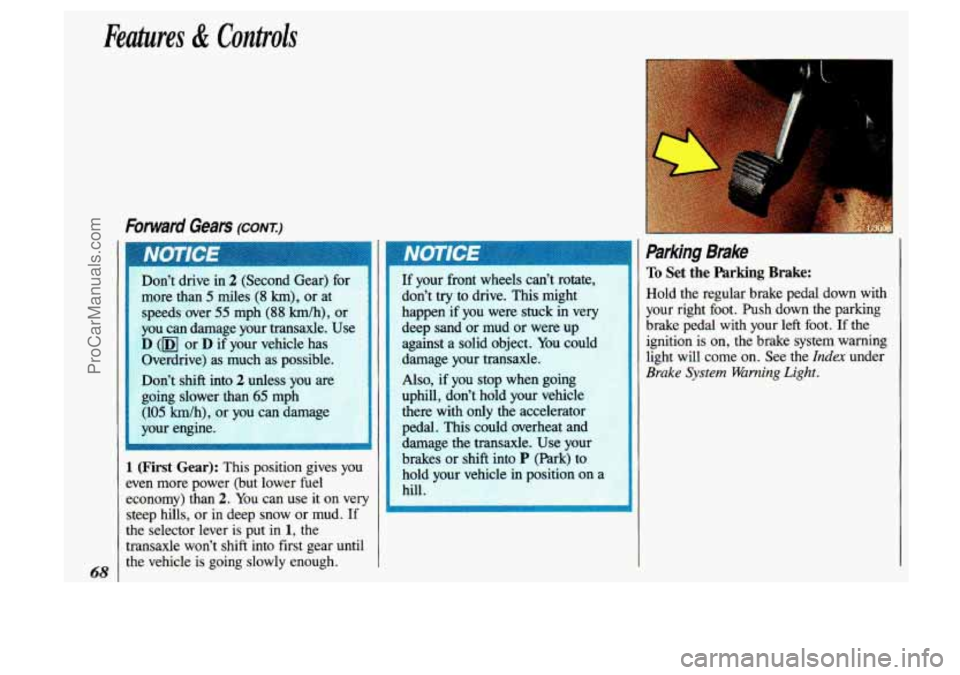
To Set the Parking Brake:
Hold the regular brake pedal down with
your right
foot. Push down the parking
brake pedal with your left foot.
If the
ignition is on, the brake system warning
light will come on. See the
Index under
Brake System Warning Light.
ProCarManuals.com
Page 72 of 323
Features & Controls
I
Shifting Info P (Park) (CONI)
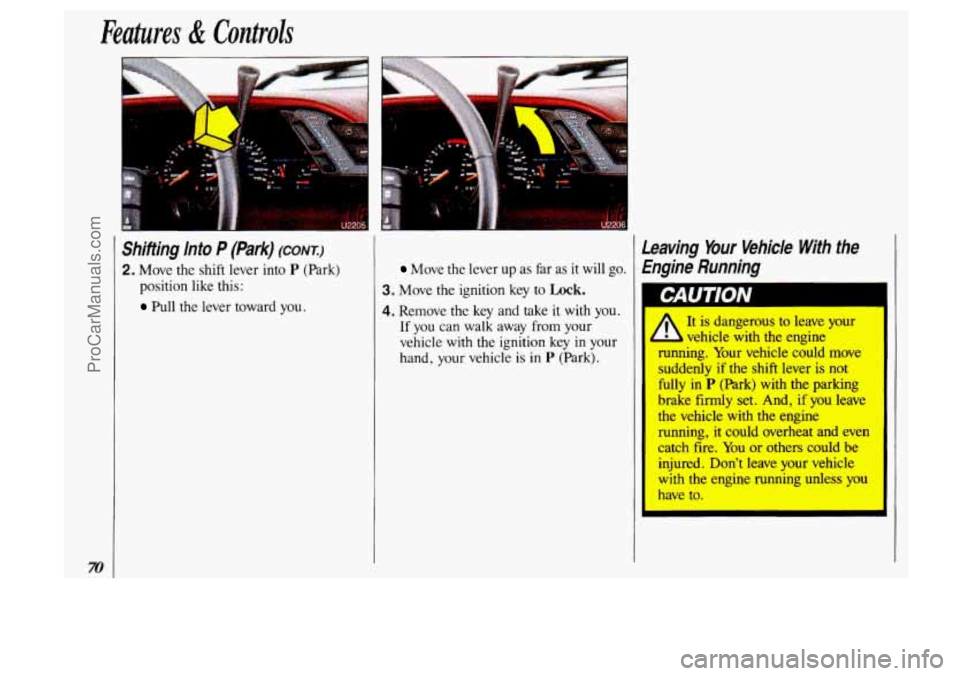
2. Move the shift lever into P (Park)
position like this:
Pull the lever toward you.
Leaving Your Vehicle With the
Move the lever up as far as it will go. Engine Running
3. Move the ignition key to Lock.
4. Remove the key and take it with you. I
If you can walk away from your
vehicle with the ignition key in yc
hand, your vehicle
is in P (Park).
1 CAUTION
ProCarManuals.com
Page 76 of 323
Features & Controls
74
I
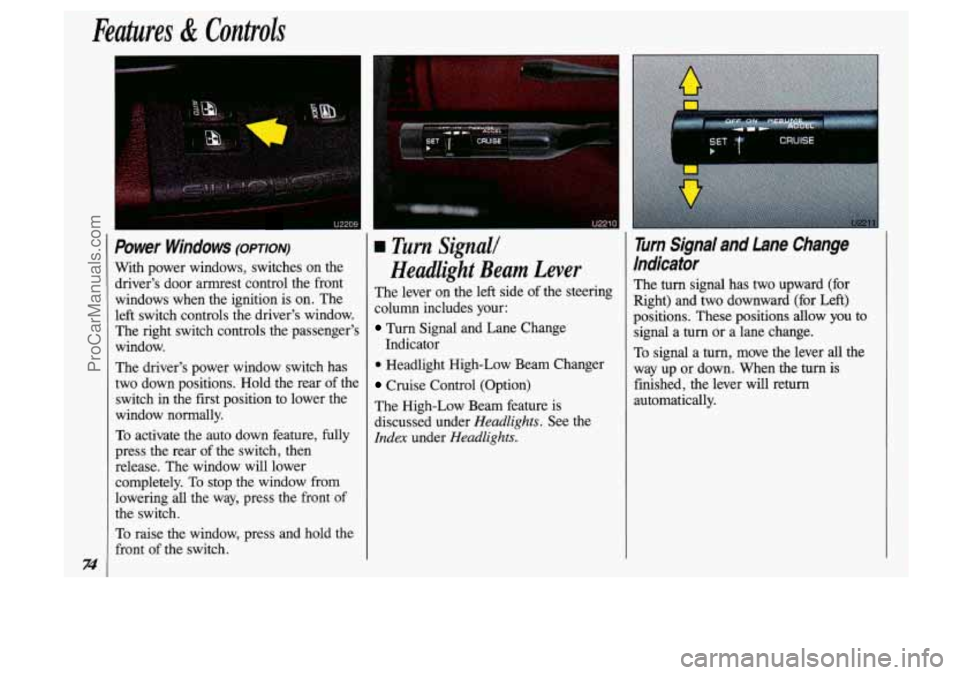
Power Windows (omon)
With power windows, switches on the driver's door armrest control the front
windows when the ignition is on. The
left switch controls the driver's window. The right switch controls the passenger's
window.
The driver's power window switch has
two down positions. Hold the rear of the
switch
in the first position to lower the
window normally.
To activate the auto down feature, fully
press the rear of the switch, then
release. The window will lower
completely.
To stop the window from
lowering
all the way, press the front of
the switch.
To raise the window, press and hold the
front of the switch.
u2210
a Turn Signall
Headlight Beam Lever
The lever on the left side of the steering
column includes your:
Turn Signal and Lane Change
Indicator
0 Headlight High-Low Beam Changer
Cruise Control (Option)
The High-Low Beam feature is
discussed under
Headlights. See the
Idex under Headlights.
r CRUISE
I
Turn Signal and Lane Change
Indicator
The turn signal has two upward (for
Right) and two downward
(for Left)
positions. These
positions allow you to
signal a
turn or a lane change.
To signal a
turn, move the lever all the
way up or down. When the
turn is
finished, the lever will
return
automatically.
ProCarManuals.com
Page 81 of 323
To Get Out of Cruise Confro/
There are two ways to turn off the cruise
control:
Step lightly on the brake pedal; OR
Move the cruise switch to OFF.
To Erase Cruise Speed Memory
When you turn off the cruise control or
the ignition, your cruise control set
speed memory is erased.
If you have the
3800 V6 engine, cruise control memory
will also be erased when you place the
transaxle
in P (Park).
Headlights
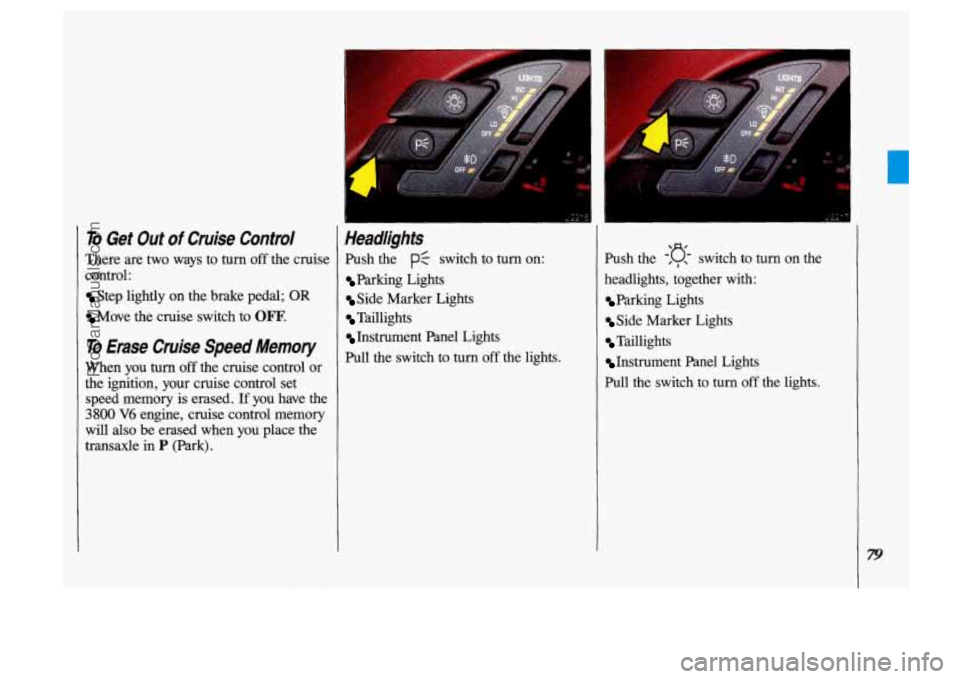
Push the PC switch to turn on:
Parking Lights
Side Marker Lights
Taillights
Instrument Panel Lights
Pull the switch to
turn off the lights. Push the
-'D , , switch to turn on the
headlights, together with:
Parking Lights
Side Marker Lights
Taillights
Instrument Panel Lights
Pull the switch to turn
off the lights.
ProCarManuals.com
Page 82 of 323
Features & Controls
80
Operation of Lights
Although your vehicle’s lighting system (headlamps, parking lamps, fog lamps,
side marker lamps and tail lamps) meets
all applicable federal lighting
requirements, certain states ahd provinces
may apply their own lighting regulations
that may require special attention before
you operate these lamps. For example,
some jurisdictions may require that you
operate your lower beam lamps with fog
lamps at all times, or that headlamps be
turned on whenever you must use your
windshield wipers. In addition, most
jurisdictions prohibit driving solely with parking lamps, especially at dawn or
dusk. It is recommended that you check
with your own state or provincial
highway authority for applicable lighting
regulations.
Lights On Reminder
If you turn the ignition key to the Off or
Lock position while leaving the lights
on, you will hear a warning chime.
I
Headlight High-Low Beam
Changer
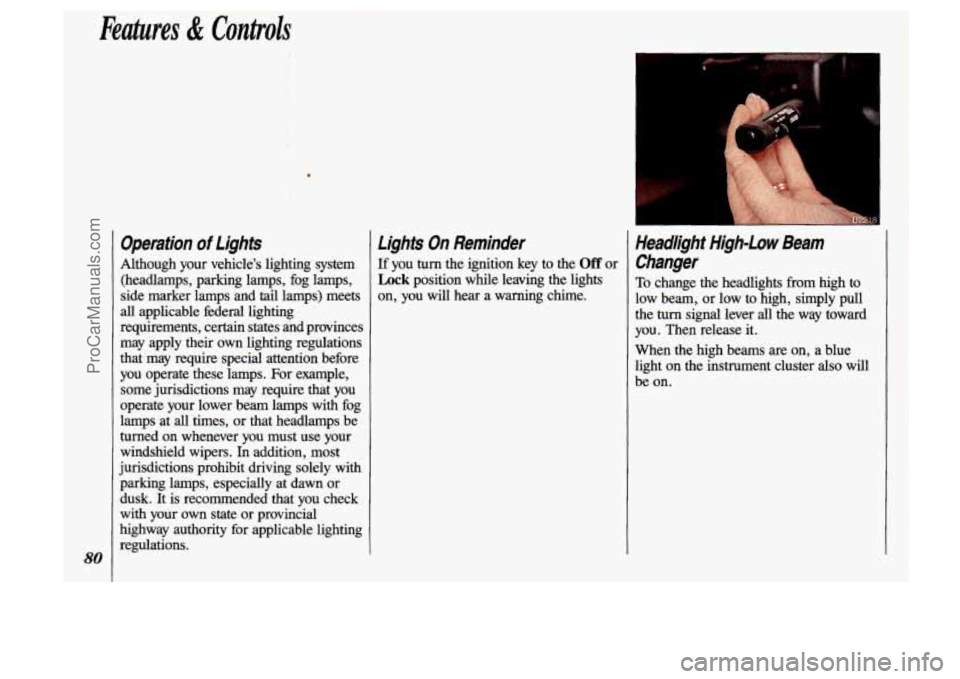
To change the headlights from high to
low beam, or low to high, simply pull
the turn signal lever all the way toward
you. Then release it.
When the high beams are on, a blue
light on the instrument cluster also will
be on.
ProCarManuals.com
Page 89 of 323
Temperature and Compass
Display
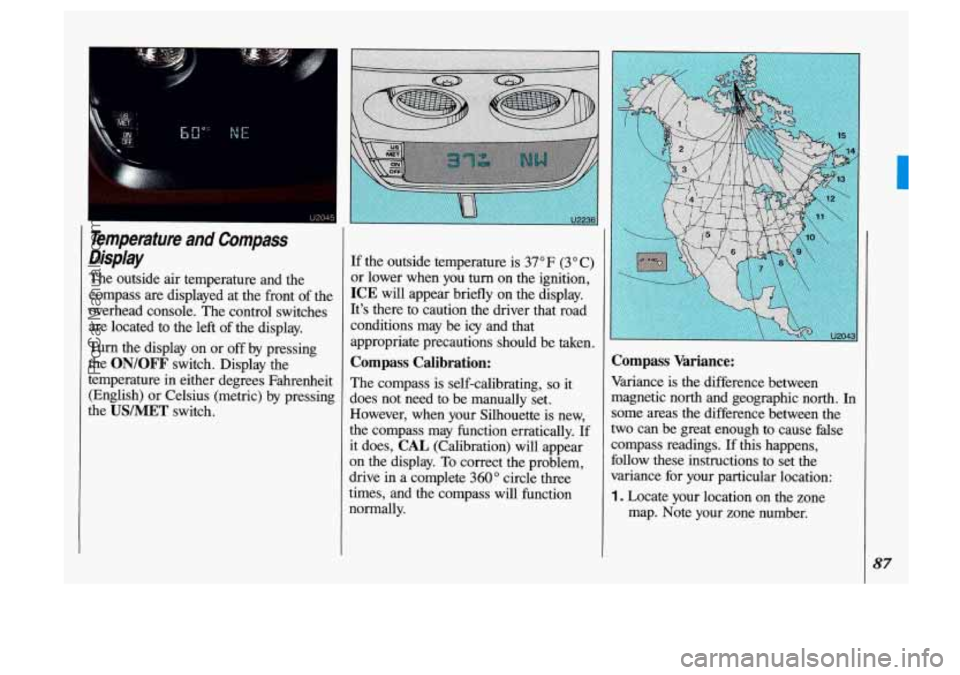
The outside air temperature and the
compass are displayed at the front of the
overhead console. The control switches
are located to the left of the display.
Turn the display on or
off by pressing
the
ON/OFF switch. Display the
temperature
in either degrees Fahrenheit
(English) or Celsius (metric) by pressing
the
USIMET switch.
If the outside temperature is 37" F (3" C)
or lower when you
turn on the ignition,
ICE will appear briefly on the display.
It's there to caution the driver that road
conditions may be
icy and that
appropriate precautions should be taken.
Compass Calibration:
The compass is self-calibrating, so it
does not need to be manually set.
However, when your Silhouette is new,
the compass may function erratically.
If
it does, CAL (Calibration) will appear
on the display. To correct the problem,
drive in a complete
360" circle three
times, and the compass will function
normally.
Compass Variance:
Variance is the difference between
magnetic north and geographic north.
In
some areas the difference between the
two can be great enough to cause false
compass readings.
If this happens,
follow these instructions to set the
variance for your particular location:
1. Locate your location on the zone
map. Note your zone number.
87
ProCarManuals.com
Page 93 of 323
The air inflator kit is stored in a pouch
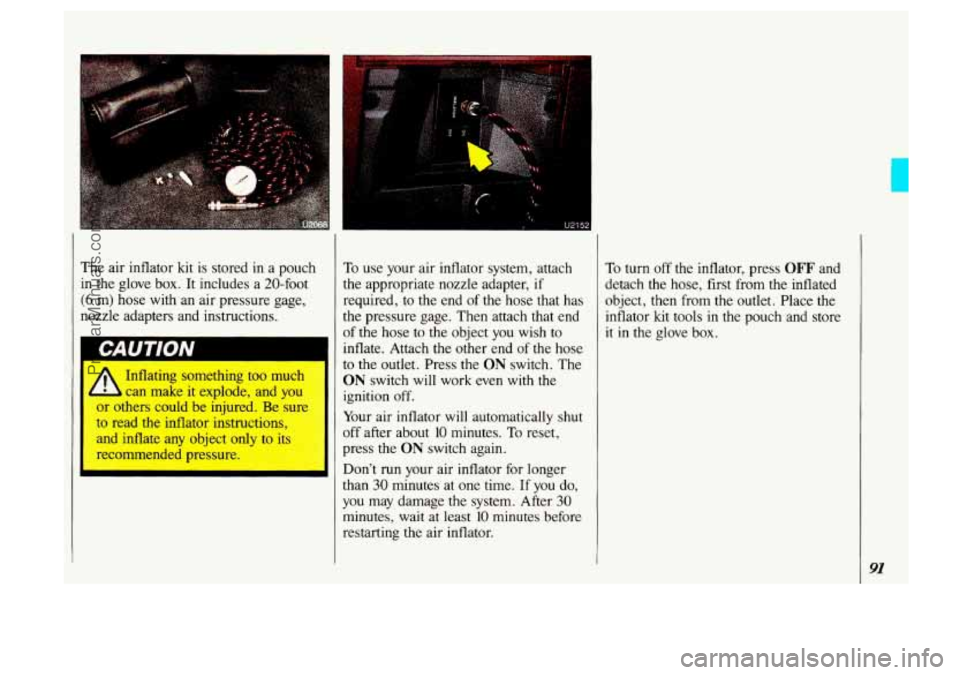
in the glove box. It includes a 20-foot
(6 m) hose with an air pressure gage,
nozzle adapters and instructions.
- lating something too much
2 can make it explode, and you
u~ others could be injured. Be sure
to read
the inflator instructions,
and inflate any object only to
its
recommended pressure. To
use your air inflator system, attach
the appropriate nozzle adapter,
if
required, to the end of the hose that has
the pressure gage. Then attach that end
of the hose to the object you wish to
inflate. Attach the other end
of the hose
to the outlet. Press
the ON switch. The
ON switch will work even with the
ignition off.
Your air inflator will automatically shut
off after about
10 minutes. To reset,
press the
ON switch again.
Don't run your air inflator for longer
than
30 minutes at one time. If you do,
you may damage the system. After 30
minutes, wait at least 10 minutes before
restarting the air inflator. To
turn off the inflator, press
OFF and
detach the hose, first from the inflated
object, then from the outlet. Place the
inflator
kit tools in the pouch and store
it in the glove box.
91
ProCarManuals.com
Page 103 of 323

The Instrument Panel- Your Information System
Your instrument panel is designed to let
you know at a glance how your vehicle
is running. You’ll know how fast you’re
going, how much fuel you’re using, and
many other things you’ll need to drive
safely and economically.
Refer to the accompanying diagram of
your instrument panel
to locate the
components listed below.
1. Side Vents
2. Light Controls
3. Turn SignaVHeadlight Beam Lever
4. Tilt Steering Wheel Lever
5. Instrument Cluster
6. Gearshift Lever
7. WiperIWasher Controls
8. Center Vents
9. Storage Compartment
10. Side Vents
11. Circuit Breaker/Relay Panel
12. Glove Box/Fuse Panel
13. Audio System
14. Rear Fan Controls
15. Cup HolderdAshtray
1 6. Locking Storage Bin
17. Lighter
18. Interior Lights Override Switch
19. Climate Controls
20. Ignition Switch
21. Hazard Warning Flashers Switch
22. Horn
23. Parking Brake Release
24. Hood Release
101
ProCarManuals.com
Page 106 of 323
Features & Controls
Trip Odometer
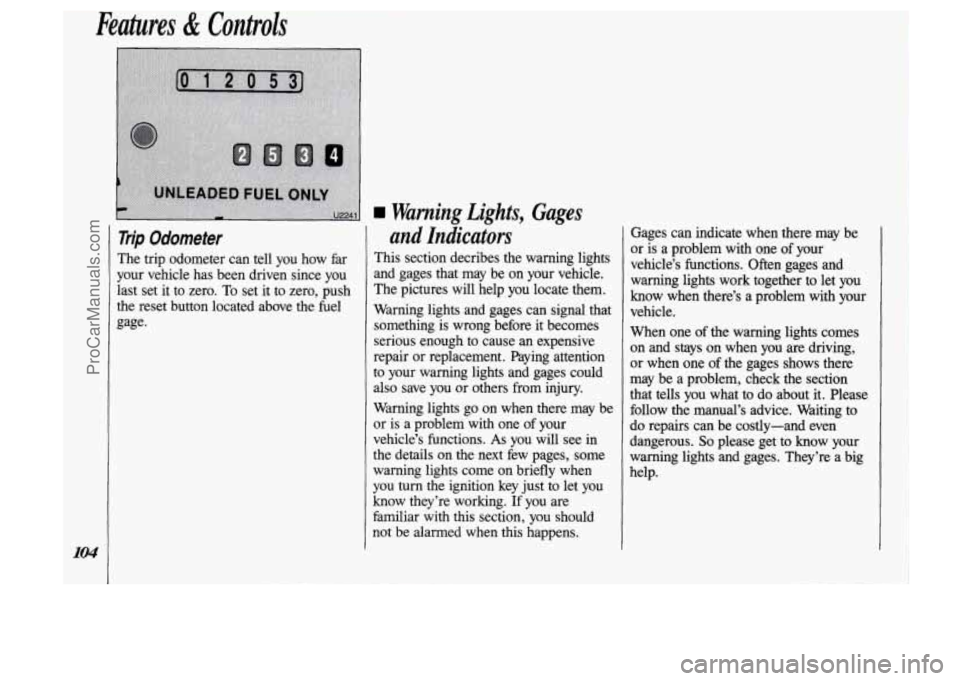
The trip odometer can tell you how far
your vehicle has been driven since you
last set it to zero. To set it to zero, push
the reset button located above the fuel
gage.
and Indicators
This section decribes the warning lights
and gages that may be on your vehicle.
The pictures will help you locate them.
Warning lights and gages can signal that something is wrong before it becomes
serious enough to cause an expensive
repair or replacement. Paying attention
to your warning lights and gages could also save you or others from injury.
Warning lights go on when there may be
or is a problem with one
of your
vehicle’s functions.
As you will see in
the details on the next few pages, some warning lights come on briefly when
you turn the ignition key just to let you
know they’re working.
If you are
familiar with
this section, you should
not be alarmed when this happens. bages
can indicate when there may be
or is a problem with one of your
vehicle’s functions. Often gages and
warning lights work together to
let you
know when there’s a problem with your
vehicle.
When one of the warning lights comes
on and stays on when you are driving,
or when one
of the gages shows there
may be a problem, check the section
that tells you what to do about it. Please
follow the manual’s advice. Waiting to
do repairs can be costly-and even
dangerous.
So please get to know your
warning lights and gages. They’re a big
help.
ProCarManuals.com
Page 107 of 323
Po-
UNLEADED FUEL 0
0
U2238
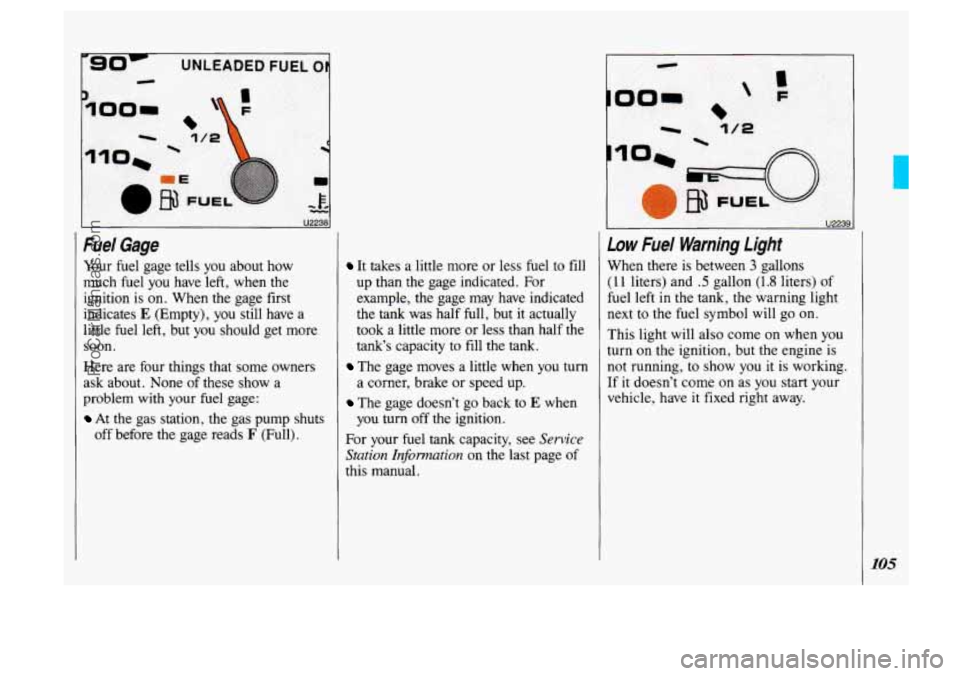
Fuel Gage
Your fuel gage tells you about how
much fuel you have left, when the
ignition is on. When the gage first
indicates
E (Empty), you still have a
little fuel left, but you should get more
soon.
Here are four things that some owners
ask about. None of these show a
problem with your fuel gage:
At the gas station, the gas pump shuts
off before the gage reads
F (Full).
It takes a little more or less fuel to fill
up than the gage indicated. For
example, the gage may have indicated
the
tank was half full, but it actually
took a little more or less than half
the
tank’s capacity to fill the tank.
The gage moves a little when you turn
a corner, brake or speed up.
The gage doesn’t go back to E when
you
turn off the ignition.
For your fuel
tank capacity, see Sewice
Station Information
on the last page of
this manual.
I u22391
Low Fuel Warning Light
When there is between 3 gallons
(1 1 liters) and .5 gallon (1.8 liters) of
fuel left
in the tank, the warning light
next to the fuel symbol will
go on.
This light will also come on when
you
turn on the ignition, but the engine is
not running, to show you it is working.
If it doesn’t come on as you start your
vehicle, have
it fixed right away.
105
ProCarManuals.com