language PEUGEOT 5008 2018 User Guide
[x] Cancel search | Manufacturer: PEUGEOT, Model Year: 2018, Model line: 5008, Model: PEUGEOT 5008 2018Pages: 364, PDF Size: 13.03 MB
Page 281 of 364
5
12:13
18,5 21,5
23 °C
12:13
18,5 21,5
23 °C
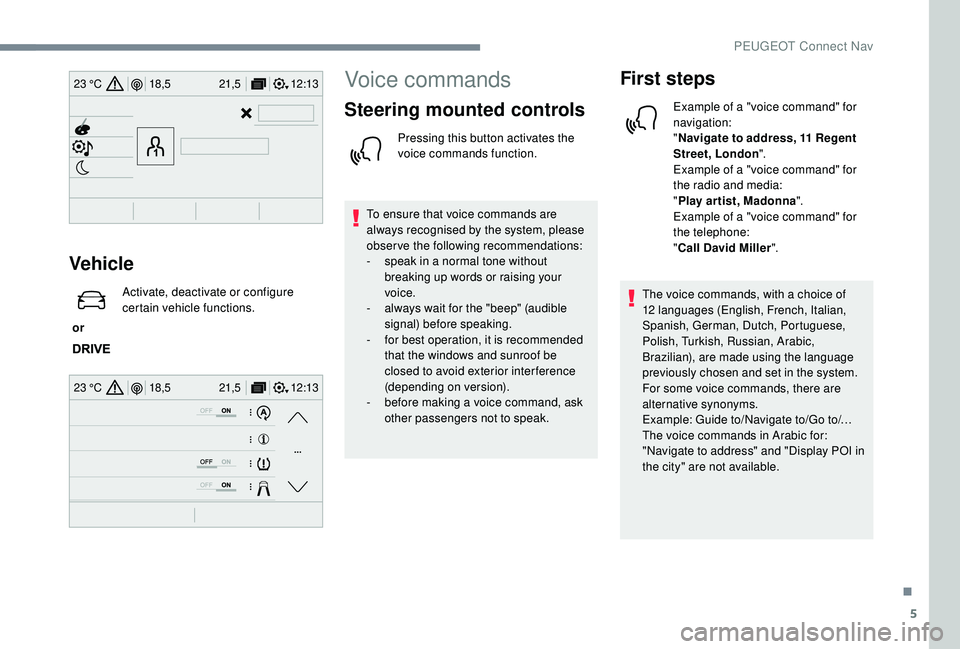
Vehicle
or Activate, deactivate or configure
certain vehicle functions.
Voice commands
Steering mounted controls
Pressing this button activates the
voice commands function.
To ensure that voice commands are
always recognised by the system, please
observe the following recommendations:
-
s
peak in a normal tone without
breaking up words or raising your
voice.
-
a
lways wait for the "beep" (audible
signal) before speaking.
-
f
or best operation, it is recommended
that the windows and sunroof be
closed to avoid exterior inter ference
(depending on version).
-
b
efore making a voice command, ask
other passengers not to speak.
First steps
Example of a "voice command" for
navigation:
" Navigate to address, 11
Regent
Street, London ".
Example of a "voice command" for
the radio and media:
" Play ar tist, Madonna ".
Example of a "voice command" for
the telephone:
" Call David Miller ".
The voice commands, with a
choice of
12
languages (English, French, Italian,
Spanish, German, Dutch, Portuguese,
Polish, Turkish, Russian, Arabic,
Brazilian), are made using the language
previously chosen and set in the system.
For some voice commands, there are
alternative synonyms.
Example: Guide to/Navigate to/Go to/…
The voice commands in Arabic for:
"Navigate to address" and "Display POI in
the city" are not available.
.
PEUGEOT Connect Nav
Page 283 of 364
7
"Navigation " voice
commands
These commands can be made from any
screen page after pressing the " Voice
command" or "Telephone" button located
on the steering wheel, as long as there is
no telephone call in progress. Voice commands
Help messages
Navigate home To start guidance or add a
stopover, say
"navigate to" and then the address or contact
name. For example, "navigate to address
11
Regent Street, London", or "navigate to
contact, John Miller". You can specify if it's
a
preferred or recent destination. For example,
"navigate to preferred address, Tennis club",
"navigate to recent destination, 11
Regent
Street, London". Other wise, just say, "navigate
home". To see points of interest on a
map, you
can say things like "show hotels in Banbury"
or "show nearby petrol station". For more
information you can ask for "help with route
guidance".
Navigate to work
Navigate to preferred address <…>
Navigate to contact <…>
Navigate to address <…>
Show nearby POI <…>
Remaining distance
To get information about your current route,
you can say "tell me the remaining time",
"distance" or "arrival time". Try saying "help
with navigation" to learn more commands.
Remaining time
Arrival time
Stop route guidance
Depending on the country, give the
destination instructions (address) in the
language used by the system.
.
PEUGEOT Connect Nav
Page 306 of 364
30
Profile settings
As a safety measure and because it
r equires the sustained attention of the
driver, changes to settings must only be
done with the vehicle stationary .
or Press Settings
to display the
primary page.
Press the " OPTIONS" button to go to the
secondary page.
Select "Setting of the profiles ".
Select " Profile 1 " or "Profile 2 " or "Profile 3 "
or " Common profile ".
Press this button to enter a
name for
the profile using the virtual keypad.
Press " OK" to confirm.
Press this button to add
a
photograph to the profile. Insert a
USB memory stick containing
the photograph in the USB port.
Select the photograph.
Press " OK" to accept the transfer of
the photograph.
Press " OK" again to save the
settings.
The location for the photograph is
square; the system reshapes the original
photograph if in another format.
Press this button to initialise the
profile selected.
Initialisation of the profile selected
activates the English language by default.
Select a " Profile" (1
or 2 or 3) to associate the
" Audio settings " with it.
Select " Audio settings ".
Select " Ambience ".
Or
" Position ". Or
"
Sound ".
Or
" Voice ".
Or
" Ringtone ".
Press " OK" to save the settings.
Modifying system settings
or Press Settings
to display the
primary page.
Press the " OPTIONS" button to go to the
secondary page.
Select "Screen configuration ".
Select " Animation ".
Activate or deactivate: " Automatic
scrolling ".
Select " Brightness ".
PEUGEOT Connect Nav
Page 307 of 364
31
Move the cursor to adjust the
brightness of the screen and/or of
the instrument panel.
or Press Settings
to display the
primary page.
Press the " OPTIONS" button to go to the
secondary page.
Select "System settings ".
Select " Units" to change the units of distance,
fuel consumption and temperature.
Select " Factory settings " to return to the initial
settings.
Returning the system to factory settings
activates the English language by default.
Select " System info " to display the versions of
the different modules installed in the system.Select the language
or Press Settings
to display the
primary page.
Press the " OPTIONS" button to go to the
secondary page.
Select "Languages " to change the
language.
Setting the date
or Press Settings
to display the
primary page.
Press the " OPTIONS" button to go to the
secondary page.
Select "Setting the time- date".
Select " Date".
Press on this button to define the
date. Press "
OK" to confirm.
Select the display format of the date.
Adjustment of the time and date is only
available if "GPS synchronisation" is
deactivated.
The change between winter and summer
time is done by changing the time zone.
Setting the time
or Press Settings
to display the
primary page.
Press the " OPTIONS" button to go to the
secondary page.
Select "Setting the time- date".
Select " Time".
Press this button to adjust the time
using the virtual keypad.
.
PEUGEOT Connect Nav
Page 319 of 364
5
Settings
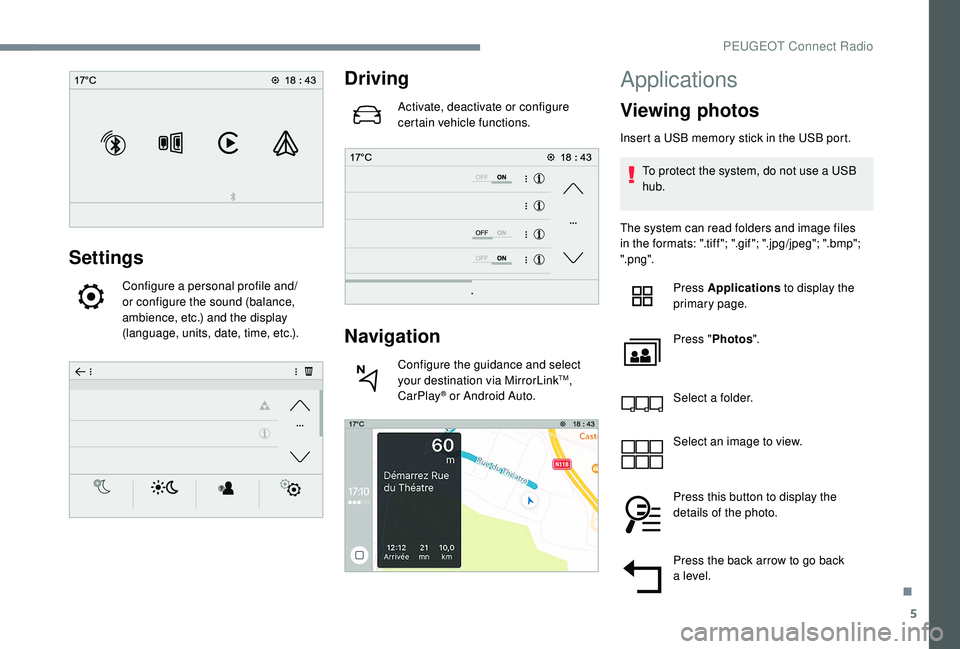
Configure a personal profile and/
o r configure the sound (balance,
ambience, etc.) and the display
(language, units, date, time, etc.).
Driving
Activate, deactivate or configure
certain vehicle functions.
Navigation
Configure the guidance and select
your destination via MirrorLinkTM,
CarPlay® or Android Auto.
Applications
Viewing photos
Insert a USB memory stick in the USB port.
T o protect the system, do not use a USB
hub.
The system can read folders and image files
in the formats: ".tiff "; ".gif "; ".jpg/jpeg"; ".bmp";
".png". Press Applications to display the
primary page.
Press " Photos ".
Select a
folder.
Select an image to view.
Press this button to display the
details of the photo.
Press the back arrow to go back
a
level.
.
PEUGEOT Connect Radio
Page 331 of 364
17
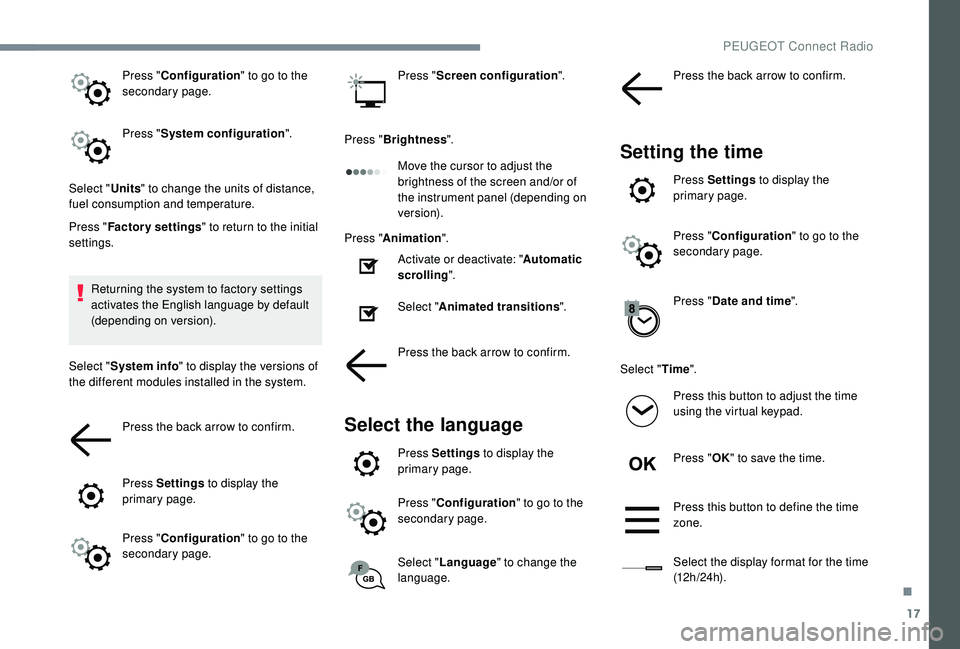
Press "Configuration " to go to the
secondary page.
Press " System configuration ".
Select " Units" to change the units of distance,
fuel consumption and temperature.
Press " Factory settings " to return to the initial
settings.
Returning the system to factory settings
activates the English language by default
(depending on version).
Select " System info " to display the versions of
the different modules installed in the system.
Press the back arrow to confirm.
Press Settings to display the
primary page.
Press " Configuration " to go to the
secondary page. Press "
Screen configuration ".
Press " Brightness ".
Move the cursor to adjust the
brightness of the screen and/or of
the instrument panel (depending on
ve r s i o n).
Press " Animation ".
Activate or deactivate: " Automatic
scrolling ".
Select " Animated transitions ".
Press the back arrow to confirm.
Select the language
Press Settings to display the
primary page.
Press " Configuration " to go to the
secondary page.
Select " Language " to change the
language. Press the back arrow to confirm.
Setting the time
Press Settings
to display the
primary page.
Press " Configuration " to go to the
secondary page.
Press " Date and time ".
Select " Time".
Press this button to adjust the time
using the virtual keypad.
Press " OK" to save the time.
Press this button to define the time
zone.
Select the display format for the time
(12 h / 24 h).
.
PEUGEOT Connect Radio
Page 340 of 364
4
Radio:
Select the previous/next preset radio
station.
Select the previous/next item in
a menu or a list.
Media:
Select the previous/next track.
Select the previous/next item in
a
menu or a list.
Press the thumbwheel: confirm.
Menus
Depending on version.
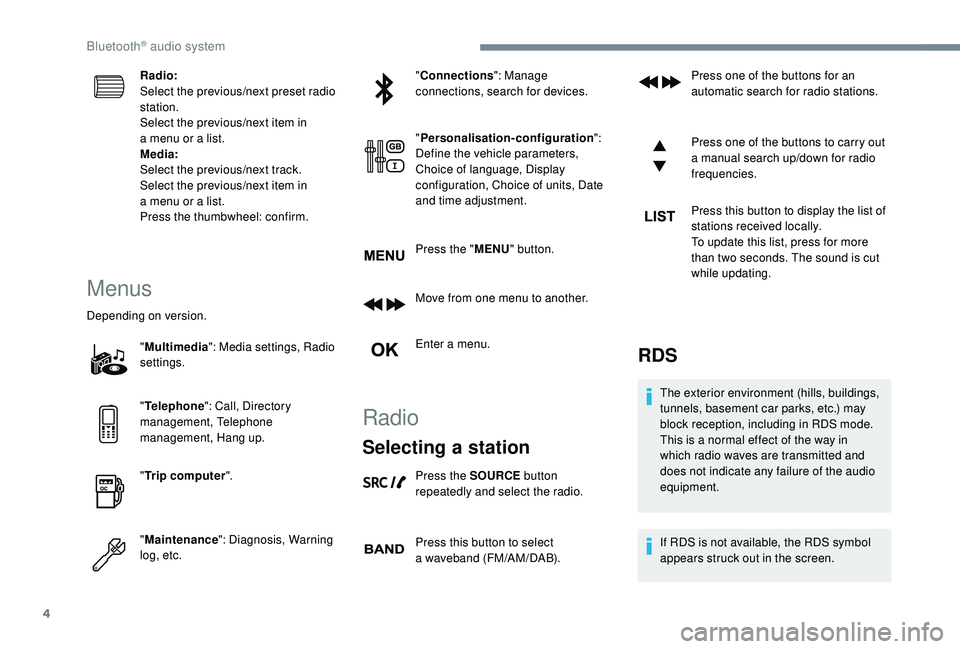
"Multimedia ": Media settings, Radio
settings.
" Telephone ": Call, Directory
management, Telephone
management, Hang up.
" Trip computer ".
" Maintenance ": Diagnosis, Warning
log, etc. "
Connections ": Manage
connections, search for devices.
" Personalisation-configuration ":
Define the vehicle parameters,
Choice of language, Display
configuration, Choice of units, Date
and time adjustment.
Press the " MENU" button.
Move from one menu to another.
Enter a menu.
Radio
Selecting a station
Press the SOURCE button
repeatedly and select the radio.
Press this button to select
a
waveband (FM/AM/DAB). Press one of the buttons for an
automatic search for radio stations.
Press one of the buttons to carry out
a
manual search up/down for radio
frequencies.
Press this button to display the list of
stations received locally.
To update this list, press for more
than two seconds. The sound is cut
while updating.
RDS
The exterior environment (hills, buildings,
tunnels, basement car parks, etc.) may
block reception, including in RDS mode.
This is a
normal effect of the way in
which radio waves are transmitted and
does not indicate any failure of the audio
equipment.
If RDS is not available, the RDS symbol
appears struck out in the screen.
Bluetooth® audio system