trip computer PEUGEOT LANDTREK 2023 Owners Manual
[x] Cancel search | Manufacturer: PEUGEOT, Model Year: 2023, Model line: LANDTREK, Model: PEUGEOT LANDTREK 2023Pages: 164, PDF Size: 6.1 MB
Page 4 of 164
2
Contents
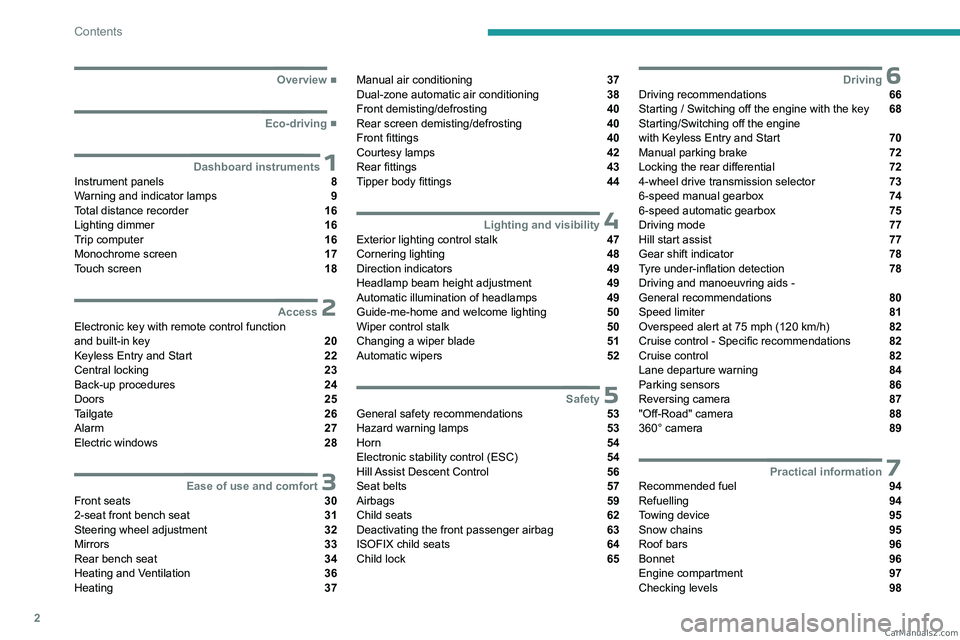
■
Overview
■
Eco-driving
1Dashboard instrumentsInstrument panels 8
Warning and indicator lamps 9
Total distance recorder 16
Lighting dimmer 16
Trip computer 16
Monochrome screen 17
Touch screen 18
2AccessElectronic key with remote control function
and built-in key 20
Keyless Entry and Start 22
Central locking 23
Back-up procedures 24
Doors 25
Tailgate 26
Alarm 27
Electric windows 28
3Ease of use and comfortFront seats 30
2-seat front bench seat 31
Steering wheel adjustment 32
Mirrors 33
Rear bench seat 34
Heating and Ventilation 36
Heating 37
Manual air conditioning 37
Dual-zone automatic air conditioning 38
Front demisting/defrosting 40
Rear screen demisting/defrosting 40
Front fittings 40
Courtesy lamps 42
Rear fittings 43
Tipper body fittings 44
4Lighting and visibilityExterior lighting control stalk 47
Cornering lighting 48
Direction indicators 49
Headlamp beam height adjustment 49
Automatic illumination of headlamps 49
Guide-me-home and welcome lighting 50
Wiper control stalk 50
Changing a wiper blade 51
Automatic wipers 52
5SafetyGeneral safety recommendations 53
Hazard warning lamps 53
Horn 54
Electronic stability control (ESC) 54
Hill Assist Descent Control 56
Seat belts 57
Airbags 59
Child seats 62
Deactivating the front passenger airbag 63
ISOFIX child seats 64
Child lock 65
6DrivingDriving recommendations 66
Starting / Switching off the engine with the key 68
Starting/Switching off the engine
with Keyless Entry and Start
70
Manual parking brake 72
Locking the rear differential 72
4-wheel drive transmission selector 73
6-speed manual gearbox 74
6-speed automatic gearbox 75
Driving mode 77
Hill start assist 77
Gear shift indicator 78
Tyre under-inflation detection 78
Driving and manoeuvring aids -
General recommendations
80
Speed limiter 81
Overspeed alert at 75 mph (120
km/h) 82
Cruise control - Specific recommendations 82
Cruise control 82
Lane departure warning 84
Parking sensors 86
Reversing camera 87
"Off-Road" camera 88
360° camera 89
7Practical informationRecommended fuel 94
Refuelling 94
Towing device 95
Snow chains 95
Roof bars 96
Bonnet 96
Engine compartment 97
Checking levels 98 CarM an uals 2 .c o m
Page 10 of 164
8
Dashboard instruments
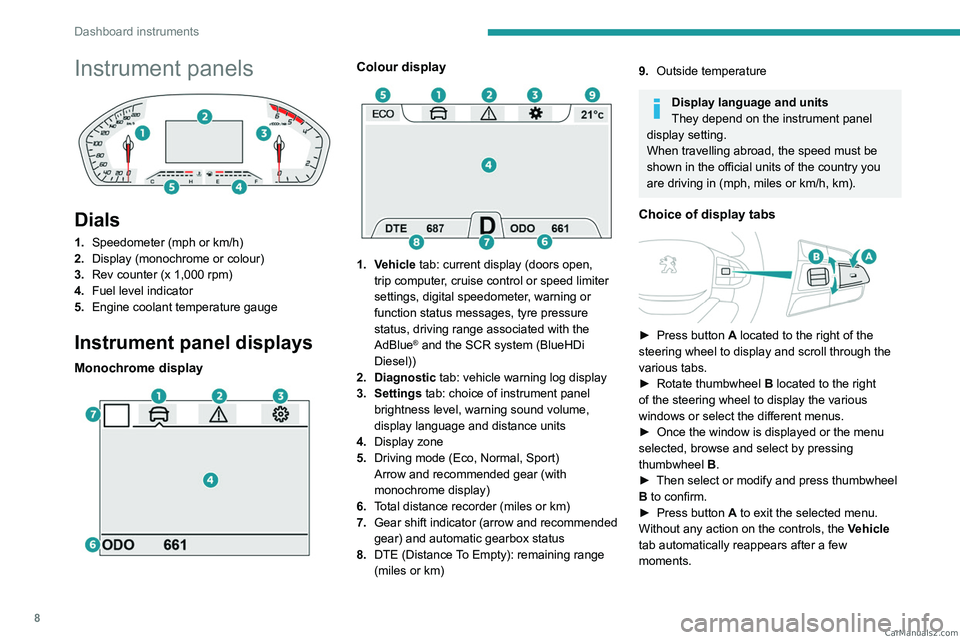
Instrument panels
Dials
1.Speedometer (mph or km/h)
2. Display (monochrome or colour)
3. Rev counter (x 1,000 rpm)
4. Fuel level indicator
5. Engine coolant temperature gauge
Instrument panel displays
Monochrome display
Colour display
1. Vehicle tab: current display (doors open,
trip computer, cruise control or speed limiter
settings, digital speedometer, warning or
function status messages, tyre pressure
status, driving range associated with the
AdBlue
® and the SCR system (BlueHDi
Diesel))
2. Diagnostic tab: vehicle warning log display
3. Settings tab: choice of instrument panel brightness level, warning sound volume,
display language and distance units
4. Display zone
5. Driving mode (Eco, Normal, Sport)
Arrow and recommended gear (with
monochrome display)
6. Total distance recorder (miles or km)
7. Gear shift indicator (arrow and recommended
gear) and automatic gearbox status
8. DTE (Distance To Empty): remaining range
(miles or km)
9.Outside temperature
Display language and units
They depend on the instrument panel
display setting.
When travelling abroad, the speed must be
shown in the official units of the country you
are driving in (mph, miles or km/h, km).
Choice of display tabs
► Press button A located to the right of the
steering wheel to display and scroll through the
various tabs.
►
Rotate thumbwheel B
located to the right
of the steering wheel to display the various
windows or select the different menus.
►
Once the window is displayed or the menu
selected, browse and select by pressing
thumbwheel B
.
►
Then select or modify and press thumbwheel
B
to confirm.
►
Press button
A to exit the selected menu.
Without any action on the controls, the Vehicle
tab automatically reappears after a few
moments. CarM an uals 2 .c o m
Page 18 of 164
16
Dashboard instruments
Total distance recorder
The total distance recorder measures the total
distance travelled by the vehicle since its initial
registration.
With the ignition on, the total distance is
displayed at all times. It remains displayed for
30 seconds after switching off the ignition. It is
displayed when the driver's door is opened, and
when the vehicle is locked or unlocked.
When travelling abroad, you may have to
change the distance units (km or miles):
the road speed must be displayed in the local
country’s official unit (km/h or mph).
The unit is changed via the screen
configuration menu, with the vehicle
stationary.
Instrument panel lighting
dimmer
Instrument panel lighting
dimmer
► In the Settings tab, select
“Brightness”.
► Adjust the brightness, using the knob located
on the right side of the steering wheel.
Touch screen lighting
dimmer
► Press the " Settings" button.
► Select “Display” then “Brightness”.
► Adjust the brightness by moving the
slider
.
The brightness can be set differently for day mode (lighting control stalk in the
"OFF " position) and night mode (lighting
control stalk in any other position).
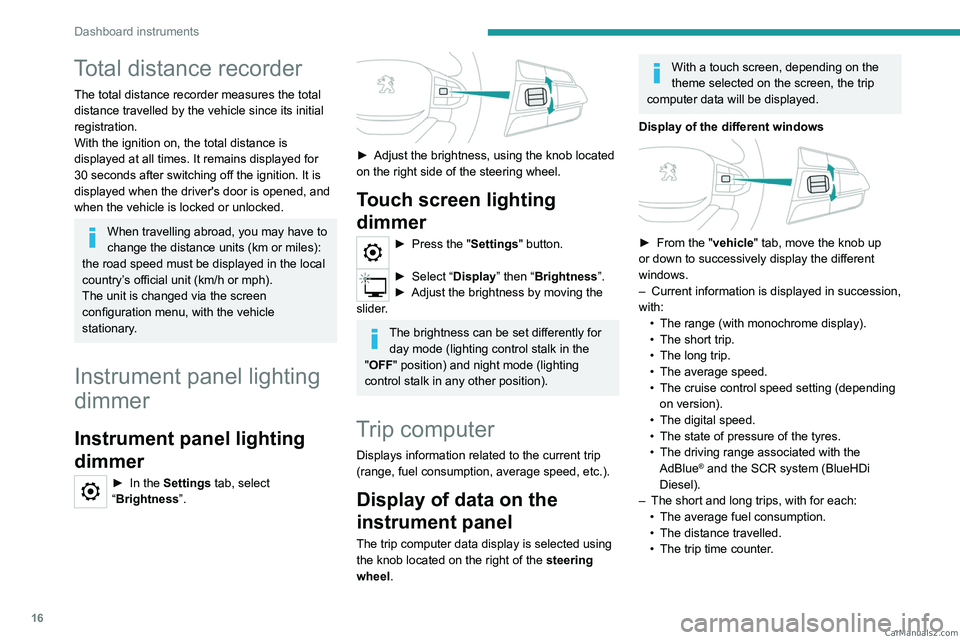
Trip computer
Displays information related to the current trip
(range, fuel consumption, average speed, etc.).
Display of data on the
instrument panel
The trip computer data display is selected using
the knob located on the right of the steering
wheel.
With a touch screen, depending on the
theme selected on the screen, the trip
computer data will be displayed.
Display of the different windows
► From the " vehicle" tab, move the knob up
or down to successively display the different
windows.
–
Current information is displayed in succession,
with: •
The range (with monochrome display).
•
The short trip.
•
The long trip.
•
The average speed.
•
The cruise control speed setting (depending
on version).
•
The digital speed.
•
The state of pressure of the tyres.
•
The driving range associated with the
AdBlue® and the SCR system (BlueHDi
Diesel).
–
The short and long trips, with for each:
•
The average fuel consumption.
•
The distance travelled.
•
The trip time counter
. CarM an uals 2 .c o m
Page 19 of 164
17
Dashboard instruments
1Trip reset
The reset is performed when the trip counter is
displayed.
► Press the control on the steering wheel and
select "Reinitialise".
Only the long trip can be reset; the short
trip is automatically reset after the vehicle
has been switched off for a few minutes.
Definitions
Range
(miles or km)Distance that can still be travelled with the
fuel remaining in the tank (based on the
average fuel consumption over the last few miles
(kilometres) travelled).
This value may vary following a change in driving
style or terrain, leading to a significant change in
current fuel consumption.
When the range falls below 19 miles (30
km),
dashes are displayed.
After filling with at least 5 litres of fuel, the range
is recalculated and is displayed if it exceeds 62
miles (100
km). Dashes appearing permanently in place of
numbers while driving indicates a malfunction.
Consult a PEUGEOT dealer or a qualified
workshop.
Average consumption
(mpg or l/100 km or km/l)
Calculated since the last trip computer reset.
Average speed
(mph or km/h)Calculated since the last trip computer
reset.
Distance travelled
(miles or km)Calculated since the last trip computer
reset.
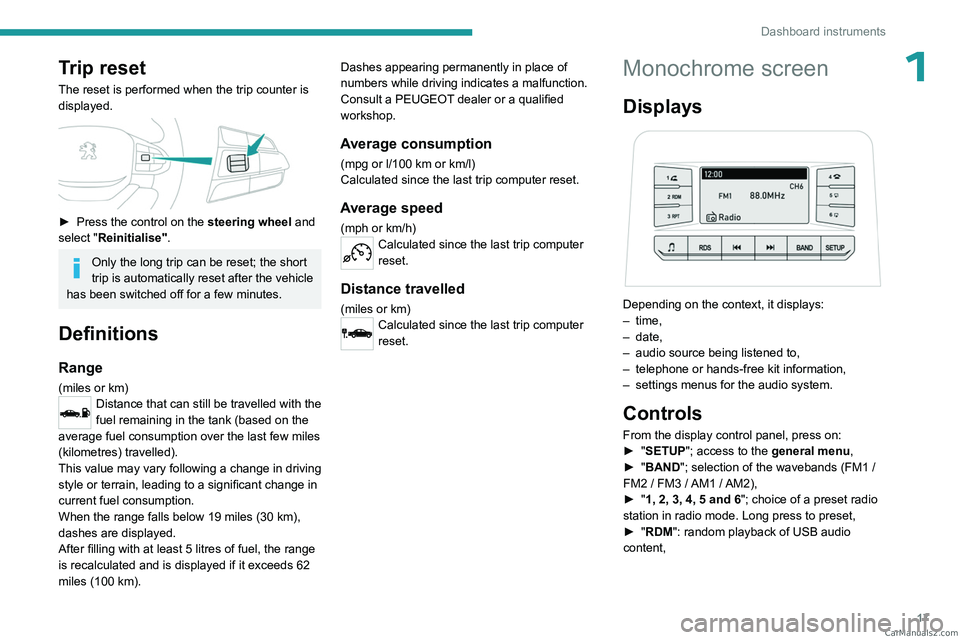
Monochrome screen
Displays
Depending on the context, it displays:
– time,
–
date,
–
audio source being listened to,
–
telephone or hands-free kit information,
–
settings menus for the audio system.
Controls
From the display control panel, press on:
► " SETUP"; access to the general menu,
►
"
BAND "; selection of the wavebands (FM1
/
FM2
/ FM3 / AM1 / AM2),
►
"
1, 2, 3, 4, 5 and 6"; choice of a preset radio
station in radio mode. Long press to preset,
►
"
RDM": random playback of USB audio
content, CarM an uals 2 .c o m
Page 157 of 164
155
Alphabetical index
Screenwash, front 51
SCR (Selective Catalytic Reduction)
15, 103
Seat angle
31
Seat belts
57–59
Seat belts, rear
58
Seat, bench front, 2-seat
31–32, 58
Seats, electric
31
Seats, front
30–31
Seats, rear
34, 62
Selector, gear
75
Sensors (warnings)
80
Serial number, vehicle
135
Servicing
13–14, 100, 103
Settings, equipment
17–19
Sidelamps
48–49, 120, 123
Snow chains
95–96
Socket, 12 V accessory
41, 45
Speed limiter
81–82
Speedometer
8, 81
Sport mode
77
Stability control (ESC)
54–55
Starting a Diesel engine
94
Starting the engine
68
Starting the vehicle
68–70
Starting using another battery
71, 126
Station, radio
138, 143
Stay, engine bonnet
97
Steering mounted controls, audio
138, 141
Steering wheel
102
Steering wheel (adjustment)
32
Stickers, customising
11 2
Stopping the vehicle
68–70Storage 41–45
Storage boxes
44
Storage compartments
41
Stowing rings
44
Sunshine sensor
36
Suspension
103
Switch, ignition
68, 70
Switching off the engine
68
Synchronising the remote control
25
T
Tables of engines 132–134
Tailgate
26
Tank, fuel
94
Technical data
132–134
Telephone
139–140, 145
Temperature, coolant
13
Ticket holder
41
Time (setting)
17, 147
Tipper truck fittings
44
Tipper truck lighting
46
Tools
115–116, 116–117
Topping-up AdBlue®
104
Top Tether (fixing)
64
Total distance recorder
16
Touch screen
18
Towbar
55, 95
Towed loads
131
Towing
128, 130
Towing another vehicle
128, 130
Towing the vehicle 128
Traction control (ASR)
54–55
Trailer
55, 95
Trailer stability assist (TSA)
55
Trajectory control systems
54
Transmission selector, 4x4
73
Triangle, warning
11 4
Trip computer
16–17
Tyres
102, 136
Tyre under-inflation detection
78
U
Under-inflation (detection) 78
Unlocking
20–22
Unlocking from the inside
23
Unlocking the doors
23
Updating the time
147
USB
139, 143–145
V
Vehicle data recording and privacy 148
Ventilation
36–38
Visibility
40
W
Warning and indicator lamps 9 CarM an uals 2 .c o m