engine PONTIAC GRAND PRIX 2007 Workshop Manual
[x] Cancel search | Manufacturer: PONTIAC, Model Year: 2007, Model line: GRAND PRIX, Model: PONTIAC GRAND PRIX 2007Pages: 526, PDF Size: 2.92 MB
Page 204 of 526
CHECK TIRE PRESSURE
This message displays when the tire pressure in
one of the tires needs to be checked. This
message also displays LEFT FRONT, RIGHT
FRONT, LEFT REAR, or RIGHT REAR to indicate
which tire needs to be checked. You can receive
more than one tire pressure message at a time.
To read the other messages that may have
been sent at the same time, press the set/reset
button. If a tire pressure message appears on the
DIC, stop as soon as you can. Have the tire
pressures checked and set to those shown on the
Tire Loading Information label. SeeTires on
page 400,Loading Your Vehicle on page 317, and
Ination - Tire Pressure on page 408. The DIC
display also shows the tire pressure values for the
front and rear tires by pressing the options
button. SeeDIC Controls and Displays (Base
Level DIC) on page 186orDIC Controls and
Displays (Uplevel DIC with Trip Computer)
on page 190. If the tire pressure is low, the low
tire pressure warning light comes on. SeeLow Tire
Pressure Warning Light on page 178for more
information.This message displays while the ignition is in
RUN. Press the set/reset button to acknowledge
this message and to clear it from the screen.
This message continues to display for
three seconds if it has not been acknowledged
when the engine is turned off. It also re-displays for
three seconds if the message has been
acknowledged, but the condition still exists when
the engine is turned off.
If the condition still exists, the message re-appears
when the engine is turned on.
CRUISE SET
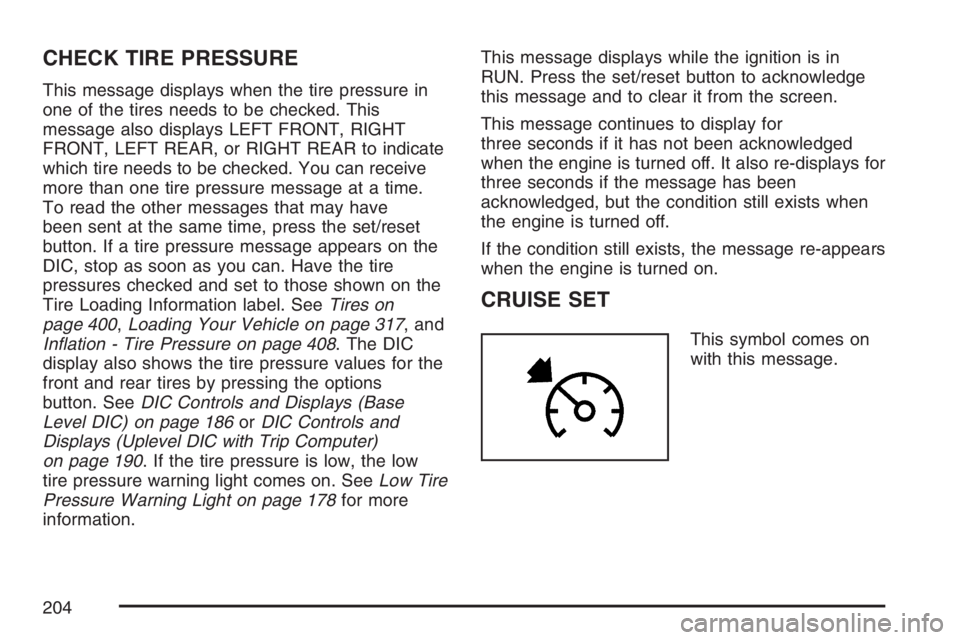
This symbol comes on
with this message.
204
Page 205 of 526
This message and symbol display briey whenever
the cruise control is set. The cruise control light
on the instrument panel cluster also comes
on when cruise control is set. SeeCruise Control
Light on page 185. CRUISE SET also appears
briey in the Head-Up Display (HUD), if your
vehicle has this feature. This message displays
when the ignition is in RUN. SeeCruise Control on
page 140for more information.
This message does not need to be acknowledged.
DELAYED LOCKING
This message displays when the doors of the
vehicle are closed and the delayed locking feature
has been programmed through the DIC. See
“DELAYED LOCKING” underDIC Vehicle
Customization on page 226for more information.
This message displays when the ignition is in
OFF. A chime sounds for two seconds when this
message is displayed.
This message cannot be acknowledged.
HEADLAMPS SUGGESTED
This message displays when the amount of
available light outside the vehicle is low and the
exterior lamps control has been turned off. This
condition happens when the headlamps are turned
off at night or the Daytime Running Lamps (DRL)
are turned off during the day. This message informs
the driver that it has become dark enough outside
to require the headlamps to be turned on. When the
headlamps are turned on, this message clears from
the screen. SeeExterior Lamps on page 144and
Daytime Running Lamps (DRL) on page 145for
more information.
This message displays while the ignition is in
RUN. A chime sounds for two seconds when this
message is displayed. Press the set/reset
button to acknowledge this warning message and
to clear it from the screen.
This message continues to display if it has not
been acknowledged when the engine is turned off.
It also re-displays for three seconds if the
message has been acknowledged, but the
condition still exists when the engine is turned off.
If the condition still exists, the message
re-appears when the engine is turned on.
205
Page 206 of 526
HOT COOLANT
Notice:If the HOT COOLANT warning message
appears on the DIC display, stop the vehicle as
soon as possible. Do not increase the engine
speed above normal idling speed. Severe
engine damage can result from driving a vehicle
with an overheated engine. SeeEngine
Overheating on page 364for more information.
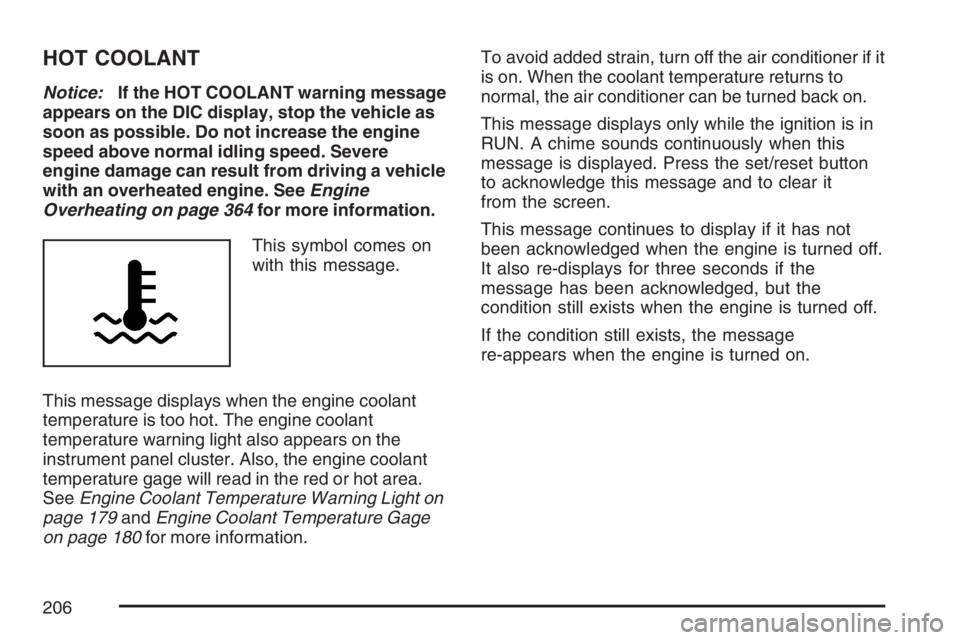
This symbol comes on
with this message.
This message displays when the engine coolant
temperature is too hot. The engine coolant
temperature warning light also appears on the
instrument panel cluster. Also, the engine coolant
temperature gage will read in the red or hot area.
SeeEngine Coolant Temperature Warning Light on
page 179andEngine Coolant Temperature Gage
on page 180for more information.To avoid added strain, turn off the air conditioner if it
is on. When the coolant temperature returns to
normal, the air conditioner can be turned back on.
This message displays only while the ignition is in
RUN. A chime sounds continuously when this
message is displayed. Press the set/reset button
to acknowledge this message and to clear it
from the screen.
This message continues to display if it has not
been acknowledged when the engine is turned off.
It also re-displays for three seconds if the
message has been acknowledged, but the
condition still exists when the engine is turned off.
If the condition still exists, the message
re-appears when the engine is turned on.
206
Page 207 of 526
HOT ENGINE OIL. REDUCE SPEED
On some vehicles, this message displays when
the vehicle’s engine oil is above the proper engine
operating temperature. Reduce the speed of the
vehicle. If this message continues to display, have
the vehicle serviced by your dealer as soon as
possible. A chime sounds continuously when this
message is displayed. Press the set/reset
button to acknowledge this message and to clear
it from the screen.
If the condition still exists, the message re-appears
when the engine is turned on.
HOT TRANS FLUID
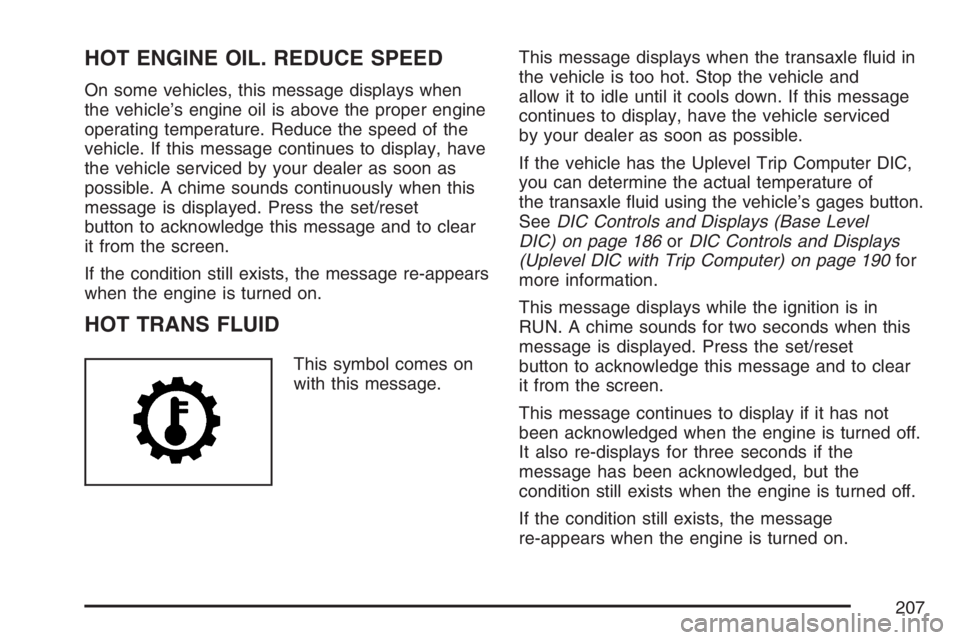
This symbol comes on
with this message.This message displays when the transaxle uid in
the vehicle is too hot. Stop the vehicle and
allow it to idle until it cools down. If this message
continues to display, have the vehicle serviced
by your dealer as soon as possible.
If the vehicle has the Uplevel Trip Computer DIC,
you can determine the actual temperature of
the transaxle uid using the vehicle’s gages button.
SeeDIC Controls and Displays (Base Level
DIC) on page 186orDIC Controls and Displays
(Uplevel DIC with Trip Computer) on page 190for
more information.
This message displays while the ignition is in
RUN. A chime sounds for two seconds when this
message is displayed. Press the set/reset
button to acknowledge this message and to clear
it from the screen.
This message continues to display if it has not
been acknowledged when the engine is turned off.
It also re-displays for three seconds if the
message has been acknowledged, but the
condition still exists when the engine is turned off.
If the condition still exists, the message
re-appears when the engine is turned on.
207
Page 208 of 526
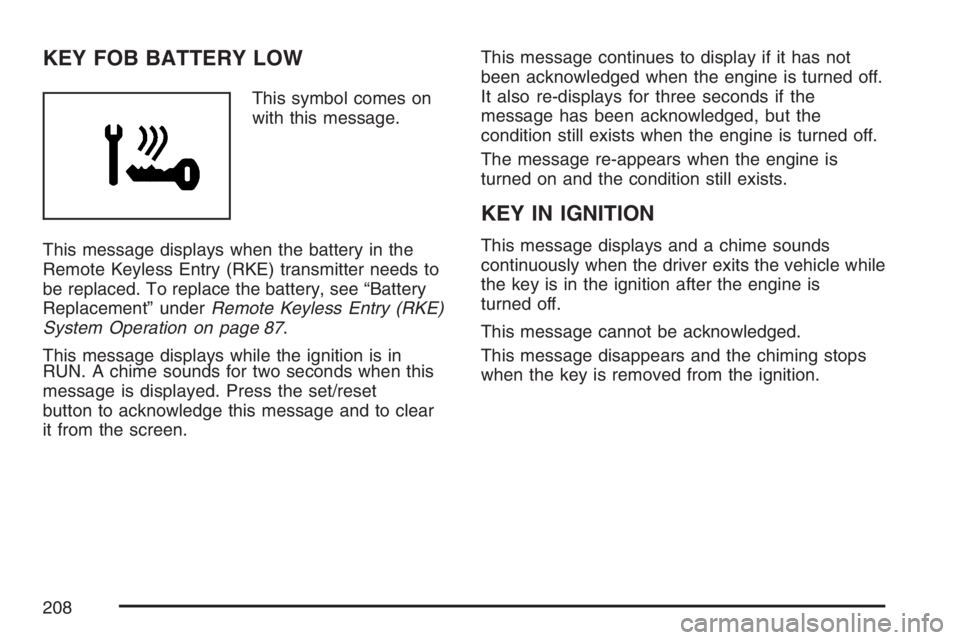
KEY FOB BATTERY LOW
This symbol comes on
with this message.
This message displays when the battery in the
Remote Keyless Entry (RKE) transmitter needs to
be replaced. To replace the battery, see “Battery
Replacement” underRemote Keyless Entry (RKE)
System Operation on page 87.
This message displays while the ignition is in
RUN. A chime sounds for two seconds when this
message is displayed. Press the set/reset
button to acknowledge this message and to clear
it from the screen.This message continues to display if it has not
been acknowledged when the engine is turned off.
It also re-displays for three seconds if the
message has been acknowledged, but the
condition still exists when the engine is turned off.
The message re-appears when the engine is
turned on and the condition still exists.
KEY IN IGNITION
This message displays and a chime sounds
continuously when the driver exits the vehicle while
the key is in the ignition after the engine is
turned off.
This message cannot be acknowledged.
This message disappears and the chiming stops
when the key is removed from the ignition.
208
Page 209 of 526
LEFT FRONT TURN LAMP OUT
This message displays when the left front turn
signal lamp needs to be replaced. SeeTaillamps,
Turn Signal, and Stoplamps on page 395for
replacement procedures.
This message displays while the ignition is in
RUN. A chime sounds for two seconds when this
message is displayed. Press the set/reset
button to acknowledge this message and to clear
it from the screen.
This message continues to display if it has not
been acknowledged when the engine is turned off.
It also re-displays for three seconds if the
message has been acknowledged, but the
condition still exists when the engine is turned off.
If the condition still exists, the message
re-appears when the engine is turned on.
LEFT REAR TURN LAMP OUT
This message displays when the left rear turn
signal lamp needs to be replaced. SeeTaillamps,
Turn Signal, and Stoplamps on page 395for
replacement procedures.
This message displays while the ignition is in
RUN. A chime sounds for two seconds when this
message is displayed. Press the set/reset
button to acknowledge this message and to clear
it from the screen.
This message continues to display if it has not
been acknowledged when the engine is turned off.
It also re-displays for three seconds if the
message has been acknowledged, but the
condition still exists when the engine is turned off.
If the condition still exists, the message
re-appears when the engine is turned on.
209
Page 210 of 526
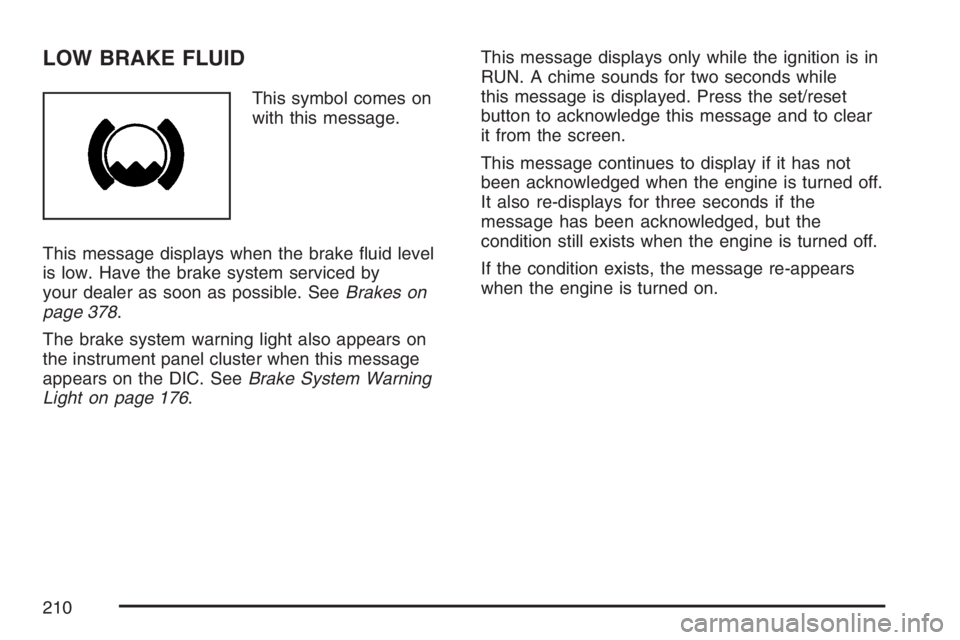
LOW BRAKE FLUID
This symbol comes on
with this message.
This message displays when the brake uid level
is low. Have the brake system serviced by
your dealer as soon as possible. SeeBrakes on
page 378.
The brake system warning light also appears on
the instrument panel cluster when this message
appears on the DIC. SeeBrake System Warning
Light on page 176.This message displays only while the ignition is in
RUN. A chime sounds for two seconds while
this message is displayed. Press the set/reset
button to acknowledge this message and to clear
it from the screen.
This message continues to display if it has not
been acknowledged when the engine is turned off.
It also re-displays for three seconds if the
message has been acknowledged, but the
condition still exists when the engine is turned off.
If the condition exists, the message re-appears
when the engine is turned on.
210
Page 211 of 526
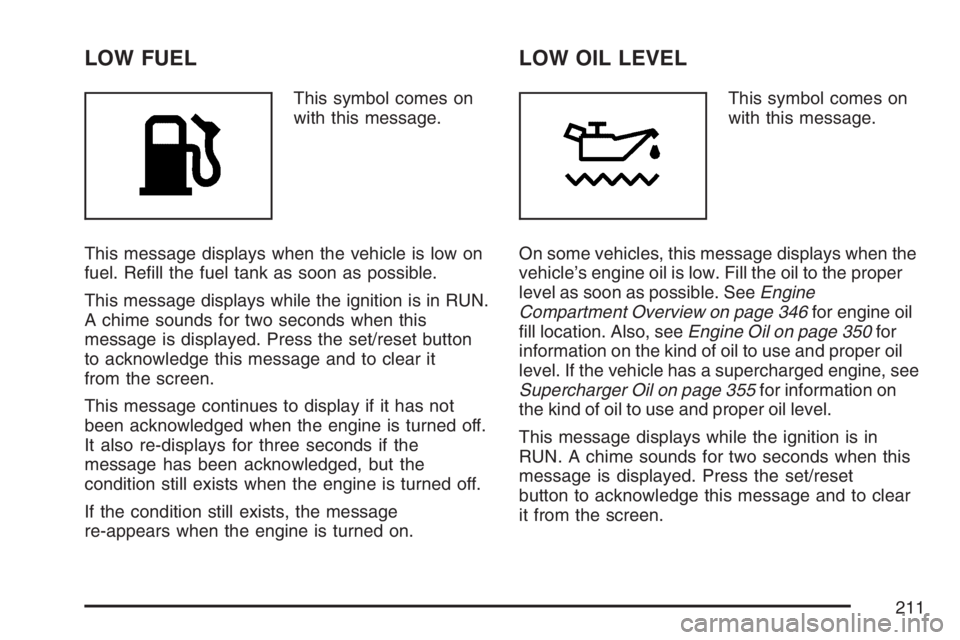
LOW FUEL
This symbol comes on
with this message.
This message displays when the vehicle is low on
fuel. Rell the fuel tank as soon as possible.
This message displays while the ignition is in RUN.
A chime sounds for two seconds when this
message is displayed. Press the set/reset button
to acknowledge this message and to clear it
from the screen.
This message continues to display if it has not
been acknowledged when the engine is turned off.
It also re-displays for three seconds if the
message has been acknowledged, but the
condition still exists when the engine is turned off.
If the condition still exists, the message
re-appears when the engine is turned on.
LOW OIL LEVEL
This symbol comes on
with this message.
On some vehicles, this message displays when the
vehicle’s engine oil is low. Fill the oil to the proper
level as soon as possible. SeeEngine
Compartment Overview on page 346for engine oil
ll location. Also, seeEngine Oil on page 350for
information on the kind of oil to use and proper oil
level. If the vehicle has a supercharged engine, see
Supercharger Oil on page 355for information on
the kind of oil to use and proper oil level.
This message displays while the ignition is in
RUN. A chime sounds for two seconds when this
message is displayed. Press the set/reset
button to acknowledge this message and to clear
it from the screen.
211
Page 212 of 526
This message continues to display if it has not
been acknowledged when the engine is turned off.
It also re-displays for three seconds if the
message has been acknowledged, but the
condition still exists when the engine is turned off.
If the condition still exists, the message
re-appears when the engine is turned on.
LOW OIL PRESSURE
Notice:If the LOW OIL PRESSURE warning
message appears on the DIC display, stop the
vehicle immediately. Do not drive the vehicle
until the cause of the low oil pressure is
corrected. Severe engine damage can result
from driving a vehicle with low oil pressure. See
Engine Oil on page 350for more information.
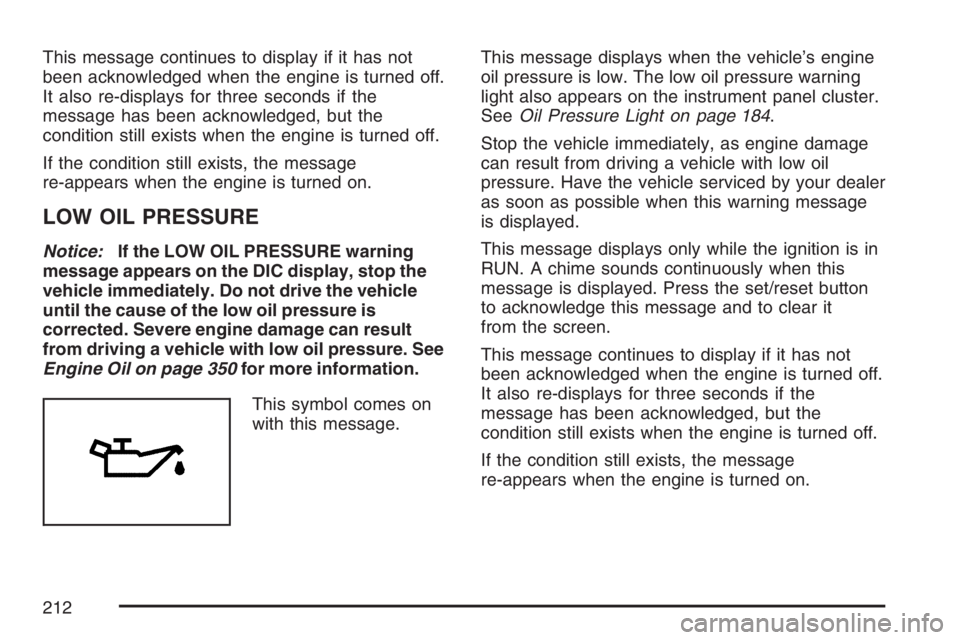
This symbol comes on
with this message.This message displays when the vehicle’s engine
oil pressure is low. The low oil pressure warning
light also appears on the instrument panel cluster.
SeeOil Pressure Light on page 184.
Stop the vehicle immediately, as engine damage
can result from driving a vehicle with low oil
pressure. Have the vehicle serviced by your dealer
as soon as possible when this warning message
is displayed.
This message displays only while the ignition is in
RUN. A chime sounds continuously when this
message is displayed. Press the set/reset button
to acknowledge this message and to clear it
from the screen.
This message continues to display if it has not
been acknowledged when the engine is turned off.
It also re-displays for three seconds if the
message has been acknowledged, but the
condition still exists when the engine is turned off.
If the condition still exists, the message
re-appears when the engine is turned on.
212
Page 213 of 526
LOW WASHER FLUID
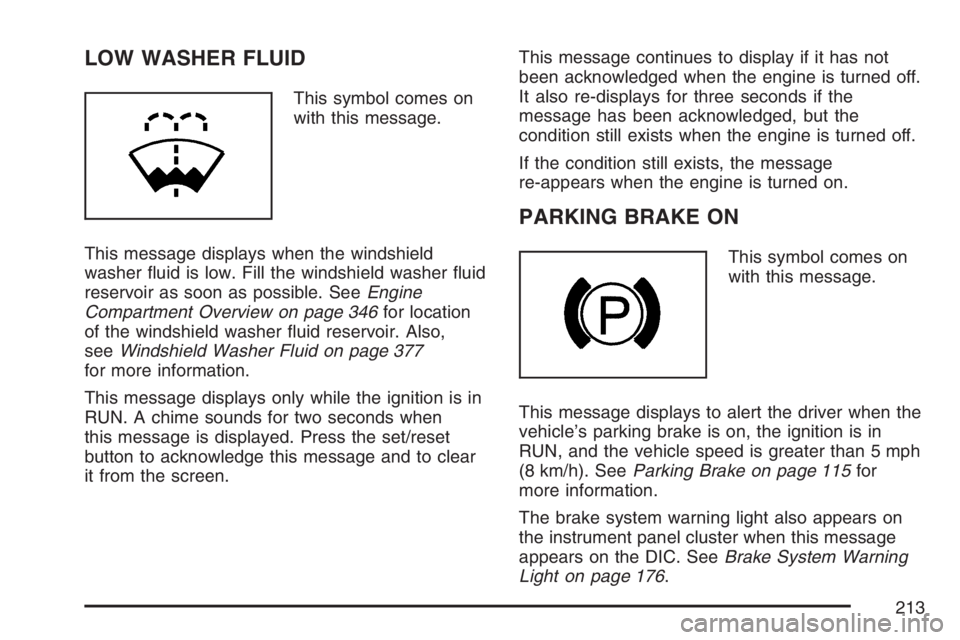
This symbol comes on
with this message.
This message displays when the windshield
washer uid is low. Fill the windshield washer uid
reservoir as soon as possible. SeeEngine
Compartment Overview on page 346for location
of the windshield washer uid reservoir. Also,
seeWindshield Washer Fluid on page 377
for more information.
This message displays only while the ignition is in
RUN. A chime sounds for two seconds when
this message is displayed. Press the set/reset
button to acknowledge this message and to clear
it from the screen.This message continues to display if it has not
been acknowledged when the engine is turned off.
It also re-displays for three seconds if the
message has been acknowledged, but the
condition still exists when the engine is turned off.
If the condition still exists, the message
re-appears when the engine is turned on.
PARKING BRAKE ON
This symbol comes on
with this message.
This message displays to alert the driver when the
vehicle’s parking brake is on, the ignition is in
RUN, and the vehicle speed is greater than 5 mph
(8 km/h). SeeParking Brake on page 115for
more information.
The brake system warning light also appears on
the instrument panel cluster when this message
appears on the DIC. SeeBrake System Warning
Light on page 176.
213