lock PONTIAC PONTIAC 1995 Service Manual
[x] Cancel search | Manufacturer: PONTIAC, Model Year: 1995, Model line: PONTIAC, Model: PONTIAC PONTIAC 1995Pages: 354, PDF Size: 17.27 MB
Page 115 of 354
Anti-Lock Brake System Active Light
(Option)
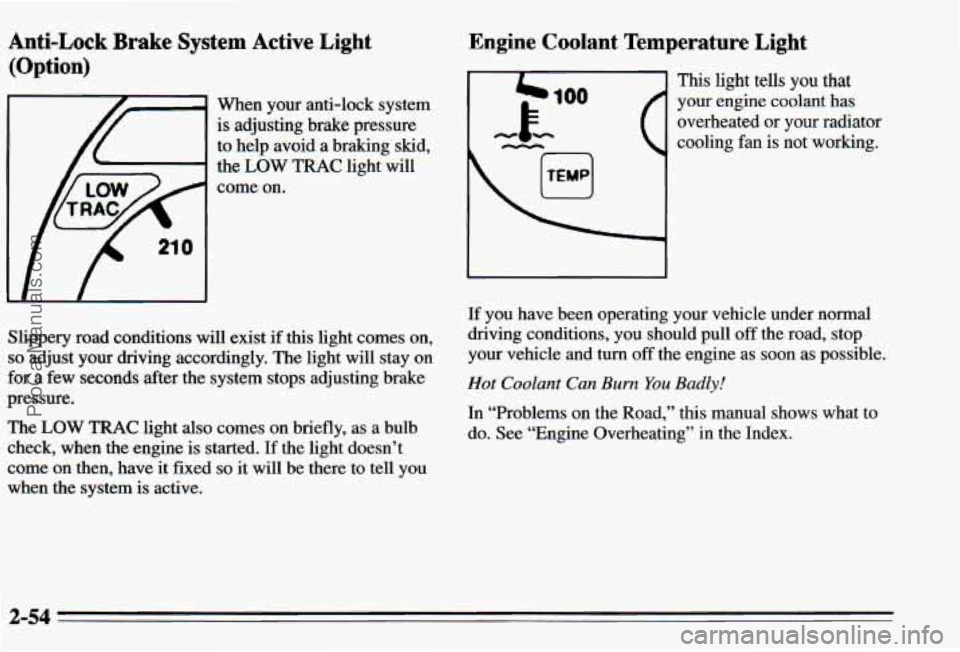
When your anti-lock system
is adjusting brake pressure
to help avoid a braking skid,
the
LOW TRAC light will
come on.
Slippery road conditions will exist
if this light comes on,
so adjust your driving accordingly. The light will stay on
for a few seconds after the system stops adjusting brake
pressure.
The
LOW TRAC light also comes on briefly, as a bulb
check, when the engine is started. If the light doesn’t
come on then, have it fixed
so it will be there to tell you
when the system is active.
Engine Coolant Temperature Light
4b 100
This light tells you that
your engine coolant has
overheated
or your radiator
cooling fan is not working.
-k
If you have been operating your vehicle under normal
driving conditions, you should pull
off the road, stop
your vehicle and turn off the engine as soon as possible.
Hot Coolant Can Burn You Badly!
In “Problems on the Road,” this manual shows what to
do. See “Engine Overheating’’ in the Index.
2-54
ProCarManuals.com
Page 123 of 354
Care of the Head-Up Display
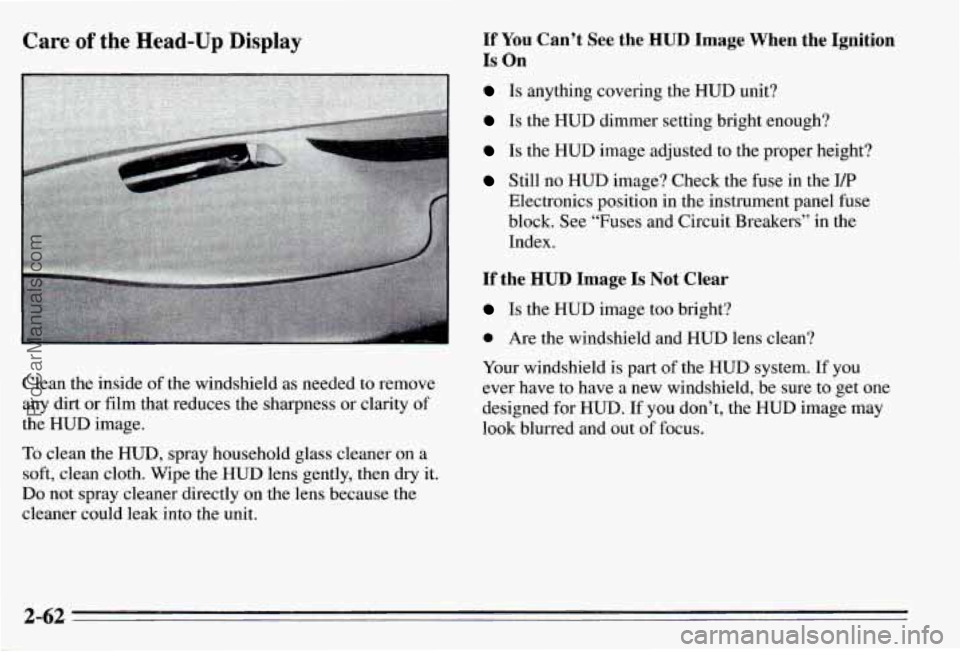
Clean the inside of the windshield as needed to remove
any dirt or film that reduces the sharpness or clarity of
the HUD image.
To clean the HUD, spray household glass cleaner on a
soft, clean cloth. Wipe the HUD lens gently, then dry it.
Do not spray cleaner directly on the lens because the
cleaner could leak into the unit.
If YOU Can’t See the HUD Image When the Ignition
Is On
Is anything covering the HUD unit?
Is the HUD dimmer setting bright enough?
Is the HUD image adjusted to the proper height?
Still no HUD image? Check the fuse in the I/P
Electronics position in the instrument panel fuse
block. See “Fuses and Circuit Breakers” in the
Index.
If the HUD Image Is Not Clear
Is the HUD image too bright?
0 Are the windshield and HUD lens clean?
Your windshield
is part of the HUD system. If you
ever have to have a new windshield, be sure to get one
designed for HUD.
If you don’t, the HUD image may
look blurred and out of focus.
2-62
ProCarManuals.com
Page 126 of 354
7 Section 3 Comfort Controls and Audio Systems
In this section you’ll find out how to operate the comfort
control systems and audio systems offered with your Pontiac. Be sure to read about the particular system
supplied with your vehicle.
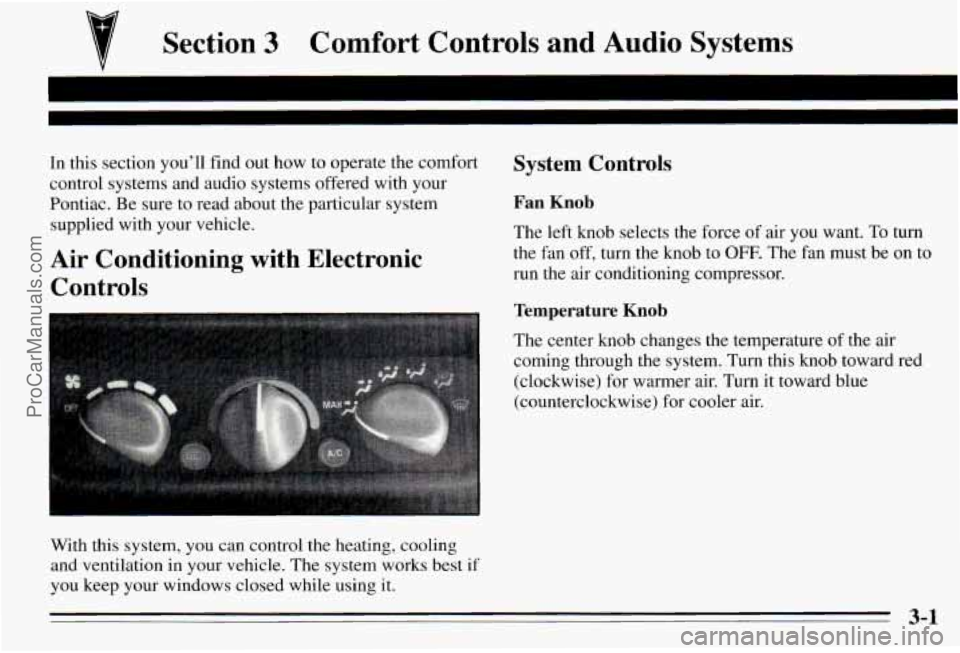
Air Conditioning with Electronic Controls
With this system, you can control the heating, cooling
and ventilation in your vehicle. The system works best if
you keep your windows closed while using it.
System Controls
Fan Knob
The left knob selects the force of air you want. To turn
the fan off, turn the knob to OFF. The fan must be on to
run the air conditioning compressor.
Temperature Knor,
The center knob changes the temperature of the air
coming through the system. Turn this knob toward red
(clockwise) for warmer air. Turn it toward blue
(counterclockwise) for cooler air.
3-1
ProCarManuals.com
Page 130 of 354
Audio Systems
Your Delco@ audio system has been designed to operate
easily and give years
of listening pleasure. You will get
the
most enjoyment out of it if you acquaint yourself
with
it first. Find out what your Delco@system can
do and how to operate all its controls, to be sure you’re
getting the
most out of the advanced engineering that
went into it.
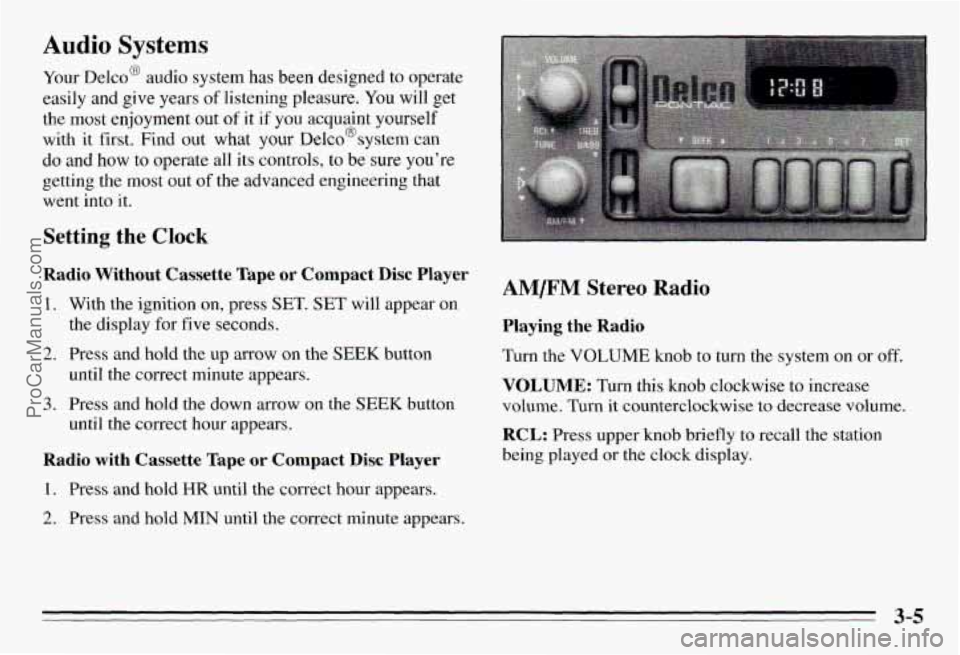
Setting the Clock
Radio Without Cassette Tape or Compact Disc Player
1. With the ignition on, press SET. SET will appear on
2.
3.
the display for five seconds.
Press and hold the up arrow on the
SEEK button
until the correct minute appears.
Press and hold the down arrow on the
SEEK button
until the correct hour appears.
Radio with Cassette Tape or Compact Disc Player
1. Press and hold HR until the correct hour appears.
2. Press and hold MIN until the correct minute appears.
AM/FM Stereo Radio
Playing the Radio
Turn the VOLUME knob to turn the system on or off.
VOLUME: Turn this knob clockwise to increase
volume. Turn it counterclockwise to decrease volume.
RCL: Press upper knob briefly to recall the station
being played
or the clock display.
3-5
ProCarManuals.com
Page 132 of 354
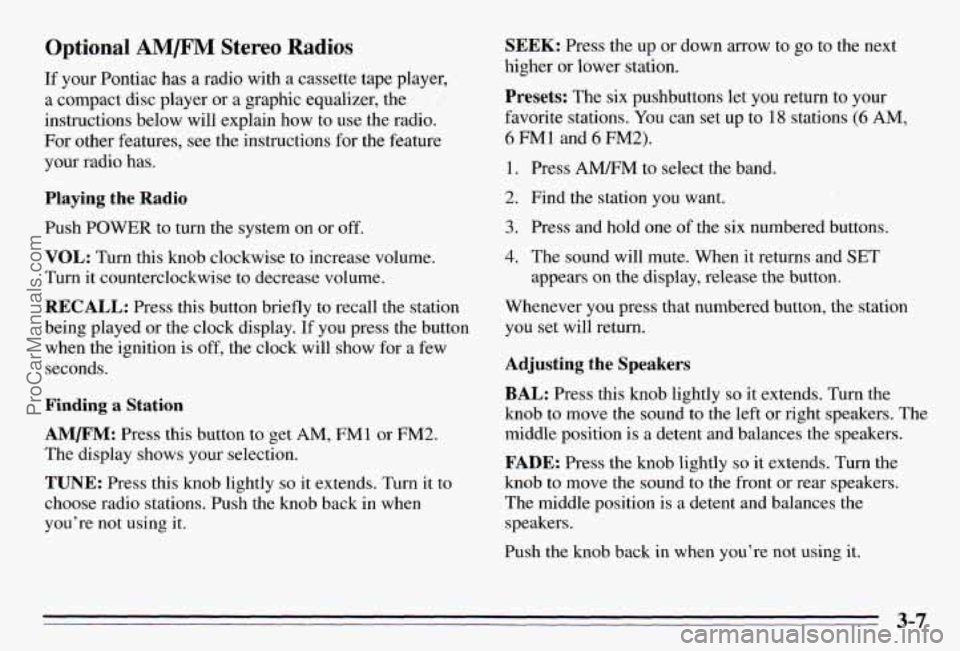
Optional AM/F” Stereo Radios
If your Pontiac has a radio with a cassette tape player,
a compact disc player or a graphic equalizer, the
instructions below will explain how to use the radio.
For other features, see the instructions
for the feature
your radio has.
Playing the Radio
Push POWER to turn the system on or off.
VOL: Turn this knob clockwise to increase volume.
Turn it counterclockwise to decrease volume.
RECALL: Press this button briefly to recall the station
being played or the clock display.
If you press the button
when the ignition
is off, the clock will show for a few
seconds.
Finding a Station
AMm: Press this button to get AM, FMl or FM2.
The display shows your selection.
TUNE: Press this knob lightly so it extends. Turn it to
choose radio stations. Push the knob back in when
you’re not using
it.
SEEK: Press the up or down arrow to go to the next
higher
or lower station.
Presets: The six pushbuttons let you return to your
favorite stations. You can set up to
18 stations (6 AM,
6 FM1 and 6 FM2).
1. Press AMRM to select the band.
2. Find the station you want.
3. Press and hold one of the six numbered butt S.
4. The sound will mute. When it returns and SET
appears on the display, release the button.
Whenever you press that numbered button, the station
you set will return.
Adjusting the Speakers
BAL: Press this knob lightly so it extends. Turn the
knob
to move the sound to the left or right speakers. The
middle position is
a detent and balances the speakers.
FADE: Press the knob lightly so it extends. Turn the
knob to move the sound to the front or rear speakers.
The middle position is
a detent and balances the
speakers.
Push the knob back in when you’re not using
it.
3-7
ProCarManuals.com
Page 136 of 354
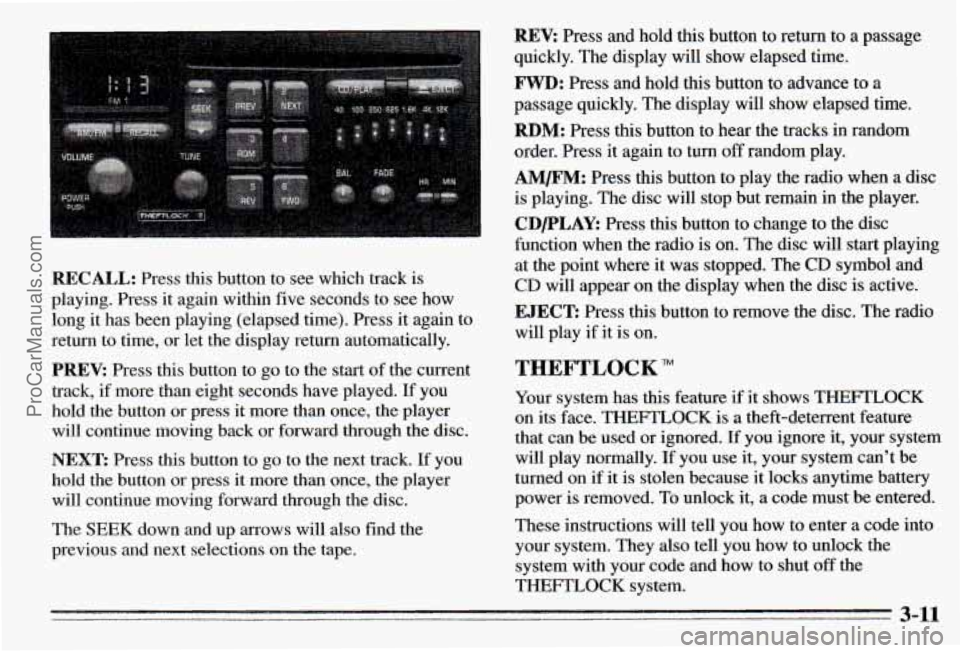
REV: Press and hold this button to return to a passage
quickly. The display will show elapsed time.
FWD: Press and hold this button to advance to a
passage quickly. The display will show elapsed time.
RBM: Press this button to hear the tracks in random
order. Press it again to turn
off random play.
AM/FM: Press this button to play the radio when a disc
is playing. The disc will stop but remain in the player.
CDPLAY: Press this button to change to the disc
function when the radio is on. The disc will start playing
at the point where it was stopped. The CD symbol and
CD will appear on the display when the disc is active.
RECALL: Press this button to see which track is
playing. Press it again within five seconds to see how
long
it has been playing (elapsed time). Press it again to
return to time, or let the display return automatically.
PREV: Press this button to go to the start of the current
track, if more than eight seconds ha.ve played. If you
hold the button or press it more than once, the player
will continue moving back or forward through the disc.
NEXT: Press this button to go to the next track. If you
hold the button
or press it more than once, the player
will continue moving forward through the disc.
The SEEK down and
up arrows will also find the
previous and next selections on the tape.
EJECT: Press this button to remove the disc. The radio
will play if it is on.
THEFTLOCK
Your system has this feature if it shows THEFTLOCK
on its face. THEFTLOCK is a theft-deterrent feature
that can be used or ignored. If you ignore it, your system
will play normally. If you use it, your system can’t be
turned on if
it is stolen because it locks anytime battery
power is removed. To unlock it,
a code must be entered.
These instructions will tell you how to enter a code into
your system. They also tell you how to unlock the
system with your code and how to shut
off the
THEFTLOCK system.
3-11
ProCarManuals.com
Page 137 of 354
Entering a Code Unlocking the System
1.
2.
3.
4.
5.
6.
7.
8.
9.
Write down any number from 000 to 1999. This is
your code.
Turn the ignition to ACC or
RUN.
Turn the radio off.
Press the
1 and 4 preset buttons at the same time and
hold until
“- - -” shows-on the display.
You now have only 15 seconds between each of the
following steps.
Press MIN and
“000” will appear on the display.
Press
MIN again and hold until the last two digits of
your code appear.
Press and hold
HR until the first digit or digits of
your code appear.
Press
A” after you make sure the code matches
the one you wrote down. “rEP” will appear on the
display, meaning you should repeat Steps
5 through 7.
After you repeat the steps, press A”. SEC
should appear on the display, meaning your system is
secured.
If your ignition is off, the THEmZOCK
indicator light on the radio face will flash.
Store the paper with your code written on it in
a safe
place (not in your vehicle).
If battery power is removed €or any reason, LOC will
appear on
the display when power is reapplied. You will
need to enter your code to unlock the system. You have
only 15 seconds between each of the following steps.
1. Turn the ignition on. LOC will appear on the display.
2. Press MIN and “000” will appear on the display.
3. Press MIN again and hold until the last two digits of
4. Press and hold HR until the first digit or digits of
your code appear.
your
code appear.
5. Press AM/FM after you make sure the code matches
the one you wrote down.
SEC should appear on the
display, meaning you can now use your system, and.
it is secured. If LOC appears, you entered the wrong
code and the system is still locked.
If you enter the wrong code eight times, InOP will
appear on the display. You will have to wait an hour
with the ignition on before you can try again. When you
try again, you will only have
three chances to enter the
correct code before InOP appears.
If you lose or forget your code and cannot unlock the
system, contact you dealer.
3-12
ProCarManuals.com
Page 138 of 354
Disabling THEFTLOCK
If you want to turn off THEFTLOCK, you will neea to
enter
your code. If you lose or forget your code, see
your dealer.
1. Turn the ignition on and the radio off.
2. Press the 1 and 4 preset buttons at the same time and
hold until
SEC shows on the display.
You now have only
1.5 seconds between each of the
following steps.
3. Press MIN and “000” will appear on the display.
4. Press MIN again and hold until the last two digits of
your code appear.
5. Press and hold HR until the first digit or digits of
your code appear.
the one you wrote down.
“- - -” should appear on the
display, meaning your system
is unsecured. If SEC
appears, you entered the wrong code and the system
is still secured.
6. Press AMEM after you make sure the code matches
Understanding Radio Reception
FM Stereo
FM Stereo will give you the best sound, but mVr signals
will reach only about 10 to
40 miles (1 6 to 65 km). Tall
buildings or hills can interfere with
FM signals, causing
the sound to come and go.
I
AM
The range for most AM stations is greater than for FM,
especially at night. The longer range, however, can
cause stations to interfere with each other.
AM can also
pick up noise from things like storms and power lines.
To lower this noise,
try reducing the treble level.
3-13
ProCarManuals.com
Page 149 of 354
Avoid needless heavy braking. Some people drive
in spurts
-- heavy acceleration followed by heavy
braking
-- rather than keeping pace with traffic. This
is a mistake. Your brakes may not have time to cool
between hard stops. Your brakes will
wear out much
faster if you do a lot of heavy braking.
If you keep pace
with the traffic and allow realistic following distances,
you will eliminate a lot of unnecessary braking. That
means better braking and longer brake life.
If your engine ever stops while you’re driving, brake
normally but don’t pump your brakes. If you do, the
pedal may get harder to push down. If your engine
stops, you will still have some power brake assist. But
you will use it when you brake. Once the power assist is
used up, it may take longer to stop and the brake pedal
will be harder to push.
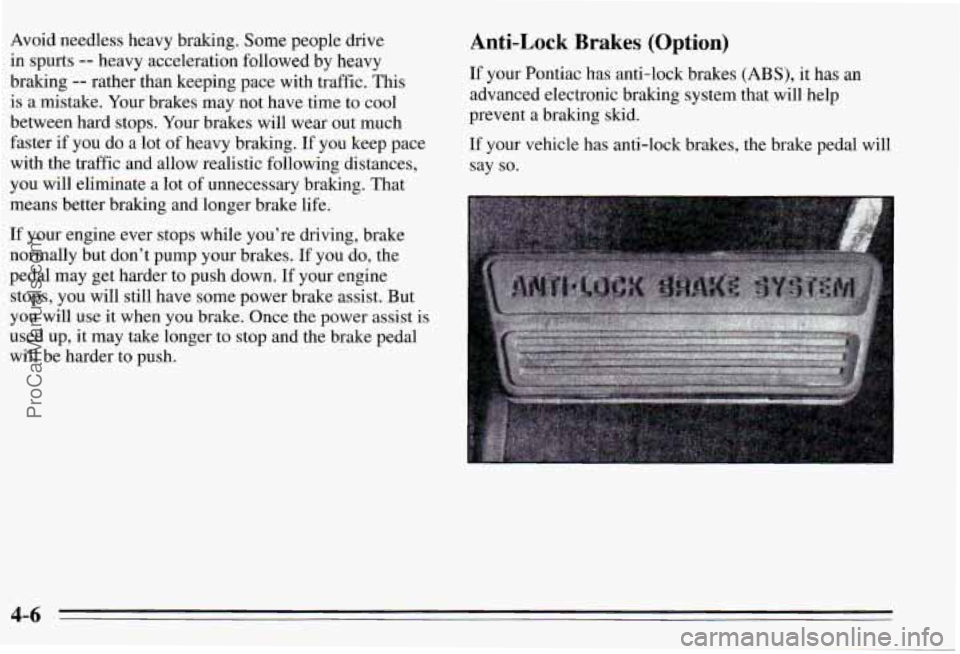
Bnti-Lock Brakes (Option)
:f your Pontiac has anti-lock brakes (ABS), it has an
dvanced electronic braking system that will help
Irevent a braking skid.
If your vehicle has anti-lock brakes, the brake pedal will
;ay
so.
4-6
ProCarManuals.com
Page 150 of 354
I
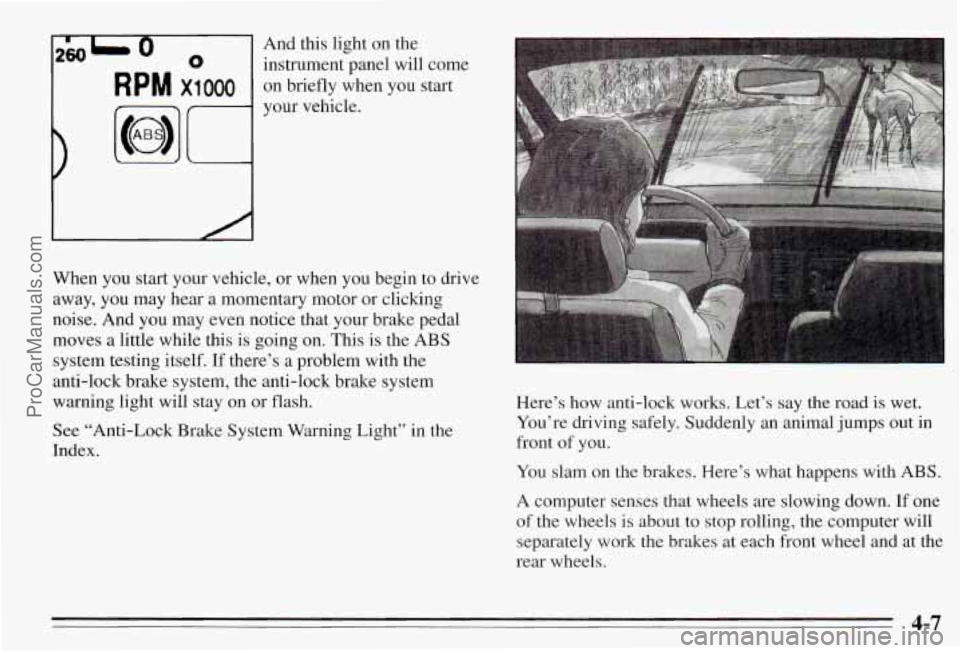
260L 0 0 instrument panel will come
And this
light on the
R p M x1 000 on briefly when you start
your vehicle.
When you start your vehicle, or when you begin to drive
away, you may hear a momentary motor or clicking
noise. And you may even notice that your brake pedal moves a little while this is going on.
This is the ABS
system testing itself.
If there’s a problem with the
anti-lock brake system, the anti-lock brake system
warning light will stay on or flash.
See “Anti-Lock Brake System Warning Light” in the
Index. Here’s how anti-lock works. Let’s say the road
is wet.
You’re driving safely. Suddenly an animal jumps out
in
front of you.
You slam on the brakes. Here’s what happens with
ABS.
A computer senses that wheels are slowing down. If one
of the wheels is about
to stop rolling, the computer will
separately work the brakes at each front wheel and at the
rear wheels.
~~
4-7
ProCarManuals.com