USB Ram 1500 2020 User Guide
[x] Cancel search | Manufacturer: RAM, Model Year: 2020, Model line: 1500, Model: Ram 1500 2020Pages: 674, PDF Size: 32.69 MB
Page 625 of 674
MULTIMEDIA 623
IPOD®/USB/MP3 CONTROL — IF EQUIPPED
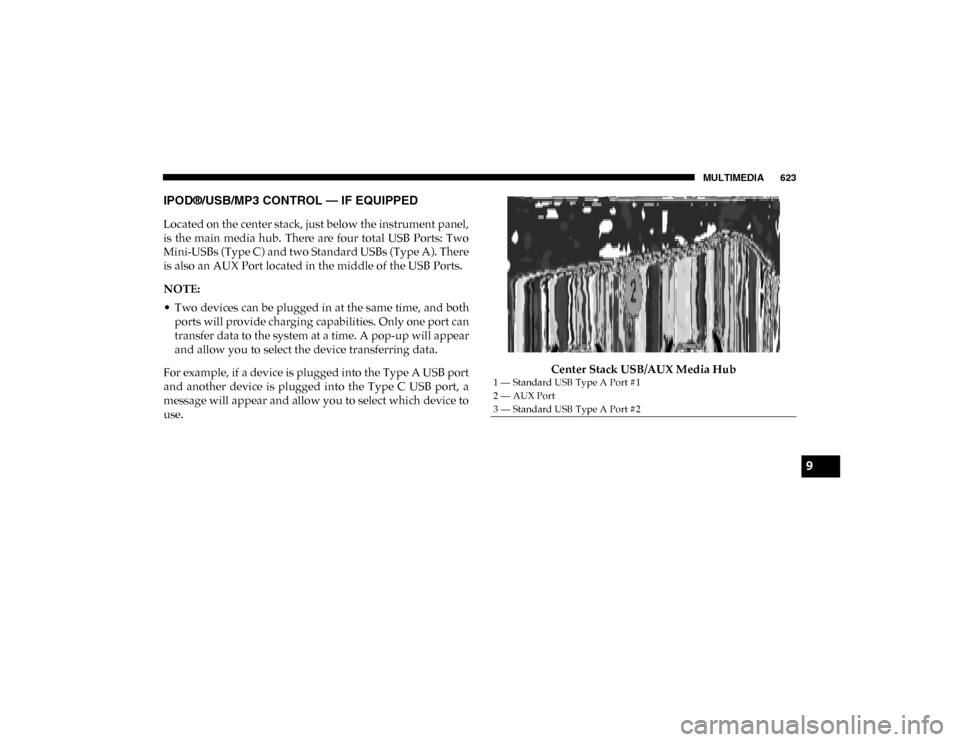
Located on the center stack, just below the instrument panel,
is the main media hub. There are four total USB Ports: Two
Mini-USBs (Type C) and two Standard USBs (Type A). There
is also an AUX Port located in the middle of the USB Ports.
NOTE:
• Two devices can be plugged in at the same time, and bothports will provide charging capabilities. Only one port can
transfer data to the system at a time. A pop-up will appear
and allow you to select the device transferring data.
For example, if a device is plugged into the Type A USB port
and another device is plugged into the Type C USB port, a
message will appear and allow you to select which device to
use. Center Stack USB/AUX Media Hub
1 — Standard USB Type A Port #1
2 — AUX Port
3 — Standard USB Type A Port #2
9
2020_DT_1500_OM_US.book Page 623
Page 626 of 674
624 MULTIMEDIA
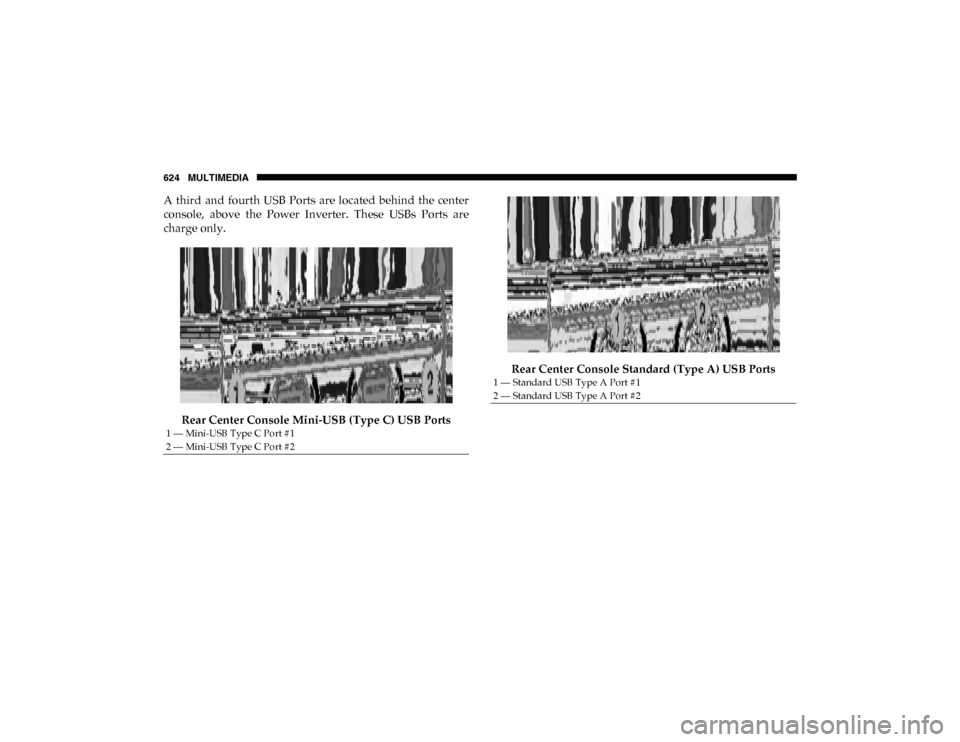
A third and fourth USB Ports are located behind the center
console, above the Power Inverter. These USBs Ports are
charge only.Rear Center Console Mini-USB (Type C) USB Ports Rear Center Console Standard (Type A) USB Ports
1 — Mini-USB Type C Port #1
2 — Mini-USB Type C Port #2
1 — Standard USB Type A Port #1
2 — Standard USB Type A Port #2
2020_DT_1500_OM_US.book Page 624
Page 627 of 674
MULTIMEDIA 625
Different scenarios are shown below when a non-phone
device is plugged into the smaller and larger USB Ports and
when a phone device is plugged into the smaller and larger
USB Ports:Device Plugged In Message Screen Plugging in a phone or another USB device may cause the
connection to a previous device to be lost.
If equipped, your vehicle may also contain a USB Port
located on the top tray of the vehicles center console.
Center Console USB Port
9
2020_DT_1500_OM_US.book Page 625
Page 628 of 674
626 MULTIMEDIA
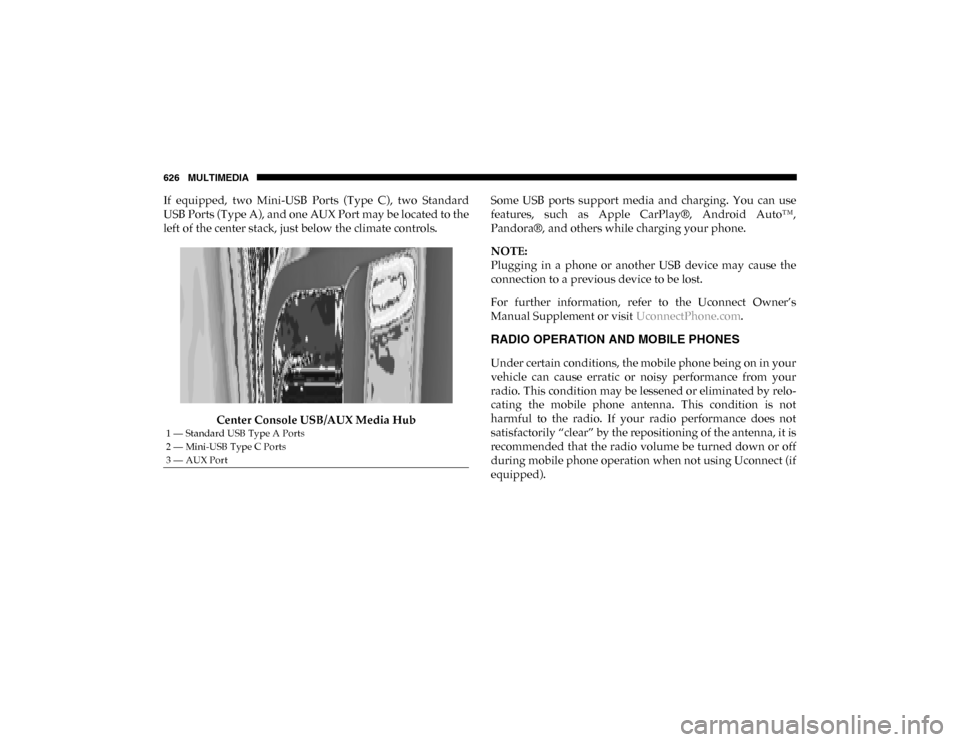
If equipped, two Mini-USB Ports (Type C), two Standard
USB Ports (Type A), and one AUX Port may be located to the
left of the center stack, just below the climate controls.Center Console USB/AUX Media Hub Some USB ports support media and charging. You can use
features, such as Apple CarPlay®, Android Auto™,
Pandora®, and others while charging your phone.
NOTE:
Plugging in a phone or another USB device may cause the
connection to a previous device to be lost.
For further information, refer to the Uconnect Owner’s
Manual Supplement or visit
UconnectPhone.com.
RADIO OPERATION AND MOBILE PHONES
Under certain conditions, the mobile phone being on in your
vehicle can cause erratic or noisy performance from your
radio. This condition may be lessened or eliminated by relo -
cating the mobile phone antenna. This condition is not
harmful to the radio. If your radio performance does not
satisfactorily “clear” by the repositioning of the antenna, it is
recommended that the radio volume be turned down or off
during mobile phone operation when not using Uconnect (if
equipped).
1 — Standard USB Type A Ports
2 — Mini-USB Type C Ports
3 — AUX Port
2020_DT_1500_OM_US.book Page 626
Page 634 of 674
632 MULTIMEDIA
Uconnect 4C NAV With 12-inch Display Radio
Media
Uconnect offers connections via USB, Bluetooth® and auxil-
iary ports (if equipped). Voice operation is only available for
connected USB and AUX devices. (Remote CD player
optional and not available on all vehicles.)
Push the VR button . After the beep, say one of the
following commands and follow the prompts to switch your
media source or choose an artist.
• “Change source to Bluetooth®”.
• “Change source to AUX”.
• “Change source to USB”.
• “Play artist Beethoven”; “ Play album Greatest Hits”;
“Play song Moonlight Sonata”; “ Play genre Classical”.
TIP:
Press the Browse button on the touchscreen to see all of the
music on your USB device. Your Voice Command must
match exactly how the artist, album, song and genre infor -
mation is displayed.
2020_DT_1500_OM_US.book Page 632
Page 649 of 674

MULTIMEDIA 647
Android Auto™ — If Equipped
NOTE:
Feature availability depends on your carrier and mobile
phone manufacturer. Some Android Auto™ features may or
may not be available in every region and/or language.
Android Auto™ allows you to use your voice to interact with
Android’s™ best-in-class speech technology through your
vehicle’s voice recognition system, and use your smart-
phone’s data plan to project your Android powered smart -
phone and a number of its apps onto your Uconnect
touchscreen. Connect your Android™ 5.0 (Lollipop), or
higher, to one of the media USB ports, using the
factory-provided USB cable, and press the new Android
Auto™ icon that replaces your “Phone” icon on the main
menu bar to begin Android Auto™. Push and hold the VR
button on the steering wheel, or press and hold the “Micro -
phone” icon within Android Auto™, to activate Android’s™
VR, which recognizes natural voice commands, to use a list
of your smartphone’s features:
• Maps
• Music • Phone
• Text Messages
• Additional Apps
Uconnect 4/4C NAV With 8.4-inch Display Android Auto™
9
2020_DT_1500_OM_US.book Page 647
Page 650 of 674
648 MULTIMEDIA
Uconnect 4C NAV With 12-inch Display Android Auto™Refer to your Uconnect Owner’s Manual Supplement for
further information.
NOTE:
Requires compatible smartphone running Android™ 5.0
(Lollipop) or higher and download app on Google Play.
Android™, Android Auto™, and Google Play are trade
-
marks of Google Inc.
Apple CarPlay® — If Equipped
NOTE:
Feature availability depends on your carrier and mobile
phone manufacturer. Some Apple CarPlay® features may or
may not be available in every region and/or language.
Apple CarPlay® allows you to use your voice to interact
with Siri through your vehicle’s voice recognition system,
and use your smartphone’s data plan to project your
iPhone® and a number of its apps onto your Uconnect touch -
screen. Connect your iPhone® 5, or higher, to one of the
media USB ports, using the factory-provided Lightning
cable, and press the new Apple CarPlay® icon that replaces
your “Phone” icon on the main menu bar to begin Apple
CarPlay® . Press and hold the VR button on the steering
2020_DT_1500_OM_US.book Page 648
Page 664 of 674

662
Gross Vehicle Weight Rating ................................................ 407
GuideBody Builders ........................................................................ 14
GVWR ....................................................................................... 405 H
Hazard Driving Through Flowing, Rising, Or Shallow
Standing Water .................................................................... 427
Hazard Warning Flashers ...................................................... 431
Head Restraints ......................................................................... 54
Head Rests ................................................................................. 54
Headlights ................................................................................ 438 Cleaning................................................................................ 540
High Beam.............................................................................. 68
High Beam/Low Beam Select Switch ................................ 68
Lights On Reminder ............................................................. 71
Passing .................................................................................... 69
Switch...................................................................................... 66
Heated Mirrors .......................................................................... 65
Heater, Engine Block .............................................................. 296
High Beam/Low Beam Select (Dimmer) Switch ................. 68
Hill Descent Control ............................................................... 205
Hill Descent Control Indicator .............................................. 205
Hill Start Assist........................................................................ 207
Hitches Trailer Towing ..................................................................... 411 Hoisting ....................................................................................516
HomeLink (Garage Door Opener) ........................................109
Hood Prop ................................................................................105
Hood Release ...........................................................................105
I
Ignition........................................................................................25 Switch ......................................................................................25
Illuminated Entry ......................................................................75
In Vehicle Help Vehicle User Guide ...............................................................16
Inside Rearview Mirror ..............................................59, 60, 431 Instrument Cluster Descriptions .........................................................................193
Display ..................................................................................166
Instrument Panel Lens Cleaning...........................................545
Integrated Trailer Brake Control...........................................416
Interior Appearance Care ......................................................543
Interior Lights ............................................................................73 Intermittent Wipers (Delay Wipers) .......................................76
Introduction ...............................................................................13
Inverter Outlet (115V).............................................................131
iPod/USB/MP3 Control ........................................................623 J
Jack Location ............................................................................454
Jump Starting ...........................................................................472
2020_DT_1500_OM_US.book Page 662
Page 672 of 674

670
U
Uconnect Uconnect Settings ................ 559, 566, 569, 586, 590, 610, 612
Uconnect Settings Customer Programmable
Features .................................. 37, 566, 569, 586, 590, 610, 612
Passive Entry Programming ........................ 37, 566, 586, 610
Uniform Tire Quality Grades ................................................ 538
Universal Garage Door Opener (HomeLink) ..................... 109
Universal Transmitter ............................................................ 109
Unleaded Gasoline.................................................................. 548
Untwisting Procedure, Seat Belt ........................................... 241
USB ............................................................................................ 623
Utility Rails, Rear Cargo Area............................................... 144 V
Vehicle Identification Number (VIN) .................................. 546
Vehicle Loading .............................................................. 405, 522
Vehicle Modifications/Alterations......................................... 15
Vehicle Storage .................................................................. 92, 539
Vehicle User Guide In Vehicle Help ...................................................................... 16
Navigation.............................................................................. 16
Operating Instructions ......................................................... 16
Searching User Guide ........................................................... 16
Viscosity, Engine Oil .............................................................. 493
Voice Recognition System (VR) ............................................ 628 W
Warning Lights (Instrument Cluster Descriptions) ...........185
Warnings And Cautions ..........................................................14
Warranty Information ............................................................ 655
Washers, Windshield........................................................76, 490
Washing Vehicle ......................................................................540
Water Driving Through .................................................................427
Wheel And Wheel Tire Care..................................................535
Wheel And Wheel Tire Trim .................................................535
Wind Buffeting ............................................................ 97, 99, 104
Window Fogging.......................................................................93
Windows ....................................................................................94 Power ......................................................................................94
Rear Sliding ............................................................................97
Reset Auto-Up .......................................................................96
Windshield Defroster .............................................................287
Windshield Washers ................................................... 75, 76, 490 Fluid ................................................................................75, 490
Windshield Wiper Blades ......................................................503
Windshield Wipers ...................................................................75
Wipers Blade Replacement ....................................................503
Wipers, Intermittent .................................................................76
Wipers, Rain Sensitive ..............................................................77
Wireless Charging Pad ........................................................... 134
2020_DT_1500_OM_US.book Page 670