tow Ram 1500 2020 User Guide
[x] Cancel search | Manufacturer: RAM, Model Year: 2020, Model line: 1500, Model: Ram 1500 2020Pages: 674, PDF Size: 32.69 MB
Page 71 of 674

GETTING TO KNOW YOUR VEHICLE 69
NOTE:
• The Automatic High Beam Headlamp Control can beturned on or off by selecting “ON” under “Auto Dim High
Beams” within your Uconnect settings, as well as turning
the headlight switch to the AUTO position. Refer to
“Uconnect Settings” in “Multimedia” for further informa -
tion.
• Broken, muddy, or obstructed headlights and taillights of vehicles in the field of view will cause headlights to remain
on longer (closer to the vehicle). Also, dirt, film, and other
obstructions on the windshield or camera lens will cause
the system to function improperly.
If the windshield or Automatic High Beam Headlamp
Control mirror is replaced, the mirror must be re-aimed to
ensure proper performance. See a local authorized dealer.
To Activate
1. The Automatic High Beams are enabled through the Uconnect system. Refer to “Uconnect Settings” in “Multi -
media” for further information.
2. Turn the headlight switch to the AUTO headlight posi -
tion. 3. Push the multifunction lever away from you (toward
front of vehicle) to engage the high beam mode.
NOTE:
The Automatic High Beams will not activate until the vehicle
is at or above 12 mph (20 km/h).
To Deactivate
1. Pull the multifunction lever toward you (or rearward in vehicle) to manually deactivate the system (normal oper -
ation of low beams).
2. Push back on the multifunction lever to reactivate the system.
The Automatic High Beams can also be deactivated through
the Uconnect system. Refer to “Uconnect Settings” in “Multi -
media” for further information.
Flash-To-Pass
You can signal another vehicle with your headlights by
lightly pulling the multifunction lever toward you. This will
cause the high beam headlights to turn on, and remain on,
until the lever is released.
2
2020_DT_1500_OM_US.book Page 69
Page 89 of 674
GETTING TO KNOW YOUR VEHICLE 87
Faceplate
Temperature Knobs
Touchscreen
Temperature Buttons Driver and Passenger Temperature Control
Temperature control provides the driver and passenger with independent temperature control. Push
the red button (or rotate knob if equipped) on the faceplate or touchscreen, or press and slide the
temperature bar towards the red arrow button on the touchscreen for warmer temperature settings.
Push the blue button (or rotate knob if equipped) on the faceplate or touchscreen, or press and slide
the temperature bar towards the blue arrow button on the touchscreen for cooler temperature settings.
NOTE:
• The numbers within the temperature display will only appear if the system is equipped with an auto
-
matic climate control system.
• Up and down buttons are only available on vehicles equipped with a 12-inch display.
Icon
Description
2
2020_DT_1500_OM_US.book Page 87
Page 133 of 674
GETTING TO KNOW YOUR VEHICLE 131
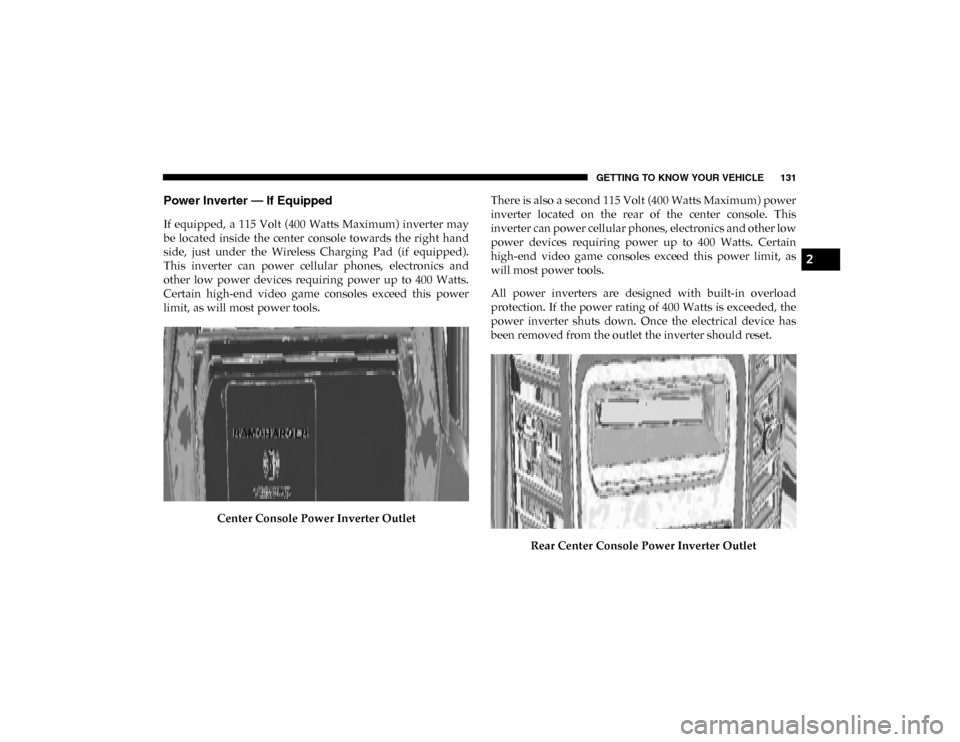
Power Inverter — If Equipped
If equipped, a 115 Volt (400 Watts Maximum) inverter may
be located inside the center console towards the right hand
side, just under the Wireless Charging Pad (if equipped).
This inverter can power cellular phones, electronics and
other low power devices requiring power up to 400 Watts.
Certain high-end video game consoles exceed this power
limit, as will most power tools.Center Console Power Inverter Outlet There is also a second 115 Volt (400 Watts Maximum) power
inverter located on the rear of the center console. This
inverter can power cellular phones, electronics and other low
power devices requiring power up to 400 Watts. Certain
high-end video game consoles exceed this power limit, as
will most power tools.
All power inverters are designed with built-in overload
protection. If the power rating of 400 Watts is exceeded, the
power inverter shuts down. Once the electrical device has
been removed from the outlet the inverter should reset.
Rear Center Console Power Inverter Outlet
2
2020_DT_1500_OM_US.book Page 131
Page 152 of 674

150 GETTING TO KNOW YOUR VEHICLE
Locking Tailgate
The tailgate can be locked using the key fob lock button.
TRI-FOLD TONNEAU COVER — IF EQUIPPED
Your vehicle may be equipped with a Tri-Fold Tonneau
Cover which consists of different features:
• Easy Tri-Fold cover
• Tonneau fore aft locator
• Crossbar inside bed locator
• Front and rear clamps
• Stowage strap
• Locking capability
Tri-Fold Tonneau Cover Removal
To remove the Tonneau Cover follow the following steps:
1. Open the tailgate to access the rear pair of Tonneau Coverclamps located on the underside of the Cover (left and
right side).
Clamped Position
2020_DT_1500_OM_US.book Page 150
Page 153 of 674
GETTING TO KNOW YOUR VEHICLE 151
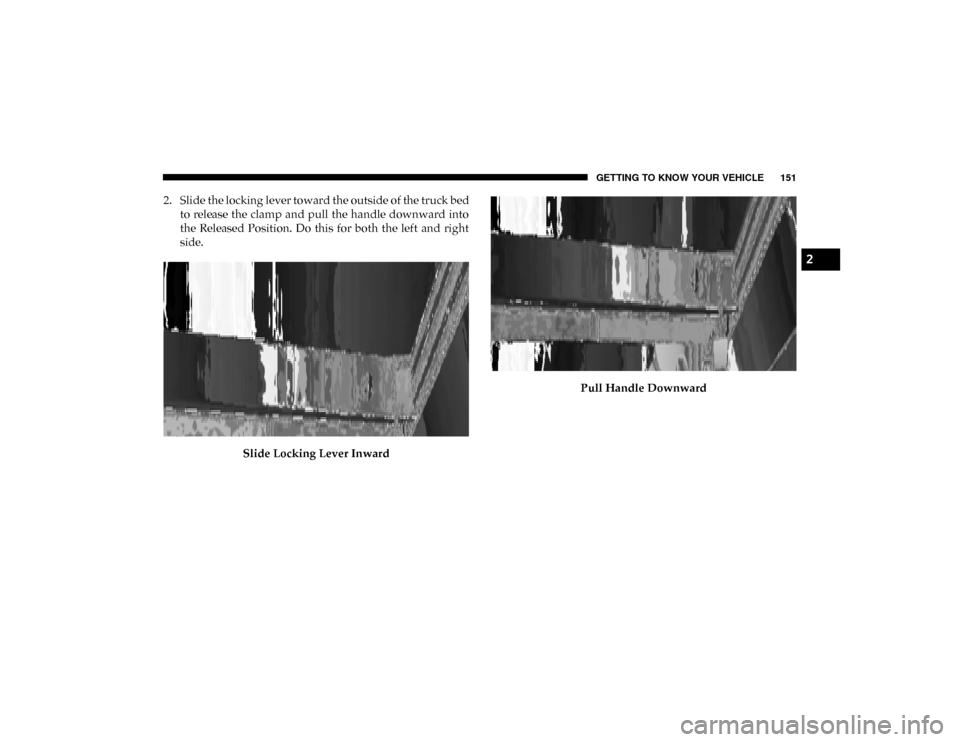
2. Slide the locking lever toward the outside of the truck bedto release the clamp and pull the handle downward into
the Released Position. Do this for both the left and right
side.
Slide Locking Lever Inward Pull Handle Downward
2
2020_DT_1500_OM_US.book Page 151
Page 154 of 674
152 GETTING TO KNOW YOUR VEHICLE
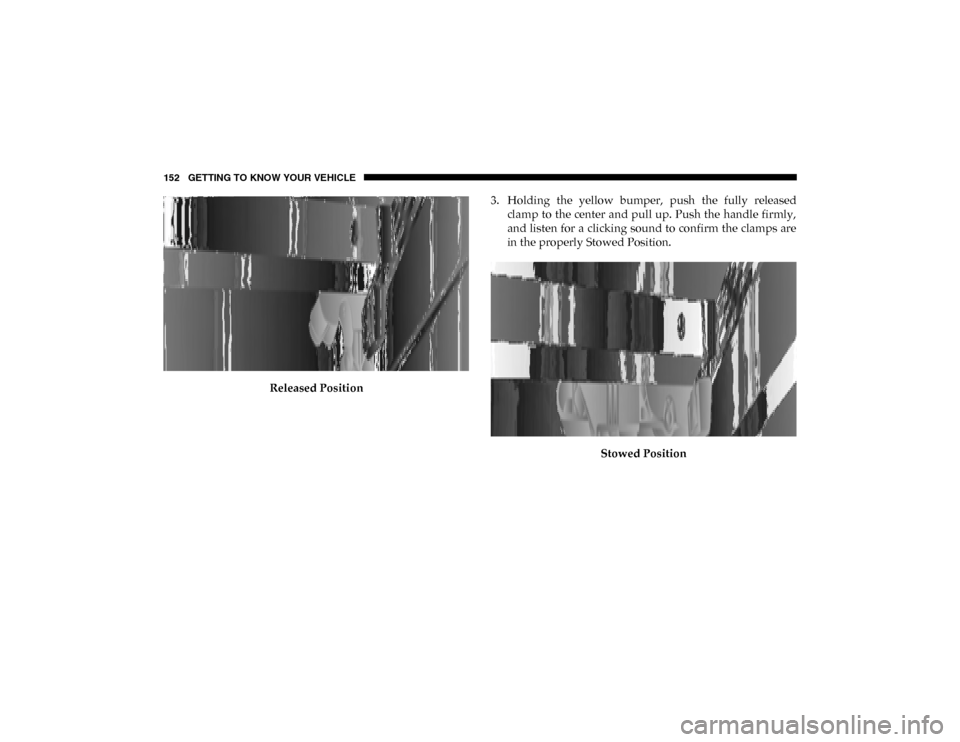
Released Position3. Holding the yellow bumper, push the fully released
clamp to the center and pull up. Push the handle firmly,
and listen for a clicking sound to confirm the clamps are
in the properly Stowed Position.
Stowed Position
2020_DT_1500_OM_US.book Page 152
Page 157 of 674

GETTING TO KNOW YOUR VEHICLE 155
7. Make sure to clip both stowage straps to prevent theTonneau Cover panels from unfolding.
Fully Folded Tonneau Cover
8. With two people, remove the cover. NOTE:
• Be sure the Tonneau Cover has been folded completely,
and the stowage straps are engaged, before removing.
• You can drive the vehicle with a fully folded Tonneau Cover. To do so, make sure both front latches and both
stowage straps are engaged. Damage to the Tonneau
Cover or vehicle might occur if the latches or stowage
straps are not engaged.
Tri-Fold Tonneau Cover Installation
To install the Tonneau Cover follow these steps:
1. Position the folded Tonneau Cover on the truck bed and push the cover forward against the front of the truck bed.
The Tonneau Cover centers itself when placed on the
vehicle.
1 — Stowage Strap
2 — Tonneau Cover Bumper And Seat
2
2020_DT_1500_OM_US.book Page 155
Page 158 of 674
156 GETTING TO KNOW YOUR VEHICLE
2. Slide the locking lever toward the outside of the truck bedand release the clamp, and pull the handle downward into
the Released Position. Do this for both the left and right side.
Slide Locking Lever Inward Released Position
2020_DT_1500_OM_US.book Page 156
Page 159 of 674
GETTING TO KNOW YOUR VEHICLE 157
3. Holding the lower end of the clamp, push it to the centerand pull up. Push the handle firmly and listen for a
clicking sound to confirm the clamps are set to the
Clamped Position.
J Hook Under Truck Flange NOTE:
Make sure the J Hook (1) locates itself under the truck flange.
Clamped Position
4. Disengage the stowage straps.
1 — Fully Engaged Swing Lever
2
2020_DT_1500_OM_US.book Page 157
Page 165 of 674

GETTING TO KNOW YOUR INSTRUMENT PANEL 163
7. Temperature Gauge• The pointer shows engine coolant temperature. Thepointer positioned within the normal range indicates
that the engine cooling system is operating satisfacto -
rily.
• The pointer will likely indicate a higher temperature when driving in hot weather, up mountain grades, or
when towing a trailer. It should not be allowed to
exceed the upper limits of the normal operating range.
WARNING!
A hot engine cooling system is dangerous. You or others
could be badly burned by steam or boiling coolant. You
may want to call an authorized dealer for service if your
vehicle overheats. Refer to “Cooling System Pressure
Cap” in “Servicing And Maintenance” for further
information if you decide to look under the hood.
CAUTION!
Driving with a hot engine cooling system could damage
your vehicle. If the temperature gauge reads “H,” pull
over and stop the vehicle. Idle the vehicle with the air
conditioner turned off until the pointer drops back into
the normal range. If the pointer remains on the “H,” turn
the engine off immediately and call an authorized dealer
for service.
3
2020_DT_1500_OM_US.book Page 163