brake light Ram 1500 2020 Service Manual
[x] Cancel search | Manufacturer: RAM, Model Year: 2020, Model line: 1500, Model: Ram 1500 2020Pages: 674, PDF Size: 32.69 MB
Page 567 of 674

MULTIMEDIA 565
Brakes — If Equipped
After pressing the Brakes button on the touchscreen, the following setting will be available:
Lights
After pressing the Lights button on the touchscreen, the following settings will be available:Setting Name
Selectable Options
Brake Service YesNo
NOTE:
Selecting the “Brake Service” feature will display a pop-up asking whether or not you would like to retract the park brakes
to all brake system service. Auto Park Brake OnOff
Setting Name Selectable Options
Headlight Off Delay 0 sec
30 sec
60 sec 90 sec
Headlight Illumination On Approach 0 sec
30 sec
60 sec 90 sec
NOTE:
When the “Headlight Illumination On Approach” feature is selected, it allows the adjustment of the amount of time the head -
lights remain on when the doors are unlocked with the key fob.
Headlights With Wipers — If Equipped On
Off
9
2020_DT_1500_OM_US.book Page 565
Page 573 of 674

MULTIMEDIA 571
Trailer Brake
After pressing the Trailer Brake button on the touchscreen, the following settings will be available:Wheel Alignment Mode
OnOff
NOTE:
The “Wheel Alignment Mode” feature prevents auto leveling of the air suspension while performing a wheel alignment
service. Before performing a wheel alignment, this mode must be enabled. Refer to an authorized dealer for further informa -
tion. Setting Name
Selectable Options
Setting NameSelectable Options
Trailer Select Trailer 1Trailer 2Trailer 3 Trailer 4
Trailer Brake Type Light Electric Heavy Electric Light EOHHeavy EOH
Trailer Name List of Trailer Names Available
NOTE:
You can select and personalize your trailer name depending on the type of trailer you are hauling. Select the trailer name
from the following list: trailer, boat, car, cargo, dump, equipment, flatbed, gooseneck, horse, livestock, motorcycle, snow
mobile, travel, utility, and 5th wheel.
9
2020_DT_1500_OM_US.book Page 571
Page 578 of 674
576 MULTIMEDIA
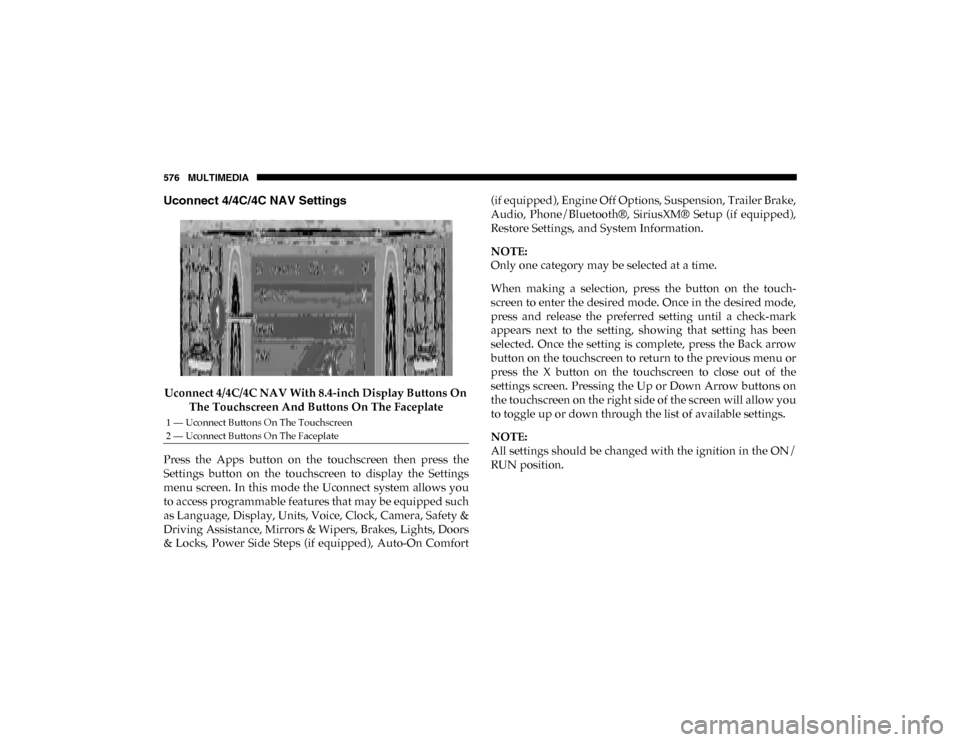
Uconnect 4/4C/4C NAV Settings
Uconnect 4/4C/4C NAV With 8.4-inch Display Buttons On The Touchscreen And Buttons On The Faceplate
Press the Apps button on the touchscreen then press the
Settings button on the touchscreen to display the Settings
menu screen. In this mode the Uconnect system allows you
to access programmable features that may be equipped such
as Language, Display, Units, Voice, Clock, Camera, Safety &
Driving Assistance, Mirrors & Wipers, Brakes, Lights, Doors
& Locks, Power Side Steps (if equipped), Auto-On Comfort (if equipped), Engine Off Options, Suspension, Trailer Brake,
Audio, Phone/Bluetooth®, SiriusXM® Setup (if equipped),
Restore Settings, and System Information.
NOTE:
Only one category may be selected at a time.
When making a selection, press the button on the touch
-
screen to enter the desired mode. Once in the desired mode,
press and release the preferred setting until a check-mark
appears next to the setting, showing that setting has been
selected. Once the setting is complete, press the Back arrow
button on the touchscreen to return to the previous menu or
press the X button on the touchscreen to close out of the
settings screen. Pressing the Up or Down Arrow buttons on
the touchscreen on the right side of the screen will allow you
to toggle up or down through the list of available settings.
NOTE:
All settings should be changed with the ignition in the ON/
RUN position.
1 — Uconnect Buttons On The Touchscreen
2 — Uconnect Buttons On The Faceplate
2020_DT_1500_OM_US.book Page 576
Page 584 of 674

582 MULTIMEDIA
Lane Sense Warning — If Equipped Early
MedLate
NOTE:
Sets what distance the steering wheel provides feedback for potential lane departures. Lane Sense Strength — If Equipped Low
MedHigh
ParkSense Sound Only Sound & Display
NOTE:
The Rear Park Assist system scans for objects behind the vehicle when the transmission gear selector is in REVERSE and the
vehicle speed is less than 7 mph (11 km/h). Front ParkSense Volume — If Equipped Low
MedHigh
Rear ParkSense Volume — If Equipped Low
MedHigh
Rear ParkSense Braking Assist — If Equipped On
Off
Power Side Steps — If Equipped Auto
Store
Blind Spot Alert — If Equipped Off
LightsLights & Chime
NOTE:
Brakes the vehicle while in reverse if potential rear collision is detected. Setting Name
Selectable Options
2020_DT_1500_OM_US.book Page 582
Page 586 of 674

584 MULTIMEDIA
Brakes
After pressing the Brakes button on the touchscreen, the following settings will be available:Rain Sensing Auto Wipers — If
Equipped On
Off
NOTE:
Automatically adjusts the wiper speed based on the amount of precipitation. Headlights with Wipers OnOff
Setting Name
Selectable Options
Setting NameSelectable Options
Brake Service YesNo
NOTE:
Selecting the “Brake Service” feature will display a pop-up asking whether or you would like to retract the park brakes to all
brake system service. Auto Park Brake OnOff
2020_DT_1500_OM_US.book Page 584
Page 602 of 674
600 MULTIMEDIA
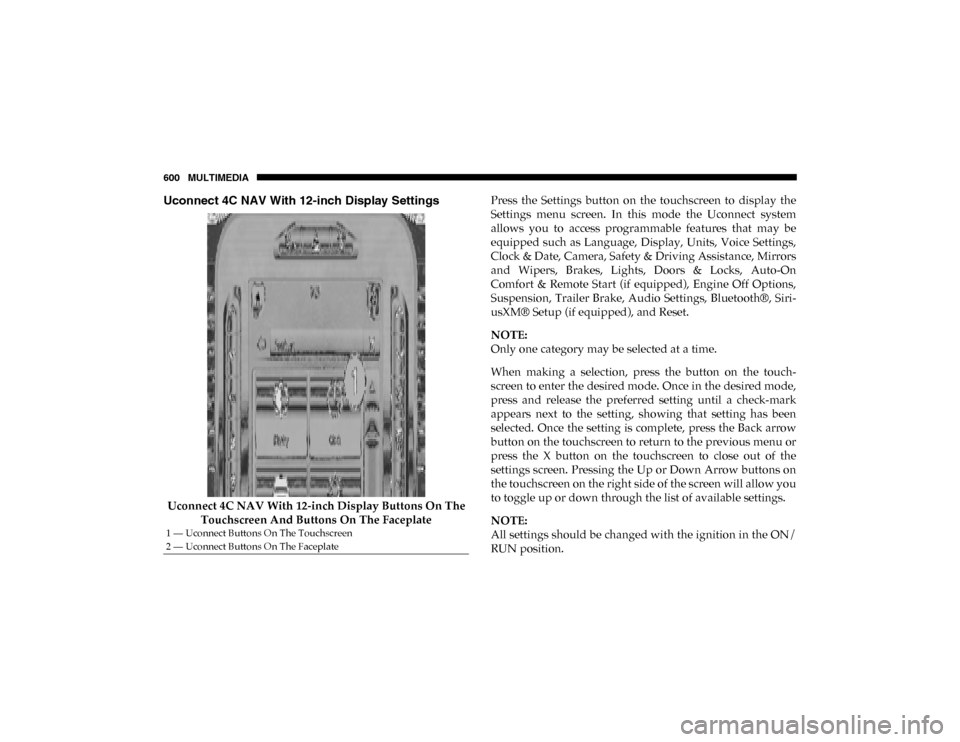
Uconnect 4C NAV With 12-inch Display Settings
Uconnect 4C NAV With 12-inch Display Buttons On The Touchscreen And Buttons On The Faceplate Press the Settings button on the touchscreen to display the
Settings menu screen. In this mode the Uconnect system
allows you to access programmable features that may be
equipped such as Language, Display, Units, Voice Settings,
Clock & Date, Camera, Safety & Driving Assistance, Mirrors
and Wipers, Brakes, Lights, Doors & Locks, Auto-On
Comfort & Remote Start (if equipped), Engine Off Options,
Suspension, Trailer Brake, Audio Settings, Bluetooth®, Siri
-
usXM® Setup (if equipped), and Reset.
NOTE:
Only one category may be selected at a time.
When making a selection, press the button on the touch -
screen to enter the desired mode. Once in the desired mode,
press and release the preferred setting until a check-mark
appears next to the setting, showing that setting has been
selected. Once the setting is complete, press the Back arrow
button on the touchscreen to return to the previous menu or
press the X button on the touchscreen to close out of the
settings screen. Pressing the Up or Down Arrow buttons on
the touchscreen on the right side of the screen will allow you
to toggle up or down through the list of available settings.
NOTE:
All settings should be changed with the ignition in the ON/
RUN position.
1 — Uconnect Buttons On The Touchscreen
2 — Uconnect Buttons On The Faceplate
2020_DT_1500_OM_US.book Page 600
Page 608 of 674

606 MULTIMEDIA
Lane Sense Warning — If Equipped Early
MedLate
NOTE:
Sets what distance the steering wheel provides feedback for potential lane departures. Lane Sense Strength — If Equipped Low
MedHigh
ParkSense Sound Only Sound & Display
NOTE:
The Rear Park Assist system scans for objects behind the vehicle when the transmission gear selector is in REVERSE and the
vehicle speed is less than 7 mph (11 km/h). Front ParkSense Volume LowMedHigh
Rear ParkSense Volume LowMedHigh
Rear ParkSense Braking Assist On
Off
NOTE:
Brakes the vehicle while in reverse if potential rear collision is detected. Blind Spot Alert OffLightsLights & Chime
Trailer Length For Blind Spot Alert Auto
Max (39.5 feet)
NOTE:
Auto detects the length of the trailer. Max sets all trailers to 39.5 ft (12 m). Setting Name
Selectable Options
2020_DT_1500_OM_US.book Page 606
Page 610 of 674

608 MULTIMEDIA
Brakes
After pressing the Brake button on the touchscreen, the following settings will be available:
Lights
After pressing the Lights button on the touchscreen, the following settings will be available:Setting Name
Selectable Options
Brake Service YesNo
NOTE:
Selecting the “Brake Service” feature will display a pop-up asking whether or you would like to retract the park brakes to all
break system service. Auto Park Brake OnOff
Setting Name Selectable Options
Headlight Off Delay -+
NOTE:
When the “Headlight Off Delay” feature is selected, the driver can choose to have the headlights remain on for 0, 30, 60, or
90 seconds when exiting the vehicle. Headlight Illumination On Approach –+
NOTE:
When the “Headlight Illumination On Approach” feature is selected, the headlights will activate and remain on for 0, 30, 60,
or 90 seconds when the doors are unlocked with the key fob.
2020_DT_1500_OM_US.book Page 608
Page 659 of 674

657
INDEX
A
Adaptive Cruise Control (ACC) (Cruise Control) ............. 340
Adding Engine Coolant (Antifreeze) ................................... 508
Adding Fuel ............................................................................. 403
Additives, Fuel ........................................................................ 550
Adjust Down....................................................................................... 46
Forward .................................................................................. 46
Rearward ................................................................................ 46
Up ............................................................................................ 46
Adjustable Pedals...................................................................... 58
Air Bag Air Bag Operation ............................................................... 249Air Bag Warning Light ............................................... 246, 250
Enhanced Accident Response ................................... 262, 481
Event Data Recorder (EDR) ............................................... 481
Front Air Bag ....................................................................... 250If Deployment Occurs ........................................................ 261
Knee Impact Bolsters .......................................................... 257Maintaining Your Air Bag System.................................... 263
Maintenance......................................................................... 263
Redundant Air Bag Warning Light .................................. 247
Transporting Pets ................................................................ 285
Air Bag Light ........................................................... 179, 246, 287 Air Cleaner, Engine (Engine Air Cleaner Filter).................494
Air Conditioner Maintenance ...............................................496
Air Conditioner Refrigerant ..........................................496, 497
Air Conditioner System..........................................................496
Air Conditioning ................................................................. 78, 90
Air Conditioning Filter .....................................................93, 497
Air Conditioning System .........................................................91
Air Conditioning, Operating Tips ..........................................92
Air Filter ...................................................................................494
Air Pressure Tires .......................................................................................526
Air Suspension ................................................................319, 325
Alarm Panic ........................................................................................20
Security Alarm ...............................................................33, 180
Alterations/Modifications Vehicle.....................................................................................15
Android Auto ..........................................................................647
Antifreeze (Engine Coolant) ..........................................507, 553 Disposal ................................................................................509
Anti-Lock Brake System (ABS) .............................................198
Anti-Lock Warning Light.......................................................187
Apple CarPlay .........................................................................648
Assist, Hill Start .......................................................................207
11
2020_DT_1500_OM_US.book Page 657
Page 660 of 674

658
Audio Systems (Radio) .......................................................... 557
Auto Down Power Windows .................................................. 95Auto Unlock, Doors ................................................................ 308
Automatic Door Locks ............................................................. 41
Automatic Headlights .............................................................. 70
Automatic High Beams ............................................................ 68
Automatic Tailgate Release ................................................... 107
Automatic Temperature Control (ATC) ................................ 91
Automatic Transmission ................................................ 304, 514 Adding Fluid ....................................................................... 514Fluid And Filter Change .................................................... 514
Fluid Change........................................................................ 514
Fluid Level Check ....................................................... 513, 514
Fluid Type .................................................................... 513, 556
Special Additives................................................................. 514
Automatic Transmission Limp Home Mode ...................... 308
Auxiliary Driving Systems .................................................... 211
Axle Fluid......................................................................... 515, 556
Axle Lubrication...................................................................... 515 B
Back-Up .................................................................................... 396
Back-Up Camera ..................................................................... 396
Battery............................................................................... 181, 491 Charging System Light....................................................... 181
Keyless Key Fob Replacement ............................................ 21
Battery Saver Feature ............................................................... 73 Belts, Seat ..................................................................................286
Blind Spot Monitoring ............................................................ 211
Body Builders Guide ................................................................14
Body Mechanism Lubrication ...............................................502
B-Pillar Location ......................................................................521
Brake Assist System ................................................................200
Brake Control System .............................................................199
Brake Fluid .......................................................................512, 556
Brake System....................................................................512, 546 Fluid Check ..........................................................................512
Master Cylinder ...................................................................512Parking ..................................................................................297
Warning Light......................................................................179
Brake/Transmission Interlock ..............................................304
Bulb Replacement ...................................................................436
Bulbs, Light ......................................................................289, 436 C
Camera...................................................................................... 396
Camera, Rear....................................................................396, 398
Camper .....................................................................................146
Capacities, Fuel........................................................................553
Caps, Filler Oil (Engine) ..................................................................487, 493
Radiator (Coolant Pressure)...............................................509
Car Washes ..............................................................................540
Carbon Monoxide Warning ...........................................286, 552
2020_DT_1500_OM_US.book Page 658