ECU Ram ProMaster City 2020 Service Manual
[x] Cancel search | Manufacturer: RAM, Model Year: 2020, Model line: ProMaster City, Model: Ram ProMaster City 2020Pages: 350, PDF Size: 13.27 MB
Page 225 of 350
222 IN CASE OF EMERGENCY
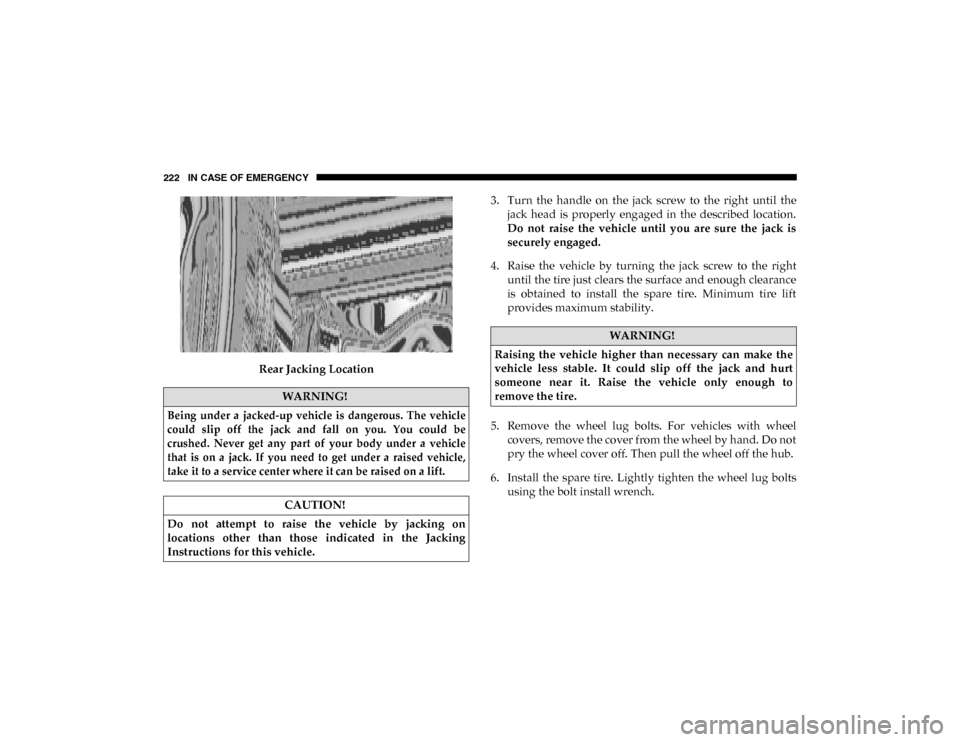
Rear Jacking Location3. Turn the handle on the jack screw to the right until the
jack head is properly engaged in the described location.
Do not raise the vehicle until you are sure the jack is
securely engaged.
4. Raise the vehicle by turning the jack screw to the right until the tire just clears the surface and enough clearance
is obtained to install the spare tire. Minimum tire lift
provides maximum stability.
5. Remove the wheel lug bolts. For vehicles with wheel covers, remove the cover from the wheel by hand. Do not
pry the wheel cover off. Then pull the wheel off the hub.
6. Install the spare tire. Lightly tighten the wheel lug bolts using the bolt install wrench.
WARNING!
Being under a jacked-up vehicle is dangerous. The vehicle
could slip off the jack and fall on you. You could be
crushed. Never get any part of your body under a vehicle
that is on a jack. If you need to get under a raised vehicle,
take it to a service center where it can be raised on a lift.
CAUTION!
Do not attempt to raise the vehicle by jacking on
locations other than those indicated in the Jacking
Instructions for this vehicle.
WARNING!
Raising the vehicle higher than necessary can make the
vehicle less stable. It could slip off the jack and hurt
someone near it. Raise the vehicle only enough to
remove the tire.
2020_RAM_PROMASTER_CITY_OM_USA=GUID-7B6A7FCA-79B0-423F-95C5-ED2A949C3D13=1=en=.book Page 222
Page 226 of 350
IN CASE OF EMERGENCY 223
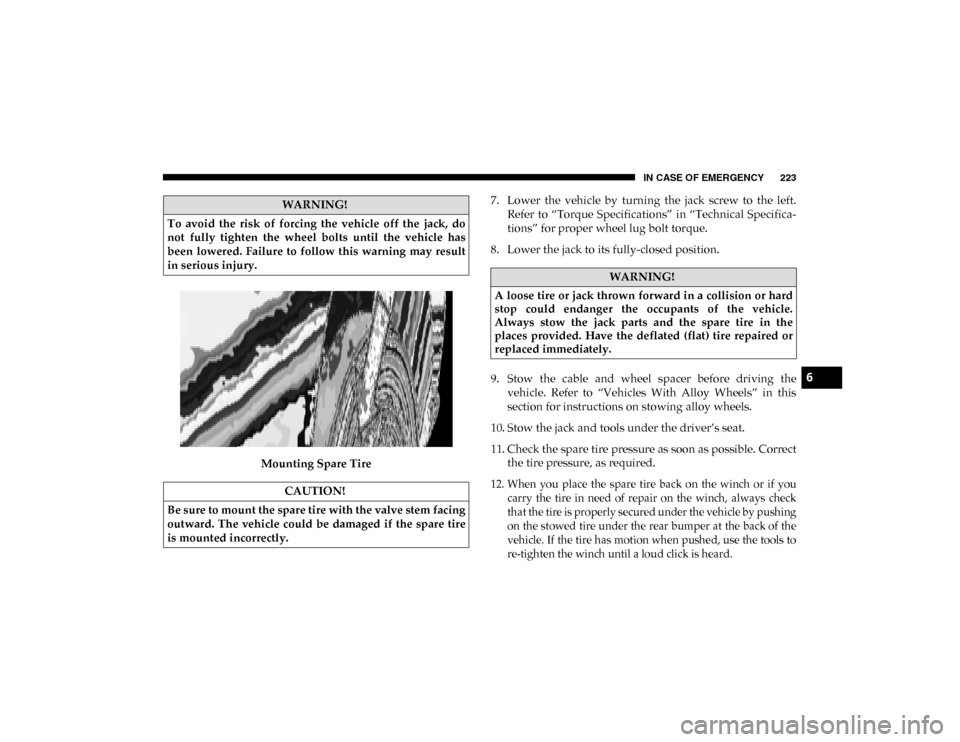
Mounting Spare Tire7. Lower the vehicle by turning the jack screw to the left.
Refer to “Torque Specifications” in “Technical Specifica -
tions” for proper wheel lug bolt torque.
8. Lower the jack to its fully-closed position.
9. Stow the cable and wheel spacer before driving the vehicle. Refer to “Vehicles With Alloy Wheels” in this
section for instructions on stowing alloy wheels.
10. Stow the jack and tools under the driver’s seat.
11. Check the spare tire pressure as soon as possible. Correct the tire pressure, as required.
12. When you place the spare tire back on the winch or if you carry the tire in need of repair on the winch, always check
that the tire is properly secured under the vehicle by pushing
on the stowed tire under the rear bumper at the back of the
vehicle. If the tire has motion when pushed, use the tools to
re-tighten the winch until a loud click is heard.
WARNING!
To avoid the risk of forcing the vehicle off the jack, do
not fully tighten the wheel bolts until the vehicle has
been lowered. Failure to follow this warning may result
in serious injury.
CAUTION!
Be sure to mount the spare tire with the valve stem facing
outward. The vehicle could be damaged if the spare tire
is mounted incorrectly.
WARNING!
A loose tire or jack thrown forward in a collision or hard
stop could endanger the occupants of the vehicle.
Always stow the jack parts and the spare tire in the
places provided. Have the deflated (flat) tire repaired or
replaced immediately.
6
2020_RAM_PROMASTER_CITY_OM_USA=GUID-7B6A7FCA-79B0-423F-95C5-ED2A949C3D13=1=en=.book Page 223
Page 227 of 350
224 IN CASE OF EMERGENCY
Vehicles With Alloy Wheels
For stowing a damaged tire on vehicles with alloy wheels,
remove the adapter bracket and bolts from the storage bag in
the glove compartment and follow the steps below:
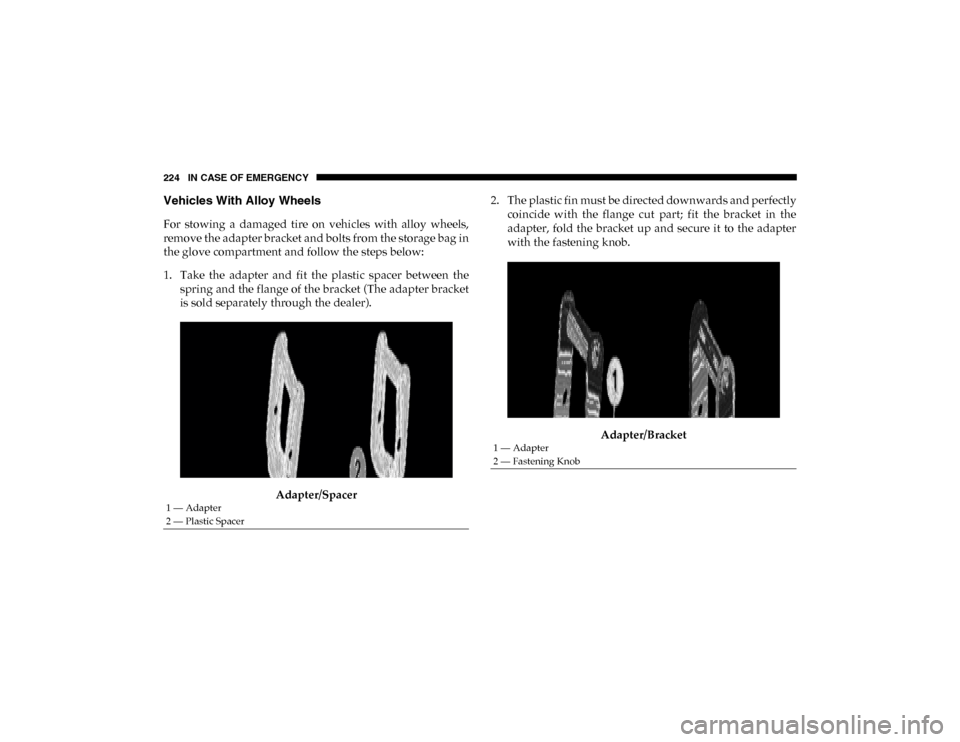
1. Take the adapter and fit the plastic spacer between thespring and the flange of the bracket (The adapter bracket
is sold separately through the dealer).
Adapter/Spacer 2. The plastic fin must be directed downwards and perfectly
coincide with the flange cut part; fit the bracket in the
adapter, fold the bracket up and secure it to the adapter
with the fastening knob.
Adapter/Bracket
1 — Adapter
2 — Plastic Spacer
1 — Adapter
2 — Fastening Knob
2020_RAM_PROMASTER_CITY_OM_USA=GUID-7B6A7FCA-79B0-423F-95C5-ED2A949C3D13=1=en=.book Page 224
Page 228 of 350
IN CASE OF EMERGENCY 225
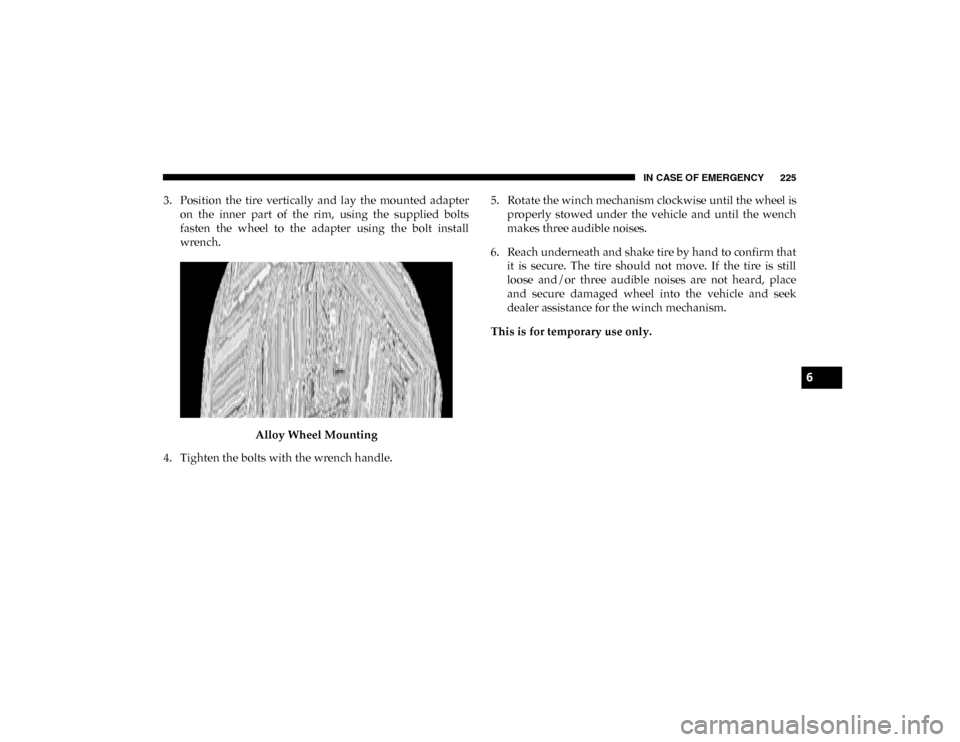
3. Position the tire vertically and lay the mounted adapteron the inner part of the rim, using the supplied bolts
fasten the wheel to the adapter using the bolt install
wrench.
Alloy Wheel Mounting
4. Tighten the bolts with the wrench handle. 5. Rotate the winch mechanism clockwise until the wheel is
properly stowed under the vehicle and until the wench
makes three audible noises.
6. Reach underneath and shake tire by hand to confirm that it is secure. The tire should not move. If the tire is still
loose and/or three audible noises are not heard, place
and secure damaged wheel into the vehicle and seek
dealer assistance for the winch mechanism.
This is for temporary use only.
6
2020_RAM_PROMASTER_CITY_OM_USA=GUID-7B6A7FCA-79B0-423F-95C5-ED2A949C3D13=1=en=.book Page 225
Page 242 of 350
IN CASE OF EMERGENCY 239
Proper towing or lifting equipment is required to prevent
damage to your vehicle. Use only tow bars and other equip-
ment designed for this purpose, following equipment manu-
facturer’s instructions. Use of safety chains is mandatory.
Attach a tow bar or other towing device to main structural
members of the vehicle, not to bumpers or associated
brackets. State and local laws regarding vehicles under tow
must be observed.
If you must use the accessories (wipers, defrosters, etc.)
while being towed, the ignition must be in the ON/RUN
mode.
If the ignition key is unavailable, or the vehicle's battery is
discharged, refer to “Gear Selector Override” in this section
for instructions on shifting the transmission out of PARK (P)
for towing. The manufacturer recommends towing your vehicle with all
four wheels OFF the ground using a flatbed.
If flatbed equipment is not available, this vehicle must be
towed with the front wheels OFF the ground (using a towing
dolly, or wheel lift equipment with the front wheels raised).
CAUTION!
• Do not use sling type equipment when towing. Vehicle damage may occur.
• When securing the vehicle to a flat bed truck, do not attach to front or rear suspension components. Damage
to your vehicle may result from improper towing.
CAUTION!
Towing this vehicle in violation of the above
requirements can cause severe transmission damage.
Damage from improper towing is not covered under the
New Vehicle Limited Warranty.
6
2020_RAM_PROMASTER_CITY_OM_USA=GUID-7B6A7FCA-79B0-423F-95C5-ED2A949C3D13=1=en=.book Page 239
Page 256 of 350

SERVICING AND MAINTENANCE 253
Wiper Service Position
If it is necessary to lift the blade from the windshield (In the
event of snow or blade replacement) Proceed as directed:
1. Rotate the end of the multifunction lever to the OFF posi-
tion.
2. Turn the ignition to the MAR-ON position then to STOP.
3. After turning the ignition to the STOP, within two minutes move the right stalk upward, into the unstable
(“anti-panic”) position, for at least half of a second. The
windshield wiper then executes part of a stroke; at each
command, approximately 1/3 of a normal wiper stroke is
triggered.
NOTE:
The previous operation can be repeated up to three times. In
order to move the blades to the most suitable position.
4. Lift the blade from the windshield and proceed with the required operation. 5. Carefully lower the blade, bringing it back in contact with
the windshield.
6. Bring the blade to the initial rest position, turning the ignition to MAR-ON.
NOTE:
Do not operate the wiper with the blades lifted from the
windshield.
Exhaust System
The best protection against carbon monoxide entry into the
vehicle body is a properly maintained engine exhaust
system.
If you notice a change in the sound of the exhaust system; or
if the exhaust fumes can be detected inside the vehicle; or
when the underside or rear of the vehicle is damaged; have
an authorized technician inspect the complete exhaust
system and adjacent body areas for broken, damaged, dete -
riorated, or mispositioned parts. Open seams or loose
connections could permit exhaust fumes to seep into the
passenger compartment. In addition, have the exhaust
system inspected each time the vehicle is raised for lubrica -
tion or oil change. Replace as required.
7
2020_RAM_PROMASTER_CITY_OM_USA=GUID-7B6A7FCA-79B0-423F-95C5-ED2A949C3D13=1=en=.book Page 253
Page 263 of 350
260 SERVICING AND MAINTENANCE
(Continued)
Brake System
In order to ensure brake system performance, all brake
system components should be inspected periodically. Refer
to the “Maintenance Plan” in this section for the proper
maintenance intervals.
Brake Master Cylinder
The fluid in the master cylinder should be checked when
performing under hood services or immediately if the
“Brake Warning Light” is illuminated.
Be sure to clean the top of the master cylinder area before
removing the cap. If necessary, add fluid to bring the fluid
level up to the requirements described on the brake fluid
reservoir. With disc brakes, fluid level can be expected to fallas the brake pads wear. Brake fluid level should be checked
when pads are replaced. However, low fluid level may be
caused by a leak and a checkup may be needed.
Use only manufacturer's recommended brake fluid. Refer to
“Fluids And Lubricants” in “Technical Specifications” for
further information.
WARNING!
Riding the brakes can lead to brake failure and possibly
a collision. Driving with your foot resting or riding on
the brake pedal can result in abnormally high brake
temperatures, excessive lining wear, and possible brake
damage. You would not have your full braking capacity
in an emergency.
WARNING!
• Use only manufacturer's recommended brake fluid. Refer to “Fluids And Lubricants” in “Technical Speci -
fications” for further information. Using the wrong
type of brake fluid can severely damage your brake
system and/or impair its performance. The proper type
of brake fluid for your vehicle is also identified on the
original factory installed hydraulic master cylinder
reservoir.
• To avoid contamination from foreign matter or mois -
ture, use only new brake fluid or fluid that has been in
a tightly closed container. Keep the master cylinder
reservoir cap secured at all times. Brake fluid in a open
container absorbs moisture from the air resulting in a
lower boiling point. This may cause it to boil unexpect -
edly during hard or prolonged braking, resulting in
sudden brake failure. This could result in a collision.
2020_RAM_PROMASTER_CITY_OM_USA=GUID-7B6A7FCA-79B0-423F-95C5-ED2A949C3D13=1=en=.book Page 260
Page 308 of 350
305
(Continued)
MULTIMEDIA
UCONNECT SYSTEMS
For detailed information about your Uconnect system, refer
to your Uconnect Owner’s Manual Supplement.
NOTE:
Uconnect screen images are for illustration purposes only
and may not reflect exact software for your vehicle.
CYBERSECURITY
Your vehicle may be a connected vehicle and may be
equipped with both wired and wireless networks. These
networks allow your vehicle to send and receive informa-
tion. This information allows systems and features in your
vehicle to function properly.
Your vehicle may be equipped with certain security features
to reduce the risk of unauthorized and unlawful access to
vehicle systems and wireless communications. Vehicle soft -
ware technology continues to evolve over time and FCA US
LLC, working with its suppliers, evaluates and takes appro -priate steps as needed. Similar to a computer or other
devices, your vehicle may require software updates to
improve the usability and performance of your systems or to
reduce the potential risk of unauthorized and unlawful
access to your vehicle systems.
The risk of unauthorized and unlawful access to your vehicle
systems may still exist, even if the most recent version of
vehicle software (such as Uconnect software) is installed.WARNING!
• It is not possible to know or to predict all of the possible outcomes if your vehicle’s systems are
breached. It may be possible that vehicle systems,
including safety related systems, could be impaired or
a loss of vehicle control could occur that may result in
an accident involving serious injury or death.
9
2020_RAM_PROMASTER_CITY_OM_USA=GUID-7B6A7FCA-79B0-423F-95C5-ED2A949C3D13=1=en=.book Page 305
Page 309 of 350
306 MULTIMEDIA
NOTE:
• FCA US LLC or your dealer may contact you directlyregarding software updates.
• To help further improve vehicle security and minimize the potential risk of a security breach, vehicle owners should:
• Routinely check www.driveuconnect.com/support/
software-update.html (US Residents) or www.driveu-
connect.ca (Canadian Residents) to learn about avail -
able Uconnect software updates.
• Only connect and use trusted media devices (e.g. personal mobile phones, USBs, CDs). Privacy of any wireless and wired communications cannot
be assured. Third parties may unlawfully intercept informa
-
tion and private communications without your consent. For
further information, refer to “Onboard Diagnostic System
(OBD II) Cybersecurity” in “Getting To Know Your Instru-
ment Panel”.
UCONNECT SETTINGS
The Uconnect system uses a combination of buttons on the
touchscreen and buttons on the faceplate located on the
center of the instrument panel that allows you to access and
change the customer programmable features. Many features
can vary by vehicle.
• ONLY insert media (e.g., USB, SD card, or CD) into
your vehicle if it came from a trusted source. Media of
unknown origin could possibly contain malicious soft -
ware, and if installed in your vehicle, it may increase
the possibility for vehicle systems to be breached.
• As always, if you experience unusual vehicle behavior, take your vehicle to your nearest authorized dealer
immediately.
WARNING! (Continued)
CAUTION!
Do NOT attach any object to the touchscreen, doing so
can result in damage to the touchscreen.
2020_RAM_PROMASTER_CITY_OM_USA=GUID-7B6A7FCA-79B0-423F-95C5-ED2A949C3D13=1=en=.book Page 306
Page 338 of 350

335
INDEX
A
Adding Engine Coolant (Antifreeze) ................................... 256
Additives, Fuel ........................................................................ 299
Air Bag Air Bag Operation ............................................................... 124Driver Knee Air Bag ........................................................... 125
Enhanced Accident Response ................................... 131, 240
Event Data Recorder (EDR) ............................................... 240
Front Air Bag ....................................................................... 122If Deployment Occurs ........................................................ 130
Knee Impact Bolsters .......................................................... 124Maintaining Your Air Bag System.................................... 132
Maintenance......................................................................... 132
Transporting Pets ................................................................ 153
Air Bag Light ..................................................................... 84, 154
Air Cleaner, Engine (Engine Air Cleaner Filter) ................ 250
Air Conditioner Maintenance ............................................... 251
Air Conditioner Refrigerant .................................................. 251
Air Conditioner System ......................................................... 251
Air Conditioning Filter ............................................................ 59
Air Conditioning, Operating Tips .................................... 57, 59 Air Filter ................................................................................... 250 Air Pressure
Tires .......................................................................................277
Alarm Security Alarm .......................................................................21
Alterations/Modifications Vehicle.....................................................................................12
Antifreeze (Engine Coolant) ..........................................256, 301 Disposal ................................................................................258
Anti-Lock Brake System (ABS) ...............................................97 Anti-Lock Warning Light.........................................................88
Assist, Hill Start .......................................................................101
Audio Systems (Radio)........................................................... 305
Auto Down Power Windows ..................................................61
Auto Up Power Windows .......................................................61Automatic Transmission ................................................163, 164 Adding Fluid................................................................263, 304
Fluid And Filter Change ....................................................263
Fluid Change........................................................................263Fluid Level Check........................................................261, 262
Fluid Type ....................................................................261, 304
Special Additives .................................................................262
Auxiliary Electrical Outlet (Power Outlet) ............................70
Axle Fluid .................................................................................304
11
2020_RAM_PROMASTER_CITY_OM_USA=GUID-7B6A7FCA-79B0-423F-95C5-ED2A949C3D13=1=en=.book Page 335