AUX Ram ProMaster City 2020 Owner's Manual
[x] Cancel search | Manufacturer: RAM, Model Year: 2020, Model line: ProMaster City, Model: Ram ProMaster City 2020Pages: 350, PDF Size: 13.27 MB
Page 7 of 350

4
WARNING LIGHTS AND MESSAGES .......................... 84
Red Warning Lights ...................................................... 84
Yellow Warning Lights................................................. 88
Green Indicator Lights .................................................. 92
Blue Indicator Lights ..................................................... 93
ONBOARD DIAGNOSTIC SYSTEM — OBD II ............. 94
Onboard Diagnostic System (OBD II)
Cybersecurity ................................................................. 94
EMISSIONS INSPECTION AND MAINTENANCE
PROGRAMS ....................................................................... 95
SAFETY
SAFETY FEATURES ........................................................... 97
Four-Wheel Anti-Lock Brake System (ABS) ............ 97
Electronic Brake Control (EBC) System .................... 98
AUXILIARY DRIVING SYSTEMS .................................. 103
Tire Pressure Monitoring System (TPMS) ............. 103
OCCUPANT RESTRAINT SYSTEMS ........................... 108
Occupant Restraint Systems ...................................... 108
Important Safety Precautions .................................... 108
Seat Belt Systems ........................................................ 109
Supplemental Restraint Systems (SRS) .................... 120
Child Restraints ......................................................... 133
Transporting Pets ..................................................... 153
SAFETY TIPS ...................................................................153
Transporting Passengers ............................................153
Exhaust Gas ..............................................................153
Safety Checks You Should Make Inside
The Vehicle ..................................................................154
Periodic Safety Checks You Should Make Outside
The Vehicle ...................................................................156
STARTING AND OPERATING
STARTING THE ENGINE ..............................................157
Automatic Transmission.............................................157
Normal Starting ........................................................... 157
Cold Weather Operation ...........................................158
Extended Park Starting ...............................................158
If Engine Fails To Start ..............................................158
After Starting ................................................................159
ENGINE BLOCK HEATER — IF EQUIPPED .............159
ENGINE BREAK-IN RECOMMENDATIONS ............160
PARKING BRAKE ........................................................... 161
AUTOMATIC TRANSMISSION ....................................163
Key Ignition Park Interlock ........................................164
Brake/Transmission Shift Interlock System ............164
Nine-Speed Automatic Transmission ......................164
2020_RAM_PROMASTER_CITY_OM_USA=GUID-7B6A7FCA-79B0-423F-95C5-ED2A949C3D13=1=en=.book Page 4
Page 20 of 350
GETTING TO KNOW YOUR VEHICLE 17
Le présent appareil est conforme aux CNR d`Innovation,
Science and Economic Development applicables aux appar-
eils radio exempts de licence. L'exploitation est autorisée aux
deux conditions suivantes:
1. l'appareil ne doit pas produire de brouillage, et
2. l'utilisateur de l'appareil doit accepter tout brouillage radioélectrique subi, même si le brouillage est susceptible
d'en compromettre le fonctionnement.
La operación de este equipo está sujeta a las siguientes dos
condiciones:
1. es posible que este equipo o dispositivo no cause interfer -
encia perjudicial y
2. este equipo o dispositivo debe aceptar cualquier interfer- encia, incluyendo la que pueda causar su operación no
deseada.
NOTE:
Changes or modifications not expressly approved by the
party responsible for compliance could void the user’s
authority to operate the equipment.IGNITION SWITCH
Ignition Key Removal
1. Place the gear selector in PARK.
2. Rotate the key to the STOP (OFF/LOCK) position.
3. Remove the key from the ignition switch lock cylinder.
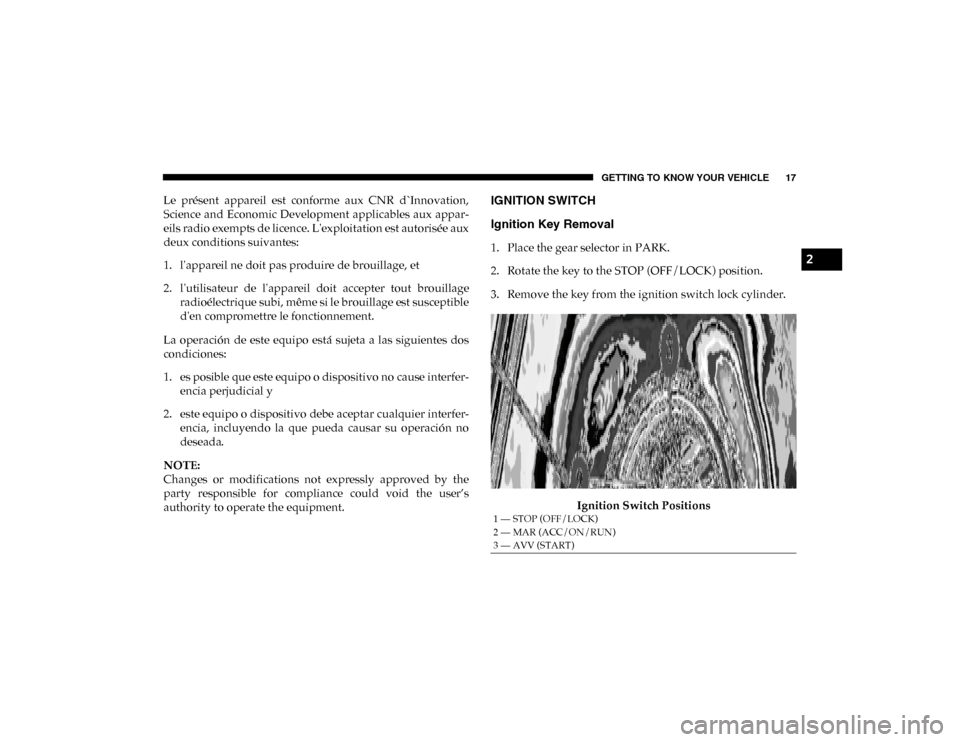
Ignition Switch Positions
1 — STOP (OFF/LOCK)
2 — MAR (ACC/ON/RUN)
3 — AVV (START)
2
2020_RAM_PROMASTER_CITY_OM_USA=GUID-7B6A7FCA-79B0-423F-95C5-ED2A949C3D13=1=en=.book Page 17
Page 23 of 350

20 GETTING TO KNOW YOUR VEHICLE
General Information
The following regulatory statement applies to all Radio
Frequency (RF) devices equipped in this vehicle:
This device complies with Part 15 of the FCC Rules and with
Innovation, Science and Economic Development Canada
license-exempt RSS standard(s). Operation is subject to the
following two conditions:
1. This device may not cause harmful interference, and
2. This device must accept any interference received,including interference that may cause undesired opera -
tion.
Le présent appareil est conforme aux CNR d`Innovation,
Science and Economic Development applicables aux appar -
eils radio exempts de licence. L'exploitation est autorisée aux
deux conditions suivantes:
1. l'appareil ne doit pas produire de brouillage, et
2. l'utilisateur de l'appareil doit accepter tout brouillage radioélectrique subi, même si le brouillage est susceptible
d'en compromettre le fonctionnement. La operación de este equipo está sujeta a las siguientes dos
condiciones:
1. es posible que este equipo o dispositivo no cause interfer
-
encia perjudicial y
2. este equipo o dispositivo debe aceptar cualquier interfer -
encia, incluyendo la que pueda causar su operación no
deseada.
NOTE:
Changes or modifications not expressly approved by the
party responsible for compliance could void the user’s
authority to operate the equipment.
2020_RAM_PROMASTER_CITY_OM_USA=GUID-7B6A7FCA-79B0-423F-95C5-ED2A949C3D13=1=en=.book Page 20
Page 106 of 350

SAFETY 103
AUXILIARY DRIVING SYSTEMS
Tire Pressure Monitoring System (TPMS)
The Tire Pressure Monitoring System (TPMS) will warn the
driver of a low tire pressure based on the vehicle recom-
mended cold placard pressure.
The tire pressure will vary with temperature by about 1 psi
(7 kPa) for every 12°F (6.5°C). This means that when the
outside temperature decreases, the tire pressure will
decrease. Tire pressure should always be set based on cold
inflation tire pressure. This is defined as the tire pressure
after the vehicle has not been driven for at least three hours,
or driven less than 1 mile (1.6 km) after a three hour period.
The cold tire inflation pressure must not exceed the
maximum inflation pressure molded into the tire sidewall.
Refer to “Tires” in “Servicing And Maintenance” for infor -
mation on how to properly inflate the vehicle’s tires. The tire
pressure will also increase as the vehicle is driven - this is
normal and there should be no adjustment for this increased
pressure.
The TPMS will warn the driver of a low tire pressure if the
tire pressure falls below the low-pressure warning limit for
any reason, including low temperature effects and natural
pressure loss through the tire. The TPMS will continue to warn the driver of low tire pres
-
sure as long as the condition exists, and will not turn off until
the tire pressure is at or above the recommended cold
placard pressure. Once the low tire pressure warning (TPMS
Warning Light) illuminates, you must increase the tire pres -
sure to the recommended cold placard pressure in order for
the TPMS Warning Light to turn off. The system will auto -
matically update and the TPMS Warning Light will turn off
once the system receives the updated tire pressures. The
vehicle may need to be driven for up to 20 minutes above
15 mph (24 km/h) in order for the TPMS to receive this infor -
mation.
NOTE:
When filling warm tires, the tire pressure may need to be
increased up to an additional 4 psi (28 kPa) above the recom -
mended cold placard pressure in order to turn the TPMS
Warning Light off.
For example, your vehicle may have a recommended cold
(parked for more than three hours) placard pressure of 30 psi
(207 kPa). If the ambient temperature is 68°F (20°C) and the
measured tire pressure is 27 psi (186 kPa), a temperature
drop to 20°F (-7°C) will decrease the tire pressure to approx -
imately 23 psi (158 kPa). This tire pressure is sufficiently low
enough to turn on the TPMS Warning Light. Driving the
vehicle may cause the tire pressure to rise to approximately
4
2020_RAM_PROMASTER_CITY_OM_USA=GUID-7B6A7FCA-79B0-423F-95C5-ED2A949C3D13=1=en=.book Page 103
Page 110 of 350

SAFETY 107
General Information
The following regulatory statement applies to all Radio
Frequency (RF) devices equipped in this vehicle:
This device complies with Part 15 of the FCC Rules and with
Innovation, Science and Economic Development Canada
license-exempt RSS standard(s). Operation is subject to the
following two conditions:
1. This device may not cause harmful interference, and
2. This device must accept any interference received,including interference that may cause undesired opera -
tion.
Le présent appareil est conforme aux CNR d`Innovation,
Science and Economic Development applicables aux appar -
eils radio exempts de licence. L'exploitation est autorisée aux
deux conditions suivantes:
1. l'appareil ne doit pas produire de brouillage, et
2. l'utilisateur de l'appareil doit accepter tout brouillage radioélectrique subi, même si le brouillage est susceptible
d'en compromettre le fonctionnement. La operación de este equipo está sujeta a las siguientes dos
condiciones:
1. es posible que este equipo o dispositivo no cause interfer
-
encia perjudicial y
2. este equipo o dispositivo debe aceptar cualquier interfer -
encia, incluyendo la que pueda causar su operación no
deseada.
NOTE:
Changes or modifications not expressly approved by the
party responsible for compliance could void the user’s
authority to operate the equipment.
4
2020_RAM_PROMASTER_CITY_OM_USA=GUID-7B6A7FCA-79B0-423F-95C5-ED2A949C3D13=1=en=.book Page 107
Page 317 of 350

314 MULTIMEDIA
Phone/Bluetooth®
After pressing the Phone/Bluetooth® button on the touchscreen, the following settings will be available:Auto-On Radio — If
Equipped On
OffRecall Last
NOTE:
Press the Auto-On Radio button on the touchscreen to set how the radio behaves when the ignition is switched to ON/RUN. AUX Volume Offset + –
NOTE:
This feature provides the ability to tune the audio level for portable devices connected through the AUX input. Auto Play On Off
NOTE:
The Auto Play feature allows a media device to begin playing when the media device is plugged in. To make your selection,
press the On or Off buttons to activate or deactivate Auto Play.
Setting Name
Selectable Options
Setting NameSelectable Options
Paired Phones/Devices List of Paired Phones/Devices
NOTE:
This feature shows which phones are paired to the Phone system. For further information, refer to the Uconnect Owner’s
Manual Supplement.
2020_RAM_PROMASTER_CITY_OM_USA=GUID-7B6A7FCA-79B0-423F-95C5-ED2A949C3D13=1=en=.book Page 314
Page 320 of 350
MULTIMEDIA 317
STEERING WHEEL AUDIO CONTROLS — IF
EQUIPPED
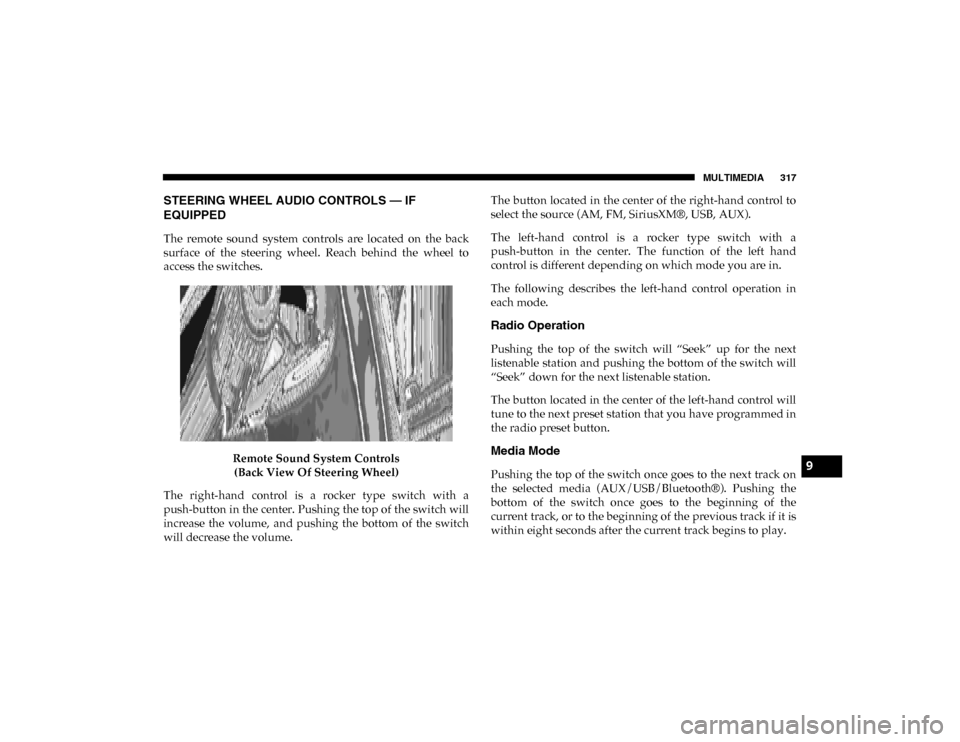
The remote sound system controls are located on the back
surface of the steering wheel. Reach behind the wheel to
access the switches.Remote Sound System Controls(Back View Of Steering Wheel)
The right-hand control is a rocker type switch with a
push-button in the center. Pushing the top of the switch will
increase the volume, and pushing the bottom of the switch
will decrease the volume. The button located in the center of the right-hand control to
select the source (AM, FM, SiriusXM®, USB, AUX).
The left-hand control is a rocker type switch with a
push-button in the center. The function of the left hand
control is different depending on which mode you are in.
The following describes the left-hand control operation in
each mode.
Radio Operation
Pushing the top of the switch will “Seek” up for the next
listenable station and pushing the bottom of the switch will
“Seek” down for the next listenable station.
The button located in the center of the left-hand control will
tune to the next preset station that you have programmed in
the radio preset button.
Media Mode
Pushing the top of the switch once goes to the next track on
the selected media (AUX/USB/Bluetooth®). Pushing the
bottom of the switch once goes to the beginning of the
current track, or to the beginning of the previous track if it is
within eight seconds after the current track begins to play.9
2020_RAM_PROMASTER_CITY_OM_USA=GUID-7B6A7FCA-79B0-423F-95C5-ED2A949C3D13=1=en=.book Page 317
Page 321 of 350
318 MULTIMEDIA
IPOD®/USB/MP3 CONTROL — IF EQUIPPED
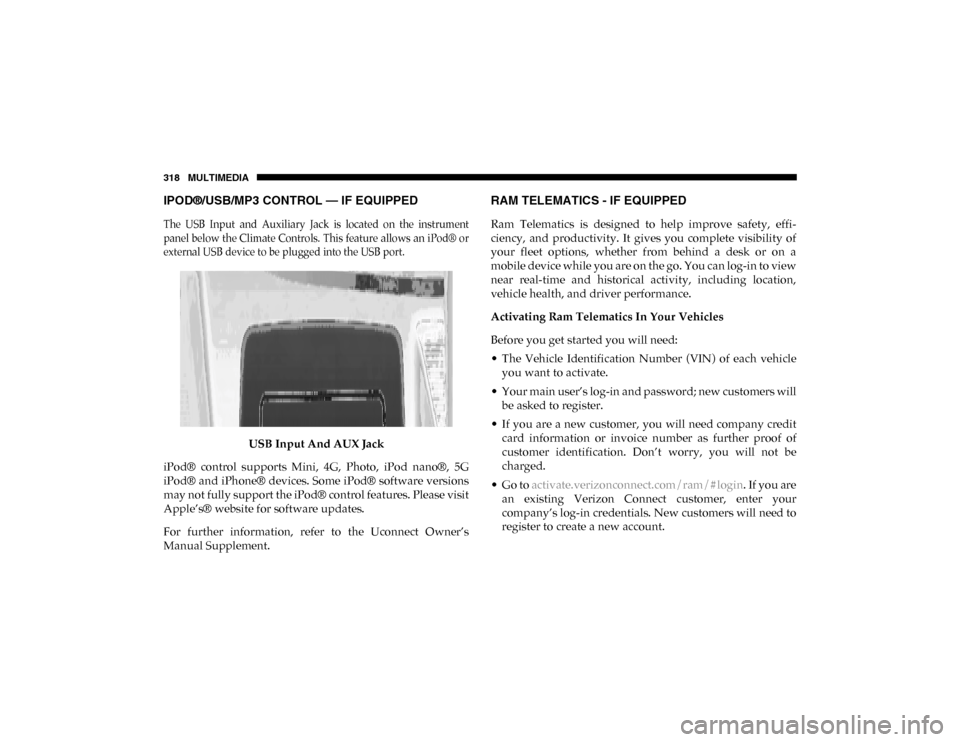
The USB Input and Auxiliary Jack is located on the instrument
panel below the Climate Controls. This feature allows an iPod® or
external USB device to be plugged into the USB port.
USB Input And AUX Jack
iPod® control supports Mini, 4G, Photo, iPod nano®, 5G
iPod® and iPhone® devices. Some iPod® software versions
may not fully support the iPod® control features. Please visit
Apple’s® website for software updates.
For further information, refer to the Uconnect Owner’s
Manual Supplement.
RAM TELEMATICS - IF EQUIPPED
Ram Telematics is designed to help improve safety, effi -
ciency, and productivity. It gives you complete visibility of
your fleet options, whether from behind a desk or on a
mobile device while you are on the go. You can log-in to view
near real-time and historical activity, including location,
vehicle health, and driver performance.
Activating Ram Telematics In Your Vehicles
Before you get started you will need:
• The Vehicle Identification Number (VIN) of each vehicle you want to activate.
• Your main user’s log-in and password; new customers will be asked to register.
• If you are a new customer, you will need company credit card information or invoice number as further proof of
customer identification. Don’t worry, you will not be
charged.
• Go to activate.verizonconnect.com/ram/#login . If you are
an existing Verizon Connect customer, enter your
company’s log-in credentials. New customers will need to
register to create a new account.
2020_RAM_PROMASTER_CITY_OM_USA=GUID-7B6A7FCA-79B0-423F-95C5-ED2A949C3D13=1=en=.book Page 318
Page 322 of 350

MULTIMEDIA 319
• Manually enter the VIN(s) or upload a CSV file with yourVINs. A vehicle name is optional and can be added later.
Follow online instructions to complete your vehicle entry.
• Create a password and enter billing information. An email will be sent to you to complete the final step. After that,
you will be ready to log-in and access Verizon Connect
Fleet!
• You are good to go! You will receive an email confirming your vehicles are now online.
For more information, or to learn more, visit www.verizon-
connect.com/ram/ .
Ram Telematics General Information
Modification Statement
Magneti Marelli has not approved any changes or modifica -
tions to this device by the user. Any changes or modifications
could void the user’s authority to operate the equipment.
Magneti Marelli n'approuve aucune modification apportée à
l'appareil par l'utilisateur, quelle qu'en soit la nature. Tout
changement ou modification peuvent annuler le droit d'util -
isation de l'appareil par l'utilisateur. Interference Statement
This device complies with Part 15, 22, 24, and 27 of the FCC
and Industry Canada licence-exempt RSS standard(s). Oper
-
ation is subject to the following two conditions:(1) This
device may not cause interference, and(2) This device must
accept any interference, including interference that may
cause undesired operation of the device.
Le présent appareil est conforme aux CNR d'Industrie
Canada applicables aux appareils radio exempts de
licence.L'exploitation est autorisée aux deux conditions suiv -
antes:(1) l'appareil ne doit pas produire de brouillage, et(2)
l'utilisateur de l'appareil doit accepter tout brouillage
radioélectrique subi, même si le broulliage est susceptible
d'en compromettre le fonctionnement.
RF Exposure
This equipment complies with FCC and IC radiation expo -
sure limits set forth for an uncontrolled environment. The
antenna should be installed and operated with minimum
distance of 20 cm between the radiator and your body.
9
2020_RAM_PROMASTER_CITY_OM_USA=GUID-7B6A7FCA-79B0-423F-95C5-ED2A949C3D13=1=en=.book Page 319
Page 323 of 350

320 MULTIMEDIA
Cet appareil est conforme aux limites d'exposition aux
rayonnements de la IC pour environnement non contrôlé.
L'antenne doit être installé de façon à garder une distance
minmale de 20 centimètres entre la source de rayonnements
et votre corps.
RADIO OPERATION AND MOBILE PHONES
Under certain conditions, the mobile phone being on in your
vehicle can cause erratic or noisy performance from your
radio. This condition may be lessened or eliminated by relo-
cating the mobile phone. This condition is not harmful to the
radio. If your radio performance does not satisfactorily
“clear” by the repositioning of the phone, it is recommended
that the radio volume be turned down or off during mobile
phone operation when not using Uconnect (if equipped).
Regulatory And Safety Information
USA/CANADA
Exposure to Radio Frequency Radiation
The radiated output power of the internal wireless radio is
far below the FCC and IC radio frequency exposure limits.
Nevertheless, the wireless radio will be used in such a
manner that the radio is 8 in (20 cm) or further from the
human body. The internal wireless radio operates within guidelines found
in radio frequency safety standards and recommendations,
which reflect the consensus of the scientific community.
The radio manufacturer believes the internal wireless radio
is safe for use by consumers. The level of energy emitted is
far less than the electromagnetic energy emitted by wireless
devices such as mobile phones. However, the use of wireless
radios may be restricted in some situations or environments,
such as aboard airplanes. If you are unsure of restrictions,
you are encouraged to ask for authorization before turning
on the wireless radio.
The following regulatory statement applies to all Radio
Frequency (RF) devices equipped in this vehicle:
This device complies with Part 15 of the FCC Rules and with
Innovation, Science, and Economic Development Canada
license-exempt RSS standard(s). Operation is subject to the
following two conditions:
1. This device may not cause harmful interference.
2. This device must accept any interference received,
including interference that may cause undesired opera -
tion.
2020_RAM_PROMASTER_CITY_OM_USA=GUID-7B6A7FCA-79B0-423F-95C5-ED2A949C3D13=1=en=.book Page 320