start stop button SKODA OCTAVIA 2013 3.G / (5E) Owner's Guide
[x] Cancel search | Manufacturer: SKODA, Model Year: 2013, Model line: OCTAVIA, Model: SKODA OCTAVIA 2013 3.G / (5E)Pages: 287, PDF Size: 18.55 MB
Page 164 of 287
Information messagesFirst read and observe the introductory information and safety warn-
ings
on page 158.
The messages and information are indicated in the instrument cluster display.
Start the engine manually!
START MANUALLY
The driver sees this message when the conditions for the automatic start proce-
dure are not met during the STOP phase. The engine must be started manual-
ly » page 121 .
Error: start-stop system
START STOP ERROR
Error in the START-STOP system. Seek help from a specialist garage.
Driving mode
Introduction
This chapter contains information on the following subjects:
Selecting driving mode
161
Normal Mode
162
Sportmode
162
Ecomode
162
Individualmode
163
Selecting the driving mode allows you to adjust a range of different driving pa-
rameters for the vehicle.
The set driving mode remains stored even after switching the ignition on and off.
WARNING■ Setting the driving mode while driving can distract you from other traffic –
risk of accident.■
Concentrate fully at all times on your driving! As the driver you are fully re-
sponsible for the operation of your vehicle.
■
Adjust the speed and driving style to the current visibility, weather, road and
traffic conditions.
Note
The driver can change some vehicle functions irrespective of the selected driving
mode. For instance, in the driving mode Eco, the driver can switch the automatic
transmission to the mode S.
Selecting driving mode
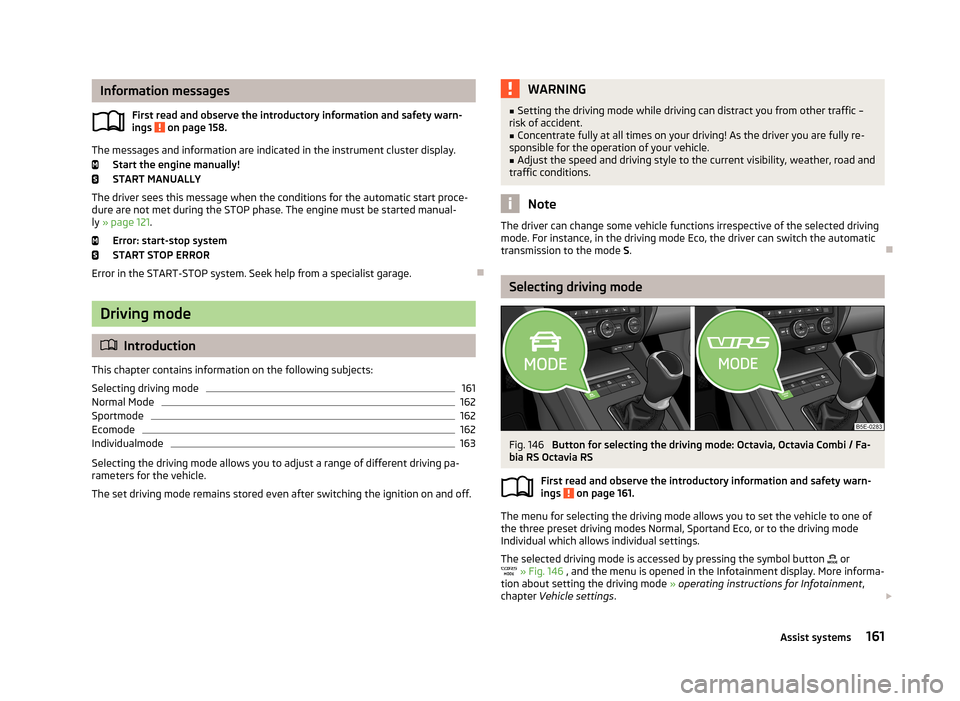
Fig. 146
Button for selecting the driving mode: Octavia, Octavia Combi / Fa-
bia RS Octavia RS
First read and observe the introductory information and safety warn-ings
on page 161.
The menu for selecting the driving mode allows you to set the vehicle to one of
the three preset driving modes Normal, Sportand Eco, or to the driving mode
Individual which allows individual settings.
The selected driving mode is accessed by pressing the symbol button
or
» Fig. 146 , and the menu is opened in the Infotainment display. More informa-
tion about setting the driving mode » operating instructions for Infotainment ,
chapter Vehicle settings .
161Assist systems
Page 165 of 287
If a driving mode other than Normal is selected, then the symbol lights up on the
button or » Fig. 146 .
Normal Mode
First read and observe the introductory information and safety warn-ings
on page 161.
The relevant systems are set for a general type of vehicle use.
This mode is suitable for common everyday use.
Sportmode
First read and observe the introductory information and safety warn-ings
on page 161.
This mode is suitable for a sporty driving style.
Selecting this mode primarily affects the function of the following systems.
Engine (drive)
The accelerator pedal is more responsive to depressing the pedal, and the accel-
eration is more dynamic than in mode Normal.
The automatic gearbox is set automatically to mode S » page 126 .
The engine noise is noticeable in the interior more intensely than in
normalmode 1)
.
Steering
The power steering is reduced slightly, i.e., the driver needs to exert more force for steering » page 119.
Adaptive Cruise Control (ACC)
The acceleration is quicker than normal mode with distance control » page 148.
Adaptive headlights (AHL)
The headlights adapt to the driving style more dynamically than in mode
Normal » page 57 .
ProActive passenger protection
The first level of protection is deactivated » page 163.
Ecomode
First read and observe the introductory information and safety warn-
ings
on page 161.
This mode is suitable for a relaxed style of driving and helps to save fuel.
Selecting this mode primarily affects the function of the following systems.
Engine (drive)
The accelerator pedal is less responsive to depressing the pedal, and the acceler-
ation is more relaxed than in mode Normal.
After pressing the button, the acceleration occurs more relaxed than in mode
Normal » page 146 , Cruise Control System .
The recommended gear is controlled such to achieve the lowest possible fuel consumption » page 27.
When the START-STOP system was deactivated manually » page 158, it is auto-
matically activated.
The automatic gearbox is set automatically to mode E » page 126 .
The engine noise is felt less intensely in the interior less than in normalmode 1)
.
Adaptive Cruise Control (ACC)
The acceleration occurs more relaxed than in Normal » page 148mode with dis-
tance control.
Adaptive headlights (AHL)
The system is automatically deactivated » page 57.
Air conditioning (Climatronic)
The air conditioning is controlled so as to save energy. For this reason, for exam-
ple, it may take longer to reach the desired interior temperature in mode Normal.
1)
Applies to Octavia RS, Octavia RS.
162Driving
Page 256 of 287
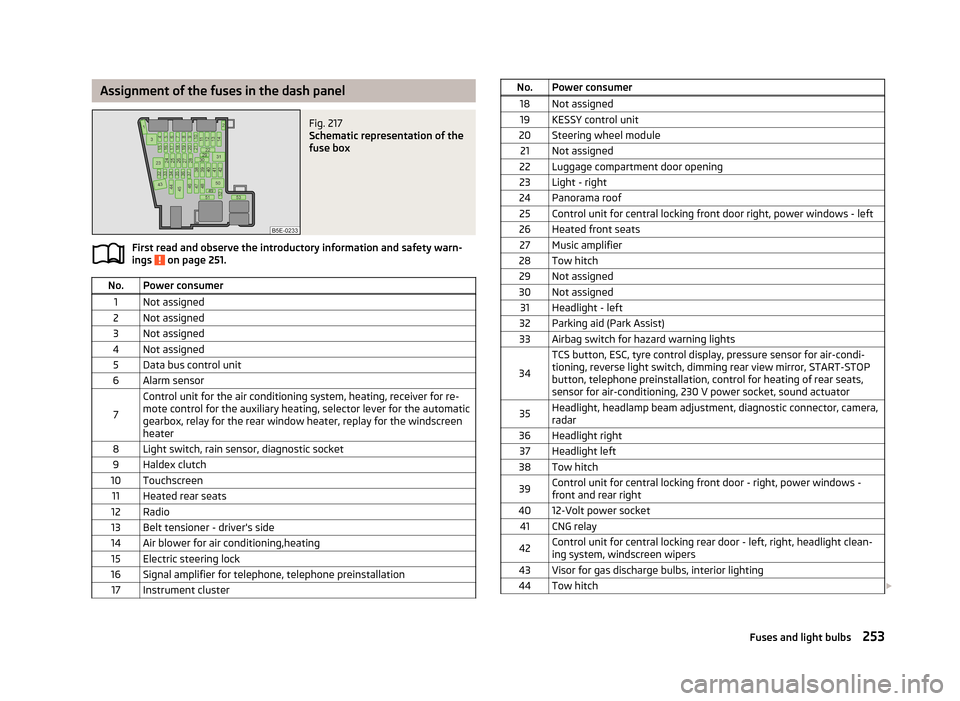
Assignment of the fuses in the dash panelFig. 217
Schematic representation of the
fuse box
First read and observe the introductory information and safety warn-
ings on page 251.
No.Power consumer1Not assigned2Not assigned3Not assigned4Not assigned5Data bus control unit6Alarm sensor
7
Control unit for the air conditioning system, heating, receiver for re-
mote control for the auxiliary heating, selector lever for the automatic gearbox, relay for the rear window heater, replay for the windscreenheater8Light switch, rain sensor, diagnostic socket9Haldex clutch10Touchscreen11Heated rear seats12Radio13Belt tensioner - driver's side14Air blower for air conditioning,heating15Electric steering lock16Signal amplifier for telephone, telephone preinstallation17Instrument clusterNo.Power consumer18Not assigned19KESSY control unit20Steering wheel module21Not assigned22Luggage compartment door opening23Light - right24Panorama roof25Control unit for central locking front door right, power windows - left26Heated front seats27Music amplifier28Tow hitch29Not assigned30Not assigned31Headlight - left32Parking aid (Park Assist)33Airbag switch for hazard warning lights
34
TCS button, ESC, tyre control display, pressure sensor for air-condi-tioning, reverse light switch, dimming rear view mirror, START-STOP
button, telephone preinstallation, control for heating of rear seats,
sensor for air-conditioning, 230 V power socket, sound actuator35Headlight, headlamp beam adjustment, diagnostic connector, camera,
radar36Headlight right37Headlight left38Tow hitch39Control unit for central locking front door - right, power windows - front and rear right4012-Volt power socket41CNG relay42Control unit for central locking rear door - left, right, headlight clean-ing system, windscreen wipers43Visor for gas discharge bulbs, interior lighting44Tow hitch 253Fuses and light bulbs