4 wheel drive SUZUKI IGNIS 2019 Owners Manual
[x] Cancel search | Manufacturer: SUZUKI, Model Year: 2019, Model line: IGNIS, Model: SUZUKI IGNIS 2019Pages: 505, PDF Size: 8.36 MB
Page 39 of 505
2-16
BEFORE DRIVING
75RM4-01E
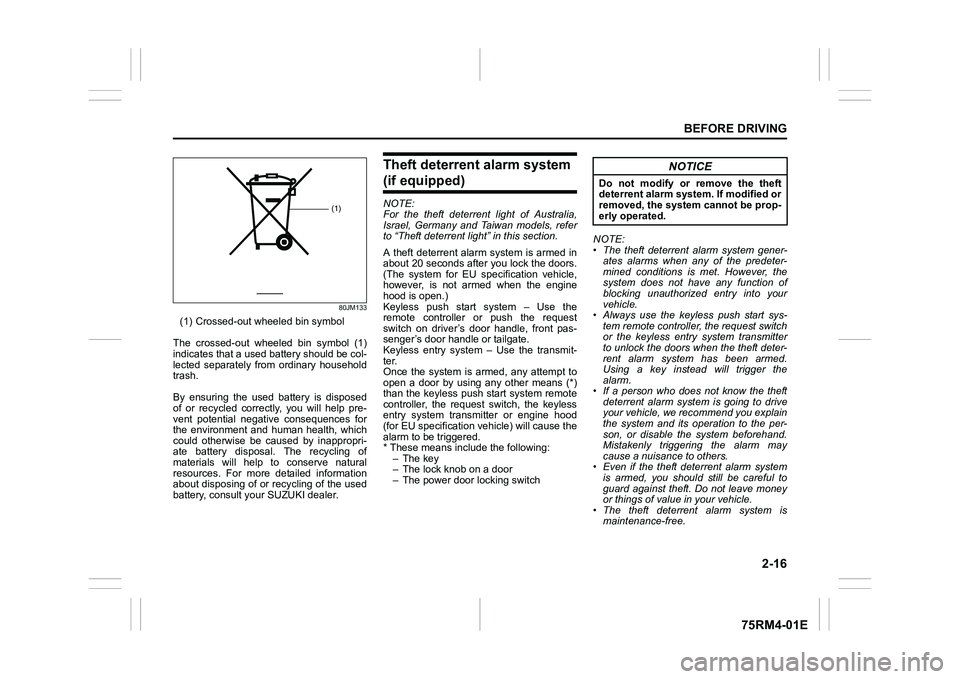
80JM133
(1) Crossed-out wheeled bin symbol
The crossed-out wheeled bin symbol (1)
indicates that a used battery should be col-
lected separately from ordinary household
trash.
By ensuring the used battery is disposed
of or recycled correctly, you will help pre-
vent potential negative consequences for
the environment and human health, which
could otherwise be caused by inappropri-
ate battery disposal. The recycling of
materials will help to conserve natural
resources. For more detailed information
about disposing of or recycling of the used
battery, consult your SUZUKI dealer.
Theft deterrent alarm system (if equipped)NOTE:
For the theft deterrent light of Australia,
Israel, Germany and Taiwan models, refer
to “Theft deterrent light” in this section.
A theft deterrent alarm system is armed in
about 20 seconds after you lock the doors.
(The system for EU spec ification vehicle,
however, is not armed when the engine
hood is open.)
Keyless push start system – Use the
remote controller or push the request
switch on driver’s door handle, front pas-
senger’s door handle or tailgate.
Keyless entry system – Use the transmit-
ter.
Once the system is armed, any attempt to
open a door by using any other means (*)
than the keyless push start system remote
controller, the request switch, the keyless
entry system transmitter or engine hood
(for EU specification vehicle) will cause the
alarm to be triggered.
* These means include the following:
–The key
– The lock knob on a door
– The power door locking switch NOTE:
• The theft deterrent alarm system gener-
ates alarms when any of the predeter-
mined conditions is met. However, the
system does not have any function of
blocking unauthorized entry into your
vehicle.
• Always use the keyless push start sys-
tem remote controller, the request switch
or the keyless entry system transmitter
to unlock the doors when the theft deter-
rent alarm system has been armed.
Using a key instead will trigger the
alarm.
• If a person who does not know the theft deterrent alarm system is going to drive
your vehicle, we recommend you explain
the system and its operation to the per-
son, or disable the system beforehand.
Mistakenly triggering the alarm may
cause a nuisance to others.
• Even if the theft deterrent alarm system is armed, you should still be careful to
guard against theft. Do not leave money
or things of value in your vehicle.
• The theft deterrent alarm system is
maintenance-free.
(1)
NOTICE
Do not modify or remove the theft
deterrent alarm system. If modified or
removed, the system cannot be prop-
erly operated.
Page 79 of 505
2-56
BEFORE DRIVING
75RM4-01E
Therefore, an air bag is not a substitute for
seat belts. To maximize your protection,
always fasten your seat belts. Be aware
that no system can prevent all possible
injuries that may occur in an accident.
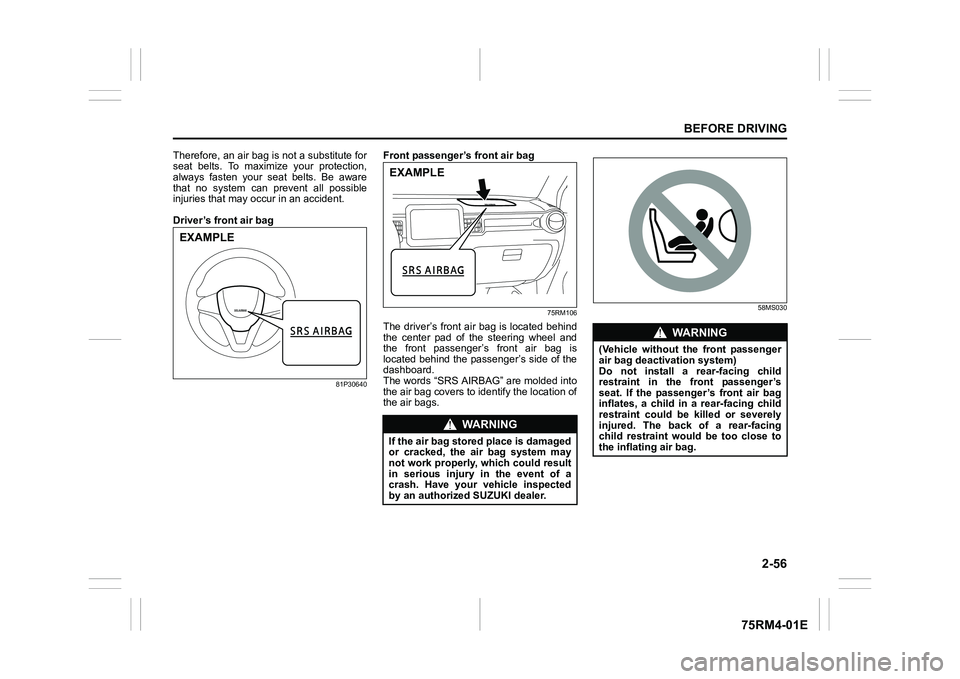
Driver’s front air bag
81P30640
Front passenger’ s front air bag
75RM106
The driver’s front air bag is located behind
the center pad of the steering wheel and
the front passenger’s front air bag is
located behind the passenger’s side of the
dashboard.
The words “SRS AIRBAG” are molded into
the air bag covers to identify the location of
the air bags.
58MS030
EXAMPLE
WA R N I N G
If the air bag stored place is damaged
or cracked, the air bag system may
not work properly, which could result
in serious injury in the event of a
crash. Have your vehicle inspected
by an authorized SUZUKI dealer.EXAMPLE
WA R N I N G
(Vehicle without the front passenger
air bag deactivation system)
Do not install a rear-facing child
restraint in the front passenger’s
seat. If the passenger’s front air bag
inflates, a child in a rear-facing child
restraint could be killed or severely
injured. The back of a rear-facing
child restraint would be too close to
the inflating air bag.
Page 87 of 505
2-64
BEFORE DRIVING
75RM4-01E
65D610
54G582
Even though your vehicle is moderately
damaged by a crash, it may not be severe
enough to trigger front, side or side curtain
air bags to inflate. If your vehicle sustains
any front-end or side damage, have the air
bag system inspected by an authorized
SUZUKI dealer to ensure that it works
properly.
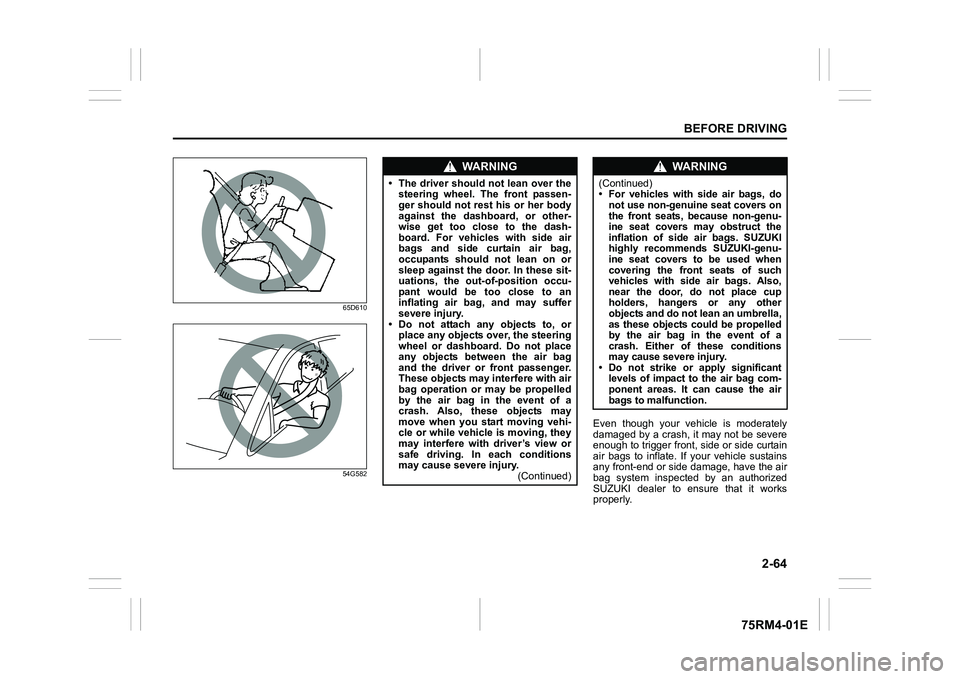
WA R N I N G
• The driver should not lean over the steering wheel. The front passen-
ger should not rest his or her body
against the dashboard, or other-
wise get too close to the dash-
board. For vehicles with side air
bags and side curtain air bag,
occupants should not lean on or
sleep against the door. In these sit-
uations, the out-of-position occu-
pant would be too close to an
inflating air bag, and may suffer
severe injury.
• Do not attach any objects to, or place any objects ov er, the steering
wheel or dashboard. Do not place
any objects between the air bag
and the driver or front passenger.
These objects may interfere with air
bag operation or may be propelled
by the air bag in the event of a
crash. Also, these objects may
move when you start moving vehi-
cle or while vehicle is moving, they
may interfere with driver’s view or
safe driving. In each conditions
may cause severe injury. (Continued)
WA R N I N G
(Continued)
• For vehicles with side air bags, do
not use non-genuine seat covers on
the front seats, because non-genu-
ine seat covers may obstruct the
inflation of side air bags. SUZUKI
highly recommends SUZUKI-genu-
ine seat covers to be used when
covering the front seats of such
vehicles with side air bags. Also,
near the door, do not place cup
holders, hangers or any other
objects and do not lean an umbrella,
as these objects could be propelled
by the air bag in the event of a
crash. Either of these conditions
may cause severe injury.
• Do not strike or apply significant levels of impact to the air bag com-
ponent areas. It can cause the air
bags to malfunction.
Page 125 of 505
2-102
BEFORE DRIVING
75RM4-01E
Refer to “Tire pressure monitoring system
(TPMS)” in the “OPERATING YOUR VEHI-
CLE” section for additional details on the
tire pressure monitoring system. Refer to
“Tires” in the “INSPECTION AND MAIN-
TENANCE” section for information on
maintaining proper tire pressure.
WA R N I N G
The load-carrying capacity of your
tires is reduced at lower inflation
pressures. If your tires are even mod-
erately under-inflated, the load on the
tires may exceed the load-carrying
capacity of the tires, which could lead
to tire failure. The low tire pressure
warning light will not alert you to this
condition, because it only comes on
when one or more of your tires
becomes significan tly under-inflated.
Check and adjust your tire inflation
pressure at least once a month. Refer
to “Tires” in the “INSPECTION AND
MAINTENANCE” section.
WA R N I N G
Continuing to drive with the low tire
pressure warning light on can lead to
an accident, resulting in severe injury
or death.
If the low tire pressure warning light
comes on and stays on, reduce your
speed and avoid abrupt steering and
braking. Be aware that driving on a
significantly unde r-inflated tire can
cause the tire to overheat and can
lead to tire failure, and may affect
steering control and brake effective-
ness. Stop the vehicle in a safe place
as soon as possible and check your
tires.
• If you have a flat tire, replace it with
the spare tire (if e quipped). Refer to
“Jacking instructions” in the
“EMERGENCY SERVICE” section
for the tire replacement method.
Also refer to “Replacing tires and/
or wheels” for instructions on how
to restore normal operation of the
TPMS after you have had a flat tire. (Continued)
WA R N I N G
(Continued)
• If your vehicle is equipped with a
flat tire repair kit instead of a spare
tire, refer to “Flat tire repair kit (if
equipped)” in the “EMERGENCY
SERVICE” section for instructions
on how to perform an emergency
repair of a flat tire.
• If one or more of your tires is under-inflated, adjust the inflation
pressure of all tires to the recom-
mended inflation pressure as soon
as possible.
Page 132 of 505
2-109BEFORE DRIVING
75RM4-01E
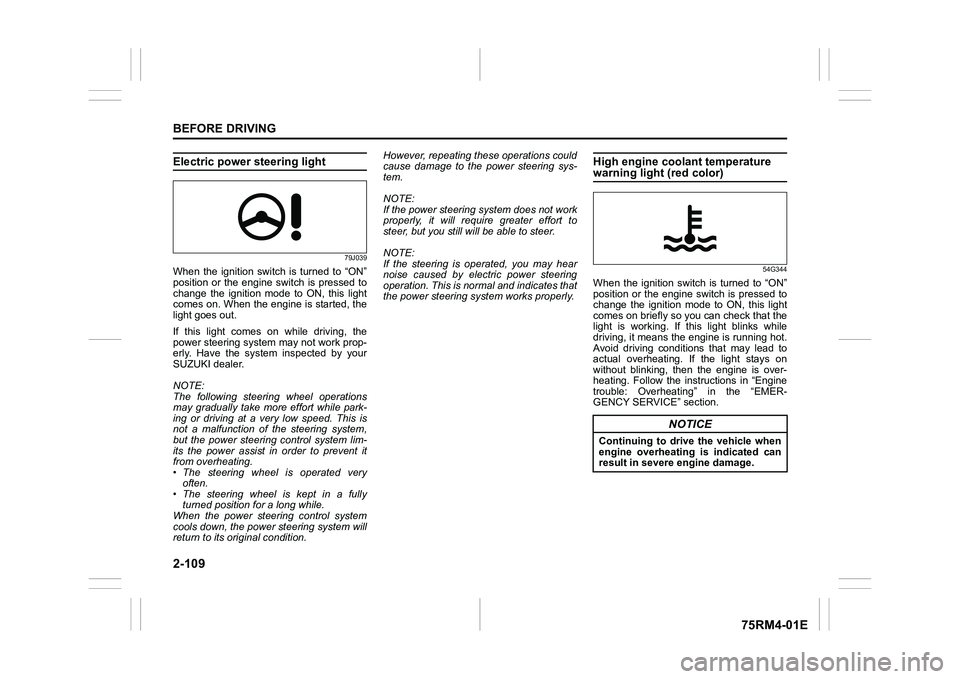
Electric power steering light
79J039
When the ignition switch is turned to “ON”
position or the engine switch is pressed to
change the ignition mode to ON, this light
comes on. When the engine is started, the
light goes out.
If this light comes on while driving, the
power steering system may not work prop-
erly. Have the system inspected by your
SUZUKI dealer.
NOTE:
The following steering wheel operations
may gradually take more effort while park-
ing or driving at a very low speed. This is
not a malfunction of the steering system,
but the power steering control system lim-
its the power assist in order to prevent it
from overheating.
• The steering wheel is operated veryoften.
• The steering wheel is kept in a fully turned position for a long while.
When the power steering control system
cools down, the powe r steering system will
return to its original condition. However, repeating these operations could
cause damage to the power steering sys-
tem.
NOTE:
If the power steering system does not work
properly, it will require greater effort to
steer, but you still will be able to steer.
NOTE:
If the steering is operated, you may hear
noise caused by electric power steering
operation. This is normal and indicates that
the power steering system works properly.
High engine coolant temperature warning light (red color)
54G344
When the ignition switch is turned to “ON”
position or the engine switch is pressed to
change the ignition mode to ON, this light
comes on briefly so you can check that the
light is working. If this light blinks while
driving, it means the engine is running hot.
Avoid driving conditions that may lead to
actual overheating. If the light stays on
without blinking, then the engine is over-
heating. Follow the instructions in “Engine
trouble: Overheating” in the “EMER-
GENCY SERVICE” section.
NOTICE
Continuing to drive the vehicle when
engine overheating is indicated can
result in severe engine damage.
Page 146 of 505
2-123BEFORE DRIVING
75RM4-01E
Headlight leveling switch (if equipped)
75RM008
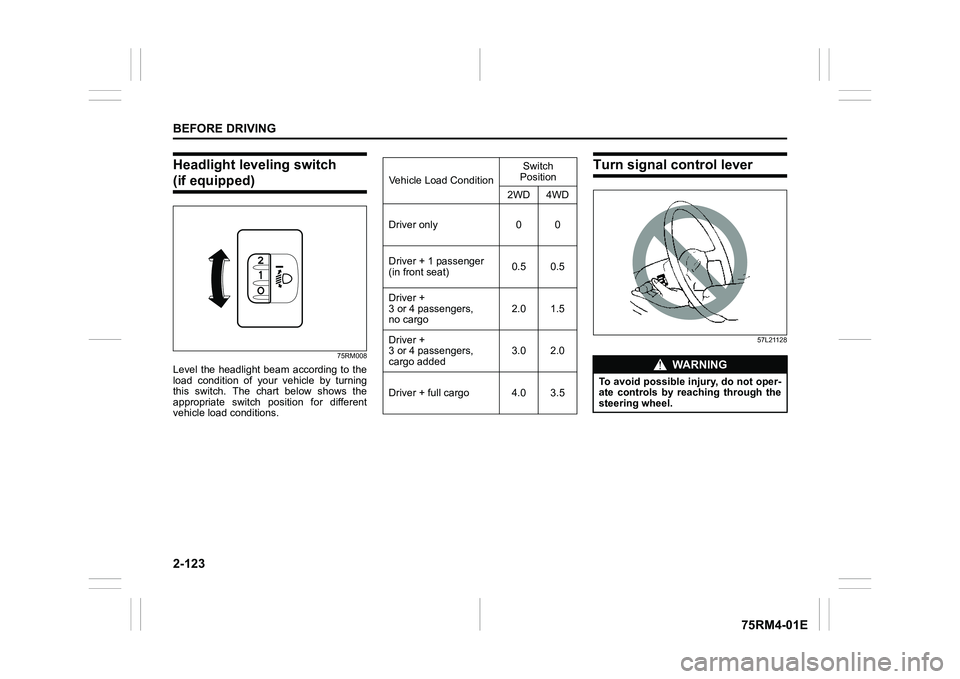
Level the headlight beam according to the
load condition of your vehicle by turning
this switch. The chart below shows the
appropriate switch position for different
vehicle load conditions.
Turn signal control lever
57L21128
Vehicle Load ConditionSwitch
Position
2WD 4WD
Driver only 0 0
Driver + 1 passenger
(in front seat) 0.5 0.5
Driver +
3 or 4 passengers,
no cargo 2.0 1.5
Driver +
3 or 4 passengers,
cargo added 3.0 2.0
Driver + full cargo 4.0 3.5
WA R N I N G
To avoid possible injury, do not oper-
ate controls by reaching through the
steering wheel.
Page 148 of 505
2-125BEFORE DRIVING
75RM4-01E
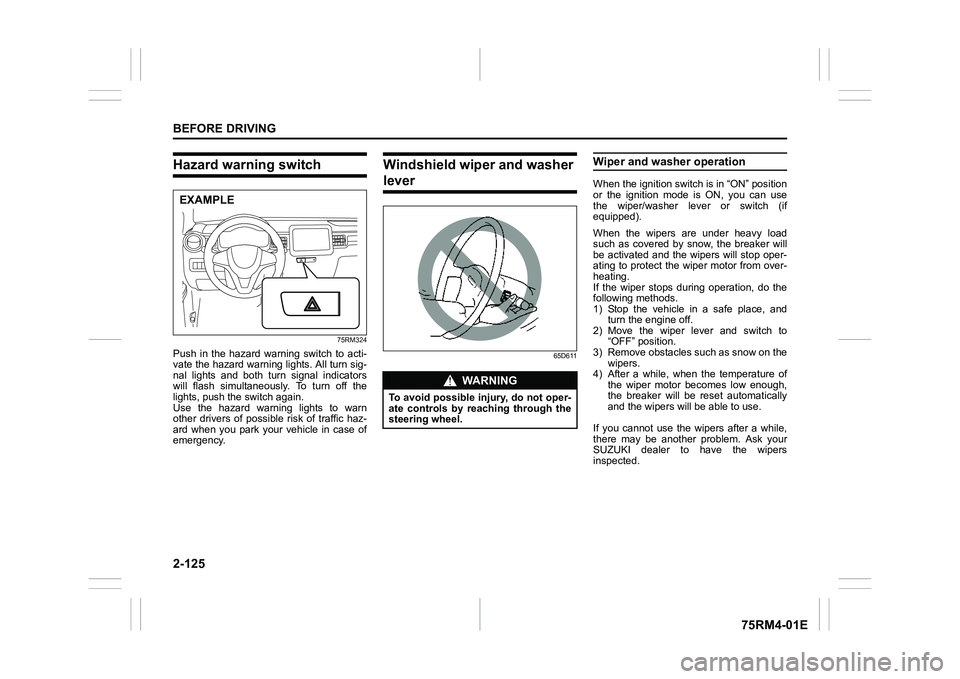
Hazard warning switch
75RM324
Push in the hazard warning switch to acti-
vate the hazard warning lights. All turn sig-
nal lights and both turn signal indicators
will flash simultaneously. To turn off the
lights, push the switch again.
Use the hazard warning lights to warn
other drivers of possible risk of traffic haz-
ard when you park your vehicle in case of
emergency.
Windshield wiper and washer lever
65D611
Wiper and washer operationWhen the ignition switch is in “ON” position
or the ignition mode is ON, you can use
the wiper/washer lever or switch (if
equipped).
When the wipers are under heavy load
such as covered by snow, the breaker will
be activated and the wipers will stop oper-
ating to protect the wiper motor from over-
heating.
If the wiper stops during operation, do the
following methods.
1) Stop the vehicle in a safe place, andturn the engine off.
2) Move the wiper lever and switch to “OFF” position.
3) Remove obstacles such as snow on the wipers.
4) After a while, when the temperature of
the wiper motor becomes low enough,
the breaker will be reset automatically
and the wipers will be able to use.
If you cannot use the wipers after a while,
there may be another problem. Ask your
SUZUKI dealer to have the wipers
inspected.
EXAMPLE
WA R N I N G
To avoid possible injury, do not oper-
ate controls by reaching through the
steering wheel.
Page 156 of 505
3-3OPERATING YOUR VEHICLE
75RM4-01E
making it appear that the oil level has not
changed.
You should also be aware that the diluting
ingredients evaporate out when the vehicle
is subsequently driven at high speeds,
such as on an expressway, making it
appear that oil is excessively consumed
after high-speed driving.
Ignition switch (vehicle without keyless push start system)
65D611 68PH00310
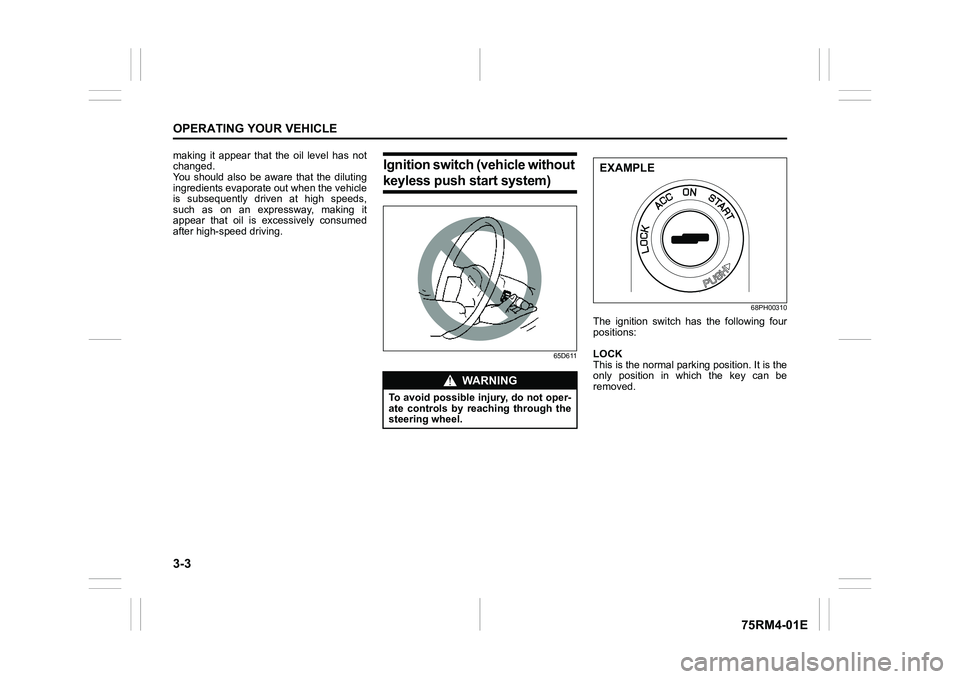
The ignition switch has the following four
positions:
LOCK
This is the normal parking position. It is the
only position in which the key can be
removed.
WA R N I N G
To avoid possible injury, do not oper-
ate controls by reaching through the
steering wheel.
EXAMPLE
Page 157 of 505
3-4
OPERATING YOUR VEHICLE
75RM4-01E
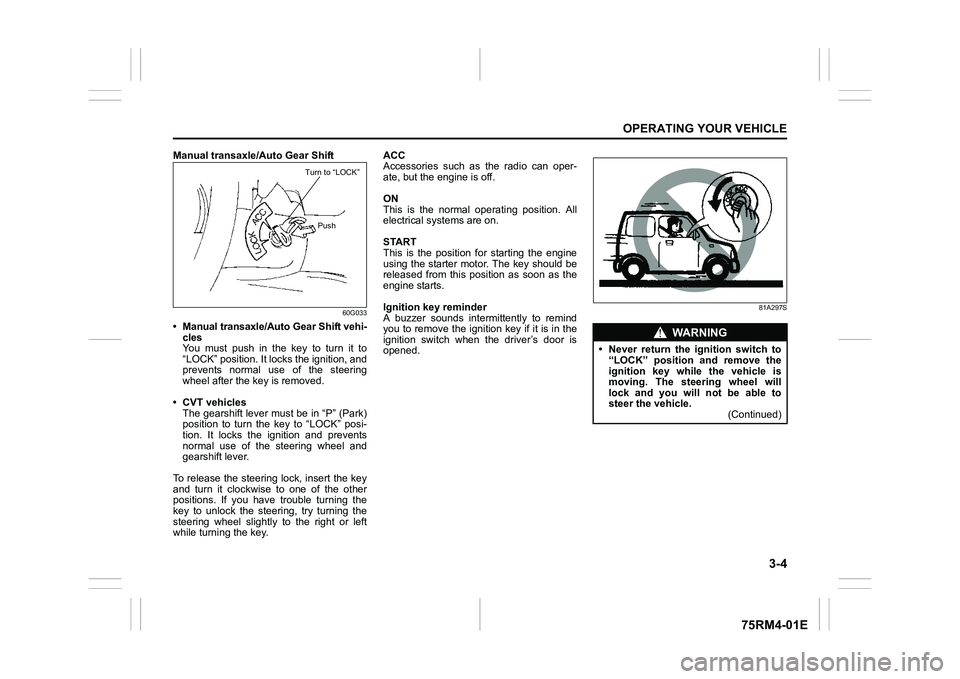
Manual transaxle/Auto Gear Shift
60G033
• Manual transaxle/Auto Gear Shift vehi-cles
You must push in the key to turn it to
“LOCK” position. It lo cks the ignition, and
prevents normal use of the steering
wheel after the key is removed.
• CVT vehicles The gearshift lever must be in “P” (Park)
position to turn the key to “LOCK” posi-
tion. It locks the ignition and prevents
normal use of the steering wheel and
gearshift lever.
To release the steering lock, insert the key
and turn it clockwis e to one of the other
positions. If you have trouble turning the
key to unlock the steering, try turning the
steering wheel slightly to the right or left
while turning the key. ACC
Accessories such as the radio can oper-
ate, but the engine is off.
ON
This is the normal operating position. All
electrical systems are on.
START
This is the position for starting the engine
using the starter motor. The key should be
released from this position as soon as the
engine starts.
Ignition key reminder
A buzzer sounds intermittently to remind
you to remove the ignition key if it is in the
ignition switch when the driver’s door is
opened.
81A297S
Turn to “LOCK”
Push
WA R N I N G
• Never return the ignition switch to“LOCK” position and remove the
ignition key while the vehicle is
moving. The steering wheel will
lock and you will not be able to
steer the vehicle. (Continued)
Page 165 of 505
3-12
OPERATING YOUR VEHICLE
75RM4-01E
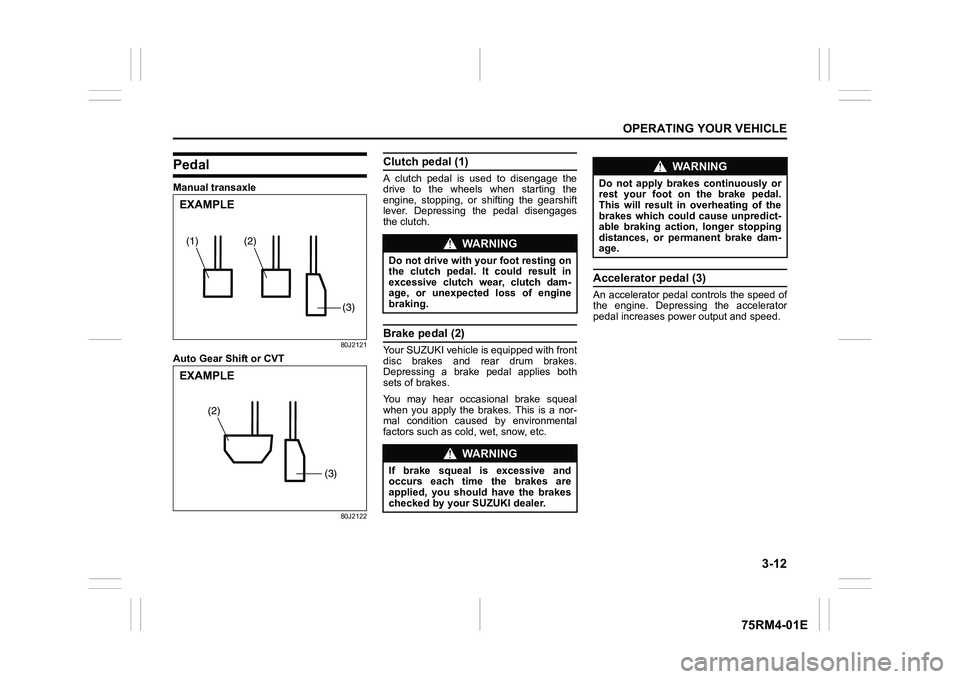
PedalManual transaxle
80J2121
Auto Gear Shift or CVT
80J2122
Clutch pedal (1)A clutch pedal is used to disengage the
drive to the wheels when starting the
engine, stopping, or shifting the gearshift
lever. Depressing the pedal disengages
the clutch.Brake pedal (2)Your SUZUKI vehicle is equipped with front
disc brakes and rear drum brakes.
Depressing a brake pedal applies both
sets of brakes.
You may hear occasional brake squeal
when you apply the brakes. This is a nor-
mal condition caused by environmental
factors such as cold, wet, snow, etc.
Accelerator pedal (3)An accelerator pedal controls the speed of
the engine. Depressing the accelerator
pedal increases power output and speed.
(2)
(1)(3)EXAMPLE
(3)
(2)
EXAMPLE
WA R N I N G
Do not drive with your foot resting on
the clutch pedal. It could result in
excessive clutch wear, clutch dam-
age, or unexpected loss of engine
braking.
WA R N I N G
If brake squeal is excessive and
occurs each time the brakes are
applied, you should have the brakes
checked by your SUZUKI dealer.
WA R N I N G
Do not apply brakes continuously or
rest your foot on the brake pedal.
This will result in overheating of the
brakes which could cause unpredict-
able braking action, longer stopping
distances, or permanent brake dam-
age.