warning TESLA MODEL 3 2019 (Europe) User Guide
[x] Cancel search | Manufacturer: TESLA, Model Year: 2019, Model line: MODEL 3, Model: TESLA MODEL 3 2019Pages: 179, PDF Size: 9.18 MB
Page 40 of 179
Child Restraint System WarningsWarning: Never seat a child in a child
restraint system or a booster seat on the
front passenger seat when the passenger
front airbag is active. Doing so can cause serious injury or death.Warning: Never use a rearward facing
child restraint system on a seat protected by an active passenger front airbag.
Doing so can cause serious injury or
death. Refer to the warning label located on the sun visor.Warning: Some child restraint systems are
designed to be secured in vehicle seats
by lap belts or the lap belt portion of a lap-shoulder belt. Children could be
endangered in a crash if their child restraint systems are not properly secured
in the vehicle.Warning: Do not use a forward-facing
child restraint system until your child weighs over 9 kg (20 lbs.) and can sit
independently. Up to the age of two, a
child
Page 41 of 179
Airbags
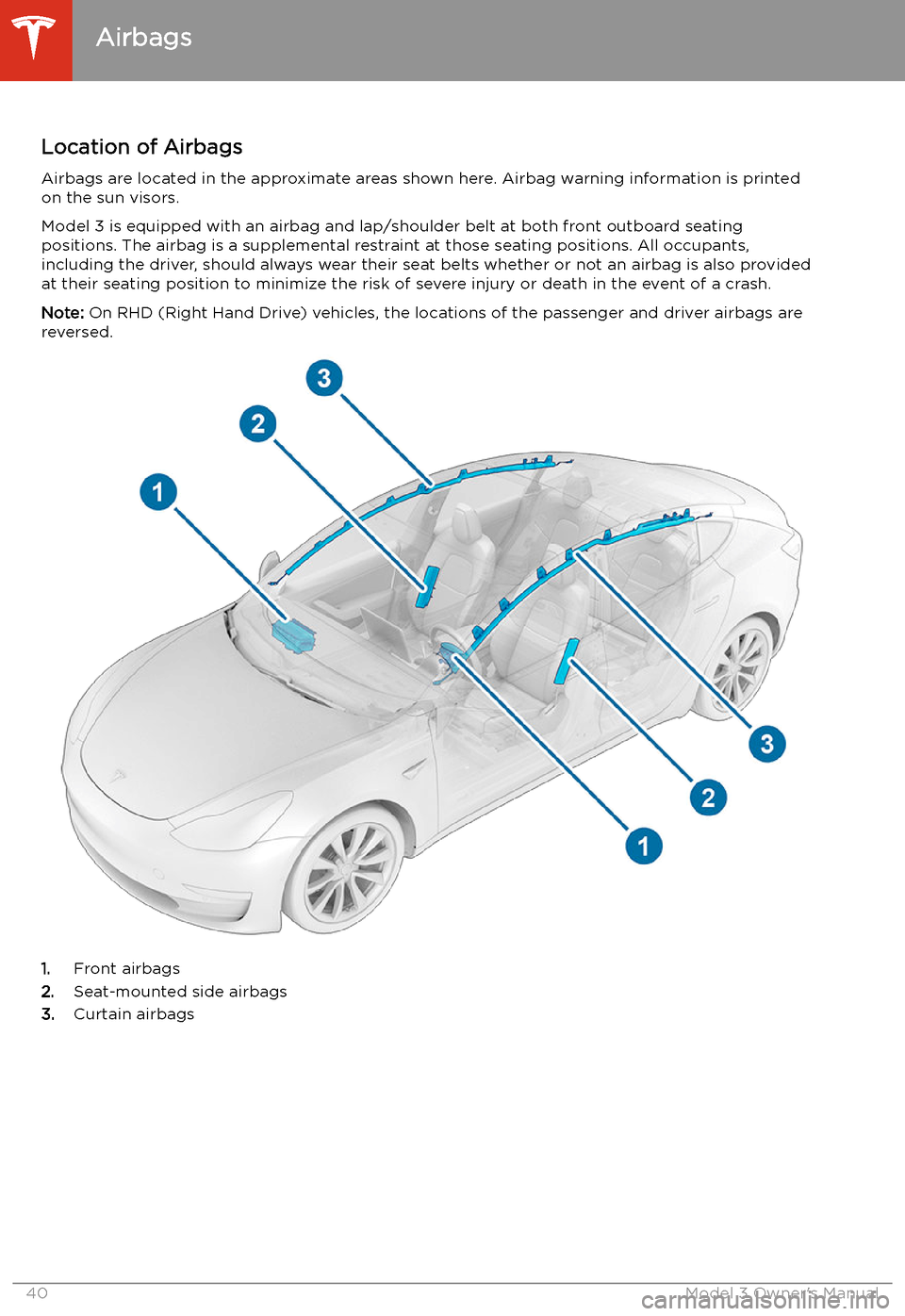
Location of Airbags Airbags are located in the approximate areas shown here. Airbag warning information is printed
on the sun visors.
Model 3 is equipped with an airbag and lap/shoulder belt at both front outboard seating
positions. The airbag is a supplemental restraint at those seating positions. All occupants,
including the driver, should always wear their seat belts whether or not an airbag is also provided at their seating position to minimize the risk of severe injury or death in the event of a crash.
Note: On RHD (Right Hand Drive) vehicles, the locations of the passenger and driver airbags are
reversed.
1. Front airbags
2. Seat-mounted side airbags
3. Curtain airbags
Airbags
40Model 3 Owner
Page 43 of 179
Disabling the Passenger Front
Airbag
When a child is seated in the front passenger
seat (even when the child is seated in a child safety seat or booster seat), you must disable
the passenger front airbag to prevent it from
injurying the child if a collision occurs.
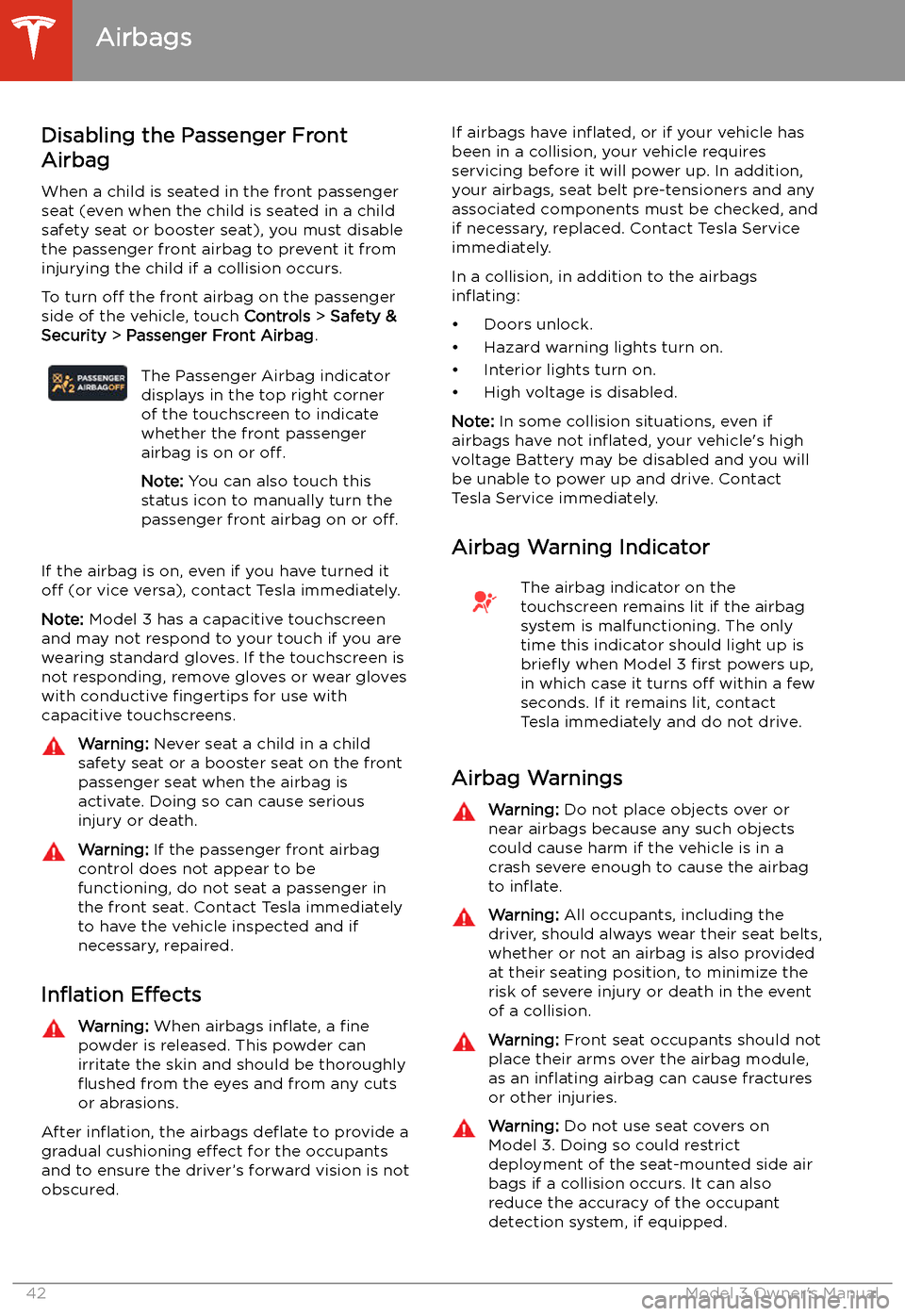
To turn off the front airbag on the passenger
side of the vehicle, touch Controls > Safety &
Security > Passenger Front Airbag .The Passenger Airbag indicator
displays in the top right corner
of the touchscreen to indicate
whether the front passenger
airbag is on or off.
Note: You can also touch this
status icon to manually turn the
passenger front airbag on or off.
If the airbag is on, even if you have turned it
off (or vice versa), contact Tesla immediately.
Note: Model 3 has a capacitive touchscreen
and may not respond to your touch if you are
wearing standard gloves. If the touchscreen is
not responding, remove gloves or wear gloves
with conductive fingertips for use with
capacitive touchscreens.
Warning: Never seat a child in a child
safety seat or a booster seat on the front
passenger seat when the airbag is
activate. Doing so can cause serious
injury or death.Warning: If the passenger front airbag
control does not appear to be
functioning, do not seat a passenger in
the front seat. Contact Tesla immediately
to have the vehicle inspected and if
necessary, repaired.
In
Page 44 of 179
Warning: Airbags in
Page 51 of 179
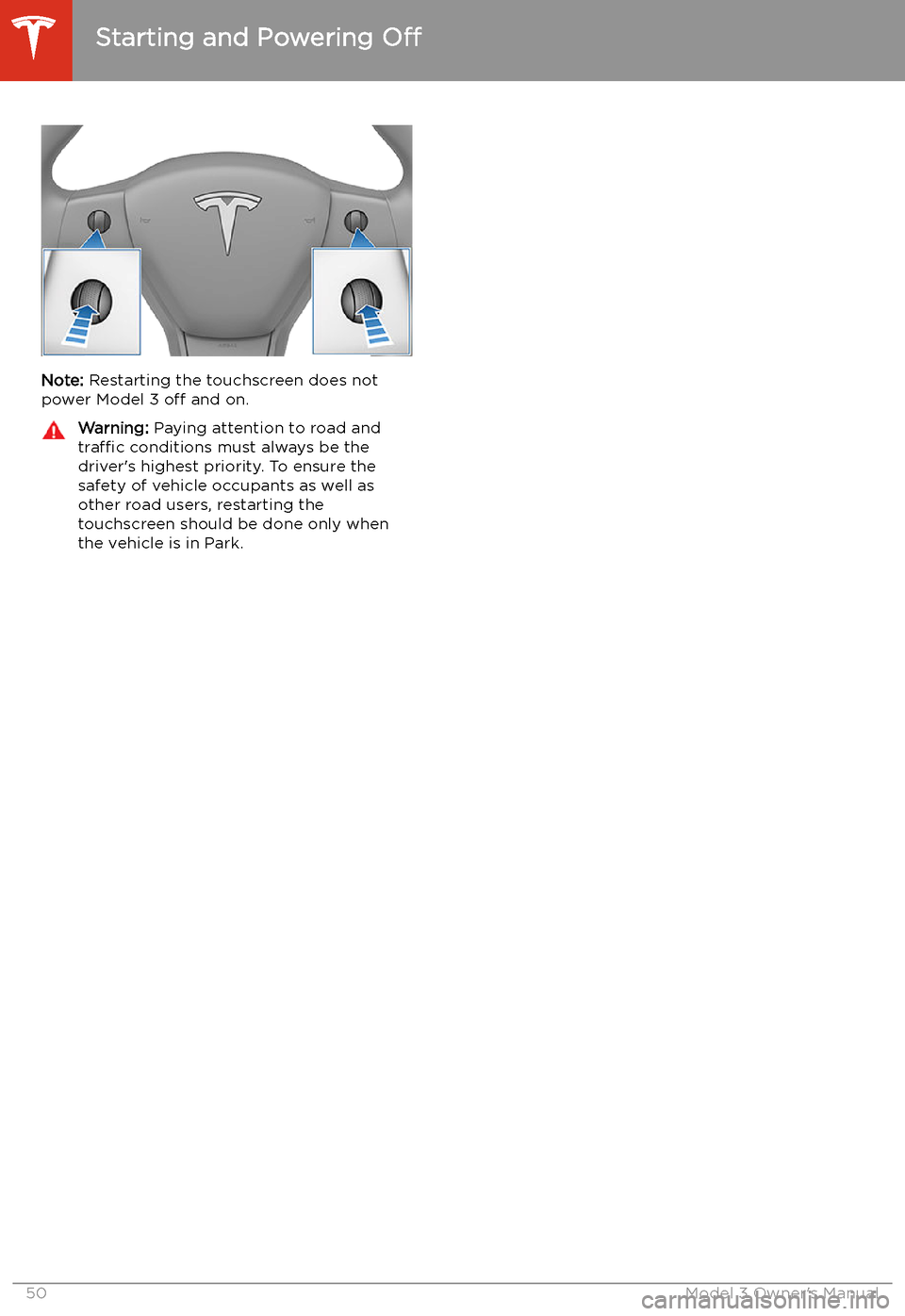
Note: Restarting the touchscreen does not
power Model 3 off and on.
Warning: Paying attention to road and
traffic conditions must always be the
driver
Page 53 of 179
Lights
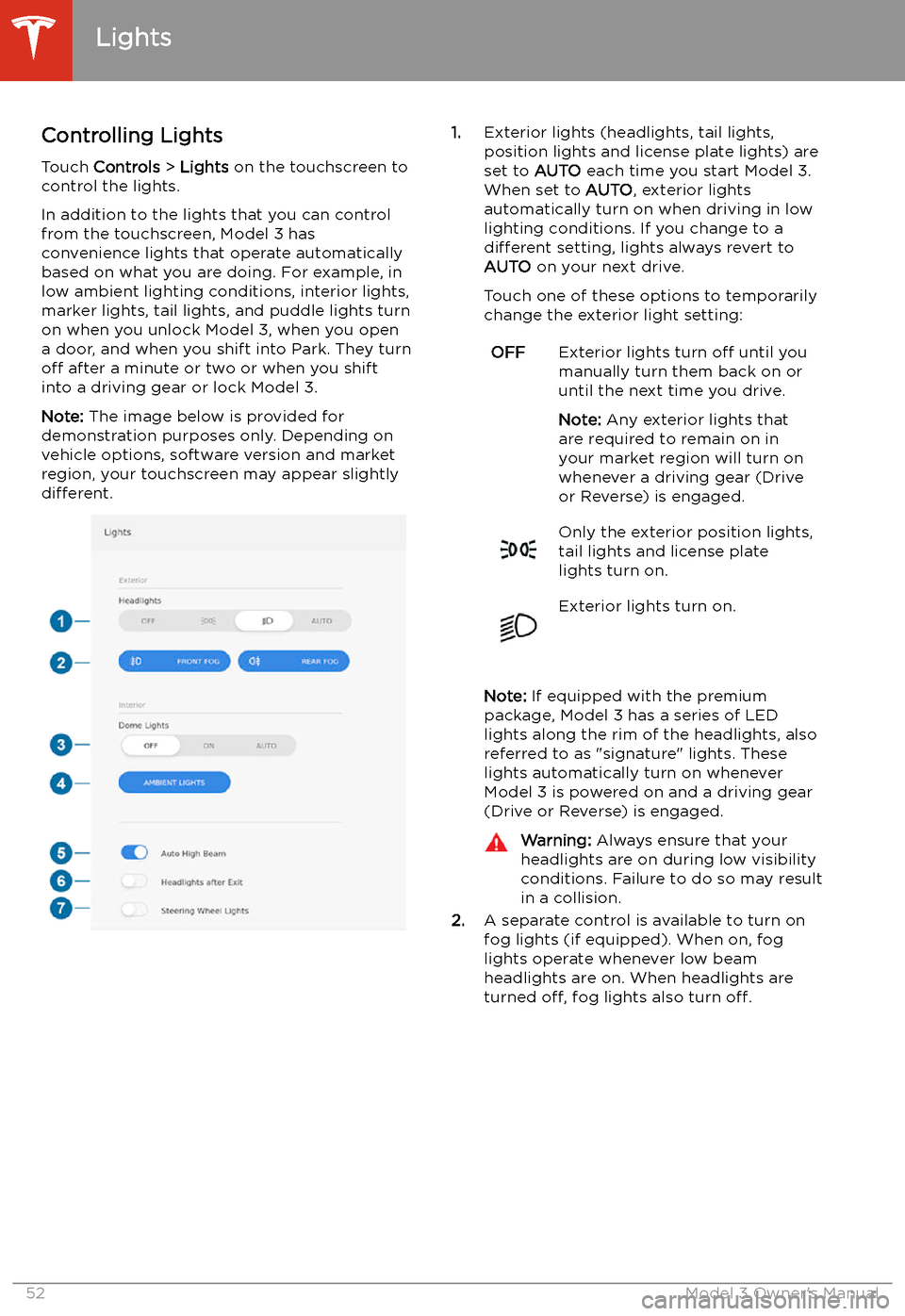
Controlling Lights Touch Controls > Lights on the touchscreen to
control the lights.
In addition to the lights that you can control
from the touchscreen, Model 3 has
convenience lights that operate automatically
based on what you are doing. For example, in
low ambient lighting conditions, interior lights, marker lights, tail lights, and puddle lights turn
on when you unlock Model 3, when you open
a door, and when you shift into Park. They turn
off after a minute or two or when you shift
into a driving gear or lock Model 3.
Note: The image below is provided for
demonstration purposes only. Depending on vehicle options, software version and market
region, your touchscreen may appear slightly
different.
1. Exterior lights (headlights, tail lights,
position lights and license plate lights) are
set to AUTO each time you start Model 3.
When set to AUTO, exterior lights
automatically turn on when driving in low
lighting conditions. If you change to a different setting, lights always revert to
AUTO on your next drive.
Touch one of these options to temporarily
change the exterior light setting:OFFExterior lights turn off until you
manually turn them back on or
until the next time you drive.
Note: Any exterior lights that
are required to remain on in
your market region will turn on
whenever a driving gear (Drive
or Reverse) is engaged.Only the exterior position lights,
tail lights and license plate
lights turn on.Exterior lights turn on.
Note: If equipped with the premium
package, Model 3 has a series of LED
lights along the rim of the headlights, also referred to as "signature" lights. These
lights automatically turn on whenever
Model 3 is powered on and a driving gear
(Drive or Reverse) is engaged.
Warning: Always ensure that your
headlights are on during low visibility conditions. Failure to do so may result
in a collision.
2. A separate control is available to turn on
fog lights (if equipped). When on, fog
lights operate whenever low beam headlights are on. When headlights are
turned off, fog lights also turn off.
Lights
52Model 3 Owner
Page 55 of 179
for weather conditions and drivingcircumstances.
Headlights After Exit
When Headlights after Exit is on, the exterior
headlights remain on when you stop driving
and park Model 3 in low lighting conditions.
They automatically turn off after one minute
or when Model 3 locks. When off, headlights
turn off when you engage the Park gear and
open a door.
To turn this feature on or off, touch Controls >
Lights > Headlights after Exit .
Headlight Adjustments To adjust the angle of the headlights, touchControls > Service > Adjust Headlights , then
follow the onscreen instructions. You can
choose which headlight you would like to adjust by selecting it on the touchscreen.
Warning: Proceed with caution when
adjusting headlights. Tesla has carefully
calibrated the position of the headlights
to be in an optimum position for most
driving scenarios. Tesla recommends that
you do not adjust headlights unless you
are familiar with how headlights should
be adjusted. Once adjusted, you will be
unable to automatically restore them to their originally calibrated position.
Contact Tesla for assistance when
adjusting headlights.
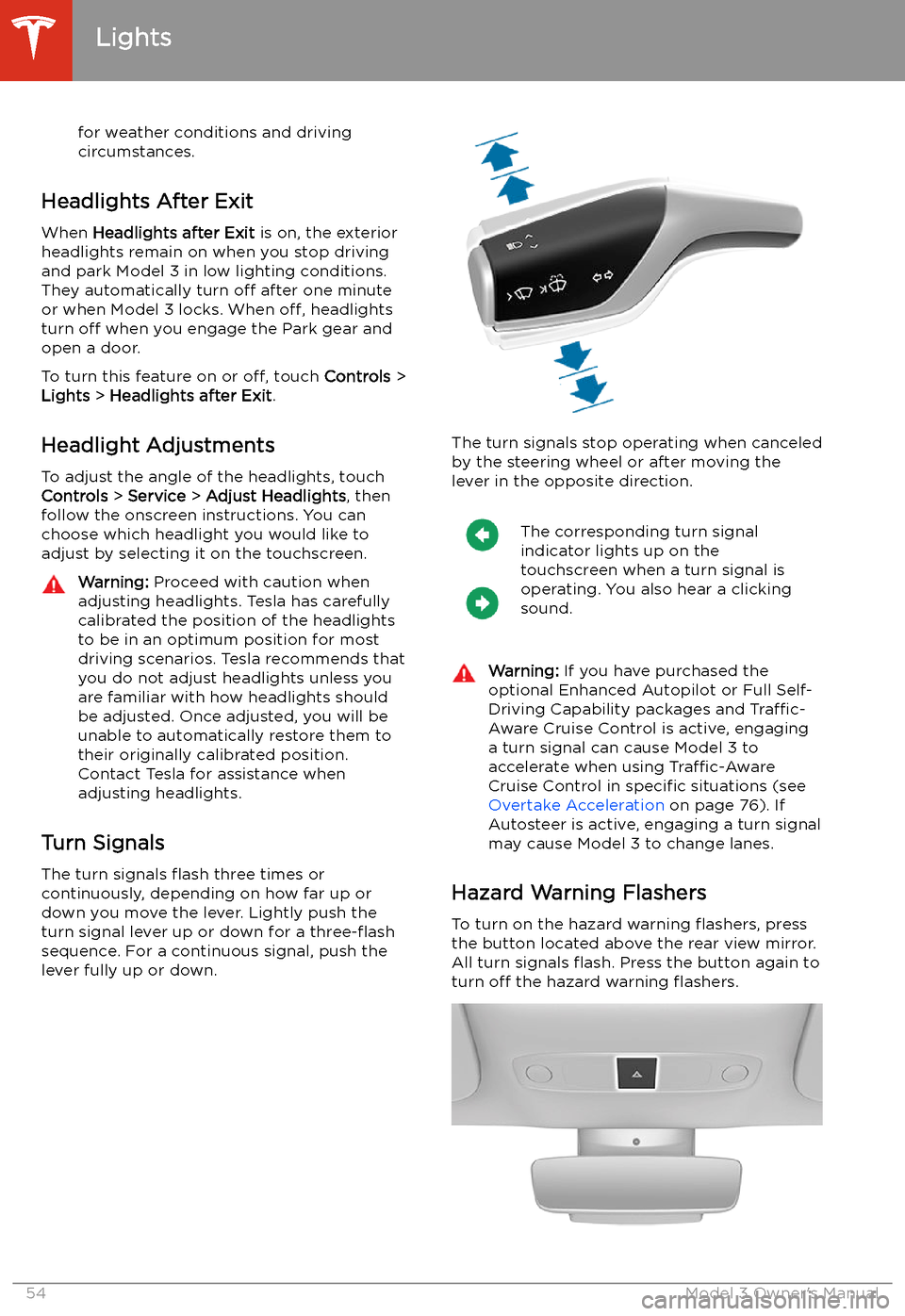
Turn Signals
The turn signals
Page 56 of 179

Note: Hazard warning
Page 61 of 179
Brakes
Braking Systems
Warning: Properly functioning braking
systems are critical to ensure safety. If you experience a problem with the brake
pedal, brake caliper, or any component of
a Model 3 braking system, contact Tesla
immediately.
Model 3 has an anti-lock braking system (ABS)
that prevents the wheels from locking when
you apply maximum brake pressure. This improves steering control during heavy
braking in most road conditions.
During emergency braking conditions, the
ABS constantly monitors the speed of each
wheel and varies the brake pressure according to the grip available.
The alteration of brake pressure can be felt as
a pulsing sensation through the brake pedal.
This demonstrates that the ABS is operating
and is not a cause for concern. Keep firm and
steady pressure on the brake pedal while
experiencing the pulsing.
The ABS indicator
Page 62 of 179
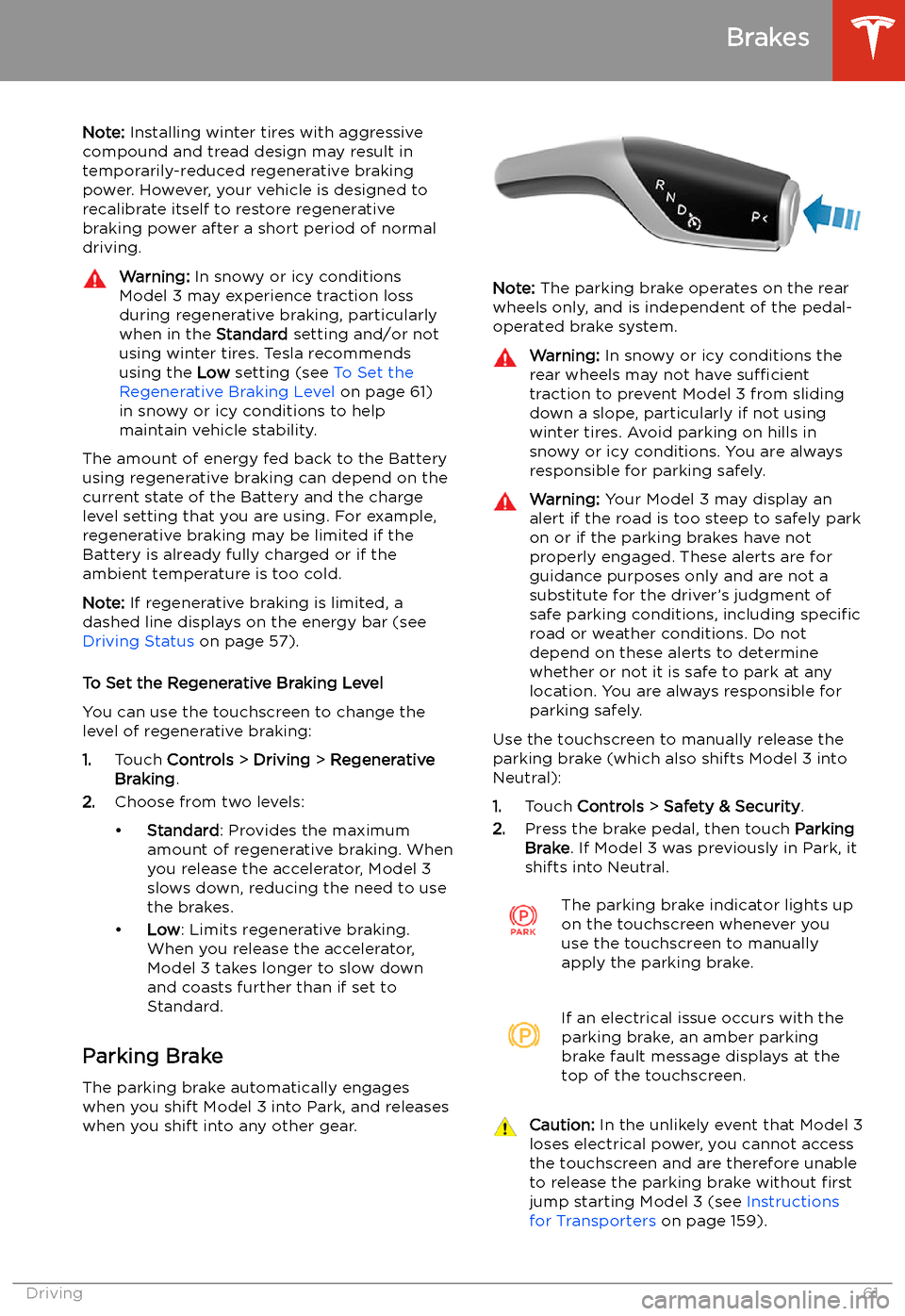
Note: Installing winter tires with aggressive
compound and tread design may result in
temporarily-reduced regenerative braking power. However, your vehicle is designed to recalibrate itself to restore regenerative
braking power after a short period of normal
driving.Warning: In snowy or icy conditions
Model 3 may experience traction loss
during regenerative braking, particularly
when in the Standard setting and/or not
using winter tires. Tesla recommends
using the Low setting (see To Set the
Regenerative Braking Level on page 61)
in snowy or icy conditions to help maintain vehicle stability.
The amount of energy fed back to the Batteryusing regenerative braking can depend on the
current state of the Battery and the charge
level setting that you are using. For example,
regenerative braking may be limited if the Battery is already fully charged or if the
ambient temperature is too cold.
Note: If regenerative braking is limited, a
dashed line displays on the energy bar (see
Driving Status on page 57).
To Set the Regenerative Braking Level
You can use the touchscreen to change the
level of regenerative braking:
1. Touch Controls > Driving > Regenerative
Braking .
2. Choose from two levels: