lock TOYOTA 4RUNNER 2023 Owners Manual
[x] Cancel search | Manufacturer: TOYOTA, Model Year: 2023, Model line: 4RUNNER, Model: TOYOTA 4RUNNER 2023Pages: 608, PDF Size: 11.8 MB
Page 319 of 608
3194-5. Using the driving support systems
4
Driving
4RUNNER (U)
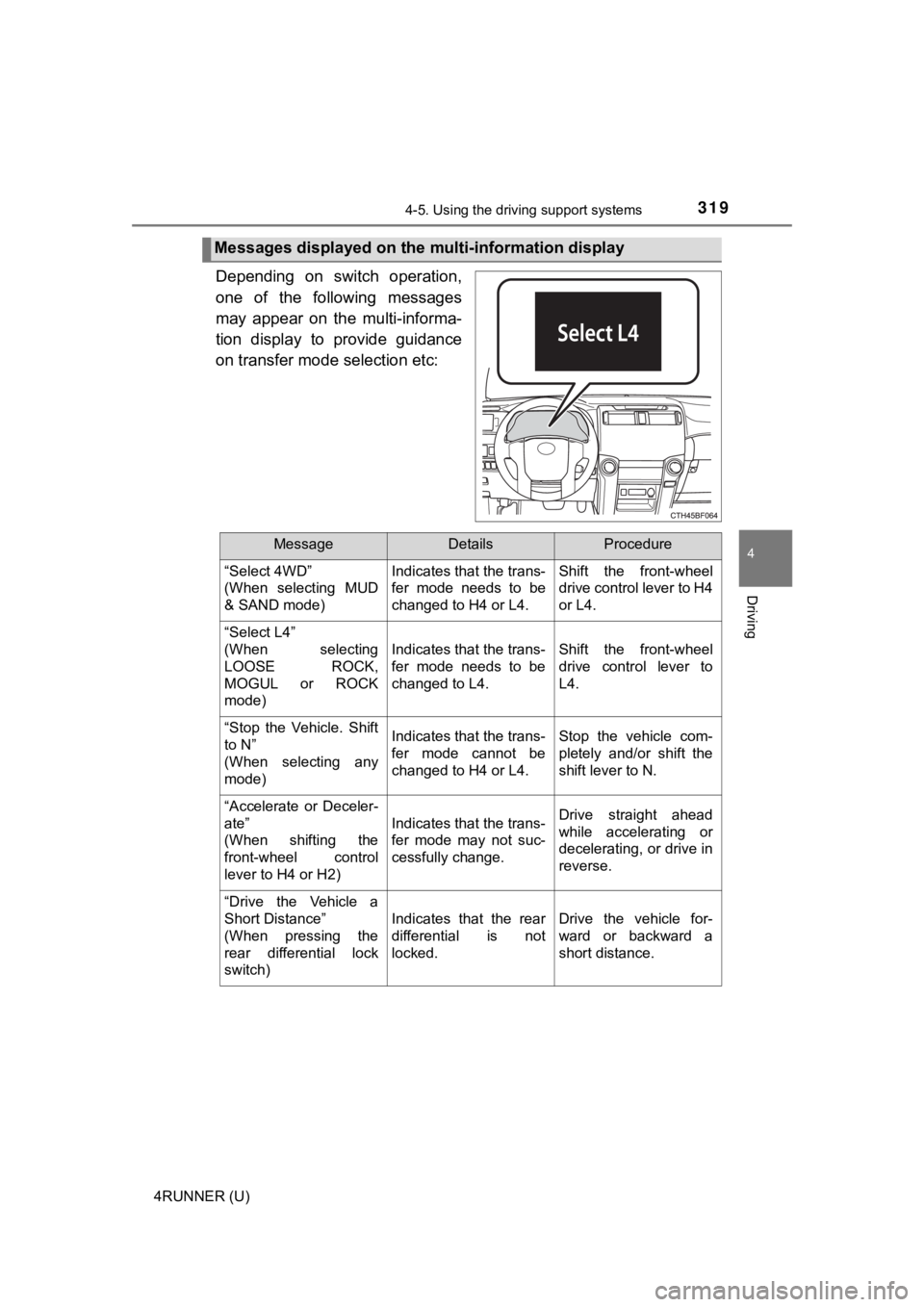
Depending on switch operation,
one of the following messages
may appear on the multi-informa-
tion display to provide guidance
on transfer mode selection etc:
Messages displayed on the multi-information display
MessageDetailsProcedure
“Select 4WD”
(When selecting MUD
& SAND mode) Indicates that the trans-
fer mode needs to be
changed to H4 or L4.Shift the front-wheel
drive control lever to H4
or L4.
“Select L4”
(When selecting
LOOSE ROCK,
MOGUL or ROCK
mode)
Indicates that the trans-
fer mode needs to be
changed to L4.Shift the front-wheel
drive control lever to
L4.
“Stop the Vehicle. Shift
to N”
(When selecting any
mode)Indicates that the trans-
fer mode cannot be
changed to H4 or L4.Stop the vehicle com-
pletely and/or shift the
shift lever to N.
“Accelerate or Deceler-
ate”
(When shifting the
front-wheel control
lever to H4 or H2)
Indicates that the trans-
fer mode may not suc-
cessfully change.Drive straight ahead
while accelerating or
decelerating, or drive in
reverse.
“Drive the Vehicle a
Short Distance”
(When pressing the
rear differential lock
switch)
Indicates that the rear
differential is not
locked.Drive the vehicle for-
ward or backward a
short distance.
Page 322 of 608
3224-5. Using the driving support systems
4RUNNER (U)
◆ABS (Anti-lock Brake System)
Helps to prevent wheel lock when the brakes are applied suddenl y,
or if the brakes are applied while driving on a slippery road surface
◆Multi Terrain ABS (Anti-lock Brake System) (if equipped)
Helps to prevent wheel lock when the brakes are applied suddenl y,
or if the brakes are applied while driving on a slippery road s urface,
or in off-road conditions (such as rough roads, sand and mud)
The Multi Terrain ABS operates in synchronization with the Multi-
terrain Select.
◆Brake assist
Generates an increased level of braking force after the brake p edal
is depressed when the system de tects a panic stop situation
◆VSC (Vehicle Stability Control)
Helps the driver to control skidding when swerving suddenly or
turning on slippery road surfaces
◆Trailer Sway Control
Helps the driver to control trailer sway by selectively applying brake
pressure for individual wheels and reducing driving torque when
trailer sway is detected.
◆TRAC (Traction Control)
Helps to maintain drive power and prevent the drive wheels from
spinning when starting the vehicl e or accelerating on slippery roads
Driving assist systems
To keep driving safety and perf ormance, the following systems
operate automatically in respon se to various driving situations.
Be aware, however, that these systems are supplementary and
should not be relied upon too heav ily when operating the vehi-
cle.
Page 327 of 608
3274-5. Using the driving support systems
4
Driving
4RUNNER (U)
■When the “TRAC OFF” indicator light comes on even if has not
been pressed
TRAC, hill-start assist control, downhill assist control and cr awl control are
temporary deactivated. If the indicator light continues to rema in on, contact
your Toyota dealer.
■ When the VSC or TRAC system is turned off by pressing the VSC o ff
switch
On vehicles with pre-collision system, pre-collision brake assi st and pre-colli-
sion braking will also be disabled. The PCS warning light will come on and
the message will be shown on the multi-information display. ( P. 248)
■ Operating conditions of hill-start assist control
When the following conditions are met, the hill-start assist co ntrol will operate:
2WD models
● The shift lever is in a position other than P or N (when starting off forward/
backward on an upward incline)
● The vehicle is stopped
● The accelerator pedal is not depressed
● The parking brake is not engaged
4WD models
● The system has detected that the vehicle is moving backward
● The shift lever is in a position other than P or N (when starting off forward/
backward on an upward incline)
● The brake pedal is not depressed.
● The rear differential is not locked.(if equipped)
■ Automatic system cancelation of hill-start assist control (2WD models)
The hill-start assist control will turn off in any of the following situations:
● The shift lever is shifted to P or N
● The accelerator pedal is depressed
● The parking brake is engaged
● 2 seconds at maximum elapsed after the brake pedal is released
■ When the brake system o perates continuously
The brake actuator may overheat. In this case, the TRAC and hil l-start assist
control systems will stop operating, a buzzer will sound and th e “TRAC OFF”
indicator will come on. Refrain from using the system until the “TRAC OFF”
indicator turns off. (There is no problem with continuing norma l driving.)
Page 332 of 608
3324-6. Driving tips
4RUNNER (U)
Perform the following according to the driving conditions:
● Do not try to forcibly open a window or move a wiper that is fr ozen.
Pour warm water over the frozen area to melt the ice. Wipe away
the water immediately to p revent it from freezing.
● To ensure proper operation of the climate control system fan,
remove any snow that has accumulated on the air inlet vents in
front of the windshield.
● Check for and remove any excess ic e or snow that may have accu-
mulated on the exterior lights, vehicle’s roof, chassis, around the
tires or on the brakes.
● Remove any snow or mud from the bottom of your shoes before
getting in the vehicle.
Accelerate the vehicle slowly, keep a safe distance between you and
the vehicle ahead, and drive at a reduced speed suitable to roa d con-
ditions.
● Park the vehicle and move the shift lever to P without setting the
parking brake. The parking brake may freeze up, preventing it from
being released. If the vehicle is parked without setting the pa rking
brake, make sure t o block the wheels.
Failure to do so may be dangerou s because it may cause the vehi-
cle to move unexpectedly, pos sibly leading to an accident.
● If the vehicle is parked without setting the parking brake, confirm
that the shift lever c annot be moved out of P
*.
*: The shift lever will be locked if it is attempted to be shifte d from P to any
other position without depressing the brake pedal. If the shift lever can be
shifted from P, there may be a problem with the shift lock syst em. Have the
vehicle inspected by your Toyota dealer immediately.
Before driving the vehicle
When driving the vehicle
When parking the vehicle
Page 339 of 608
3394-6. Driving tips
4
Driving
4RUNNER (U)
NOTICE
■To prevent water damage
Take all necessary safety measures to ensure that water damage to the
engine or other components does not occur.
● Water entering the engine air intake will cause severe engine damage.
● Water entering the automatic transmission will cause deterioration in shift
quality, locking up of your transmission accompanied by vibration, and ulti-
mately damage.
● Water can wash the grease from wheel bearings, causing rusting and pre-
mature failure, and may also enter the differentials, transmission and
transfer case, reducing the gear oil’s lubricating qualities.
■ When you drive through water
If driving through water, such as when crossing shallow streams , first check
the depth of the water and the bottom of the riverbed for firmn ess. Drive
slowly and avoid deep water.
■ Inspection after off-road driving
● Sand and mud that has accumulated in brake drums and around bra ke
discs may affect braking efficiency and may damage brake system compo-
nents.
● Always perform a maintenance inspection after each day of off-r oad driv-
ing that has taken you through rough terrain, sand, mud, or wat er. For
scheduled maintenance information, refer to the “Scheduled Maintenance
Guide” or “Owner’s Manual Supplement”.
Page 341 of 608

341
Interior features5
4RUNNER (U)5-1. Using the air conditioning
system and defogger
Manual air conditioning system............................. 342
Automatic air conditioning system............................. 349
Heated steering wheel/ Seat heaters/
seat ventilators ................ 357
5-2. Using the interior lights Interior lights list ................ 360
• Interior lights ................. 361
• Personal lights .............. 361
5-3. Using the storage features
List of storage features ..... 363
• Glove box...................... 364
• Console box .................. 364
• Cup holders .................. 365
• Auxiliary box ................. 367
• Coin holder/tissue pocket/
pen holder ..................... 368
• Bottle holders ................ 369
Luggage compartment features ........................... 370 5-4. Other interior features
Other interior features ....... 375
• Sun visors ..................... 375
• Vanity mirrors................ 375
• Clock ............................. 376
• Power outlets (120 V AC) .................... 377
• Power outlets ................ 381
• USB charging ports....... 384
• Armrest ......................... 386
• Assist grips ................... 386
Garage door opener.......... 387
Page 342 of 608
342
4RUNNER (U)
5-1. Using the air conditioning system and defogger
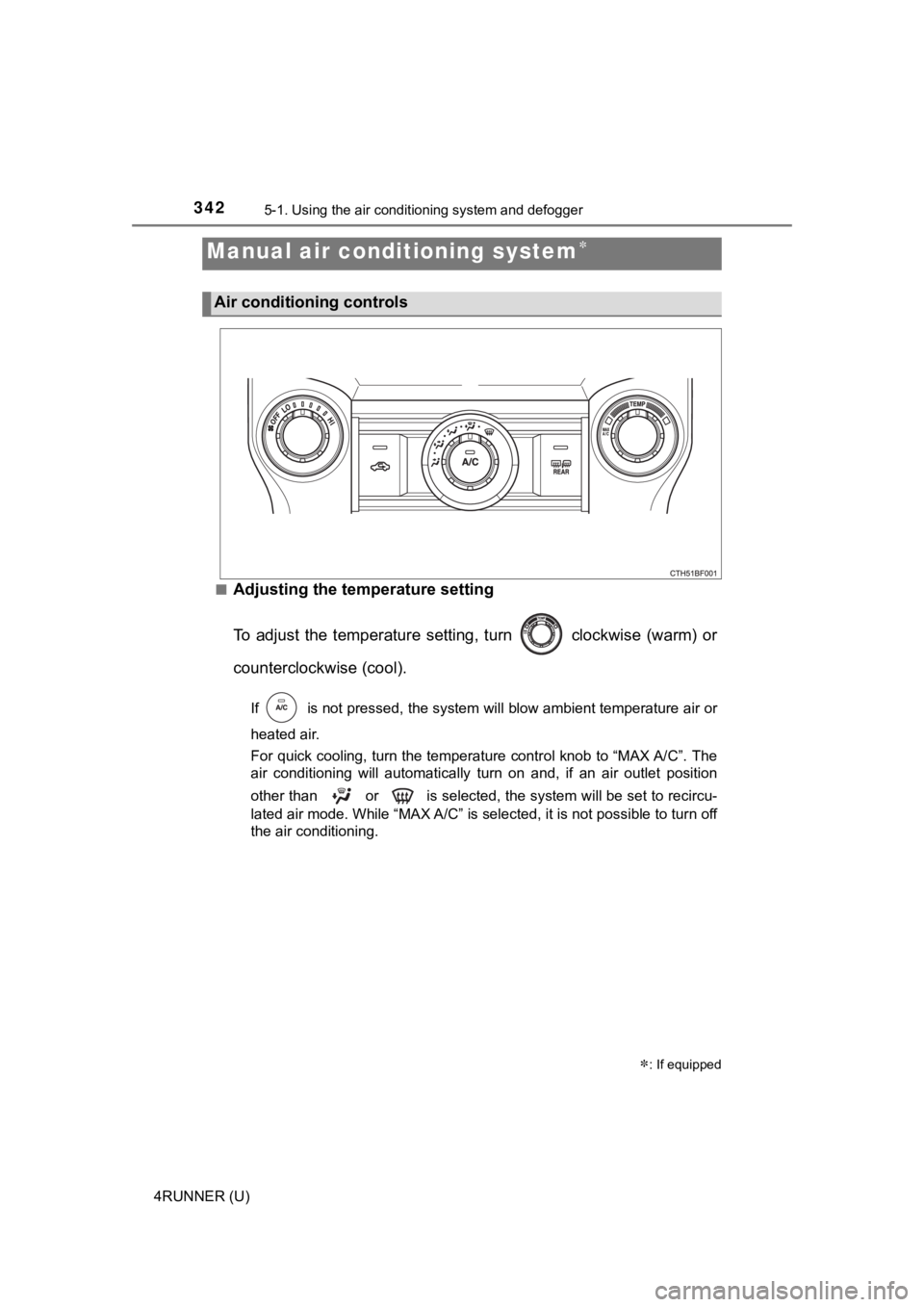
■Adjusting the temperature setting
To adjust the temperature setting, turn clockwise (warm) or
counterclockwise (cool).
If is not pressed, the system will blow ambient temperature air o r
heated air.
For quick cooling, turn the temperature control knob to “MAX A/ C”. The
air conditioning will automatically turn on and, if an air outl et position
other than or is selected, the system will be set to recircu-
lated air mode. While “MAX A/C” is selected, it is not possible to turn off
the air conditioning.
Manual air conditioning system
: If equipped
Air conditioning controls
Page 343 of 608
3435-1. Using the air conditioning system and defogger
5
Interior features
4RUNNER (U)■
Fan speed setting
To adjust the fan speed, turn clockwise (increase) or coun-
terclockwise (decrease).
Turning the knob to “OFF” turns off the fan.
■
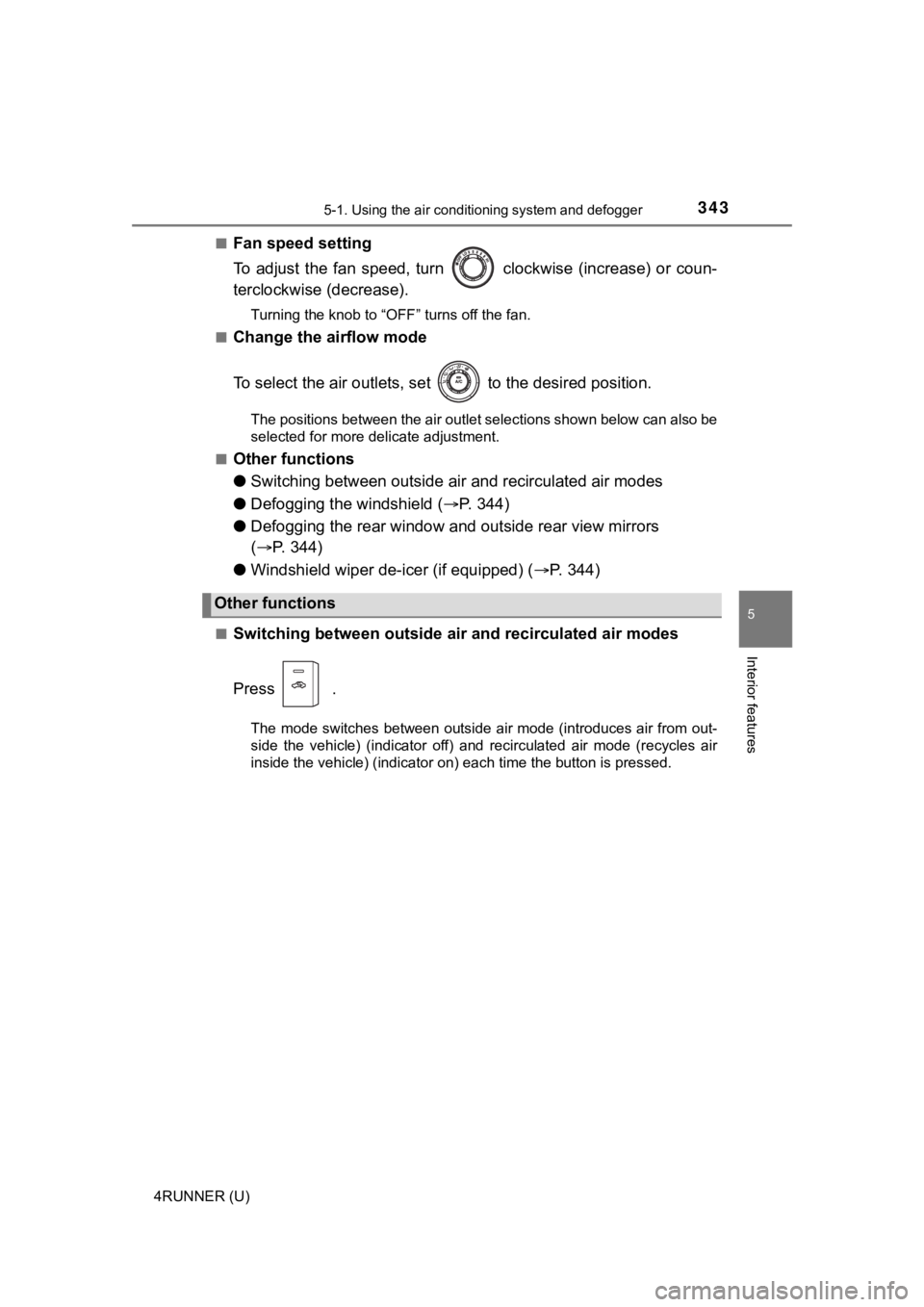
Change the airflow mode
To select the air outlets, set to the desired position.
The positions between the air outlet selections shown below can also be
selected for more delicate adjustment.
■
Other functions
● Switching between outside a ir and recirculated air modes
● Defogging the windshield ( P. 3 4 4 )
● Defogging the rear window and outside rear view mirrors
( P. 344)
● Windshield wiper de-icer (if equipped) ( P. 3 4 4 )
■Switching between outside air and recirculated air modes
Press .
The mode switches between outside air mode (introduces air from out-
side the vehicle) (indicator off) and recirculated air mode (re cycles air
inside the vehicle) (indicator on) each time the button is pressed.
Other functions
Page 348 of 608
3485-1. Using the air conditioning system and defogger
4RUNNER (U)
WARNING
■To prevent the windshield from fogging up
● Do not use during cool air operation in extremely humid weathe r.
The difference between the temperature of the outside air and that of the
windshield can cause the outer surface of the windshield to fog up, block-
ing your vision.
■ To prevent burns
● Do not touch the rear view mirror surfaces when the outside rear view mir-
ror defoggers are on.
● Do not touch the glass at lower part of the windshield or to the side of the
front pillars when the windshield wiper de-icer is on.
NOTICE
■To prevent battery discharge
Do not leave the air conditioning system on longer than necessa ry when the
engine is stopped.
■ When repairing/replacing parts of the air conditioning system
Have repair/replacement performed by your Toyota dealer.
When a part of the air conditioning system, such as the evapora tor, is to be
replaced, it must be replaced with a new one.
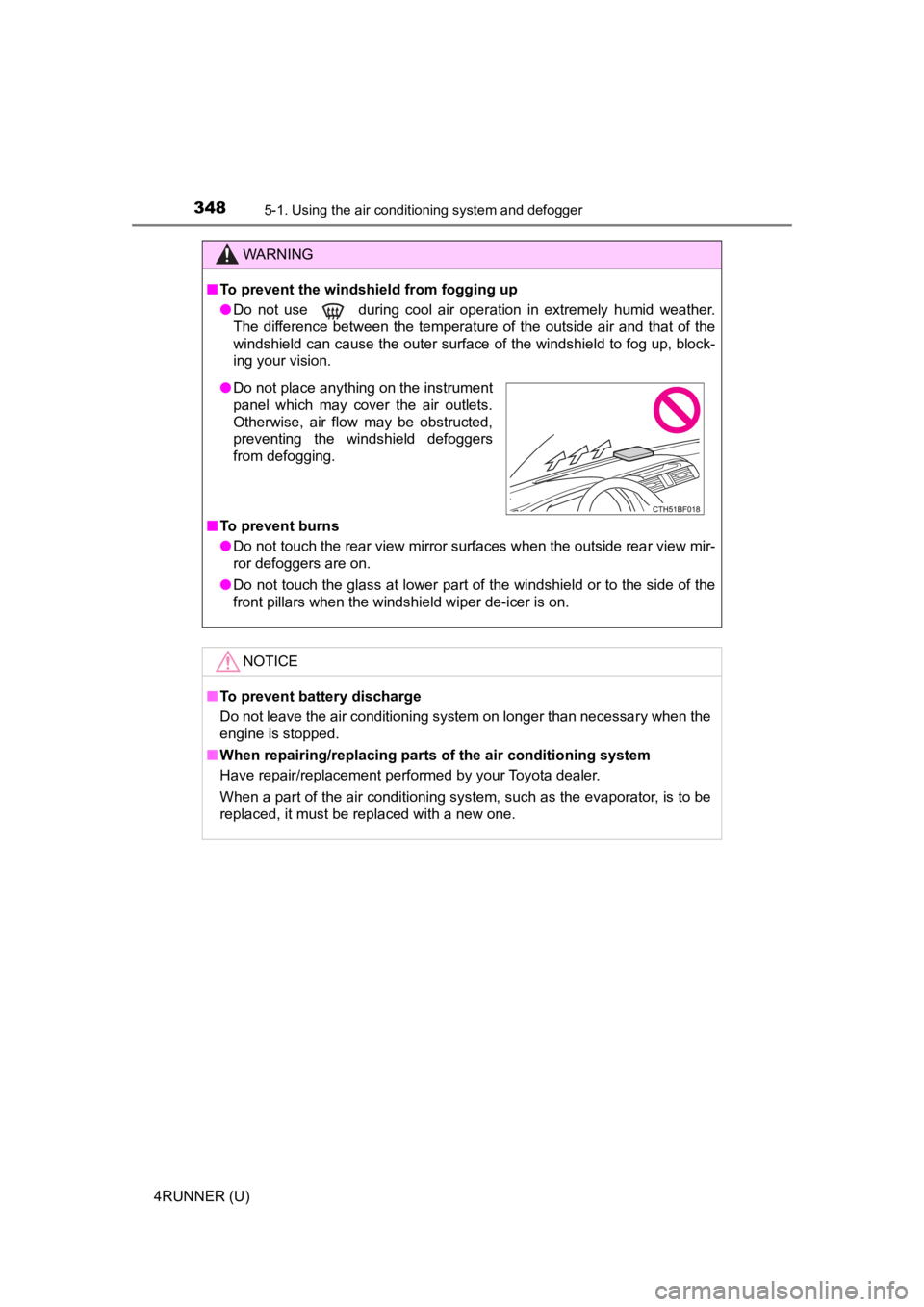
● Do not place anything on the instrument
panel which may cover the air outlets.
Otherwise, air flow may be obstructed,
preventing the windshield defoggers
from defogging.
Page 349 of 608
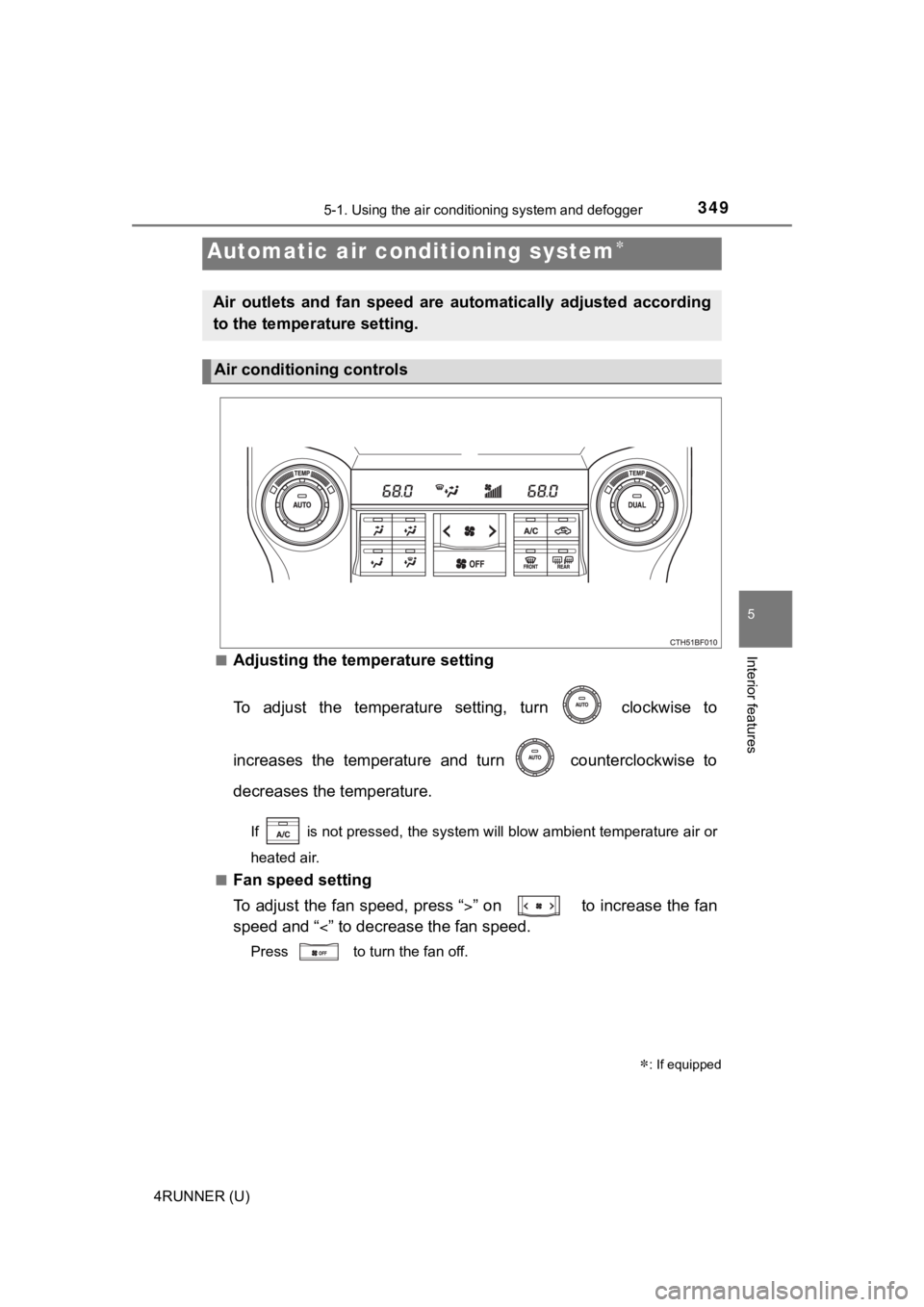
3495-1. Using the air conditioning system and defogger
5
Interior features
4RUNNER (U)■
Adjusting the temperature setting
To adjust the temperature setting, turn clockwise to
increases the temperature and turn counterclockwise to
decreases the temperature.
If is not pressed, the system will blow ambient temperature ai
r or
heated air.
■
Fan speed setting
To adjust the fan speed, press “ ” on to increase the fan
speed and “ ” to decrease the fan speed.
Press to turn the fan off.
Automatic air conditioning system
: If equipped
Air outlets and fan speed are automatically adjusted according
to the temperature setting.
Air conditioning controls