warning TOYOTA C-HR 2023 Owners Manual
[x] Cancel search | Manufacturer: TOYOTA, Model Year: 2023, Model line: C-HR, Model: TOYOTA C-HR 2023Pages: 814, PDF Size: 112.62 MB
Page 398 of 814
3964-5. Using the driving support systems
C-HR_HEV_OM_Europe_OM10764E
■Operation conditions of each function
● Lane departure alert function
This function operates when all of the following conditions are met.
• LTA is turned on.
• Vehicle speed is approximately 50 km/h (32 mph) or more*1.
• System recognizes white (yellow) lane lines or a course*2. (When a white
[yellow] line or course*2 is recognized on only one side, the system will
operate only for the recognized side.)
• Width of traffic lane is approximately 3 m (9.8 ft.) or more.
• Turn signal lever is not operated. (Vehicle with BSM: Except w hen
another vehicle is in the lane on the side where the turn signa l was oper-
ated)
• Vehicle is not being driven around a sharp curve.
• No system malfunctions are detected. ( P. 399)
*1: The function operates even if the vehicle speed is less than approxi-
mately 50 km/h (32 mph) when the lane centering function is ope rating.
*2: Boundary between asphalt and the side of the road, such as grass, soil,
or a curb
● Steering assist function
This function operates when all of the following conditions are met in addi-
tion to the operation conditions for the lane departure alert f unction.
• Vehicle is not accelerated or decelerated by a fixed amount or more.
• Steering wheel is not operated with a steering force level sui table for
changing lanes.
• ABS, VSC, TRC and PCS are not operating.
• TRC or VSC is not turned off.
• Hands off steering wheel warning is not displayed. ( P. 398)
● Vehicle sway warning function
This function operates when all of the following conditions are met.
• Setting for “Sway Warning” in on the multi-information displa y is set
to “ON”. ( P. 786)
• Vehicle speed is approximately 50 km/h (32 mph) or more.
• Width of traffic lane is approximately 3 m (9.8 ft.) or more.
• No system malfunctions are detected. ( P. 399)
Page 399 of 814
3974-5. Using the driving support systems
4
Driving
C-HR_HEV_OM_Europe_OM10764E
● Lane centering function
This function operates when all of the following conditions are met.
• LTA is turned on.
• Setting for “Lane Centering” in of the multi-information disp lay is set
to “ON”. ( P. 786)
• This function recognizes white (yellow) lane lines or the position of a pre-
ceding vehicle (except when the preceding vehicle is small, suc h as a
motorcycle).
• The dynamic radar cruise control with full-speed range is oper ating in
vehicle-to-vehicle distance control mode.
• Width of traffic lane is approximately 3 to 4 m (10 to 13 ft.) .
• Turn signal lever is not operated.
• Vehicle is not being driven around a sharp curve.
• No system malfunctions are detected. ( P. 399)
• Vehicle does not accelerate or decelerate by a fixed amount or more.
• Steering wheel is not operated with a steering force level sui table for
changing lanes.
• ABS, VSC, TRC and PCS are not operating.
• TRC or VSC is not turned off.
• Hands off steering wheel warning is not displayed. ( P. 398)
• The vehicle is being driven in the center of a lane.
• Steering assist function is not operating.
■ Temporary cancelation of functions
● When operation conditions are no longer met, a function may be temporarily
canceled. However, when the operation conditions are met again, operation
of the function is automatically restored. ( P. 396)
● If the operation conditions (P. 397) are no longer met while the lane cen-
tering function is operating, the buzzer may sound to indicate that the func-
tion has been temporarily canceled.
■ Steering assist function/lane centering function
● Depending on the vehicle speed, lane departure situation, road conditions,
etc., the driver may not feel the function is operating or the function may not
operate at all.
● The steering control of the function is overridden by the driver’s steering
wheel operation.
● Do not attempt to test the operation of the steering assist function.
Page 400 of 814
3984-5. Using the driving support systems
C-HR_HEV_OM_Europe_OM10764E
■ Lane departure alert function
● The warning buzzer may be difficult to hear due to external noise, audio
playback, etc.
● If the edge of the course* is not clear or straight, the lane departure alert
function may not operate.
● Vehicle with BSM: It may not be possible for the system to determine if there
is a danger of a collision with a vehicle in an adjacent lane.
● Do not attempt to test the operation of the lane departure alert function.
*: Boundary between asphalt and the side of the road, such as grass, soil, or
a curb
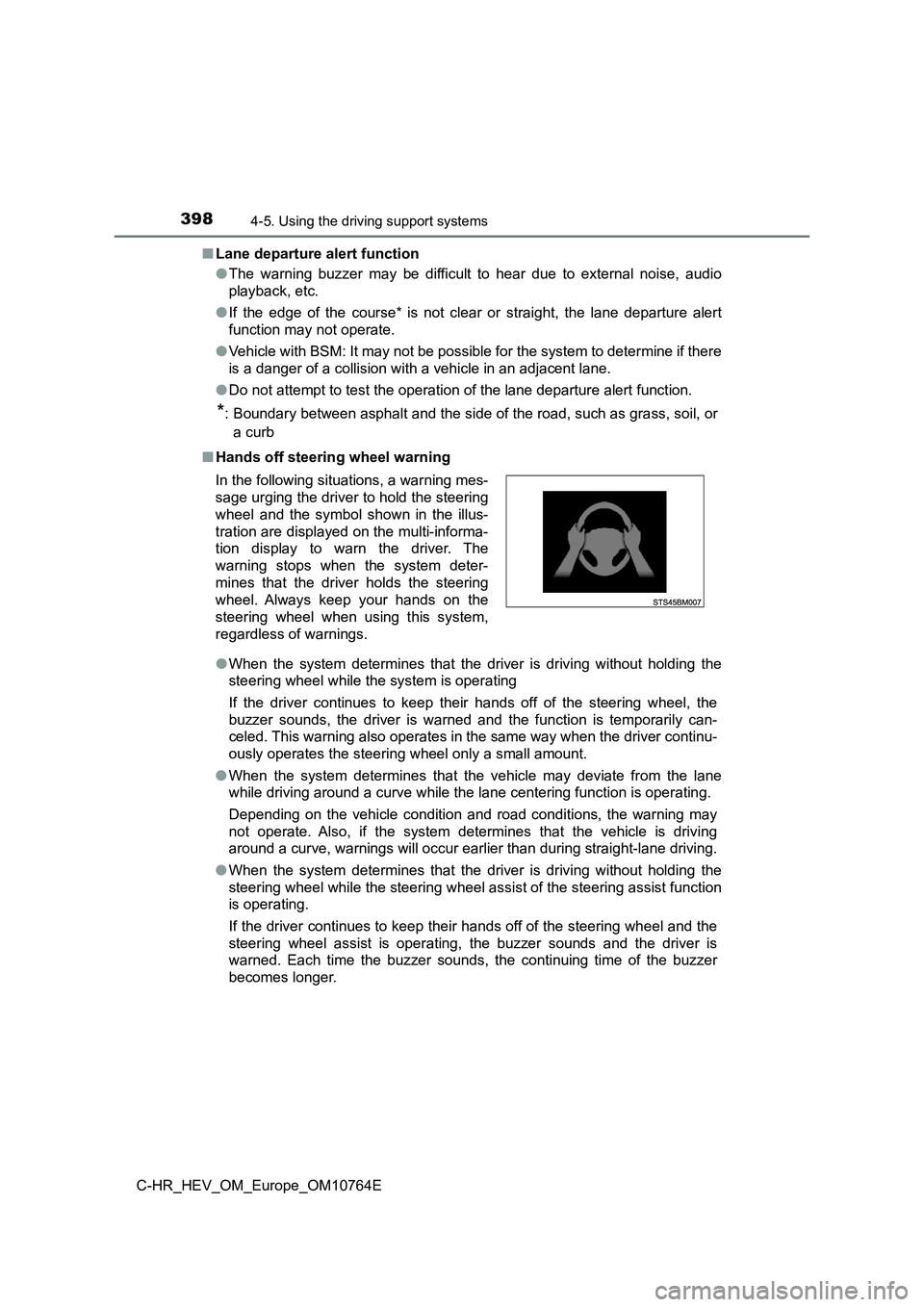
■ Hands off steering wheel warning
● When the system determines that the driver is driving without holding the
steering wheel while the system is operating
If the driver continues to keep their hands off of the steering wheel, the
buzzer sounds, the driver is warned and the function is tempora rily can-
celed. This warning also operates in the same way when the driv er continu-
ously operates the steering wheel only a small amount.
● When the system determines that the vehicle may deviate from the lane
while driving around a curve while the lane centering function is operating.
Depending on the vehicle condition and road conditions, the war ning may
not operate. Also, if the system determines that the vehicle is driving
around a curve, warnings will occur earlier than during straigh t-lane driving.
● When the system determines that the driver is driving without holding the
steering wheel while the steering wheel assist of the steering assist function
is operating.
If the driver continues to keep their hands off of the steering wheel and the
steering wheel assist is operating, the buzzer sounds and the d river is
warned. Each time the buzzer sounds, the continuing time of the buzzer
becomes longer.
In the following situations, a warning mes-
sage urging the driver to hold the steering
wheel and the symbol shown in the illus-
tration are displayed on the multi-informa-
tion display to warn the driver. The
warning stops when the system deter-
mines that the driver holds the steering
wheel. Always keep your hands on the
steering wheel when using this system,
regardless of warnings.
Page 401 of 814
3994-5. Using the driving support systems
4
Driving
C-HR_HEV_OM_Europe_OM10764E
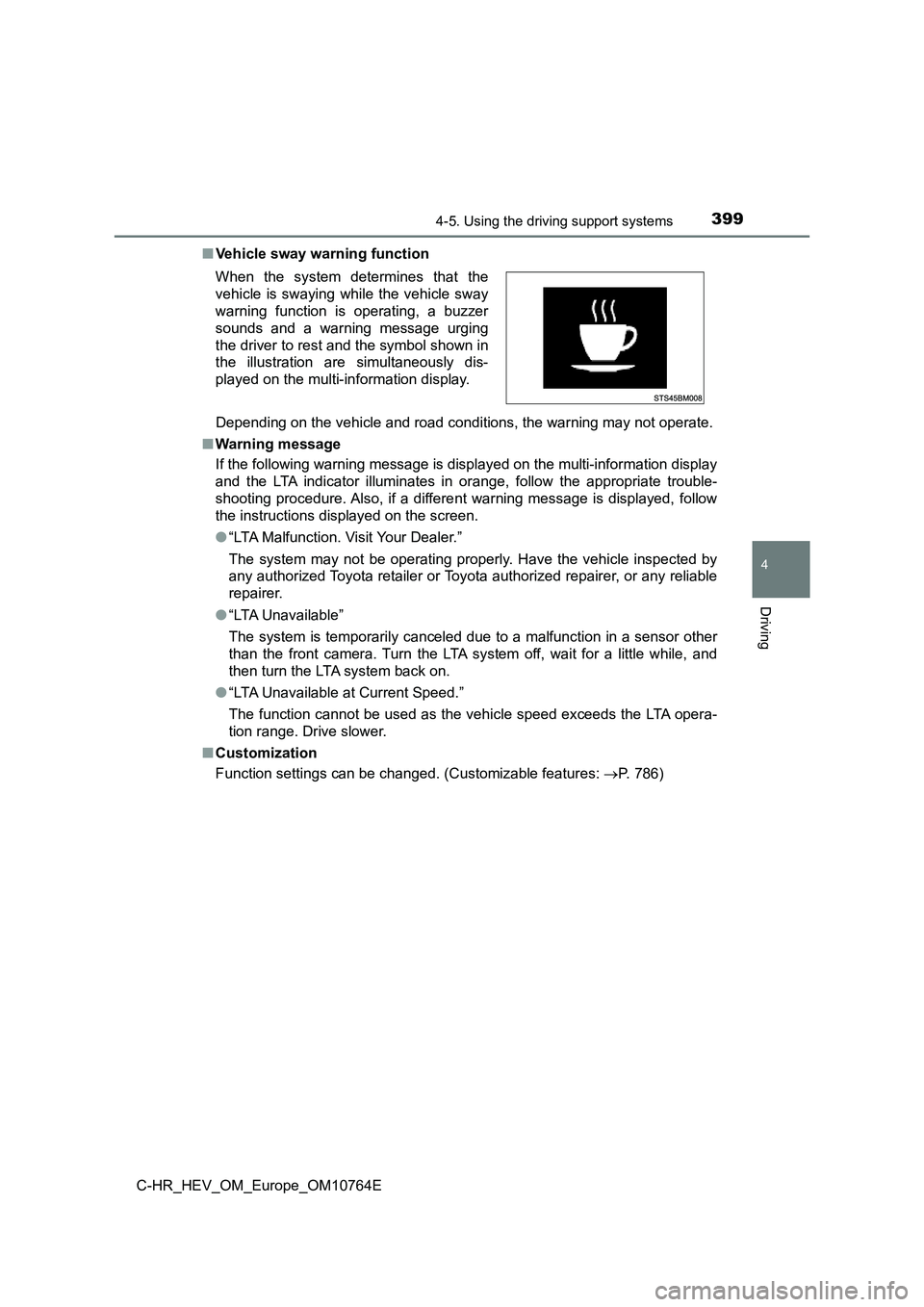
■ Vehicle sway warning function
Depending on the vehicle and road conditions, the warning may n ot operate.
■ Warning message
If the following warning message is displayed on the multi-info rmation display
and the LTA indicator illuminates in orange, follow the appropr iate trouble-
shooting procedure. Also, if a different warning message is dis played, follow
the instructions displayed on the screen.
● “LTA Malfunction. Visit Your Dealer.”
The system may not be operating properly. Have the vehicle insp ected by
any authorized Toyota retailer or Toyota authorized repairer, o r any reliable
repairer.
● “LTA Unavailable”
The system is temporarily canceled due to a malfunction in a se nsor other
than the front camera. Turn the LTA system off, wait for a litt le while, and
then turn the LTA system back on.
● “LTA Unavailable at Current Speed.”
The function cannot be used as the vehicle speed exceeds the LT A opera-
tion range. Drive slower.
■ Customization
Function settings can be changed. (Customizable features: P. 786)
When the system determines that the
vehicle is swaying while the vehicle sway
warning function is operating, a buzzer
sounds and a warning message urging
the driver to rest and the symbol shown in
the illustration are simultaneously dis-
played on the multi-information display.
Page 402 of 814
4004-5. Using the driving support systems
C-HR_HEV_OM_Europe_OM10764E
RSA (Road Sign Assist)
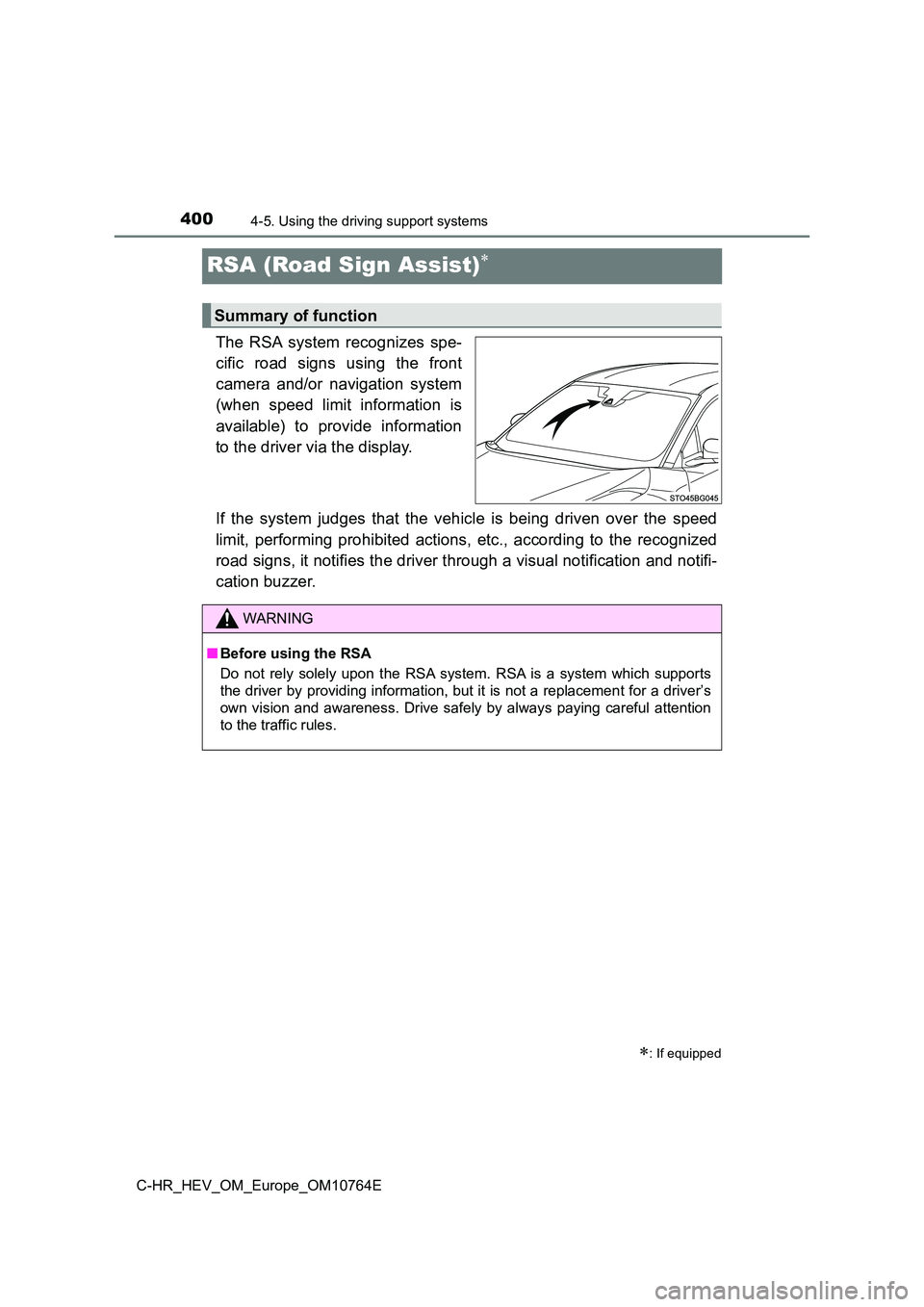
The RSA system recognizes spe-
cific road signs using the front
camera and/or navigation system
(when speed limit information is
available) to provide information
to the driver via the display.
If the system judges that the vehicle is being driven over the speed
limit, performing prohibited actions, etc., according to the re cognized
road signs, it notifies the driver through a visual notificatio n and notifi-
cation buzzer.
: If equipped
Summary of function
WARNING
■ Before using the RSA
Do not rely solely upon the RSA system. RSA is a system which s upports
the driver by providing information, but it is not a replacemen t for a driver’s
own vision and awareness. Drive safely by always paying careful attention
to the traffic rules.
Page 411 of 814
4094-5. Using the driving support systems
4
Driving
C-HR_HEV_OM_Europe_OM10764E
WARNING
■Before using dynamic radar cruise control with full-speed range
● Driving safely is the sole responsibility of the driver. Do not rely solely on
the system, and drive safely by always paying careful attention to your sur-
roundings.
● The dynamic radar cruise control with full-speed range provides driving
assistance to reduce the driver’s burden. However, there are li mitations to
the assistance provided.
Read the following conditions carefully. Do not overly rely on this system
and always drive carefully.
• When the sensor may not be correctly detecting the vehicle ahe ad:
P. 423
• Conditions under which the vehicle-to-vehicle distance control mode
may not function correctly: P. 424
● Set the speed appropriately depending on the speed limit, traffic flow, road
conditions, weather conditions, etc. The driver is responsible for checking
the set speed.
● Even when the system is functioning normally, the condition of the preced-
ing vehicle as detected by the system may differ from the condi tion
observed by the driver. Therefore, the driver must always remai n alert,
assess the danger of each situation and drive safely. Relying s olely on this
system or assuming the system ensures safety while driving can lead to
an accident, resulting in death or serious injury.
● Switch the dynamic radar cruise control with full-speed range setting to off,
using the “ON-OFF” button when not in use.
Page 412 of 814
4104-5. Using the driving support systems
C-HR_HEV_OM_Europe_OM10764E
WARNING
■Cautions regarding the driving assist systems
Observe the following precautions, as there are limitations to the assistance
provided by the system.
Failure to do so may cause an accident resulting in death or se rious injury.
● Assisting the driver to measure following distance
The dynamic radar cruise control with full-speed range is only intended to
help the driver in determining the following distance between t he driver’s
own vehicle and a designated vehicle traveling ahead. It is not a mecha-
nism that allows careless or inattentive driving, and it is not a system that
can assist the driver in low-visibility conditions. It is still necessary for
driver to pay close attention to the vehicle’s surroundings.
● Assisting the driver to judge proper following distance
The dynamic radar cruise contro l with full-speed range determines
whether the following distance between the driver’s own vehicle and a
designated vehicle traveling ahead is within a set range. It is not capable
of making any other type of judgement. Therefore, it is absolut ely neces-
sary for the driver to remain vigilant and to determine whether or not there
is a possibility of danger in any given situation.
● Assisting the driver to operate the vehicle
The dynamic radar cruise control with full-speed range does not include
functions which will prevent or avoid collisions with vehicles ahead of your
vehicle. Therefore, if there is ever any possibility of danger, the driver must
take immediate and direct control of the vehicle and act approp riately in
order to ensure the safety of all involved.
Page 413 of 814
4114-5. Using the driving support systems
4
Driving
C-HR_HEV_OM_Europe_OM10764E
WARNING
■Situations unsuitable for dynamic radar cruise control with full-speed
range
Do not use dynamic radar cruise control with full-speed range i n any of the
following situations.
Doing so may result in inappropriate speed control and could ca use an acci-
dent resulting in death or serious injury.
● Roads where there are pedestrians, cyclists, etc.
● In heavy traffic
● On roads with sharp bends
● On winding roads
● On slippery roads, such as those covered with rain, ice or snow
● On steep downhills, or where there are sudden changes between sharp up
and down gradients
Vehicle speed may exceed the set speed when driving down a stee p hill.
● At entrances to freeways and highways
● When weather conditions are bad enough that they may prevent the sen-
sors from detecting correctly (fog, snow, sandstorm, heavy rain , etc.)
● When there is rain, snow, etc., on the front surface of the radar or front
camera
● In traffic conditions that require frequent repeated acceleration and decel-
eration
● When your vehicle is towing a trailer or during emergency towing
● When an approach warning buzzer is heard often
Page 415 of 814
4134-5. Using the driving support systems
4
Driving
C-HR_HEV_OM_Europe_OM10764E
Example of deceleration cruising and follow-up cruising
When a preceding vehicle driving slower than the set speed
appears
When a vehicle is detected running ahead of you, the system aut omatically
decelerates your vehicle. When a greater reduction in vehicle s peed is
necessary, the system applies the brakes (the stop lights will come on at
this time). The system will respond to changes in the speed of the vehicle
ahead in order to maintain the vehicle-to-vehicle distance set by the driver.
Approach warning warns you when the system cannot decelerate su ffi-
ciently to prevent your vehicle from closing in on the vehicle ahead.
When the vehicle ahead of you stops, your vehicle will also sto p (vehicle is
stopped by system control). After the vehicle ahead starts off, pushing the
cruise control lever up or depressing the accelerator pedal (st art-off opera-
tion) will resume follow-up crui sing. If the start-off operation is not per-
formed, system control continues to keep your vehicle stopped.
When the turn signal lever is operated and your vehicle moves t o an over-
taking lane while driving at 80 km/h (50 mph) or more, the vehi cle will
accelerate to help to overtake a passing vehicle.
The system’s identification of what is an overtaking lane may b e deter-
mined solely based on the location of the steering wheel in the vehicle (left
side driver position versus right side driver position.) If the vehicle is driven
to a region where the overtaking lane is on a different side fr om where the
vehicle is normally driven, the vehicle may accelerate when the turn signal
lever is operated in the opposite direction to the overtaking l ane (e.g., if the
driver normally operates the vehi cle in a region where the overtaking lane
is to the right but then drives to a region where the overtakin g lane is to the
left, the vehicle may accelerate when the right turn signal is activated).
Example of acceleration
When there are no longer any preceding vehicles driving slower
than the set speed
The system accelerates until the set speed is reached. The syst em then
returns to constant speed cruising.
Page 420 of 814
4184-5. Using the driving support systems
C-HR_HEV_OM_Europe_OM10764E
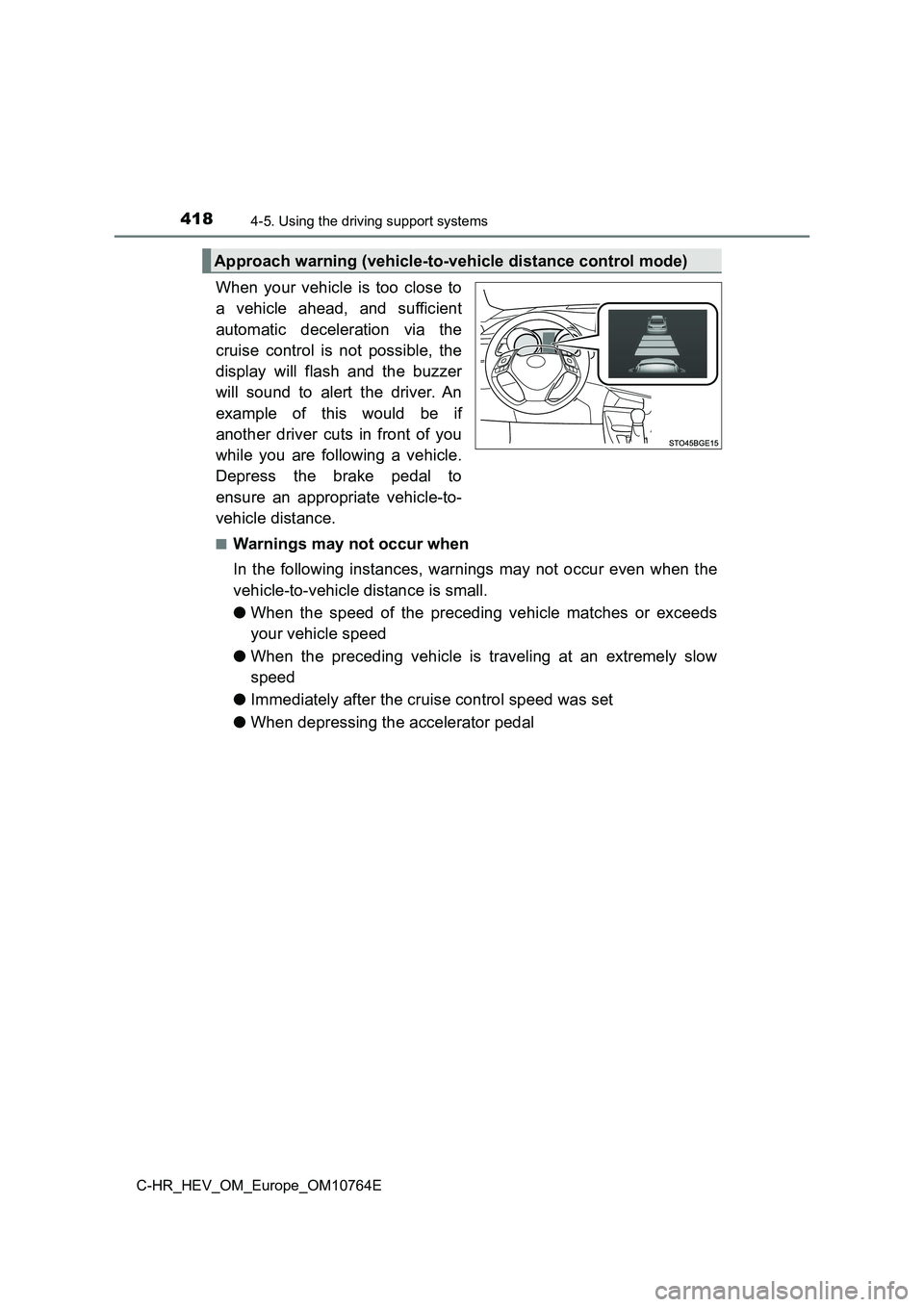
When your vehicle is too close to
a vehicle ahead, and sufficient
automatic deceleration via the
cruise control is not possible, the
display will flash and the buzzer
will sound to alert the driver. An
example of this would be if
another driver cuts in front of you
while you are following a vehicle.
Depress the brake pedal to
ensure an appropriate vehicle-to-
vehicle distance.
■Warnings may not occur when
In the following instances, warnings may not occur even when th e
vehicle-to-vehicle distance is small.
● When the speed of the preceding vehicle matches or exceeds
your vehicle speed
● When the preceding vehicle is traveling at an extremely slow
speed
● Immediately after the cruise control speed was set
● When depressing the accelerator pedal
Approach warning (vehicle-to-vehicle distance control mode)