Multimedia TOYOTA HILUX 2023 User Guide
[x] Cancel search | Manufacturer: TOYOTA, Model Year: 2023, Model line: HILUX, Model: TOYOTA HILUX 2023Pages: 810, PDF Size: 131.54 MB
Page 146 of 810
1442. Instrument cluster
HILUX_OM_OM0K789E_(EE)
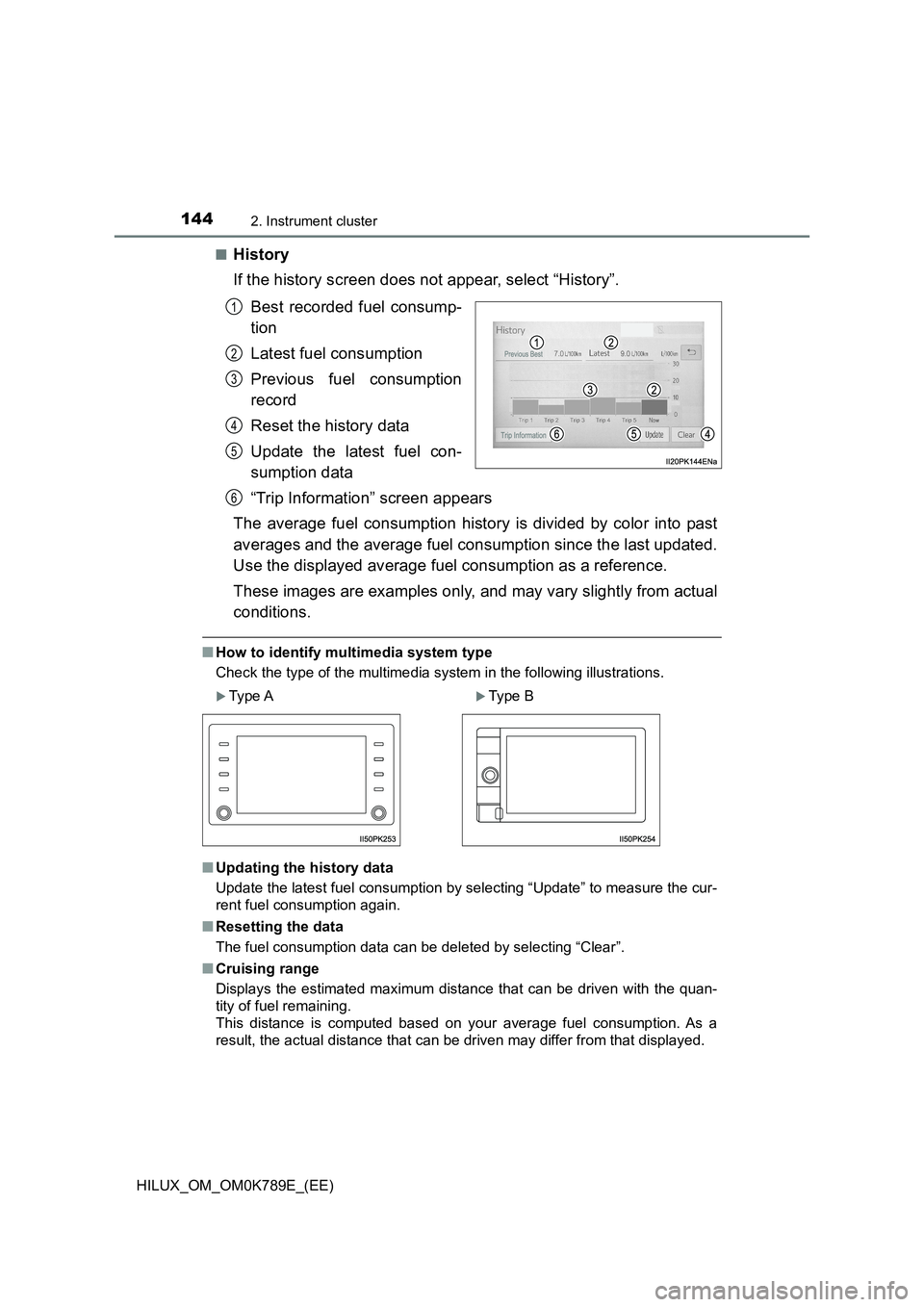
■History
If the history screen does not appear, select “History”.
Best recorded fuel consump-
tion
Latest fuel consumption
Previous fuel consumption
record
Reset the history data
Update the latest fuel con-
sumption data
“Trip Information” screen appears
The average fuel consumption history is divided by color into past
averages and the average fuel consumption since the last updated.
Use the displayed average fuel consumption as a reference.
These images are examples only, and may vary slightly from actual
conditions.
■ How to identify multimedia system type
Check the type of the multimedia system in the following illustrations.
■ Updating the history data
Update the latest fuel consumption by selecting “Update” to measure the cur-
rent fuel consumption again.
■ Resetting the data
The fuel consumption data can be deleted by selecting “Clear”.
■ Cruising range
Displays the estimated maximum distance that can be driven with the quan-
tity of fuel remaining.
This distance is computed based on your average fuel consumption. As a
result, the actual distance that can be driven may differ from that displayed.
1
2
3
4
5
Type AType B
6
Page 380 of 810
3785-1. Basic Operations
HILUX_OM_OM0K789E_(EE)
Audio system types
Vehicles with navigation system or multimedia system
Refer to the “Navigation and multimedia system Owner’s manual” or
“Multimedia Owner’s Manual”
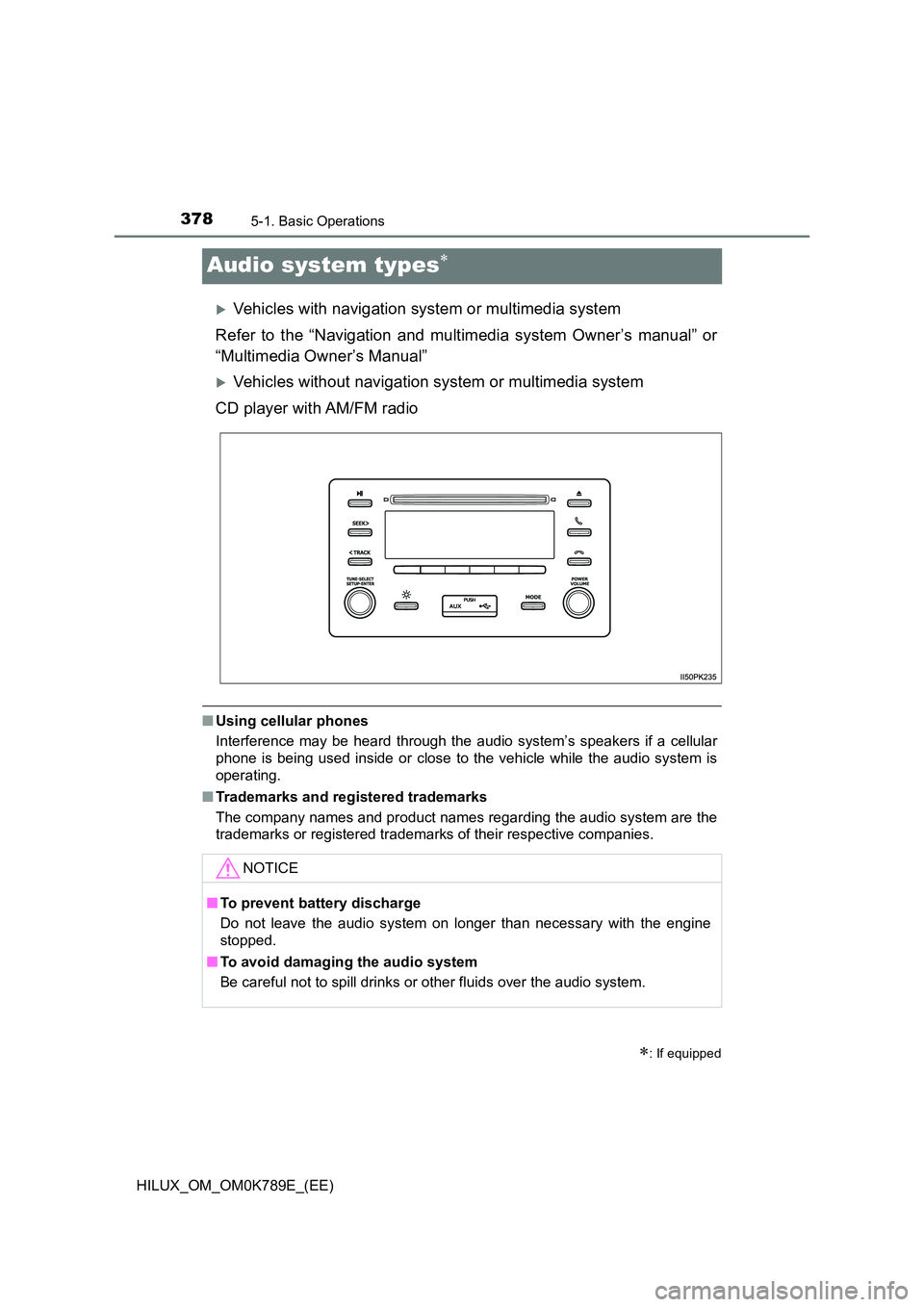
Vehicles without navigation system or multimedia system
CD player with AM/FM radio
■ Using cellular phones
Interference may be heard through the audio system’s speakers if a cellular
phone is being used inside or close to the vehicle while the audio system is
operating.
■ Trademarks and registered trademarks
The company names and product names regarding the audio system are the
trademarks or registered trademarks of their respective companies.
: If equipped
NOTICE
■ To prevent battery discharge
Do not leave the audio system on longer than necessary with the engine
stopped.
■ To avoid damaging the audio system
Be careful not to spill drinks or other fluids over the audio system.
Page 608 of 810
6068-2. Steps to take in an emergency
HILUX_OM_OM0K789E_(EE)
Once the vehicle’s engine has started, remove the jumper cables in
the exact reverse order from which they were connected.
Once the engine starts, have the vehicle inspected at any authorized
Toyota retailer or Toyota authorized repairer, or any reliable repairer
as soon as possible.
■ Starting the engine when the battery is discharged (vehicles with auto-
matic transmission)
The engine cannot be started by push-starting.
■ To prevent battery discharge
● Turn off the headlights and the audio system while the engine is off.
(Vehicles with Stop & Start system: Except when the engine is stopped due
to the Stop & Start system)
● Turn off any unnecessary electrical components when the vehicle is running
at a low speed for an extended period, such as in heavy traffic.
■ When the battery is removed or discharged
● Information stored in the ECU is cleared. When the battery is depleted, have
the vehicle inspected at any authorized Toyota retailer or Toyota authorized
repairer, or any reliable repairer.
● The power windows may not close normally. In this case, initialize the power
windows. (if equipped) ( P. 185)
● If it is necessary to initialize the panoramic view monitor (if equipped), refer
to “Navigation and multimedia system Owner’s manual” or “Multimedia
Owner’s Manual”.
■ Charging the battery
The electricity stored in the battery will discharge gradually even when the
vehicle is not in use, due to natural discharge and the draining effects of cer-
tain electrical appliances. If the vehicle is left for a long time, the battery may
discharge, and the engine may be unable to start. (The battery recharges
automatically during driving.)
6
Page 649 of 810
6479-2. Customization
HILUX_OM_OM0K789E_(EE)
9
Vehicle specifications
Customizable features
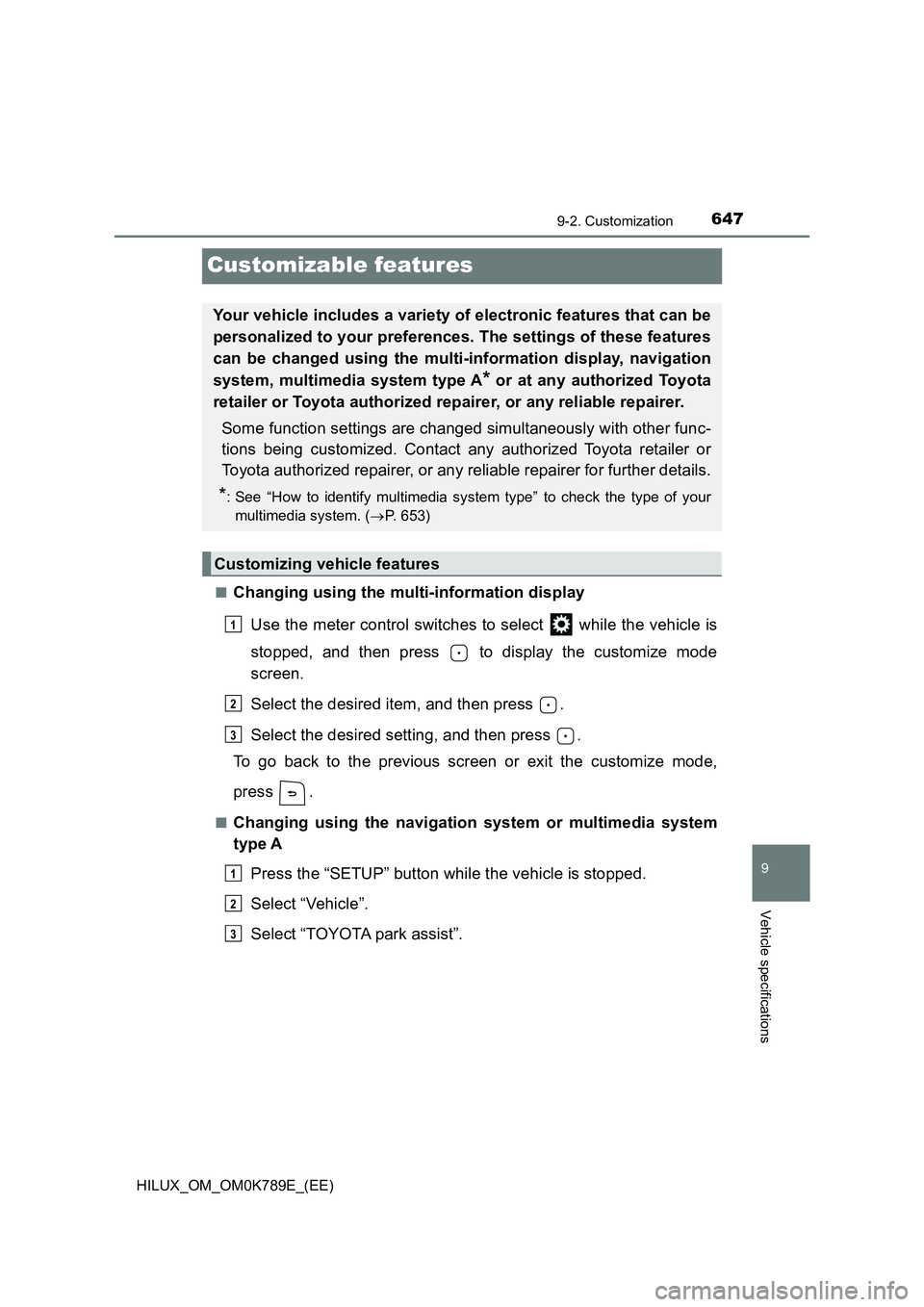
■Changing using the multi-information display
Use the meter control switches to select while the vehicle is
stopped, and then press to display the customize mode
screen.
Select the desired item, and then press .
Select the desired setting, and then press .
To go back to the previous screen or exit the customize mode,
press .
■Changing using the navigation system or multimedia system
type A
Press the “SETUP” button while the vehicle is stopped.
Select “Vehicle”.
Select “TOYOTA park assist”.
Your vehicle includes a variety of electronic features that can be
personalized to your preferences. The settings of these features
can be changed using the multi-information display, navigation
system, multimedia system type A* or at any authorized Toyota
retailer or Toyota authorized repairer, or any reliable repairer.
Some function settings are changed simultaneously with other func-
tions being customized. Contact any authorized Toyota retailer or
Toyota authorized repairer, or any reliable repairer for further details.
*: See “How to identify multimedia system type” to check the type of your
multimedia system. ( P. 653)
Customizing vehicle features
1
2
3
1
2
3
Page 655 of 810
6539-2. Customization
HILUX_OM_OM0K789E_(EE)
9
Vehicle specifications
■Automatic light control system* (P. 247)
*: If equipped
■Turn signal lever ( P. 245)
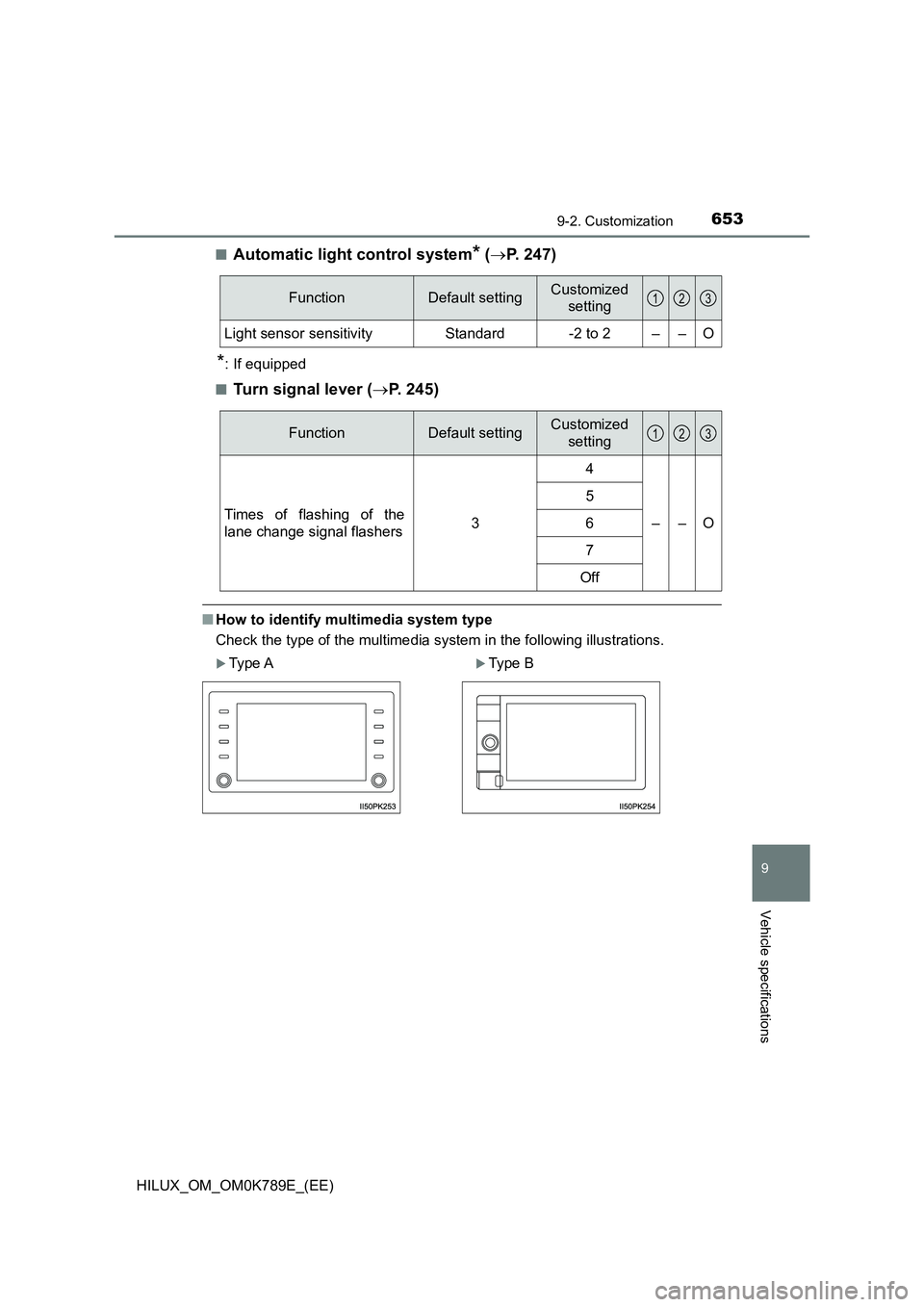
■How to identify multimedia system type
Check the type of the multimedia system in the following illustrations.
FunctionDefault settingCustomized
setting
Light sensor sensitivityStandard-2 to 2––O
123
FunctionDefault settingCustomized
setting
Times of flashing of the
lane change signal flashers3
4
––O
5
6
7
Off
Type AType B
123
Page 657 of 810
6559-3. Initialization
HILUX_OM_OM0K789E_(EE)
9
Vehicle specifications
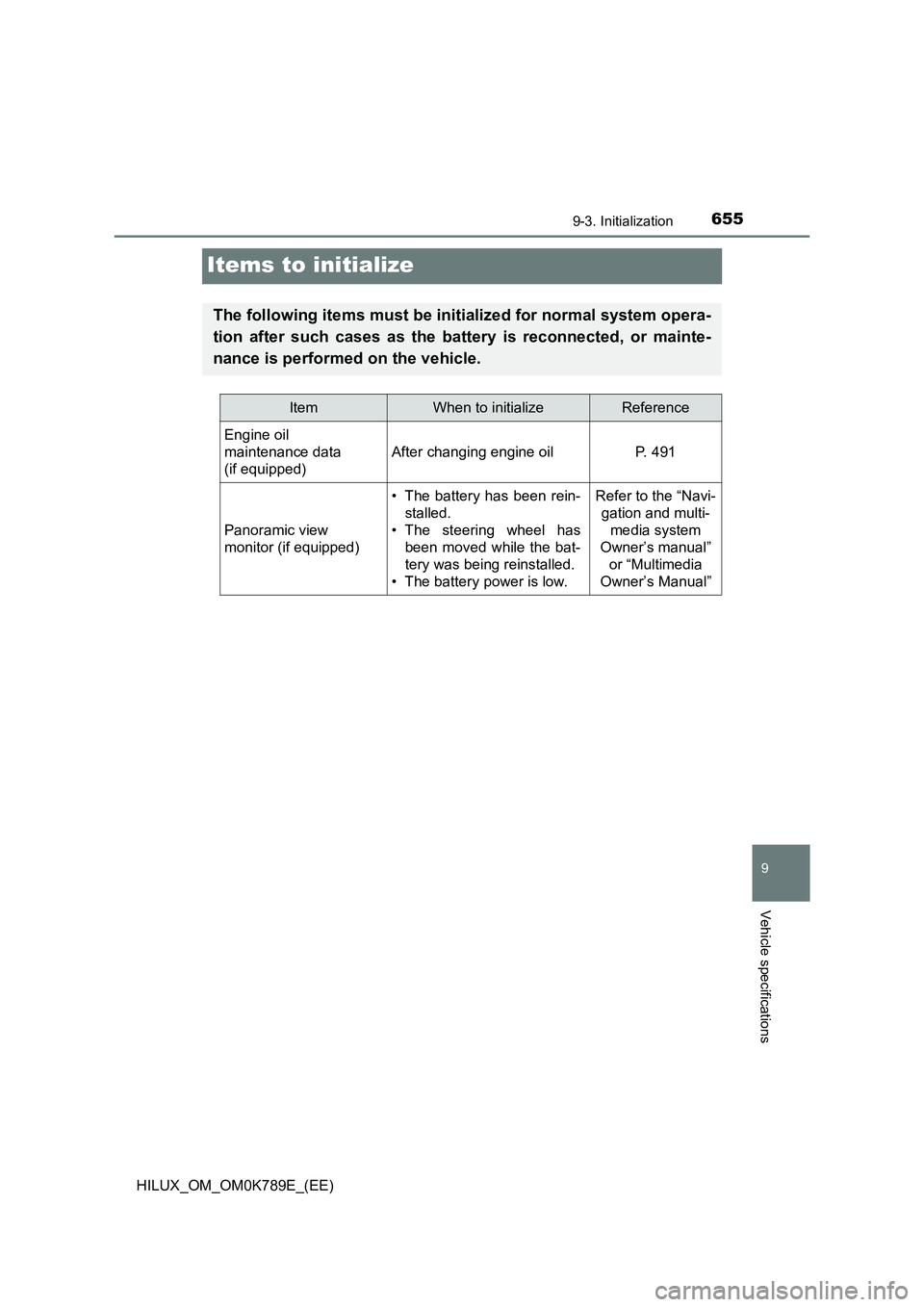
Items to initialize
The following items must be initialized for normal system opera-
tion after such cases as the battery is reconnected, or mainte-
nance is performed on the vehicle.
ItemWhen to initializeReference
Engine oil
maintenance data
(if equipped)
After changing engine oilP. 491
Panoramic view
monitor (if equipped)
• The battery has been rein-
stalled.
• The steering wheel has
been moved while the bat-
tery was being reinstalled.
• The battery power is low.
Refer to the “Navi-
gation and multi-
media system
Owner’s manual”
or “Multimedia
Owner’s Manual”
Page 659 of 810
657
Index
HILUX_OM_OM0K789E_(EE)
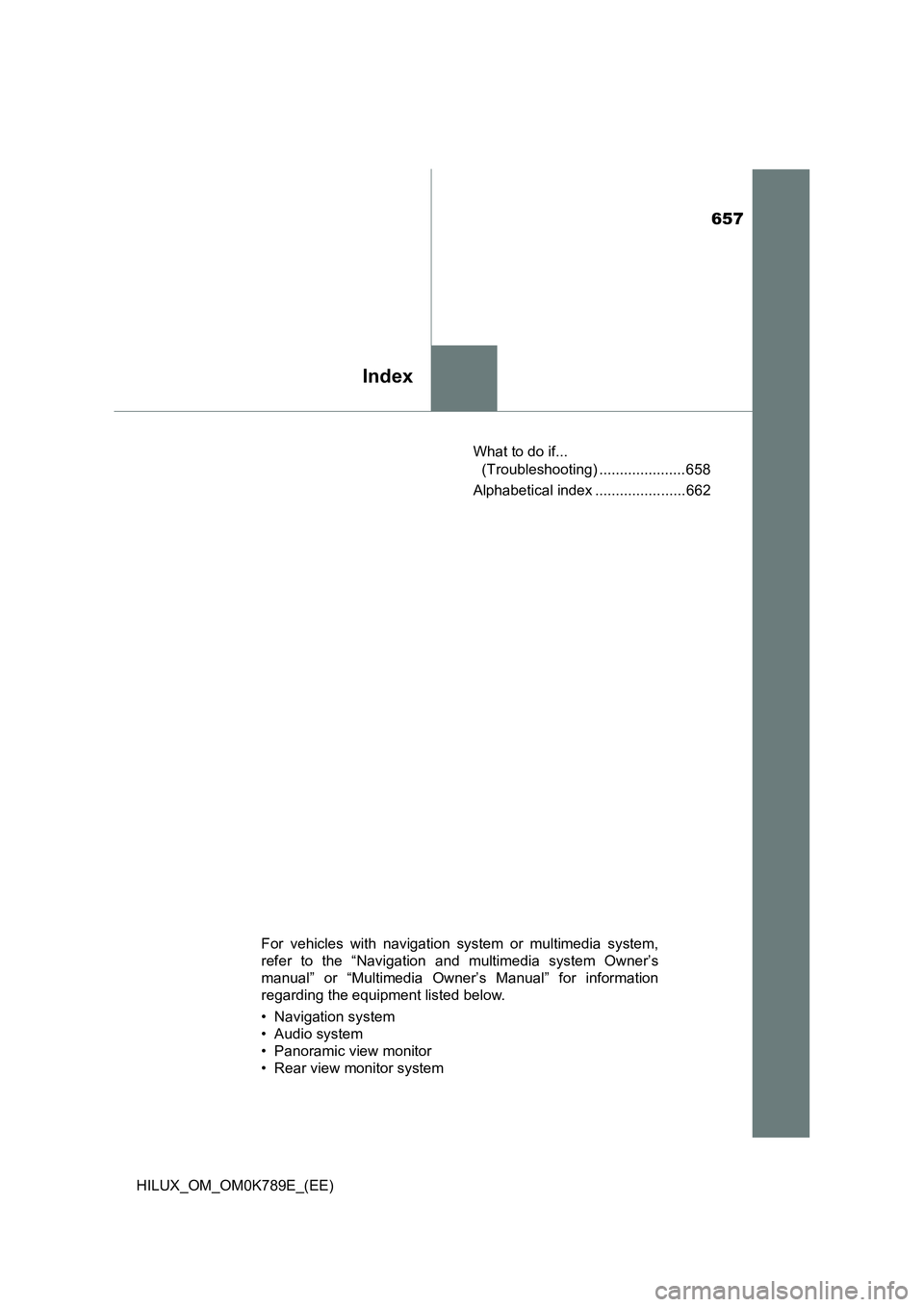
What to do if...
(Troubleshooting) ..................... 658
Alphabetical index ...................... 662
For vehicles with navigation system or multimedia system,
refer to the “Navigation and multimedia system Owner’s
manual” or “Multimedia Owner’s Manual” for information
regarding the equipment listed below.
• Navigation system
• Audio system
• Panoramic view monitor
• Rear view monitor system
Page 665 of 810
663Alphabetical index
HILUX_OM_OM0K789E_(EE)
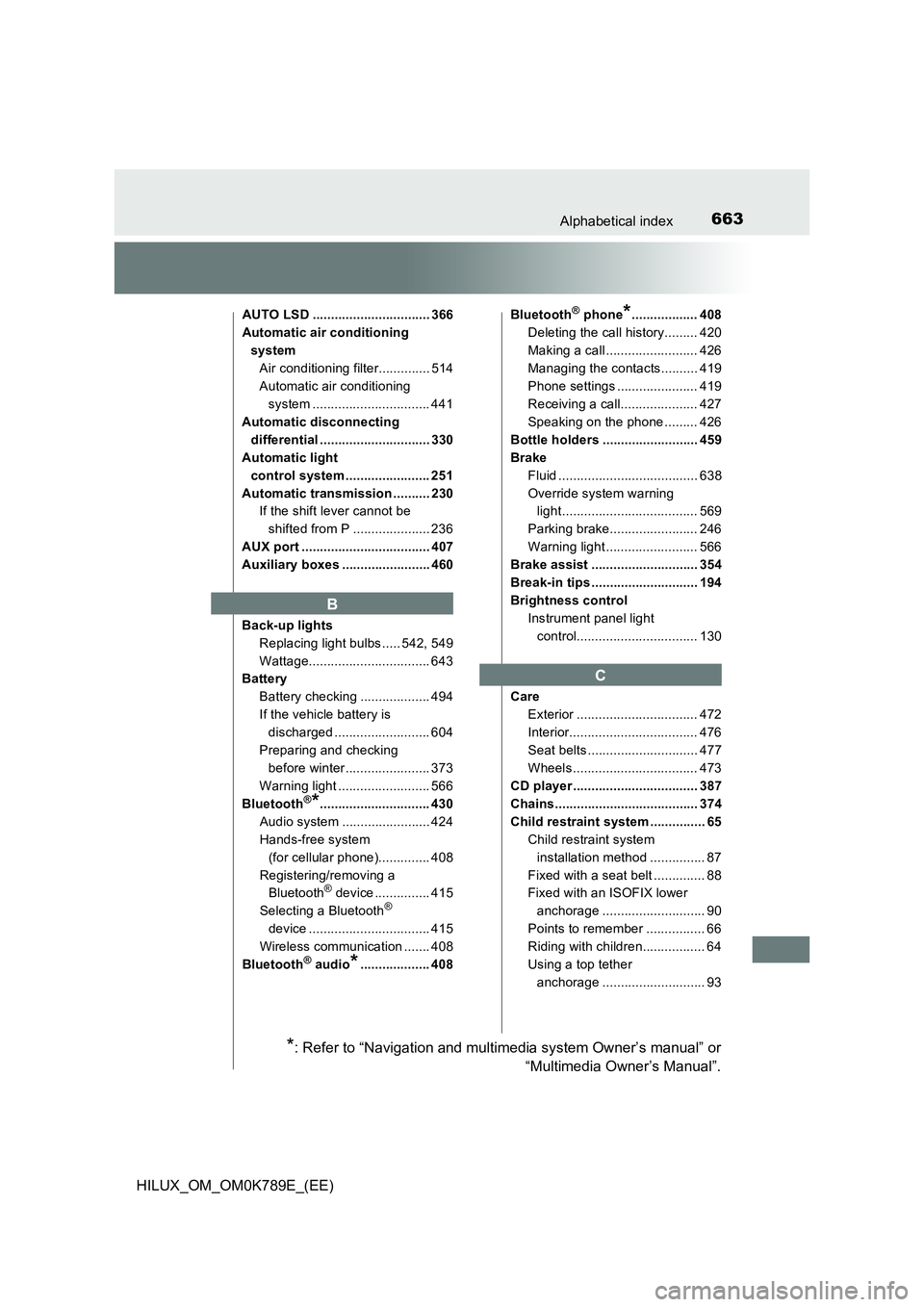
AUTO LSD ................................ 366
Automatic air conditioning
system
Air conditioning filter.............. 514
Automatic air conditioning
system ................................ 441
Automatic disconnecting
differential .............................. 330
Automatic light
control system ....................... 251
Automatic transmission .......... 230
If the shift lever cannot be
shifted from P ..................... 236
AUX port ................................... 407
Auxiliary boxes ........................ 460
Back-up lights
Replacing light bulbs ..... 542, 549
Wattage................................. 643
Battery
Battery checking ................... 494
If the vehicle battery is
discharged .......................... 604
Preparing and checking
before winter....................... 373
Warning light ......................... 566
Bluetooth®*.............................. 430
Audio system ........................ 424
Hands-free system
(for cellular phone).............. 408
Registering/removing a
Bluetooth® device ............... 415
Selecting a Bluetooth®
device ................................. 415
Wireless communication ....... 408
Bluetooth® audio*................... 408
Bluetooth® phone*.................. 408
Deleting the call history......... 420
Making a call ......................... 426
Managing the contacts.......... 419
Phone settings ...................... 419
Receiving a call..................... 427
Speaking on the phone ......... 426
Bottle holders .......................... 459
Brake
Fluid ...................................... 638
Override system warning
light..................................... 569
Parking brake........................ 246
Warning light ......................... 566
Brake assist ............................. 354
Break-in tips ............................. 194
Brightness control
Instrument panel light
control................................. 130
Care
Exterior ................................. 472
Interior................................... 476
Seat belts .............................. 477
Wheels .................................. 473
CD player .................................. 387
Chains....................................... 374
Child restraint system ............... 65
Child restraint system
installation method ............... 87
Fixed with a seat belt .............. 88
Fixed with an ISOFIX lower
anchorage ............................ 90
Points to remember ................ 66
Riding with children................. 64
Using a top tether
anchorage ............................ 93
B
C
*: Refer to “Navigation and multimedia system Owner’s manual” or
“Multimedia Owner’s Manual”.
Page 669 of 810
667Alphabetical index
HILUX_OM_OM0K789E_(EE)
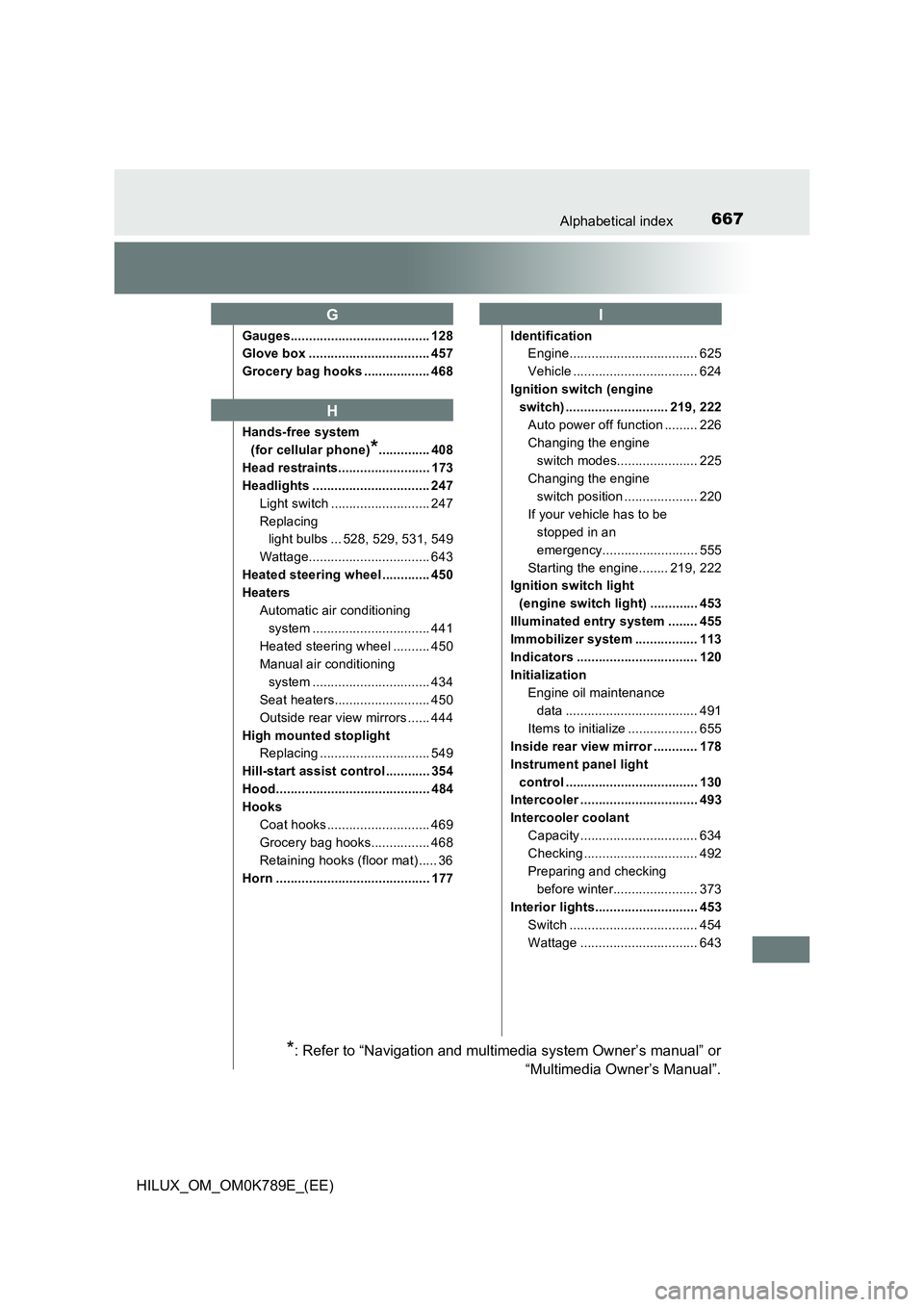
Gauges...................................... 128
Glove box ................................. 457
Grocery bag hooks .................. 468
Hands-free system
(for cellular phone)*.............. 408
Head restraints......................... 173
Headlights ................................ 247
Light switch ........................... 247
Replacing
light bulbs ... 528, 529, 531, 549
Wattage................................. 643
Heated steering wheel ............. 450
Heaters
Automatic air conditioning
system ................................ 441
Heated steering wheel .......... 450
Manual air conditioning
system ................................ 434
Seat heaters.......................... 450
Outside rear view mirrors ...... 444
High mounted stoplight
Replacing .............................. 549
Hill-start assist control ............ 354
Hood.......................................... 484
Hooks
Coat hooks ............................ 469
Grocery bag hooks................ 468
Retaining hooks (floor mat) ..... 36
Horn .......................................... 177
Identification
Engine................................... 625
Vehicle .................................. 624
Ignition switch (engine
switch) ............................ 219, 222
Auto power off function ......... 226
Changing the engine
switch modes...................... 225
Changing the engine
switch position .................... 220
If your vehicle has to be
stopped in an
emergency.......................... 555
Starting the engine........ 219, 222
Ignition switch light
(engine switch light) ............. 453
Illuminated entry system ........ 455
Immobilizer system ................. 113
Indicators ................................. 120
Initialization
Engine oil maintenance
data .................................... 491
Items to initialize ................... 655
Inside rear view mirror ............ 178
Instrument panel light
control .................................... 130
Intercooler ................................ 493
Intercooler coolant
Capacity ................................ 634
Checking ............................... 492
Preparing and checking
before winter....................... 373
Interior lights............................ 453
Switch ................................... 454
Wattage ................................ 643
G
H
I
*: Refer to “Navigation and multimedia system Owner’s manual” or
“Multimedia Owner’s Manual”.
Page 671 of 810
669Alphabetical index
HILUX_OM_OM0K789E_(EE)
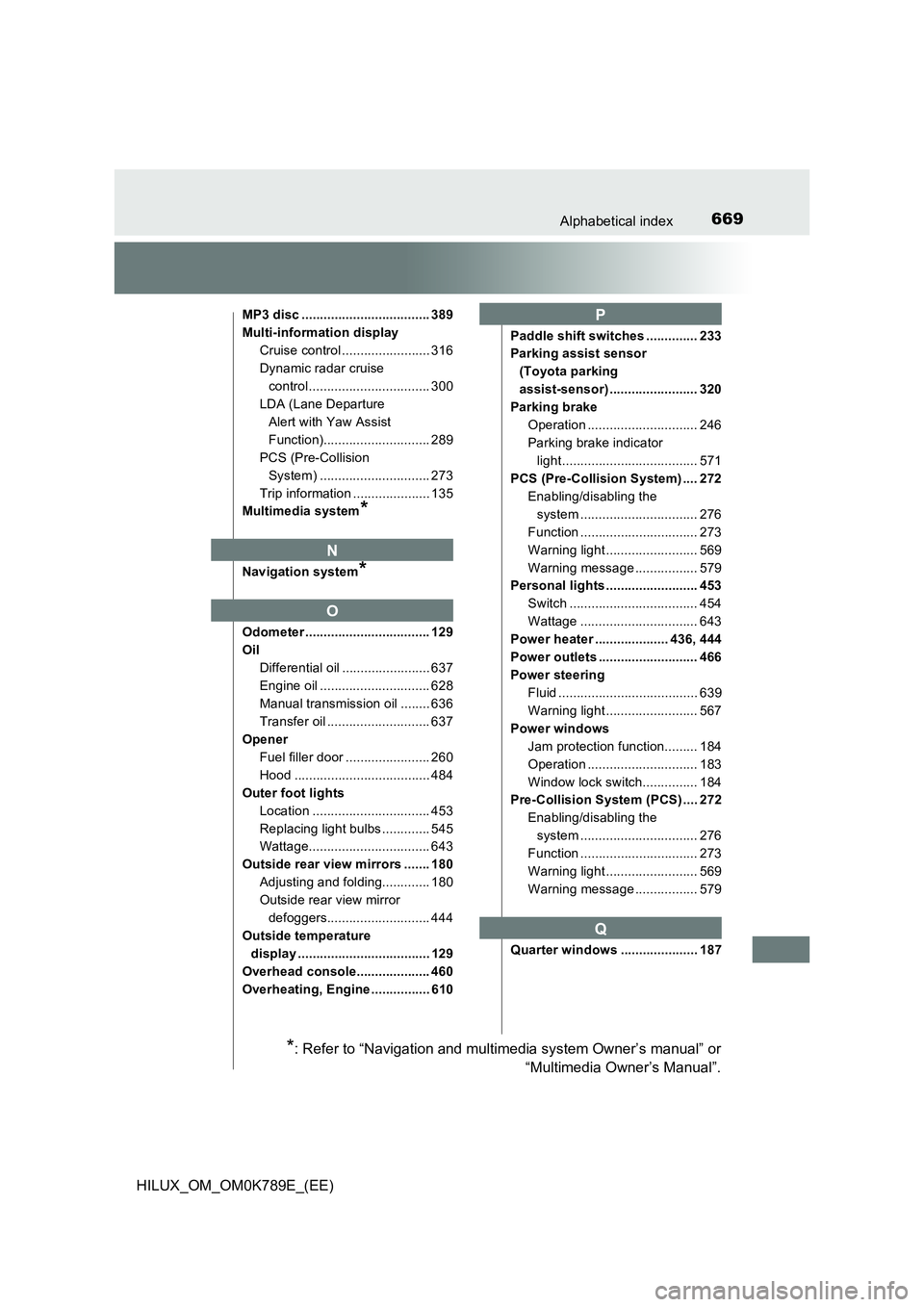
MP3 disc ................................... 389
Multi-information display
Cruise control ........................ 316
Dynamic radar cruise
control................................. 300
LDA (Lane Departure
Alert with Yaw Assist
Function)............................. 289
PCS (Pre-Collision
System) .............................. 273
Trip information ..................... 135
Multimedia system*
Navigation system*
Odometer .................................. 129
Oil
Differential oil ........................ 637
Engine oil .............................. 628
Manual transmission oil ........ 636
Transfer oil ............................ 637
Opener
Fuel filler door ....................... 260
Hood ..................................... 484
Outer foot lights
Location ................................ 453
Replacing light bulbs ............. 545
Wattage................................. 643
Outside rear view mirrors ....... 180
Adjusting and folding............. 180
Outside rear view mirror
defoggers............................ 444
Outside temperature
display .................................... 129
Overhead console.................... 460
Overheating, Engine ................ 610
Paddle shift switches .............. 233
Parking assist sensor
(Toyota parking
assist-sensor) ........................ 320
Parking brake
Operation .............................. 246
Parking brake indicator
light..................................... 571
PCS (Pre-Collision System) .... 272
Enabling/disabling the
system ................................ 276
Function ................................ 273
Warning light ......................... 569
Warning message ................. 579
Personal lights ......................... 453
Switch ................................... 454
Wattage ................................ 643
Power heater .................... 436, 444
Power outlets ........................... 466
Power steering
Fluid ...................................... 639
Warning light ......................... 567
Power windows
Jam protection function......... 184
Operation .............................. 183
Window lock switch............... 184
Pre-Collision System (PCS) .... 272
Enabling/disabling the
system ................................ 276
Function ................................ 273
Warning light ......................... 569
Warning message ................. 579
Quarter windows ..................... 187
N
O
P
Q
*: Refer to “Navigation and multimedia system Owner’s manual” or
“Multimedia Owner’s Manual”.