CD player TOYOTA LAND CRUISER 2012 User Guide
[x] Cancel search | Manufacturer: TOYOTA, Model Year: 2012, Model line: LAND CRUISER, Model: TOYOTA LAND CRUISER 2012Pages: 692, PDF Size: 29.3 MB
Page 377 of 692
377 3-2. Using the audio system
3
Interior features
L/C200_EE (OM60G38E)
Lens cleaners
Do not use lens cleaners. Doing so may damage the CD player.
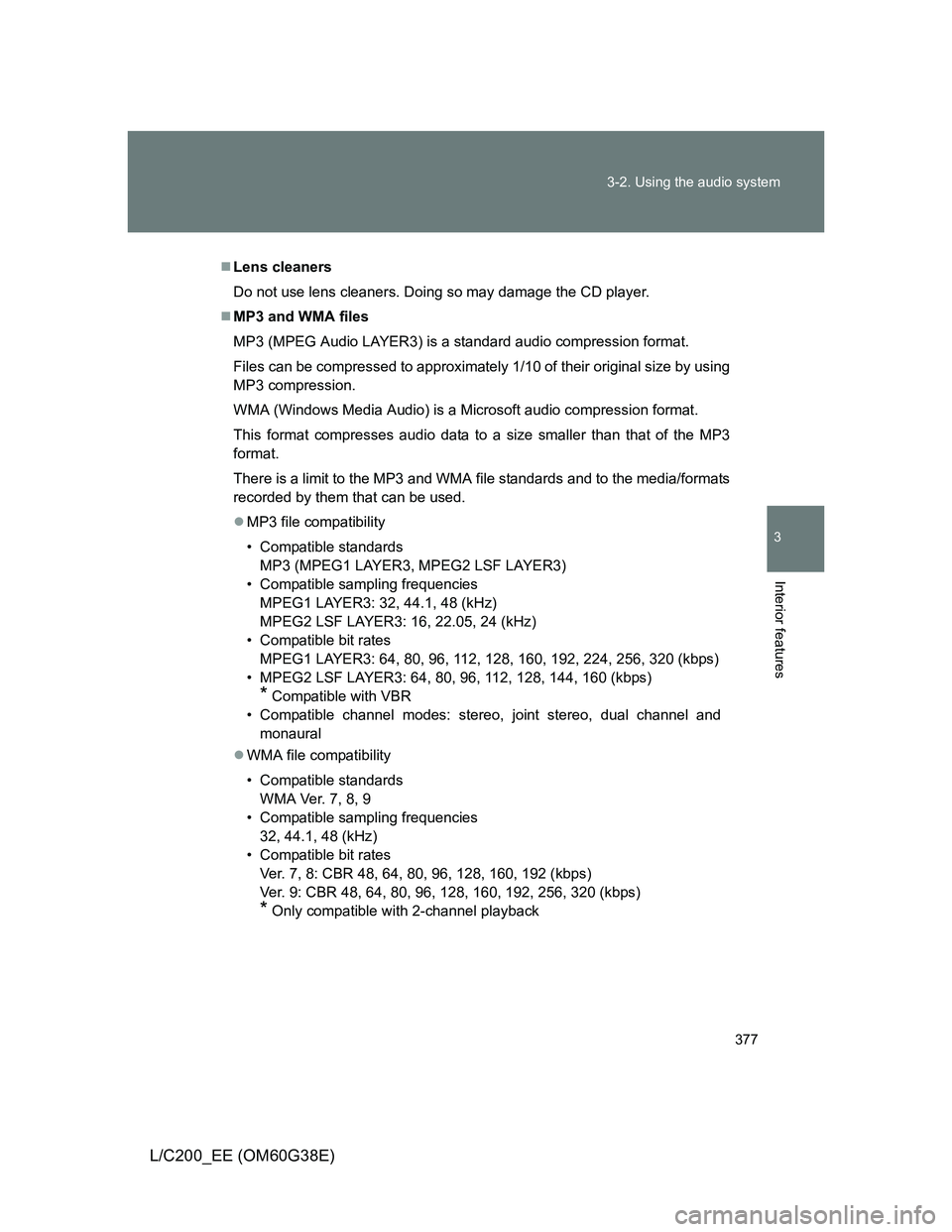
MP3 and WMA files
MP3 (MPEG Audio LAYER3) is a standard audio compression format.
Files can be compressed to approximately 1/10 of their original size by using
MP3 compression.
WMA (Windows Media Audio) is a Microsoft audio compression format.
This format compresses audio data to a size smaller than that of the MP3
format.
There is a limit to the MP3 and WMA file standards and to the media/formats
recorded by them that can be used.
MP3 file compatibility
• Compatible standards
MP3 (MPEG1 LAYER3, MPEG2 LSF LAYER3)
• Compatible sampling frequencies
MPEG1 LAYER3: 32, 44.1, 48 (kHz)
MPEG2 LSF LAYER3: 16, 22.05, 24 (kHz)
• Compatible bit rates
MPEG1 LAYER3: 64, 80, 96, 112, 128, 160, 192, 224, 256, 320 (kbps)
• MPEG2 LSF LAYER3: 64, 80, 96, 112, 128, 144, 160 (kbps)
* Compatible with VBR
• Compatible channel modes: stereo, joint stereo, dual channel and
monaural
WMA file compatibility
• Compatible standards
WMA Ver. 7, 8, 9
• Compatible sampling frequencies
32, 44.1, 48 (kHz)
• Compatible bit rates
Ver. 7, 8: CBR 48, 64, 80, 96, 128, 160, 192 (kbps)
Ver. 9: CBR 48, 64, 80, 96, 128, 160, 192, 256, 320 (kbps)
* Only compatible with 2-channel playback
Page 379 of 692
379 3-2. Using the audio system
3
Interior features
L/C200_EE (OM60G38E)
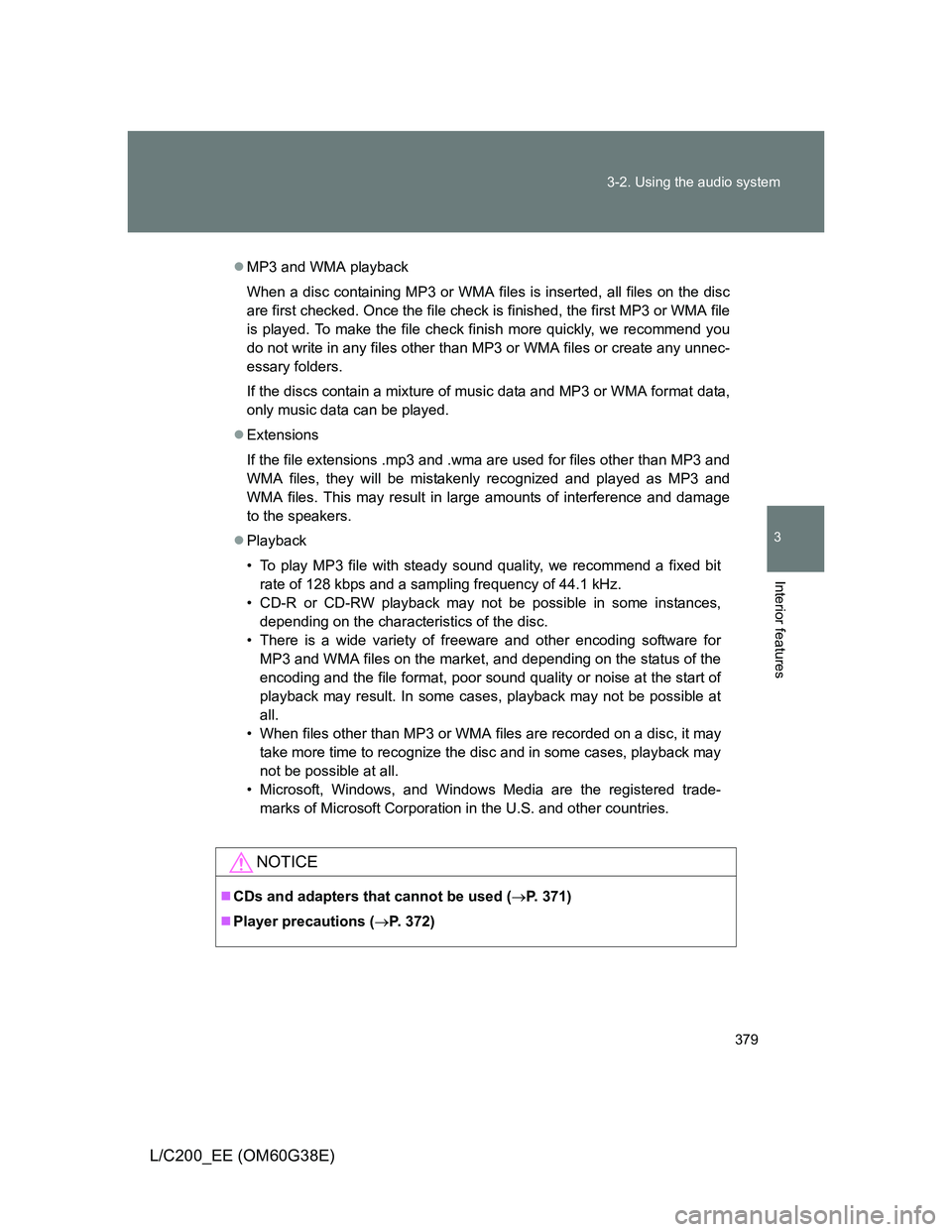
MP3 and WMA playback
When a disc containing MP3 or WMA files is inserted, all files on the disc
are first checked. Once the file check is finished, the first MP3 or WMA file
is played. To make the file check finish more quickly, we recommend you
do not write in any files other than MP3 or WMA files or create any unnec-
essary folders.
If the discs contain a mixture of music data and MP3 or WMA format data,
only music data can be played.
Extensions
If the file extensions .mp3 and .wma are used for files other than MP3 and
WMA files, they will be mistakenly recognized and played as MP3 and
WMA files. This may result in large amounts of interference and damage
to the speakers.
Playback
• To play MP3 file with steady sound quality, we recommend a fixed bit
rate of 128 kbps and a sampling frequency of 44.1 kHz.
• CD-R or CD-RW playback may not be possible in some instances,
depending on the characteristics of the disc.
• There is a wide variety of freeware and other encoding software for
MP3 and WMA files on the market, and depending on the status of the
encoding and the file format, poor sound quality or noise at the start of
playback may result. In some cases, playback may not be possible at
all.
• When files other than MP3 or WMA files are recorded on a disc, it may
take more time to recognize the disc and in some cases, playback may
not be possible at all.
• Microsoft, Windows, and Windows Media are the registered trade-
marks of Microsoft Corporation in the U.S. and other countries.
NOTICE
CDs and adapters that cannot be used (P. 371)
Player precautions (P. 372)
Page 387 of 692
387 3-2. Using the audio system
3
Interior features
L/C200_EE (OM60G38E)
CAUTION
While driving
Do not connect iPod or operate the controls.
NOTICE
To prevent damage to iPod
Do not leave iPod in the vehicle. The temperature inside the vehicle may
become high, resulting in damage to the player.
Do not push down on or apply unnecessary pressure to the iPod while it is
connected as this may damage the iPod or its terminal.
Do not insert foreign objects into the port as this may damage the iPod or
its terminal.
Page 395 of 692
395 3-2. Using the audio system
3
Interior features
L/C200_EE (OM60G38E)
Playback
• To play MP3 files with steady sound quality, we recommend a fixed bit
rate of at least 128 kbps and a sampling frequency of 44.1 kHz.
• There is a wide variety of freeware and other encoding software for MP3
and WMA files on the market, and depending on the status of the encod-
ing and the file format, poor sound quality or noise at the start of playback
may result. In some cases, playback may not be possible at all.
• Microsoft, Windows, and Windows Media are registered trademarks of
Microsoft Corporation in the U.S.A. and other countries.
CAUTION
While driving
Do not connect USB memory or operate the controls.
NOTICE
To prevent damage to USB memory
Do not leave USB memory in the vehicle. The temperature inside the vehi-
cle may become high, resulting in damage to the player.
Do not push down on or apply unnecessary pressure to the USB memory
while it is connected as this may damage the USB memory or its terminal.
Do not insert foreign objects into the port as this may damage the USB
memory or its terminal.
Page 400 of 692
400 3-2. Using the audio system
L/C200_EE (OM60G38E)
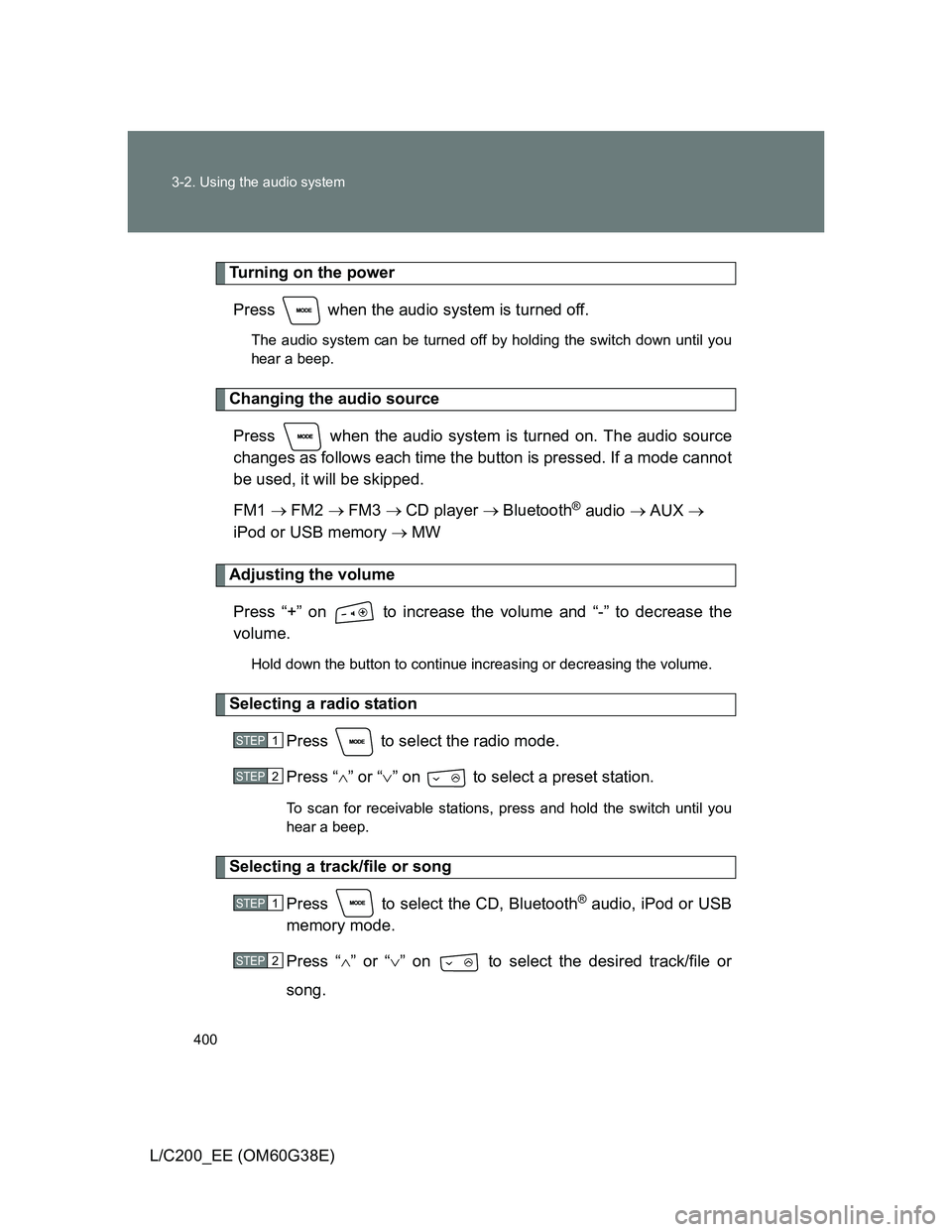
Turning on the power
Press when the audio system is turned off.
The audio system can be turned off by holding the switch down until you
hear a beep.
Changing the audio source
Press when the audio system is turned on. The audio source
changes as follows each time the button is pressed. If a mode cannot
be used, it will be skipped.
FM1 FM2 FM3 CD player Bluetooth
® audio AUX
iPod or USB memory MW
Adjusting the volume
Press “+” on to increase the volume and “-” to decrease the
volume.
Hold down the button to continue increasing or decreasing the volume.
Selecting a radio station
Press to select the radio mode.
Press “” or “” on to select a preset station.
To scan for receivable stations, press and hold the switch until you
hear a beep.
Selecting a track/file or song
Press to select the CD, Bluetooth
® audio, iPod or USB
memory mode.
Press “” or “” on to select the desired track/file or
song.
STEP1
STEP2
STEP1
STEP2
Page 401 of 692
401 3-2. Using the audio system
3
Interior features
L/C200_EE (OM60G38E)
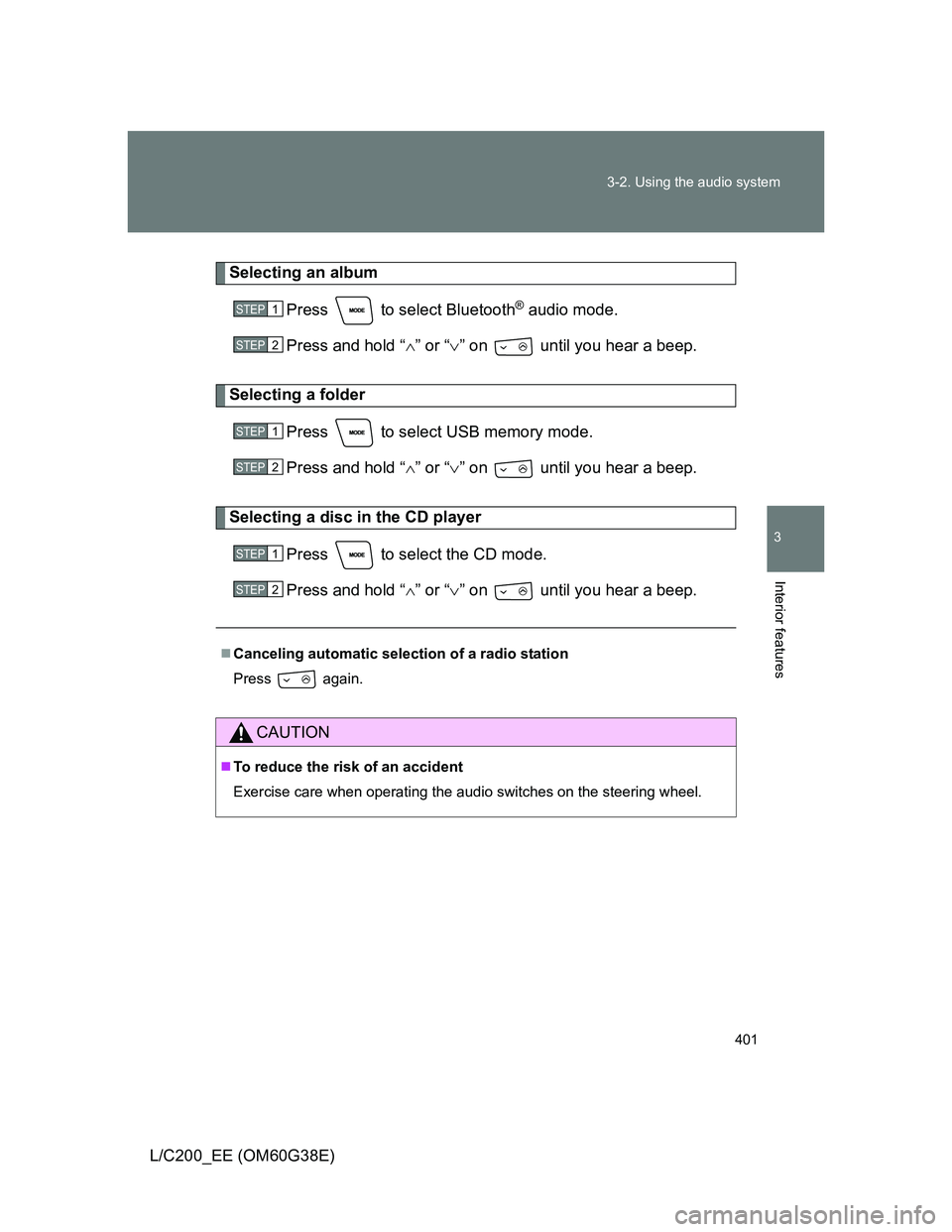
Selecting an album
Press to select Bluetooth
® audio mode.
Press and hold “” or “” on until you hear a beep.
Selecting a folder
Press to select USB memory mode.
Press and hold “” or “” on until you hear a beep.
Selecting a disc in the CD player
Press to select the CD mode.
Press and hold “” or “” on until you hear a beep.
Canceling automatic selection of a radio station
Press again.
CAUTION
To reduce the risk of an accident
Exercise care when operating the audio switches on the steering wheel.
STEP1
STEP2
STEP1
STEP2
STEP1
STEP2
Page 402 of 692
402
L/C200_EE (OM60G38E)
3-3. Using the Bluetooth® audio system
Bluetooth® audio system
Conditions under which the system will not operate
If using a portable player that does not support Bluetooth
®
If the portable player is switched off
If the portable player is not connected
If the portable player’s battery is low
If the portable player is behind the seat or in the glove box or console box
If metal is covering or touching the player
The Bluetooth® audio system enables you to enjoy music played on
a portable player from the vehicle speakers via wireless communica-
tion.
This audio system supports Bluetooth
®, a wireless data system
capable of playing portable audio music without cables. If your por-
table player does not support Bluetooth
®, the Bluetooth® audio sys-
tem will not function.
Vehicles with a navigation system
Refer to the “Navigation System Owner’s Manual”.
Vehicles without a navigation system
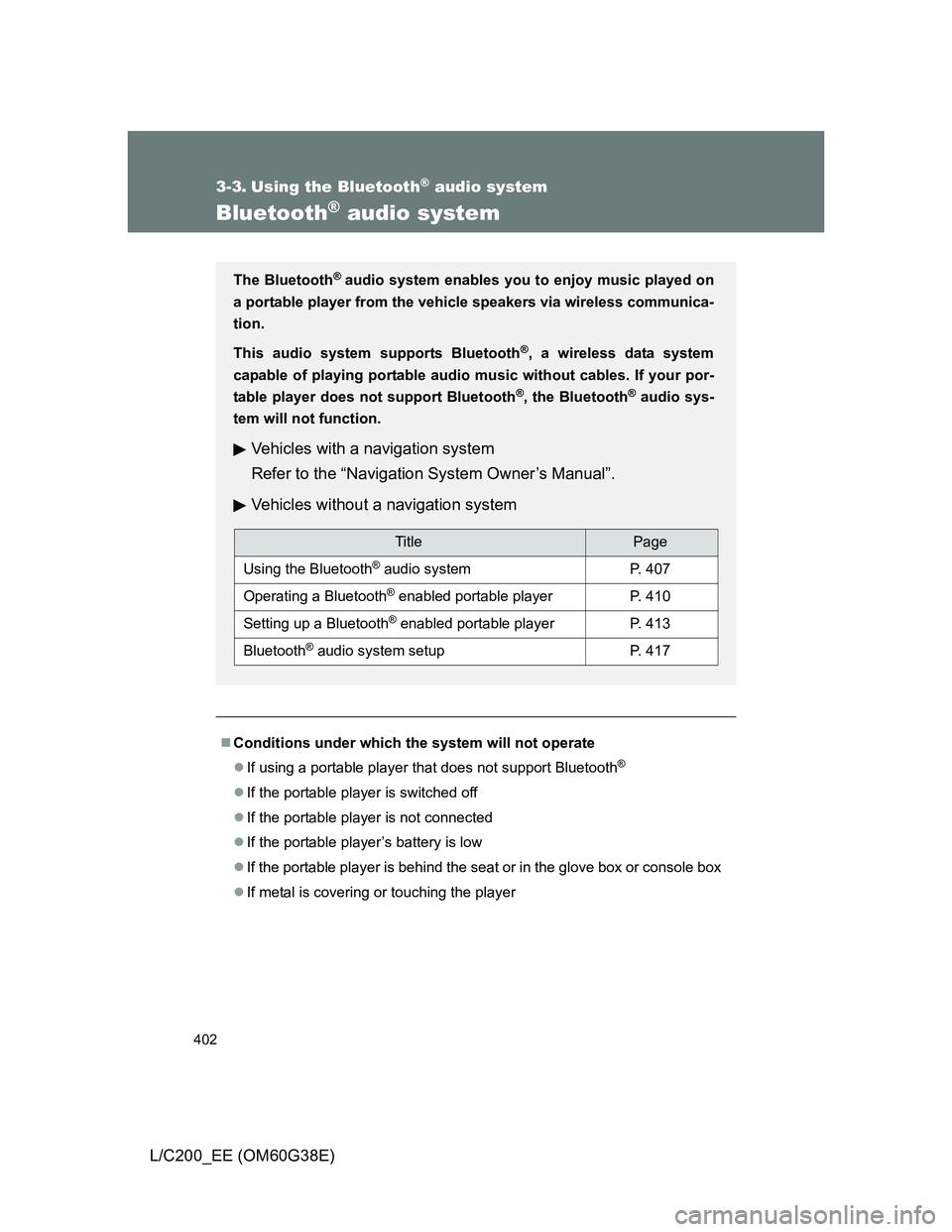
TitlePage
Using the Bluetooth® audio systemP. 407
Operating a Bluetooth® enabled portable playerP. 410
Setting up a Bluetooth® enabled portable playerP. 413
Bluetooth® audio system setupP. 417
Page 403 of 692
403 3-3. Using the Bluetooth
® audio system
3
Interior features
L/C200_EE (OM60G38E)
When transferring ownership of the vehicle
Be sure to initialize the system to prevent personal data from being improp-
erly accessed. (P. 440)
About Bluetooth
®
Compatible models
Bluetooth
® specifications:
Ver. 1.2, or higher (Recommended: Ver. 2.0+EDR or higher)
Following Profiles:
• A2DP (Advanced Audio Distribution Profile) Ver. 1.0 or higher
• AVRCP (Audio/Video Remote Control Profile) Ver. 1.0 or higher
(Ver. 1.3 or higher recommended)
Portable players must correspond to the above specifications in order to be
connected to the Bluetooth
® audio system. However, please note that some
functions may be limited depending on the type of portable player.
Bluetooth is a registered trademark of
Bluetooth SIG. Inc.
Page 406 of 692
406 3-3. Using the Bluetooth
® audio system
L/C200_EE (OM60G38E)
CAUTION
While driving
Do not connect portable players or operate the controls.
NOTICE
To prevent damage to portable players
Do not leave portable players in the vehicle. The temperature inside the
vehicle may become high, resulting in damage to the player.
Page 408 of 692
408 3-3. Using the Bluetooth
® audio system
L/C200_EE (OM60G38E)
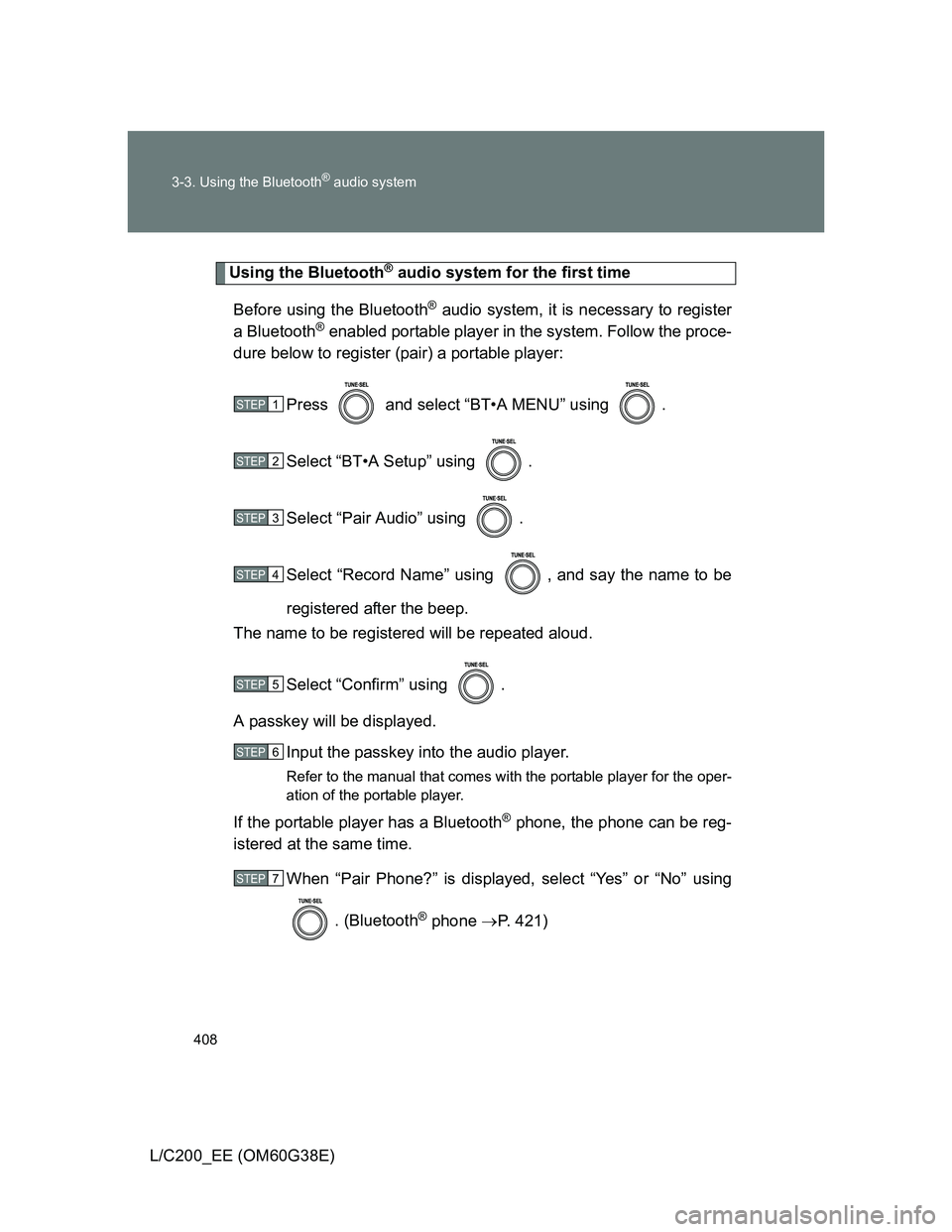
Using the Bluetooth® audio system for the first time
Before using the Bluetooth
® audio system, it is necessary to register
a Bluetooth
® enabled portable player in the system. Follow the proce-
dure below to register (pair) a portable player:
Press and select “BT•A MENU” using .
Select “BT•A Setup” using .
Select “Pair Audio” using .
Select “Record Name” using , and say the name to be
registered after the beep.
The name to be registered will be repeated aloud.
Select “Confirm” using .
A passkey will be displayed.
Input the passkey into the audio player.
Refer to the manual that comes with the portable player for the oper-
ation of the portable player.
If the portable player has a Bluetooth® phone, the phone can be reg-
istered at the same time.
When “Pair Phone?” is displayed, select “Yes” or “No” using
. (Bluetooth
® phone P. 421)
STEP1
STEP2
STEP3
STEP4
STEP5
STEP6
STEP7