USB TOYOTA MATRIX 2012 E140 / 2.G Owners Manual
[x] Cancel search | Manufacturer: TOYOTA, Model Year: 2012, Model line: MATRIX, Model: TOYOTA MATRIX 2012 E140 / 2.GPages: 516, PDF Size: 7.02 MB
Page 3 of 516

1
2
3
4
5
6
7
3
2-4. Using other drivingsystems
Cruise control ...................... 148
Driving assist systems ........ 152
2-5. Driving information Cargo and luggage ............. 157
Vehicle load limits ............... 160
Winter driving tips ............... 161
Trailer towing (1.8 L 4-cylinder
[2ZR-FE] engine) .............. 165
Trailer towing (2.4 L 4-cylinder
[2AZ-FE] engine) .............. 166
Dinghy towing (automatic transmission) .................... 181
Dinghy towing (manual transmission) .................... 182
3-1. Using the air conditioning
system a nd defogger
Air conditioning system ....... 186
Rear window and outside rear view
mirror defoggers ............... 193
3-2. Using the audio system Audio system types ............. 194
Using the radio .................... 197
Using the CD player ............ 204
Playing MP3 and WMA discs.................................. 211
Operating an iPod ............... 220 Operating a USB
memory ............................ 227
Optimal use of the audio system .............................. 235
Using the AUX port............. 239
Using the steering wheel audio switches.................. 241
3-3. Using the Bluetooth
®
audio s ystem
Bluetooth
® audio system .... 244
Using the Bluetooth®
audio system .................... 247
Operating a Bluetooth
®
enabled portable player.... 253
Setting up a Bluetooth
®
enabled portable player.... 255
Bluetooth
® audio system
setup ................................ 260
3-4. Using the ha nds-free
phone system
( for cellular phone)
Hands-free phone system (for cellular phone)
features ............................ 261
Using the hands-free phone system
(for cellular phone) ........... 266
Making a phone call ........... 276
Setting a cellular phone ...... 280
Security and system setup ................................ 285
Using the phone book ........ 289
3Interior features
Page 12 of 516
12
C
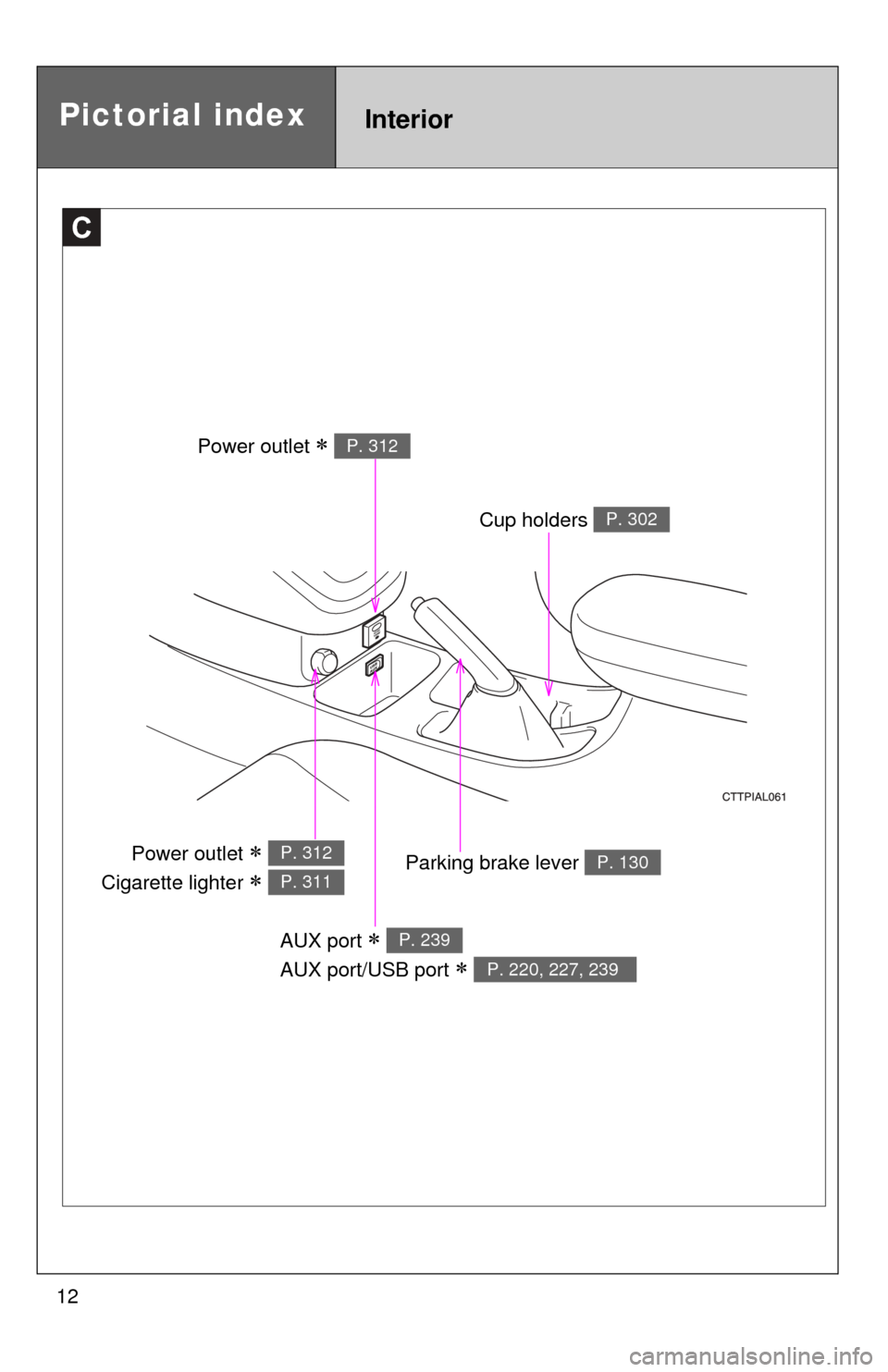
AUX port
AUX port/USB port
P. 239
P. 220, 227, 239
Cup holders P. 302
Pictorial indexInterior
Power outlet P. 312
Parking brake lever P. 130Power outlet
Cigarette lighter
P. 312
P. 311
Page 184 of 516
184
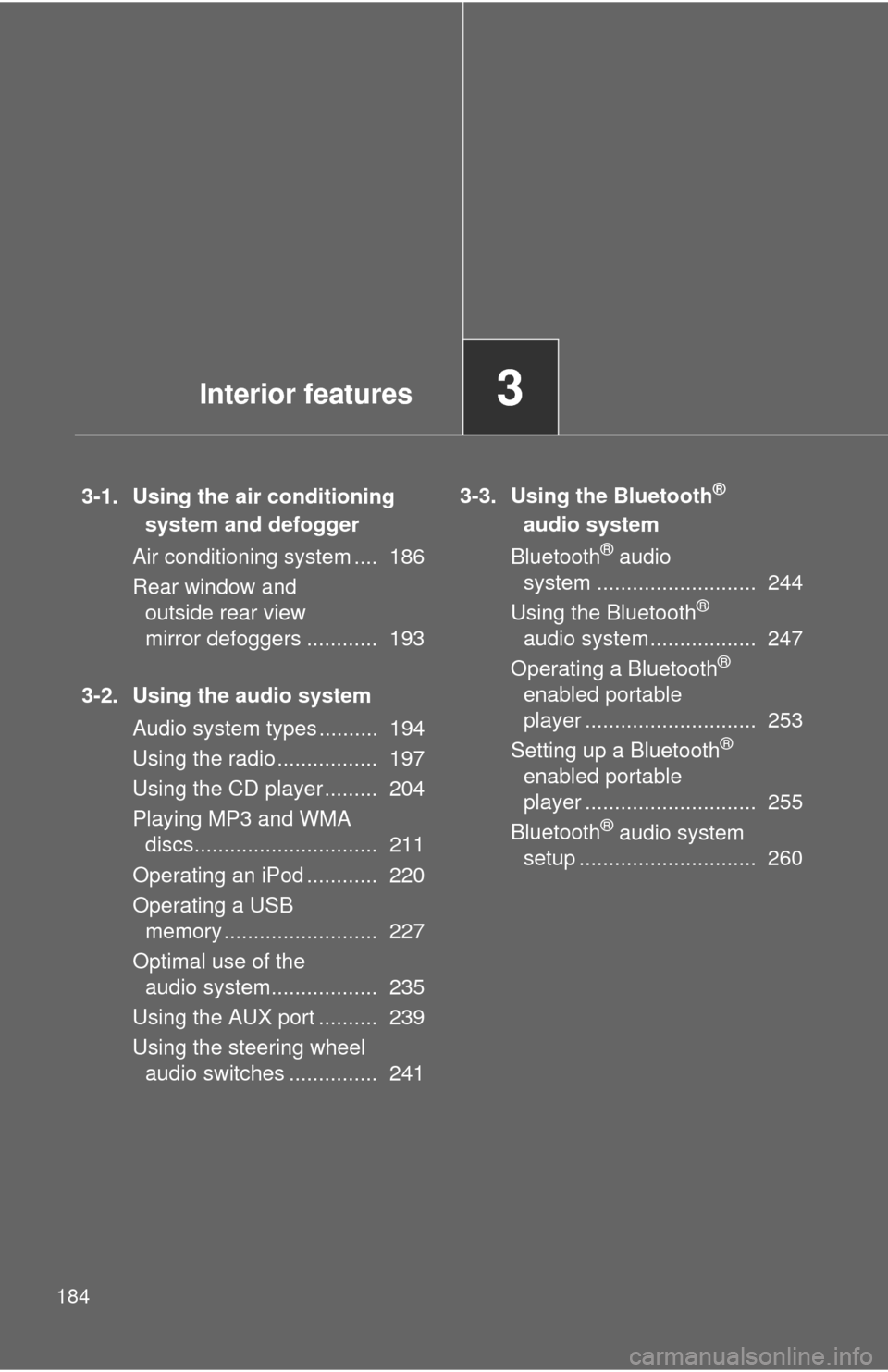
3-1. Using the air conditioningsystem and defogger
Air conditioning system .... 186
Rear window and outside rear view
mirror defoggers ............ 193
3-2. Using the audio system Audio system types .......... 194
Using the radio ................. 197
Using the CD player ......... 204
Playing MP3 and WMA discs............................... 211
Operating an iPod ............ 220
Operating a USB memory .......................... 227
Optimal use of the audio system.................. 235
Using the AUX port .......... 239
Using the steering wheel audio switches ............... 241 3-3. Using the Bluetooth®
audio system
Bluetoo
th
® audio
system ........................... 244
Using the Bluetooth
®
audio system.................. 247
Operating a Bluetooth
®
enabled portable
player ............................. 253
Setting up a Bluetooth
®
enabled portable
player ............................. 255
Bluetooth
® audio system
setup .............................. 260
Interior features3
Page 195 of 516
195
3-2. Using the audio system
3
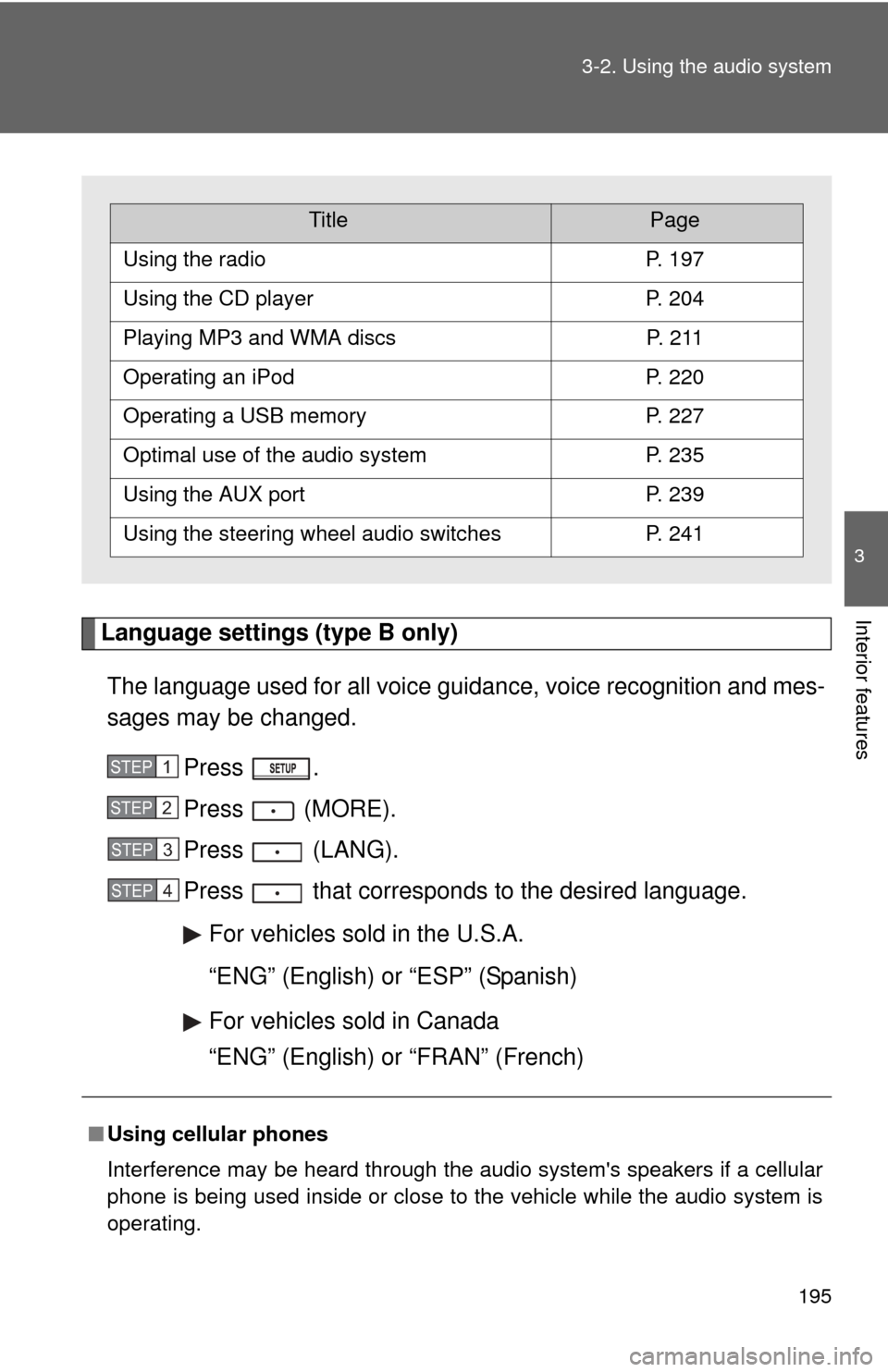
Interior featuresLanguage settings (type B only)
The language used for all voice guidance, voice recognition and mes-
sages may be changed. Press .
Press (MORE).
Press (LANG).
Press that corresponds to the desired language.For vehicles sold in the U.S.A.
“ENG” (English) or “ESP” (Spanish)
For vehicles sold in Canada
“ENG” (English) or “FRAN” (French)
■Using cellular phones
Interference may be heard through the audio system's speakers if a cellular
phone is being used inside or close to the vehicle while the audio syste\
m is
operating.
TitlePage
Using the radioP. 197
Using the CD playerP. 204
Playing MP3 and WMA discsP. 2 1 1
Operating an iPodP. 220
Operating a USB memoryP. 227
Optimal use of the audio systemP. 235
Using the AUX portP. 239
Using the steering wheel audio switchesP. 241
STEP1
STEP2
STEP3
STEP4
Page 225 of 516
225
3-2. Using the audio system
3
Interior features
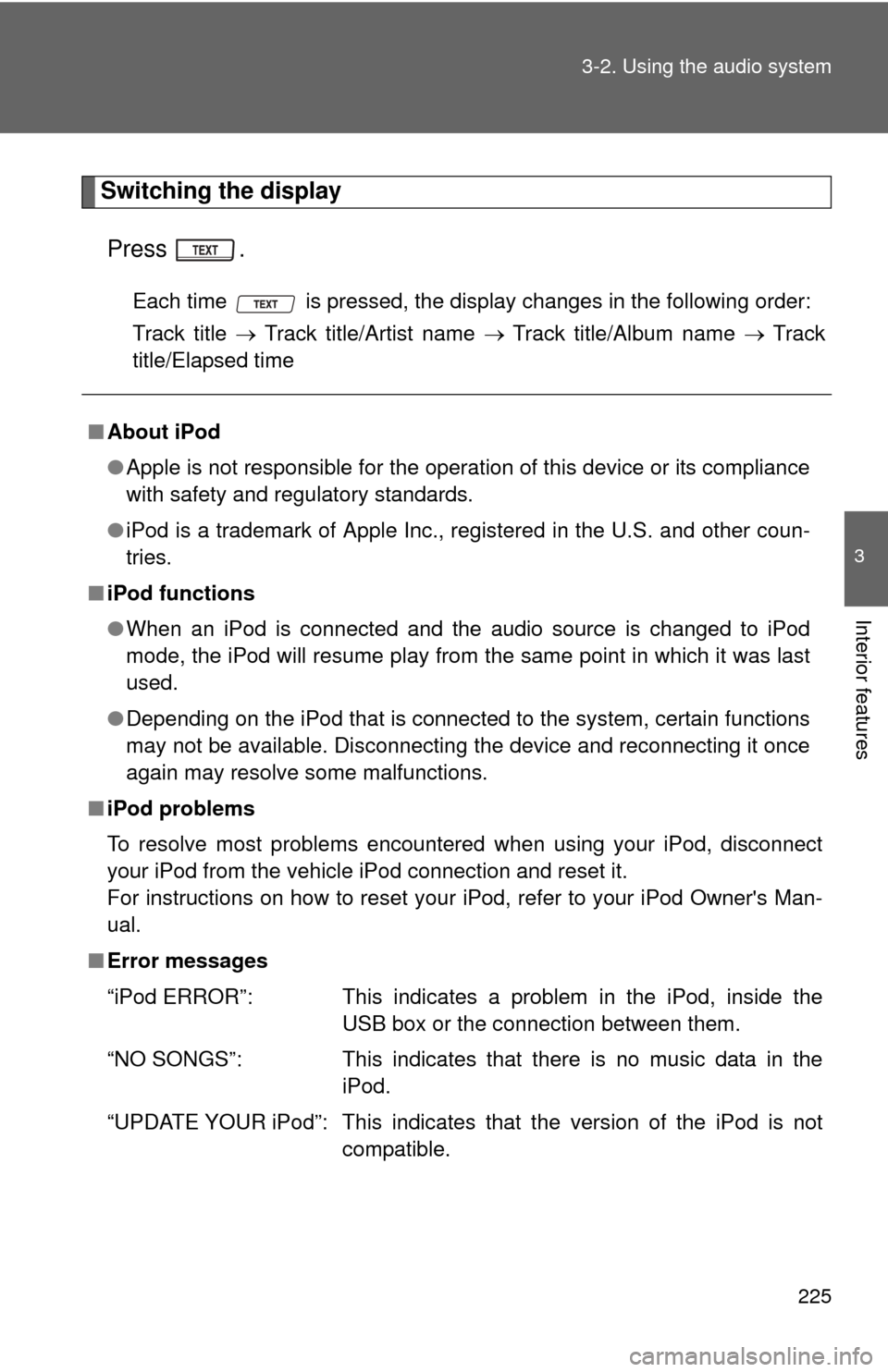
Switching the display
Press .
Each time is pressed, the display changes in the following order:
Track title Track title/Artist name Track title/Album name Track
title/Elapsed time
■ About iPod
●Apple is not responsible for the operation of this device or its compliance
with safety and regulatory standards.
● iPod is a trademark of Apple Inc., registered in the U.S. and other coun-
tries.
■ iPod functions
●When an iPod is connected and the audio source is changed to iPod
mode, the iPod will resume play from the same point in which it was last
used.
● Depending on the iPod that is connected to the system, certain functions
may not be available. Disconnecting the device and reconnecting it once
again may resolve some malfunctions.
■ iPod problems
To resolve most problems encountered when using your iPod, disconnect
your iPod from the vehicle iPod connection and reset it.
For instructions on how to reset your iPod, refer to your iPod Owner's Man-
ual.
■ Error messages
“iPod ERROR”: This indicates a problem in the iPod, inside the
USB box or the connection between them.
“NO SONGS”: This indicates that there is no music data in the iPod.
“UPDATE YOUR iPod”: This indicates that the version of the iPod is not compatible.
Page 227 of 516
227
3-2. Using the audio system
3
Interior features
Operating a USB memor y
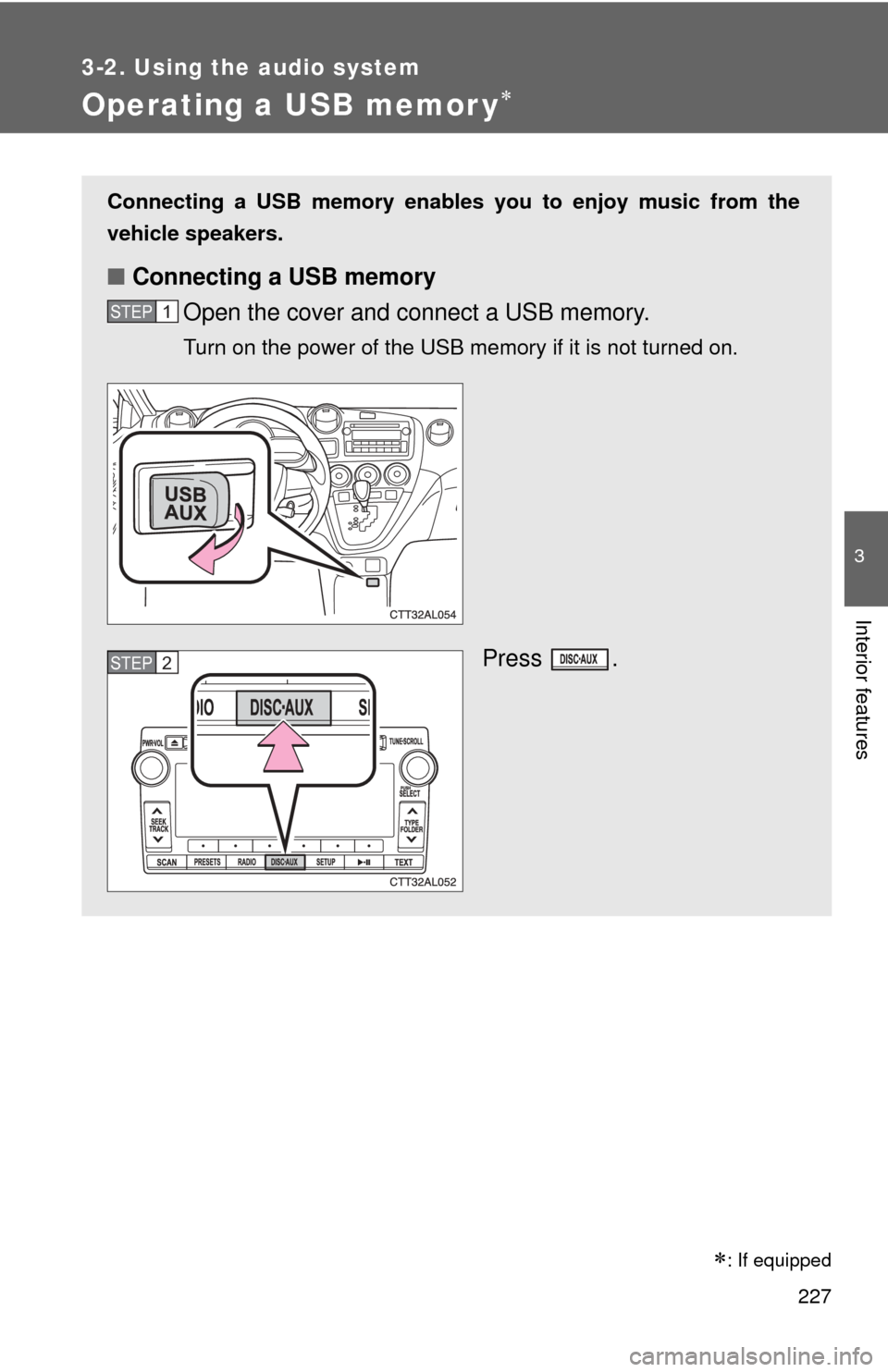
Connecting a USB memory enables you to enjoy music from the
vehicle speakers.
■Connecting a USB memory
Open the cover and connect a USB memory.
Turn on the power of the USB memory if it is not turned on.
Press .
STEP1
STEP2
: If equipped
Page 230 of 516
230 3-2. Using the audio system
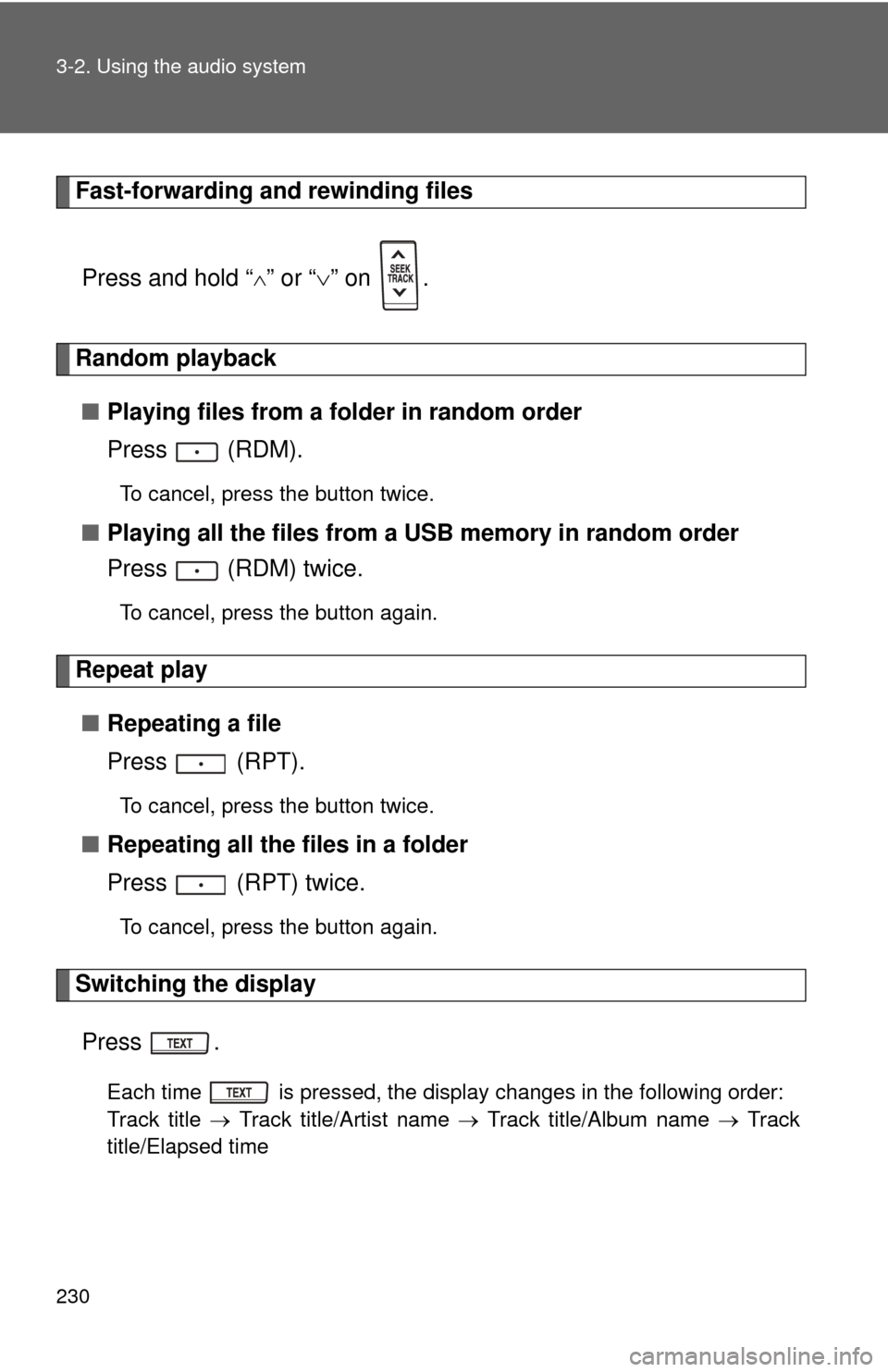
Fast-forwarding and rewinding filesPress and hold “
” or “ ” on .
Random playback
■ Playing files from a folder in random order
Press (RDM).
To cancel, press the button twice.
■Playing all the files from a USB memory in random order
Press (RDM) twice.
To cancel, press the button again.
Repeat play
■ Repeating a file
Press (RPT).
To cancel, press the button twice.
■Repeating all the files in a folder
Press (RPT) twice.
To cancel, press the button again.
Switching the display
Press .
Each time is pressed, the display changes in the following order:
Track title Track title/Artist name Track title/Album name Track
title/Elapsed time
Page 231 of 516
231
3-2. Using the audio system
3
Interior features
■
USB memory functions
Depending on the USB memory that is connected to the system, certain
functions may not be available. Disconnecting the device and reconnecting it
once again may resolve some malfunctions.
■ Error messages
“USB ERROR”: This indicates a problem either in the USB memory or
inside the USB box or connection between them.
“NO SUPPORT”: This indicates that no MP3/WMA files are included in the USB memory.
■ USB memory
●Compatible device
USB memory that can be used for MP3 and WMA playback.
Depending on the type of USB device, playback may not be possible.
● Compatible device formats
The following device formats can be used:
• USB communication formats: USB2.0 FS (12 mbps)
• File formats: FAT16/32 (Windows)
• Correspondence class: Mass storage class
MP3 and WMA files written in any format other than those listed above
may not play correctly, and their file names and folder names may not
be displayed correctly.
Items related to standards and limitations are as follows:
• Maximum directory hierarchy: 8 levels
• Maximum number of folder in device: 999 (including the root)
• Maximum number of files in device: 65025
• Maximum number of files per folder: 255
Page 233 of 516
233
3-2. Using the audio system
3
Interior features
●
ID3 and WMA tags
ID3 tags can be added to MP3 files, making it possible to record the track
title, artist name, etc.
The system is compatible with ID3 Ver. 1.0, 1.1, and Ver. 2.2, 2.3, 2.4 ID3
tags. (The number of characters is based on ID3 Ver. 1.0 and 1.1.)
WMA tags can be added to WMA files, making it possible to record the
track title and artist name in the same way as with ID3 tags.
● MP3 and WMA playback
When a device containing MP3 or WMA files is plugged in, all files in the
USB memory device are first checked. Once the file check is finished, the
first MP3 or WMA file is played. To make the file check finish more quickly,
we recommend you do not write in any files other than MP3 or WMA files
or create any unnecessary folders.
● Extensions
If the file extensions .mp3 and .wma are used for files other than MP3 and
WMA files, they will be mistakenly recognized and played as MP3 and
WMA files. This may result in large amounts of interference and damage
to the speakers.
● Playback
• To play MP3 files with steady sound quality, we recommend a fixed bit
rate of at least 128 kbps and a sampling frequency of 44.1 kHz.
• There is a wide variety of freeware and other encoding software for MP3 and WMA files on the market, and depending on the status of the
encoding and the file format, poor sound quality or noise at the start of
playback may result. In some cases, playback may not be possible at
all.
• Microsoft, Windows, and Windows Media are the registered trade- marks of Microsoft Corporation in the U.S.A. and other countries.
CAUTION
■ Caution while driving
Do not use a USB memory, or connect a USB memory.
Page 234 of 516

234 3-2. Using the audio system
NOTICE
■To prevent damage to a USB memory
●Do not leave a USB memory in the vehicle. The temperature inside may
become high, resulting in damage to the player.
● Do not push down on or apply unnecessary pressure to the USB memory
while it is connected as this may damage the USB memory or its terminal.
● Do not insert foreign objects into the port as this may damage the USB
memory or its terminal.