Eco TOYOTA PRIUS 2008 2.G User Guide
[x] Cancel search | Manufacturer: TOYOTA, Model Year: 2008, Model line: PRIUS, Model: TOYOTA PRIUS 2008 2.GPages: 512, PDF Size: 7.23 MB
Page 46 of 512
46 1-3. Opening, closing and locking the doors and back door
PRIUS_U_(L/O_0802)
■Alarms and warning indicators
A combination of exterior and interior alarms are used to prevent theft of the
vehicle and unforeseeable accidents resulting from erroneous operation.
Take appropriate measures according to which warning light comes on.
(P. 426)
● When any warning lights come on.
Take appropriate measures according to which warning light comes on.
(P. 426)
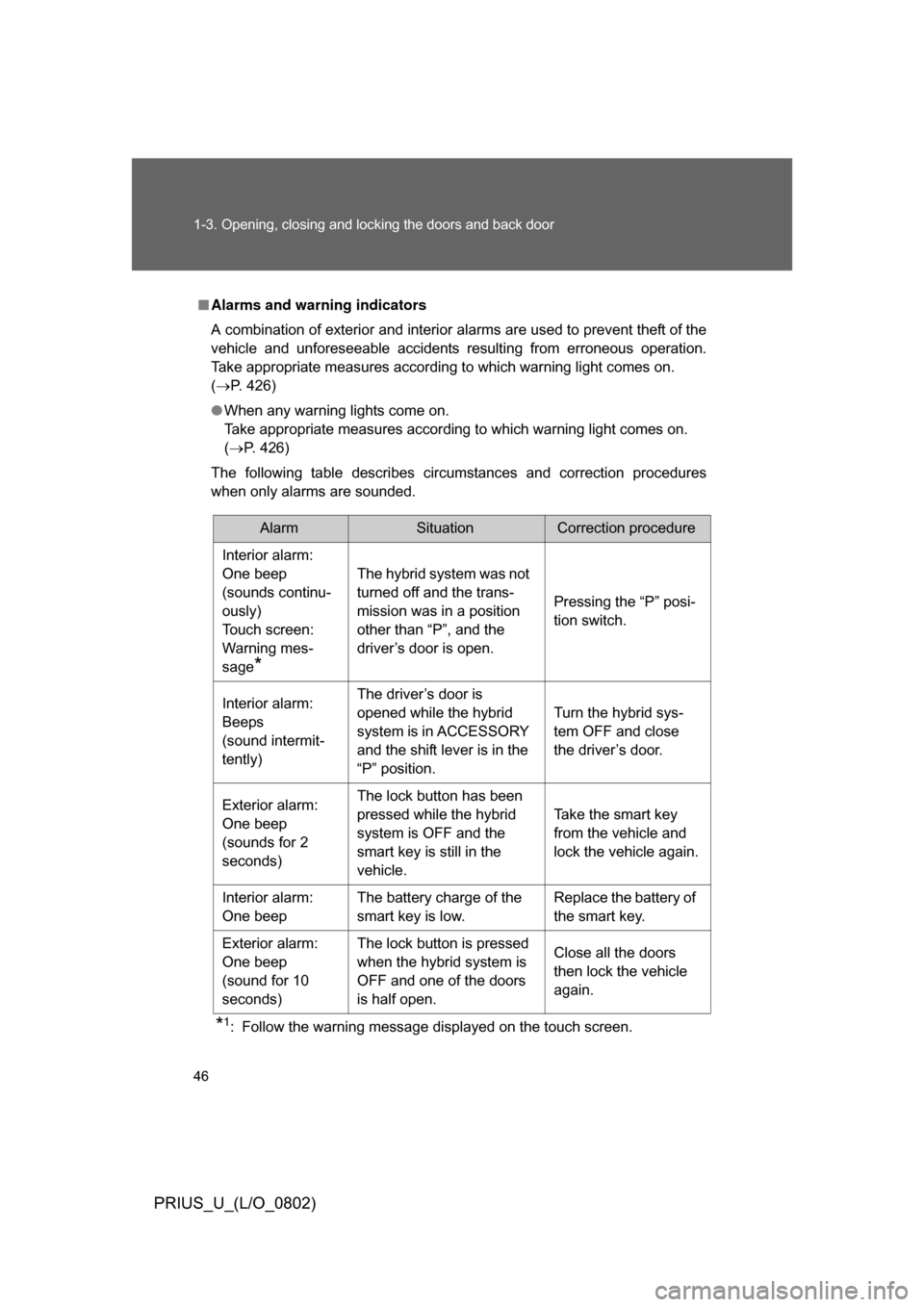
The following table describes circumstances and correction procedures
when only alarms are sounded.
*1: Follow the warning message displayed on the touch screen.
AlarmSituationCorrection procedure
Interior alarm:
One beep
(sounds continu-
ously)
Touch screen:
Warning mes-
sage
*
The hybrid system was not
turned off and the trans-
mission was in a position
other than “P”, and the
driver’s door is open. Pressing the “P” posi-
tion switch.
Interior alarm:
Beeps
(sound intermit-
tently) The driver’s door is
opened while the hybrid
system is in ACCESSORY
and the shift lever is in the
“P” position.
Turn the hybrid sys-
tem OFF and close
the driver’s door.
Exterior alarm:
One beep
(sounds for 2
seconds) The lock button has been
pressed while the hybrid
system is OFF and the
smart key is still in the
vehicle.
Take the smart key
from the vehicle and
lock the vehicle again.
Interior alarm:
One beep The battery charge of the
smart key is low. Replace the battery of
the smart key.
Exterior alarm:
One beep
(sound for 10
seconds) The lock button is pressed
when the hybrid system is
OFF and one of the doors
is half open.
Close all the doors
then lock the vehicle
again.
Page 49 of 512
49
1
1-3. Opening, closing and locking the doors and back door
Before driving
PRIUS_U_(L/O_0802)
Wireless remote control
■2-step unlocking function
When you push the button, the driver’s door is unlocked. Pushing the
button again within 3 seconds unlocks the other doors.
■ Operation indicator
A buzzer sounds and the emergency flashers flash to indicate that the doors
have been locked/unlocked. (Locked: Once; Unlocked: Twice)
■ Door lock buzzer
If a door is not fully closed, a buzzer sounds continuously if an attempt to
lock the door is made. Fully close the door to stop the buzzer, and lock the
vehicle once more.
■ Security feature
P. 4 5
■ When the electronic key battery is fully depleted
P. 396
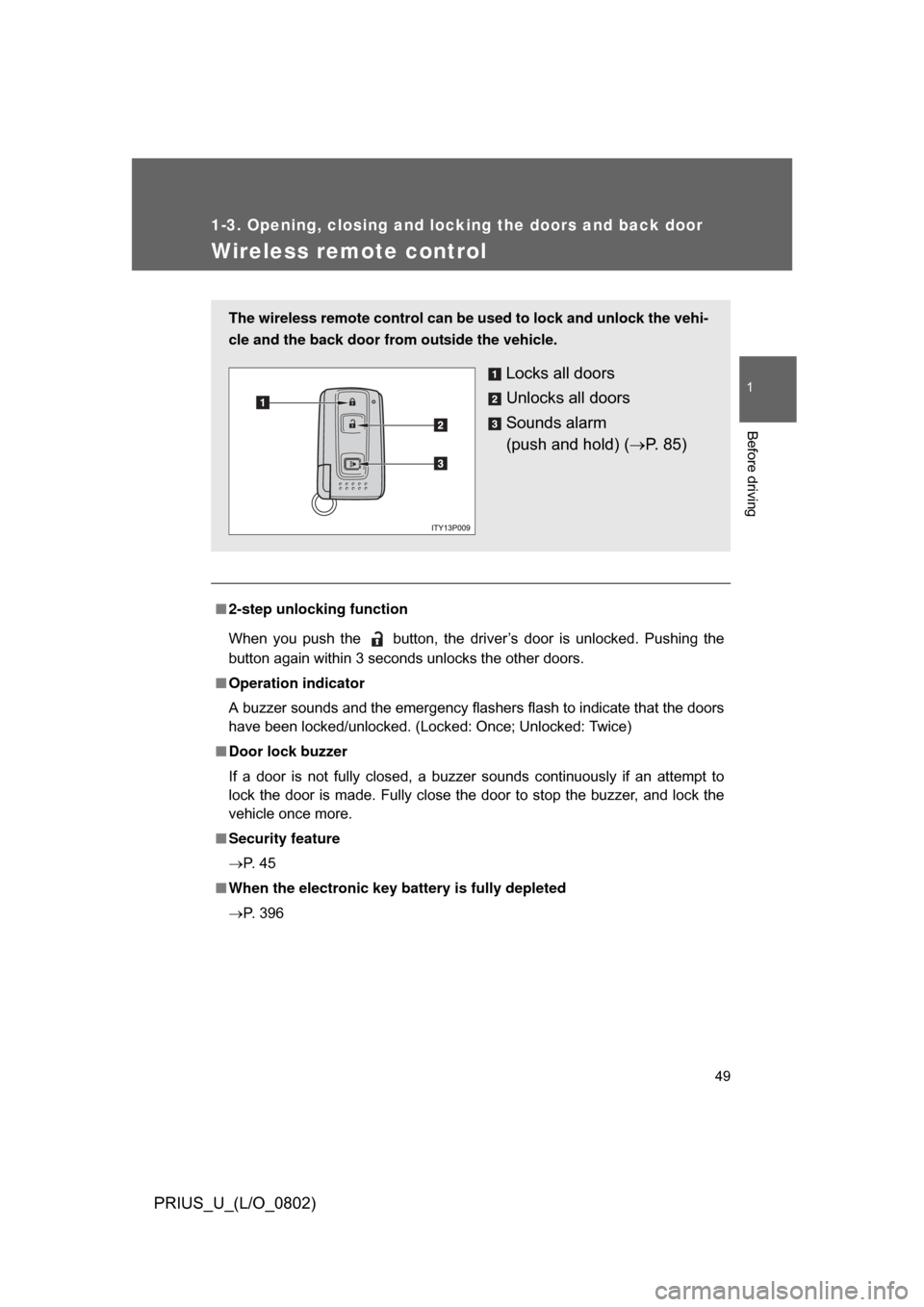
The wireless remote control can be used to lock and unlock the vehi-
cle and the back door fr om outside the vehicle.
Locks all doors
Unlocks all doors
Sounds alarm
(push and hold) (P. 8 5 )
Page 56 of 512
56 1-3. Opening, closing and locking the doors and back door
PRIUS_U_(L/O_0802)
CAUTION
■Caution while driving
Keep the back door closed.
This not only keeps personal belongings from being thrown out, but also pre-
vents exhaust gases from entering the vehicle.
■ When children are in the vehicle
● Never leave children unattended in the vehicle as they may lock them-
selves in the vehicle or back door, which could cause the child to overheat
or suffocate, resulting in death or serious injury.
● Do not allow a child open or close the back door. Doing so may cause the
back door to operate unexpectedly and part of the child’s body may
become caught.
Page 67 of 512
67
1-4. Adjustable components (s
eats, mirrors, steering wheel)
1
Before driving
PRIUS_U_(L/O_0802)
■People suffering illness
Obtain medical advice and wear the seat belt in the proper way. ( P. 64)
■ Child seat belt usage
The seat belts of your vehicle were principally designed for persons of adult
size.
● Use a child restraint system appropriately for the child, until the child
become large enough to properly wear the vehicle’s seat belt. ( P. 107)
● When the child becomes large enough to properly wear the vehicle’s
seat belt, follow the instructions on P. 64 regarding seat belt usage.
■ Replacing the belt after the pretensioner has been activated
If the vehicle is involved in multiple collisions, the pretensioner will active for
the first collision, but will not active for the second or subsequent collisions.
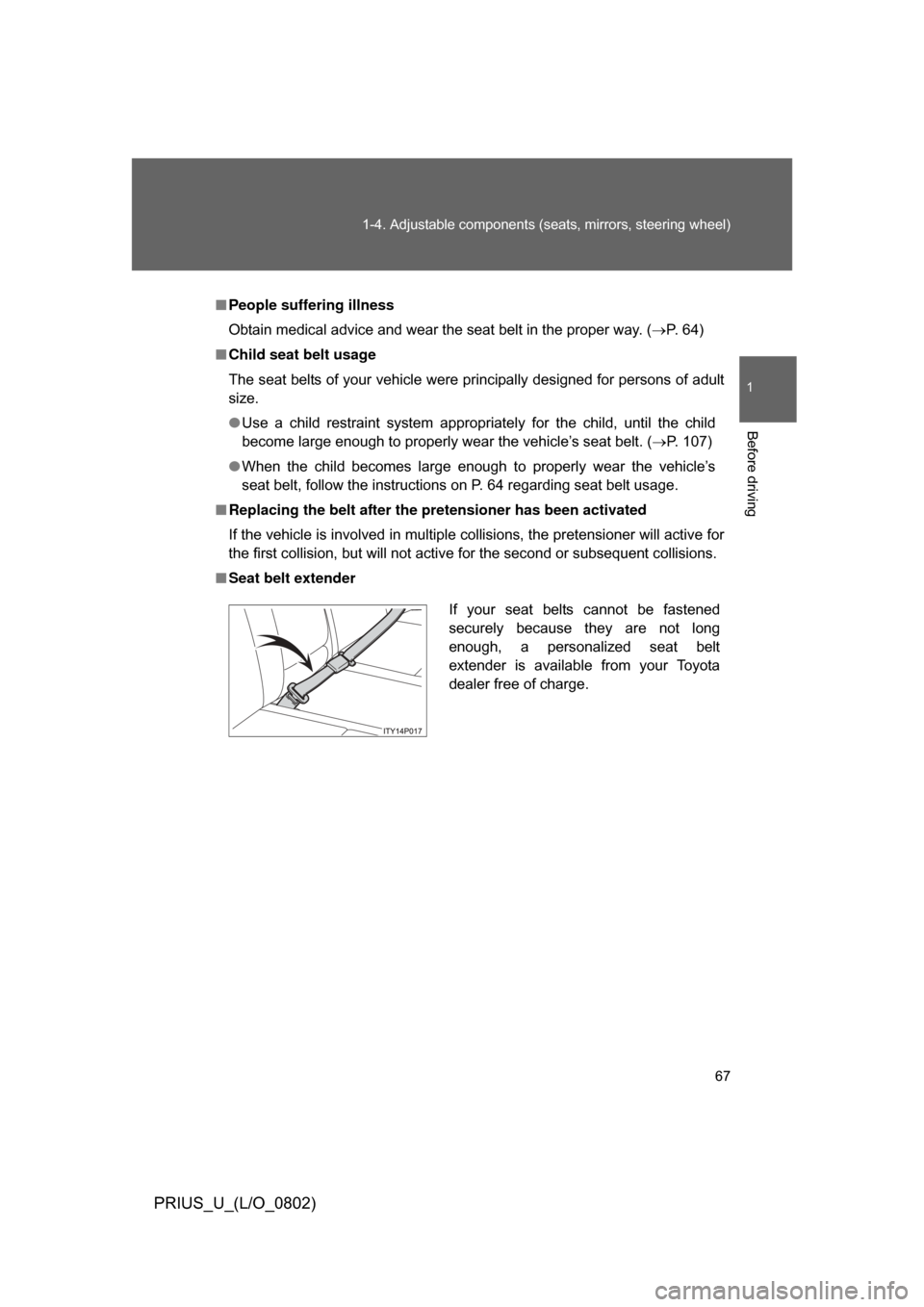
■ Seat belt extender
If your seat belts cannot be fastened
securely because they are not long
enough, a personalized seat belt
extender is available from your Toyota
dealer free of charge.
Page 69 of 512
69
1-4. Adjustable components (s
eats, mirrors, steering wheel)
1
Before driving
PRIUS_U_(L/O_0802)
CAUTION
■Seat belt pretensioners
● Do not place anything, such as a cushion, on the front passenger’s seat.
Doing so will disperse the passenger’s weight, which prevents the sensor
from detecting the passenger’s weight properly. As a result, the seat belt
pretensioner for the front passenger’s seat may not activate in the event of
a collision.
● If the pretensioner has activated, the seat belt becomes locked: it cannot
be further extended, nor will it return to the stowed position. The seat belt
cannot be used again and must be replaced at your Toyota dealer.
■ Using a seat belt extender
● Do not wear the seat belt extender, if you can fasten the seat belt without
the extender.
● Do not use the seat belt extender when installing a child restraint system,
because the belt will not securely hold the child restraint system, increas-
ing the risk of death or injury in the event of a collision.
● The personalized extender may not be safe on another vehicle, when
used by another person, or at a different seating position other than the
one originally intended.
NOTICE
■When using a seat belt extender
When releasing the seat belt, press on the buckle release button on the
extender, not on the seat belt.
This helps prevent damage to the vehicle interior and the extender itself.
Page 74 of 512
74 1-4. Adjustable components (seats, mirrors, steering wheel)
PRIUS_U_(L/O_0802)
■When the mirrors are fogged up (vehicle with mirror defoggers)
Turn on the mirror heaters to defog the mirrors. (P. 217)
CAUTION
■While driving
Observe the following precautions.
Failing to do so may result in losing control of the vehicle and cause an acci-
dent, resulting in death or serious injury.
● Do not adjust the mirrors.
● Do not drive with the mirrors folded back.
● Before driving, be sure to extend mirrors and make an adjustment prop-
erly.
■ When the mirror h eaters are operating
Do not touch the mirror surface as the mirror surface becomes hot.
And do not touch the mirror surface also when the wiper switch is on at lower
than 77 F (25C) of the outside temperature.
NOTICE
■ If ice should jam the mirror
Do not operate the control or scrape the mirror face. Use a spray de-icer to
free the mirror.
Page 76 of 512
76 1-5. Opening and closing the windows and moon roof
PRIUS_U_(L/O_0802)
■The power windows can be operated when
The “POWER” switch is in ON mode.
■ Operating the power windows after turning the “POWER” switch OFF
The power windows can be operated for approximately 45 seconds even
after the “POWER” switch is switc hed to ACCESSORY mode or turned OFF.
They cannot, however, be operated once the driver’s or front passenger’s
door is opened.
■ Jam protection function (driver’s window only)
If an object becomes caught between the window and the window frame,
window travel is stopped and the window is opened slightly.
■ When the 12 volt battery is disconnected
The power windows must be initialized in order to ensure proper operation.
(driver’s window only)
Open the window halfway.
Fully close the window by pulling the switch up and continue hold-
ing the switch for 1 second.
The indicator on the switch changes from a flashing pattern to being on
when initial settings are complete.
■ Customization that can be co nfigured at Toyota dealer
Settings (e.g. linked door lock operation) can be changed.
(Customizable features P. 488)
STEP1
STEP2
Page 84 of 512
84
1-7. Theft deterrent system
PRIUS_U_(L/O_0802)
Alarm (if equipped)
The system sounds the alarm and flashes the vehicle lights when an
attempt to steal the vehicle is detected.
■ Triggering the alarm
The alarm is triggered in the following situations.
●A locked door or back door is unlocked or opened in any way
other than using the entry function, wireless remote door lock
function or using the mechani cal key. (The doors will lock
again automatically)
● The hood is opened while t he vehicle is locked.
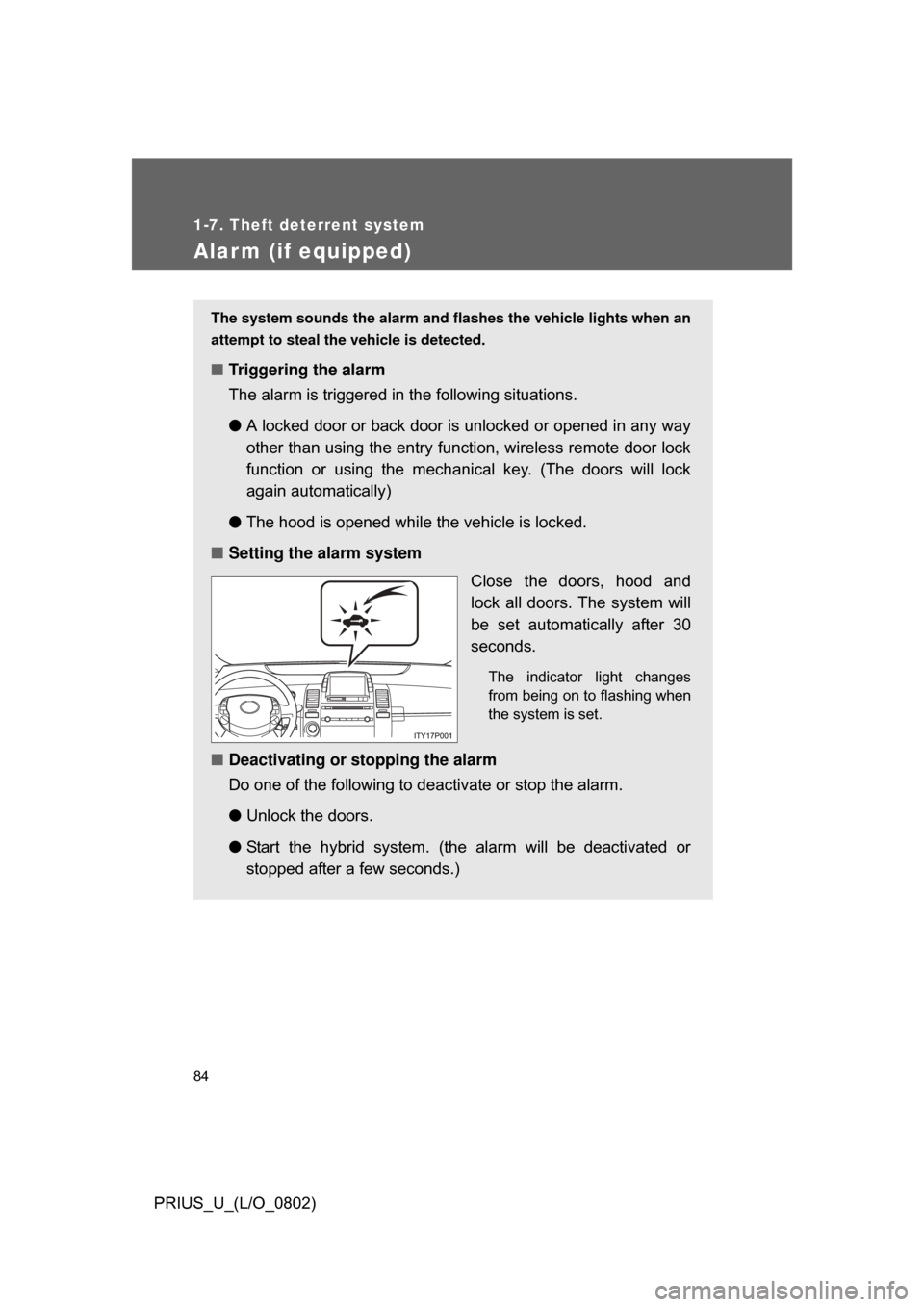
■ Setting the alarm system
Close the doors, hood and
lock all doors. The system will
be set automatically after 30
seconds.
The indicator light changes
from being on to flashing when
the system is set.
■Deactivating or stopping the alarm
Do one of the following to deactivate or stop the alarm.
●Unlock the doors.
● Start the hybrid system. (the alarm will be deactivated or
stopped after a few seconds.)
Page 85 of 512
85
1-7. Theft deterrent system
1
Before driving
PRIUS_U_(L/O_0802)
■
Items to check before locking the vehicle
To prevent unexpected triggering of the alarm and vehicle theft, make sure
of the following
● Nobody is in the vehicle.
● The windows are closed before the alarm is set.
● No valuables or other personal items are left in the vehicle.
■ Triggering of the alarm
The alarm may be triggered in the following situations.
(Stopping the alarm deactivates the alarm system.)
● A person inside the vehicle opens a door, the back door or hood.
● The 12 volt battery is recharged or replaced when the vehicle is locked.
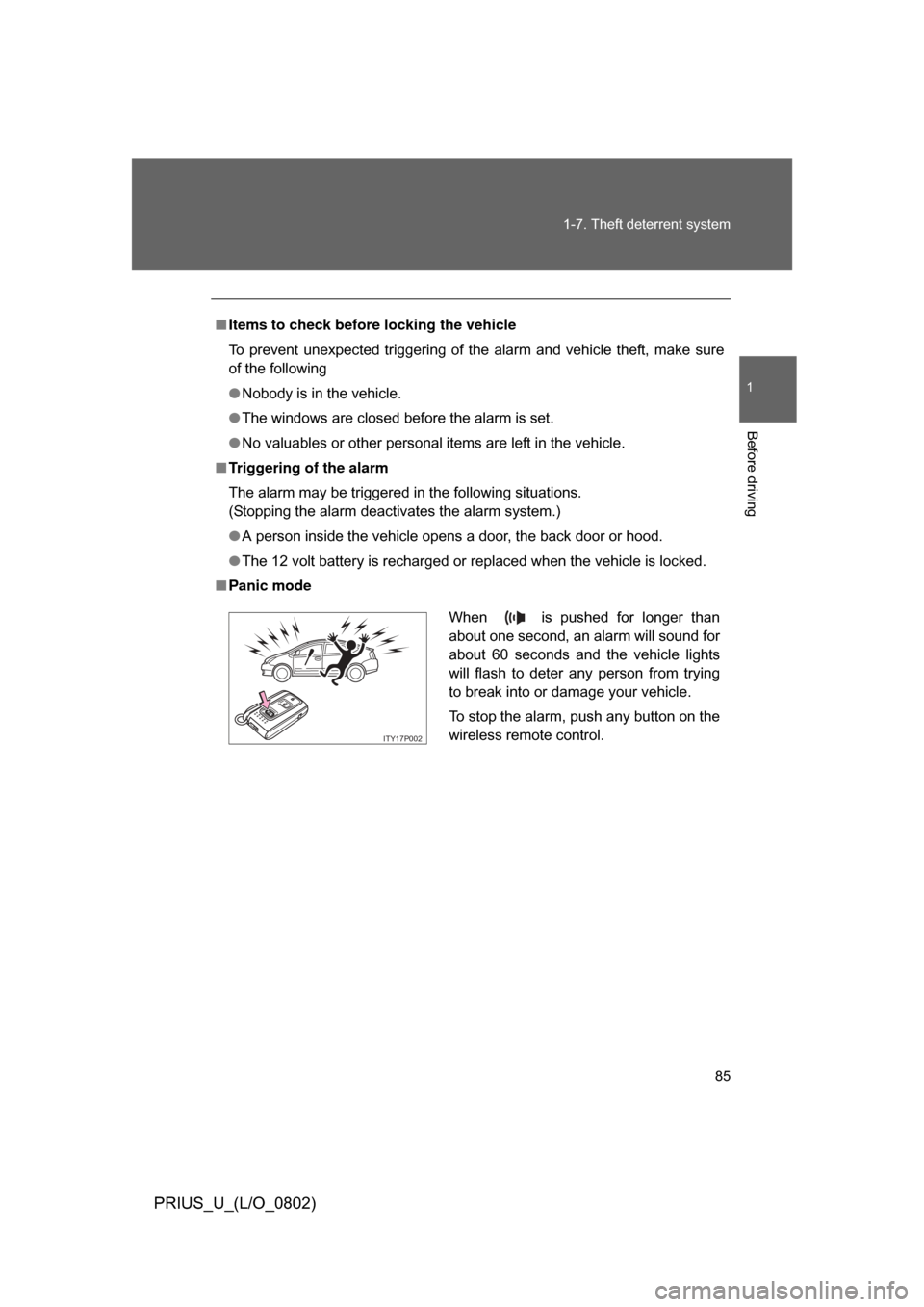
■ Panic mode
When is pushed for longer than
about one second, an alarm will sound for
about 60 seconds and the vehicle lights
will flash to deter any person from trying
to break into or damage your vehicle.
To stop the alarm, push any button on the
wireless remote control.
ITY17P002
Page 86 of 512
86
1-7. Theft deterrent system
PRIUS_U_(L/O_0802)
Theft prevention labels (U.S.A.)
These labels are attached to
the vehicle to reduce vehicle
theft by facilitating the tracing
and recovery of parts from sto-
len vehicles. Do not remove
under penalty of law.