CD player TOYOTA PRIUS PRIME 2023 Owners Manual
[x] Cancel search | Manufacturer: TOYOTA, Model Year: 2023, Model line: PRIUS PRIME, Model: TOYOTA PRIUS PRIME 2023Pages: 680, PDF Size: 14.97 MB
Page 43 of 680
431-1. For safe use
1
For safety and security
WARNING
• Front door trim
• Front door speakers
●Modifications to the front door
panels (such as making holes in
them)
●Repair or modification of the fol-
lowing parts or their surrounding
• Front fender
• Front bumper
• Sides of the vehicle interior
●Installation of the following parts
or accessories
• Bull bars or kangaroo bars
• Snow plows
• Winches
• Roof luggage carriers
●Modifications to the vehicle’s
suspension
●Installation of electronic devices
such as mobile two-way radios
(RF-transmitter) and CD players
●Modifications to your vehicle for
a person with a physical disabil-
ity
Page 205 of 680
2054-2. Opening, closing and locking the doors
4
Before driving
an area of approximately 11.5 ft.
(3.5 m) of the outside of the vehi-
cle for 40 seconds or longer.
• The smart key system has not been used for 5 days or longer.
●If the smart key system has not
been used for 14 days or longer,
the doors cannot be unlocked at
any doors except the driver’s
door. In this case, take hold of the
driver’s door handle, or use the
wireless remote control or the
mechanical key, to unlock the
doors.
■Turning an electronic key to
battery-saving mode
●When battery-saving mode is set,
battery depletion is minimized by
stopping the electronic key from
receiving radio waves.
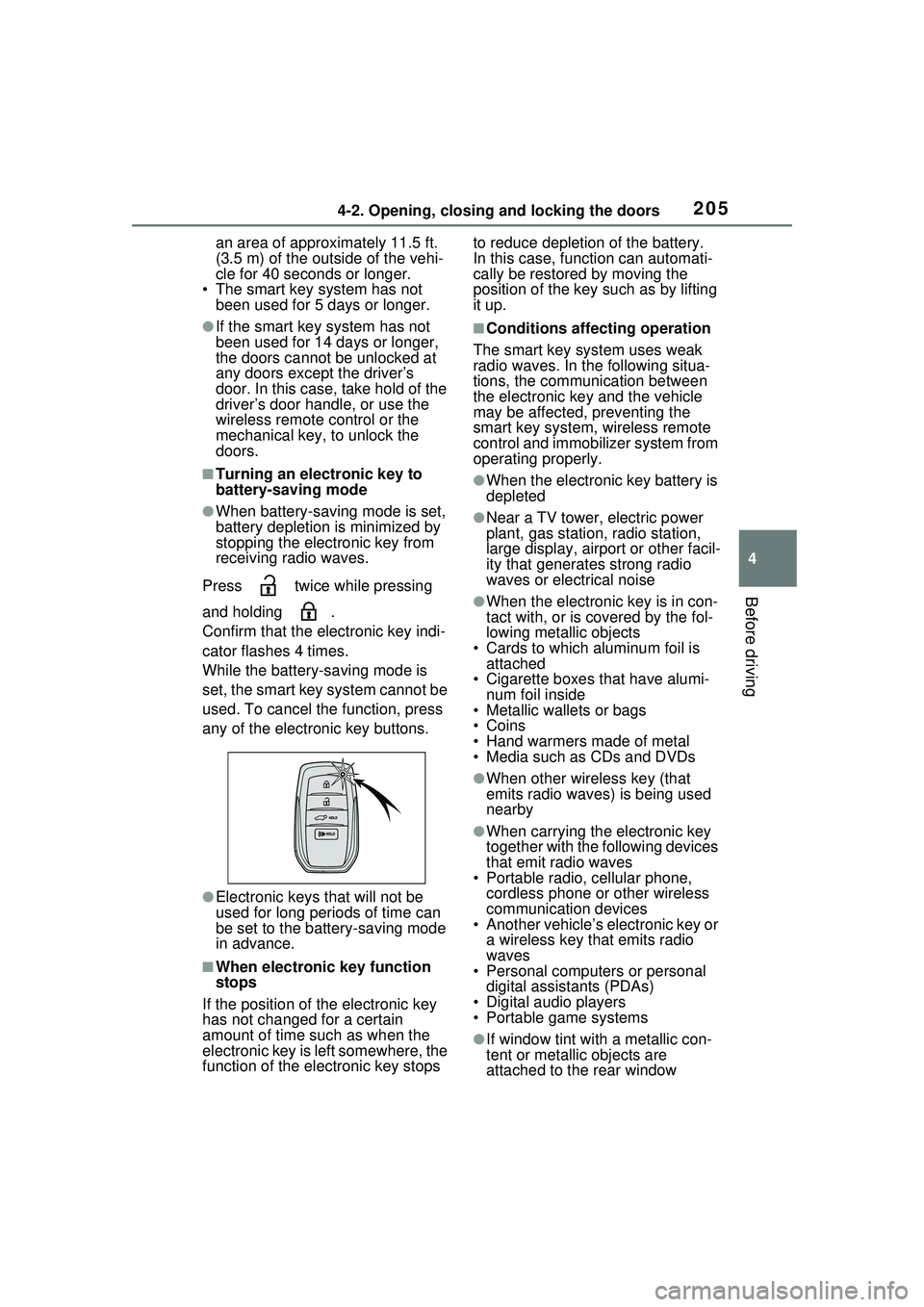
Press twice while pressing
and holding .
Confirm that the electronic key indi-
cator flashes 4 times.
While the battery-saving mode is
set, the smart key system cannot be
used. To cancel the function, press
any of the electronic key buttons.
●Electronic keys that will not be
used for long periods of time can
be set to the battery-saving mode
in advance.
■When electronic key function
stops
If the position of the electronic key
has not changed for a certain
amount of time such as when the
electronic key is left somewhere, the
function of the electronic key stops to reduce depletion of the battery.
In this case, function can automati-
cally be restored by moving the
position of the key such as by lifting
it up.
■Conditions affecting operation
The smart key system uses weak
radio waves. In the following situa-
tions, the communication between
the electronic key and the vehicle
may be affected, preventing the
smart key system, wireless remote
control and immobilizer system from
operating properly.
●When the electronic key battery is
depleted
●Near a TV tower, electric power
plant, gas station, radio station,
large display, airport or other facil-
ity that generates strong radio
waves or electrical noise
●When the electronic key is in con-
tact with, or is covered by the fol-
lowing metallic objects
• Cards to which aluminum foil is attached
• Cigarette boxes that have alumi-
num foil inside
• Metallic wallets or bags
•Coins
• Hand warmers made of metal
• Media such as CDs and DVDs
●When other wireless key (that
emits radio waves) is being used
nearby
●When carrying the electronic key
together with the following devices
that emit radio waves
• Portable radio, cellular phone, cordless phone or other wireless
communication devices
• Another vehicle’s electronic key or a wireless key that emits radio
waves
• Personal computers or personal digital assistants (PDAs)
• Digital audio players
• Portable game systems
●If window tint with a metallic con-
tent or metallic objects are
attached to the rear window
Page 471 of 680
4716-4. Using the other interior features
6
Interior features
WARNING
• Take due care for not allowing rain to enter. If the power outlet
is wet with raindrops, dry it
before use.
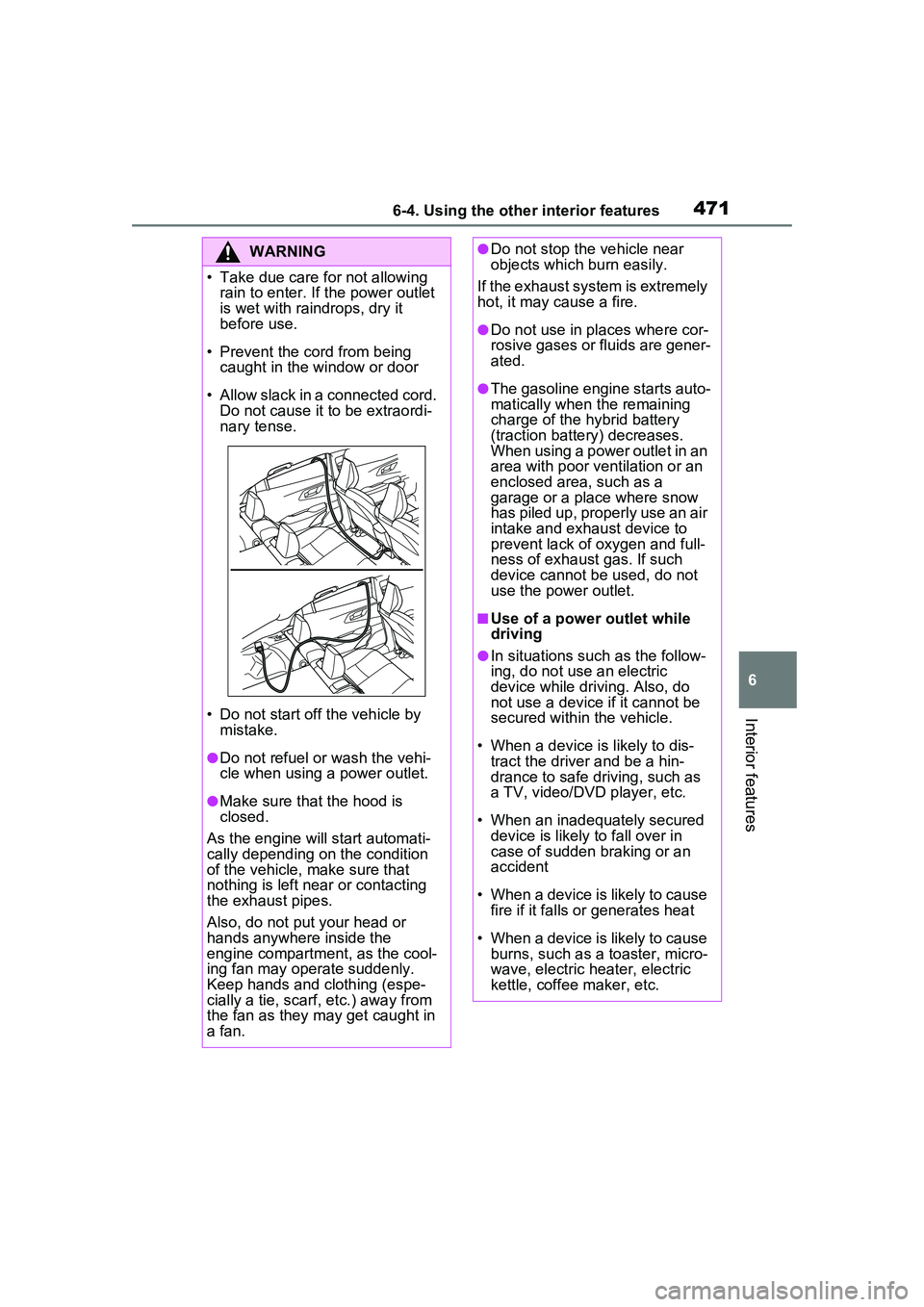
• Prevent the cord from being caught in the window or door
• Allow slack in a connected cord. Do not cause it to be extraordi-
nary tense.
• Do not start off the vehicle by mistake.
●Do not refuel or wash the vehi-
cle when using a power outlet.
●Make sure that the hood is
closed.
As the engine will start automati-
cally depending on the condition
of the vehicle, make sure that
nothing is left near or contacting
the exhaust pipes.
Also, do not put your head or
hands anywhere inside the
engine compartment, as the cool-
ing fan may operate suddenly.
Keep hands and clothing (espe-
cially a tie, scarf, etc.) away from
the fan as they may get caught in
a fan.
●Do not stop the vehicle near
objects which burn easily.
If the exhaust system is extremely
hot, it may cause a fire.
●Do not use in places where cor-
rosive gases or fluids are gener-
ated.
●The gasoline engine starts auto-
matically when the remaining
charge of the hybrid battery
(traction battery) decreases.
When using a power outlet in an
area with poor ventilation or an
enclosed area, such as a
garage or a place where snow
has piled up, properly use an air
intake and exhaust device to
prevent lack of oxygen and full-
ness of exhaust gas. If such
device cannot be used, do not
use the power outlet.
■Use of a power outlet while
driving
●In situations such as the follow-
ing, do not use an electric
device while driving. Also, do
not use a device if it cannot be
secured within the vehicle.
• When a device is likely to dis- tract the driver and be a hin-
drance to safe driving, such as
a TV, video/DVD player, etc.
• When an inadequately secured device is likely to fall over in
case of sudden braking or an
accident
• When a device is likely to cause fire if it falls or generates heat
• When a device is likely to cause burns, such as a toaster, micro-
wave, electric heater, electric
kettle, coffee maker, etc.