ad blue TOYOTA PROACE CITY VERSO 2020 Service Manual
[x] Cancel search | Manufacturer: TOYOTA, Model Year: 2020, Model line: PROACE CITY VERSO, Model: TOYOTA PROACE CITY VERSO 2020Pages: 272, PDF Size: 58.6 MB
Page 234 of 272
234
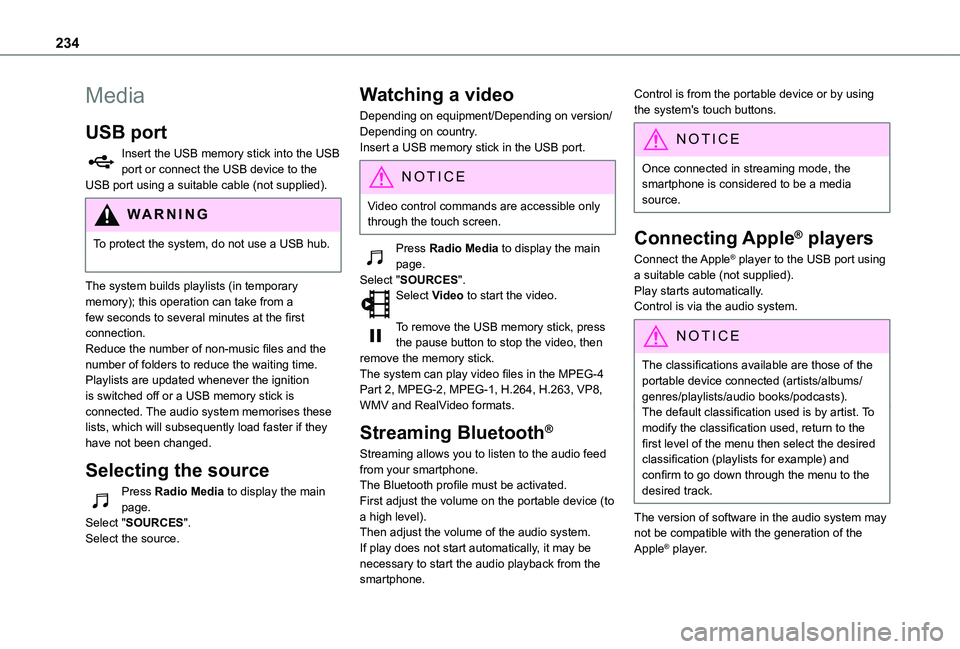
Media
USB port
Insert the USB memory stick into the USB port or connect the USB device to the USB port using a suitable cable (not supplied).
WARNI NG
To protect the system, do not use a USB hub.
The system builds playlists (in temporary memory); this operation can take from a few seconds to several minutes at the first connection.Reduce the number of non-music files and the number of folders to reduce the waiting time.Playlists are updated whenever the ignition is switched off or a USB memory stick is connected. The audio system memorises these lists, which will subsequently load faster if they have not been changed.
Selecting the source
Press Radio Media to display the main page.Select "SOURCES".Select the source.
Watching a video
Depending on equipment/Depending on version/Depending on country.Insert a USB memory stick in the USB port.
NOTIC E
Video control commands are accessible only through the touch screen.
Press Radio Media to display the main page.Select "SOURCES".Select Video to start the video.
To remove the USB memory stick, press the pause button to stop the video, then remove the memory stick.The system can play video files in the MPEG-4 Part 2, MPEG-2, MPEG-1, H.264, H.263, VP8, WMV and RealVideo formats.
Streaming Bluetooth®
Streaming allows you to listen to the audio feed from your smartphone.The Bluetooth profile must be activated.First adjust the volume on the portable device (to a high level).Then adjust the volume of the audio system.If play does not start automatically, it may be necessary to start the audio playback from the smartphone.
Control is from the portable device or by using the system's touch buttons.
NOTIC E
Once connected in streaming mode, the smartphone is considered to be a media source.
Connecting Apple® players
Connect the Apple® player to the USB port using a suitable cable (not supplied).Play starts automatically.Control is via the audio system.
NOTIC E
The classifications available are those of the portable device connected (artists/albums/genres/playlists/audio books/podcasts).The default classification used is by artist. To modify the classification used, return to the first level of the menu then select the desired classification (playlists for example) and confirm to go down through the menu to the desired track.
The version of software in the audio system may not be compatible with the generation of the
Apple® player.
Page 235 of 272
235
TOYOTA Connect Nav
12
Information and advice
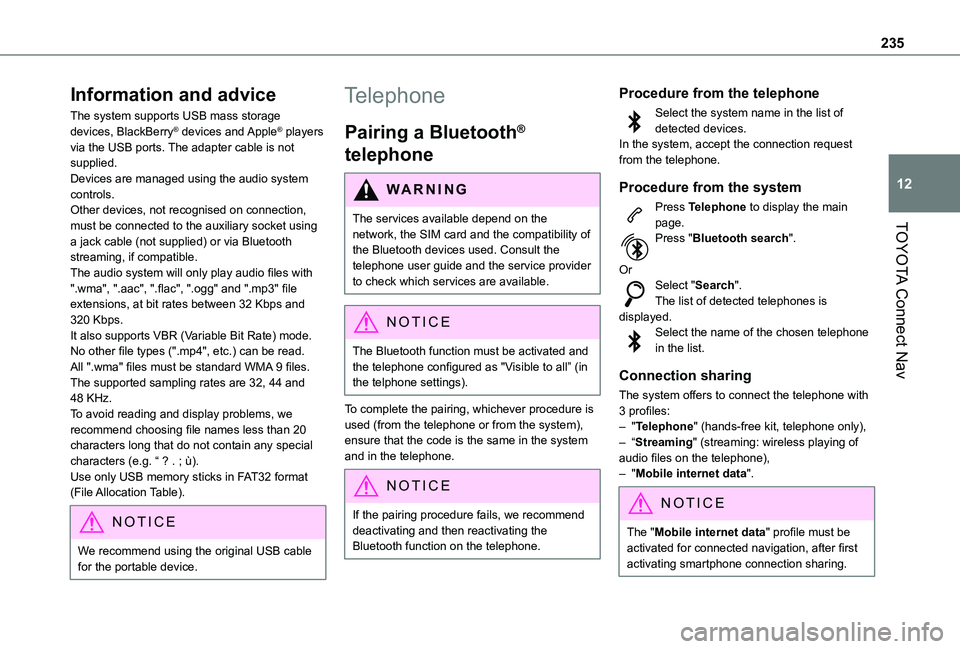
The system supports USB mass storage devices, BlackBerry® devices and Apple® players via the USB ports. The adapter cable is not supplied.Devices are managed using the audio system controls.Other devices, not recognised on connection, must be connected to the auxiliary socket using a jack cable (not supplied) or via Bluetooth streaming, if compatible.The audio system will only play audio files with ".wma", ".aac", ".flac", ".ogg" and ".mp3" file extensions, at bit rates between 32 Kbps and 320 Kbps.It also supports VBR (Variable Bit Rate) mode.No other file types (".mp4", etc.) can be read.All ".wma" files must be standard WMA 9 files.The supported sampling rates are 32, 44 and 48 KHz.To avoid reading and display problems, we recommend choosing file names less than 20
characters long that do not contain any special characters (e.g. “ ? . ; ù).Use only USB memory sticks in FAT32 format (File Allocation Table).
NOTIC E
We recommend using the original USB cable for the portable device.
Telephone
Pairing a Bluetooth®
telephone
WARNI NG
The services available depend on the network, the SIM card and the compatibility of
the Bluetooth devices used. Consult the telephone user guide and the service provider to check which services are available.
NOTIC E
The Bluetooth function must be activated and the telephone configured as "Visible to all” (in the telphone settings).
To complete the pairing, whichever procedure is used (from the telephone or from the system), ensure that the code is the same in the system and in the telephone.
NOTIC E
If the pairing procedure fails, we recommend deactivating and then reactivating the Bluetooth function on the telephone.
Procedure from the telephone
Select the system name in the list of detected devices.In the system, accept the connection request from the telephone.
Procedure from the system
Press Telephone to display the main page.Press "Bluetooth search".
OrSelect "Search".The list of detected telephones is displayed.Select the name of the chosen telephone in the list.
Connection sharing
The system offers to connect the telephone with 3 profiles:– "Telephone" (hands-free kit, telephone only),– “Streaming" (streaming: wireless playing of
audio files on the telephone),– "Mobile internet data".
NOTIC E
The "Mobile internet data" profile must be activated for connected navigation, after first activating smartphone connection sharing.
Page 236 of 272
236
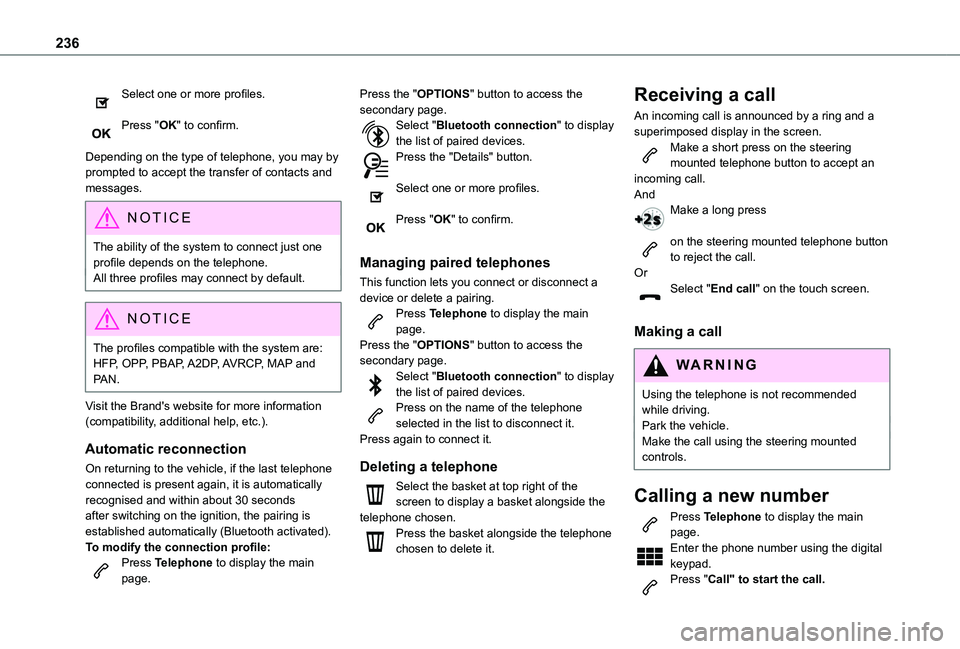
Select one or more profiles.
Press "OK" to confirm.
Depending on the type of telephone, you may by prompted to accept the transfer of contacts and messages.
NOTIC E
The ability of the system to connect just one profile depends on the telephone.All three profiles may connect by default.
NOTIC E
The profiles compatible with the system are: HFP, OPP, PBAP, A2DP, AVRCP, MAP and PAN.
Visit the Brand's website for more information (compatibility, additional help, etc.).
Automatic reconnection
On returning to the vehicle, if the last telephone connected is present again, it is automatically recognised and within about 30 seconds after switching on the ignition, the pairing is established automatically (Bluetooth activated).
To modify the connection profile:Press Telephone to display the main page.
Press the "OPTIONS" button to access the secondary page.Select "Bluetooth connection" to display the list of paired devices.Press the "Details" button.
Select one or more profiles.
Press "OK" to confirm.
Managing paired telephones
This function lets you connect or disconnect a device or delete a pairing.Press Telephone to display the main page.Press the "OPTIONS" button to access the secondary page.Select "Bluetooth connection" to display the list of paired devices.Press on the name of the telephone selected in the list to disconnect it.Press again to connect it.
Deleting a telephone
Select the basket at top right of the screen to display a basket alongside the telephone chosen.Press the basket alongside the telephone chosen to delete it.
Receiving a call
An incoming call is announced by a ring and a superimposed display in the screen.Make a short press on the steering mounted telephone button to accept an incoming call.AndMake a long press
on the steering mounted telephone button to reject the call.OrSelect "End call" on the touch screen.
Making a call
WARNI NG
Using the telephone is not recommended while driving.Park the vehicle.Make the call using the steering mounted controls.
Calling a new number
Press Telephone to display the main page. Enter the phone number using the digital keypad.Press "Call" to start the call.
Page 242 of 272
242
The Bluetooth profile does not allow the transfer of this information.
Telephone
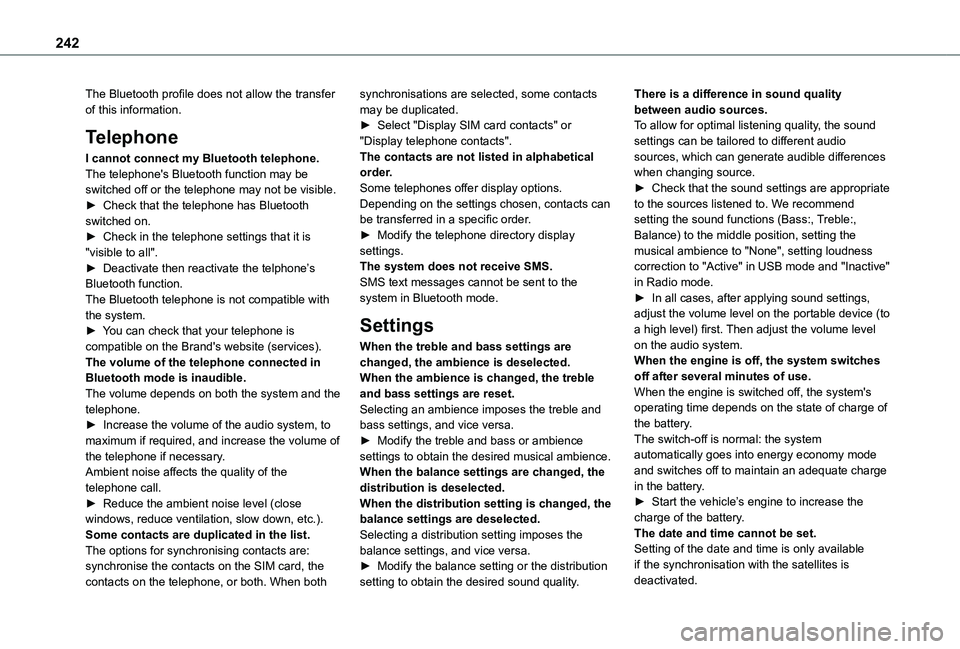
I cannot connect my Bluetooth telephone.The telephone's Bluetooth function may be switched off or the telephone may not be visible.► Check that the telephone has Bluetooth switched on.► Check in the telephone settings that it is "visible to all".► Deactivate then reactivate the telphone’s Bluetooth function.The Bluetooth telephone is not compatible with the system.► You can check that your telephone is compatible on the Brand's website (services).The volume of the telephone connected in Bluetooth mode is inaudible.The volume depends on both the system and the telephone.► Increase the volume of the audio system, to maximum if required, and increase the volume of
the telephone if necessary.Ambient noise affects the quality of the telephone call.► Reduce the ambient noise level (close windows, reduce ventilation, slow down, etc.).Some contacts are duplicated in the list.The options for synchronising contacts are: synchronise the contacts on the SIM card, the contacts on the telephone, or both. When both
synchronisations are selected, some contacts may be duplicated.► Select "Display SIM card contacts" or "Display telephone contacts".The contacts are not listed in alphabetical order.Some telephones offer display options. Depending on the settings chosen, contacts can be transferred in a specific order.► Modify the telephone directory display settings.The system does not receive SMS.SMS text messages cannot be sent to the system in Bluetooth mode.
Settings
When the treble and bass settings are changed, the ambience is deselected.When the ambience is changed, the treble and bass settings are reset.Selecting an ambience imposes the treble and bass settings, and vice versa.► Modify the treble and bass or ambience
settings to obtain the desired musical ambience.When the balance settings are changed, the distribution is deselected.When the distribution setting is changed, the balance settings are deselected.Selecting a distribution setting imposes the balance settings, and vice versa.► Modify the balance setting or the distribution setting to obtain the desired sound quality.
There is a difference in sound quality between audio sources.To allow for optimal listening quality, the sound settings can be tailored to different audio sources, which can generate audible differences when changing source.► Check that the sound settings are appropriate to the sources listened to. We recommend setting the sound functions (Bass:, Treble:, Balance) to the middle position, setting the musical ambience to "None", setting loudness correction to "Active" in USB mode and "Inactive" in Radio mode.► In all cases, after applying sound settings, adjust the volume level on the portable device (to a high level) first. Then adjust the volume level on the audio system.When the engine is off, the system switches off after several minutes of use.When the engine is switched off, the system's operating time depends on the state of charge of the battery.The switch-off is normal: the system
automatically goes into energy economy mode and switches off to maintain an adequate charge in the battery.► Start the vehicle’s engine to increase the charge of the battery.The date and time cannot be set.Setting of the date and time is only available if the synchronisation with the satellites is deactivated.
Page 244 of 272
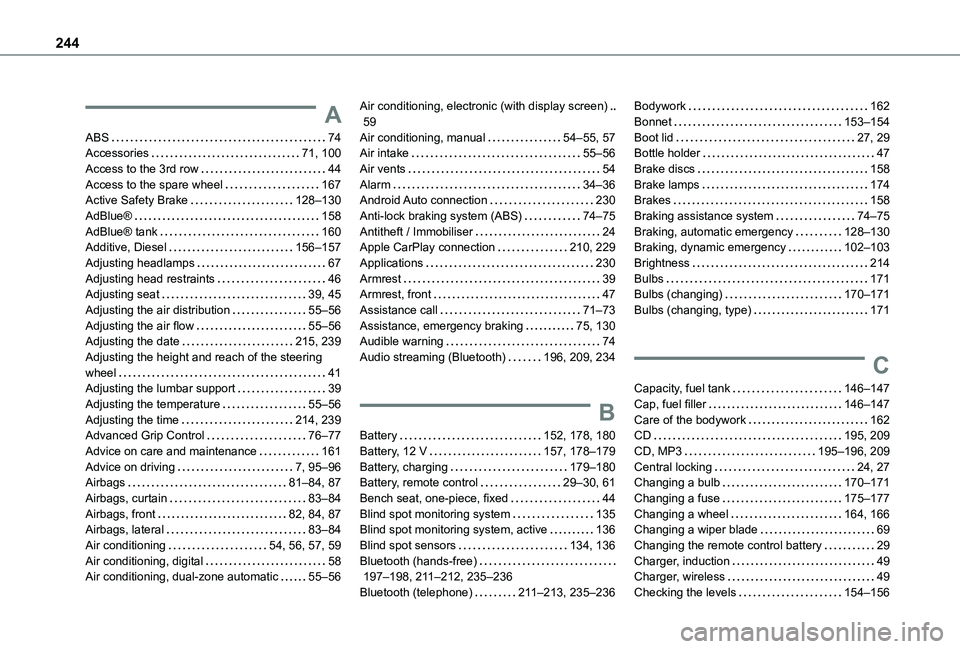
244
A
ABS 74Accessories 71, 100Access to the 3rd row 44Access to the spare wheel 167Active Safety Brake 128–130AdBlue® 158AdBlue® tank 160Additive, Diesel 156–157Adjusting headlamps 67Adjusting head restraints 46Adjusting seat 39, 45Adjusting the air distribution 55–56Adjusting the air flow 55–56Adjusting the date 215, 239Adjusting the height and reach of the steering wheel 41Adjusting the lumbar support 39Adjusting the temperature 55–56Adjusting the time 214, 239Advanced Grip Control 76–77
Advice on care and maintenance 161Advice on driving 7, 95–96Airbags 81–84, 87Airbags, curtain 83–84Airbags, front 82, 84, 87Airbags, lateral 83–84Air conditioning 54, 56, 57, 59Air conditioning, digital 58Air conditioning, dual-zone automatic 55–56
Air conditioning, electronic (with display screen) 59Air conditioning, manual 54–55, 57Air intake 55–56Air vents 54Alarm 34–36Android Auto connection 230Anti-lock braking system (ABS) 74–75Antitheft / Immobiliser 24Apple CarPlay connection 210, 229Applications 230Armrest 39Armrest, front 47Assistance call 71–73Assistance, emergency braking 75, 130Audible warning 74Audio streaming (Bluetooth) 196, 209, 234
B
Battery 152, 178, 180
Battery, 12 V 157, 178–179Battery, charging 179–180Battery, remote control 29–30, 61Bench seat, one-piece, fixed 44Blind spot monitoring system 135Blind spot monitoring system, active 136Blind spot sensors 134, 136Bluetooth (hands-free) 197–198, 2 11–212, 235–236Bluetooth (telephone) 2 11–213, 235–236
Bodywork 162Bonnet 153–154Boot lid 27, 29Bottle holder 47Brake discs 158Brake lamps 174Brakes 158Braking assistance system 74–75Braking, automatic emergency 128–130Braking, dynamic emergency 102–103Brightness 214Bulbs 171Bulbs (changing) 170–171Bulbs (changing, type) 171
C
Capacity, fuel tank 146–147Cap, fuel filler 146–147Care of the bodywork 162CD 195, 209
CD, MP3 195–196, 209Central locking 24, 27Changing a bulb 170–171Changing a fuse 175–177Changing a wheel 164, 166Changing a wiper blade 69Changing the remote control battery 29Charger, induction 49Charger, wireless 49Checking the levels 154–156
Page 245 of 272
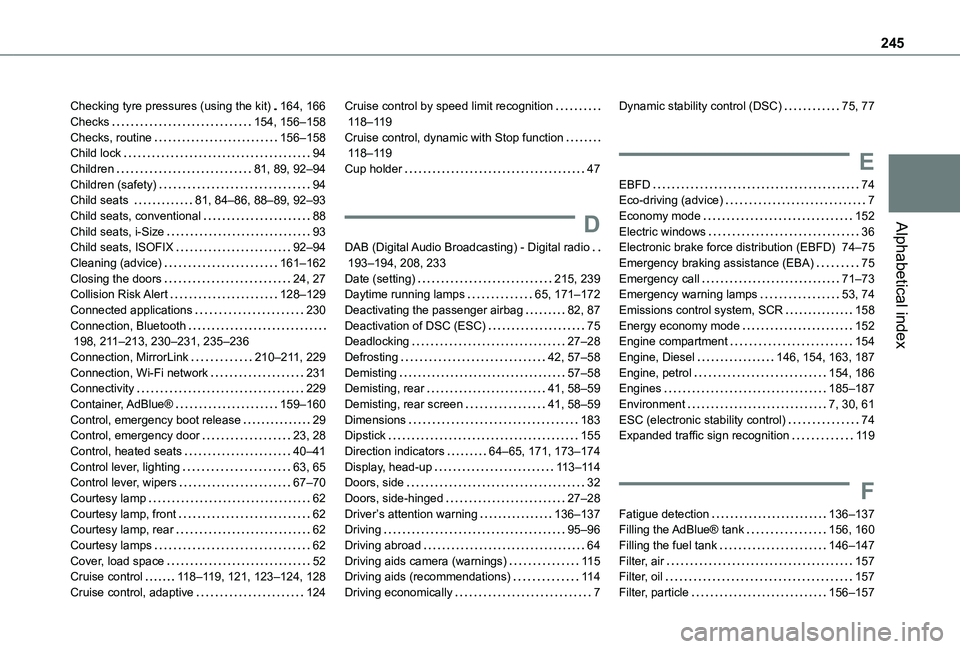
245
Alphabetical index
Checking tyre pressures (using the kit) 164, 166Checks 154, 156–158Checks, routine 156–158Child lock 94Children 81, 89, 92–94Children (safety) 94Child seats 81, 84–86, 88–89, 92–93Child seats, conventional 88Child seats, i-Size 93Child seats, ISOFIX 92–94Cleaning (advice) 161–162Closing the doors 24, 27Collision Risk Alert 128–129Connected applications 230Connection, Bluetooth 198, 2 11–213, 230–231, 235–236Connection, MirrorLink 210–2 11, 229Connection, Wi-Fi network 231Connectivity 229Container, AdBlue® 159–160Control, emergency boot release 29Control, emergency door 23, 28
Control, heated seats 40–41Control lever, lighting 63, 65Control lever, wipers 67–70Courtesy lamp 62Courtesy lamp, front 62Courtesy lamp, rear 62Courtesy lamps 62Cover, load space 52Cruise control 11 8–11 9, 121, 123–124, 128Cruise control, adaptive 124
Cruise control by speed limit recognition 11 8–11 9Cruise control, dynamic with Stop function 11 8–11 9Cup holder 47
D
DAB (Digital Audio Broadcasting) - Digital radio 193–194, 208, 233Date (setting) 215, 239Daytime running lamps 65, 171–172Deactivating the passenger airbag 82, 87Deactivation of DSC (ESC) 75Deadlocking 27–28Defrosting 42, 57–58Demisting 57–58Demisting, rear 41, 58–59Demisting, rear screen 41, 58–59Dimensions 183Dipstick 155
Direction indicators 64–65, 171, 173–174Display, head-up 11 3–11 4Doors, side 32Doors, side-hinged 27–28Driver’s attention warning 136–137Driving 95–96Driving abroad 64Driving aids camera (warnings) 11 5Driving aids (recommendations) 11 4Driving economically 7
Dynamic stability control (DSC) 75, 77
E
EBFD 74Eco-driving (advice) 7Economy mode 152Electric windows 36Electronic brake force distribution (EBFD) 74–75Emergency braking assistance (EBA) 75Emergency call 71–73Emergency warning lamps 53, 74Emissions control system, SCR 158Energy economy mode 152Engine compartment 154Engine, Diesel 146, 154, 163, 187Engine, petrol 154, 186Engines 185–187Environment 7, 30, 61ESC (electronic stability control) 74Expanded traffic sign recognition 11 9
F
Fatigue detection 136–137Filling the AdBlue® tank 156, 160Filling the fuel tank 146–147Filter, air 157Filter, oil 157Filter, particle 156–157
Page 247 of 272
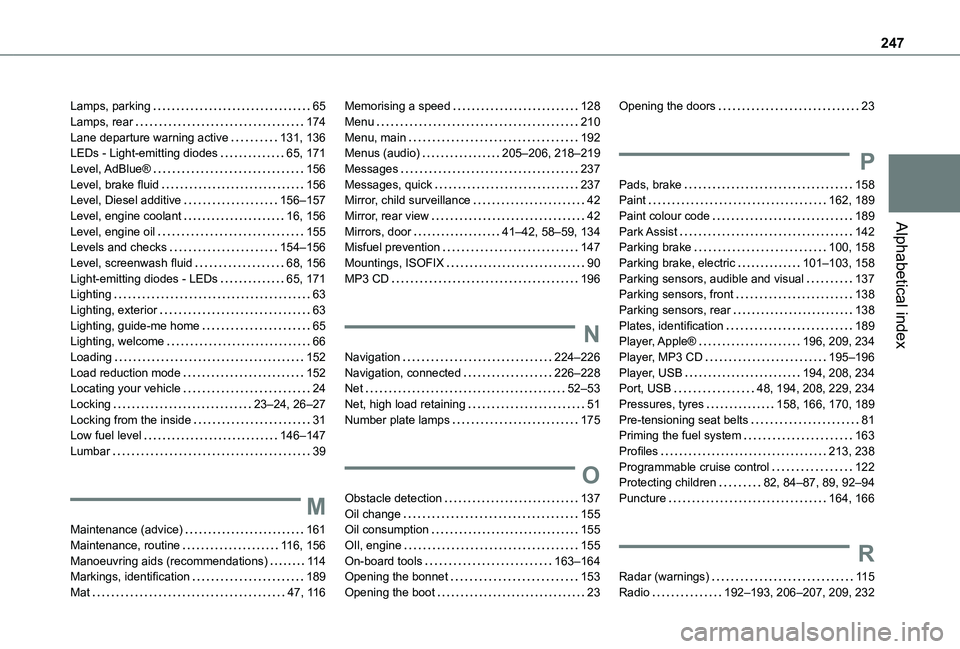
247
Alphabetical index
Lamps, parking 65Lamps, rear 174Lane departure warning active 131, 136LEDs - Light-emitting diodes 65, 171Level, AdBlue® 156Level, brake fluid 156Level, Diesel additive 156–157Level, engine coolant 16, 156Level, engine oil 155Levels and checks 154–156Level, screenwash fluid 68, 156Light-emitting diodes - LEDs 65, 171Lighting 63Lighting, exterior 63Lighting, guide-me home 65Lighting, welcome 66Loading 152Load reduction mode 152Locating your vehicle 24Locking 23–24, 26–27Locking from the inside 31Low fuel level 146–147
Lumbar 39
M
Maintenance (advice) 161Maintenance, routine 11 6, 156Manoeuvring aids (recommendations) 11 4Markings, identification 189Mat 47, 11 6
Memorising a speed 128Menu 210Menu, main 192Menus (audio) 205–206, 218–219Messages 237Messages, quick 237Mirror, child surveillance 42Mirror, rear view 42Mirrors, door 41–42, 58–59, 134Misfuel prevention 147Mountings, ISOFIX 90MP3 CD 196
N
Navigation 224–226Navigation, connected 226–228Net 52–53Net, high load retaining 51Number plate lamps 175
O
Obstacle detection 137Oil change 155Oil consumption 155OIl, engine 155On-board tools 163–164Opening the bonnet 153Opening the boot 23
Opening the doors 23
P
Pads, brake 158Paint 162, 189Paint colour code 189Park Assist 142Parking brake 100, 158Parking brake, electric 101–103, 158Parking sensors, audible and visual 137Parking sensors, front 138Parking sensors, rear 138Plates, identification 189Player, Apple® 196, 209, 234Player, MP3 CD 195–196Player, USB 194, 208, 234Port, USB 48, 194, 208, 229, 234Pressures, tyres 158, 166, 170, 189Pre-tensioning seat belts 81Priming the fuel system 163
Profiles 213, 238Programmable cruise control 122Protecting children 82, 84–87, 89, 92–94Puncture 164, 166
R
Radar (warnings) 11 5Radio 192–193, 206–207, 209, 232
Page 248 of 272
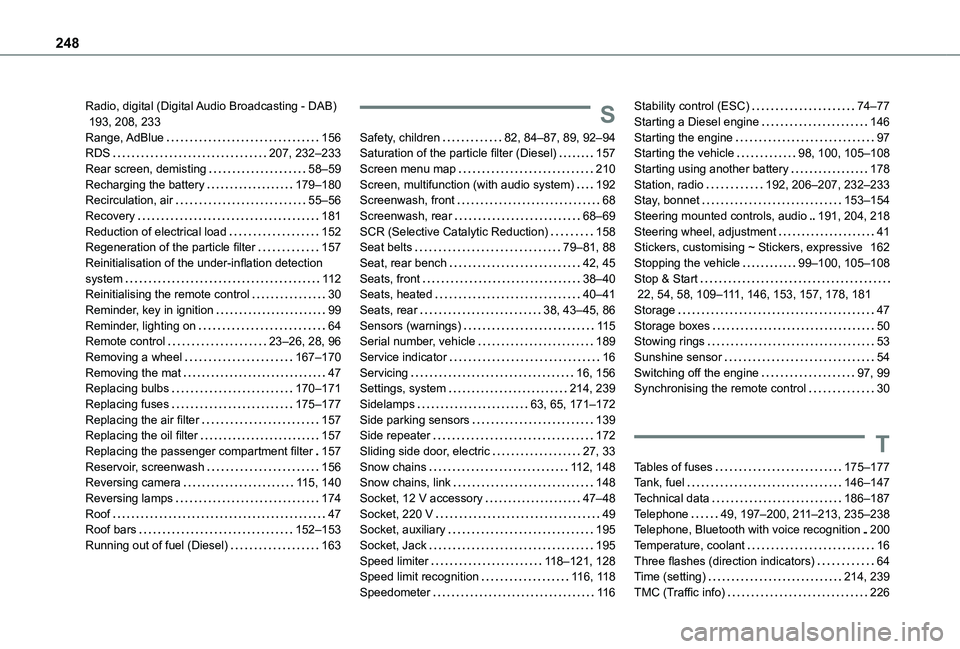
248
Radio, digital (Digital Audio Broadcasting - DAB) 193, 208, 233Range, AdBlue 156RDS 207, 232–233Rear screen, demisting 58–59Recharging the battery 179–180Recirculation, air 55–56Recovery 181Reduction of electrical load 152Regeneration of the particle filter 157Reinitialisation of the under-inflation detection system 11 2Reinitialising the remote control 30Reminder, key in ignition 99Reminder, lighting on 64Remote control 23–26, 28, 96Removing a wheel 167–170Removing the mat 47Replacing bulbs 170–171Replacing fuses 175–177Replacing the air filter 157Replacing the oil filter 157
Replacing the passenger compartment filter 157Reservoir, screenwash 156Reversing camera 11 5, 140Reversing lamps 174Roof 47Roof bars 152–153Running out of fuel (Diesel) 163
S
Safety, children 82, 84–87, 89, 92–94Saturation of the particle filter (Diesel) 157Screen menu map 210Screen, multifunction (with audio system) 192Screenwash, front 68Screenwash, rear 68–69SCR (Selective Catalytic Reduction) 158Seat belts 79–81, 88Seat, rear bench 42, 45Seats, front 38–40Seats, heated 40–41Seats, rear 38, 43–45, 86Sensors (warnings) 11 5Serial number, vehicle 189Service indicator 16Servicing 16, 156Settings, system 214, 239Sidelamps 63, 65, 171–172Side parking sensors 139Side repeater 172
Sliding side door, electric 27, 33Snow chains 11 2, 148Snow chains, link 148Socket, 12 V accessory 47–48Socket, 220 V 49Socket, auxiliary 195Socket, Jack 195Speed limiter 11 8–121, 128Speed limit recognition 11 6, 11 8Speedometer 11 6
Stability control (ESC) 74–77Starting a Diesel engine 146Starting the engine 97Starting the vehicle 98, 100, 105–108Starting using another battery 178Station, radio 192, 206–207, 232–233Stay, bonnet 153–154Steering mounted controls, audio 191, 204, 218Steering wheel, adjustment 41Stickers, customising ~ Stickers, expressive 162Stopping the vehicle 99–100, 105–108Stop & Start 22, 54, 58, 109–111, 146, 153, 157, 178, 181Storage 47Storage boxes 50Stowing rings 53Sunshine sensor 54Switching off the engine 97, 99Synchronising the remote control 30
T
Tables of fuses 175–177Tank, fuel 146–147Technical data 186–187Telephone 49, 197–200, 2 11–213, 235–238Telephone, Bluetooth with voice recognition 200Temperature, coolant 16Three flashes (direction indicators) 64Time (setting) 214, 239TMC (Traffic info) 226
Page 249 of 272
249
Alphabetical index
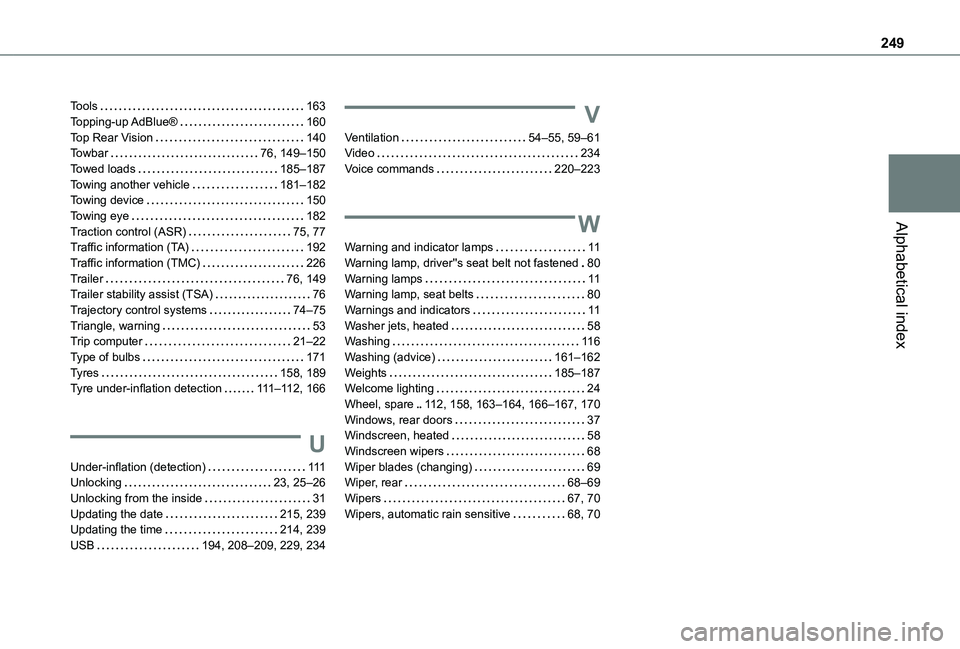
Tools 163Topping-up AdBlue® 160Top Rear Vision 140Towbar 76, 149–150Towed loads 185–187Towing another vehicle 181–182Towing device 150Towing eye 182Traction control (ASR) 75, 77Traffic information (TA) 192Traffic information (TMC) 226Trailer 76, 149Trailer stability assist (TSA) 76Trajectory control systems 74–75Triangle, warning 53Trip computer 21–22Type of bulbs 171Tyres 158, 189Tyre under-inflation detection 111–11 2, 166
U
Under-inflation (detection) 111Unlocking 23, 25–26Unlocking from the inside 31Updating the date 215, 239Updating the time 214, 239USB 194, 208–209, 229, 234
V
Ventilation 54–55, 59–61Video 234Voice commands 220–223
W
Warning and indicator lamps 11Warning lamp, driver''s seat belt not fastened 80Warning lamps 11Warning lamp, seat belts 80Warnings and indicators 11Washer jets, heated 58Washing 11 6Washing (advice) 161–162Weights 185–187Welcome lighting 24Wheel, spare 11 2, 158, 163–164, 166–167, 170Windows, rear doors 37Windscreen, heated 58
Windscreen wipers 68Wiper blades (changing) 69Wiper, rear 68–69Wipers 67, 70Wipers, automatic rain sensitive 68, 70