window TOYOTA PROACE VERSO EV 2024 Owner's Manual
[x] Cancel search | Manufacturer: TOYOTA, Model Year: 2024, Model line: PROACE VERSO EV, Model: TOYOTA PROACE VERSO EV 2024Pages: 360, PDF Size: 70.22 MB
Page 271 of 360
271
Bluetooth® audio system
10
Telephone
Pairing a Bluetooth®
telephone
WARNI NG
As a safety measure and because they require prolonged attention on the part of the driver, the operations for pairing of the Bluetooth mobile telephone with the Bluetooth hands-free system of your audio system must be carried out with the vehicle stationary and the ignition on.
NOTIC E
Activate the telephone's Bluetooth function and ensure that it is "visible to all" (telephone configuration).
NOTIC E
The services available depend on the network, the SIM card and the compatibility of the Bluetooth telephone used.Check the instructions for your telephone and with your service provider for the services to which you have access.
Procedure from the telephone
Select the name of the system in the list of devices detected.
Procedure from the system
Press the MENU button.
Select "Connections".
Confirm with OK.
Select "Search for a device".
Confirm with OK.
A window is displayed with a search in progress message.In the list of devices detected, select a telephone to pair. Only one telephone can be paired at a time.
Completing the pairing
WARNI NG
To complete the pairing, whichever procedure is used (from the telephone or from the system), ensure that the code is the same in
the system and in the telephone.
If pairing fails, the number of attempts is not restricted.
A message appears in the screen confirming the pairing.
Information and advice
The "Telephone" menu gives access to the following functions in particular: "Directory", if your telephone equipment is fully compatible, "Call log", "View paired devices".Depending on the type of telephone, you may be
asked to accept or confirm access by the system to each of these functions.
NOTIC E
Go to the Brand's website for more information (compatibility, more help, etc.).
Managing connections
NOTIC E
The telephone connection automatically includes hands free operation and audio streaming.The ability of the system to connect to just one profile depends on the telephone. Both profiles may connect by default.
Press the MENU button.
Select "Connections".
Page 290 of 360
290
Ambient noise affects the quality of the telephone call.► Reduce ambient noise (close windows, turn down ventilation, slow down, etc.).The contacts are not listed in alphabetical order.Some telephones offer display options. Depending on the settings chosen, contacts can be transferred in a specific order.
► Modify the telephone directory display settings.
Settings
When the treble and bass settings are changed, the ambience is deselected.When the ambience is changed, the treble and bass settings are reset.Selecting an ambience imposes the treble and bass settings, and vice versa.► Modify the treble and bass or ambience settings to obtain the desired musical ambience.When the balance settings are changed, the distribution is deselected.When the distribution setting is changed, the balance settings are deselected.Selecting a distribution setting imposes the balance settings, and vice versa.► Modify the balance setting or the distribution setting to obtain the desired sound quality.There is a difference in sound quality between audio sources.To allow for optimal listening quality, the sound settings can be tailored to different audio
sources, which can generate audible differences when changing source.► Check that the sound settings are appropriate to the sources listened to. Adjust the sound functions to the middle position.When the engine is off, the system switches off after several minutes of use.When the engine is switched off, the system's operating time depends on the state of charge of
the battery.The switch-off is normal: the system automatically goes into energy economy mode and switches off to maintain an adequate charge in the battery.► Start the vehicle’s engine to increase the charge of the battery.
Page 294 of 360

294
Vehicle
Activate, deactivate or configure certain vehicle functions.
Air conditioning
21,518,5
Manage various temperature and air flow settings.
Voice commands
Steering wheel-mounted
controls
Voice commands:Voice commands can be issued from any screen page after a short press on the "Voice commands" button located on the steering
wheel or at the end of the lighting control stalk (depending on equipment), as long as there is no telephone call in progress.
WARNI NG
To ensure that voice commands are always recognised by the system, please follow these recommendations: – use natural language in a normal tone without breaking up words or raising your voice.– always wait for the "beep" (audible signal) before speaking.– for best results, closing the windows and sunroof is recommended, to avoid extraneous interference (depending on version).– before issuing a voice command, ask any other passengers to refrain from speaking.
First steps
Example of a "voice command" for navigation:
"Navigate to address 11 regent street, London"Example of a "voice command" for the radio and media:"Play artist Madonna"Example of a "voice command" for the telephone:"Call David Miller"
WARNI NG
The voice commands, with a choice of 17 languages (Arabic, Brazilian, Czech, Danish, Dutch, English, Farsi, French, German, Italian, Norwegian, Polish, Portuguese, Russian, Spanish, Swedish, Turkish), are made using the language previously chosen and set in the system.For some voice commands, there are alternative synonyms.Example: Guide to / Navigate to / Go to / ...The voice commands in Arabic for: "Navigate to address" and "Display POI in the city", are not available.
Information - Using the
system
When voice commands are activated, by briefly pressing the button, help is displayed on the touch screen, offering various menus and enabling voice-based interaction with the system.
Page 317 of 360
317
TOYOTA Pro Touch with navigation system
12
► Deactivate then reactivate the telephone’s Bluetooth function.The Bluetooth telephone is not compatible with the system.► You can check the compatibility of the telephone on the Brand's website (services).Android Auto and/or CarPlay do not work.Android Auto and CarPlay may not activate if the USB cables are of poor quality.
► Use genuine USB cables to ensure compatibility.Android Auto and/or CarPlay do not work.Android Auto and CarPlay are not available in all countries.► Check the Google Android Auto or Apple website to see which countries are supported.The volume of the telephone connected in Bluetooth mode is inaudible.The volume depends on both the system and the telephone.► Increase the volume of the audio system, to maximum if required, and increase the volume of the telephone if necessary.Ambient noise affects the quality of the telephone call.► Reduce the ambient noise level (close windows, turn down ventilation, slow down, etc.).Some contacts are duplicated in the list.The options for synchronising contacts are: synchronise the contacts on the SIM card, the contacts on the telephone, or both. When both synchronisations are selected, some contacts may be duplicated.
► Select "Display SIM card contacts" or "Display telephone contacts".The contacts are not listed in alphabetical order.Some telephones offer display options. Depending on the settings chosen, contacts can be transferred in a specific order.► Modify the telephone directory display settings.
The system does not receive SMS.Bluetooth mode does not allow SMS text messages to be sent to the system.
Settings
When the treble and bass settings are changed, the ambience is deselected.When the ambience is changed, the treble and bass settings are reset.Selecting an ambience imposes the treble and bass settings, and vice versa.► Modify the treble and bass or ambience settings to obtain the desired musical ambience.When the balance settings are changed, the distribution is deselected.When the distribution setting is changed, the balance settings are deselected.Selecting a distribution setting imposes the balance settings, and vice versa.► Modify the balance setting or the distribution setting to obtain the desired sound quality.There is a difference in sound quality between audio sources.
To allow for optimal listening quality, the sound settings can be tailored to different audio sources, which can generate audible differences when changing source.► Check that the sound settings are appropriate to the sources listened to. We recommend setting the sound functions (Bass:, Treble:, Balance) to the middle position, setting the musical ambience to "None", setting loudness
correction to "Active" in USB mode and "Inactive" in Radio mode.► In all cases, after applying sound settings, adjust the volume level on the portable device (to a high level) first. Then adjust the volume level on the audio system.When the engine is off, the system switches off after several minutes of use.When the engine is switched off, the system's operating time depends on the state of charge of the battery.The switch-off is normal: the system automatically goes into energy economy mode and switches off to maintain an adequate charge in the battery.► Start the vehicle’s engine to increase the charge of the battery.The date and time cannot be set.Setting of the date and time is only available if the synchronisation with the satellites is deactivated.► Settings menu / Options / Time-Date setting. Select the "Time" tab and deactivate the "GPS synchronisation" (UTC).
Page 322 of 360
322
Changing the remote control battery 38Changing to free-wheeling 223, 250Charge level indicator (Electric) 22Charging cable 202Charging cable (Electric) 201Charging connector (Electric) 200, 206–207, 209Charging flap (Electric) 200, 206–207, 209
Charging system (Electric) 5, 9, 27, 198, 215Charging the traction battery (Electric) 22, 198, 206–207, 209Checking the engine oil level 19–20Checking the levels 215–217Checking tyre pressures (using the kit) 229–232Checks 214, 217–220Checks, routine 217–219Child lock 146–147Child lock on rear windows 147Children 11 9, 127, 133–134, 142, 142–143, 142–143Children (safety) 146Child seats 11 9, 123–124, 126–130, 143Child seats, conventional 126–130Child seats, i-Size 143Child seats, ISOFIX 133–134, 142, 142–143, 142–143Cleaning (advice) 199, 224–226Closing the boot 47Closing the doors 30, 34–35, 46–47Collision Risk Alert 184–185Compressor, tyre inflation 229
Configuration, vehicle 26–27Connected applications 304Connection, Bluetooth 271, 285–286, 305, 310–3 11Connection, Wi-Fi network 305–306Connectivity 304Consumption figures 27Container, AdBlue® 221
Control, emergency boot release 38Control, emergency door 31, 36–37Control, heated seats 55Control stalk, lighting 99Control stalk, wipers 105–107Control unit 201–202Courtesy lamp 96Courtesy lamp, front 96–98, 242Courtesy lamp, rear 96–98, 242Courtesy lamps 96–98, 242Cover, load space 78Crew cab, fixed 72–73Crew cab, folding 73Cruise control 172, 174–175, 177–180Cruise control, adaptive 175, 180, 182–184Cruise control by speed limit recognition 174–175Cruise control, dynamic with Stop function 174–175Cup holder 74
D
DAB (Digital Audio Broadcasting) - Digital radio 267, 282, 308Date (setting) 29, 288, 314Daytime running lamps 101, 238–240Deactivating the passenger airbag 120, 125Deactivation of DSC (ESC) 11 3
Deadlocking 35–36Deferred charging 28, 208Deferred charging (Electric) 27–28, 200, 206Defrosting 57, 91Demisting 91Demisting, rear 91Demisting, rear screen 91Dimensions 260Dipstick 19–20, 215Direction indicators 100, 238–239, 241, 243Display, head-up 171–172Domestic charging 202Domestic charging (Electric) 207, 209, 258Door pockets 75Doors, rear 46–47Doors, side 42Doors, side-hinged 34–36, 46–47, 241Driver’s attention warning 188Drive selector (Electric) 164, 219Driving 148–149Driving aids camera (warnings) 170Driving aids (recommendations) 169Driving economically 8Driving modes 165
Page 323 of 360
323
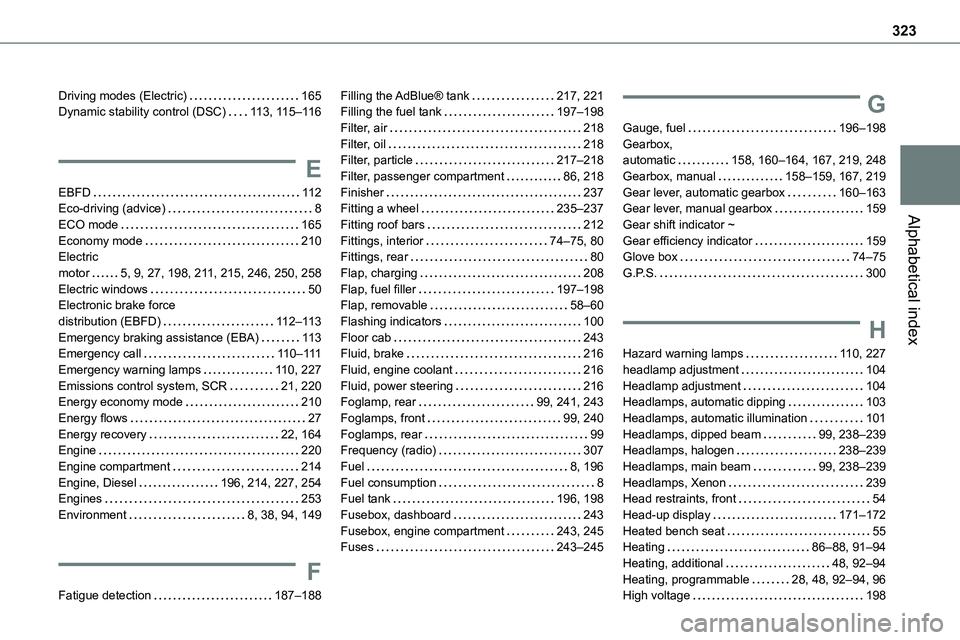
Alphabetical index
Driving modes (Electric) 165Dynamic stability control (DSC) 11 3, 11 5–11 6
E
EBFD 11 2Eco-driving (advice) 8
ECO mode 165Economy mode 210Electric motor 5, 9, 27, 198, 2 11, 215, 246, 250, 258Electric windows 50Electronic brake force distribution (EBFD) 11 2–11 3Emergency braking assistance (EBA) 11 3Emergency call 11 0–111Emergency warning lamps 11 0, 227Emissions control system, SCR 21, 220Energy economy mode 210Energy flows 27Energy recovery 22, 164Engine 220Engine compartment 214Engine, Diesel 196, 214, 227, 254Engines 253Environment 8, 38, 94, 149
F
Fatigue detection 187–188
Filling the AdBlue® tank 217, 221Filling the fuel tank 197–198Filter, air 218Filter, oil 218Filter, particle 217–218Filter, passenger compartment 86, 218Finisher 237Fitting a wheel 235–237
Fitting roof bars 212Fittings, interior 74–75, 80Fittings, rear 80Flap, charging 208Flap, fuel filler 197–198Flap, removable 58–60Flashing indicators 100Floor cab 243Fluid, brake 216Fluid, engine coolant 216Fluid, power steering 216Foglamp, rear 99, 241, 243Foglamps, front 99, 240Foglamps, rear 99Frequency (radio) 307Fuel 8, 196Fuel consumption 8Fuel tank 196, 198Fusebox, dashboard 243Fusebox, engine compartment 243, 245Fuses 243–245
G
Gauge, fuel 196–198Gearbox, automatic 158, 160–164, 167, 219, 248Gearbox, manual 158–159, 167, 219Gear lever, automatic gearbox 160–163Gear lever, manual gearbox 159
Gear shift indicator ~ Gear efficiency indicator 159Glove box 74–75G.P.S. 300
H
Hazard warning lamps 11 0, 227headlamp adjustment 104Headlamp adjustment 104Headlamps, automatic dipping 103Headlamps, automatic illumination 101Headlamps, dipped beam 99, 238–239Headlamps, halogen 238–239Headlamps, main beam 99, 238–239Headlamps, Xenon 239Head restraints, front 54Head-up display 171–172Heated bench seat 55Heating 86–88, 91–94Heating, additional 48, 92–94Heating, programmable 28, 48, 92–94, 96High voltage 198
Page 326 of 360
326
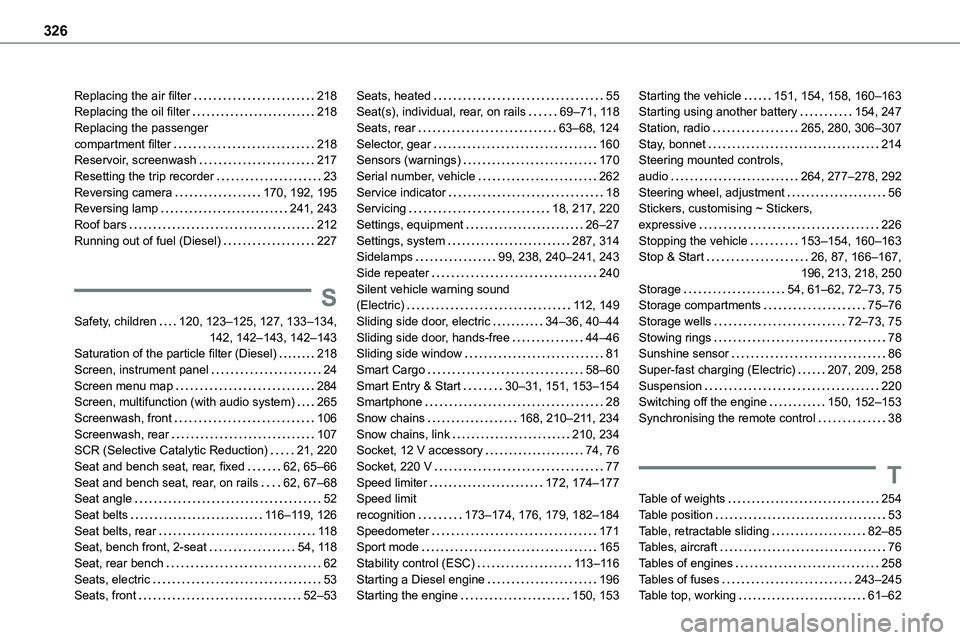
Replacing the air filter 218Replacing the oil filter 218Replacing the passenger compartment filter 218Reservoir, screenwash 217Resetting the trip recorder 23Reversing camera 170, 192, 195Reversing lamp 241, 243
Roof bars 212Running out of fuel (Diesel) 227
S
Safety, children 120, 123–125, 127, 133–134, 142, 142–143, 142–143Saturation of the particle filter (Diesel) 218Screen, instrument panel 24Screen menu map 284Screen, multifunction (with audio system) 265Screenwash, front 106Screenwash, rear 107SCR (Selective Catalytic Reduction) 21, 220Seat and bench seat, rear, fixed 62, 65–66Seat and bench seat, rear, on rails 62, 67–68Seat angle 52Seat belts 11 6–11 9, 126Seat belts, rear 11 8Seat, bench front, 2-seat 54, 11 8Seat, rear bench 62Seats, electric 53Seats, front 52–53
Seats, heated 55Seat(s), individual, rear, on rails 69–71, 11 8Seats, rear 63–68, 124Selector, gear 160Sensors (warnings) 170Serial number, vehicle 262Service indicator 18Servicing 18, 217, 220
Settings, equipment 26–27Settings, system 287, 314Sidelamps 99, 238, 240–241, 243Side repeater 240Silent vehicle warning sound (Electric) 11 2, 149Sliding side door, electric 34–36, 40–44Sliding side door, hands-free 44–46Sliding side window 81Smart Cargo 58–60Smart Entry & Start 30–31, 151, 153–154Smartphone 28Snow chains 168, 210–2 11, 234Snow chains, link 210, 234Socket, 12 V accessory 74, 76Socket, 220 V 77Speed limiter 172, 174–177Speed limit recognition 173–174, 176, 179, 182–184Speedometer 171Sport mode 165Stability control (ESC) 11 3–11 6Starting a Diesel engine 196Starting the engine 150, 153
Starting the vehicle 151, 154, 158, 160–163Starting using another battery 154, 247Station, radio 265, 280, 306–307Stay, bonnet 214Steering mounted controls, audio 264, 277–278, 292Steering wheel, adjustment 56Stickers, customising ~ Stickers,
expressive 226Stopping the vehicle 153–154, 160–163Stop & Start 26, 87, 166–167, 196, 213, 218, 250Storage 54, 61–62, 72–73, 75Storage compartments 75–76Storage wells 72–73, 75Stowing rings 78Sunshine sensor 86Super-fast charging (Electric) 207, 209, 258Suspension 220Switching off the engine 150, 152–153Synchronising the remote control 38
T
Table of weights 254Table position 53Table, retractable sliding 82–85Tables, aircraft 76Tables of engines 258Tables of fuses 243–245Table top, working 61–62
Page 327 of 360
327
Alphabetical index
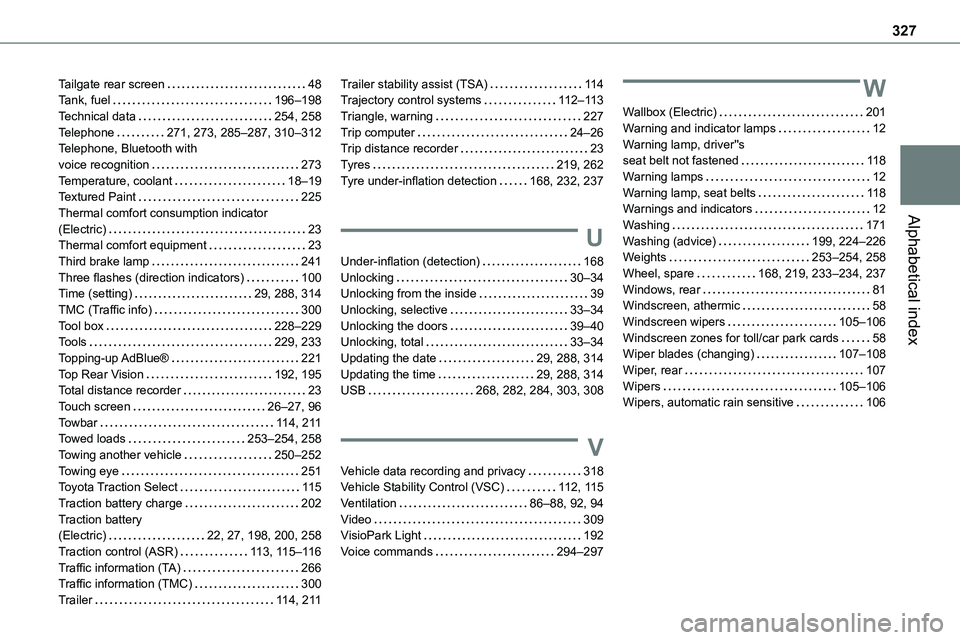
Tailgate rear screen 48Tank, fuel 196–198Technical data 254, 258Telephone 271, 273, 285–287, 310–312Telephone, Bluetooth with voice recognition 273Temperature, coolant 18–19Textured Paint 225Thermal comfort consumption indicator (Electric) 23Thermal comfort equipment 23Third brake lamp 241Three flashes (direction indicators) 100Time (setting) 29, 288, 314TMC (Traffic info) 300Tool box 228–229Tools 229, 233Topping-up AdBlue® 221Top Rear Vision 192, 195Total distance recorder 23Touch screen 26–27, 96Towbar 11 4, 2 11Towed loads 253–254, 258Towing another vehicle 250–252Towing eye 251Toyota Traction Select 11 5Traction battery charge 202Traction battery (Electric) 22, 27, 198, 200, 258Traction control (ASR) 11 3, 11 5–11 6Traffic information (TA) 266Traffic information (TMC) 300
Trailer 11 4, 2 11
Trailer stability assist (TSA) 11 4Trajectory control systems 11 2–11 3Triangle, warning 227Trip computer 24–26Trip distance recorder 23Tyres 219, 262Tyre under-inflation detection 168, 232, 237
U
Under-inflation (detection) 168Unlocking 30–34Unlocking from the inside 39Unlocking, selective 33–34Unlocking the doors 39–40Unlocking, total 33–34Updating the date 29, 288, 314Updating the time 29, 288, 314USB 268, 282, 284, 303, 308
V
Vehicle data recording and privacy 318Vehicle Stability Control (VSC) 11 2, 11 5Ventilation 86–88, 92, 94Video 309VisioPark Light 192Voice commands 294–297
W
Wallbox (Electric) 201Warning and indicator lamps 12Warning lamp, driver''s seat belt not fastened 11 8Warning lamps 12Warning lamp, seat belts 11 8Warnings and indicators 12Washing 171Washing (advice) 199, 224–226Weights 253–254, 258Wheel, spare 168, 219, 233–234, 237Windows, rear 81Windscreen, athermic 58Windscreen wipers 105–106Windscreen zones for toll/car park cards 58Wiper blades (changing) 107–108Wiper, rear 107Wipers 105–106Wipers, automatic rain sensitive 106