ECO mode TOYOTA SUPRA 2019 Owners Manual
[x] Cancel search | Manufacturer: TOYOTA, Model Year: 2019, Model line: SUPRA, Model: TOYOTA SUPRA 2019Pages: 456, PDF Size: 88.65 MB
Page 18 of 456
18
Supra Owner's Manual1-1. NOTES
This chapter describes all standard,
country-specific and special equip-
ment available for the model series.
It may therefore describe equip-
ment and functions which are not
installed in your vehicle, for exam-
ple on account of the optional
equipment selected or the country
specification. This also applies to
safety-relevant functions and sys-
tems. Please comply with the rele-
vant laws and regulations when
using the corresponding functions
and systems.
Please also follow the supplemen-
tary Owner's Manual which are
attached in addition to the on-board
documentation as needed.
WARNING
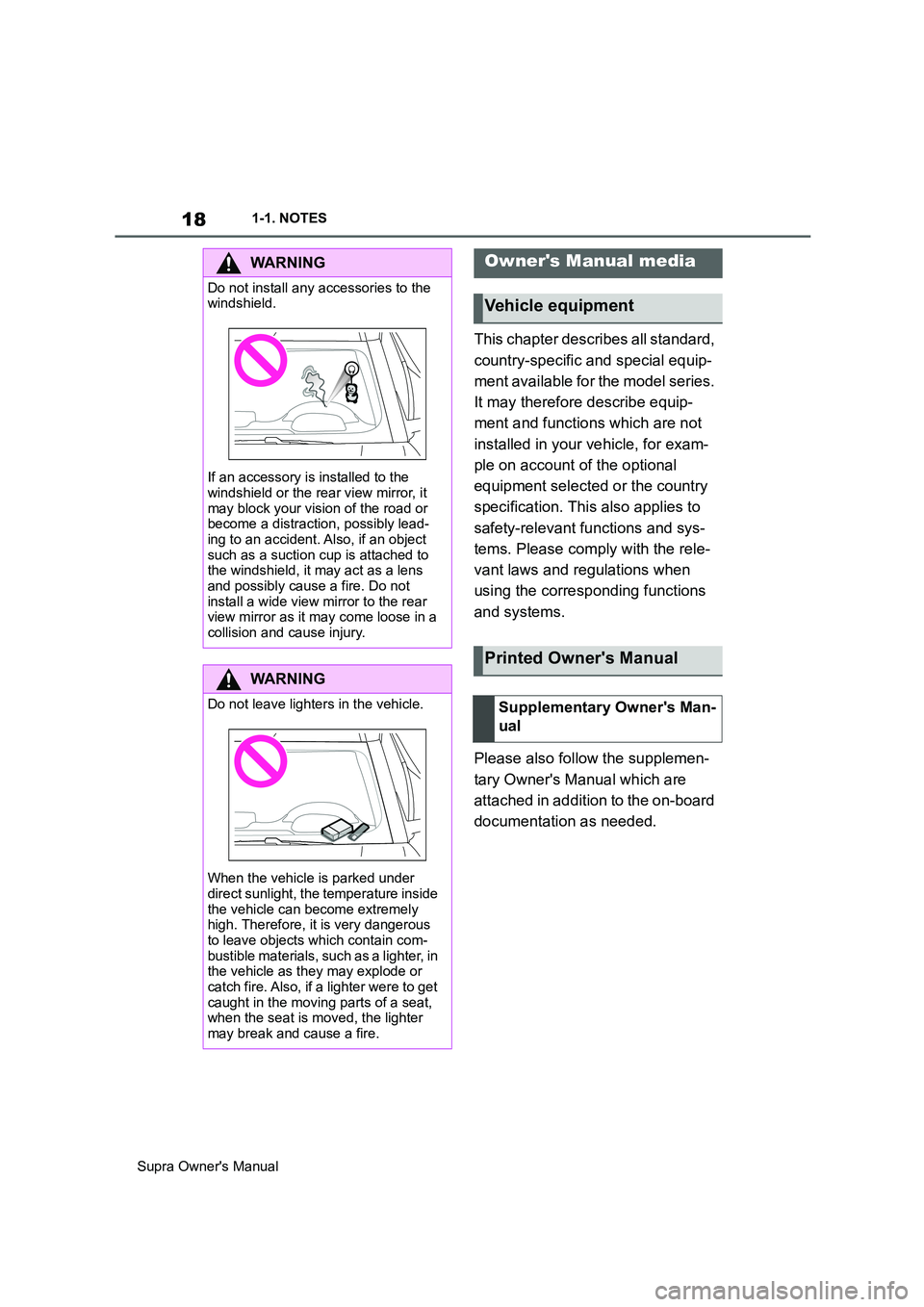
Do not install any accessories to the
windshield.
If an accessory is installed to the
windshield or the rear view mirror, it
may block your vision of the road or
become a distraction, possibly lead-
ing to an accident. Also, if an object
such as a suction cup is attached to
the windshield, it may act as a lens
and possibly cause a fire. Do not
install a wide view mirror to the rear
view mirror as it may come loose in a
collision and cause injury.
WARNING
Do not leave lighters in the vehicle.
When the vehicle is parked under
direct sunlight, the temperature inside
the vehicle can become extremely
high. Therefore, it is very dangerous
to leave objects which contain com-
bustible materials, such as a lighter, in
the vehicle as they may explode or
catch fire. Also, if a lighter were to get
caught in the moving parts of a seat,
when the seat is moved, the lighter
may break and cause a fire.
Owner's Manual media
Vehicle equipment
Printed Owner's Manual
Supplementary Owner's Man-
ual
Page 68 of 456
68
Supra Owner's Manual3-1. CONTROLS
4"Connect new device"
5Select functions:
• "Telephone"
• "Bluetooth audio"
• "Apps"
• "Apple CarPlay"
• "Screen Mirroring"
The Bluetooth name of the vehicle is
displayed in the Control Display.
6On the mobile device, search for
Bluetooth devices in the vicinity.
The Bluetooth name of the vehicle is
shown on the display of the mobile
device.
Select the Bluetooth name of the vehi-
cle.
7Depending on the mobile
device, either a control number
is displayed, or you will have to
enter the control number your-
self.
• Compare the control number
shown on the Control Display
with the control number in the
device display.
Confirm the control number in the
device and on the Control Display.
• Enter the same control number
on the device and via Toyota
Supra Command then confirm.
The device is connected and displayed
in the device list, see page 72.
There may be instances where the
mobile device does not function as
expected, even though all precondi-
tions have been met and all the necessary steps have been carried
out in the correct order. Neverthe-
less, the mobile device does not
function as expected.
In such cases, the following expla-
nations may provide assistance:
Why could the mobile telephone
not be paired or connected?
• Too many Bluetooth devices are
paired to the mobile telephone or
the vehicle.
In the vehicle, delete Bluetooth connec-
tions with other devices.
Delete all known Bluetooth connections
from the device list on the mobile tele-
phone and start a new device search.
• The mobile telephone is in
power-save mode or the battery
is low.
Charge the mobile telephone.
Why does the mobile telephone no
longer respond?
• The applications on the mobile
telephone are no longer function-
ing.
Switch the mobile telephone off and on
again.
• Ambient temperature too high or
too low to operate the mobile
telephone.
Do not subject the mobile telephone to
extreme ambient conditions.
Why can telephone functions not
be operated via Toyota Supra Com-
mand?
• The mobile telephone may not
be configured correctly, for
example as a Bluetooth audio Frequently Asked Questions
Page 150 of 456
150
Supra Owner's Manual3-1. CONTROLS
The NORMAL drive mode is auto-
matically selected when
drive-ready state is switched on.
■Principle
Balanced configuration between
dynamic and efficient driving.
■Principle
Dynamic configuration for greater
agility with an optimised suspen-
sion.
■Switching on
■Principle
Individual settings can be made in
SPORT INDIVIDUAL drive mode.
■Configuring
Via Toyota Supra Command:
1"My Vehicle"
2"Vehicle settings"
3"Configure SPORT INDIVID-
UAL"
4"Customise Settings"
5Select the desired setting.
The setting is saved for the cur-
rently used driver profile.
Reset customize settings to default
setting:
"Reset to SPORT STANDARD". Drive modes
Button in the vehicle
ButtonDrive
modeConfigu-
ration
SPORTSPORTCustom-
ise
Drive modes in detail
NORMAL
SPORT
Press the button.
SPORT INDIVIDUAL
Page 152 of 456
152
Supra Owner's Manual3-1. CONTROLS
The display can be changed for
sport mode.
The driving mode will change to
sport mode.
The vehicle messages monitors
vehicle functions and alerts you to
any faults in the monitored sys-
tems.
A vehicle message is displayed as
a combination of indicator or warn-
ing lamps and text messages in the
instrument cluster and, if applica-
ble, in the Head-Up Display.
If applicable, the text message
shown in the Control Display is
accompanied by an additional
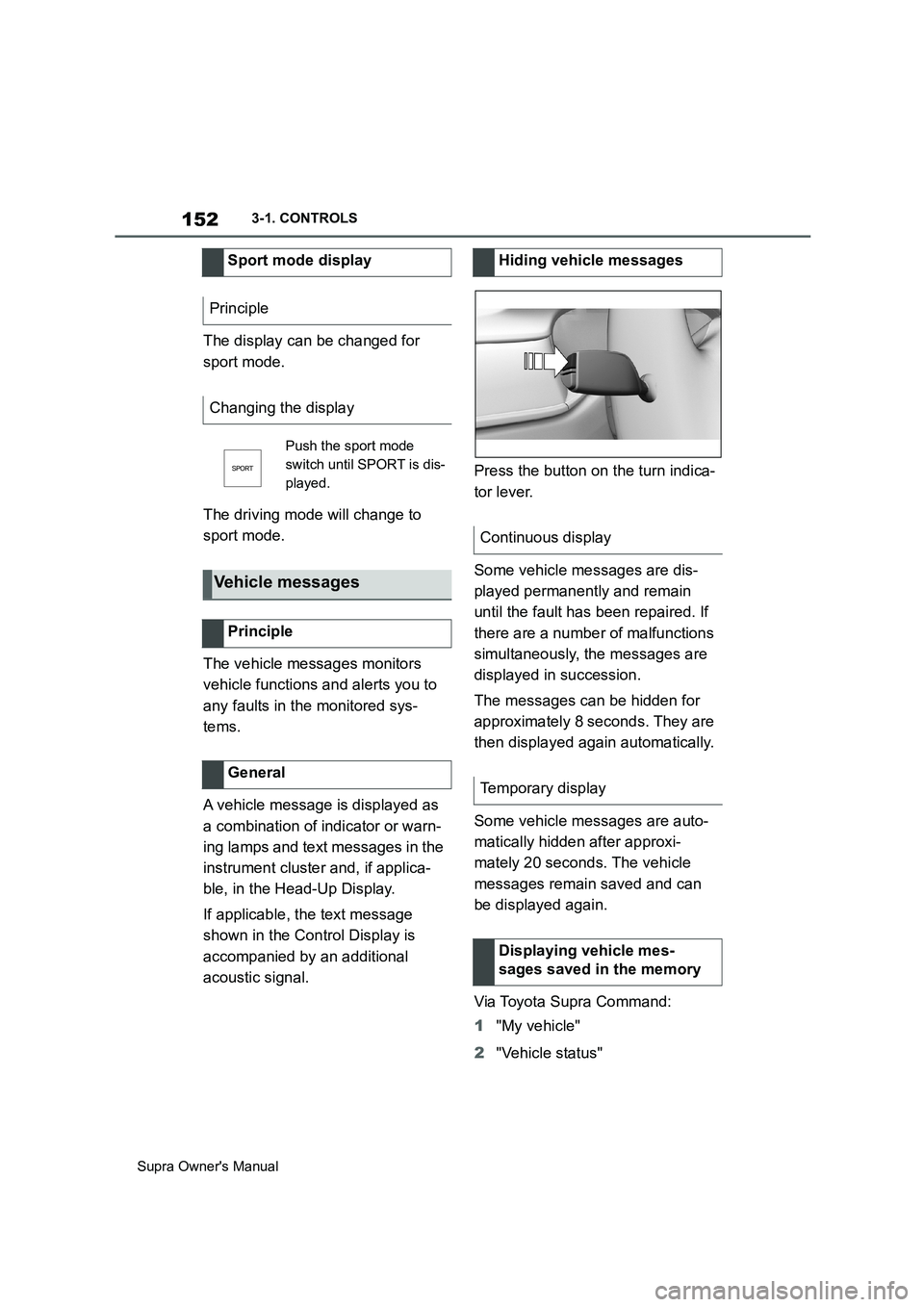
acoustic signal.Press the button on the turn indica-
tor lever.
Some vehicle messages are dis-
played permanently and remain
until the fault has been repaired. If
there are a number of malfunctions
simultaneously, the messages are
displayed in succession.
The messages can be hidden for
approximately 8 seconds. They are
then displayed again automatically.
Some vehicle messages are auto-
matically hidden after approxi-
mately 20 seconds. The vehicle
messages remain saved and can
be displayed again.
Via Toyota Supra Command:
1"My vehicle"
2"Vehicle status" Sport mode display
Principle
Changing the display
Push the sport mode
switch until SPORT is dis-
played.
Vehicle messages
Principle
General
Hiding vehicle messages
Continuous display
Temporary display
Displaying vehicle mes-
sages saved in the memory
Page 160 of 456
160
Supra Owner's Manual3-1. CONTROLS
The system recommends the most
efficient gear for the current driving
situation.
Depending on the design and the
country specifications, the shift
point indicator is active in manual
mode of the automatic transmis-
sion.
Information on up or down shifting
are displayed in the instrument
cluster.
Speed Limit Info shows the cur-
rently applicable speed limit in the instrument cluster and the Head-Up
Display, as well as additional signs
where applicable, for example in
wet conditions.
The camera in the area of the inte-
rior rear-view mirror detects traffic
signs at the edge of the road as
well as variable overhead signs.
Road signs with additional instruc-
tions, for example restrictions appli-
cable in wet weather, are taken into
account and correlated with infor-
mation in the vehicle, such as the
windscreen wiper signal. The road
sign and corresponding additional
signs are then displayed in the
instrument cluster and the Head-Up
Display, if applicable, or ignored,
depending on the situation. Some
additional signs are taken into
account in the evaluation of the
speed limit, but are not displayed in
the instrument cluster.
The system considers the informa-
tion saved in the navigation system
as applicable and also displays the
speed limits present on unmarked
sections of road.
Overtaking restriction signs and
end of restriction signs that are
Shift point indicator
Principle
General
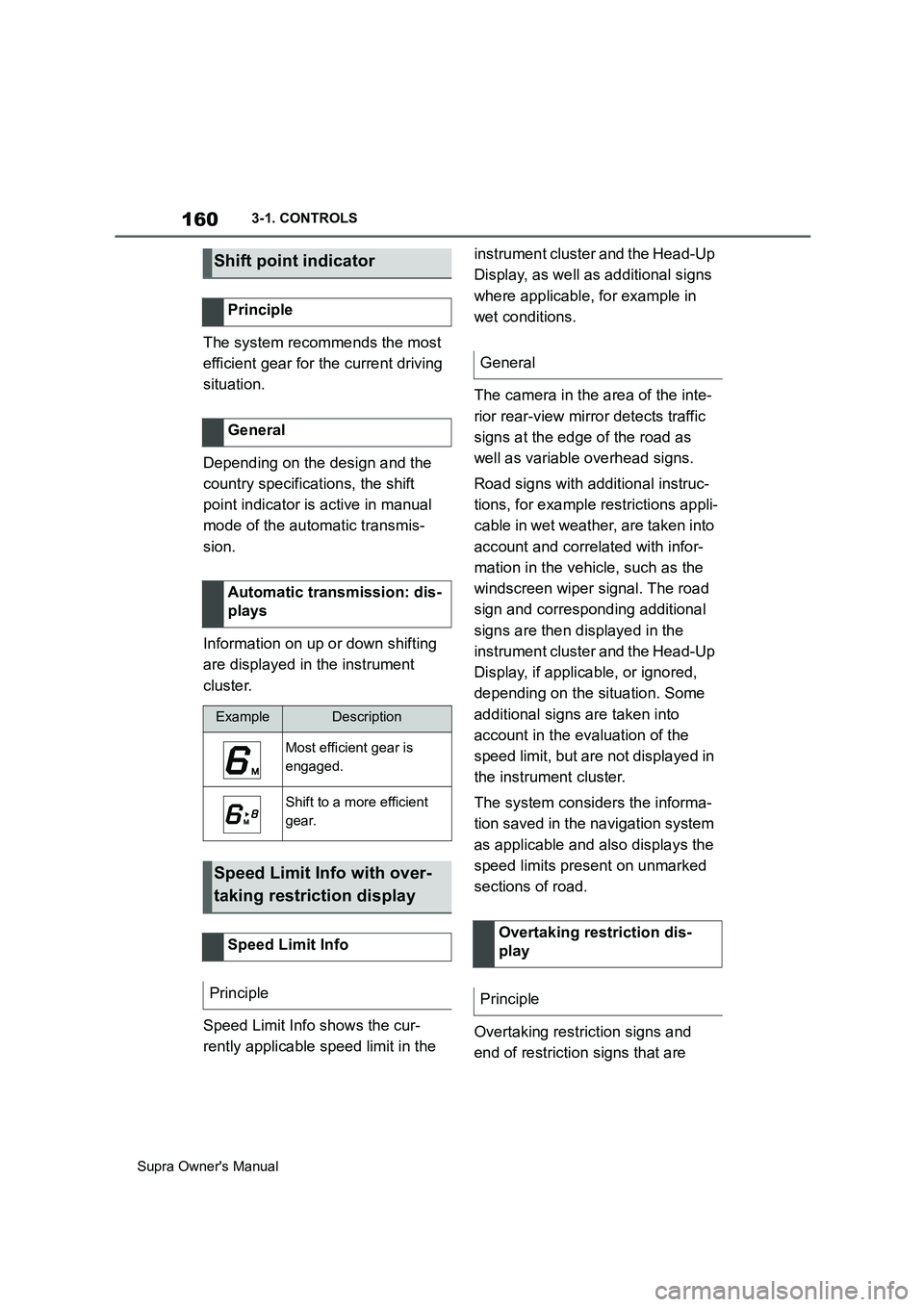
Automatic transmission: dis-
plays
ExampleDescription
Most efficient gear is
engaged.
Shift to a more efficient
gear.
Speed Limit Info with over-
taking restriction display
Speed Limit Info
Principle
General
Overtaking restriction dis-
play
Principle
Page 221 of 456
221
3
Supra Owner's Manual3-1. CONTROLS
CONTROLS
cally in the following situations, for
example:
When switching the engine off.
When switching on Cruise Con-
trol.
When activating sport mode
using the sport mode switch.
The displays turn off.
The system is interrupted when
reverse gear is engaged or the
transmission is in neutral.
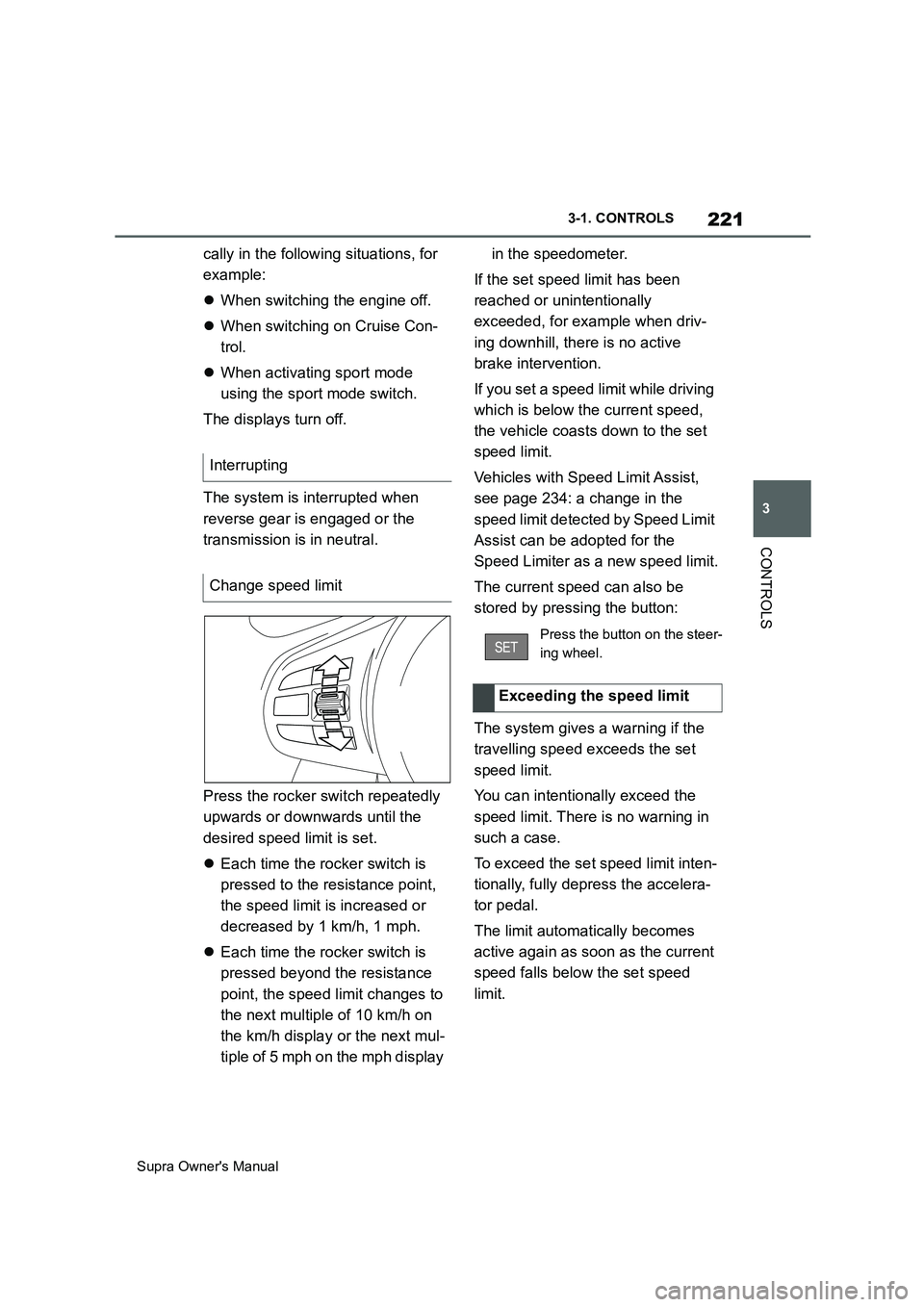
Press the rocker switch repeatedly
upwards or downwards until the
desired speed limit is set.
Each time the rocker switch is
pressed to the resistance point,
the speed limit is increased or
decreased by 1 km/h, 1 mph.
Each time the rocker switch is
pressed beyond the resistance
point, the speed limit changes to
the next multiple of 10 km/h on
the km/h display or the next mul-
tiple of 5 mph on the mph display in the speedometer.
If the set speed limit has been
reached or unintentionally
exceeded, for example when driv-
ing downhill, there is no active
brake intervention.
If you set a speed limit while driving
which is below the current speed,
the vehicle coasts down to the set
speed limit.
Vehicles with Speed Limit Assist,
see page 234: a change in the
speed limit detected by Speed Limit
Assist can be adopted for the
Speed Limiter as a new speed limit.
The current speed can also be
stored by pressing the button:
The system gives a warning if the
travelling speed exceeds the set
speed limit.
You can intentionally exceed the
speed limit. There is no warning in
such a case.
To exceed the set speed limit inten-
tionally, fully depress the accelera-
tor pedal.
The limit automatically becomes
active again as soon as the current
speed falls below the set speed
limit. Interrupting
Change speed limit
Press the button on the steer-
ing wheel.
Exceeding the speed limit
Page 268 of 456
268
Supra Owner's Manual4-1. DRIVING HINTS
Noise, for example caused by
the radiator fan running, even
some minutes after stopping the
engine.
It is normal for the radiator fan to
keep running for several minutes,
even after short trips.
Various driver profiles ensure that
the exhaust gas particle filter is
self-cleaning. If, in addition to the
self-cleaning function, the exhaust
gas particle filter needs to be
actively cleaned while driving, a
vehicle message is displayed.
Proceed as follows the next time
you drive outside of built-up areas
for around 30 minutes:
Deactivate Cruise Control sys-
tems.
Take your foot off the accelerator
repeatedly and allow the vehicle
to roll in overrun mode, see page
273.
If possible, drive at alternating
speeds.Cleaning the exhaust gas
particle filter while drivingRadio signals
WARNING
Certain vehicle functions may be
affected by interference from high-fre-
quency radio signals. Such signals
originate from various transmitter sys-
tems, for example, from air traffic bea-
cons or relay stations for mobile
telecommunications.
We recommend you consult any
authorized Toyota retailer or Toyota
authorized repairer, or any reliable
repairer should you experience any
difficulties in this regard.
Mobile communication in the
vehicle
WARNING
There is a possibility of reciprocal
interference between the vehicle elec-
tronics and mobile radio devices.
Radiation is generated when mobile
radio devices are transmitting. There
is a danger of injury or damage to
property. If possible, only use mobile
radio devices, for example mobile
telephones, in the interior if they are
connected directly to an external
antenna in order to eliminate recipro-
cal interference and to dissipate the
radiation from vehicle's interior.
Page 276 of 456
276
Supra Owner's Manual5-1. MOBILITY
5-1.MOBILITY
This chapter describes all standard,
country-specific and special equip-
ment available for the model series.
It may therefore describe equip-
ment and functions which are not
installed in your vehicle, for exam-
ple on account of the optional
equipment selected or the country
specification. This also applies to
safety-relevant functions and sys-
tems. Please comply with the rele-
vant laws and regulations when
using the corresponding functions
and systems.
Before refuelling, observe the notes
on fuel quality, see page 307.
When refuelling, insert the filler
nozzle fully into the filler neck. Lift-
ing the filler nozzle during refuelling
results in the following:
The fuel supply being cut off pre-
maturely.
Fuel vapour and fumes being
recovered less effectively.
The fuel tank is full when the filler
nozzle cuts out for the first time.
Please comply with the safety regu-
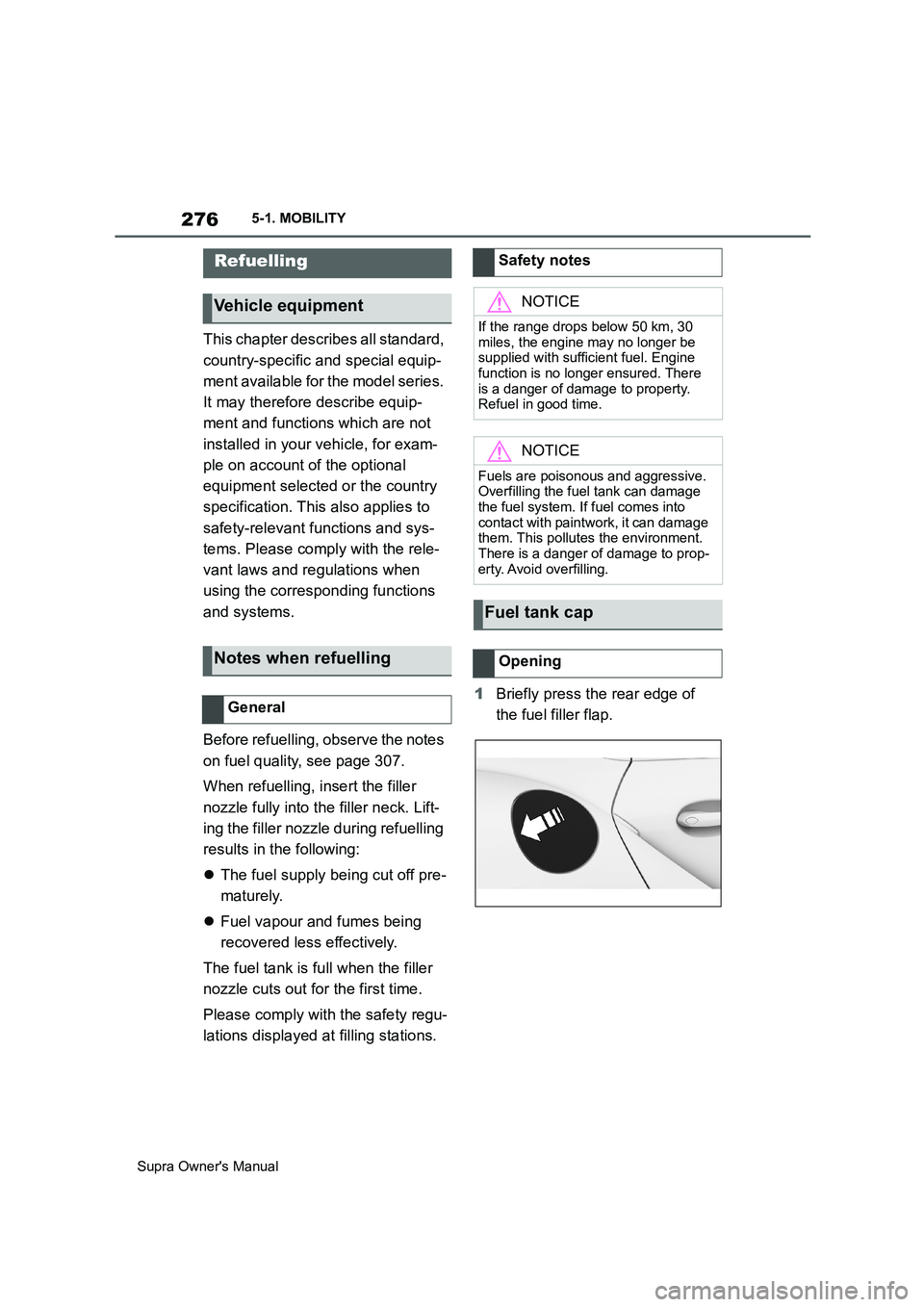
lations displayed at filling stations.1Briefly press the rear edge of
the fuel filler flap.
Refuelling
Vehicle equipment
Notes when refuelling
General
Safety notes
NOTICE
If the range drops below 50 km, 30
miles, the engine may no longer be
supplied with sufficient fuel. Engine
function is no longer ensured. There
is a danger of damage to property.
Refuel in good time.
NOTICE
Fuels are poisonous and aggressive.
Overfilling the fuel tank can damage
the fuel system. If fuel comes into
contact with paintwork, it can damage
them. This pollutes the environment.
There is a danger of damage to prop-
erty. Avoid overfilling.
Fuel tank cap
Opening
Page 278 of 456
278
Supra Owner's Manual5-1. MOBILITY
This chapter describes all standard,
country-specific and special equip-
ment available for the model series.
It may therefore describe equip-
ment and functions which are not
installed in your vehicle, for exam-
ple on account of the optional
equipment selected or the country
specification. This also applies to
safety-relevant functions and sys-
tems. Please comply with the rele-
vant laws and regulations when
using the corresponding functions
and systems.
A tyre's condition and inflation pres-
sure influence the following:
• Lifetime of the tyre.
• Driving safety.
• Driving comfort.
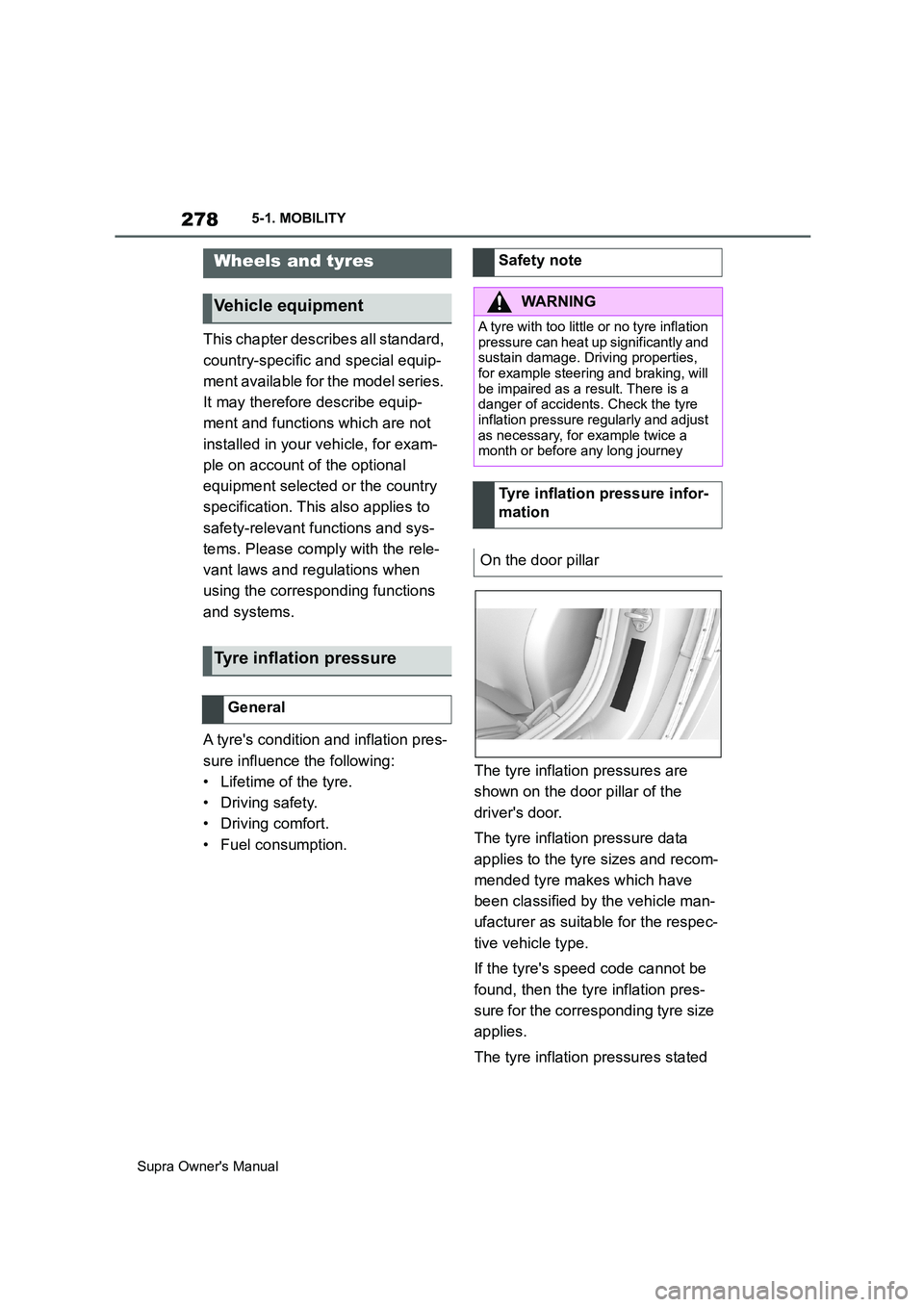
• Fuel consumption.The tyre inflation pressures are
shown on the door pillar of the
driver's door.
The tyre inflation pressure data
applies to the tyre sizes and recom-
mended tyre makes which have
been classified by the vehicle man-
ufacturer as suitable for the respec-
tive vehicle type.
If the tyre's speed code cannot be
found, then the tyre inflation pres-
sure for the corresponding tyre size
applies.
The tyre inflation pressures stated
Wheels and tyres
Vehicle equipment
Tyre inflation pressure
General
Safety note
WARNING
A tyre with too little or no tyre inflation
pressure can heat up significantly and
sustain damage. Driving properties,
for example steering and braking, will
be impaired as a result. There is a
danger of accidents. Check the tyre
inflation pressure regularly and adjust
as necessary, for example twice a
month or before any long journey
Tyre inflation pressure infor-
mation
On the door pillar
Page 283 of 456
283
5
Supra Owner's Manual5-1. MOBILITY
MOBILITY
Due to the manufacturing process,
new tyres do not provide maximum
grip immediately.
Drive moderately for the first 300
km, 200 miles.
The manufacturer of your vehicle
advises against the use of
retreaded tyres.
Winter tyres are recommended if
driving in winter conditions.
Although so-called all-season tyres
with an M+S label have better win-
ter characteristics than summer
tyres, they do not normally match
the performance of winter tyres.
If winter tyres are fitted, observe
and do not exceed the respectively
permitted maximum speed.For your own safety, only use
run-flat tyres. There is no spare
wheel available in the event of a
breakdown. Additional information
is available from any authorized
Toyota retailer or Toyota authorized
repairer, or any reliable repairer.
Swapping the front wheels with the
rear wheels or vice versa is not per-
mitted on vehicles with different tyre
or rim dimensions on the front and
rear axles.
Do not exceed the maximum tyre
inflation pressure indicated on the
tyre's side wall.
Store wheels and tyres in a cool,
dry and dark place when not in use.
Protect the tyres against contami-
nation from oil, grease and sol-
vents.
Do not leave tyres in plastic bags.
Remove dirt from the wheels or
tyres. New tyres
Retreaded tyres
WARNING
Retreaded tyres may have different
tyre carcasses. Their durability may
be reduced with increasing age.
There is a danger of accidents. Do
not use retreaded tyres.
Winter tyres
General
Maximum speed of winter tyres
Replacing run-flat tyres
Swapping over front and rear
wheels
Storing tyres
Tyre inflation pressure
Tyre storage