differential TOYOTA SUPRA 2019 Owners Manual
[x] Cancel search | Manufacturer: TOYOTA, Model Year: 2019, Model line: SUPRA, Model: TOYOTA SUPRA 2019Pages: 456, PDF Size: 88.65 MB
Page 196 of 456
196
Supra Owner's Manual3-1. CONTROLS
Via Toyota Supra Command:
1"My Vehicle"
2"Vehicle settings"
3"Toyota Supra Safety"
4"Front collision warning"
5Select the desired setting:
"Early"
"Medium"
"Late": only acute warnings are
displayed.
The selected time is saved for the
currently used driver profile.
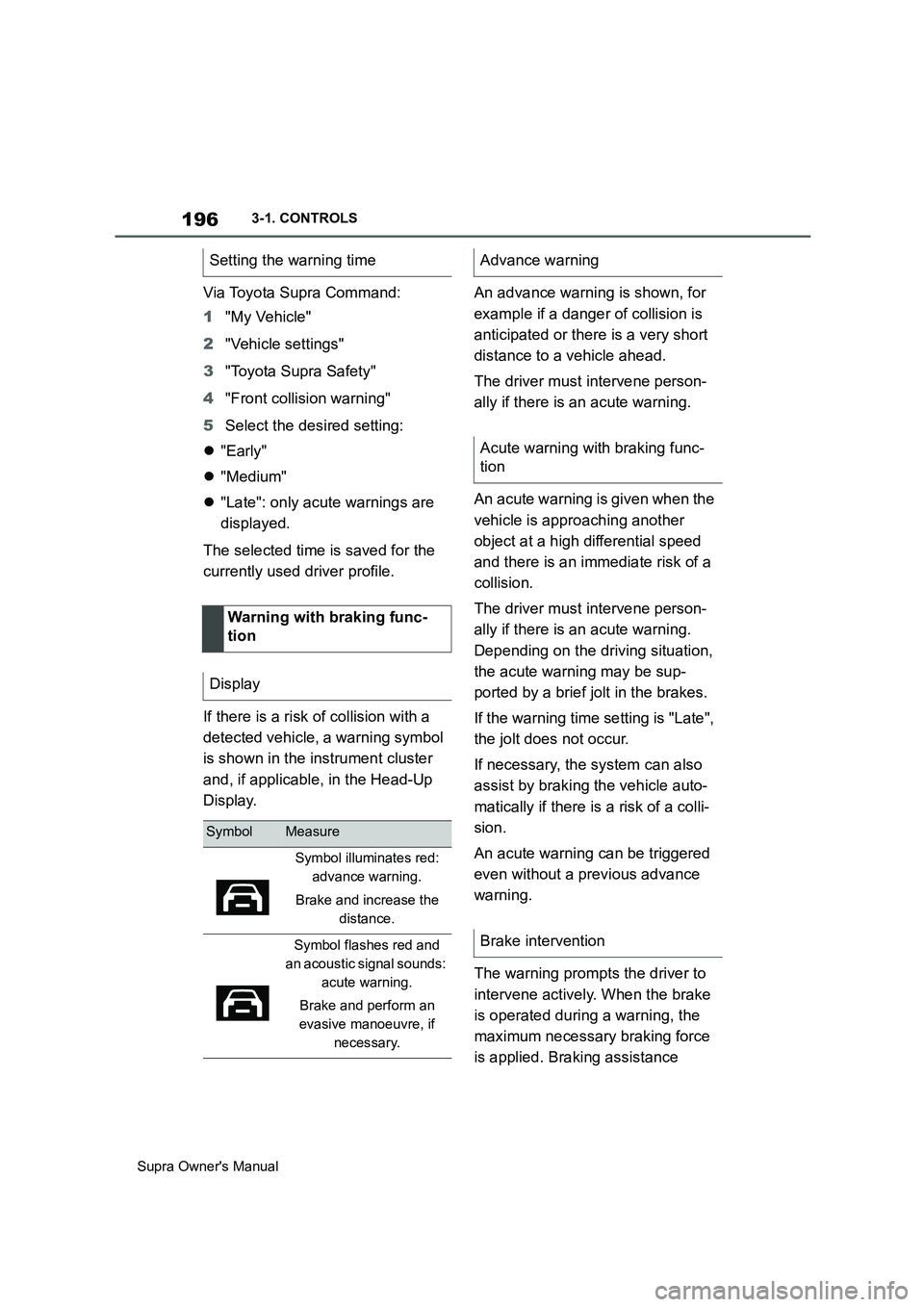
If there is a risk of collision with a
detected vehicle, a warning symbol
is shown in the instrument cluster
and, if applicable, in the Head-Up
Display.An advance warning is shown, for
example if a danger of collision is
anticipated or there is a very short
distance to a vehicle ahead.
The driver must intervene person-
ally if there is an acute warning.
An acute warning is given when the
vehicle is approaching another
object at a high differential speed
and there is an immediate risk of a
collision.
The driver must intervene person-
ally if there is an acute warning.
Depending on the driving situation,
the acute warning may be sup-
ported by a brief jolt in the brakes.
If the warning time setting is "Late",
the jolt does not occur.
If necessary, the system can also
assist by braking the vehicle auto-
matically if there is a risk of a colli-
sion.
An acute warning can be triggered
even without a previous advance
warning.
The warning prompts the driver to
intervene actively. When the brake
is operated during a warning, the
maximum necessary braking force
is applied. Braking assistance Setting the warning time
Warning with braking func-
tion
Display
SymbolMeasure
Symbol illuminates red:
advance warning.
Brake and increase the
distance.
Symbol flashes red and
an acoustic signal sounds:
acute warning.
Brake and perform an
evasive manoeuvre, if
necessary.
Advance warning
Acute warning with braking func-
tion
Brake intervention
Page 219 of 456
219
3
Supra Owner's Manual3-1. CONTROLS
CONTROLS
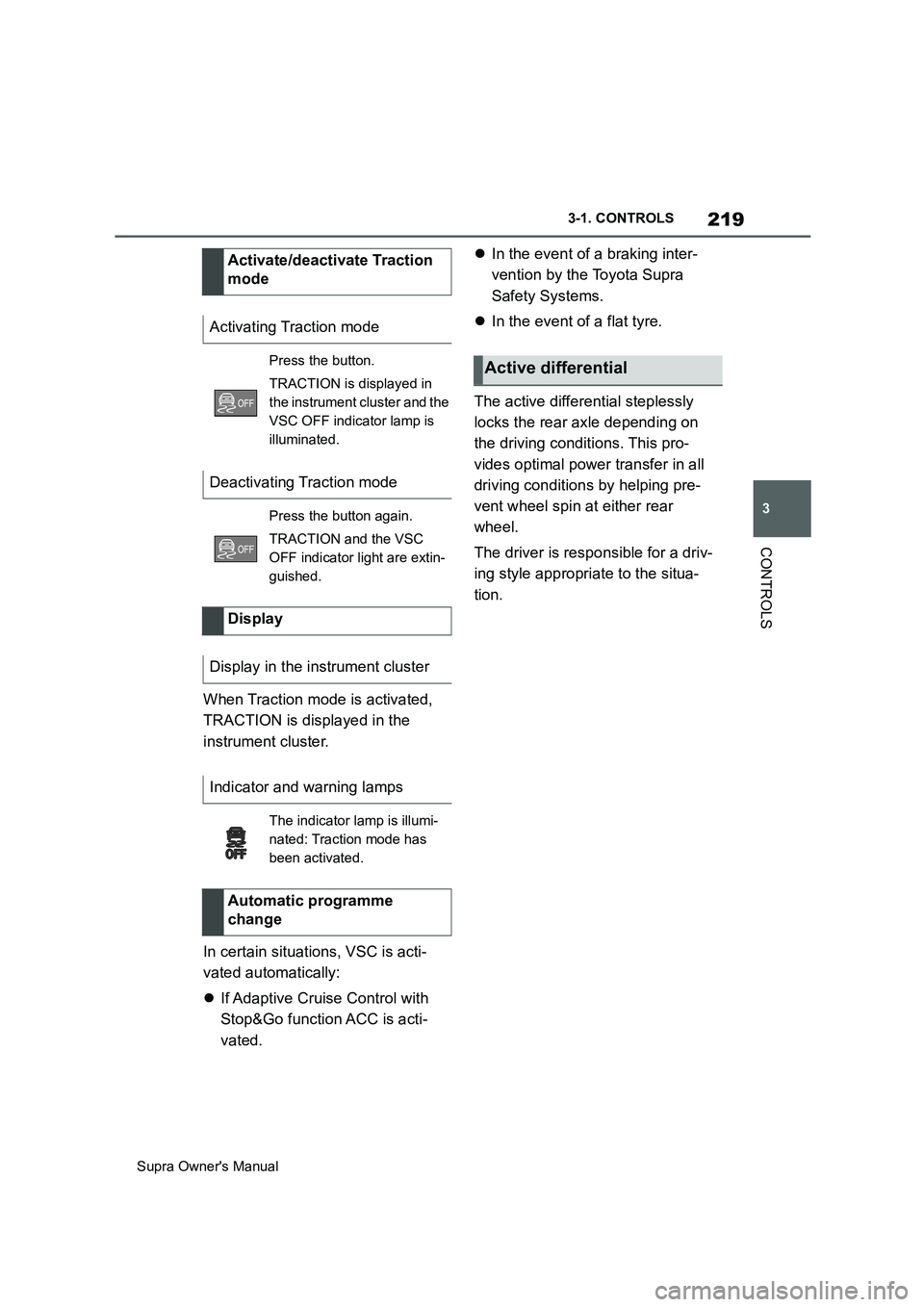
When Traction mode is activated,
TRACTION is displayed in the
instrument cluster.
In certain situations, VSC is acti-
vated automatically:
If Adaptive Cruise Control with
Stop&Go function ACC is acti-
vated.In the event of a braking inter-
vention by the Toyota Supra
Safety Systems.
In the event of a flat tyre.
The active differential steplessly
locks the rear axle depending on
the driving conditions. This pro-
vides optimal power transfer in all
driving conditions by helping pre-
vent wheel spin at either rear
wheel.
The driver is responsible for a driv-
ing style appropriate to the situa-
tion. Activate/deactivate Traction
mode
Activating Traction mode
Press the button.
TRACTION is displayed in
the instrument cluster and the
VSC OFF indicator lamp is
illuminated.
Deactivating Traction mode
Press the button again.
TRACTION and the VSC
OFF indicator light are extin-
guished.
Display
Display in the instrument cluster
Indicator and warning lamps
The indicator lamp is illumi-
nated: Traction mode has
been activated.
Automatic programme
change
Active differential
Page 333 of 456
333
5
Supra Owner's Manual5-1. MOBILITY
MOBILITY
This chapter describes all standard,
country-specific and special equip-
ment available for the model series.
It may therefore describe equip-
ment and functions which are not
installed in your vehicle, for exam-
ple on account of the optional
equipment selected or the country
specification. This also applies to
safety-relevant functions and sys-
tems. Please comply with the rele-
vant laws and regulations when
using the corresponding functions
and systems.
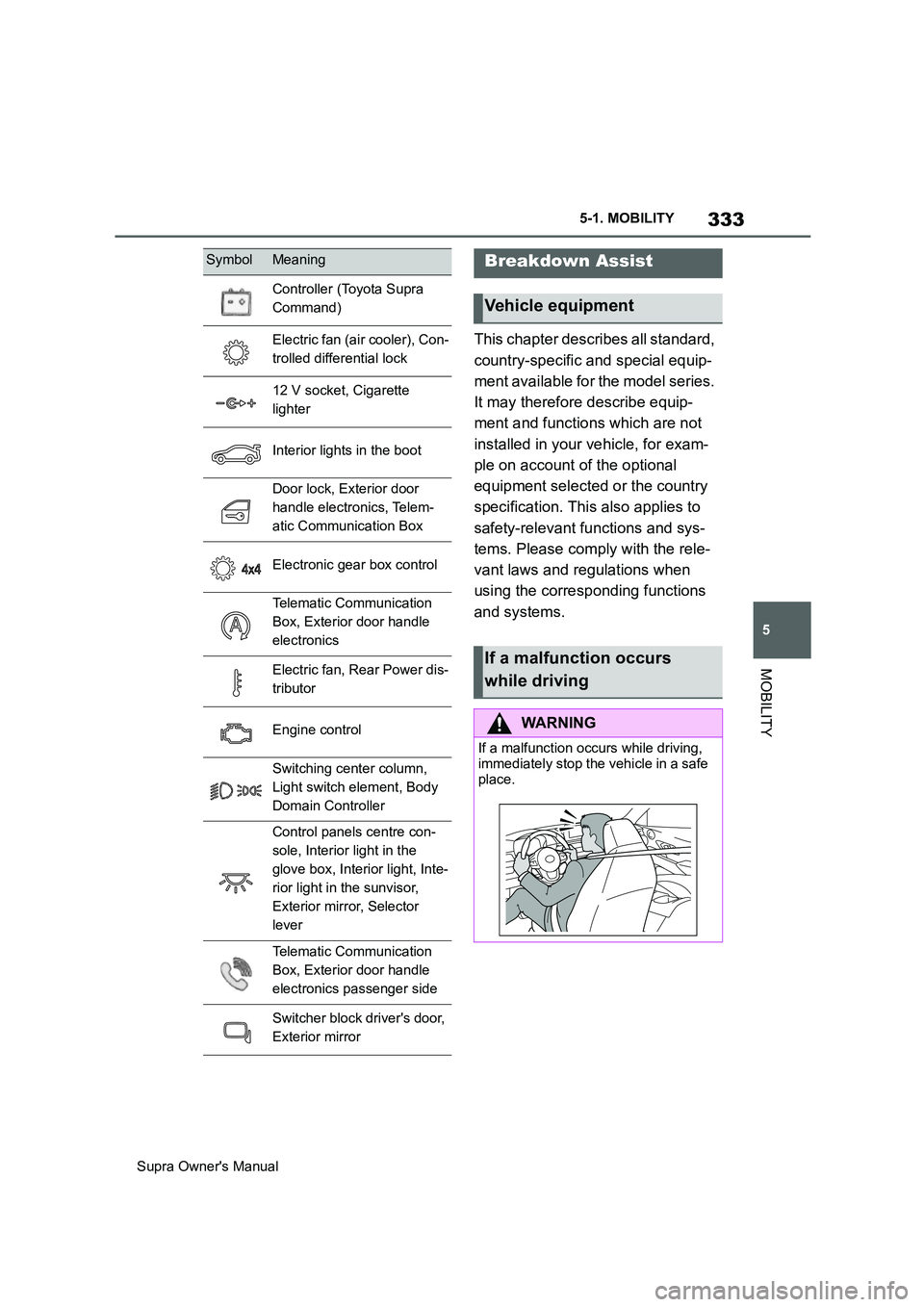
Controller (Toyota Supra
Command)
Electric fan (air cooler), Con-
trolled differential lock
12 V socket, Cigarette
lighter
Interior lights in the boot
Door lock, Exterior door
handle electronics, Telem-
atic Communication Box
Electronic gear box control
Telematic Communication
Box, Exterior door handle
electronics
Electric fan, Rear Power dis-
tributor
Engine control
Switching center column,
Light switch element, Body
Domain Controller
Control panels centre con-
sole, Interior light in the
glove box, Interior light, Inte-
rior light in the sunvisor,
Exterior mirror, Selector
lever
Telematic Communication
Box, Exterior door handle
electronics passenger side
Switcher block driver's door,
Exterior mirror
SymbolMeaningBreakdown Assist
Vehicle equipment
If a malfunction occurs
while driving
WARNING
If a malfunction occurs while driving,
immediately stop the vehicle in a safe
place.