warning light TOYOTA SUPRA 2020 (in English) Owner's Guide
[x] Cancel search | Manufacturer: TOYOTA, Model Year: 2020, Model line: SUPRA, Model: TOYOTA SUPRA 2020Pages: 352, PDF Size: 6.49 MB
Page 215 of 352
2153-1. CONTROLS
Supra Owner's Manual
3
CONTROLS
The function is available from
walking speed while backing up
or rolling backward.
A press of the accelerator pedal
interrupts the braking interven-
tion.
After emergency braking to a
stop, further creeping toward an
obstacle is possible. To creep
toward the obstacle, lightly
press the accelerator pedal and
release it again.
If the accelerator pedal is heav-
ily depressed, the vehicle drives
off as usual. Manual braking is
possible at any time.
The system uses the ultrasound
sensors of Parking Sensor and
parking assistant.
Via Toyota Supra Command:
1 "My vehicle"
2 "Vehicle settings"
3 "Parking" 4
"Park. Sens. w em. braking
funct."
5 "Park. Sens. w em. braking
funct."
The setting is stored for the
driver profile currently used.
The system warns of obstacles
on the side of the vehicle.
The system uses the ultrasound
sensors of Parking Sensor and
parking assistant.
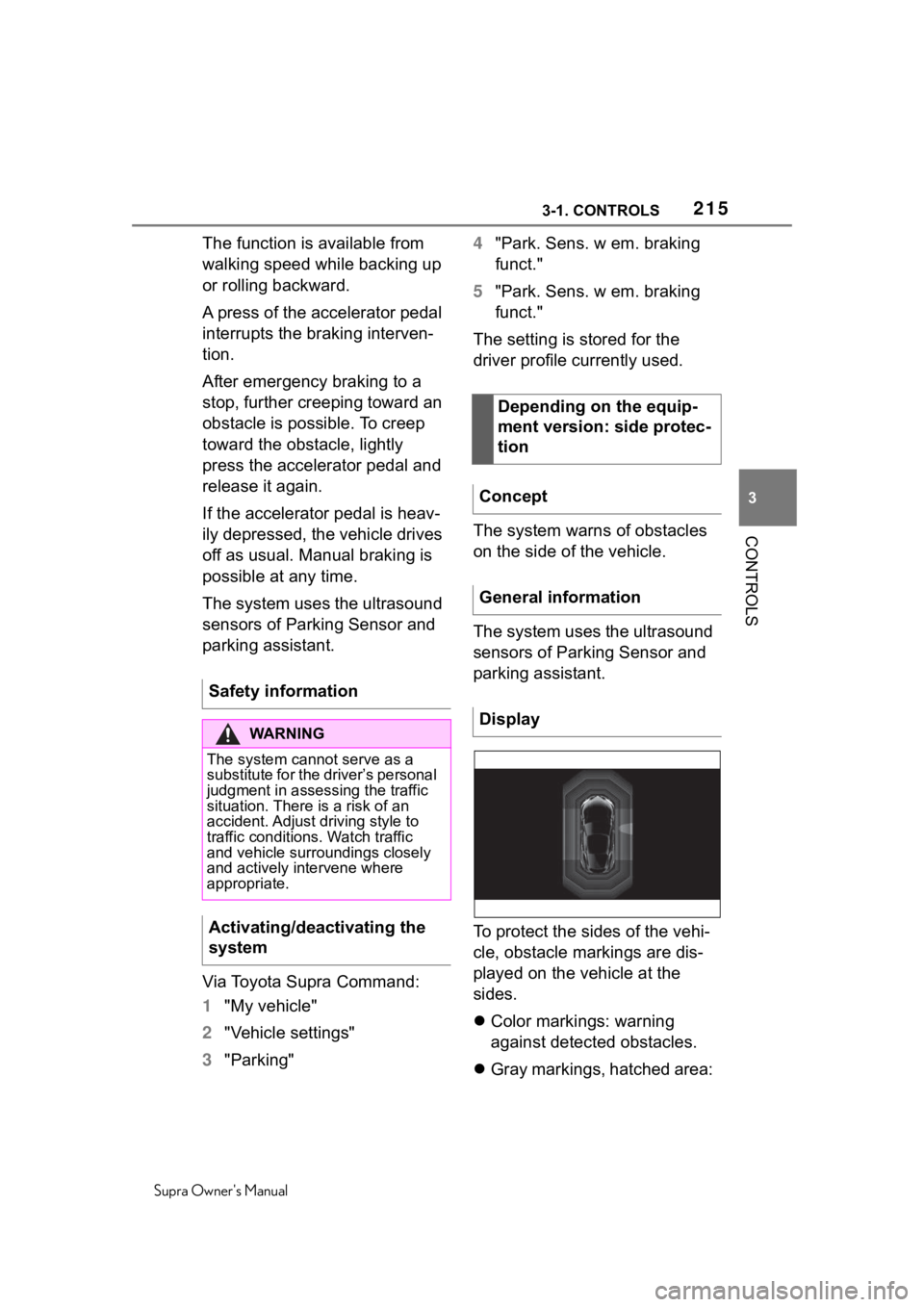
To protect the sides of the vehi-
cle, obstacle markings are dis-
played on the vehicle at the
sides.
Color markings: warning
against detected obstacles.
Gray markings, hatched area:
Safety information
WA R N I N G
The system cannot serve as a
substitute for the driver’s personal
judgment in assessing the traffic
situation. There
is a risk of an
accident. Adjust driving style to
traffic conditions. Watch traffic
and vehicle surroundings closely
and actively intervene where
appropriate.
Activating/deactivating the
system
Depending on the equip-
ment version: side protec-
tion
Concept
General information
Display
Page 217 of 352
2173-1. CONTROLS
Supra Owner's Manual
3
CONTROLS
can move into the blind area
of the sensors before or after
a continuous tone sounds.
Cargo that extends beyond
the perimeter of the vehicle is
not taken into account by the
system.
The system may issue a warn-
ing under the following condi-
tions even though there is no
obstacle within the detection
range:
In heavy rain.
When sensors are very dirty
or covered with ice.
When sensors are covered in
snow.
On rough road surfaces.
On uneven surfaces, such as
speed bumps.
In large buildings with right
angles and smooth walls, for
instance in underground
garages.
In automatic vehicle washes.
Due to heavy exhaust.
Due to other ultrasound
sources, for instance sweep-
ing machines, high pressure
steam cleaners or neon lights.
To prevent false alarms, switch
off Automatic Park Sensors
activ. on obstacle detection,
refer to page 218, for instance in automatic vehicle washes.
A vehicle message is displayed.
Parking Sensor has failed. Have
the system checked by your
Toyota dealer.
The rearview camera provides
assistance in parking and
maneuvering backwards. The
area behind the vehicle is
shown on the Control Display.
False warnings
Malfunction
White symbol is displayed,
and the range of the sen-
sors is dimmed on the
Control Display.
Rearview camera
Concept
Safety information
WA R N I N G
The system cannot serve as a
substitute for the driver’s personal
judgment in assessing the traffic
situation. There is a risk of an
accident. Adjust d
riving style to
traffic conditions. Watch traffic
and vehicle surroundings closely
and actively intervene where
appropriate.
Page 222 of 352
2223-1. CONTROLS
Supra Owner's Manual
area of the radar sensors clean
and unobstructed.
1 Press park assistance
button.
2 Move the Controller to the
right.
3 "Settings"
4 "Cross traffic alert"
5 "Cross traffic alert"
Or via Toyota Supra Command:
1 "My vehicle"
2 "Vehicle settings"
3 "Parking"
4 "Cross traffic alert"
5 "Cross traffic alert"
If the system was activated on
the Control Display, it is auto-
matically switched on as soon
as Parking Sensors or Pan-
orama View is active and a gear
is engaged.
If reverse gear is engaged, the
rear system is switched on.
The system is automatically switched off in the following situ-
ations:
When the speed exceeds
walking speed.
When a certain driving dis-
tance is exceeded.
With an active parking opera-
tion of the parking assistant.
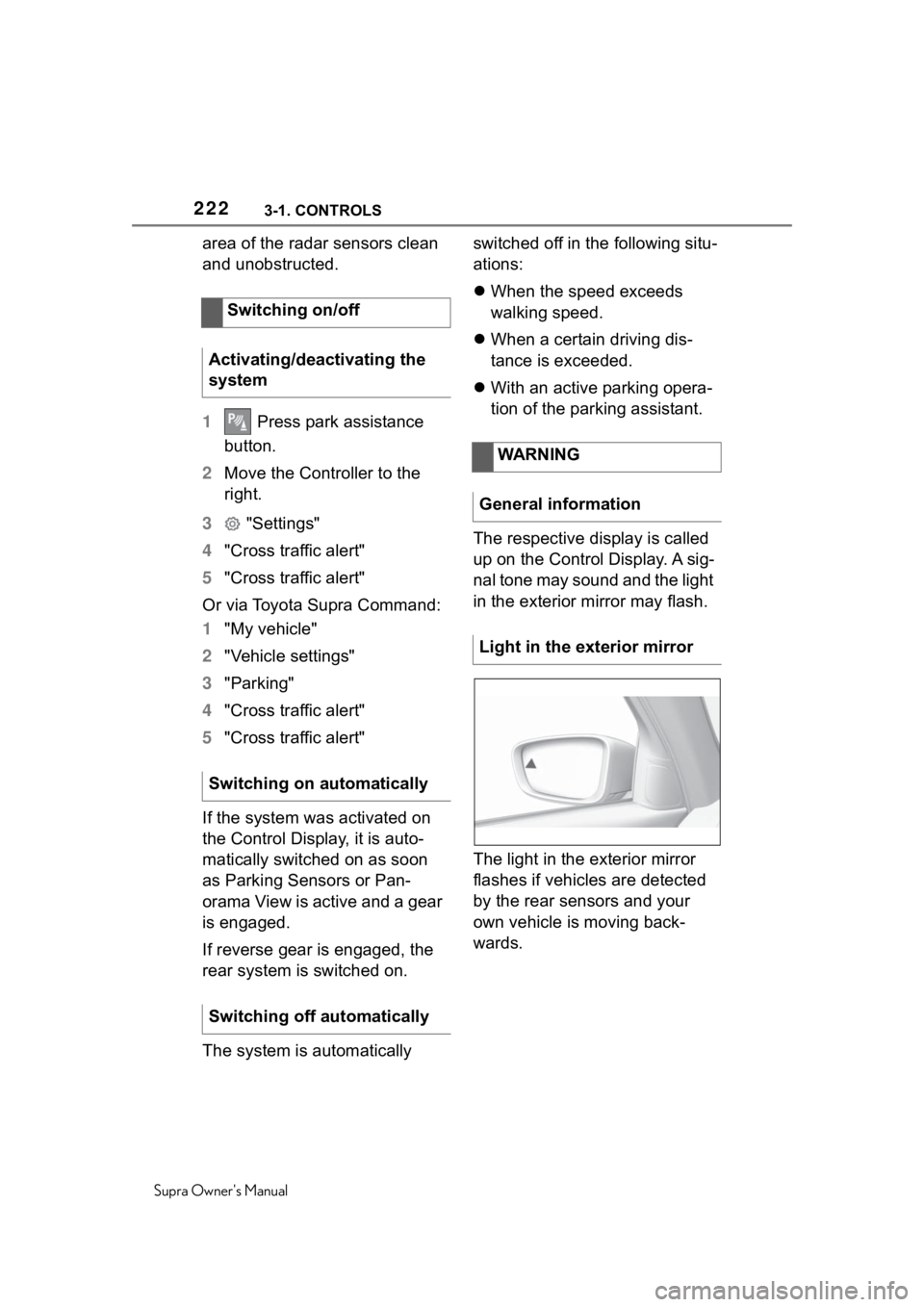
The respective display is called
up on the Control Display. A sig-
nal tone may sound and the light
in the exterior mirror may flash.
The light in the exterior mirror
flashes if vehicles are detected
by the rear sensors and your
own vehicle is moving back-
wards.
Switching on/off
Activating/deactivating the
system
Switching on automatically
Switching off automatically
WARNING
General information
Light in the exterior mirror
Page 278 of 352
2785-1. MOBILITY
Supra Owner's Manual
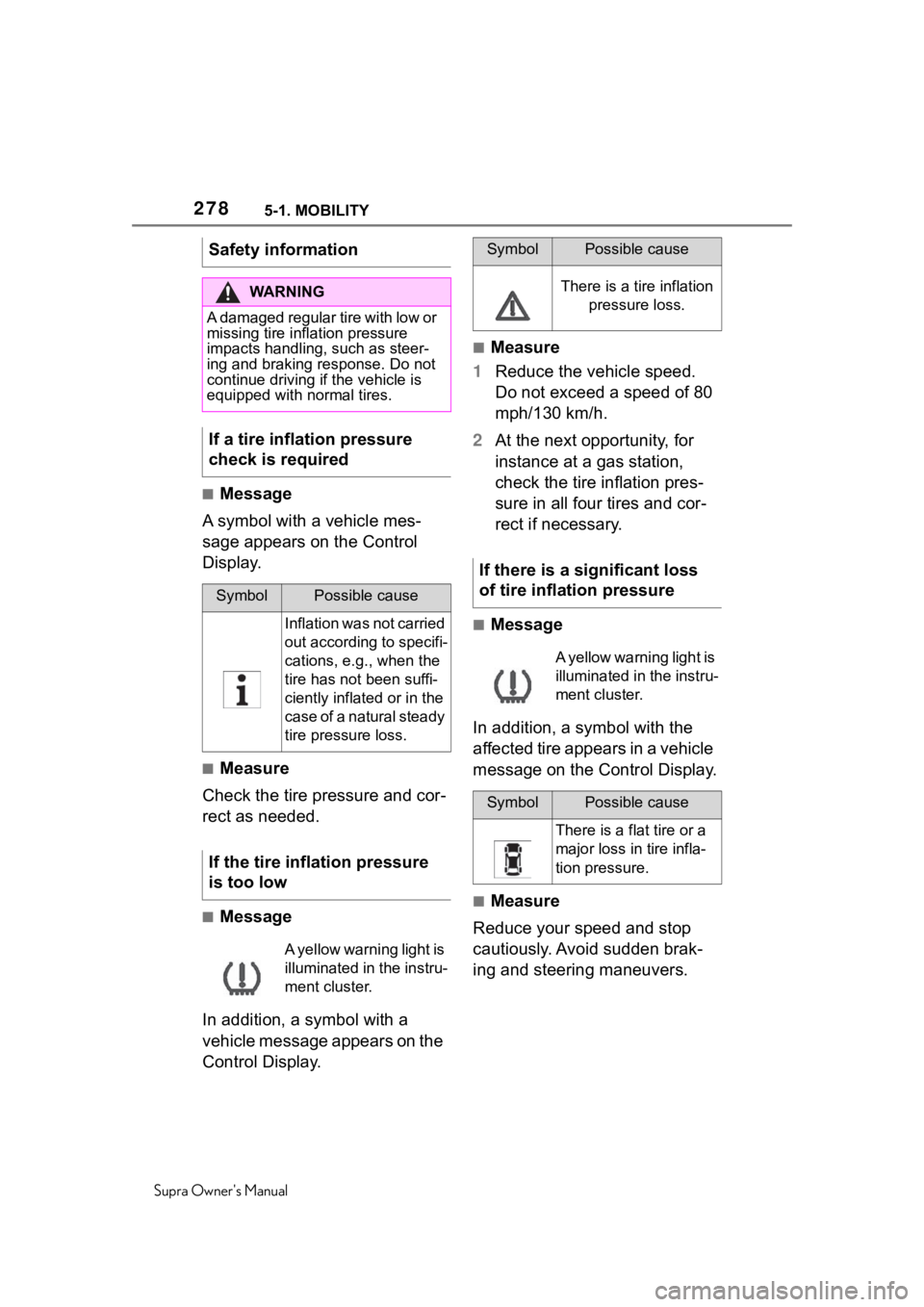
■Message
A symbol with a vehicle mes-
sage appears on the Control
Display.
■Measure
Check the tire pressure and cor-
rect as needed.
■Message
In addition, a symbol with a
vehicle message appears on the
Control Display.
■Measure
1 Reduce the vehicle speed.
Do not exceed a speed of 80
mph/130 km/h.
2 At the next opportunity, for
instance at a gas station,
check the tire inflation pres-
sure in all four tires and cor-
rect if necessary.
■Message
In addition, a symbol with the
affected tire appears in a vehicle
message on the Control Display.
■Measure
Reduce your speed and stop
cautiously. Avoid sudden brak-
ing and steering maneuvers.
Safety information
WA R N I N G
A damaged regular tire with low or
missing tire inflation pressure
impacts handling, such as steer-
ing and braking response. Do not
continue driving if the vehicle is
equipped with normal tires.
If a tire inflation pressure
check is required
SymbolPossible cause
Inflation was not carried
out according to specifi-
cations, e.g., when the
tire has not been suffi-
ciently inflated or in the
case of a natural steady
tire pressure loss.
If the tire inflation pressure
is too low
A yellow warning light is
illuminated in the instru-
ment cluster.
SymbolPossible cause
There is a tire inflation
pressure loss.
If there is a significant loss
of tire inflation pressure
A yellow warning light is
illuminated in the instru-
ment cluster.
SymbolPossible cause
There is a flat tire or a
major loss in tire infla-
tion pressure.
Page 279 of 352
2795-1. MOBILITY
Supra Owner's Manual
5
MOBILITY
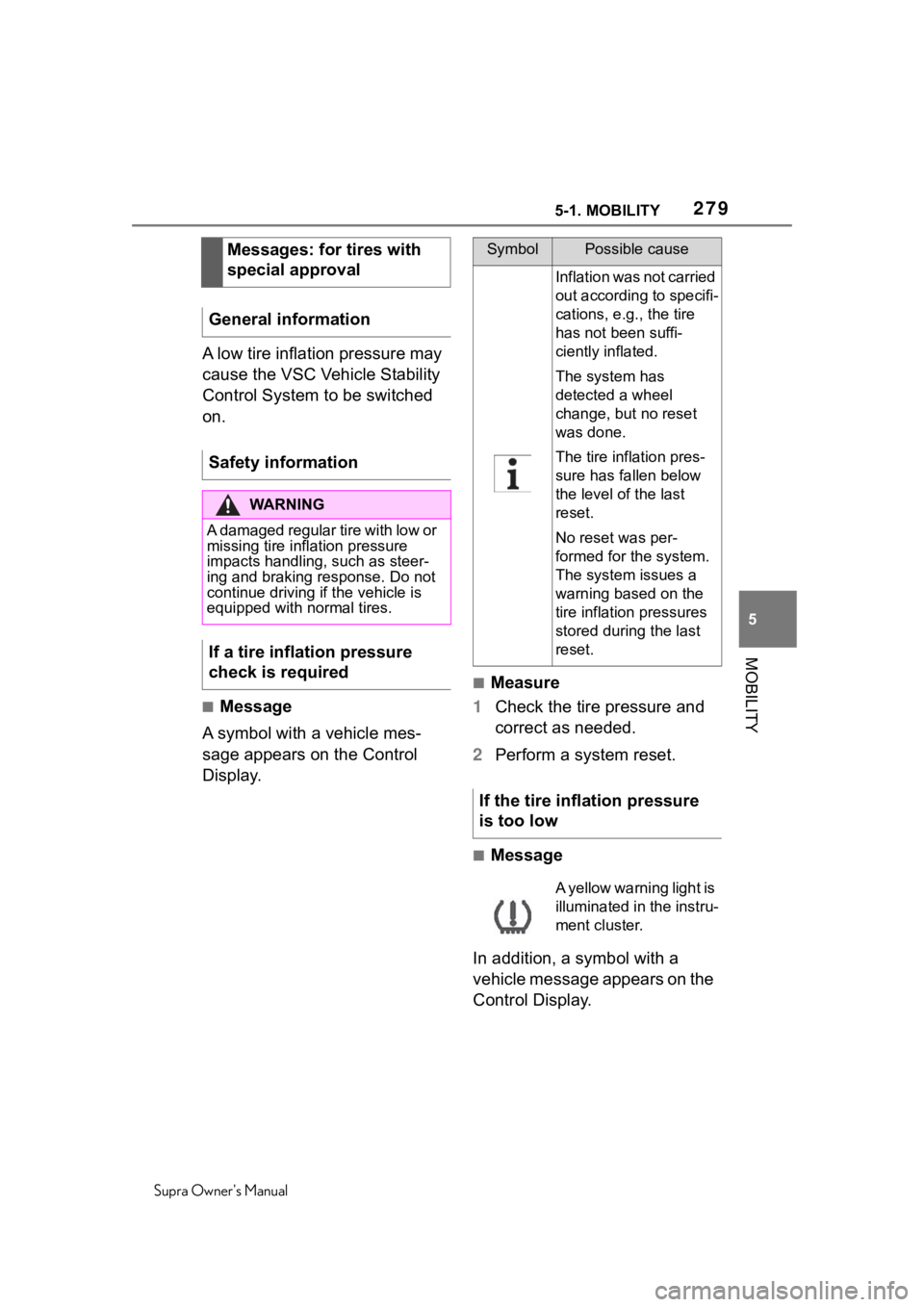
A low tire inflation pressure may
cause the VSC Vehicle Stability
Control System to be switched
on.
■Message
A symbol with a vehicle mes-
sage appears on the Control
Display.
■Measure
1 Check the tire pressure and
correct as needed.
2 Perform a system reset.
■Message
In addition, a symbol with a
vehicle message appears on the
Control Display.
Messages: for tires with
special approval
General information
Safety information
WA R N I N G
A damaged regular tire with low or
missing tire inflation pressure
impacts handling, such as steer-
ing and braking response. Do not
continue driving if the vehicle is
equipped with normal tires.
If a tire inflation pressure
check is required
SymbolPossible cause
Inflation was not carried
out according to specifi-
cations, e.g., the tire
has not been suffi-
ciently inflated.
The system has
detected a wheel
change, but no reset
was done.
The tire inflation pres-
sure has fallen below
the level of the last
reset.
No reset was per-
formed for the system.
The system issues a
warning based on the
tire inflation pressures
stored during the last
reset.
If the tire inflation pressure
is too low
A yellow warning light is
illuminated in the instru-
ment cluster.
Page 280 of 352
2805-1. MOBILITY
Supra Owner's Manual
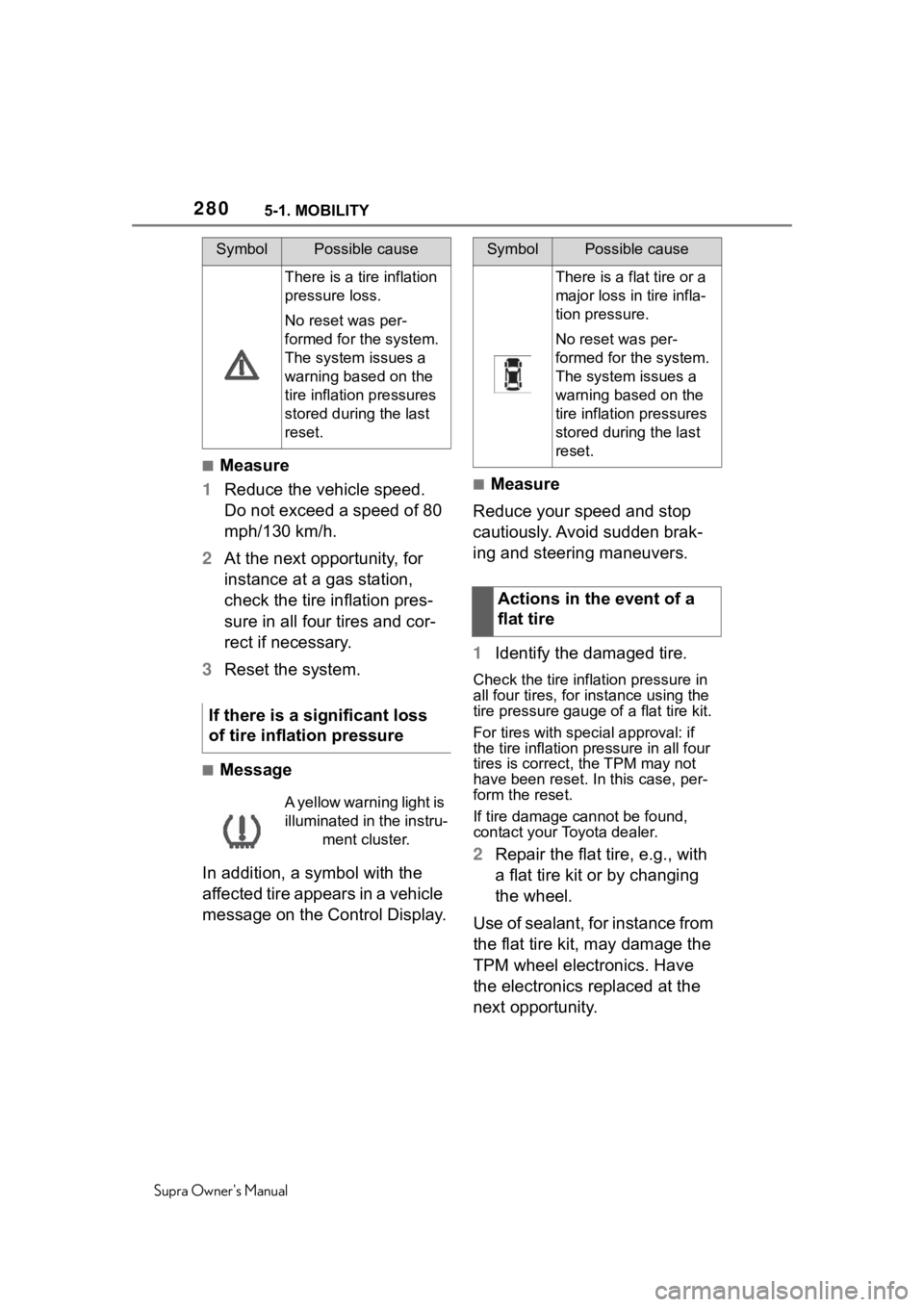
■Measure
1 Reduce the vehicle speed.
Do not exceed a speed of 80
mph/130 km/h.
2 At the next opportunity, for
instance at a gas station,
check the tire inflation pres-
sure in all four tires and cor-
rect if necessary.
3 Reset the system.
■Message
In addition, a symbol with the
affected tire appears in a vehicle
message on the Control Display.
■Measure
Reduce your speed and stop
cautiously. Avoid sudden brak-
ing and steering maneuvers.
1 Identify the damaged tire.
Check the tire inflation pressure in
all four tires, for instance using the
tire pressure gauge of a flat tire kit.
For tires with special approval: if
the tire inflation pressure in all four
tires is correct, t he TPM may not
have been reset. In this case, per-
form the reset.
If tire damage cannot be found,
contact your Toyota dealer.
2 Repair the flat tire, e.g., with
a flat tire kit or by changing
the wheel.
Use of sealant, for instance from
the flat tire kit, may damage the
TPM wheel electronics. Have
the electronics replaced at the
next opportunity.
SymbolPossible cause
There is a tire inflation
pressure loss.
No reset was per-
formed for the system.
The system issues a
warning based on the
tire inflation pressures
stored during the last
reset.
If there is a significant loss
of tire inflation pressure
A yellow warning light is
illuminated in the instru- ment cluster.
SymbolPossible cause
There is a flat tire or a
major loss in tire infla-
tion pressure.
No reset was per-
formed for the system.
The system issues a
warning based on the
tire inflation pressures
stored during the last
reset.
Actions in the event of a
flat tire
Page 281 of 352
2815-1. MOBILITY
Supra Owner's Manual
5
MOBILITY
The tire inflation pressure
depends on the tire's tempera-
ture.
Driving or exposure to the sun
will increase the tire's tempera-
ture, thus increasing the tire
inflation pressure.
The tire inflation pressure is
reduced when the tire tempera-
ture falls again.
These circumstances may
cause a warning when tempera-
tures fall very sharply.
Following a temperature-related
warning, the target pressures
are displayed on the Control
Display again after a short dis-
tance.
The system cannot indicate sud-
den serious tire damage caused
by external circumstances.
Tires with special approval: the
system will not function correctly
if a reset was not performed, for
example a flat tire may be indi-
cated although the tire inflation
pressures are correct. • A wheel without TPM wheel
electronics, such as an emer-
gency wheel, is mounted:
have the wheels checked, if
needed.
• Malfunction: have the system checked.
• Interference caused by sys- tems or devices with the
same radio frequency: after
leaving the area of the inter-
ference, the system automati-
cally becomes active again.
• For tires with special approval: the system was
unable to complete the reset.
Perform a system reset again.
• Each tire, including the spare (if provided) should be
checked monthly when cold
and inflated to the inflation
System limits
Temperature
Sudden tire pressure loss
Failure to perform a reset
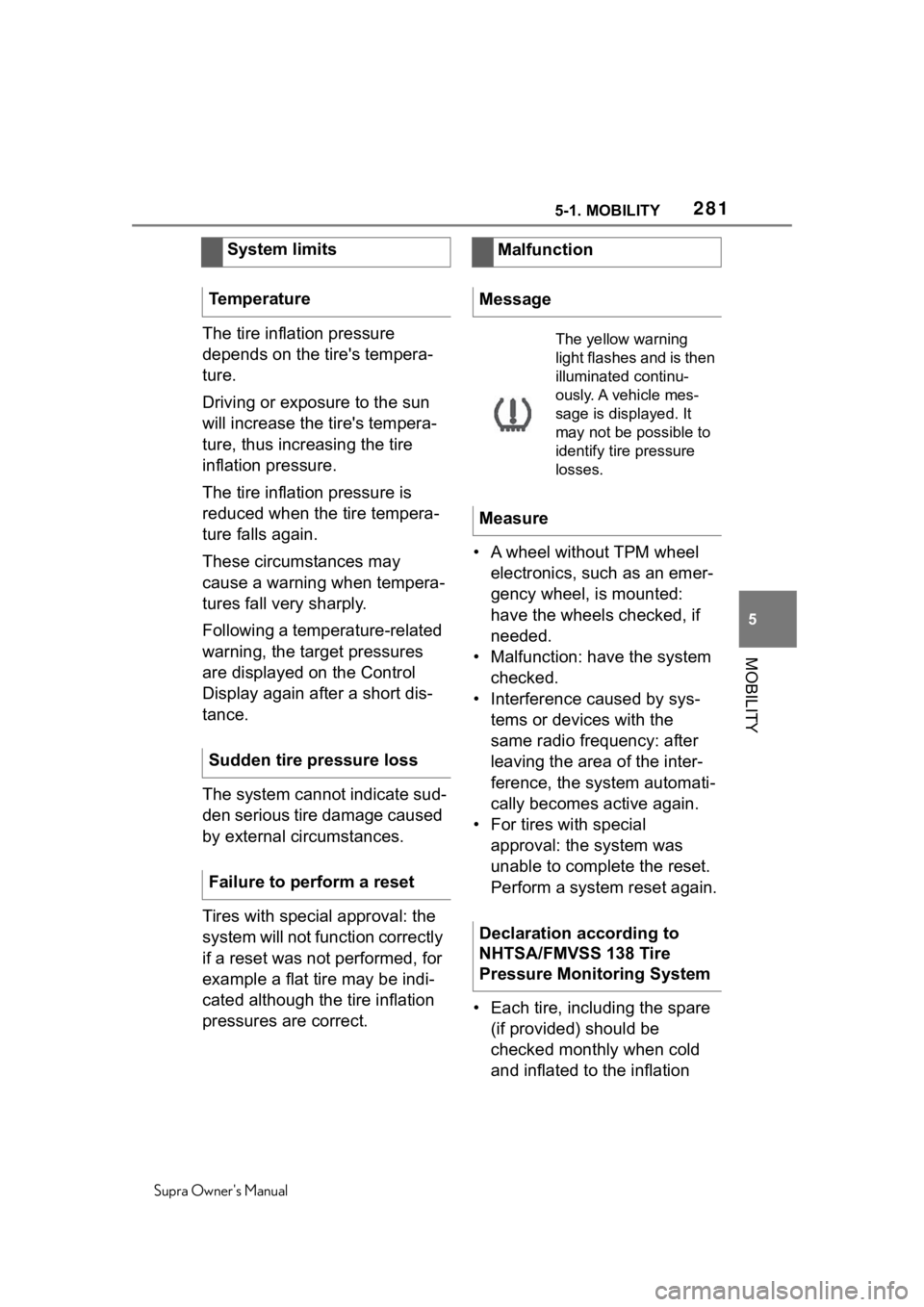
Malfunction
Message
The yellow warning
light flashes and is then
illuminated continu-
ously. A vehicle mes-
sage is displayed. It
may not be possible to
identify tire pressure
losses.
Measure
Declaration according to
NHTSA/FMVSS 138 Tire
Pressure Monitoring System
Page 297 of 352
2975-1. MOBILITY
Supra Owner's Manual
5
MOBILITY
before locking the vehicle.
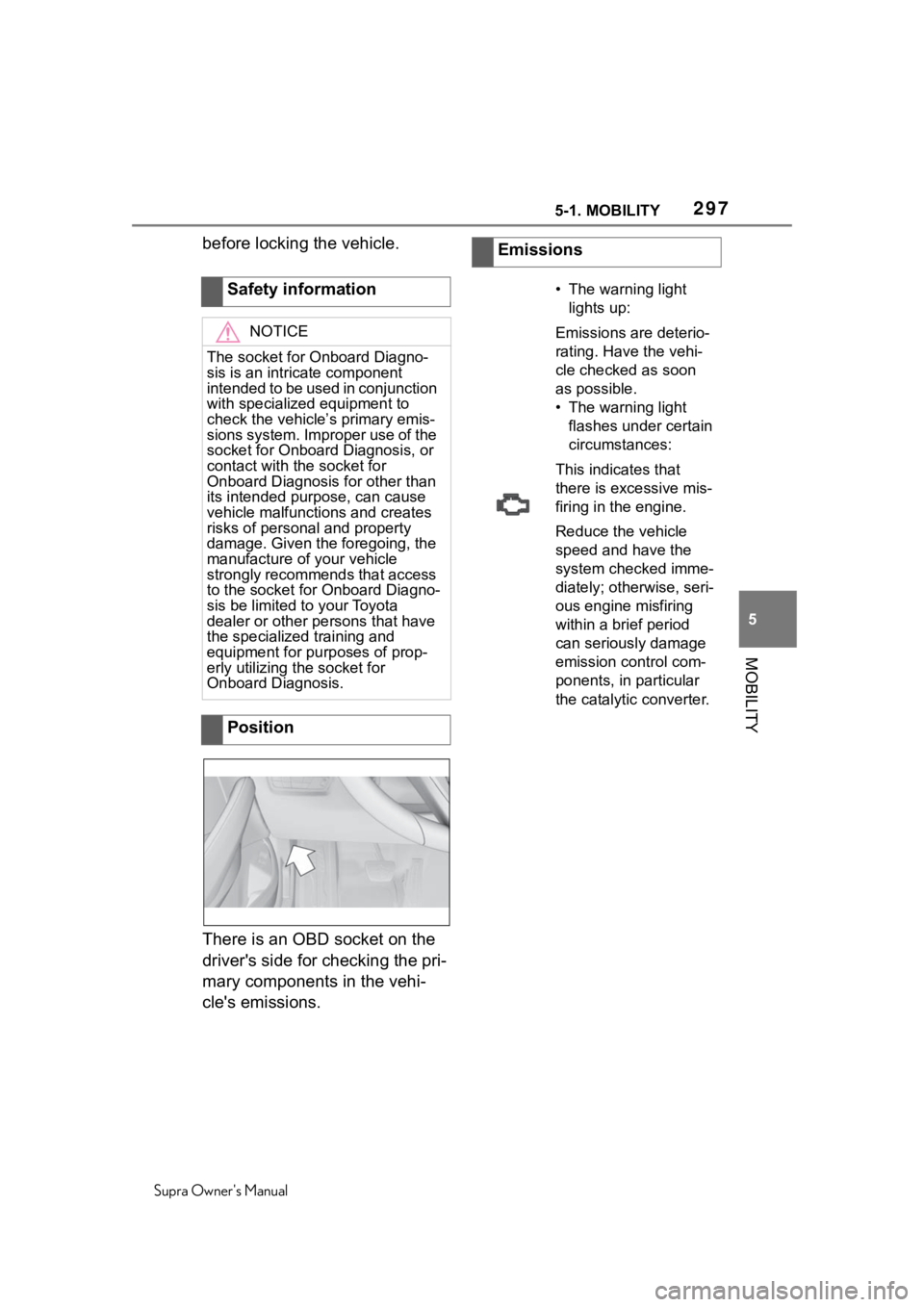
There is an OBD socket on the
driver's side for checking the pri-
mary components in the vehi-
cle's emissions. Safety information
NOTICE
The socket for Onboard Diagno-
sis is an intricate component
intended to be used in conjunction
with specialized equipment to
check the vehicle’s primary emis-
sions system. Improper use of the
socket for Onboard Diagnosis, or
contact with the socket for
Onboard Diagnosis for other than
its intended purpose, can cause
vehicle malfunctions and creates
risks of personal and property
damage. Given the foregoing, the
manufacture of your vehicle
strongly recommends that access
to the socket for Onboard Diagno-
sis be limited to your Toyota
dealer or other
persons that have
the specialized training and
equipment for purposes of prop-
erly utilizing the socket for
Onboard Diagnosis.
Position
Emissions
• The warning light
lights up:
Emissions are deterio-
rating. Have the vehi-
cle checked as soon
as possible.
• The warning light flashes under certain
circumstances:
This indicates that
there is excessive mis-
firing in the engine.
Reduce the vehicle
speed and have the
system checked imme-
diately; otherwise, seri-
ous engine misfiring
within a brief period
can seriously damage
emission control com-
ponents, in particular
the catalyti c converter.
Page 306 of 352
3065-1. MOBILITY
Supra Owner's Manual
WA R N I N G
If a warning light illuminates or
flashes, or a warning message is
displayed, immediately stop the
vehicle in a safe place. Do not
open the hood to inspect the
engine, as doing so may lead to
serious injury, such as steam
burns. If a warning message is
displayed, perform the necessary
procedures according to the dis-
played message or explanation in
the owner’s manual.
These warning messages indicate
that a malfunction has occurred in
a system or function of the vehi-
cle. If you continue to drive the
vehicle, the eng ine may stop sud-
denly, possibly leading to an acci-
dent. Also, even if no warning
lights are illuminated or messages
are displayed, if any abnormal
sounds, smells or vibrations are
detected, or of the engine stops
suddenly, refrain from opening the
hood to inspect the engine and
consult an authorized Toyota
retailer or Toyota authorized
repairer, or any reliable repairer.
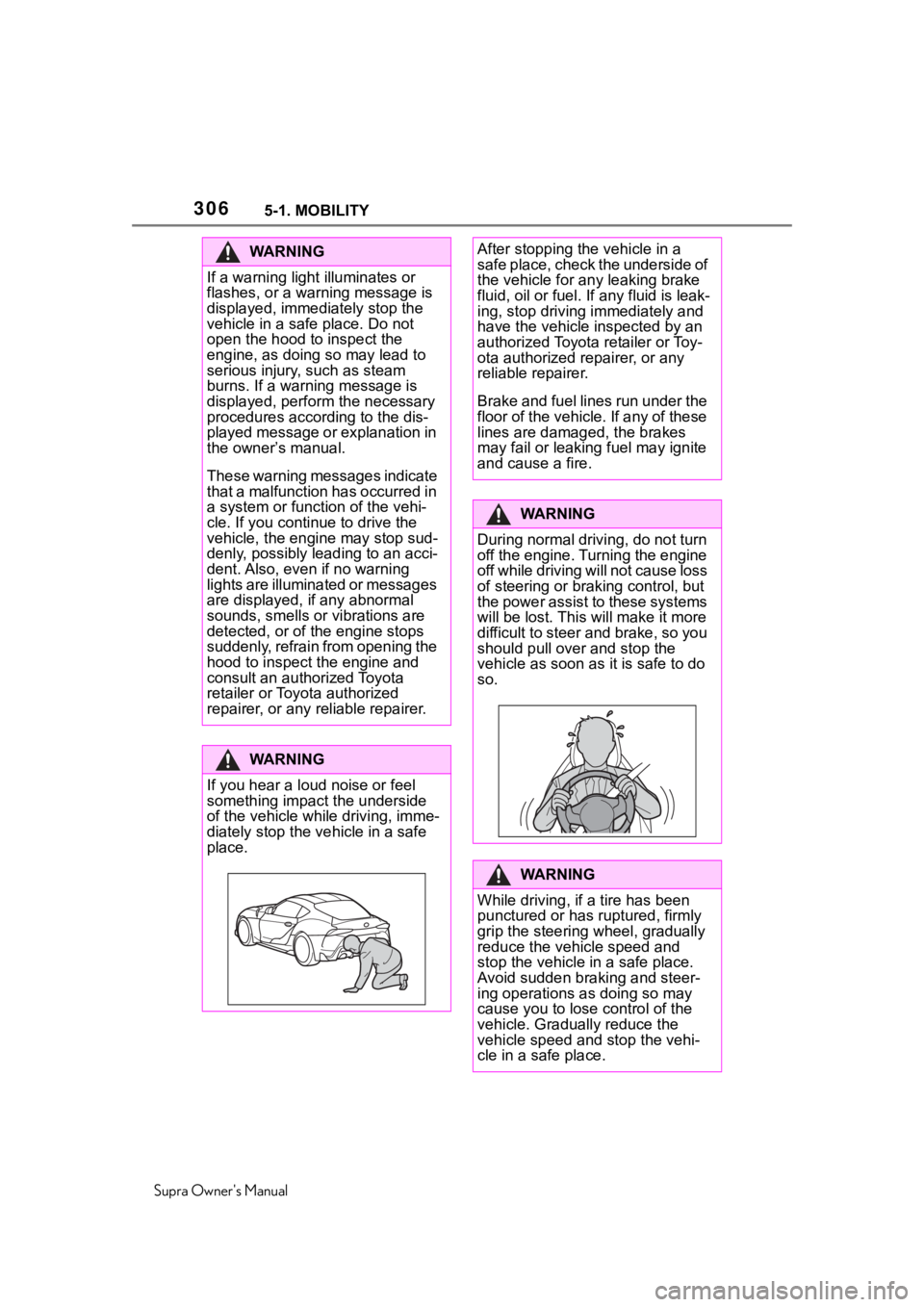
WA R N I N G
If you hear a loud noise or feel
something impact the underside
of the vehicle while driving, imme-
diately stop the v ehicle in a safe
place.
After stopping the vehicle in a
safe place, check the underside of
the vehicle for any leaking brake
fluid, oil or fuel. If any fluid is leak-
ing, stop driving immediately and
have the vehicle inspected by an
authorized Toyota retailer or Toy-
ota authorized repairer, or any
reliable repairer.
Brake and fuel lines run under the
floor of the vehicle. If any of these
lines are damag ed, the brakes
may fail or leaking fuel may ignite
and cause a fire.
WA R N I N G
During normal driving, do not turn
off the engine. Turning the engine
off while driving will not cause loss
of steering or braking control, but
the power assist to these systems
will be lost. This will make it more
difficult to steer and brake, so you
should pull over and stop the
vehicle as soon as it is safe to do
so.
WA R N I N G
While driving, if a tire has been
punctured or has ruptured, firmly
grip the steering wheel, gradually
reduce the vehicle speed and
stop the vehicle in a safe place.
Avoid sudden braking and steer-
ing operations as doing so may
cause you to lose control of the
vehicle. Gradually reduce the
vehicle speed and stop the vehi-
cle in a safe place.
Page 307 of 352
3075-1. MOBILITY
Supra Owner's Manual
5
MOBILITY
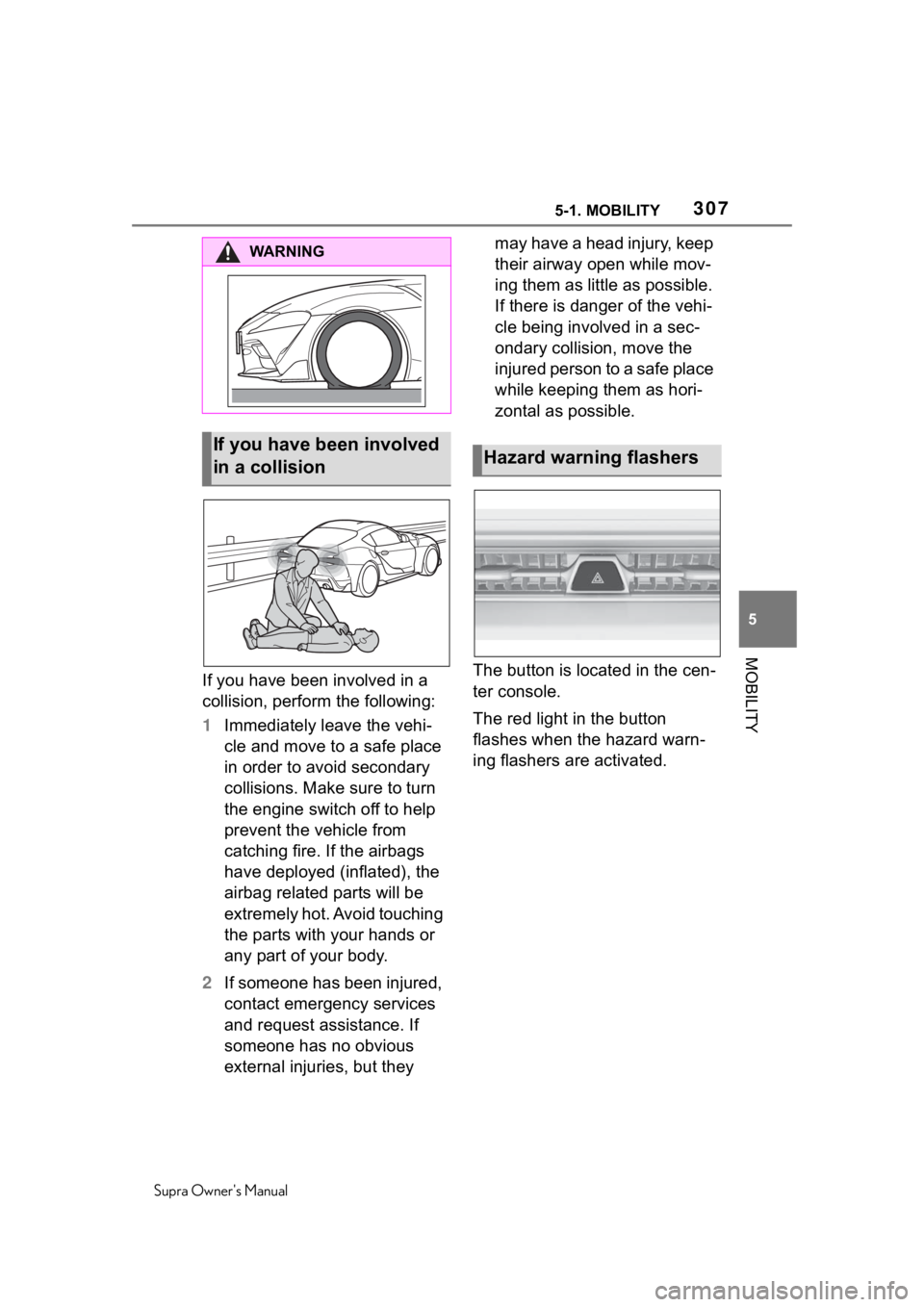
If you have been involved in a
collision, perform the following:
1 Immediately leave the vehi-
cle and move to a safe place
in order to avoid secondary
collisions. Make sure to turn
the engine switch off to help
prevent the vehicle from
catching fire. If the airbags
have deployed (inflated), the
airbag related parts will be
extremely hot. Avoid touching
the parts with your hands or
any part of your body.
2 If someone has been injured,
contact emergency services
and request assistance. If
someone has no obvious
external injuries, but they may have a head injury, keep
their airway open while mov-
ing them as little as possible.
If there is danger of the vehi-
cle being involved in a sec-
ondary collision, move the
injured person to a safe place
while keeping them as hori-
zontal as possible.
The button is located in the cen-
ter console.
The red light in the button
flashes when the hazard warn-
ing flashers are activated.
WA R N I N G
If you have been involved
in a collisionHazard warning flashers