bluetooth TOYOTA SUPRA 2020 (in English) User Guide
[x] Cancel search | Manufacturer: TOYOTA, Model Year: 2020, Model line: SUPRA, Model: TOYOTA SUPRA 2020Pages: 356, PDF Size: 6.04 MB
Page 74 of 356
743-1. AT A GLANCE
Supra Owner's ManualSelect the WiFi name of the vehi-
cle.
7
Confirm the connection via
Toyota Supra Command.
The device is connected and
displayed in the device list, refer
to page 74.
• After one-time pairing, the devices are automatically rec-
ognized and reconnected
when standby state is
switched on.
• The data stored on the SIM card or in the mobile phone
are transferred to the vehicle
after recognition.
• For some devices, certain set- tings are necessary, for
instance authorization; see
the owner's manual of the
device.
All devices paired with or con-
nected to the vehicle are dis-
played in the device list.
Via Toyota Supra Command:
1 "My Vehicle"
2 "System settings"
3 "Mobile devices"
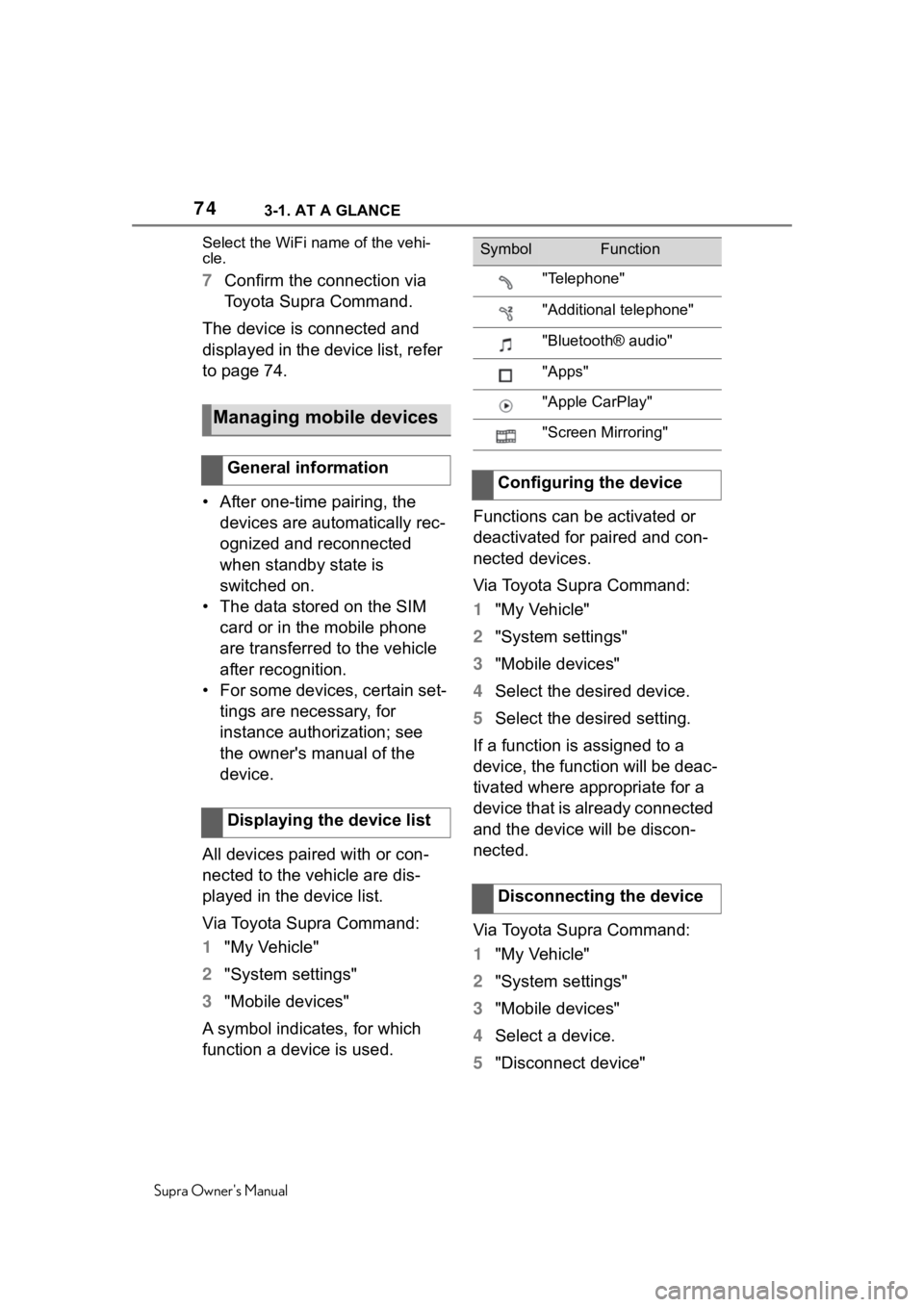
A symbol indicates, for which
function a device is used. Functions can be activated or
deactivated for paired and con-
nected devices.
Via Toyota Supra Command:
1
"My Vehicle"
2 "System settings"
3 "Mobile devices"
4 Select the desired device.
5 Select the desired setting.
If a function is assigned to a
device, the function will be deac-
tivated where appropriate for a
device that is already connected
and the device will be discon-
nected.
Via Toyota Supra Command:
1 "My Vehicle"
2 "System settings"
3 "Mobile devices"
4 Select a device.
5 "Disconnect device"
Managing mobile devices
General information
Displaying the device list
SymbolFunction
"Telephone"
"Additional telephone"
"Bluetooth® audio"
"Apps"
"Apple CarPlay"
"Screen Mirroring"
Configuring the device
Disconnecting the device
Page 343 of 356
343
Supra Owner's Manual343Alphabetical Index
Being towed, see Tow-starting and towing ............................ 316
Belts, see Safety belts ........... 100
Beverage holder, see Cup hold- ers .......................................... 244
Blind spot monitor ................. 189
Bluetooth connection .............. 68
Bottle holder, see Cup holders ............................................... 244
Brake assist ............................ 196
Brake assist, adaptive ........... 196
Brake discs, breaking in, see Brake system ........................ 251
Brake lights, see Lights and bulbs...................................... 303
Brake pads, breaking in, see Brake system ........................ 251
Brake system .......................... 251
Brake, Fluid ............................. 330
Braking, information .............. 253
Break recommendation, see Driver attention control ....... 193
Breakdown assistance .. 312, 313
Break-in ................................... 250
Brightness, Control Display .... 60
Bulb replacement, see Lights and bulbs .............................. 303
Bulbs, replacing, see Lights and bulbs...................................... 303
Button, SOS, see Intelligent emergency call ..................... 313
Button, Start/Stop................... 115
Buttons on the steering wheel 36
Bypassing, see Jump-starting ............................................... 315
C
Cable for tow-starting/towing 317
California Proposition 65 Warn-ing .............................................. 6
Calling up mirror adjustment .. 91
Calling up seat adjustment...... 91 Calling up steering wheel adjust-
ment .........................................91
Camera lenses, care ...............324
Camera, rearview camera ......220
Camera-based assistance sys- tems, see Toyota Supra Safety...............................................172
Camera-based cruise control, see Dynamic ra dar cruise con-
trol with full-speed range .....204
Can holder, see Cup holders .244
Car seats, see Transporting chil- dren safely............................. 111
Car wash..................................319
Car washing ............................319
Care of displays, screens ......325
Care, Head-up Display ...........325
Care, see Washing the vehicle ...............................................319
Care, vehicle ...........................321
Cargo area ...............................244
Cargo area, loading, see Stowing and securing cargo ..............246
Cargo straps, see Lashing eyes in the cargo area ...................246
Cargo, stowing and securing 246
Carpet, care .............................324
CarPlay, connection to the vehi- cle ............................................72
Catalytic converter, see Hot exhaust gas system .............251
CBS Condition Based Service ...............................................300
CC, see Cruise cont rol ...........200
Center console..........................38
Central locking system ............85
Central screen, see Control Dis- play ..........................................46
Changes, technical, see For Your Own Safety ................................5
Changing parts ..... ..................302
Changing wheels ....................287