bluetooth TOYOTA SUPRA 2020 Owners Manual (in English)
[x] Cancel search | Manufacturer: TOYOTA, Model Year: 2020, Model line: SUPRA, Model: TOYOTA SUPRA 2020Pages: 356, PDF Size: 6.04 MB
Page 25 of 356
252-1. QUICK REFERENCE
Supra Owner's Manual
2
QUICK REFERENCE
the steering wheel buttons and
voice activation.
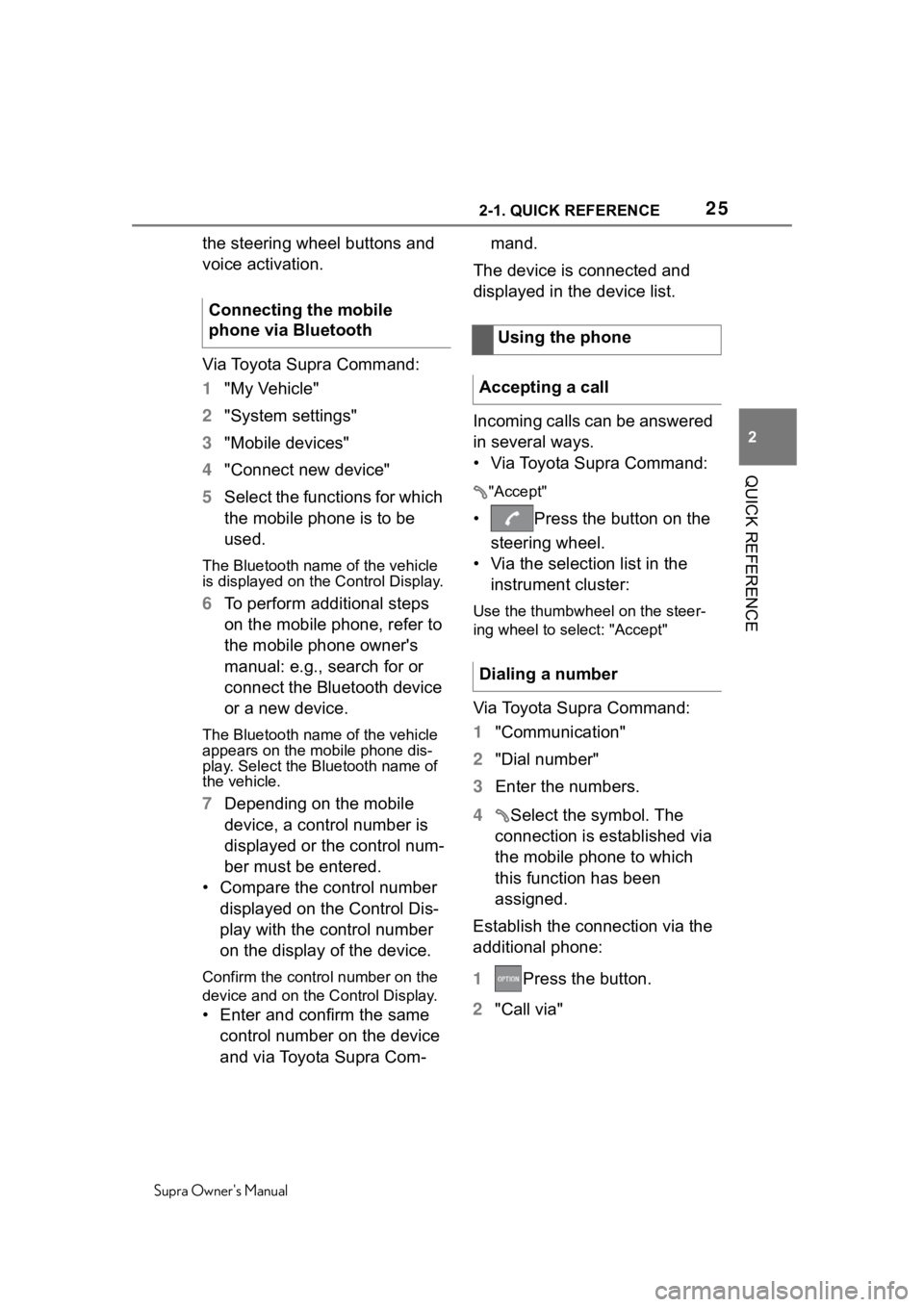
Via Toyota Supra Command:
1 "My Vehicle"
2 "System settings"
3 "Mobile devices"
4 "Connect new device"
5 Select the functions for which
the mobile phone is to be
used.
The Bluetooth name of the vehicle
is displayed on the Control Display.
6To perform additional steps
on the mobile phone, refer to
the mobile phone owner's
manual: e.g., search for or
connect the Bluetooth device
or a new device.
The Bluetooth name of the vehicle
appears on the mobile phone dis-
play. Select the Bl uetooth name of
the vehicle.
7 Depending on the mobile
device, a control number is
displayed or the control num-
ber must be entered.
• Compare the control number displayed on the Control Dis-
play with the control number
on the display of the device.
Confirm the control number on the
device and on the Control Display.
• Enter and confirm the same control number on the device
and via Toyota Supra Com- mand.
The device is connected and
displayed in the device list.
Incoming calls can be answered
in several ways.
• Via Toyota Supra Command:
"Accept"
• Press the button on the steering wheel.
• Via the selection list in the instrument cluster:
Use the thumbwheel on the steer-
ing wheel to select: "Accept"
Via Toyota Supra Command:
1 "Communication"
2 "Dial number"
3 Enter the numbers.
4 Select the symbol. The
connection is established via
the mobile phone to which
this function has been
assigned.
Establish the connection via the
additional phone:
1 Press the button.
2 "Call via"
Connecting the mobile
phone via Bluetooth
Using the phone
Accepting a call
Dialing a number
Page 26 of 356

262-1. QUICK REFERENCE
Supra Owner's Manual
CarPlay allows certain func-
tions of a compatible Apple
iPhone to be used via Siri voice
operation and Toyota Supra
Command.
• Compatible iPhone.
iPhone 5 or later with iOS 7.1 or
later.
• Corresponding mobile wire-
less contract.
• Bluetooth, WiFi, and Siri voice operation are switched on on
the iPhone.
Via Toyota Supra Command:
1 "My Vehicle"
2 "System settings"
3 "Mobile devices"
4 "Settings"
5 Select the following setting:
• "Bluetooth®"
• Corresponding mobile wire- less contract.
Pair iPhone via Bluetooth with
the vehicle.
Select CarPlay as the function: "Apple CarPlay"
The iPhone is connected to the
vehicle and displayed in the
device list.
Apple CarPlay preparation
Concept
Functional requirements
Switching on Bluetooth and
CarPlay
Pairing iPhone with CarPlay
Page 45 of 356
453-1. AT A GLANCE
Supra Owner's Manual
3
AT A GLANCE
■Radio
■Telephone
■Entertainment
■Additional symbols
Additional information can be
displayed in several menus on
the right side of the split screen
display, the so-called split
screen, for instance information
from the Onboard Computer.
The additional information
remains visible even when
switching to another menu on
the split screen.
1 Press the button.
2 "Split screen"
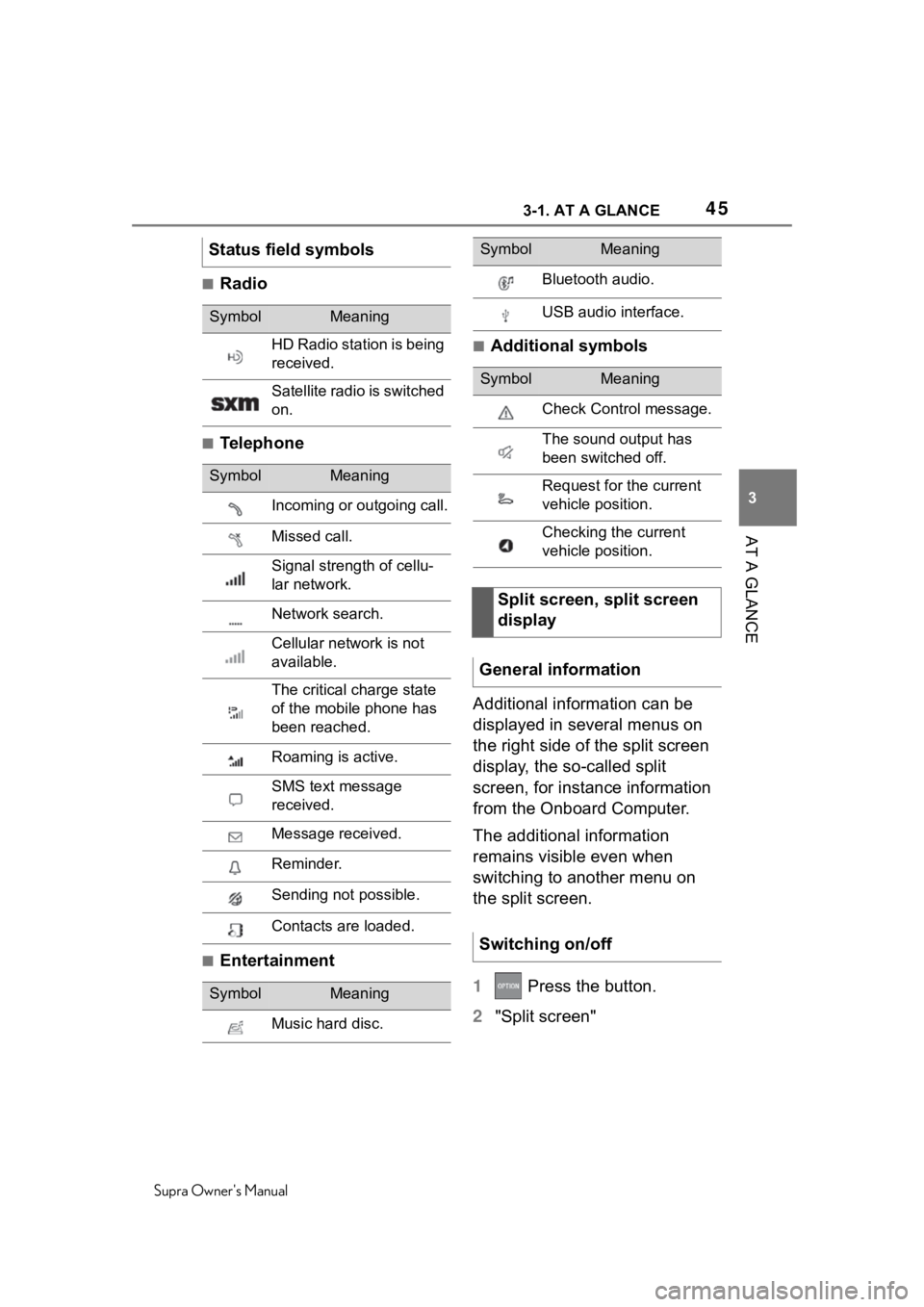
Status field symbols
SymbolMeaning
HD Radio station is being
received.
Satellite radio is switched
on.
SymbolMeaning
Incoming or outgoing call.
Missed call.
Signal strength of cellu-
lar network.
Network search.
Cellular network is not
available.
The critical charge state
of the mobile phone has
been reached.
Roaming is active.
SMS text message
received.
Message received.
Reminder.
Sending not possible.
Contacts are loaded.
SymbolMeaning
Music hard disc.
Bluetooth audio.
USB audio interface.
SymbolMeaning
Check Control message.
The sound output has
been switched off.
Request for the current
vehicle position.
Checking the current
vehicle position.
Split screen, split screen
display
General information
Switching on/off
SymbolMeaning
Page 58 of 356
583-1. AT A GLANCE
Supra Owner's Manual
A smartphone connected to the
vehicle can be used via voice
activation.
Activate voice command
response on the smartphone for
this purpose.
1Press and hold the but-
ton on the steering wheel for
approx. 3 seconds.
Voice command response is acti-
vated on the smartphone.
2Release the button.
If activation is successful, a confir-
mation appears on the Control Dis-
play.
If it was not possible to activate
voice command response, the
list of Bluetooth devices appears
on the Control Display. This chapter describes all stan-
dard, country-specific and
optional features offered with
the series. It also describes fea-
tures that are not necessarily
available in your vehicle, e. g.,
due to the selected options or
country versions. This also
applies to safety-related func-
tions and systems. When using
these functions and systems,
the applicable laws and regula-
tions must be observed.
Via Toyota Supra Command:
1
"My Vehicle"
2 "System settings"
3 If necessary, "Language"
4 "Language:"
5 Select the desired setting.
The setting is stored for the
driver profile currently used.
Voice dialog for the voice activa-
tion system, refer to page 56.
Using a smartphone via
voice activationGeneral settings
Vehicle features and
options
Language
Setting the language
Setting the voice dialog
Page 68 of 356
683-1. AT A GLANCE
Supra Owner's Manual
The following connection types
require one-time pairing with the vehicle:
• Bluetooth.
• Apple CarPlay.
• Screen Mirroring.
Paired devices are automatically
recognized later on and con-
nected to the vehicle.
• Compatible device with Blue-
tooth interface.
• The remote control is in the vehicle.
• The device is ready for opera- tion.
• Bluetooth is switched on in the vehicle, refer to page 69,
and on the device.
• Bluetooth presetting, such as visibility, may be required on
the device; refer to the
owner's manual of the device.
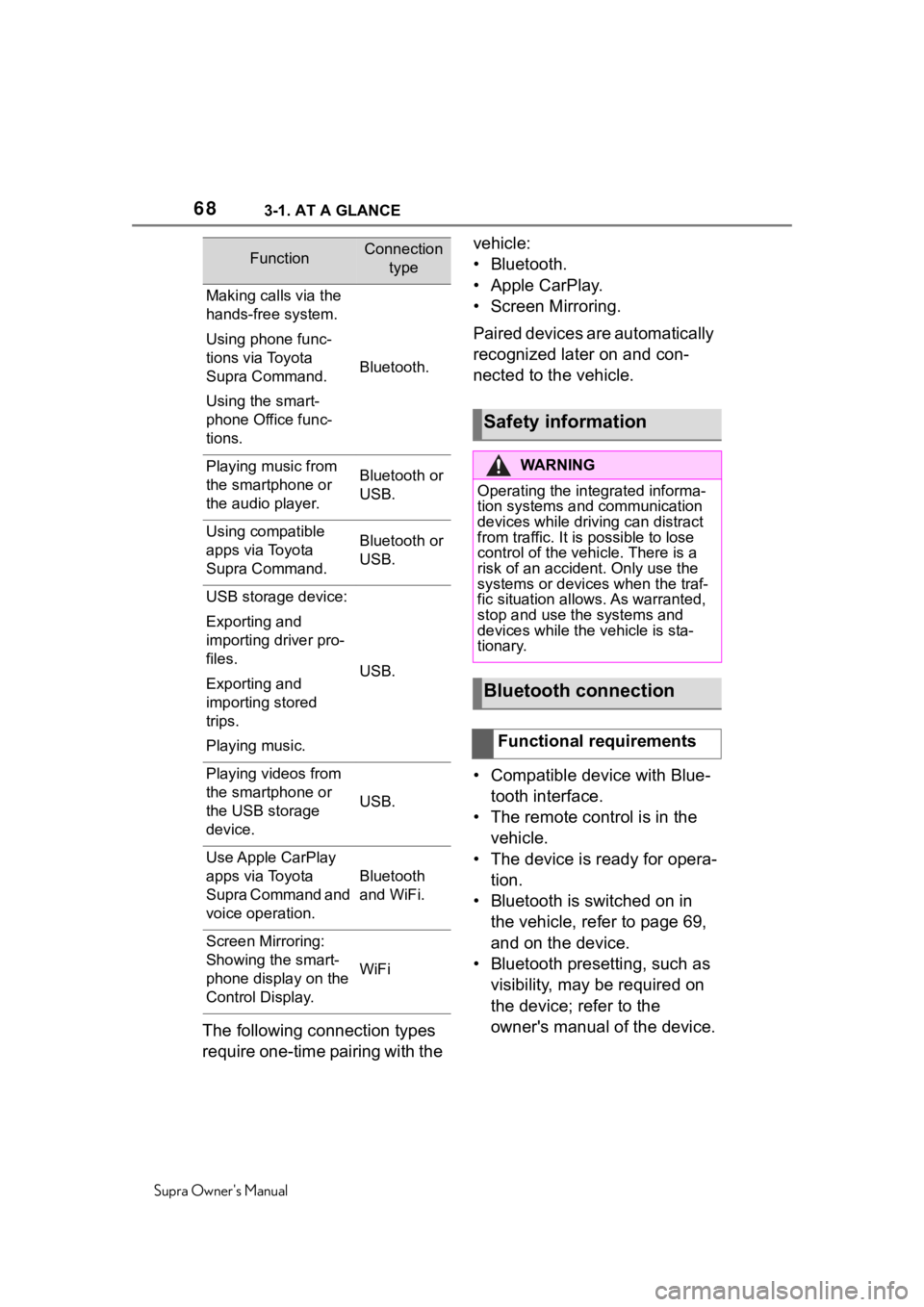
FunctionConnection type
Making calls via the
hands-free system.
Using phone func-
tions via Toyota
Supra Command.
Using the smart-
phone Office func-
tions.
Bluetooth.
Playing music from
the smartphone or
the audio player.Bluetooth or
USB.
Using compatible
apps via Toyota
Supra Command.Bluetooth or
USB.
USB storage device:
Exporting and
importing driver pro-
files.
Exporting and
importing stored
trips.
Playing music.
USB.
Playing videos from
the smartphone or
the USB storage
device.
USB.
Use Apple CarPlay
apps via Toyota
Supra Command and
voice operation.
Bluetooth
and WiFi.
Screen Mirroring:
Showing the smart-
phone display on the
Control Display.
WiFi
Safety information
WA R N I N G
Operating the integrated informa-
tion systems and communication
devices while driving can distract
from traffic. It is possible to lose
control of the vehicle. There is a
risk of an accident. Only use the
systems or devices when the traf-
fic situation allo ws. As warranted,
stop and use the systems and
devices while the vehicle is sta-
tionary.
Bluetooth connection
Functional requirements
Page 69 of 356
693-1. AT A GLANCE
Supra Owner's Manual
3
AT A GLANCE
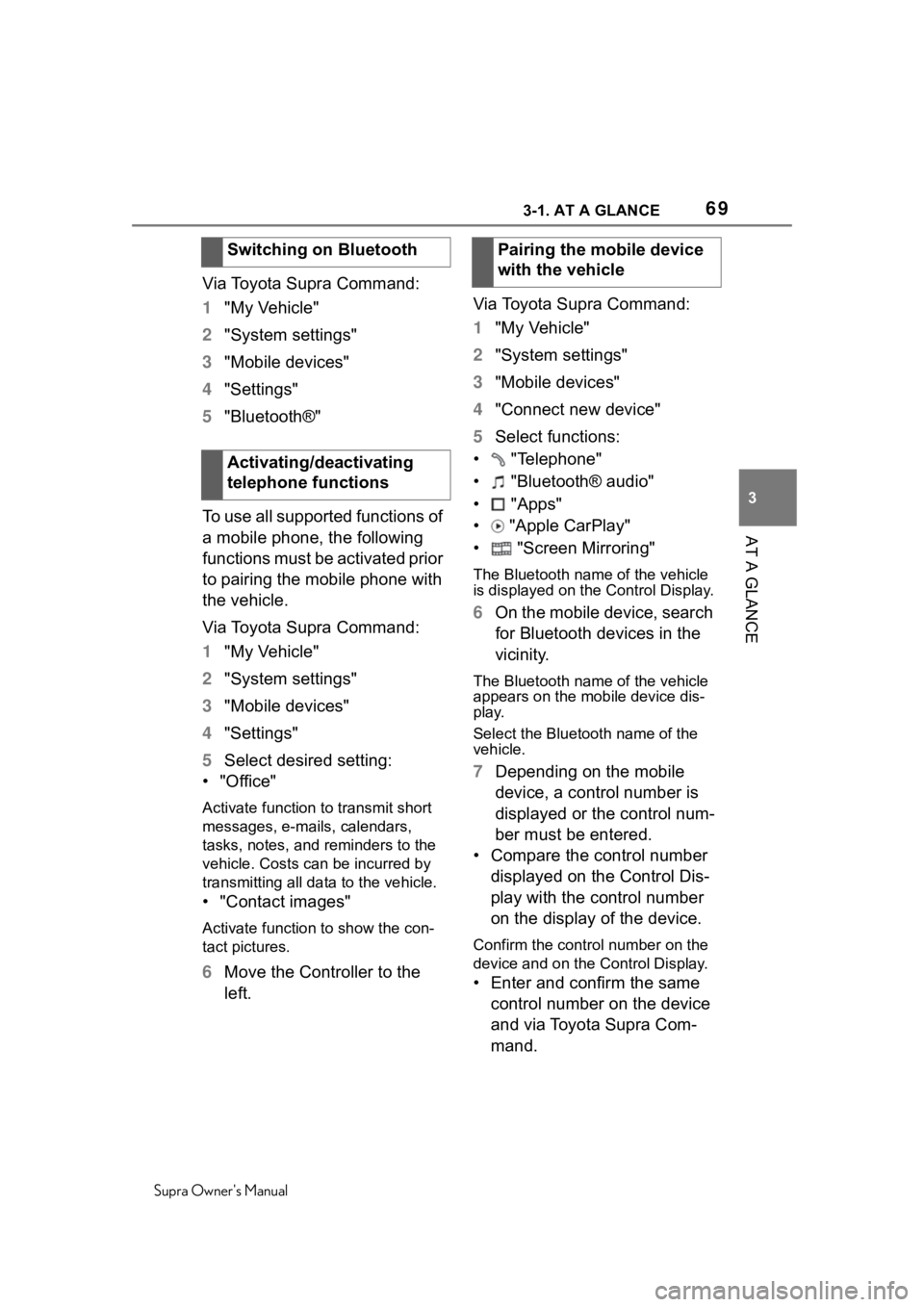
Via Toyota Supra Command:
1 "My Vehicle"
2 "System settings"
3 "Mobile devices"
4 "Settings"
5 "Bluetooth®"
To use all supported functions of
a mobile phone, the following
functions must be activated prior
to pairing the mobile phone with
the vehicle.
Via Toyota Supra Command:
1 "My Vehicle"
2 "System settings"
3 "Mobile devices"
4 "Settings"
5 Select desired setting:
•"Office"
Activate function to transmit short
messages, e-mails, calendars,
tasks, notes, and reminders to the
vehicle. Costs can be incurred by
transmitting all data to the vehicle.
• "Contact images"
Activate function to show the con-
tact pictures.
6 Move the Controller to the
left. Via Toyota Supra Command:
1
"My Vehicle"
2 "System settings"
3 "Mobile devices"
4 "Connect new device"
5 Select functions:
• "Telephone"
• "Bluetooth® audio"
• "Apps"
• "Apple CarPlay"
• "Screen Mirroring"
The Bluetooth name of the vehicle
is displayed on t he Control Display.
6On the mobile device, search
for Bluetooth devices in the
vicinity.
The Bluetooth name of the vehicle
appears on the mobile device dis-
play.
Select the Bluetooth name of the
vehicle.
7Depending on the mobile
device, a control number is
displayed or the control num-
ber must be entered.
• Compare the control number displayed on the Control Dis-
play with the control number
on the display of the device.
Confirm the contro l number on the
device and on the Control Display.
• Enter and confirm the same
control number on the device
and via Toyota Supra Com-
mand.
Switching on Bluetooth
Activating/deactivating
telephone functions
Pairing the mobile device
with the vehicle
Page 70 of 356

703-1. AT A GLANCE
Supra Owner's ManualThe device is c
onnected and dis-
played in the device list, refer to
page 74.
All requirements are met and all
required steps were completed
in the specified order. Despite
that, the mobile device does not
function as expected.
In this case, the following expla-
nations can help:
Why could the mobile phone not
be paired or connected?
• There are too many Bluetooth
devices connected to the
mobile phone or vehicle.
In the vehicle, delete Bluetooth
connections with other devices.
Delete all known Bl uetooth connec-
tions from the device list on the
mobile phone and start a new
device search.
• The mobile phone is in
power-save mode or has only
a limited remaining battery
life.
Charge mobile phone.
Why does the mobile phone no
longer react?
• The applications on the mobile phone do not function
anymore.
Switch the mobile phone off and on
again.
• Too high or too low ambient temperature for mobile phone
operation.
Do not subject the mobile phone to
extreme ambient temperatures.
Why can phone functions not be
used via Toyota Supra Com-
mand?
• The mobile phone may not be
properly configured, for
instance as Bluetooth audio
device.
Connect the mobile phone with the
telephone or additional phone func-
tion.
Why are no or not all phone
book entries displayed or why
are they incomplete?
• Transmission of the phone book entries is not yet com-
plete.
• It is possible that only the phone book entries of the
mobile phone or the SIM card
are transmitted.
• It may not be possible to dis- play phone book entries with
special characters.
• It may not be possible to transmit contacts from social
networks.
• The number of phone book entries to be stored is too
high.
• Data volume of the contact too large, for instance due to
stored information such as
notes.
Reduce the data volume of the con-
tact.
• A mobile phone can only be connected as audio source or
as telephone.
Frequently asked ques-
tions
Page 71 of 356
713-1. AT A GLANCE
Supra Owner's Manual
3
AT A GLANCE
Configure the mobile phone and
connect it with the telephone or
additional phone function.
How can the phone connection
quality be improved?
• Adjust the strength of the Bluetooth signal on the mobile
phone, depending on the
mobile phone.
• Insert mobile phone into the wireless charging tray.
• Adjust the volume of the microphone and loudspeak-
ers separately in the sound
settings.
If all points in this list have been
checked and the required func-
tion is still not available, contact
the Toyota dealer.
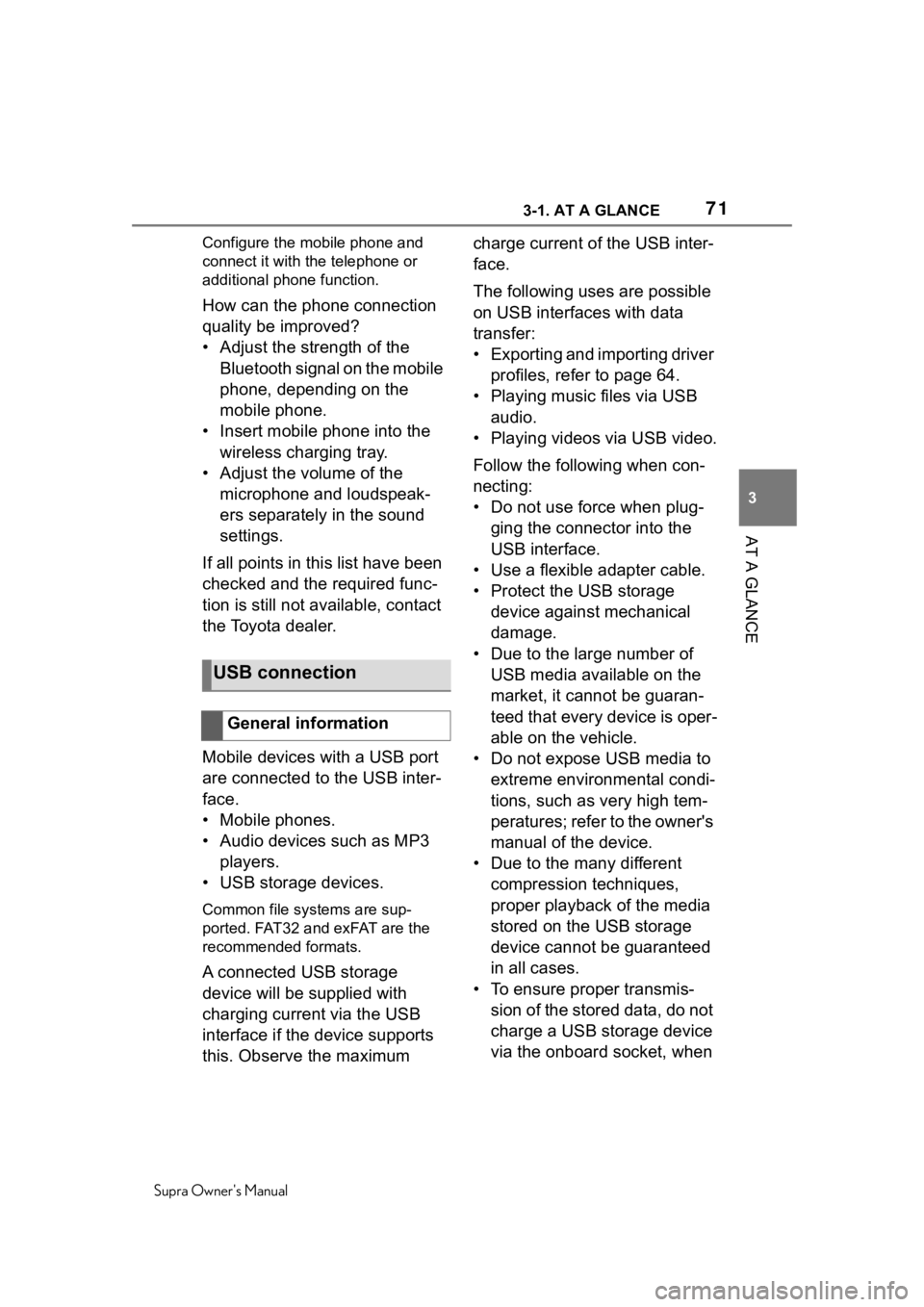
Mobile devices with a USB port
are connected to the USB inter-
face.
• Mobile phones.
• Audio devices such as MP3 players.
• USB storage devices.
Common file systems are sup-
ported. FAT32 and exFAT are the
recommended formats.
A connected USB storage
device will be supplied with
charging current via the USB
interface if the device supports
this. Observe the maximum charge current of the USB inter-
face.
The following uses are possible
on USB interfaces with data
transfer:
• Exporting and importing driver
profiles, refer to page 64.
• Playing music files via USB audio.
• Playing videos via USB video.
Follow the following when con-
necting:
• Do not use force when plug- ging the connector into the
USB interface.
• Use a flexible adapter cable.
• Protect the USB storage device against mechanical
damage.
• Due to the large number of USB media available on the
market, it cannot be guaran-
teed that every device is oper-
able on the vehicle.
• Do not expose USB media to extreme environmental condi-
tions, such as very high tem-
peratures; refer to the owner's
manual of the device.
• Due to the many different compression techniques,
proper playback of the media
stored on the USB storage
device cannot be guaranteed
in all cases.
• To ensure proper transmis- sion of the stored data, do not
charge a USB storage device
via the onboard socket, when
USB connection
General information
Page 72 of 356
723-1. AT A GLANCE
Supra Owner's Manual
it is connected to the USB
interface.
• Depending on how the USB storage device is being used,
settings may be required on
the USB storage device, refer
to the owner's manual of the
device.
Not compatible USB media:
• USB hard drives.
• USB hubs.
• USB memory card readers with multiple inserts.
• HFS-formatted USB media.
• Devices such as fans or lamps.
Compatible device with USB
interface.
The USB storage device is dis-
played in the device list, refer to
page 74.
CarPlay allows certain func-
tions of a compatible Apple
iPhone to be used via Siri voice
operation and Toyota Supra
Command. • Compatible iPhone.
iPhone 5 or later
with iOS 7.1 or
later.
• Corresponding mobile wire-
less contract.
• Bluetooth, WiFi, and Siri voice operation are activated on the
iPhone.
• Booking the Toyota Supra Connect service: Apple Car-
Play preparation.
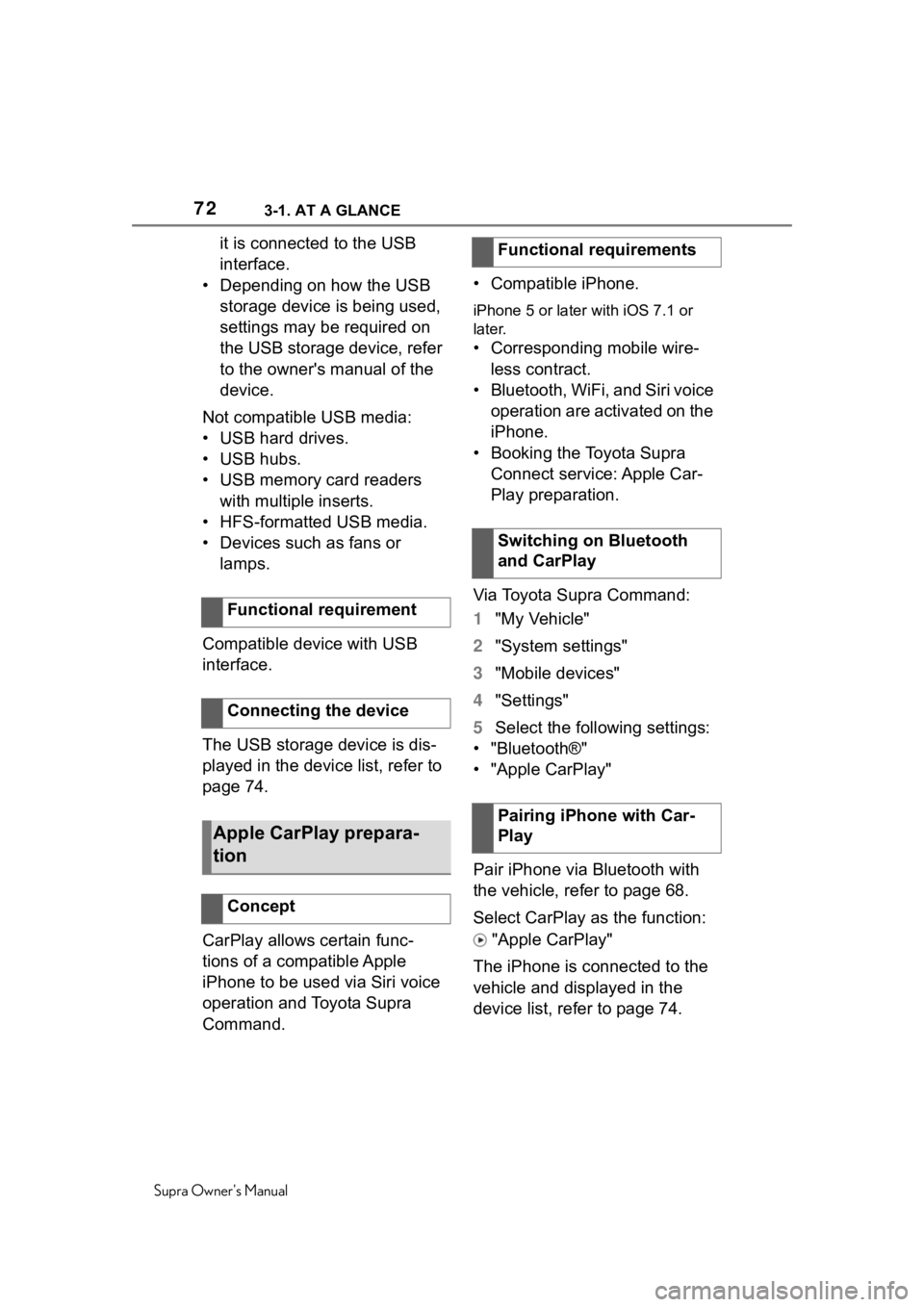
Via Toyota Supra Command:
1 "My Vehicle"
2 "System settings"
3 "Mobile devices"
4 "Settings"
5 Select the following settings:
• "Bluetooth®"
• "Apple CarPlay"
Pair iPhone via Bluetooth with
the vehicle, refer to page 68.
Select CarPlay as the function:
"Apple CarPlay"
The iPhone is connected to the
vehicle and displayed in the
device list, refer to page 74.
Functional requirement
Connecting the device
Apple CarPlay prepara-
tion
Concept
Functional requirements
Switching on Bluetooth
and CarPlay
Pairing iPhone with Car-
Play
Page 73 of 356
733-1. AT A GLANCE
Supra Owner's Manual
3
AT A GLANCE
For more information, refer to
the NAVIGATION SYSTEM
OWNER'S MANUAL.
All requirements are met and all
required steps were completed
in the specified order. Despite
that, the mobile device does not
function as expected.
In this case, the following expla-
nations can help:
The iPhone has already been
paired with Apple CarPlay.
When a new connection is
established, CarPlay can no lon-
ger be selected.
• Delete the iPhone concerned from the device list.
• On the iPhone, delete the vehicle concerned from the
list of stored vehicles under
Bluetooth and under WiFi.
• Pair the iPhone as a new device.
If the steps listed have been car-
ried out and the required func-
tion is still not available: contact
the Toyota dealer.
Screen Mirroring enables mirror- ing (outputting) of the smart-
phone display on the Control
Display.
• Compatible smartphone with
Screen Mirroring interface.
• Screen Mirroring is switched on on the smartphone.
• WiFi is switched on in the vehicle.
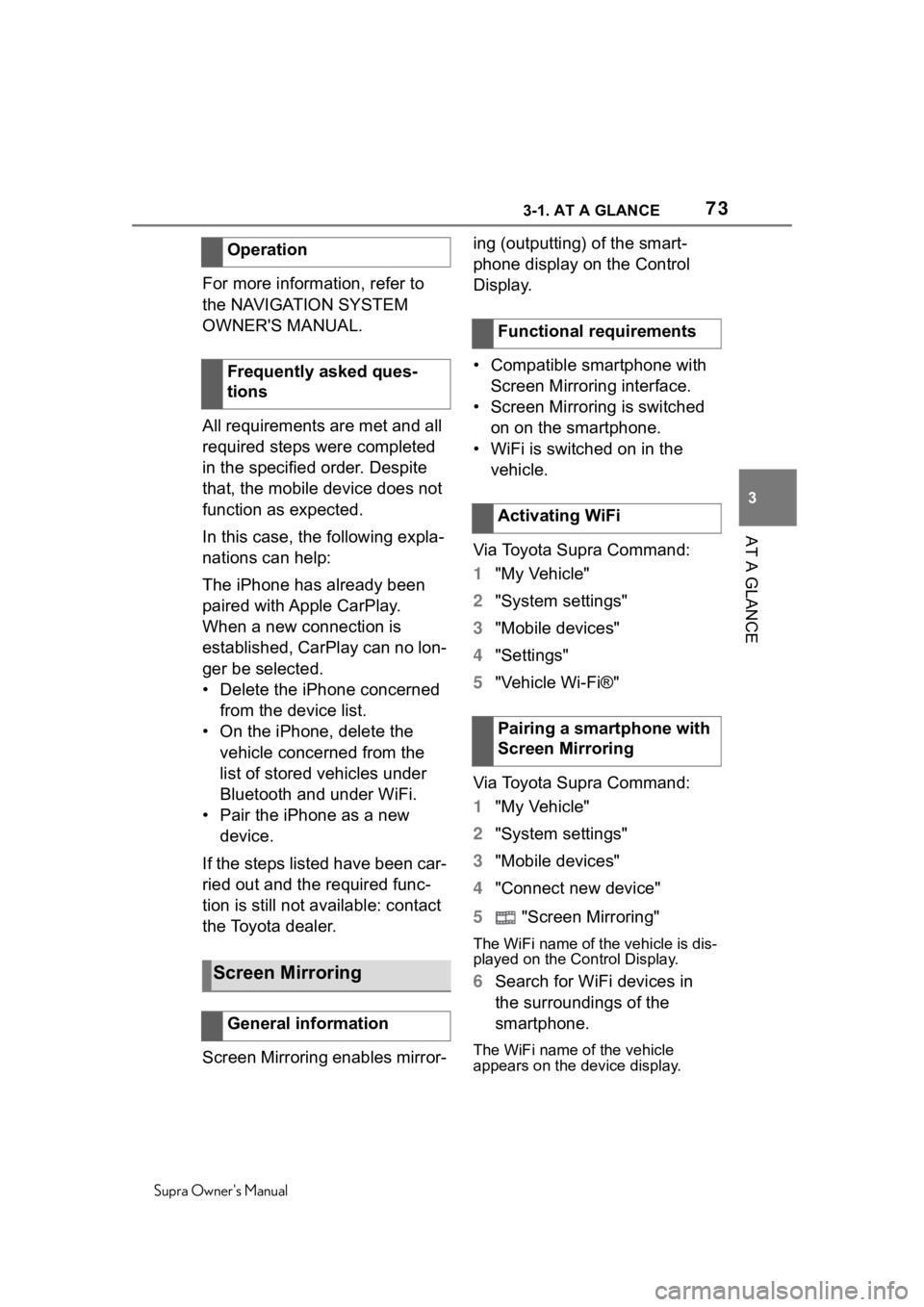
Via Toyota Supra Command:
1 "My Vehicle"
2 "System settings"
3 "Mobile devices"
4 "Settings"
5 "Vehicle Wi-Fi®"
Via Toyota Supra Command:
1 "My Vehicle"
2 "System settings"
3 "Mobile devices"
4 "Connect new device"
5 "Screen Mirroring"
The WiFi name of the vehicle is dis-
played on the Control Display.
6Search for WiFi devices in
the surroundings of the
smartphone.
The WiFi name of the vehicle
appears on the device display.
Operation
Frequently asked ques-
tions
Screen Mirroring
General information
Functional requirements
Activating WiFi
Pairing a smartphone with
Screen Mirroring