door lock TOYOTA SUPRA 2020 (in English) Owner's Manual
[x] Cancel search | Manufacturer: TOYOTA, Model Year: 2020, Model line: SUPRA, Model: TOYOTA SUPRA 2020Pages: 356, PDF Size: 6.04 MB
Page 93 of 356
934-1. CONTROLS
Supra Owner's Manual
4
CONTROLS
Switching off the alarm, refer to
page 94.
The trunk lid can be opened
even when the alarm system is
switched on.
After the trunk lid is closed, it is
locked and monitored again pro-
vided the doors are locked. The
hazard warning system flashes
once.
You can trigger the alarm sys-
tem if you find yourself in a dan-
gerous situation.
To switch off the alarm: press
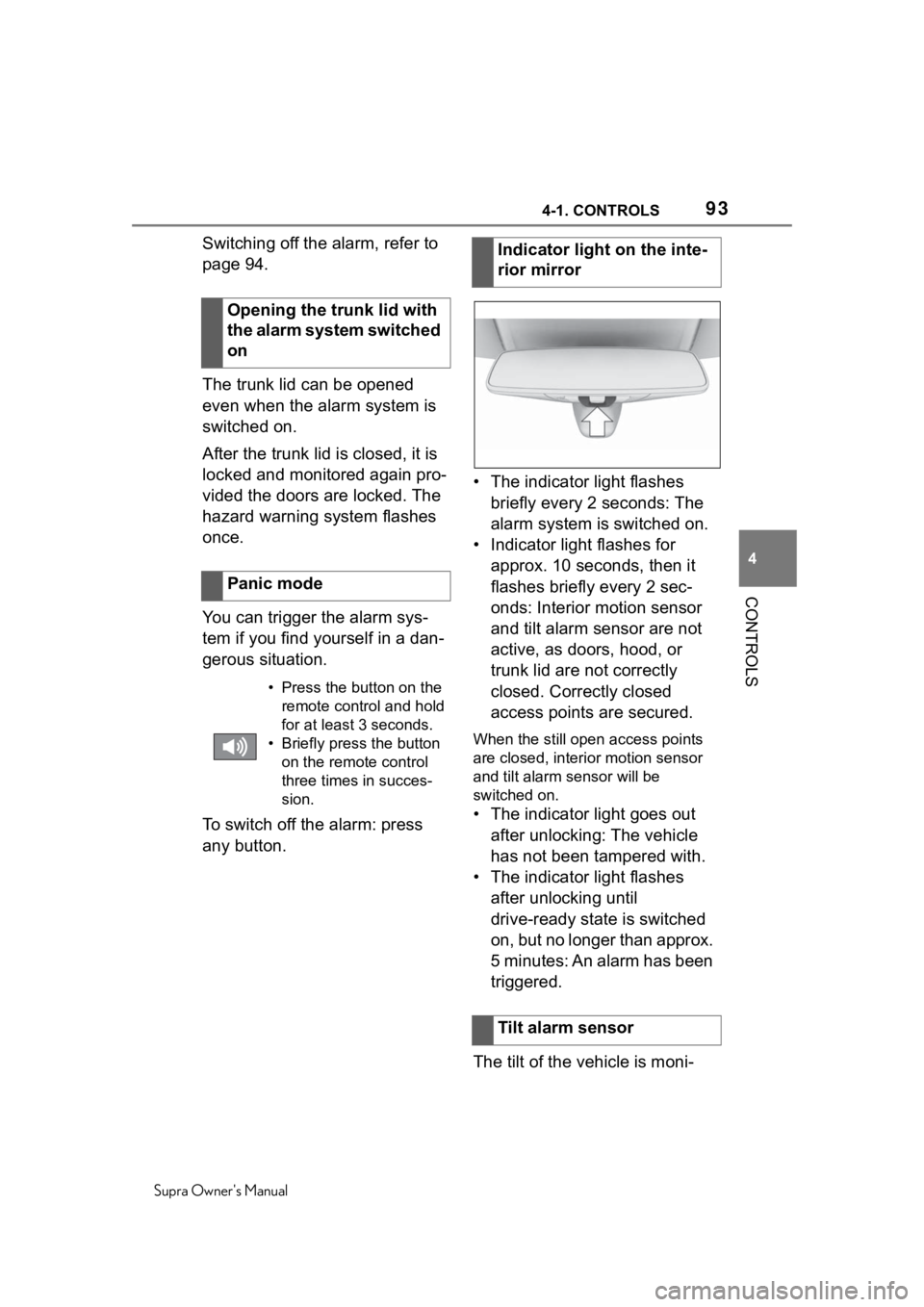
any button. • The indicator light flashes
briefly every 2 seconds: The
alarm system is switched on.
• Indicator light flashes for approx. 10 seconds, then it
flashes briefly every 2 sec-
onds: Interior motion sensor
and tilt alarm sensor are not
active, as doors, hood, or
trunk lid are not correctly
closed. Correctly closed
access points are secured.
When the still open access points
are closed, interior motion sensor
and tilt alarm sensor will be
switched on.
• The indicator light goes out after unlocking: The vehicle
has not been tampered with.
• The indicator light flashes after unlocking until
drive-ready state is switched
on, but no longer than approx.
5 minutes: An alarm has been
triggered.
The tilt of the vehicle is moni-
Opening the trunk lid with
the alarm system switched
on
Panic mode
• Press the button on the
remote control and hold
for at least 3 seconds.
• Briefly press the button on the remote control
three times in succes-
sion.
Indicator light on the inte-
rior mirror
Tilt alarm sensor
Page 94 of 356

944-1. CONTROLS
Supra Owner's Manual
tored.
The alarm system responds in
situations such as attempts to
steal a wheel or when the vehi-
cle is towed.
The car's interior is monitored to
the height of the seats. The
alarm system is switched on
together with the interior motion
sensor even when the window is
open. Falling objects such as
leaves can trigger the alarm
unintentionally.
The tilt alarm sensor and interior
motion sensor can trigger an
alarm, although no unauthorized
action occurred.
Possible situations for an
unwanted alarm:
• In automatic vehicle washes.
• In duplex garages.
• During transport on trains car-rying vehicles, at sea or on a
trailer.
• With animals in the vehicle.
• When the vehicle is locked after start of fueling.
The tilt alarm sensor and the
interior motion sensor can be
switched off in such situations. The indicator light lights up for
approx. 2 seconds and then
continues to flash.
The tilt alarm sensor and interior
motion sensor are switched off
until the vehicle is locked again.
• Unlock the vehicle with the
remote control.
• Unlock the vehicle using the remote control, if needed,
through emergency detection
of the remote control, refer to
page 82.
• With Smart Key System: if you are carrying the remote
control on your person, grasp
the driver side or front pas-
senger side door handle com-
pletely.
Interior motion sensor
Avoiding unintentional
alarms
General informationSwitching off the tilt alarm
sensor and interior motion
sensor
Press the button on the
remote control within 10
seconds as soon as the
vehicle is locked.
Switching off the alarm
Page 111 of 356
1114-1. CONTROLS
Supra Owner's Manual
4
CONTROLS
Before using a child restraint
system on the front passenger
seat, ensure that the front, knee,
and side airbags on the front
passenger side are deacti-
vated. Automatic deactivation of
front-seat passenger airbags,
refer to page 170. Pay attention to the specifica-
tions and the operating and
safety information of the child
restraint system manufacturer
when selecting, installing, and
using child restraint systems.
The right place for chil-
dren
Safety information
WA R N I N G
Unattended children or animals
can cause the vehicle to move
and endanger themselves and
traffic, for instance due to the fol-
lowing actions:
●Pressing the Start/Stop button.
●Releasing the parking brake.
●Opening and closing the doors
or windows.
●Engaging selector lever position
N.
●Using vehicle equipment.
There is a risk of accidents or inju-
ries. Do not leave children or ani-
mals unattended in the vehicle.
Take the remote control with you
when exiting and lock the vehicle.
Children on the front pas-
senger seat
General information
Safety information
WA R N I N G
Active front-sea t passenger air-
bags can injure a c hild in a child
restraint system when the airbags
are activated. Ther e is a risk of
injury. Make sure that the
front-seat passenger airbags are
deactivated and that the PAS-
SENGER AIRBAG OFF indicator
light lights up.
The safety belt cannot be fas-
tened correctly on children shorter
than 5 ft, 150 cm without suitable
additional child restraint systems.
The efficacy of safety gear, includ-
ing safety belts, can be limited or
lost when safety belts are fas-
tened incorrectly. An incorrectly
fastened safety belt can cause
additional injuries, for instance in
the event of an accident or during
braking and evasive maneuvers.
There is a risk of injuries or dan-
ger to life. Secure children shorter
than 5 ft, 150 cm using suitable
child restraint systems.
Installing child restraint
systems
General information
Page 116 of 356
1164-1. CONTROLS
Supra Owner's Manual
The driver's safety belt is
buckled or the driver's door is
closed.
If the engine was not switched
off automatically when the vehi-
cle stopped, the engine can be
switched off manually:
Press the brake pedal force-
fully again from the current
pedal position.
Engage selector lever posi-
tion P.
If all functional preconditions are
fulfilled, the engine switches off.
The air flow from the air condi-
tioner is reduced when the
engine is switched off.
■General information The engine is not switched off
automatically in the following sit-
uations:
In case of a steep downhill
grade.
Brake not engaged strongly
enough.
The external temperature is
high and automatic air condi-
tioning is running.
The car's interior has not yet
been heated or cooled to the
required level.
Where there is a risk of win-
dow condensation when the
automatic air conditioning is
switched on.
Engine or other parts not at
operating temperature.
Engine cooling is required.
The wheels are at a sharp
angle or the steering wheel is
being turned.
Vehicle battery is heavily dis-
charged.
At higher elevations.
The hood is unlocked.
The parking assistant is acti-
vated.
Stop-and-go traffic.
Selector lever position in N or
R.
After driving in reverse.
Manual engine stop
Air conditioner when the
engine is switched off
Displays in the instrument
cluster
The display in the
tachometer indicates
that the Auto Start/Stop
function is ready for an
Automatic engine start.
The display indicates
that the conditions for
an automatic engine
stop have not been
met.
Functional limitations
Page 117 of 356
1174-1. CONTROLS
Supra Owner's Manual
4
CONTROLS
Use of fuel with high ethanol
content.
The engine starts automatically
under the following precondi-
tions:
By releasing the brake pedal.
After the engine starts, acceler-
ate as usual.
After the engine switches off
automatically, it will not start
again automatically if any one of
the following conditions are met:
The driver's safety belt is
unbuckled and the driver's
door is open.
The hood was unlocked.
Some indicator lights light up for
a varied length of time.
The engine can only be started
via the Start/Stop button.
Even if driving off was not
intended, the deactivated
engine starts up automatically in
the following situations:
Excessive warming of the car's interior when the air con-
ditioning is switched on.
Excessive cooling of the car's
interior when the heating is
switched on.
Where there is a risk of win-
dow condensation when the
automatic air conditioning is
switched on.
The steering wheel is turned.
Change from selector lever
position D to N or R.
Change from selector lever
position P to N, D, or R.
Vehicle battery is heavily dis-
charged.
Start of an oil level measure-
ment.
Depending on the vehicle equip-
ment and country-specific ver-
sion, the vehicle features a
variety of sensors for assessing
the traffic situation. The Intelli-
gent Auto Start/Stop function
uses this information to adapt to
various traffic situations in a pro-
active manner.
For instance, this applies to the
following situations:
If a situation is detected in
which the stopping time is
expected to be very short, the
engine is not switched off
automatically. A message
Starting the engine
Functional requirements
Driving off
Safety mode
System limits
Intelligent Auto Start/Stop
function
Page 126 of 356
1264-1. CONTROLS
Supra Owner's Manual
ary.
■P is engaged automatically
Selector lever position P is
engaged automatically in situa-
tions such as the following:
After the drive-ready state is
switched off and selector
lever position R, D or M is
engaged.
After the standby state has
been switched off when selec-
tor lever position N is
engaged.
If the driver's safety belt is
unbuckled, the driver's door is
opened, and the brake pedal
is not pressed while the vehi-
cle is stationary and selector
lever position D, M or R is
engaged.
To prevent the vehicle from
creeping after you select a drive
mode, maintain pressure on the
brake pedal until you are ready
to start.
Only when the drive-ready state
is switched on and the brake
pedal is depressed is it possible
to change from selector lever
position P to another selector lever position.
The selection lever position P
cannot be changed until all tech-
nical requirements are met.
A selector lever lock prevents
the following faulty operation:
Unintentional shifting into
selector lever position R.
Unintentional shifting from
selector lever position P into
another selector lever posi-
tion.
1 Fasten driver's safety belt.
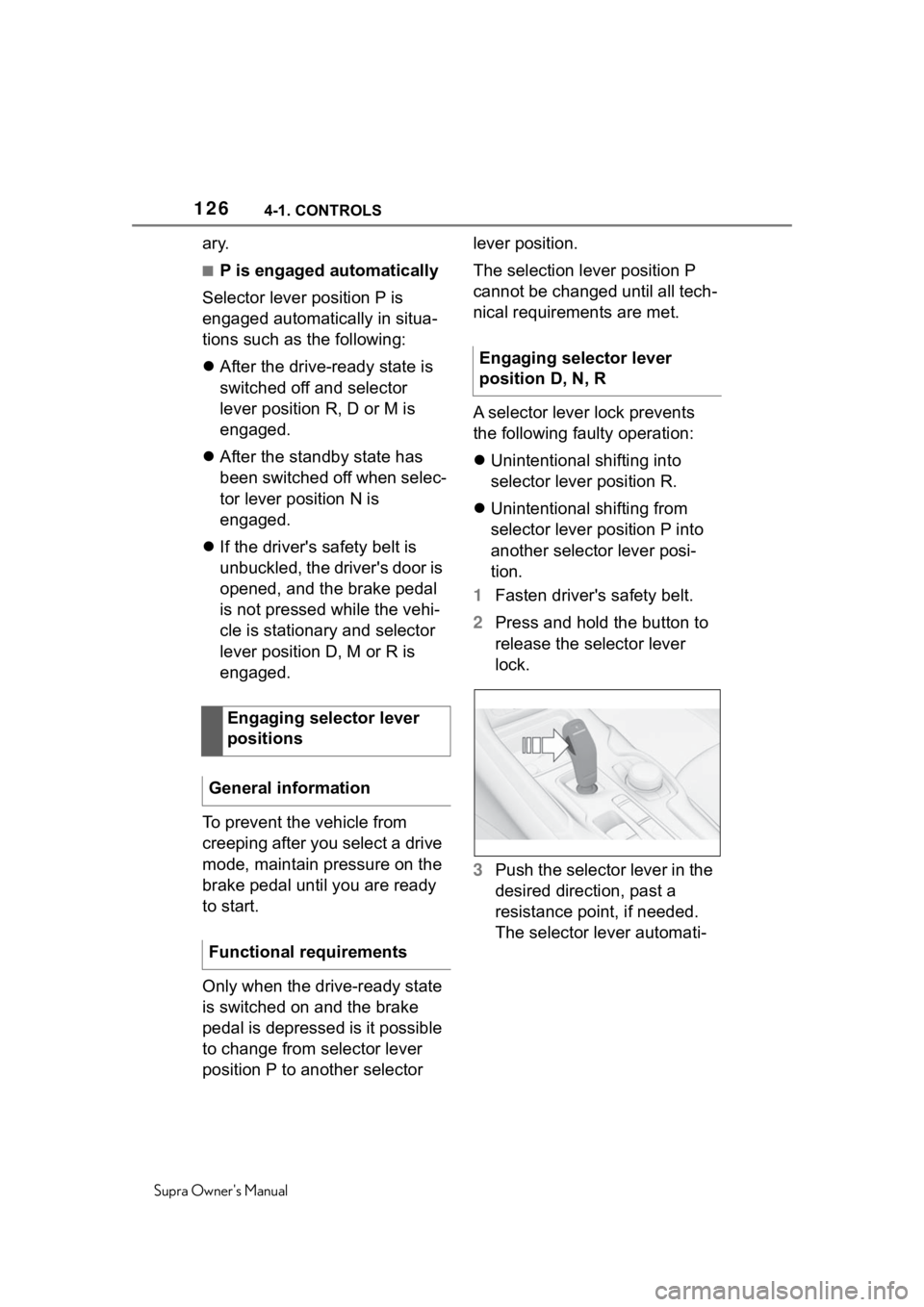
2 Press and hold the button to
release the selector lever
lock.
3 Push the selector lever in the
desired direction, past a
resistance point, if needed.
The selector lever automati-
Engaging selector lever
positions
General information
Functional requirements
Engaging selector lever
position D, N, R
Page 243 of 356
2434-1. CONTROLS
Supra Owner's Manual
4
CONTROLS
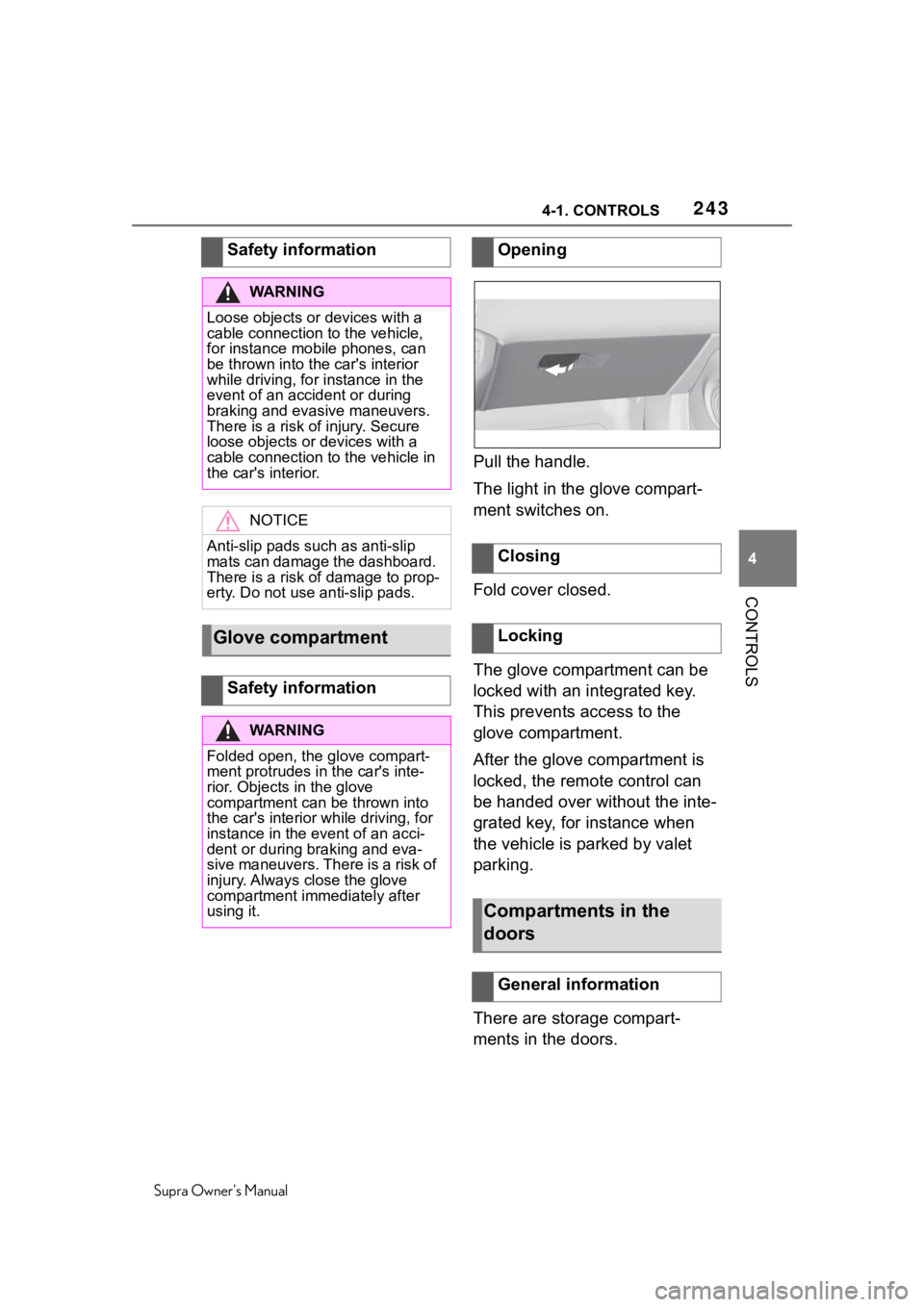
Pull the handle.
The light in the glove compart-
ment switches on.
Fold cover closed.
The glove compartment can be
locked with an integrated key.
This prevents access to the
glove compartment.
After the glove compartment is
locked, the remote control can
be handed over without the inte-
grated key, for instance when
the vehicle is parked by valet
parking.
There are storage compart-
ments in the doors.
Safety information
WA R N I N G
Loose objects or devices with a
cable connection to the vehicle,
for instance mobile phones, can
be thrown into the car's interior
while driving, for
instance in the
event of an accident or during
braking and evasive maneuvers.
There is a risk of injury. Secure
loose objects or devices with a
cable connection to the vehicle in
the car's interior.
NOTICE
Anti-slip pads such as anti-slip
mats can damage the dashboard.
There is a risk of damage to prop-
erty. Do not use anti-slip pads.
Glove compartment
Safety information
WA R N I N G
Folded open, the glove compart-
ment protrudes in the car's inte-
rior. Objects in the glove
compartment can be thrown into
the car's interior while driving, for
instance in the event of an acci-
dent or during braking and eva-
sive maneuvers. There is a risk of
injury. Always close the glove
compartment immediately after
using it.
Opening
Closing
Locking
Compartments in the
doors
General information
Page 309 of 356
3096-1. MOBILITY
Supra Owner's Manual
6
MOBILITY
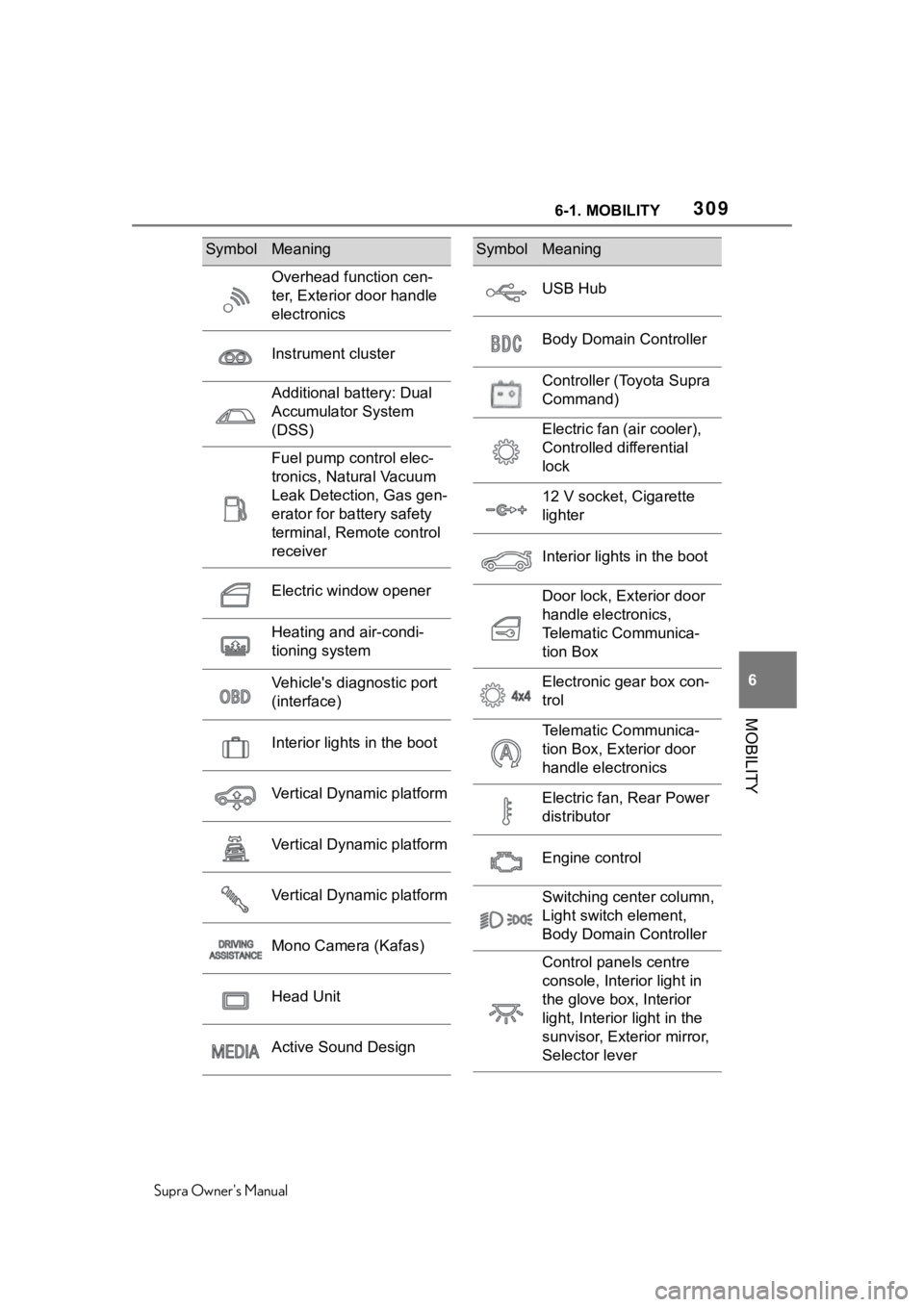
Overhead function cen-
ter, Exterior door handle
electronics
Instrument cluster
Additional battery: Dual
Accumulator System
(DSS)
Fuel pump control elec-
tronics, Natural Vacuum
Leak Detection, Gas gen-
erator for battery safety
terminal, Remote control
receiver
Electric window opener
Heating and air-condi-
tioning system
Vehicle's diagnostic port
(interface)
Interior lights in the boot
Vertical Dynamic platform
Vertical Dynamic platform
Vertical Dynamic platform
Mono Camera (Kafas)
Head Unit
Active Sound Design
SymbolMeaning
USB Hub
Body Domain Controller
Controller (Toyota Supra
Command)
Electric fan (air cooler),
Controlled differential
lock
12 V socket, Cigarette
lighter
Interior lights in the boot
Door lock, Exterior door
handle electronics,
Telematic Communica-
tion Box
Electronic gear box con-
trol
Telematic Communica-
tion Box, Exterior door
handle electronics
Electric fan, Rear Power
distributor
Engine control
Switching center column,
Light switch element,
Body Domain Controller
Control panels centre
console, Interior light in
the glove box, Interior
light, Interior light in the
sunvisor, Exterior mirror,
Selector lever
SymbolMeaning
Page 310 of 356
3106-1. MOBILITY
Supra Owner's Manual
This chapter describes all stan-
dard, country-specific and
optional features offered with
the series. It also describes fea-
tures and functions that are not
necessarily available in your
vehicle, e.g., due to the selected
options or country versions. This
also applies to safety-related
functions and systems. When
using these functions and sys-
tems, the applicable laws and
regulations must be observed.
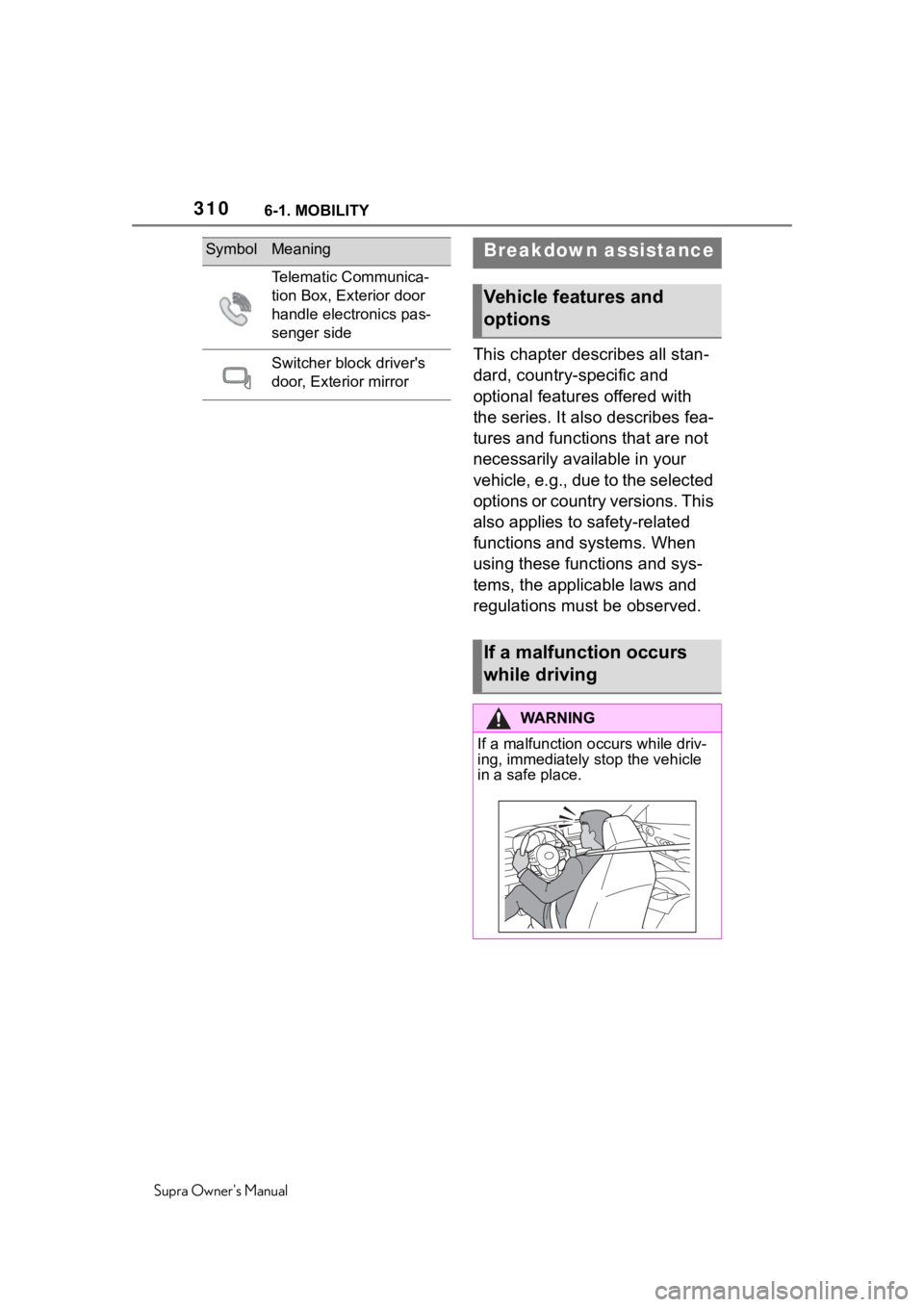
Telematic Communica-
tion Box, Exterior door
handle electronics pas-
senger side
Switcher block driver's
door, Exterior mirror
SymbolMeaningBreakdown assistance
Vehicle features and
options
If a malfunction occurs
while driving
WA R N I N G
If a malfunction occurs while driv-
ing, immediately stop the vehicle
in a safe place.
Page 346 of 356
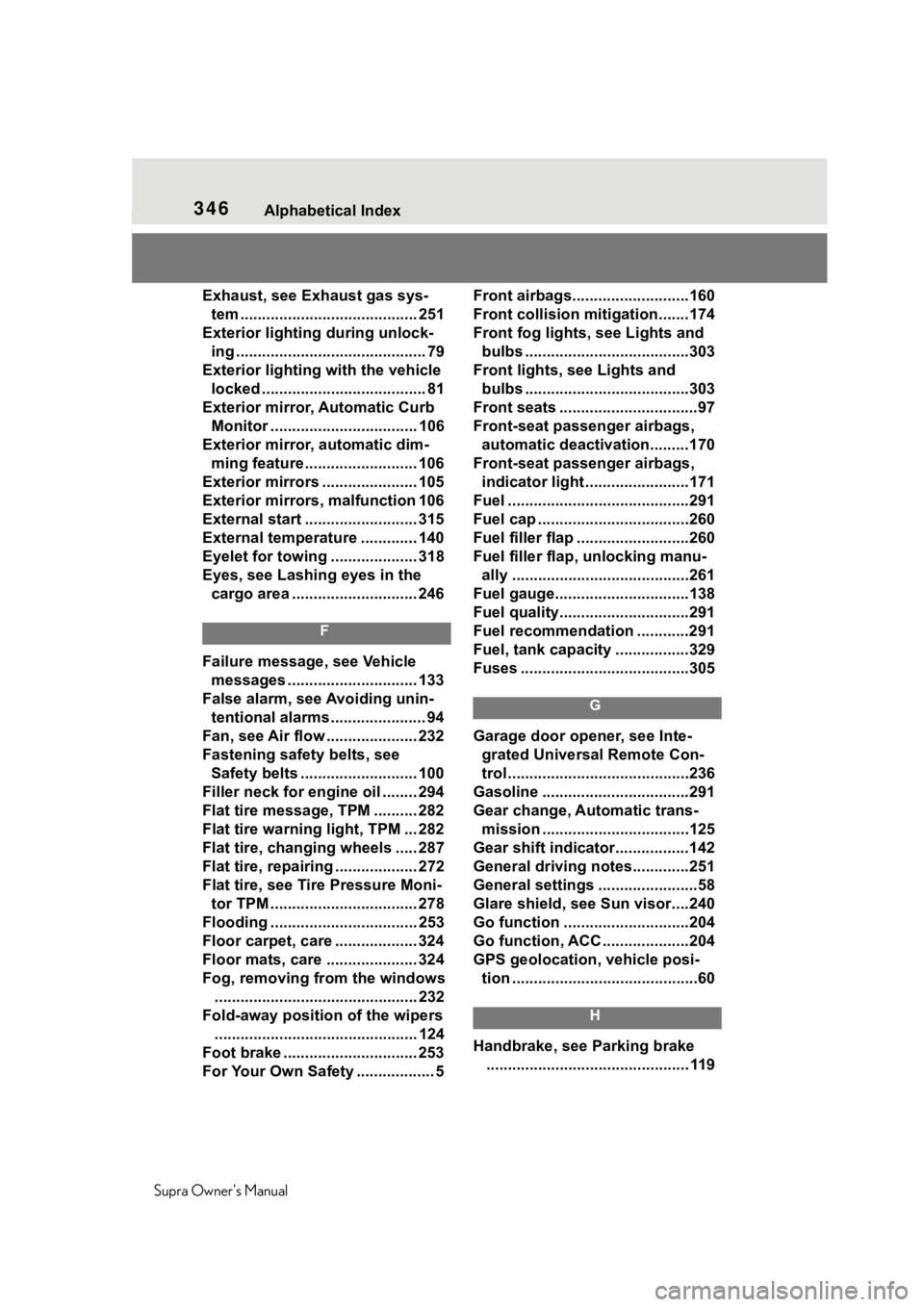
346Alphabetical Index
Supra Owner's Manual
Exhaust, see Exhaust gas sys- tem ......................................... 251
Exterior lighting during unlock- ing ............................................ 79
Exterior lighting with the vehicle locked ...................................... 81
Exterior mirror, Automatic Curb Monitor .................................. 106
Exterior mirror, automatic dim- ming feature.......................... 106
Exterior mirrors ...................... 105
Exterior mirrors, malfunction 106
External start .......................... 315
External temperature ............. 140
Eyelet for towing .................... 318
Eyes, see Lashing eyes in the cargo area ............................. 246
F
Failure message, see Vehicle messages .............................. 133
False alarm, see Avoiding unin- tentional alarms...................... 94
Fan, see Air flow ..................... 232
Fastening safety belts, see Safety belts ........................... 100
Filler neck for engine oil ........ 294
Flat tire message, TPM .......... 282
Flat tire warning light, TPM ... 282
Flat tire, changing wheels ..... 287
Flat tire, repairing ................... 272
Flat tire, see Tire Pressure Moni- tor TPM .................................. 278
Flooding .................................. 253
Floor carpet, care ................... 324
Floor mats, care ..................... 324
Fog, removing from the windows ............................................... 232
Fold-away position of the wipers ............................................... 124
Foot brake ............ ................... 253
For Your Own Safety .................. 5 Front airbags...........................160
Front collision mitigation.......174
Front fog lights, see Lights and
bulbs ......................................303
Front lights, see Lights and bulbs ......................................303
Front seats ................................97
Front-seat passenger airbags, automatic deactivation.........170
Front-seat passenger airbags, indicator light ........................171
Fuel ..........................................291
Fuel cap ...................................260
Fuel filler flap ..........................260
Fuel filler flap, unlocking manu- ally .........................................261
Fuel gauge...............................138
Fuel quality..............................291
Fuel recommendation ............291
Fuel, tank capacity .................329
Fuses .......................................305
G
Garage door opener, see Inte- grated Universal Remote Con-
trol ..........................................236
Gasoline ..................................291
Gear change, Automatic trans- mission ..................................125
Gear shift indicator.................142
General driving notes.............251
General settings .......................58
Glare shield, see Sun visor....240
Go function .............................204
Go function, ACC ....................204
GPS geolocation, vehicle posi- tion ...........................................60
H
Handbrake, see Parking brake ............................................... 119