instrument cluster TOYOTA SUPRA 2021 Owners Manual (in English)
[x] Cancel search | Manufacturer: TOYOTA, Model Year: 2021, Model line: SUPRA, Model: TOYOTA SUPRA 2021Pages: 364, PDF Size: 10.43 MB
Page 20 of 364
202-1. QUICK REFERENCE
Supra Owner’s Manual_U (from Mar. ’20
Prod.)
Touch the grooved surface on
the handle of a closed vehicle
door with your finger for approx.
1 second without grasping the
door handle.
Depending on the setting, the
doors may also be unlocked.
Close the trunk lid manually.1
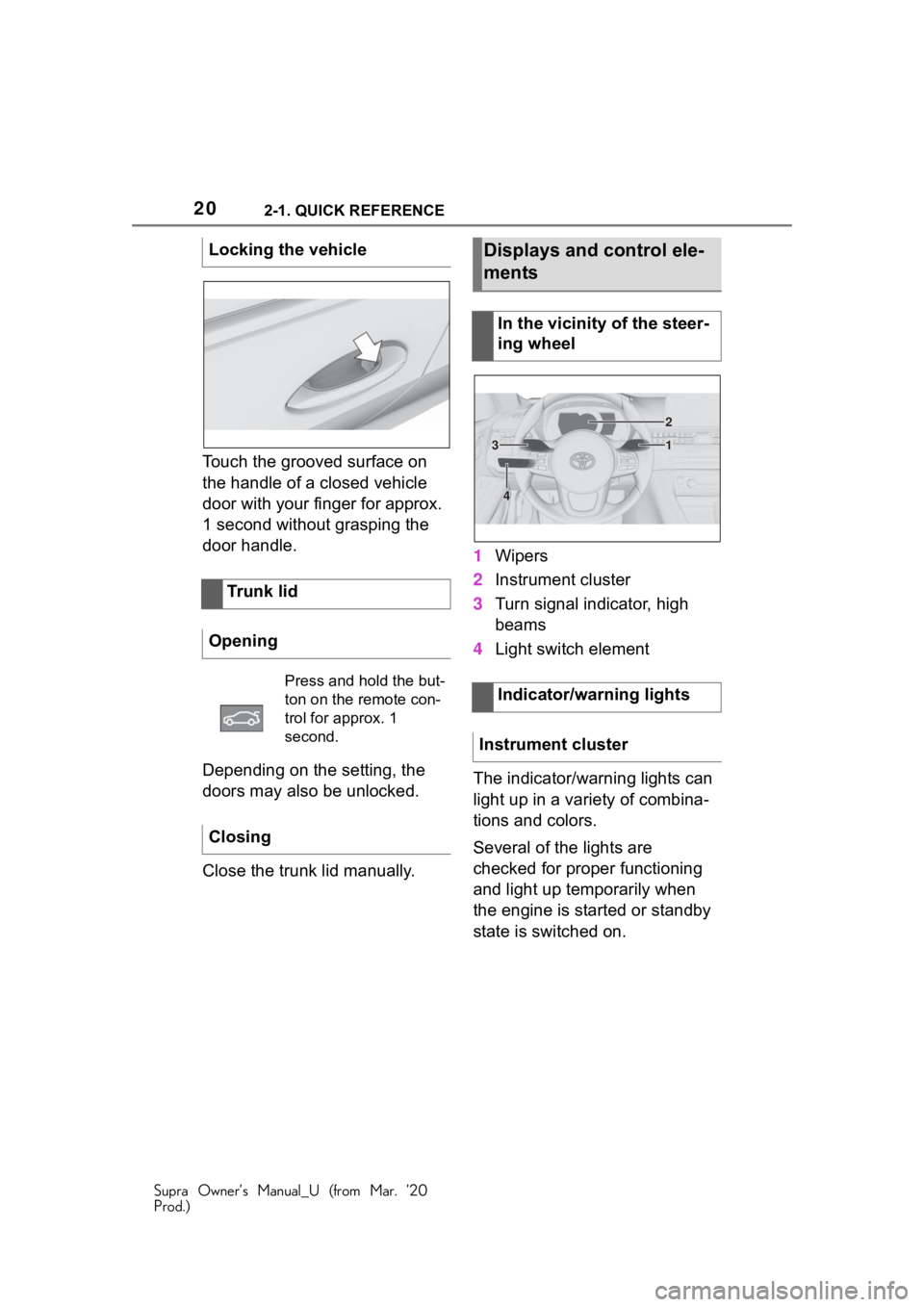
Wipers
2 Instrument cluster
3 Turn signal indicator, high
beams
4 Light switch element
The indicator/warning lights can
light up in a variety of combina-
tions and colors.
Several of the lights are
checked for proper functioning
and light up temporarily when
the engine is started or standby
state is switched on.
Locking the vehicle
Trunk lid
Opening
Press and hold the but-
ton on the remote con-
trol for approx. 1
second.
Closing
Displays and control ele-
ments
In the vicinity of the steer-
ing wheel
Indicator/warning lights
Instrument cluster
1
2
3
4
Page 25 of 364
252-1. QUICK REFERENCE
Supra Owner’s Manual_U (from Mar. ’20
Prod.)
2
QUICK REFERENCE
in several ways.
• Via Toyota Supra Command:
"Accept"
• Press the button on the steering wheel.
• Via the selection list in the instrument cluster:
Use the thumbwheel on the steer-
ing wheel to select: "Accept"
Via Toyota Supra Command:
1 "Communication"
2 "Dial number"
3 Enter the numbers.
4 Select the symbol. The
connection is established via
the mobile phone to which
this function has been
assigned.
Establish the connection via the
additional phone:
1 Press the button.
2 "Call via"
CarPlay allows certain func-
tions of a compatible Apple
iPhone to be used via Siri voice
operation and Toyota Supra
Command. • Compatible iPhone.
iPhone 5 or later
with iOS 7.1 or
later.
• Corresponding mobile wire-
less contract.
• Bluetooth, Wi-Fi, and Siri voice operation are switched
on on the iPhone.
Via Toyota Supra Command:
1 "My Vehicle"
2 "System settings"
3 "Mobile devices"
4 "Settings"
5 Select the following setting:
• "Bluetooth®"
• Corresponding mobile wire- less contract.
Pair iPhone via Bluetooth with
the vehicle.
Select CarPlay as the function: "Apple CarPlay"
The iPhone is connected to the
vehicle and displayed in the
device list.
Dialing a number
Apple CarPlay preparation
Concept
Functional requirements
Switching on Bluetooth and
CarPlay
Pairing iPhone with CarPlay
Page 26 of 364
262-1. QUICK REFERENCE
Supra Owner’s Manual_U (from Mar. ’20
Prod.)
1Depress the brake pedal.
2 Press the Start/Stop button.
1 Engage selector lever posi-
tion P with the vehicle
stopped.
2 Press the Start/Stop button.
The engine is switched off.
3Set the parking brake.
The Auto Start/Stop function
switches the engine off automat-
ically while stationary to save
fuel. The engine starts automati-
cally under the following precon-
ditions:
• By releasing the brake pedal. The LED and indicator light go
out.
The parking brake is released.
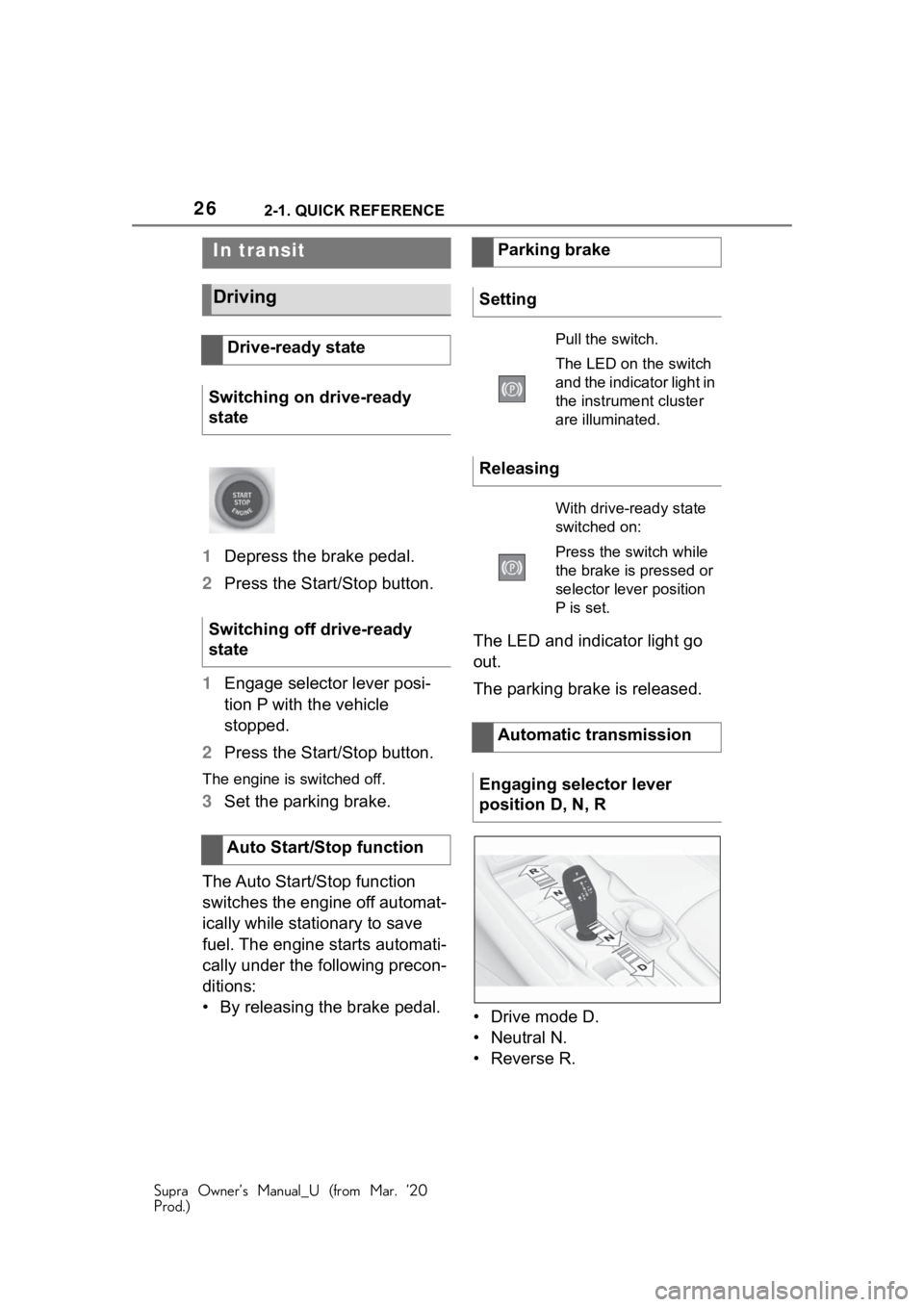
• Drive mode D.
• Neutral N.
•Reverse R.
In transit
Driving
Drive-ready state
Switching on drive-ready
state
Switching off drive-ready
state
Auto Start/Stop function
Parking brake
Setting
Pull the switch.
The LED on the switch
and the indicator light in
the instrument cluster
are illuminated.
Releasing
With drive-ready state
switched on:
Press the switch while
the brake is pressed or
selector lever position
P is set.
Automatic transmission
Engaging selector lever
position D, N, R
Page 32 of 364
322-1. QUICK REFERENCE
Supra Owner’s Manual_U (from Mar. ’20
Prod.)
switch off drive-ready state
before adding engine oil.
Only add engine oil when the
message is displayed in the
instrument cluster.
Observe the quantity to be
added in the message.
Take care not to add too much
engine oil.
Observe recommended engine
oil types.
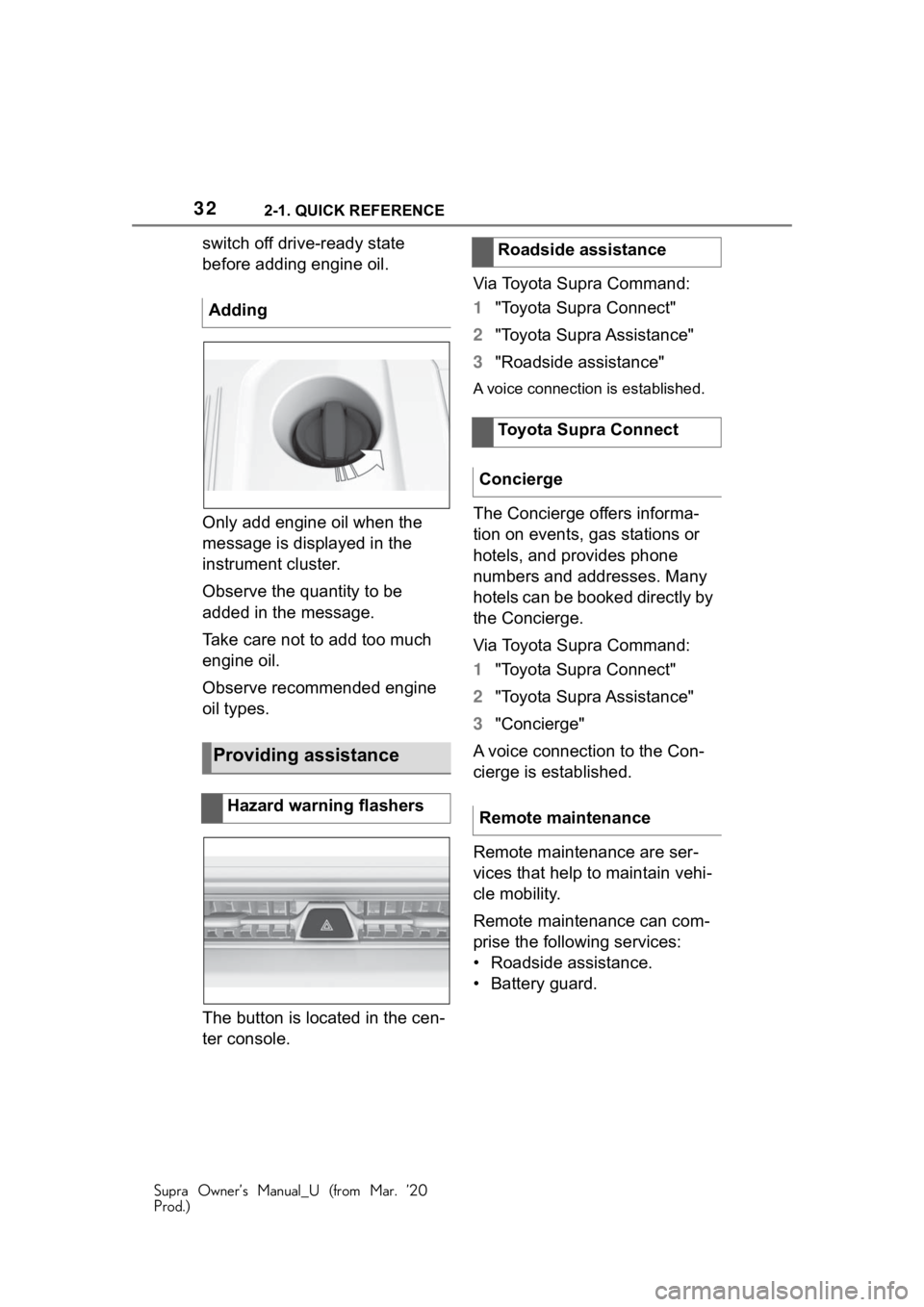
The button is located in the cen-
ter console.Via Toyota Supra Command:
1
"Toyota Supra Connect"
2 "Toyota Supra Assistance"
3 "Roadside assistance"
A voice connection is established.
The Concierge offers informa-
tion on events, gas stations or
hotels, and provides phone
numbers and addresses. Many
hotels can be booked directly by
the Concierge.
Via Toyota Supra Command:
1"Toyota Supra Connect"
2 "Toyota Supra Assistance"
3 "Concierge"
A voice connection to the Con-
cierge is established.
Remote maintenance are ser-
vices that help to maintain vehi-
cle mobility.
Remote maintenance can com-
prise the following services:
• Roadside assistance.
• Battery guard.
Adding
Providing assistance
Hazard warning flashers
Roadside assistance
Toyota Supra Connect
Concierge
Remote maintenance
Page 37 of 364
373-1. AT A GLANCE
Supra Owner’s Manual_U (from Mar. ’20
Prod.)
3
AT A GLANCE
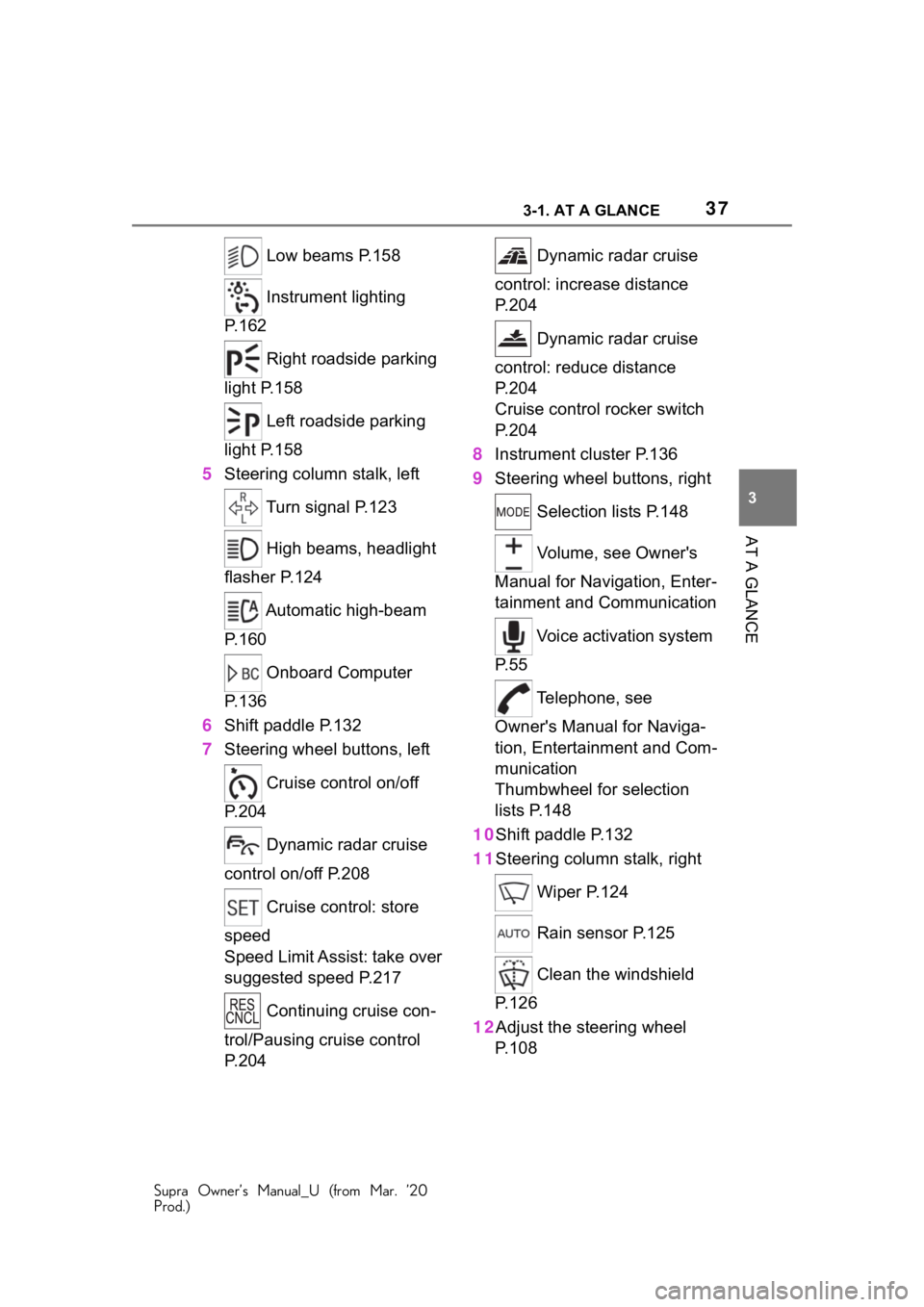
Low beams P.158
Instrument lighting
P.162
Right roadside parking
light P.158
Left roadside parking
light P.158
5 Steering column stalk, left
Turn signal P.123
High beams, headlight
flasher P.124
Automatic high-beam
P.160
Onboard Computer
P.136
6 Shift paddle P.132
7 Steering wheel buttons, left
Cruise control on/off
P.204
Dynamic radar cruise
control on/off P.208
Cruise control: store
speed
Speed Limit Assist: take over
suggested speed P.217
Continuing cruise con-
trol/Pausing cruise control
P.204 Dynamic radar cruise
control: increase distance
P. 2 0 4
Dynamic radar cruise
control: reduce distance
P. 2 0 4
Cruise control rocker switch
P. 2 0 4
8 Instrument cluster P.136
9 Steering wheel buttons, right
Selection lists P.148
Volume, see Owner's
Manual for Navigation, Enter-
tainment and Communication
Voice activation system
P. 5 5
Telephone, see
Owner's Manual for Naviga-
tion, Entertainment and Com-
munication
Thumbwheel for selection
lists P.148
10Shift paddle P.132
11Steering column stalk, right
Wiper P.124
Rain sensor P.125
Clean the windshield
P. 1 2 6
12Adjust the steering wheel P. 1 0 8
Page 41 of 364
413-1. AT A GLANCE
Supra Owner’s Manual_U (from Mar. ’20
Prod.)
3
AT A GLANCE
When standby state is switched
on, most functions can be used
while the vehicle is stationary.
Desired settings can be
adjusted.
The vehicle is in the standby
state after the front doors are
opened from the outside. Switching on drive-ready state
corresponds to starting the
engine.
Some functions, such as VSC
Vehicle Stability Control System,
can only be used with
drive-ready state switched on.
Follow further information on the
drive-ready state, refer to page
117.
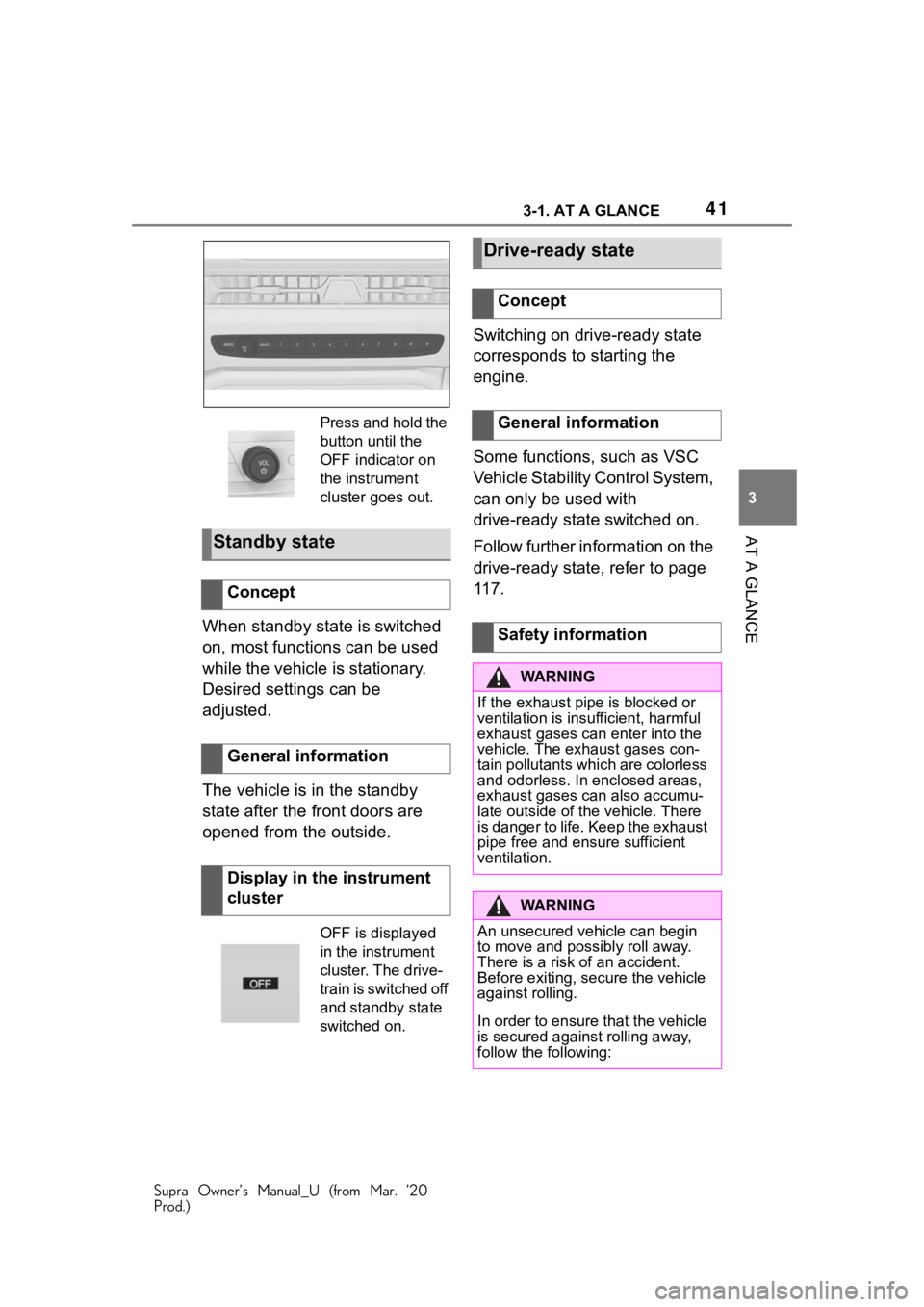
Press and hold the
button until the
OFF indicator on
the instrument
cluster goes out.
Standby state
Concept
General information
Display in the instrument
cluster
OFF is displayed
in the instrument
cluster. The drive-
train is switched off
and standby state
switched on.
Drive-ready state
Concept
General information
Safety information
WA R N I N G
If the exhaust pipe is blocked or
ventilation is insu
fficient, harmful
exhaust gases can enter into the
vehicle. The exh aust gases con-
tain pollutants which are colorless
and odorless. In enclosed areas,
exhaust gases can also accumu-
late outside of the vehicle. There
is danger to life. Keep the exhaust
pipe free and ensure sufficient
ventilation.
WA R N I N G
An unsecured vehicle can begin
to move and possibly roll away.
There is a risk of an accident.
Before exiting, secure the vehicle
against rolling.
In order to ensure that the vehicle
is secured against rolling away,
follow the following:
Page 64 of 364
643-1. AT A GLANCE
Supra Owner’s Manual_U (from Mar. ’20
Prod.)
is currently in use.
There is an additional guest pro-
file available that is not assigned
to any vehicle key. It can be
used to apply settings in the
vehicle without changing the
personal driver profiles.
For the system to be able to
identify the driver profile associ-
ated to a particular driver, the
detected remote control must be
clearly allocated to the driver.
This is the case when:
• The driver is only carrying his or her own remote control.
• The driver unlocks the vehi- cle.
• The driver gets into the vehi- cle through the driver's door.
After switching on the Control
Display, the name of the active
driver profile is displayed.
Select driver profile, refer to
page 64.
As soon as the engine is started
or any key is pressed, the last
selected display is shown on the
Control Display.
To exit the welcome screen via
Toyota Supra Command: "OK" The settings for the following
systems and functions are
stored in the active driver profile.
The scope of storable settings
depends on country and equip-
ment.
• Unlocking and locking.
•Lights.
• Climate control.
• Radio.
• Instrument cluster.
• Programmable memory but-
tons.
• Volumes, tone.
• Control Display.
•TV.
• Parking Sensors.
• Rearview camera.
• Head-up Display.
• Sport mode switch.
• Seat position, exterior mirror position.
Both the positions saved via the
seat memory and th e last position
set are saved.
• Toyota Supra Safety.
Regardless of the remote con-
trol in use, a different driver pro-
file may be activated. This
allows you to call up personal
vehicle settings, even if you did
not unlock the vehicle with your
own remote control.
Functional requirements
Active driver profile
Adjusting
Profile management
Selecting a driver profile
Page 83 of 364
834-1. CONTROLS
Supra Owner’s Manual_U (from Mar. ’20
Prod.)
4
CONTROLS
the following circumstances:
• The battery of the vehicle key is discharged. For replacing
the battery, refer to page 82.
• Interference of the radio con- nection from transmission
towers or other equipment
with high transmitting power.
• Shielding of the remote con- trol due to metal objects.
Do not transport the remote control
together with metal objects.
• Interference of the radio con-nection from mobile phones
or other electronic devices in
direct proximity to the remote
control.
Do not transport the remote control
together with elec tronic devices.
• Interference of radio transmis-
sion by a charging process of
mobile devices, for instance
charging of a mobile phone.
• The remote control is in direct proximity of the wireless
charging tray.
Place the remote control down at a
different location.
In the case of interference, the
vehicle can be unlocked and
locked from the outside with the
integrated key, refer to page 84. It is not possible to switch on the
drive-ready state if the remote
control has not been detected.
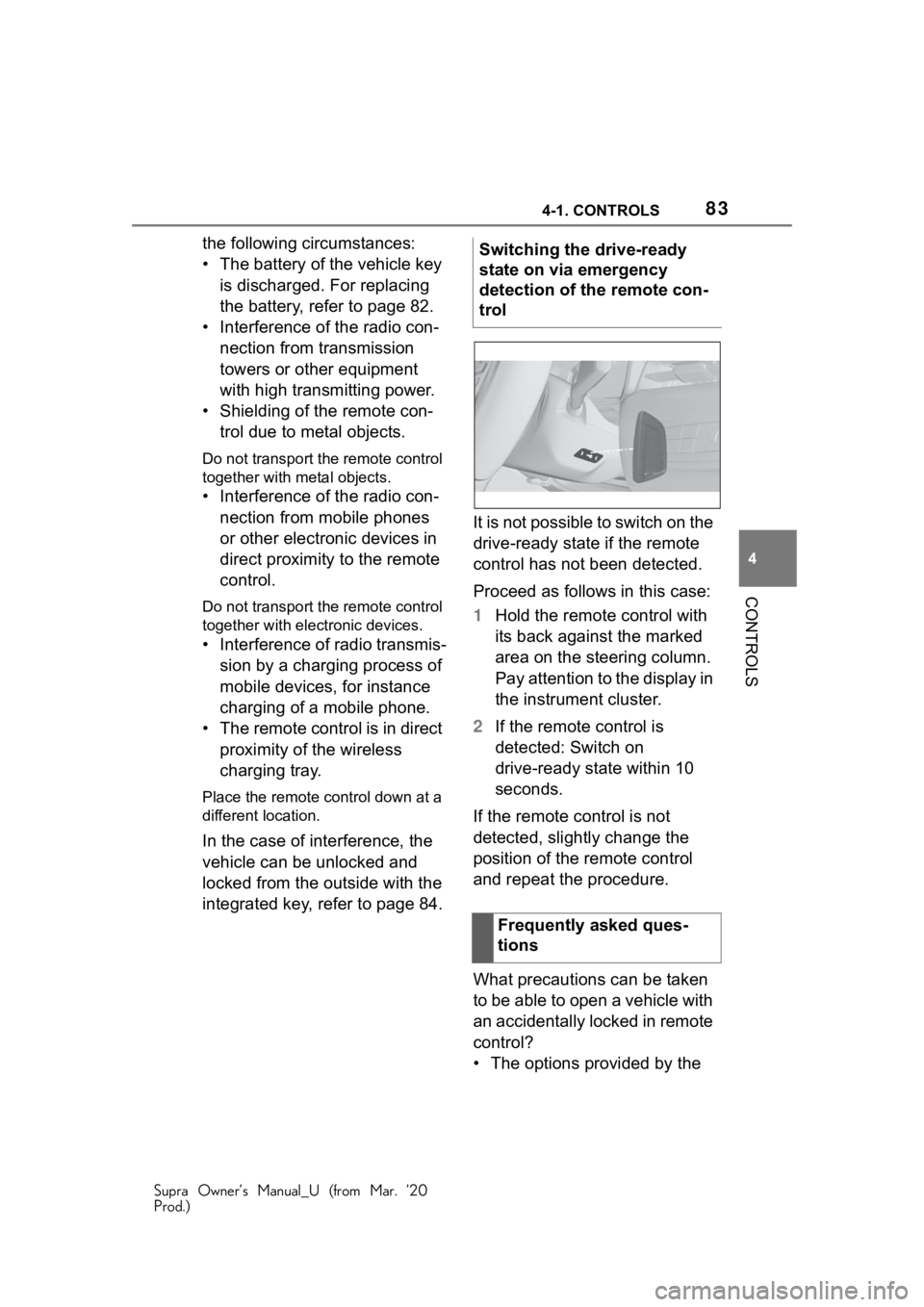
Proceed as follows in this case:
1
Hold the remote control with
its back against the marked
area on the steering column.
Pay attention to the display in
the instrument cluster.
2 If the remote control is
detected: Switch on
drive-ready state within 10
seconds.
If the remote control is not
detected, slightly change the
position of the remote control
and repeat the procedure.
What precautions can be taken
to be able to open a vehicle with
an accidentally locked in remote
control?
• The options provided by the Switching the drive-ready
state on via emergency
detection of the remote con-
trol
Frequently asked ques-
tions
Page 105 of 364
1054-1. CONTROLS
Supra Owner’s Manual_U (from Mar. ’20
Prod.)
4
CONTROLS
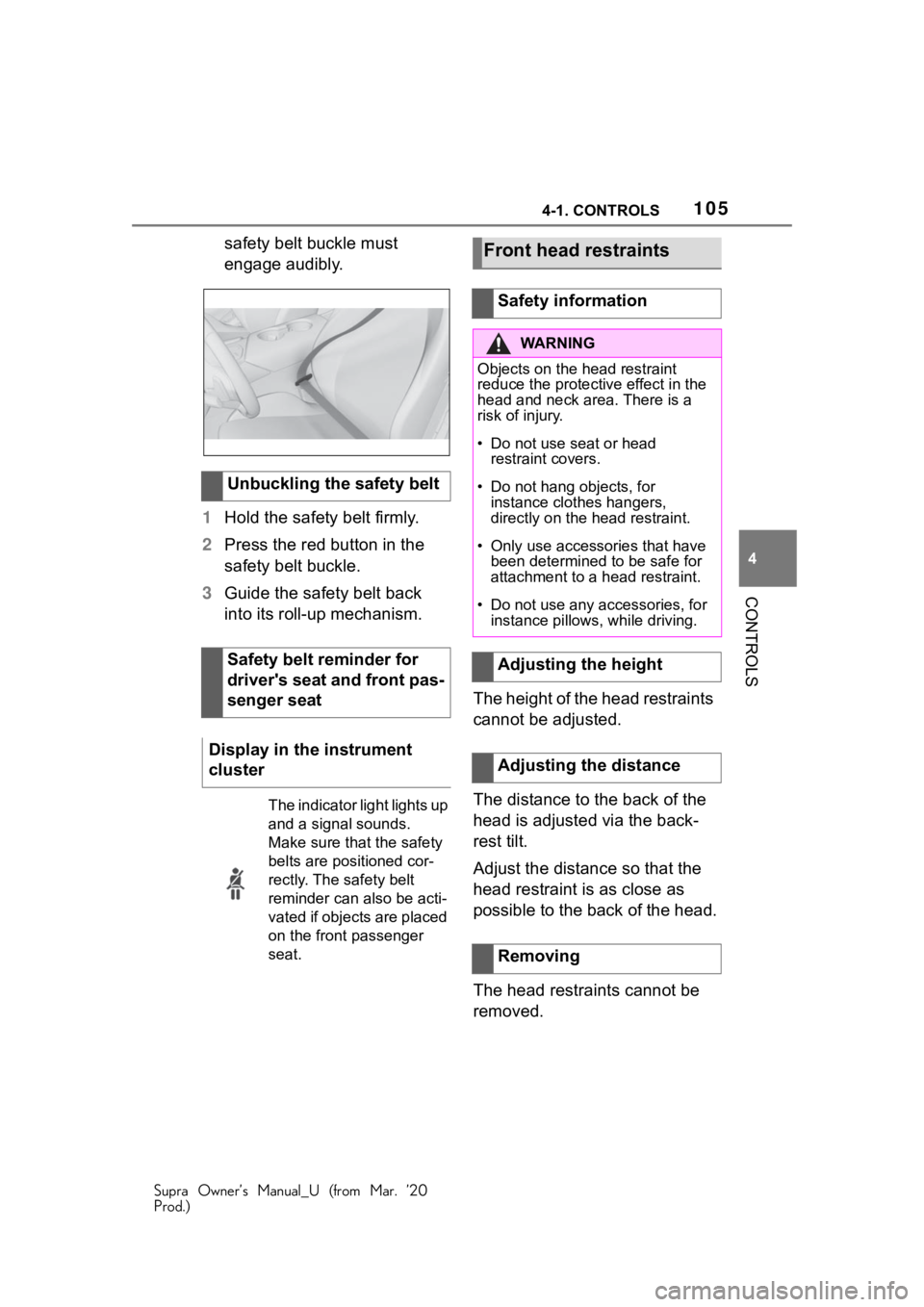
safety belt buckle must
engage audibly.
1 Hold the safety belt firmly.
2 Press the red button in the
safety belt buckle.
3 Guide the safety belt back
into its roll-up mechanism.
The height of the head restraints
cannot be adjusted.
The distance to the back of the
head is adjusted via the back-
rest tilt.
Adjust the distance so that the
head restraint is as close as
possible to the back of the head.
The head restraints cannot be
removed.
Unbuckling the safety belt
Safety belt reminder for
driver's seat and front pas-
senger seat
Display in the instrument
cluster
The indicator light lights up
and a signal sounds.
Make sure that the safety
belts are positioned cor-
rectly. The safety belt
reminder can also be acti-
vated if objects are placed
on the front passenger
seat.
Front head restraints
Safety information
WA R N I N G
Objects on the head restraint
reduce the protecti ve effect in the
head and neck area. There is a
risk of injury.
• Do not use seat or head restraint covers.
• Do not hang objects, for instance clothes hangers,
directly on the head restraint.
• Only use accessories that have been determined to be safe for
attachment to a head restraint.
• Do not use any accessories, for instance pillows, while driving.
Adjusting the height
Adjusting the distance
Removing
Page 117 of 364
1174-1. CONTROLS
Supra Owner’s Manual_U (from Mar. ’20
Prod.)
4
CONTROLS
2 Apply drive mode.
3 Release the parking brake.
4 Drive away.
1Depress the brake pedal.
2 Press the Start/Stop button.
The ignition is activated auto-
matically for a brief time and is
stopped as soon as the engine
starts.
Most of the indicator/warning
lights in the instrument cluster
light up for a varied length of
time.
Depending on the engine condi-
tion, the full drive power may not
be available for approximately
30 seconds after starting the
engine. In this case, the vehicle
will not accelerate as usual.
When drive-ready state is
switched on, the tachometer
shows the current engine
Drive-ready state
Safety information
WA R N I N G
If the exhaust pipe is blocked or
ventilation is insufficient, harmful
exhaust gases can enter into the
vehicle. The exhaust gases con-
tain pollutants which are colorless
and odorless. In enclosed areas,
exhaust gases can also accumu-
lateout side of the vehicle. There
is danger to life. Keep the exhaust
pipe free and ensure sufficient
ventilation.
WA R N I N G
An unsecured vehicle can begin
to move and possibly roll away.
There is a risk of an accident.
Before exiting, secure the vehicle
against rolling.
In order to ensure that the vehicle
is secured again st rolling away,
follow the following: