display TOYOTA SUPRA 2023 Owners Manual
[x] Cancel search | Manufacturer: TOYOTA, Model Year: 2023, Model line: SUPRA, Model: TOYOTA SUPRA 2023Pages: 372, PDF Size: 6.32 MB
Page 321 of 372
3215-1. MOBILITY
5
MOBILITY
WARNING
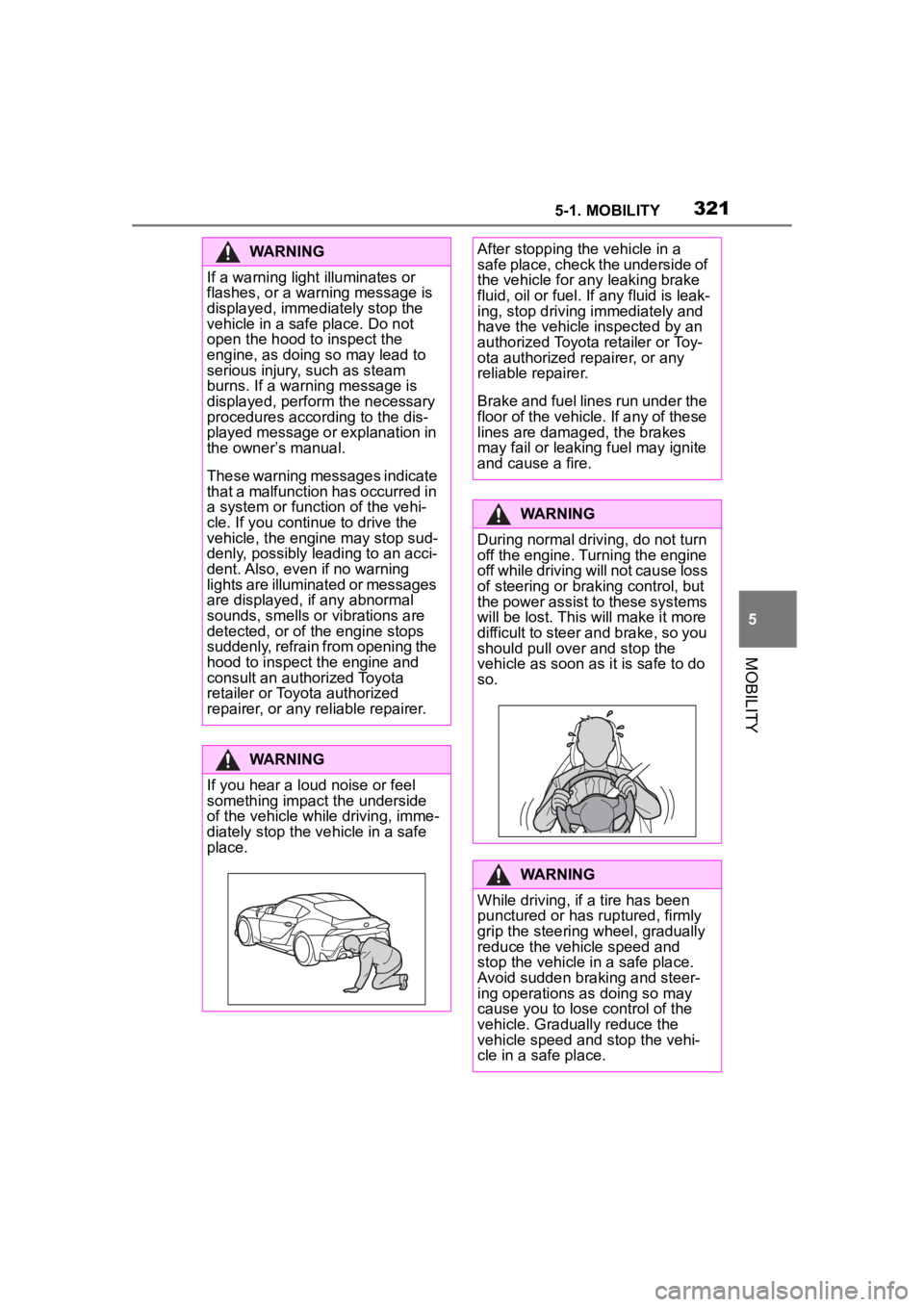
If a warning light illuminates or
flashes, or a warning message is
displayed, immediately stop the
vehicle in a safe place. Do not
open the hood to inspect the
engine, as doing so may lead to
serious injury, such as steam
burns. If a warning message is
displayed, perform the necessary
procedures according to the dis-
played message or explanation in
the owner
Page 324 of 372
3245-1. MOBILITY
For technical reasons, the emer-
gency call cannot be guaran-
teed under unfavorable
conditions.
Active Toyota Supra Connect
contract.
Standby state is switched on.
The automatic emergency call
is functional.
The SIM card integrated in
the vehicle has been acti-
vated.
Under certain conditions, for
instance if the airbags trigger, an
emergency call is automatically
initiated immediately after an
accident of corresponding
severity. Automatic emergency
call is not affected by pressing the SOS button.
1
Tap the cover.
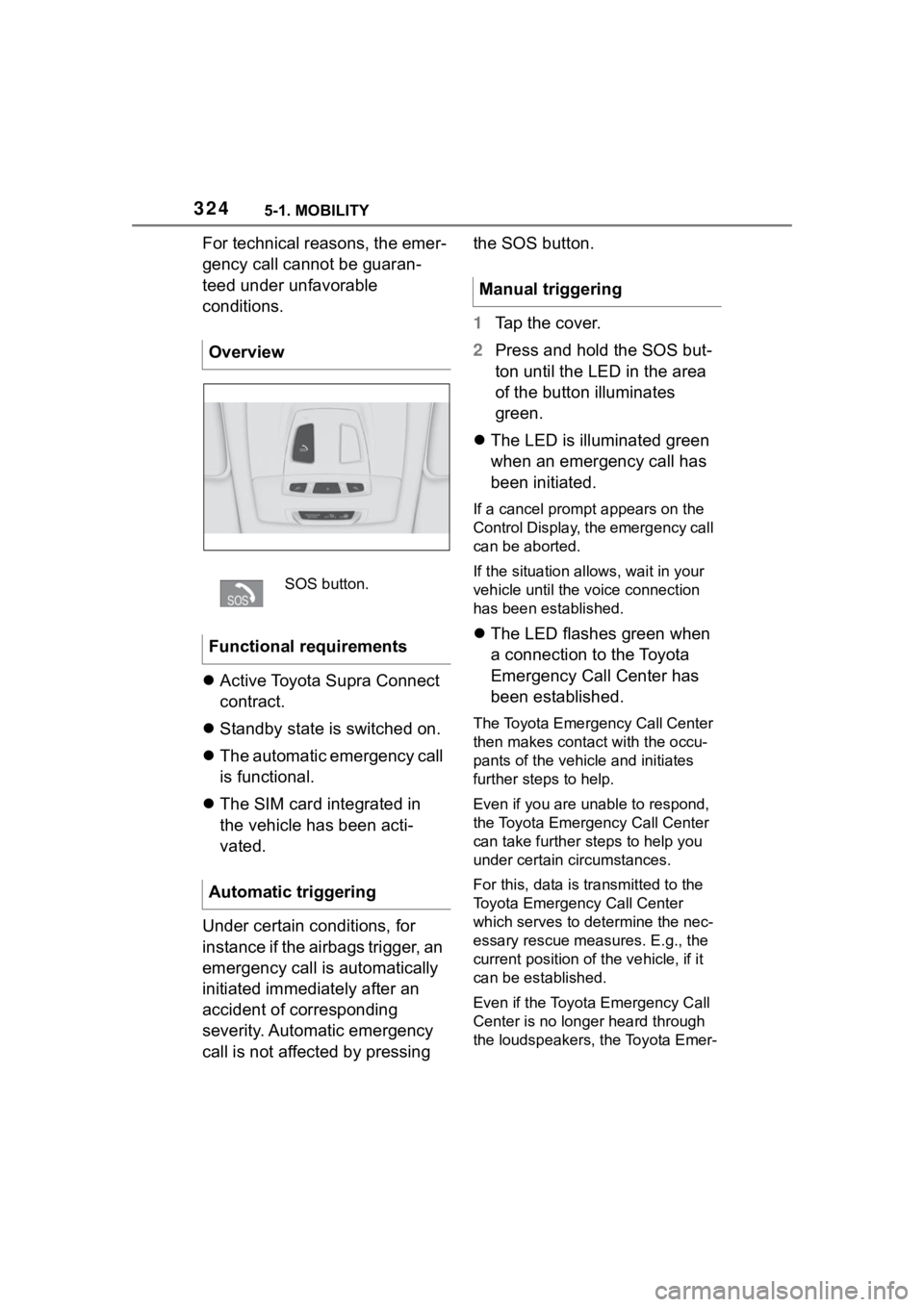
2 Press and hold the SOS but-
ton until the LED in the area
of the button illuminates
green.
The LED is illuminated green
when an emergency call has
been initiated.
If a cancel prompt appears on the
Control Display, the emergency call
can be aborted.
If the situation allo ws, wait in your
vehicle until the voice connection
has been established.
The LED flashes green when
a connection to the Toyota
Emergency Call Center has
been established.
The Toyota Emergency Call Center
then makes contact with the occu-
pants of the vehicle and initiates
further steps to help.
Even if you are unable to respond,
the Toyota Emerg ency Call Center
can take further steps to help you
under certain circumstances.
For this, data is transmitted to the
Toyota Emergency Call Center
which serves to determine the nec-
essary rescue measures. E.g., the
current position of the vehicle, if it
can be established.
Even if the Toyota Emergency Call
Center is no longer heard through
the loudspeakers, the Toyota Emer-
Overview
SOS button.
Functional requirements
Automatic triggering
Manual triggering
Page 336 of 372
3365-1. MOBILITY
Dirty belt straps impede the reel-
ing action and thus have a neg-
ative impact on safety.
Use only a mild soapy solution
for cleaning the installed belt
straps.
Safety belts should only be
allowed to retract if they are dry.
The floor mats can be removed
from the car's interior for clean-
ing.
If the floor carpets are very dirty, clean with a microfiber cloth and
water or a textile cleaner. To
prevent matting of the carpet,
rub back and forth in the direc-
tion of travel only.
To clean sensors and camera
lenses, use a cloth moistened
with a small amount of glass
detergent.
Use a dry, clean antistatic micro-
fiber cloth.
Clean the protective glass of the
Head-up Display, refer to page
154, using a microfiber cloth and
commercially available
dish-washing soap.
Safety belts
WARNING
Chemical cleansers can destroy
the safety belt webbing. Missing
protective effect of the safety
belts. There is a ri
sk of injuries or
danger to life. Use only a mild
soapy solution for cleaning the
safety belts.
Carpets and floor mats
WARNING
Objects in the dri ver's floor area
can limit the peda l distance or
block a depressed pedal. There is
a risk of an accident. Stow objects
in the vehicle such that they are
secured and cannot enter into the
driver's floor area. Use floor mats
that are suitable for the vehicle
and can be safely attached to the
floor. Do not use loose floor mats
and do not layer several floor
mats. Make sure that there is suf-
ficient clearance for the pedals.
Ensure that the floor mats are
securely fastened again after they
were removed, fo r instance for
cleaning.
Sensors and camera lenses
Displays, screens, and pro-
tective glass of the Head-up
Display
NOTICE
Chemical cleansers, moisture or
fluids of any kind can damage the
surface of display s and screens.
There is a risk of damage to prop-
erty. Clean with a clean, antistatic
microfiber cloth.
NOTICE
The surface of displays can be
damaged with improper cleaning.
There is a risk of damage to prop-
erty. Avoid pressure that is too
high and do not use any scratch-
ing materials.
Page 346 of 372
3466-1. REFERENCE
Display KeyHeadunit
Page 361 of 372
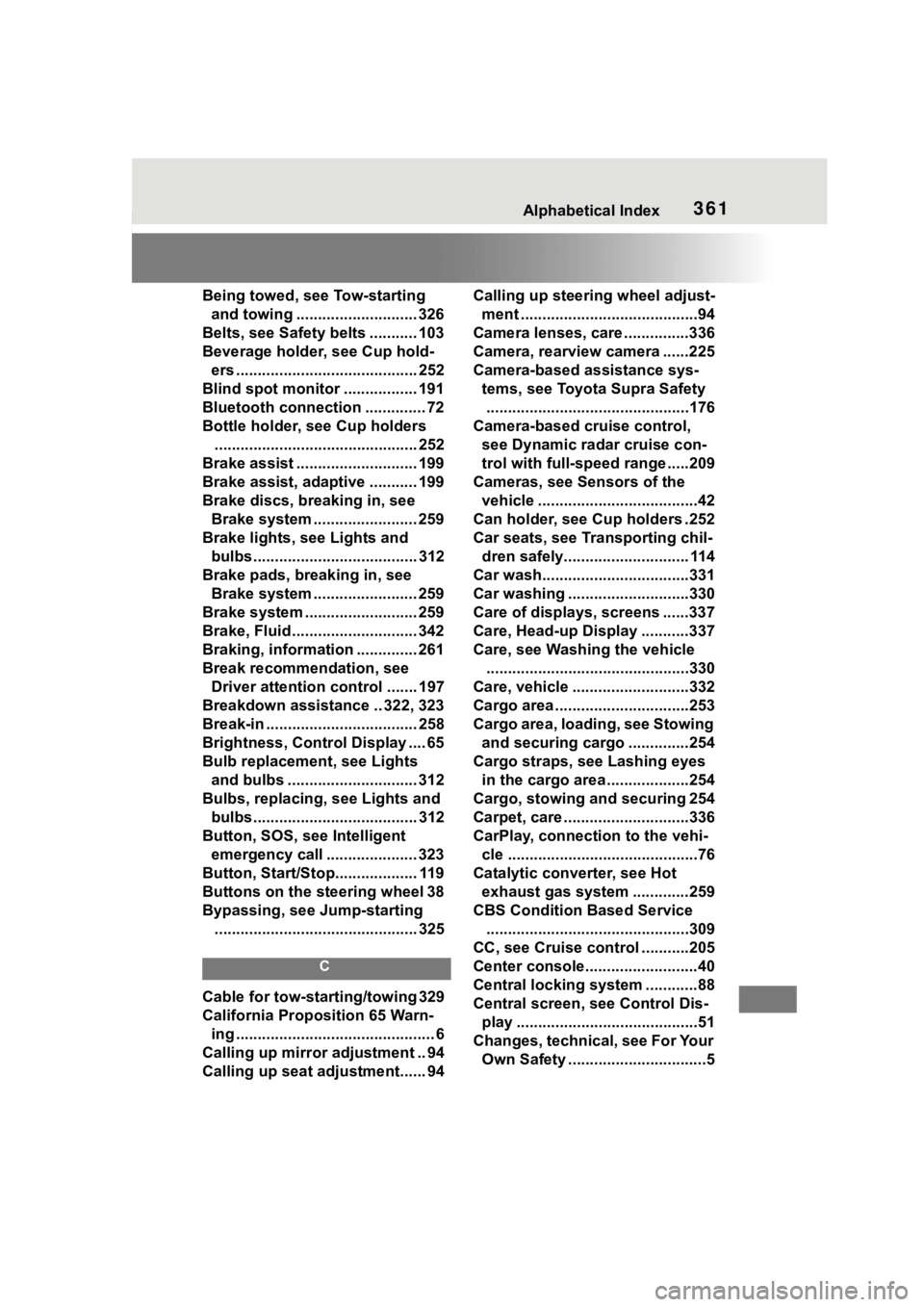
361Alphabetical Index
Being towed, see Tow-starting and towing ............................ 326
Belts, see Safety belts ........... 103
Beverage holder, see Cup hold- ers .......................................... 252
Blind spot monitor ................. 191
Bluetooth connection .............. 72
Bottle holder, see Cup holders ............................................... 252
Brake assist ............................ 199
Brake assist, adaptive ........... 199
Brake discs, breaking in, see Brake system ........................ 259
Brake lights, see Lights and bulbs...................................... 312
Brake pads, breaking in, see Brake system ........................ 259
Brake system .......................... 259
Brake, Fluid ............................. 342
Braking, information .............. 261
Break recommendation, see Driver attention control ....... 197
Breakdown assistance .. 322, 323
Break-in ................................... 258
Brightness, Control Display .... 65
Bulb replacement, see Lights and bulbs .............................. 312
Bulbs, replacing, see Lights and bulbs...................................... 312
Button, SOS, see Intelligent emergency call ..................... 323
Button, Start/Stop................... 119
Buttons on the steering wheel 38
Bypassing, see Jump-starting ............................................... 325
C
Cable for tow-starting/towing 329
California Proposition 65 Warn-ing .............................................. 6
Calling up mirror adjustment .. 94
Calling up seat adjustment...... 94 Calling up steering wheel adjust-
ment .........................................94
Camera lenses, care ...............336
Camera, rearview camera ......225
Camera-based assistance sys- tems, see Toyota Supra Safety...............................................176
Camera-based cruise control, see Dynamic ra dar cruise con-
trol with full-speed range .....209
Cameras, see Sensors of the vehicle .....................................42
Can holder, see Cup holders .252
Car seats, see Transporting chil- dren safely............................. 114
Car wash..................................331
Car washing ............................330
Care of displays, screens ......337
Care, Head-up Display ...........337
Care, see Washing the vehicle ...............................................330
Care, vehicle ...........................332
Cargo area ...............................253
Cargo area, loading, see Stowing and securing cargo ..............254
Cargo straps, see Lashing eyes in the cargo area ...................254
Cargo, stowing and securing 254
Carpet, care .............................336
CarPlay, connection to the vehi- cle ............................................76
Catalytic converter, see Hot exhaust gas system .............259
CBS Condition Based Service ...............................................309
CC, see Cruise cont rol ...........205
Center console..........................40
Central locking system ............88
Central screen, see Control Dis- play ..........................................51
Changes, technical, see For Your Own Safety ................................5
Page 362 of 372

362Alphabetical Index
Changing parts ....................... 311
Changing wheels .................... 296
Changing wheels/tires ........... 279
Chassis number, see Vehicle identification number............. 12
Checking the engine oil level electronically ........................ 302
Checking the oil level electroni- cally ....................................... 302
Child restraint systems, mount- ing .......................................... 115
Child restraint systems, see Transporting ch ildren safely114
Child seat, mountin g .............. 115
Child seats, see Transporting children safely ...................... 114
Children, seating position ..... 114
Children, transporting safely 114
Chrome surfaces, care .......... 335
Chrome-plated surfaces, care335
Cleaning displays, screens ... 337
Cleaning, Head-up Display .... 337
Climate control ....................... 233
Combination switch, see Turn signals ................................... 125
Combination switch, see Washer/wiper system........... 126
Comfort entry ........................... 88
Comparison of entries, see Entry comparison ............................. 49
Compartments in the doors .. 252
Compressor ............................ 283
Condensation water under the parked vehicle ...................... 263
Condensation, removing from the windows.......................... 237
Condition Based Service CBS ............................................... 309
Confirmation signal from the vehicle ..................................... 94
Connecting electr ical devices,
see Sockets .......................... 245 Connections, Screen Mirroring77
Control Display .........................51
Control Display, settings .........63
Control systems, driving stability
...............................................199
Controller ..................................52
Convenient closing with the remote control ........................83
Convenient opening with the remote control ........................82
Coolant ....................................306
Coolant level ...........................306
Coolant temperature ..............146
Cooling system .......................306
Cooling, maximum .................235
Corrosion on brake discs ......262
Cosmetic mirror .... ..................245
Cruise control .........................205
Cruise control with distance con- trol, see Dynami c radar cruise
control with full-speed range ...............................................209
Cruise control without distance control, see Cruise control ..205
Cruise control, active with Stop & Go .......................................209
Cruising range ........................146
Cup holder...............................252
Curtain shield air bag ..............164
Customize Settings, see Driver profiles.....................................68
Customize Settings, see Sport mode switch ..........................136
D
Damage, tires ..... .....................278
Data memory ...............................7
Data protection, settings .........66
Data, see Deleting personal data in the vehicle ...........................67
Data, technical ........................340
Date ............................................64
Page 363 of 372
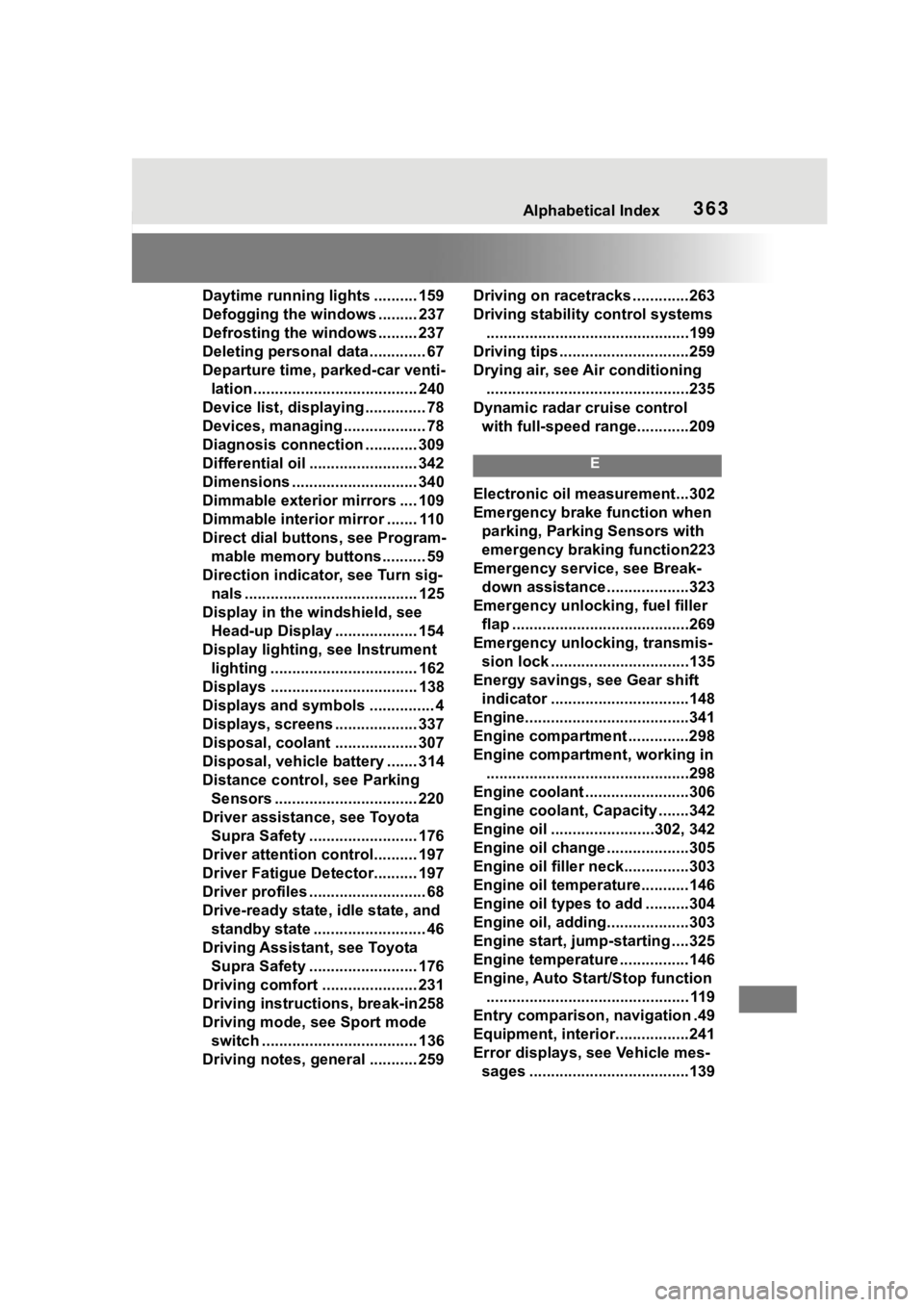
363Alphabetical Index
Daytime running lights .......... 159
Defogging the windows ......... 237
Defrosting the windows ......... 237
Deleting personal data ............. 67
Departure time, parked-car venti-lation...................................... 240
Device list, displaying .............. 78
Devices, managing ................... 78
Diagnosis connectio n ............ 309
Differential oil ......................... 342
Dimensions ............................. 340
Dimmable exterior mirrors .... 109
Dimmable interior mirror ....... 110
Direct dial butto ns, see Program-
mable memory buttons.......... 59
Direction indicator, see Turn sig- nals ........................................ 125
Display in the windshield, see Head-up Display ................... 154
Display lighting , see Instrument
lighting .................................. 162
Displays .................................. 138
Displays and symbols ............... 4
Displays, screens ................... 337
Disposal, coolant ................... 307
Disposal, vehicle battery ....... 314
Distance control , see Parking
Sensors ................................. 220
Driver assistance, see Toyota Supra Safety ......................... 176
Driver attention control.......... 197
Driver Fatigue Detector.......... 197
Driver profiles ........................... 68
Drive-ready state, idle state, and standby state .......................... 46
Driving Assistant, see Toyota Supra Safety ......................... 176
Driving comfort ...................... 231
Driving instructions, break-in258
Driving mode, see Sport mode switch .................................... 136
Driving notes, general ........... 259 Driving on racetracks .............263
Driving stability
control systems
...............................................199
Driving tips ..............................259
Drying air, see Air conditioning ...............................................235
Dynamic radar cruise control with full-speed range............209
E
Electronic oil measurement...302
Emergency brake function when parking, Parking Sensors with
emergency braking function223
Emergency service, see Break- down assistance ...................323
Emergency unlocking, fuel filler flap .........................................269
Emergency unlocking, transmis- sion lock ................................135
Energy savings, see Gear shift indicator ................................148
Engine......................................341
Engine compartment ..............298
Engine compartment, working in ...............................................298
Engine coolant ........................306
Engine coolant, Capacity .......342
Engine oil ........................302, 342
Engine oil change ...................305
Engine oil filler neck...............303
Engine oil temperature...........146
Engine oil types to add ..........304
Engine oil, adding...................303
Engine start, jump-starting ....325
Engine temperature ................146
Engine, Auto Start/Stop function ............................................... 119
Entry comparison, navigation .49
Equipment, interior.................241
Error displays, see Vehicle mes- sages .....................................139
Page 365 of 372
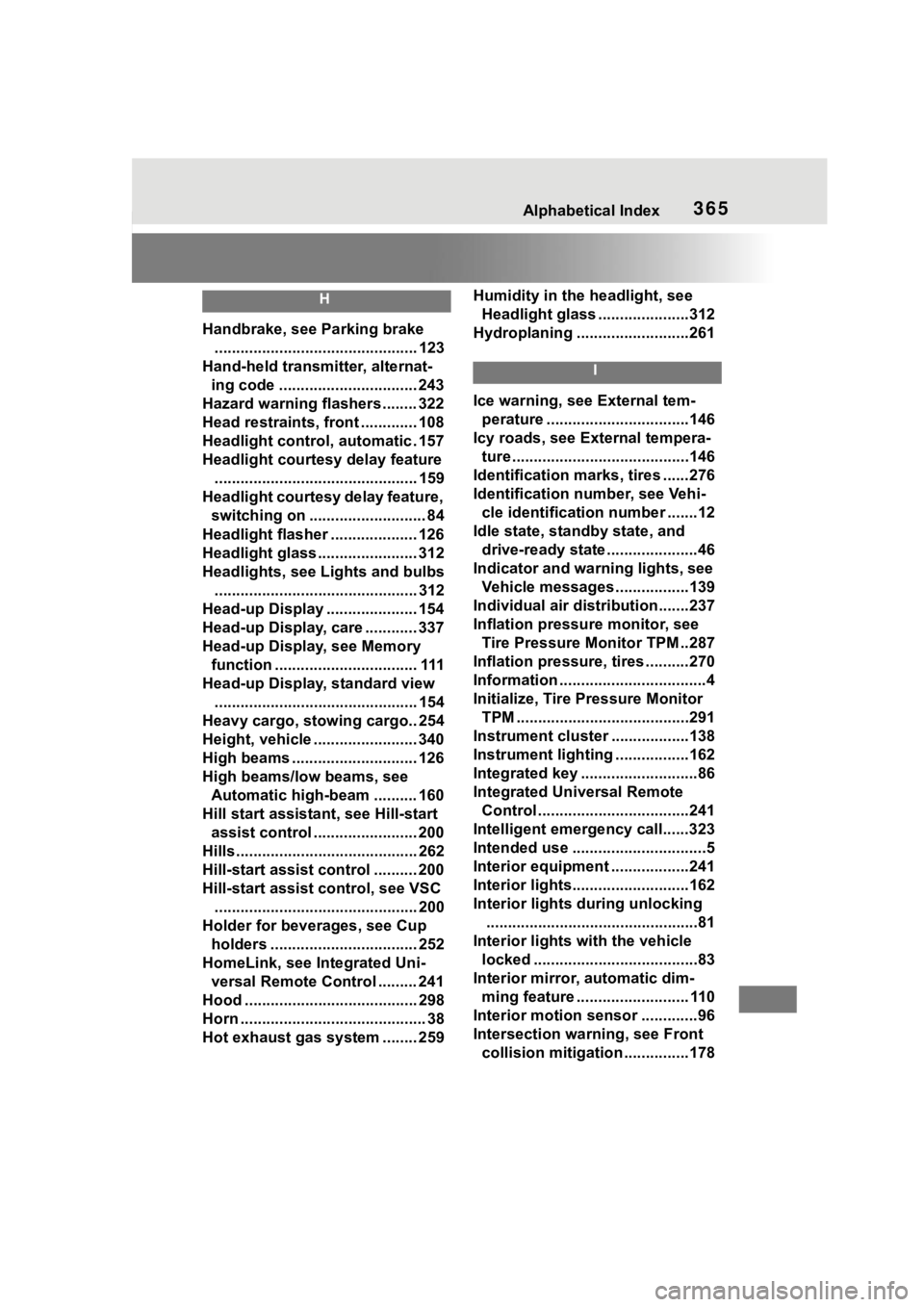
365Alphabetical Index
H
Handbrake, see Parking brake............................................... 123
Hand-held transmitter, alternat- ing code ................................ 243
Hazard warning flashers ........ 322
Head restraints, front ............. 108
Headlight control, automatic . 157
Headlight courtesy delay feature ............................................... 159
Headlight courtesy delay feature, switching on ........................... 84
Headlight flasher .................... 126
Headlight glass ....................... 312
Headlights, see Lights and bulbs
............................................... 312
Head-up Display ..................... 154
Head-up Display, care ............ 337
Head-up Display, see Memory function ................................. 111
Head-up Display, standard view ............................................... 154
Heavy cargo, stowing cargo.. 254
Height, vehicle ........................ 340
High beams ............................. 126
High beams/low beams, see Automatic high-beam .......... 160
Hill start assista nt, see Hill-start
assist control ........................ 200
Hills .......................................... 262
Hill-start assist control .......... 200
Hill-start assist control, see VSC ............................................... 200
Holder for beverages, see Cup holders .................................. 252
HomeLink, see Integrated Uni- versal Remote Control ......... 241
Hood ........................................ 298
Horn ........................................... 38
Hot exhaust gas system ........ 259 Humidity in the headlight, see
Headlight glass .....................312
Hydroplaning ..........................261
I
Ice warning, see External tem- perature .................................146
Icy roads, see External tempera- ture .........................................146
Identification marks, tires ......276
Identification number, see Vehi- cle identification number .......12
Idle state, standby state, and drive-ready state .....................46
Indicator and warning lights, see Vehicle messages .................139
Individual air dist ribution.......237
Inflation pressure monitor, see Tire Pressure Monitor TPM ..287
Inflation pressure, tires ..........270
Information ..................................4
Initialize, Tire Pressure Monitor TPM ........................................291
Instrument cluster ..................138
Instrument lighting .................162
Integrated key ...........................86
Integrated Universal Remote Control ...................................241
Intelligent emergency call......323
Intended use ...............................5
Interior equipment ..................241
Interior lights...........................162
Interior lights during unlocking .................................................81
Interior lights wi th the vehicle
locked ......................................83
Interior mirror, automatic dim- ming feature .......................... 110
Interior motion sensor .............96
Intersection warning, see Front collision mitigation ...............178
Page 366 of 372
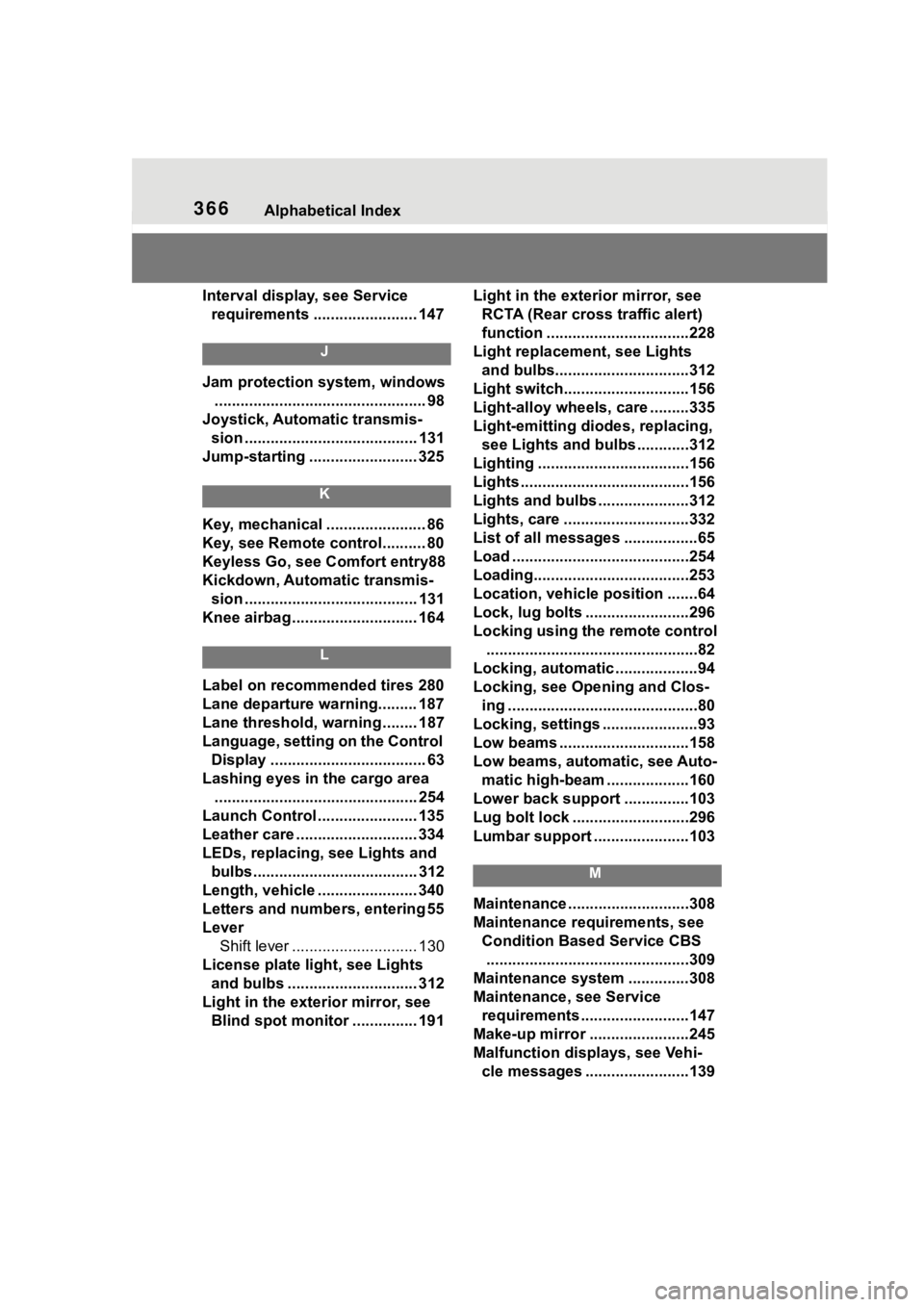
366Alphabetical Index
Interval display, see Service
requirements ........................ 147
J
Jam protection system, windows ................................................. 98
Joystick, Automatic transmis- sion ........................................ 131
Jump-starting ......................... 325
K
Key, mechanical ....................... 86
Key, see Remote control.......... 80
Keyless Go, see Comfort entry88
Kickdown, Automatic transmis- sion ........................................ 131
Knee airbag ............................. 164
L
Label on recommended tires 280
Lane departure warning......... 187
Lane threshold, warning ........ 187
Language, setting on the Control Display .................................... 63
Lashing eyes in the cargo area ............................................... 254
Launch Control ....................... 135
Leather care ............................ 334
LEDs, replacing, see Lights and
bulbs...................................... 312
Length, vehicle ....................... 340
Letters and numbers, entering 55
Lever Shift lever ............................. 130
License plate li ght, see Lights
and bulbs .............................. 312
Light in the exterior mirror, see Blind spot monitor ............... 191 Light in the exterior mirror, see
RCTA (Rear cross traffic alert)
function .................................228
Light replacement, see Lights and bulbs...............................312
Light switch.............................156
Light-alloy wheels, care .........335
Light-emitting diodes, replacing, see Lights and bulbs ............312
Lighting ...................................156
Lights .......................................156
Lights and bulbs .....................312
Lights, care .............................332
List of all messages .................65
Load .........................................254
Loading....................................253
Location, vehicle position .......64
Lock, lug bolts ........................296
Locking using the remote control .................................................82
Locking, automatic ...................94
Locking, see Opening and Clos- ing ............................................80
Locking, settings ......................93
Low beams ..............................158
Low beams, automatic, see Auto- matic high-beam ...................160
Lower back support ...............103
Lug bolt lock ...........................296
Lumbar support ......................103
M
Maintenance ............................308
Maintenance requirements, see Condition Based Service CBS...............................................309
Maintenance system ..............308
Maintenance, see Service requirements .........................147
Make-up mirror .......................245
Malfunction displays, see Vehi- cle messages ........................139
Page 367 of 372
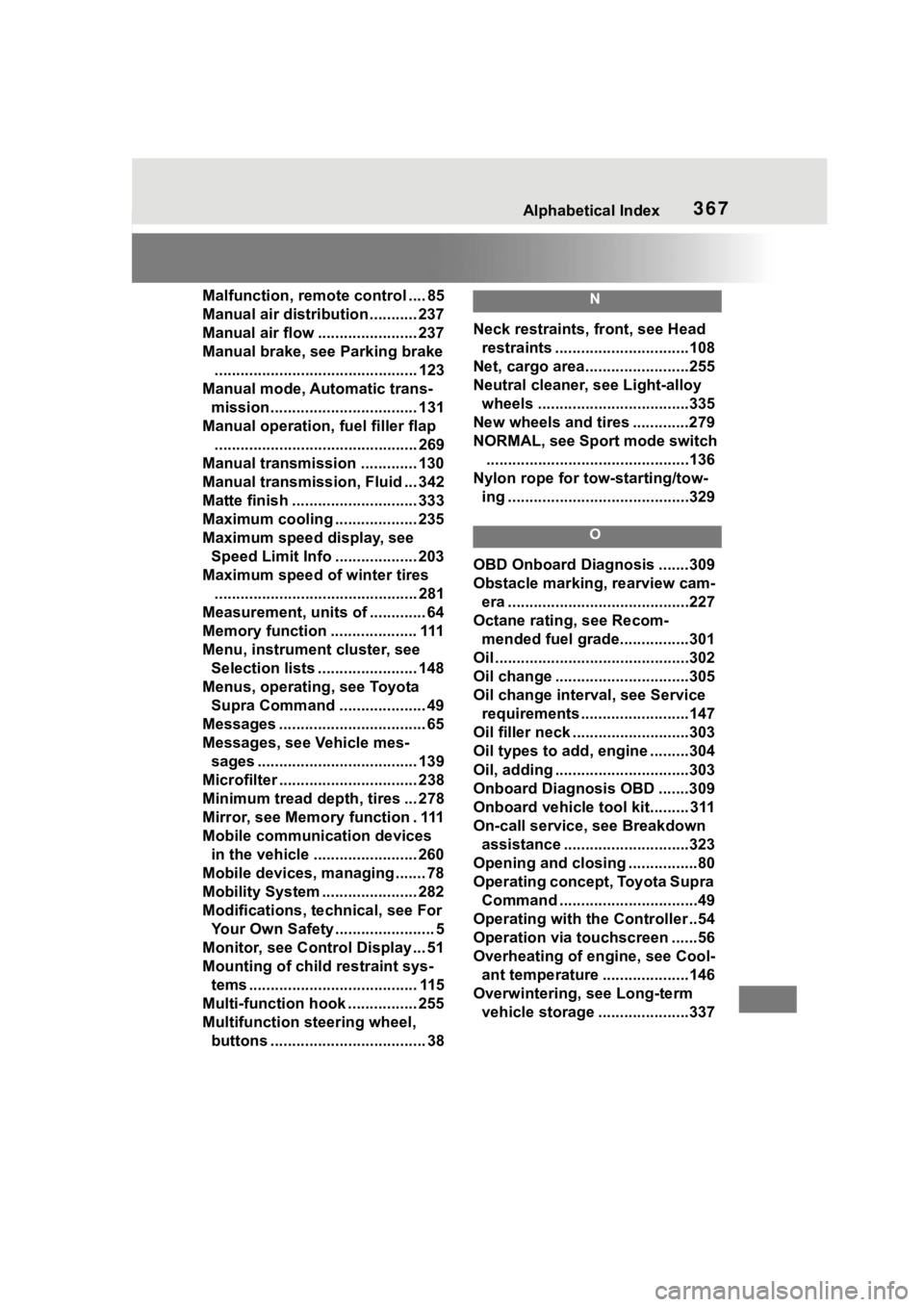
367Alphabetical Index
Malfunction, remote control .... 85
Manual air distribution ........... 237
Manual air flow ....................... 237
Manual brake, see Parking brake............................................... 123
Manual mode, Automatic trans- mission.................................. 131
Manual operation, fuel filler flap ............................................... 269
Manual transmission ............. 130
Manual transmission, Fluid ... 342
Matte finish ............................. 333
Maximum cooling ................... 235
Maximum speed display, see Speed Limit Info ................... 203
Maximum speed of winter tires ............................................... 281
Measurement, uni ts of ............. 64
Memory function .................... 111
Menu, instrument cluster, see Selection lists ....................... 148
Menus, operating, see Toyota Supra Command .................... 49
Messages .................................. 65
Messages, see Vehicle mes- sages ..................................... 139
Microfilter ................................ 238
Minimum tread depth, tires ... 278
Mirror, see Memory function . 111
Mobile communication devices in the vehicle ........................ 260
Mobile devices, m anaging ....... 78
Mobility System ...................... 282
Modifications, t echnical, see For
Your Own Safety ....................... 5
Monitor, see Control Display ... 51
Mounting of child restraint sys- tems ....................................... 115
Multi-function hook ................ 255
Multifunction steering wheel, buttons .................................... 38N
Neck restraints, front, see Head restraints ...............................108
Net, cargo area........................255
Neutral cleaner, see Light-alloy wheels ...................................335
New wheels and tires .............279
NORMAL, see Spor t mode switch
...............................................136
Nylon rope for tow-starting/tow- ing ..........................................329
O
OBD Onboard Diagnosis .......309
Obstacle marking, rearview cam-era ..........................................227
Octane rating, see Recom- mended fuel grade................301
Oil .............................................302
Oil change ...............................305
Oil change interval, see Service requirements .........................147
Oil filler neck ...........................303
Oil types to add, engine .........304
Oil, adding ...............................303
Onboard Diagnosis OBD .......309
Onboard vehicle tool kit......... 311
On-call service, see Breakdown assistance .............................323
Opening and closing ................80
Operating concept, Toyota Supra Command ................................49
Operating with the Controller ..54
Operation via touchscreen ......56
Overheating of engine, see Cool- ant temperature ....................146
Overwintering, see Long-term vehicle storage .....................337