light TOYOTA SUPRA 2023 Workshop Manual
[x] Cancel search | Manufacturer: TOYOTA, Model Year: 2023, Model line: SUPRA, Model: TOYOTA SUPRA 2023Pages: 372, PDF Size: 6.32 MB
Page 158 of 372
1583-1. CONTROLS
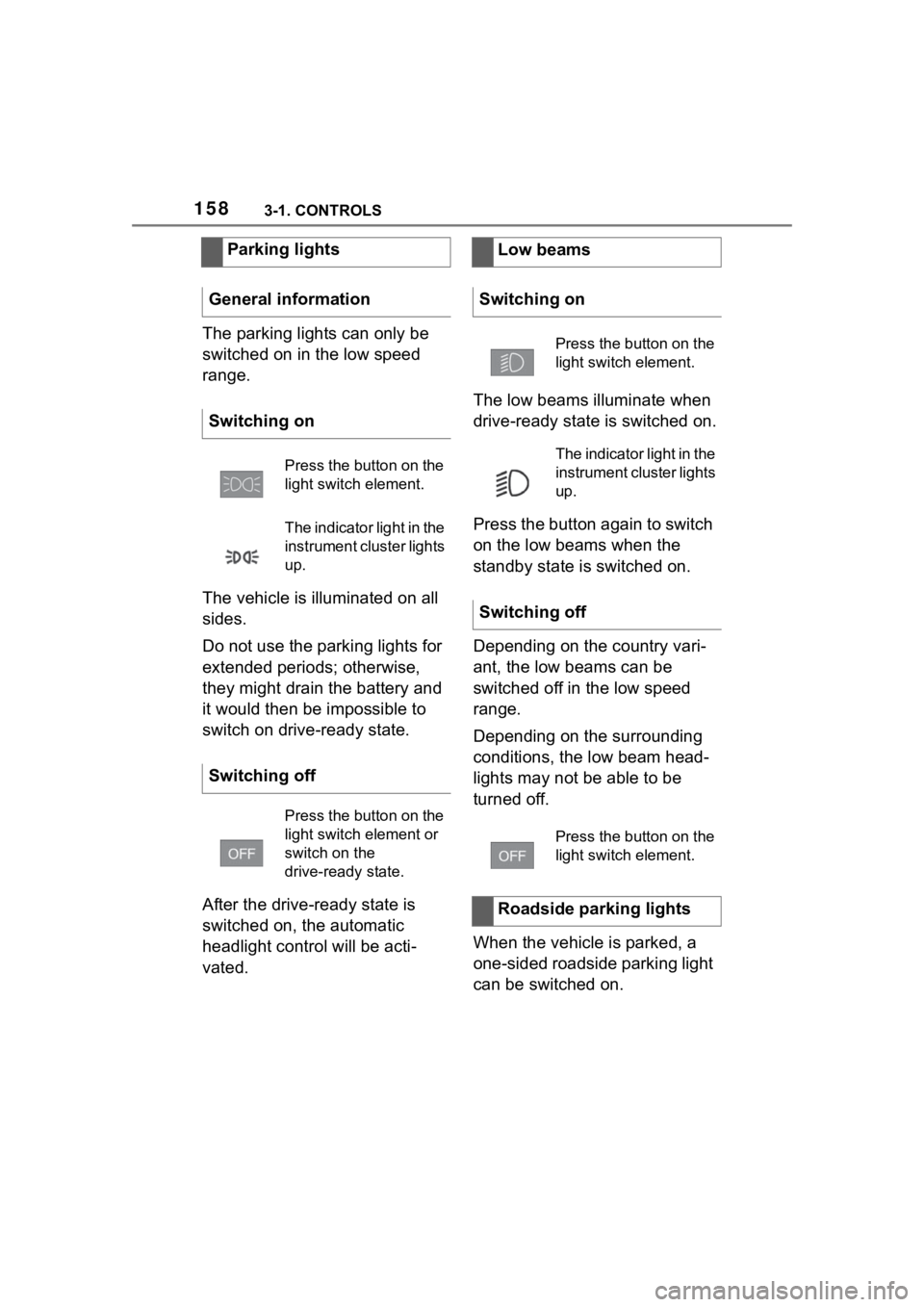
The parking lights can only be
switched on in the low speed
range.
The vehicle is illuminated on all
sides.
Do not use the parking lights for
extended periods; otherwise,
they might drain the battery and
it would then be impossible to
switch on drive-ready state.
After the drive-ready state is
switched on, the automatic
headlight control will be acti-
vated.The low beams illuminate when
drive-ready state is switched on.
Press the button again to switch
on the low beams when the
standby state is switched on.
Depending on the country vari-
ant, the low beams can be
switched off in the low speed
range.
Depending on the surrounding
conditions, the low beam head-
lights may not be able to be
turned off.
When the vehicle is parked, a
one-sided roadside parking light
can be switched on.
Parking lights
General information
Switching on
Press the button on the
light switch element.
The indicator light in the
instrument cluster lights
up.
Switching off
Press the button on the
light switch element or
switch on the
drive-ready state.
Low beams
Switching on
Press the button on the
light switch element.
The indicator light in the
instrument cluster lights
up.
Switching off
Press the button on the
light switch element.
Roadside parking lights
Page 159 of 372
1593-1. CONTROLS
3
CONTROLS
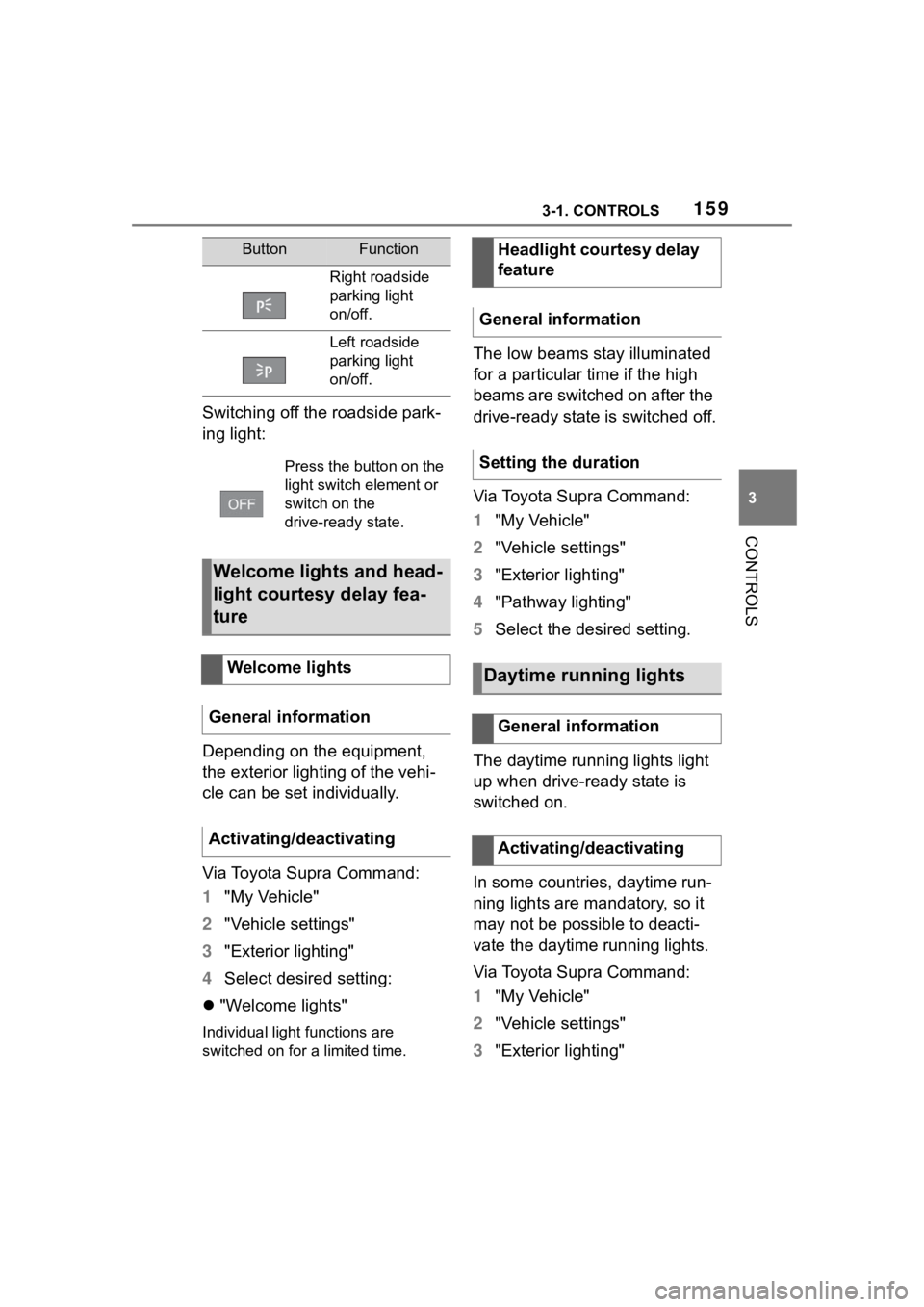
Switching off the roadside park-
ing light:
Depending on the equipment,
the exterior lighting of the vehi-
cle can be set individually.
Via Toyota Supra Command:
1"My Vehicle"
2 "Vehicle settings"
3 "Exterior lighting"
4 Select desired setting:
"Welcome lights"
Individual light functions are
switched on for a limited time.
The low beams stay illuminated
for a particular time if the high
beams are switched on after the
drive-ready state is switched off.
Via Toyota Supra Command:
1"My Vehicle"
2 "Vehicle settings"
3 "Exterior lighting"
4 "Pathway lighting"
5 Select the desired setting.
The daytime running lights light
up when drive-ready state is
switched on.
In some countries, daytime run-
ning lights are mandatory, so it
may not be possible to deacti-
vate the daytime running lights.
Via Toyota Supra Command:
1 "My Vehicle"
2 "Vehicle settings"
3 "Exterior lighting"
ButtonFunction
Right roadside
parking light
on/off.
Left roadside
parking light
on/off.
Press the button on the
light switch element or
switch on the
drive-ready state.
Welcome lights and head-
light courtesy delay fea-
ture
Welcome lights
General information
Activating/deactivating
Headlight courtesy delay
feature
General information
Setting the duration
Daytime running lights
General information
Activating/deactivating
Page 160 of 372
1603-1. CONTROLS
4"Daytime running lamps"
The Automatic high-beam
detects other traffic participants
early on and automatically
switches the high beams on or
off depending on the traffic situ-
ation.
The Automatic high-beam
ensures that the high beams are
switched on, whenever the traf-
fic situation allows. In the low
speed range, the high beams
are not switched on by the sys-
tem.
The system responds to light
from oncoming traffic and traffic
driving ahead of you, and to
ambient lighting, for instance in
towns and cities.
The high beams can be
switched on and off manually at
any time.
1 Press the button on the
light switch element.
The LED in the button lights up.
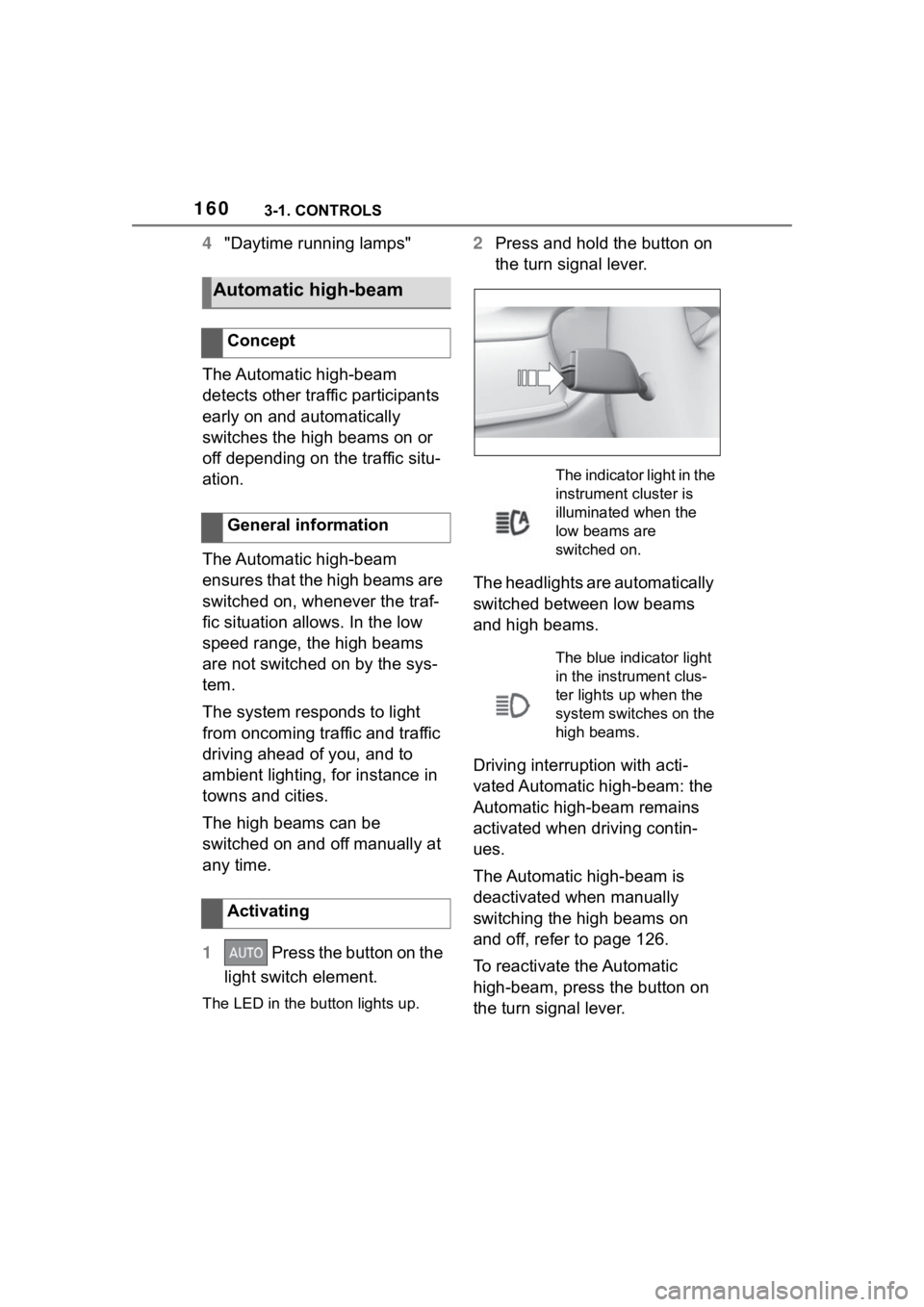
2 Press and hold the button on
the turn signal lever.
The headlights are automatically
switched between low beams
and high beams.
Driving interruption with acti-
vated Automatic high-beam: the
Automatic high-beam remains
activated when driving contin-
ues.
The Automatic high-beam is
deactivated when manually
switching the high beams on
and off, refer to page 126.
To reactivate the Automatic
high-beam, press the button on
the turn signal lever.
Automatic high-beam
Concept
General information
Activating
The indicator light in the
instrument cluster is
illuminated when the
low beams are
switched on.
The blue indicator light
in the instrument clus-
ter lights up when the
system switches on the
high beams.
Page 161 of 372
1613-1. CONTROLS
3
CONTROLS
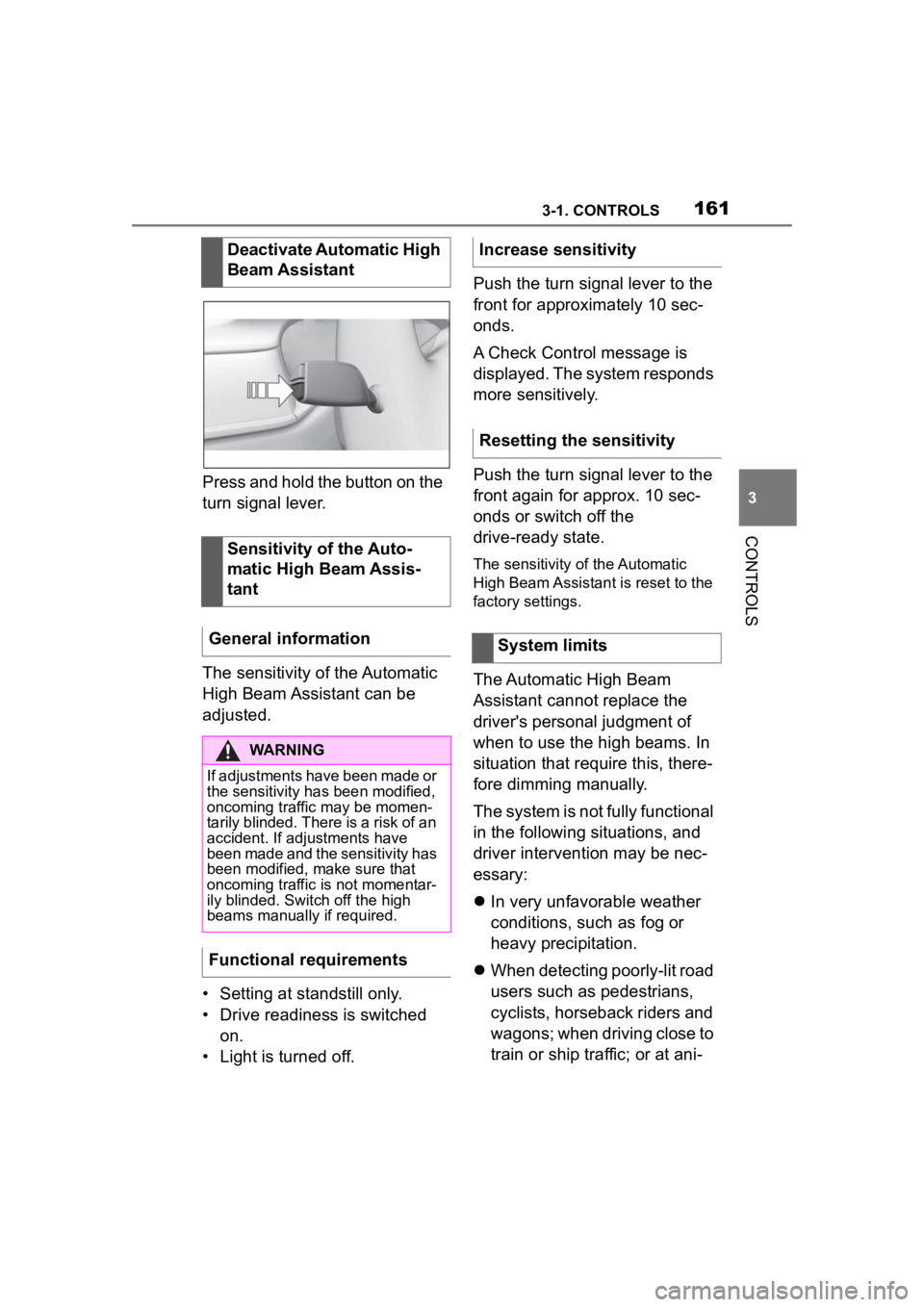
Press and hold the button on the
turn signal lever.
The sensitivity of the Automatic
High Beam Assistant can be
adjusted.
• Setting at standstill only.
• Drive readiness is switched on.
• Light is turned off. Push the turn signal lever to the
front for approximately 10 sec-
onds.
A Check Control message is
displayed. The system responds
more sensitively.
Push the turn signal lever to the
front again for approx. 10 sec-
onds or switch off the
drive-ready state.
The sensitivity of the Automatic
High Beam Assistant is reset to the
factory settings.
The Automatic High Beam
Assistant cannot replace the
driver's personal judgment of
when to use the high beams. In
situation that require this, there-
fore dimming manually.
The system is not fully functional
in the following situations, and
driver intervention may be nec-
essary:
In very unfavorable weather
conditions, such as fog or
heavy precipitation.
When detecting poorly-lit road
users such as pedestrians,
cyclists, horseback riders and
wagons; when driving close to
train or ship traffic; or at ani-
Deactivate Automatic High
Beam Assistant
Sensitivity of the Auto-
matic High Beam Assis-
tant
General information
WARNING
If adjustments have been made or
the sensitivity ha s been modified,
oncoming traffic may be momen-
tarily blinded. There is a risk of an
accident. If adjustments have
been made and the sensitivity has
been modified, make sure that
oncoming traffic is not momentar-
ily blinded. Switch off the high
beams manually if required.
Functional requirements
Increase sensitivity
Resetting the sensitivity
System limits
Page 162 of 372
1623-1. CONTROLS
mal crossings.
In tight curves, on hilltops or
in depressions, in crossing
traffic or half-obscured
oncoming traffic on highways.
In poorly-lit towns and cities
or in the presence of highly
reflective signs.
When the windshield in front
of the interior mirror is fogged
over, dirty or covered with
stickers, etc.
The parking lights or low beams
must be switched on to adjust
the brightness.
Depending on the equipment
version, interior lights, footwell
lights and door entry lighting are
automatically controlled. To switch off permanently: press
the button and hold for approx. 3
seconds.
Instrument lighting
Functional requirement
Settings
Adjust the brightness
with the thumbwheel.
Interior lights
General information
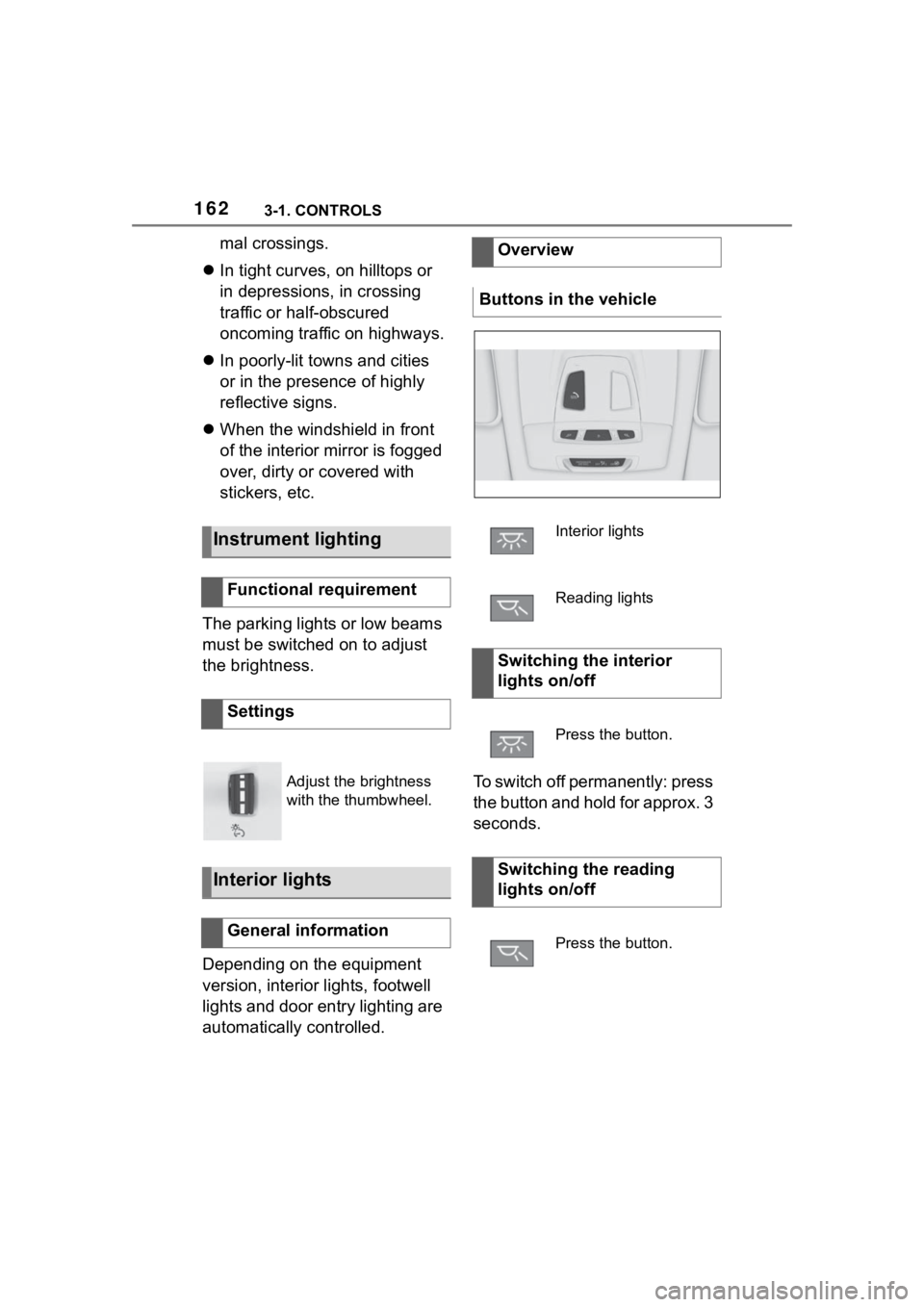
Overview
Buttons in the vehicle
Interior lights
Reading lights
Switching the interior
lights on/off
Press the button.
Switching the reading
lights on/off
Press the button.
Page 166 of 372
1663-1. CONTROLS
Do not hang pieces of cloth-
ing, such as jackets, over the
backrests.
Never modify either the indi-
vidual components or the wir-
ing in the airbag system. This
also applies to steering wheel
covers, the dashboard, and
the seats.
Do not remove the airbag sys-
tem.
Even when you follow all
instructions very closely, injury
from contact with the airbags
cannot be fully ruled out in cer-
tain situations.
The ignition and inflation noise
may lead to short-term and, in
most cases, temporary hearing
impairment in sensitive occu-
pants.
Vehicle modifications for a per-
son with disabilities may affect
the air bag system; contact the
Toyota dealer for further infor-
mation.
Warnings and information on the
airbags are also found on the
sun visors. Functional readiness of
the airbag system
Safety information
WARNING
Individual components can be hot
after triggering of the airbag sys-
tem. There is a risk of injury. Do
not touch individual components.
WARNING
Improperly executed work can
lead to failure, malfunction or
unintentional triggering of the air-
bag system. In the case of a mal-
function, the airbag system might
not trigger as intended despite the
accident severity. There is a risk
of injuries or danger to life. Have
the airbag system checked,
repaired, dismantled and
scrapped by your Toyota dealer.
Display in the instrument
cluster
When drive-ready state is
switched on, the warning
light in the instrument
cluster lights up briefly and
thereby indicates the func-
tion readiness of the entire
airbag system and the belt
tensioners.
Malfunction
Warning light does not
come on when
drive-ready state is
switched on.
The warning light lights
up continuously.
Page 171 of 372
1713-1. CONTROLS
3
CONTROLS
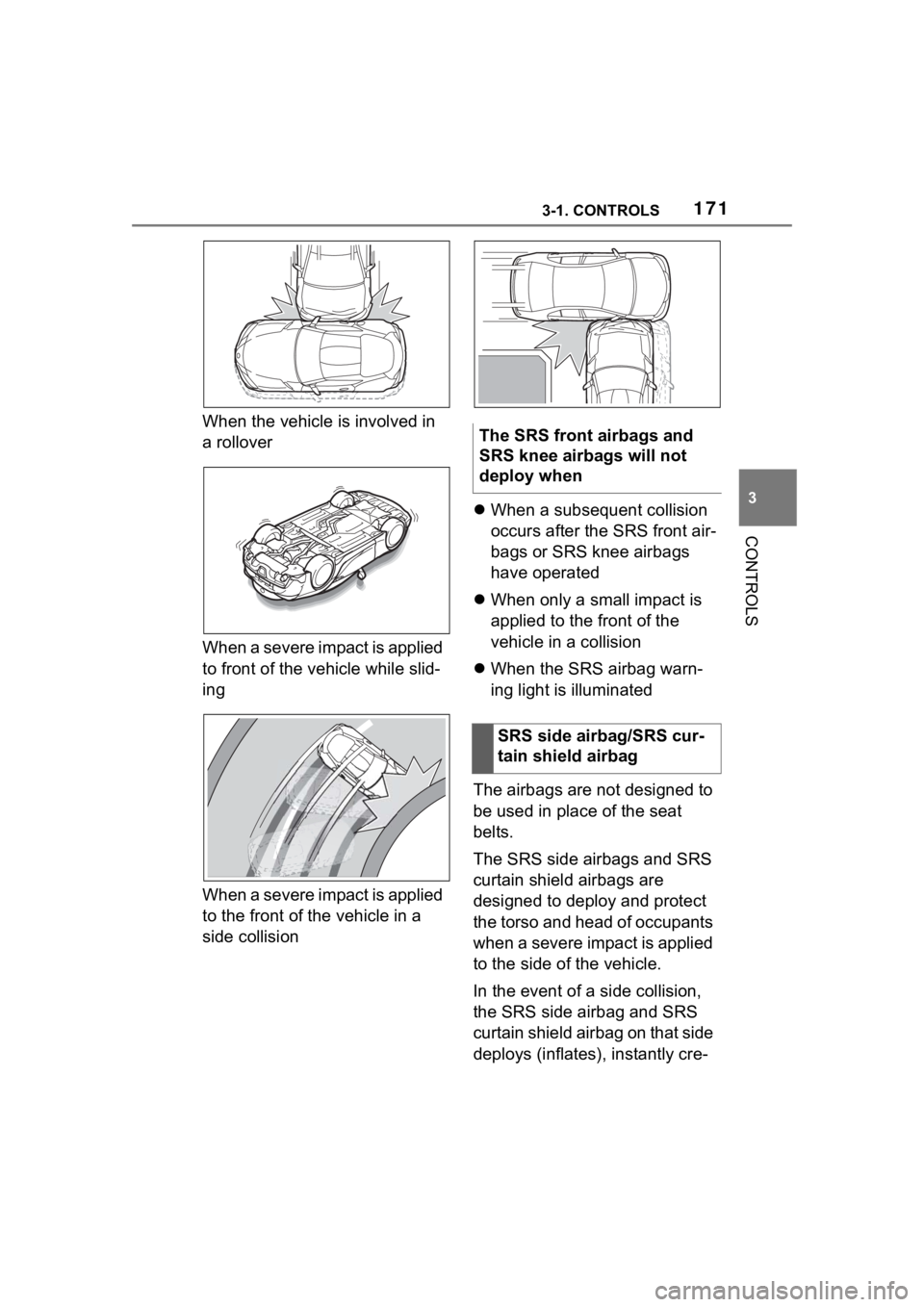
When the vehicle is involved in
a rollover
When a severe impact is applied
to front of the vehicle while slid-
ing
When a severe impact is applied
to the front of the vehicle in a
side collision
When a subsequent collision
occurs after the SRS front air-
bags or SRS knee airbags
have operated
When only a small impact is
applied to the front of the
vehicle in a collision
When the SRS airbag warn-
ing light is illuminated
The airbags are not designed to
be used in place of the seat
belts.
The SRS side airbags and SRS
curtain shield airbags are
designed to deploy and protect
the torso and head of occupants
when a severe impact is applied
to the side of the vehicle.
In the event of a side collision,
the SRS side airbag and SRS
curtain shield airbag on that side
deploys (inflates), instantly cre-The SRS front airbags and
SRS knee airbags will not
deploy when
SRS side airbag/SRS cur-
tain shield airbag
Page 174 of 372
1743-1. CONTROLS
When a subsequent collision
occurs after a SRS side air-
bag or SRS curtain shield air-
bag has operated
When only a small impact is
applied to the side of the vehi-
cle in a collision
When the SRS airbag warn-
ing light is illuminated
When the majority of the initial
force of an impact is applied
only to a door
The explosive power that acti-
vates driver's/front-seat passen-
ger airbags very much depends
on the positions of the
driver's/front passenger seat.
To maintain the accuracy of this
function over the long term, cali-
brate the front seats as soon as
a respective message appears
on the Control Display. A corresponding message
appears on the Control Display.
1
Press the switch and move
the respective seat all the
way forward, until it stops.
2 Press the switch forward
again. The seat still moves
forward slightly.
3 Readjust the seat to the
desired position.
The calibration procedure is
completed when the message
on the Control Display disap-
pears.
If the message continues to be
displayed, repeat the calibration.
If the message does not disap-
pear after a repeat calibration,
have the system checked as
soon as possible.
The system reads if the front
passenger seat is occupied by
The SRS side airbags and
SRS curtain shield airbags
will not deploy when
Strength of the driver's
and front-seat passenger
airbag
Calibrating the front seats
WARNING
There is a risk of jamming when
moving the seats. There is a risk
of injury or risk of damage to prop-
erty. Make sure that the area of
movement of the seat is clear
prior to any adjustment.
Automatic deactivation of
the front-seat passenger
airbags
Concept
Page 175 of 372
1753-1. CONTROLS
3
CONTROLS
measuring the human body's
resistance.
Front, knee, and side airbag on
the front passenger's side are
activated or deactivated.
Before transporting a child on
the front passenger seat, refer
to the safety information and
instructions for children on the
front passenger seat, see Chil-
dren.
When transporting older chil-
dren and adults, the front-seat
passenger airbags may be
deactivated in certain sitting
positions. In this case, the indi-
cator light for the front-seat pas-
senger airbags lights up.
In this case, change the sitting
position so that the front-seat
passenger airbags are acti-vated and the indicator light
goes out.
If it is not possible to activate the
airbags, have the person sit in
the rear.
To enable correct recognition of
the occupied seat cushion.
Do not attach covers, cush-
ions, ball mats or other items
to the front passenger seat
unless they are specifically
determined to be safe for use
on the front passenger seat.
Do not place any electronic
devices on the front passen-
ger seat if a child restraint
system is to be installed on it.
Do not place objects under
the seat that could press
against the seat from below.
No moisture in or on the seat.
The indicator light for the
front-seat passenger airbag in
the roofliner indicates the oper-
ating state of the front-seat pas-
senger airbag.
The light indicates whether the
airbags are either activated or
deactivated.
After drive-ready state is
switched on, the light briefly
lights up and then indicates
whether the airbags are either
General information
Safety information
WARNING
To ensure the front-seat passen-
ger airbag function, the system
must be able to detect whether a
person is sitting
in the front pas-
senger seat. The entire seat cush-
ion area must be used for this
purpose. There is a risk of injuries
or danger to life. Make sure that
the front passeng er keeps his or
her feet in the floor area.
Malfunction of the auto-
matic deactivation system
Indicator light for the
front-seat passenger air-
bags
Page 176 of 372
1763-1. CONTROLS
activated or deactivated.
The system generally detects
children seated in a child
restraint system, particularly in
child restraint systems required
by NHTSA at the point in time
when the vehicle was manufac-
tured. After installing a child
restraint system, make sure that
the indicator light for the
front-seat passenger airbags
lights up. This indicates that the
child restraint system has been
detected and the front-seat pas-
senger airbags are not acti-
vated.Toyota Supra Safety enables
central operation of the driver
assistance systems.
Depending on how the vehicle is
equipped, Toyota Supra Safety
consists of one or more systems
that can help prevent an immi-
nent collision.
Pre-Collision System, refer to
page 178.
Pre-Collision System (for
pedestrians and bicycles),
refer to page 183.
Lane departure warning, refer
to page 187.
Blind spot monitor, refer to
page 191.
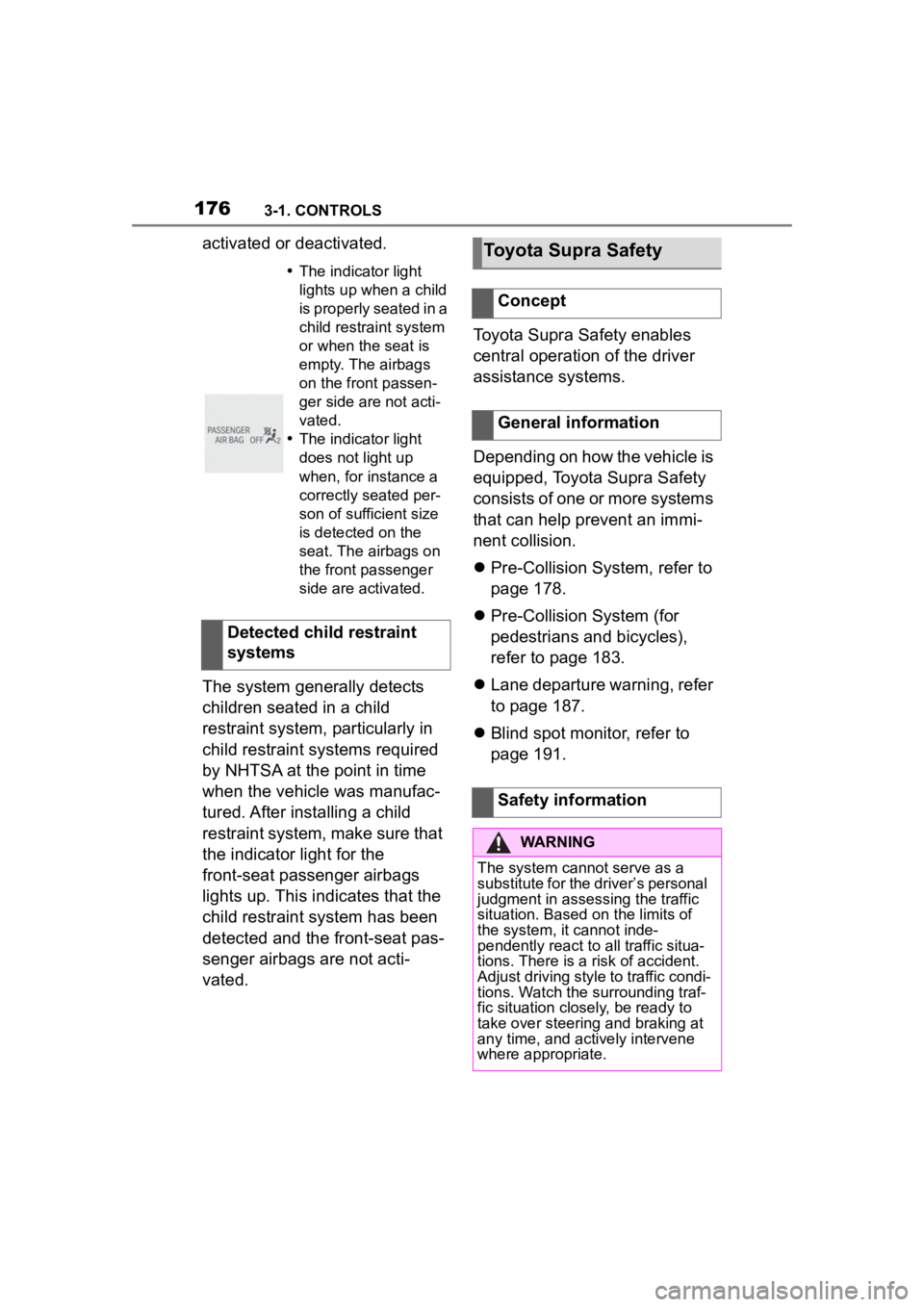
The indicator light
lights up when a child
is properly seated in a
child restraint system
or when the seat is
empty. The airbags
on the front passen-
ger side are not acti-
vated.
The indicator light
does not light up
when, for instance a
correctly seated per-
son of sufficient size
is detected on the
seat. The airbags on
the front passenger
side are activated.
Detected child restraint
systems
Toyota Supra Safety
Concept
General information
Safety information
WARNING
The system cannot serve as a
substitute for the driver’s personal
judgment in assessing the traffic
situation. Based on the limits of
the system, it cannot inde-
pendently react to all traffic situa-
tions. There is a risk of accident.
Adjust driving style to traffic condi-
tions. Watch the surrounding traf-
fic situation closely, be ready to
take over steering and braking at
any time, and actively intervene
where appropriate.