lights TOYOTA SUPRA 2023 Workshop Manual
[x] Cancel search | Manufacturer: TOYOTA, Model Year: 2023, Model line: SUPRA, Model: TOYOTA SUPRA 2023Pages: 372, PDF Size: 6.32 MB
Page 216 of 372
2163-1. CONTROLS
The distance information is
active in the following situations:
Dynamic radar cruise control
switched off.
Display in the Head-up Dis-
play selected, refer to page
154.
Distance too short.
Speed greater than approx.
40 mph/70 km/h.
Additional information:
• Cameras, refer to page 42.
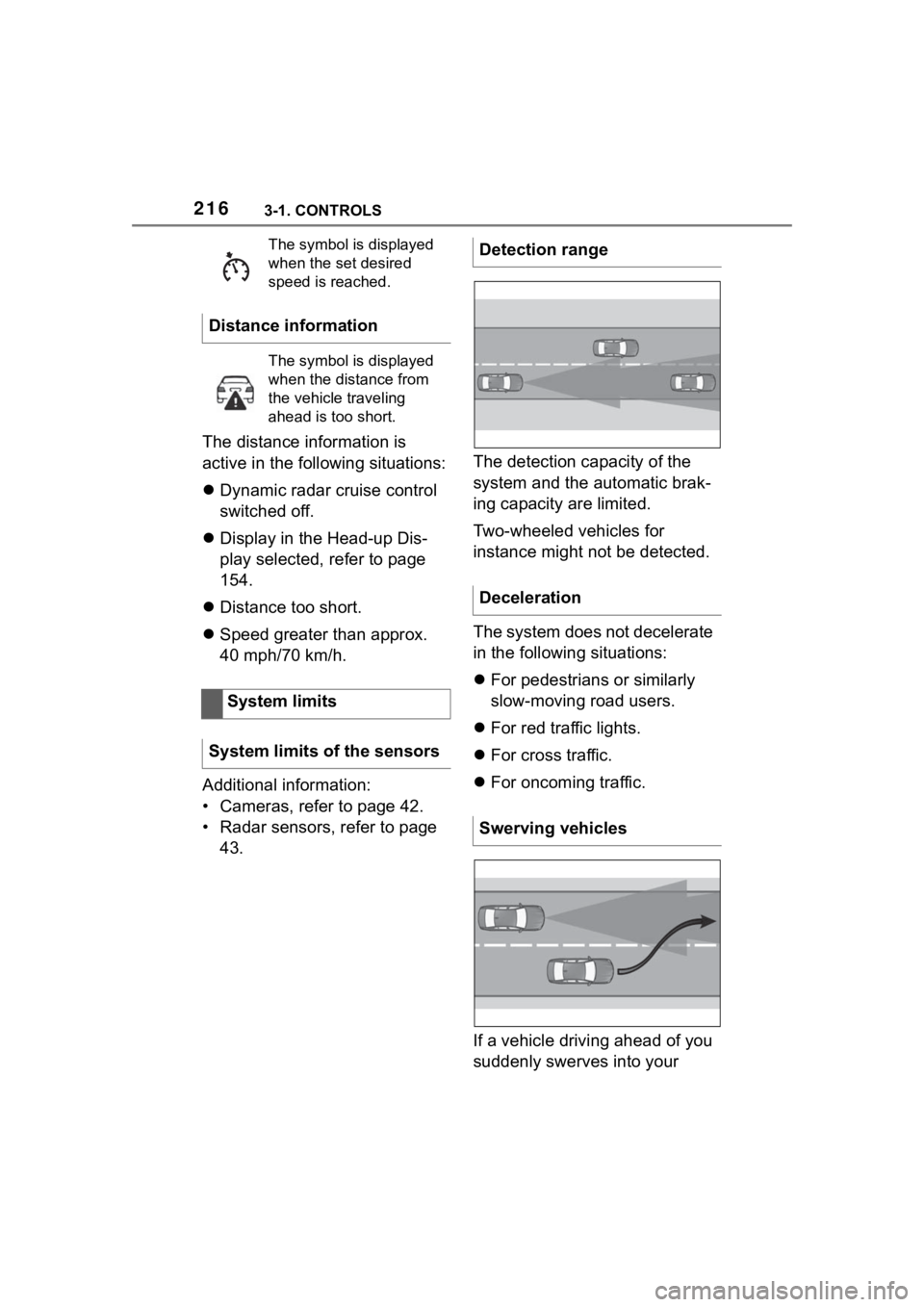
• Radar sensors, refer to page 43. The detection capacity of the
system and the automatic brak-
ing capacity are limited.
Two-wheeled vehicles for
instance might not be detected.
The system does not decelerate
in the following situations:
For pedestrians or similarly
slow-moving road users.
For red traffic lights.
For cross traffic.
For oncoming traffic.
If a vehicle driving ahead of you
suddenly swerves into your
The symbol is displayed
when the set desired
speed is reached.
Distance information
The symbol is displayed
when the distance from
the vehicle traveling
ahead is too short.
System limits
System limits of the sensors
Detection range
Deceleration
Swerving vehicles
Page 219 of 372
2193-1. CONTROLS
3
CONTROLS
4"Notes on speed limits"
Select the desired setting:
"adjust manually": detected
speed limit can be applied
manually.
"Show current limit": detected
speed limits are displayed in
the instrument cluster without
being applied.
"Off": Speed Limit Assist will
be switched off.
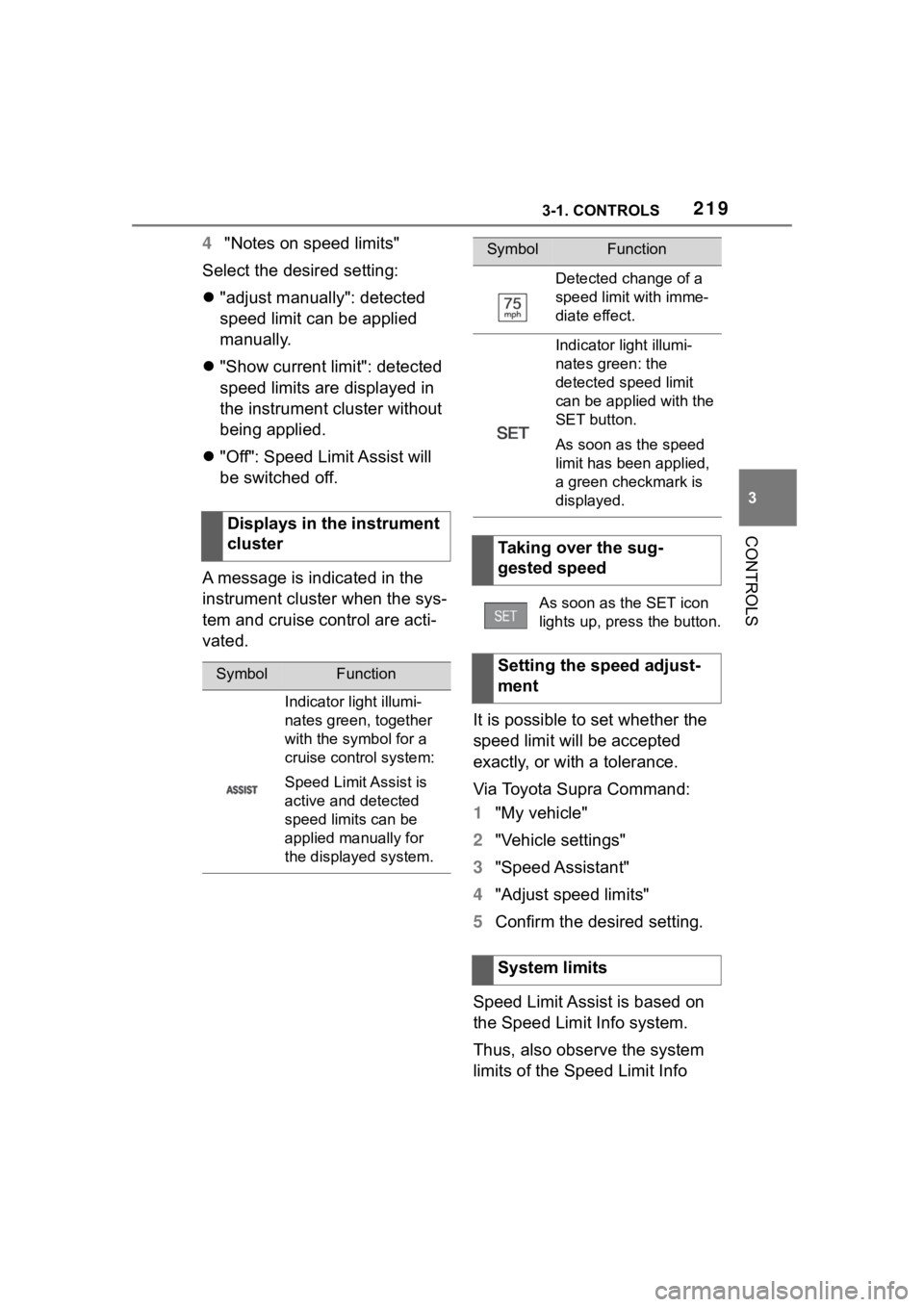
A message is indicated in the
instrument cluster when the sys-
tem and cruise control are acti-
vated. It is possible to set whether the
speed limit will be accepted
exactly, or with a tolerance.
Via Toyota Supra Command:
1"My vehicle"
2 "Vehicle settings"
3 "Speed Assistant"
4 "Adjust speed limits"
5 Confirm the desired setting.
Speed Limit Assist is based on
the Speed Limit Info system.
Thus, also observe the system
limits of the Speed Limit Info
Displays in the instrument
cluster
SymbolFunction
Indicator light illumi-
nates green, together
with the symbol for a
cruise control system:
Speed Limit Assist is
active and detected
speed limits can be
applied manually for
the displayed system.
Detected change of a
speed limit with imme-
diate effect.
Indicator light illumi-
nates green: the
detected speed limit
can be applied with the
SET button.
As soon as the speed
limit has been applied,
a green checkmark is
displayed.
Taking over the sug-
gested speed
As soon as the SET icon
lights up, press the button.
Setting the speed adjust-
ment
System limits
SymbolFunction
Page 221 of 372
2213-1. CONTROLS
3
CONTROLS
The system is controlled using
the following sensors:
• Ultrasonic sensors in the bumpers.
Additional information:
Sensors of the vehicle, refer to
page 42.
The system switches on auto-
matically in the following situa-
tions:
If selector lever position R is
engaged when the engine is
running.
Depending on the equipment
version: while approaching
detected obstacles if the
speed is slower than approx.
2.5 mph/4 km/h. The activa-
tion distance depends on the
situation in question.
You may switch automatic acti-
vation when obstacles are
detected on and off.
Via Toyota Supra Command:
1 "My vehicle"
2 "Vehicle settings"
3 "Parking"
4 Where applicable: "Automatic
Parking Sens. activation" 5
"Automatic Parking Sensors
activ."
Depending on equipment, an
additional camera view is also
switched on.
The system switches off when a
certain driving distance or speed
is exceeded.
Switch the system back on, if
needed.
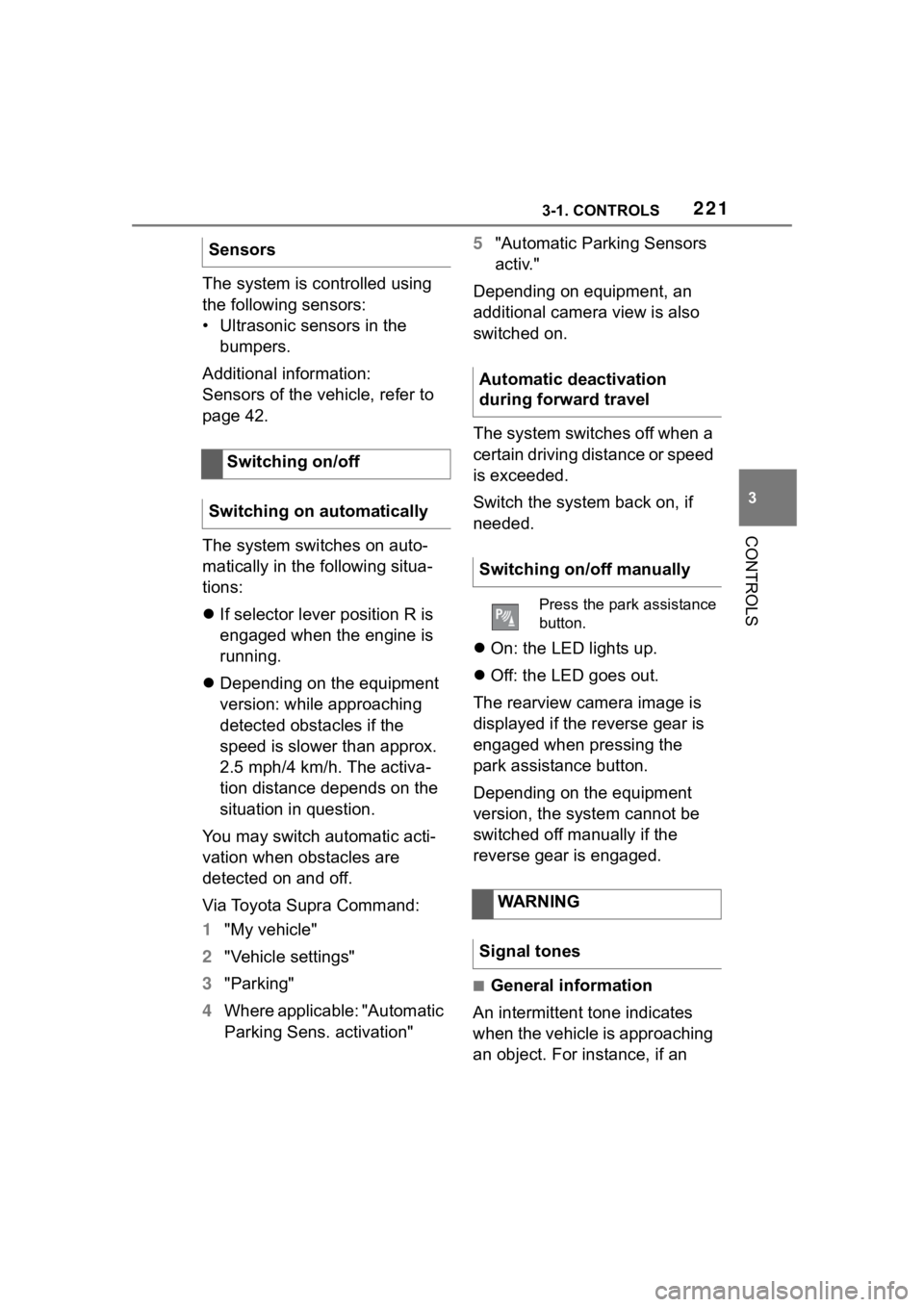
On: the LED lights up.
Off: the LED goes out.
The rearview camera image is
displayed if the reverse gear is
engaged when pressing the
park assistance button.
Depending on the equipment
version, the system cannot be
switched off manually if the
reverse gear is engaged.
■General information
An intermittent tone indicates
when the vehicle is approaching
an object. For instance, if an
Sensors
Switching on/off
Switching on automatically
Automatic deactivation
during forward travel
Switching on/off manually
Press the park assistance
button.
WARNING
Signal tones
Page 226 of 372
2263-1. CONTROLS
The system is controlled by the
following sensors:
• Rearview camera.
Additional information:
Sensors of the vehicle, refer to
page 42.
The system is switched on auto-
matically if selector lever posi-
tion R is engaged when the
engine is running.
The system switches off when a
certain driving distance or speed is exceeded.
Switch the system back on, if
needed.
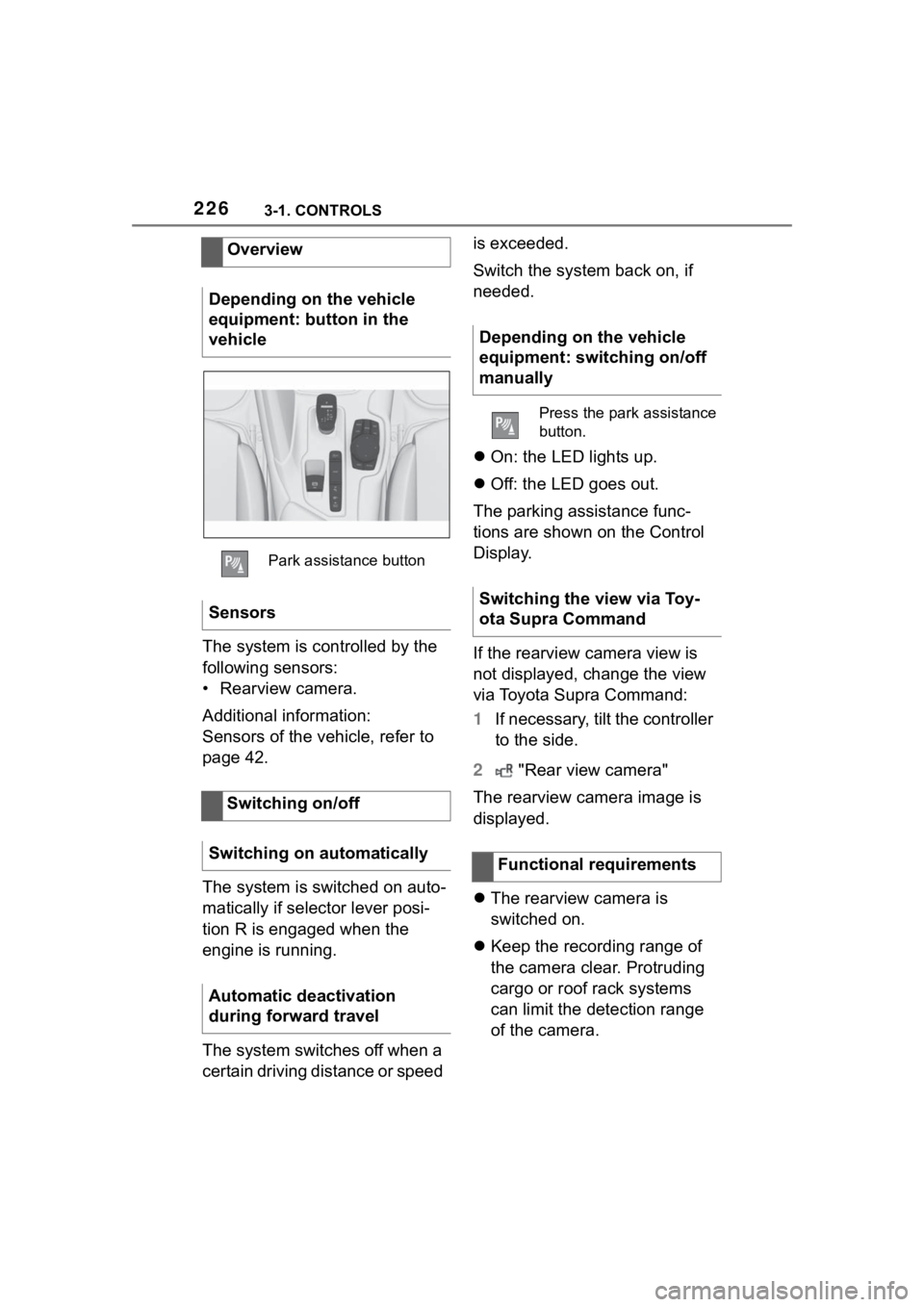
On: the LED lights up.
Off: the LED goes out.
The parking assistance func-
tions are shown on the Control
Display.
If the rearview camera view is
not displayed, change the view
via Toyota Supra Command:
1 If necessary, tilt the controller
to the side.
2 "Rear view camera"
The rearview camera image is
displayed.
The rearview camera is
switched on.
Keep the recording range of
the camera clear. Protruding
cargo or roof rack systems
can limit the detection range
of the camera.
Overview
Depending on the vehicle
equipment: button in the
vehicle
Park assistance button
Sensors
Switching on/off
Switching on automatically
Automatic deactivation
during forward travel
Depending on the vehicle
equipment: switching on/off
manually
Press the park assistance
button.
Switching the view via Toy-
ota Supra Command
Functional requirements
Page 238 of 372
2383-1. CONTROLS
quickly removed from the wind-
shield and the front side win-
dows.
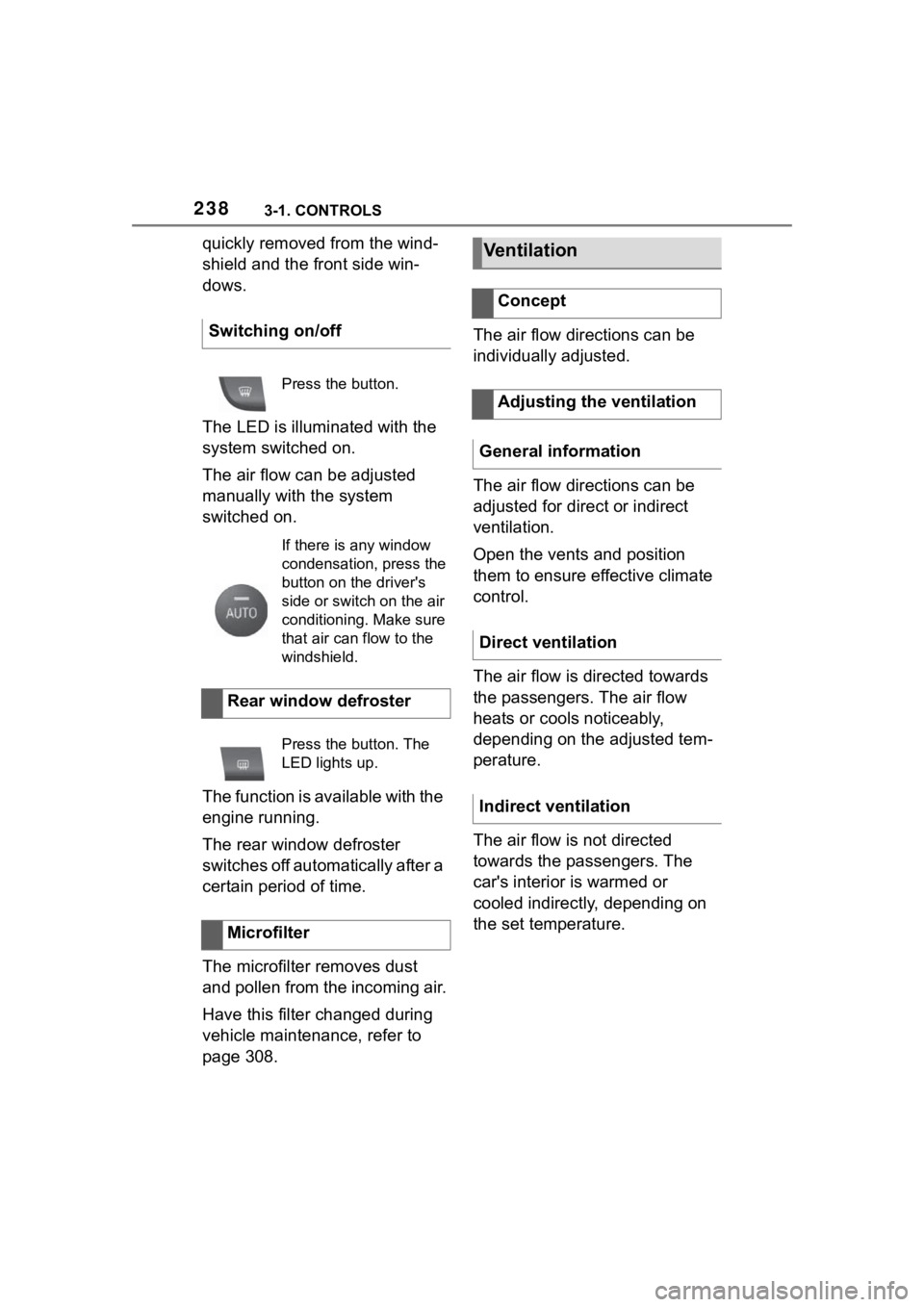
The LED is illuminated with the
system switched on.
The air flow can be adjusted
manually with the system
switched on.
The function is available with the
engine running.
The rear window defroster
switches off automatically after a
certain period of time.
The microfilter removes dust
and pollen from the incoming air.
Have this filter changed during
vehicle maintenance, refer to
page 308.The air flow directions can be
individually adjusted.
The air flow directions can be
adjusted for direct or indirect
ventilation.
Open the vents and position
them to ensure effective climate
control.
The air flow is directed towards
the passengers. The air flow
heats or cools noticeably,
depending on the adjusted tem-
perature.
The air flow is not directed
towards the passengers. The
car's interior is warmed or
cooled indirectly, depending on
the set temperature.
Switching on/off
Press the button.
If there is any window
condensation, press the
button on the driver's
side or switch on the air
conditioning. Make sure
that air can flow to the
windshield.
Rear window defroster
Press the button. The
LED lights up.
Microfilter
Ventilation
Concept
Adjusting the ventilation
General information
Direct ventilation
Indirect ventilation
Page 243 of 372
2433-1. CONTROLS
3
CONTROLS
interior mirror simultaneously
for approximately 10 seconds
until the LED flashes green
rapidly. This erases all pro-
gramming of the buttons on
the interior mirror.
3 Press the interior mirror but-
ton to be programmed. The
LED on the interior mirror will
slowly begin flashing orange.
4 Hold the hand-held transmit-
ter for the system to be used
approx. 1 to 12 in/2.5 to 30
cm away from the buttons on
the interior mirror. The
required distance depends
on the hand-held transmitter.
5 Press and hold the button of
the desired function on the
hand-held transmitter.
Canada: if programming with the
hand-held transmitter was inter-
rupted, hold down the interior mirror
button and repeatedly press and
release the hand-held transmitter
button for 2 seconds.
6
The LED lights up green: pro-
gramming completed.
Release the button.
The LED flashes fast: pro-
gramming is not complete.
Press the button on the interior mir-
ror for 2 seconds and release. Per-
form this procedure three times to
complete the programming proce-
dure.
If the integrated universal remote
control remains nonoperational,
continue with the special features for change code wireless systems.
LED does not flash green
after 60 seconds: program-
ming not completed.
Repeat steps 3 to 6.
To program other functions on
other buttons, repeat steps 3 to
5.
If you are unable to operate the
remote-controlled system after
repeated programming, please
check if the system to be con-
trolled features a rolling code
radio system.
Refer to the owner's manual for
the system.
For systems with a rolling code
radio system, the integrated
Universal Remote Control and
the system also have to be syn-
chronized.
Please read the owner's manual
to find out how to synchronize
the system.
Synchronizing is easier with the
aid of a second person.
Synchronizing the universal
remote control with the system:
1 Park the vehicle within range
of the remote-controlled sys-
tem.
2 Program the relevant button
on the interior mirror as
described.
Special feature of the rolling
code wireless system
Page 244 of 372
2443-1. CONTROLS
3Locate and press the syn-
chronizing button on the sys-
tem being programmed, e.g.
at the garage gate. You have
approx. 30 seconds for the
next step.
4 Hold down the programmed
button on the interior mirror
for approximately 3 seconds
and then release it. If neces-
sary, repeat this step up to
three times in order to finish
synchronization. Once syn-
chronization is complete, the
programmed function will be
carried out.
1 Switch on standby state.
2 Press and hold the interior
mirror button to be pro-
grammed.
3 As soon as the LED on the
interior mirror flashes orange
after approx. 20 seconds,
release the button.
4 Hold the hand-held transmit-
ter for the system to be used
approx. 1 to 12 in/2.5 to 30
cm away from the buttons on
the interior mirror. The
required distance depends
on the hand-held transmitter.
5 Press and hold the button of
the desired function on the
hand-held transmitter.
Canada: if programming with the hand-held transmitter was inter-
rupted, hold down the interior mirror
button and repeat
edly press and
release the hand-held transmitter
button for 2 seconds.
6 The LED can light up in dif-
ferent ways.
The LED lights up green: the
programming procedure is
completed.
Release the button.
The LED flashes fast: the
hand-held transmitter was
detected but programming is
not complete.
Press the button on the interior mir-
ror for 2 seconds and release. Per-
form this procedure three times to
complete the programming proce-
dure.
If the universal remote control
remains nonoperational, continue
with the special features for change
code wireless systems.
LED does not flash green
after 60 seconds: program-
ming not completed.
Repeat steps 3 to 6.
If the programming procedure is
not completed, the previous pro-
gramming will remain
unchanged.
Reprogramming individ-
ual buttons
Page 260 of 372
2604-1. DRIVING TIPS
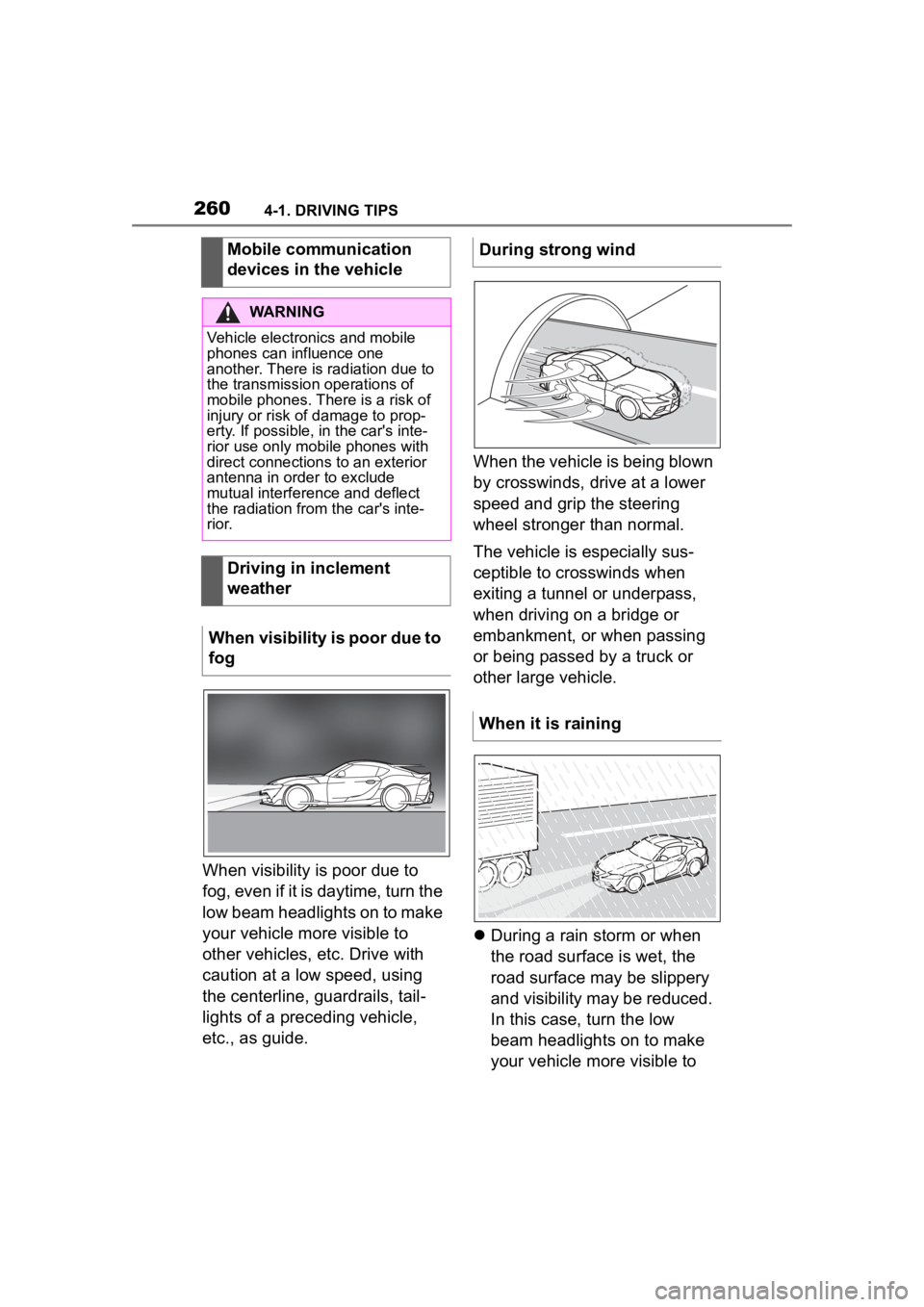
When visibility is poor due to
fog, even if it is daytime, turn the
low beam headlights on to make
your vehicle more visible to
other vehicles, etc. Drive with
caution at a low speed, using
the centerline, guardrails, tail-
lights of a preceding vehicle,
etc., as guide.When the vehicle is being blown
by crosswinds, drive at a lower
speed and grip the steering
wheel stronger than normal.
The vehicle is especially sus-
ceptible to crosswinds when
exiting a tunnel or underpass,
when driving on a bridge or
embankment, or when passing
or being passed by a truck or
other large vehicle.
During a rain storm or when
the road surface is wet, the
road surface may be slippery
and visibility may be reduced.
In this case, turn the low
beam headlights on to make
your vehicle more visible to
Mobile communication
devices in the vehicle
WARNING
Vehicle electronics and mobile
phones can influence one
another. There is radiation due to
the transmission operations of
mobile phones. There is a risk of
injury or risk of
damage to prop-
erty. If possible, in the car's inte-
rior use only mobile phones with
direct connections to an exterior
antenna in order to exclude
mutual interference and deflect
the radiation from the car's inte-
r i o r.
Driving in inclement
weather
When visibility is poor due to
fog
During strong wind
When it is raining
Page 265 of 372
2654-1. DRIVING TIPS
4
DRIVING TIPS
vehicle roll.
The flow of fuel is interrupted
while coasting.
Switch off the engine during lon-
ger stops, for instance at traffic
lights, railroad crossings or in
traffic congestion.
The Auto Start/Stop function of
the vehicle automatically
switches off the engine during a
stop.
If the engine is switched off and
then restarted rather than leav-
ing the engine running con-
stantly, fuel consumption and
emissions are reduced. Sav-
ings can begin within a few sec-
onds of switching off the engine.
In addition, fuel consumption is
also determined by other fac-
tors, such as driving style, road
conditions, maintenance or envi-
ronmental factors.
Functions such as seat heating
and the rear window defroster require a lot of energy and
increase fuel consumption,
especially in city and
stop-and-go traffic.
Switch off these functions if they
are not needed.
Have the vehicle maintained
regularly to achieve optimal
vehicle efficiency and service
life. Toyota recommends that
maintenance work be performed
by Toyota.
For information on the Mainte-
nance System, refer to page
308.
Switch off the engine
during longer stops
Switching off the engine
Auto Start/Stop function
Switch off any functions
that are not currently
needed
Have maintenance carried
out
Page 310 of 372
3105-1. MOBILITY
before locking the vehicle.
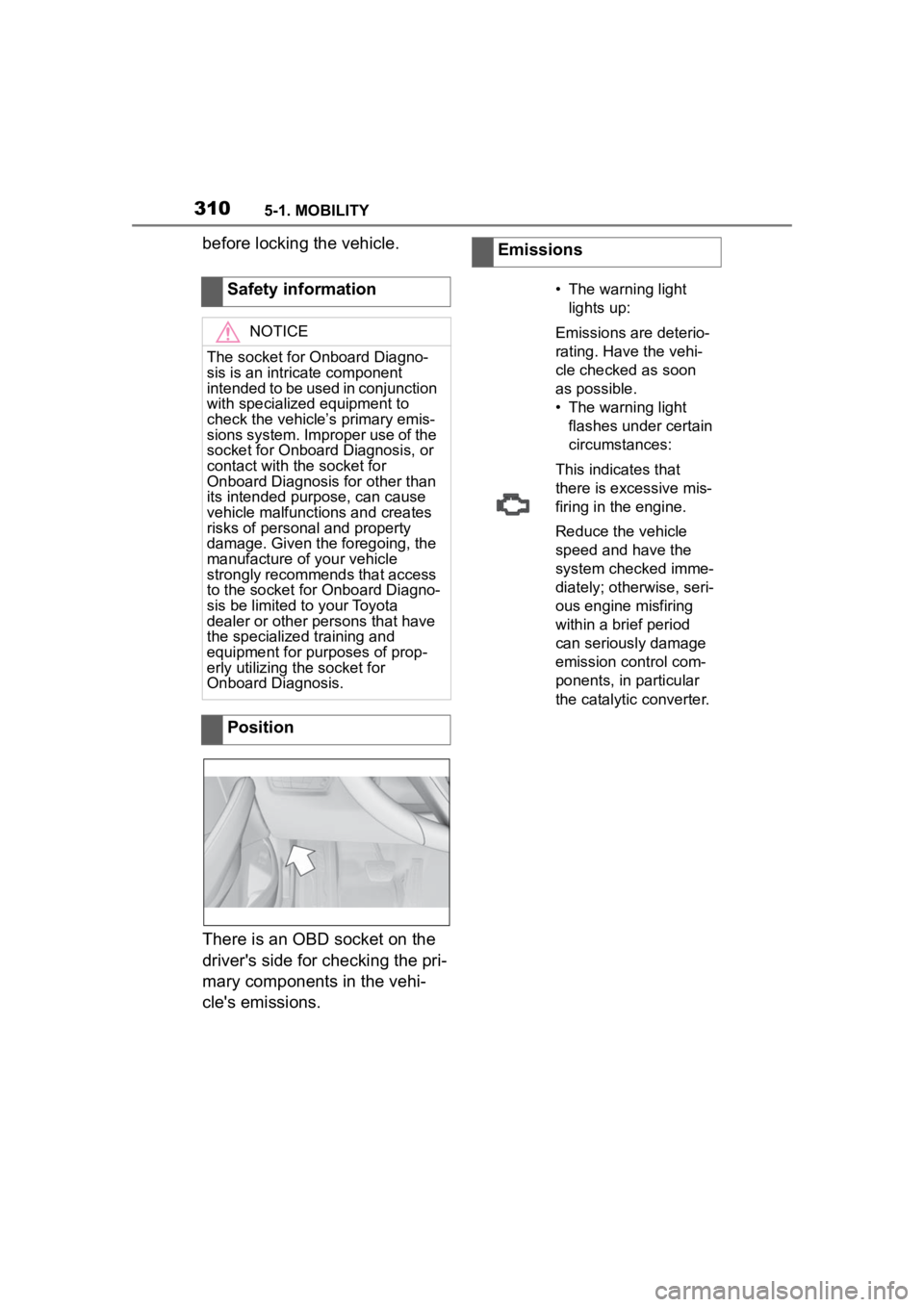
There is an OBD socket on the
driver's side for checking the pri-
mary components in the vehi-
cle's emissions.Safety information
NOTICE
The socket for Onboard Diagno-
sis is an intricate component
intended to be used in conjunction
with specialized equipment to
check the vehicle’s primary emis-
sions system. Improper use of the
socket for Onboard Diagnosis, or
contact with the socket for
Onboard Diagnosis for other than
its intended purpose, can cause
vehicle malfunctions and creates
risks of personal and property
damage. Given the foregoing, the
manufacture of your vehicle
strongly recommends that access
to the socket for Onboard Diagno-
sis be limited to your Toyota
dealer or other persons that have
the specialized
training and
equipment for purposes of prop-
erly utilizing the socket for
Onboard Diagnosis.
Position
Emissions
• The warning light
lights up:
Emissions are deterio-
rating. Have the vehi-
cle checked as soon
as possible.
• The warning light flashes under certain
circumstances:
This indicates that
there is excessive mis-
firing in the engine.
Reduce the vehicle
speed and have the
system checked imme-
diately; otherwise, seri-
ous engine misfiring
within a brief period
can seriously damage
emission control com-
ponents, in particular
the catalytic converter.